
Anime Voice AI Poster
Creates a premium vertical anime advertising poster for a voice and AI creator with bold Japanese typography and cinematic pink-black action styling.
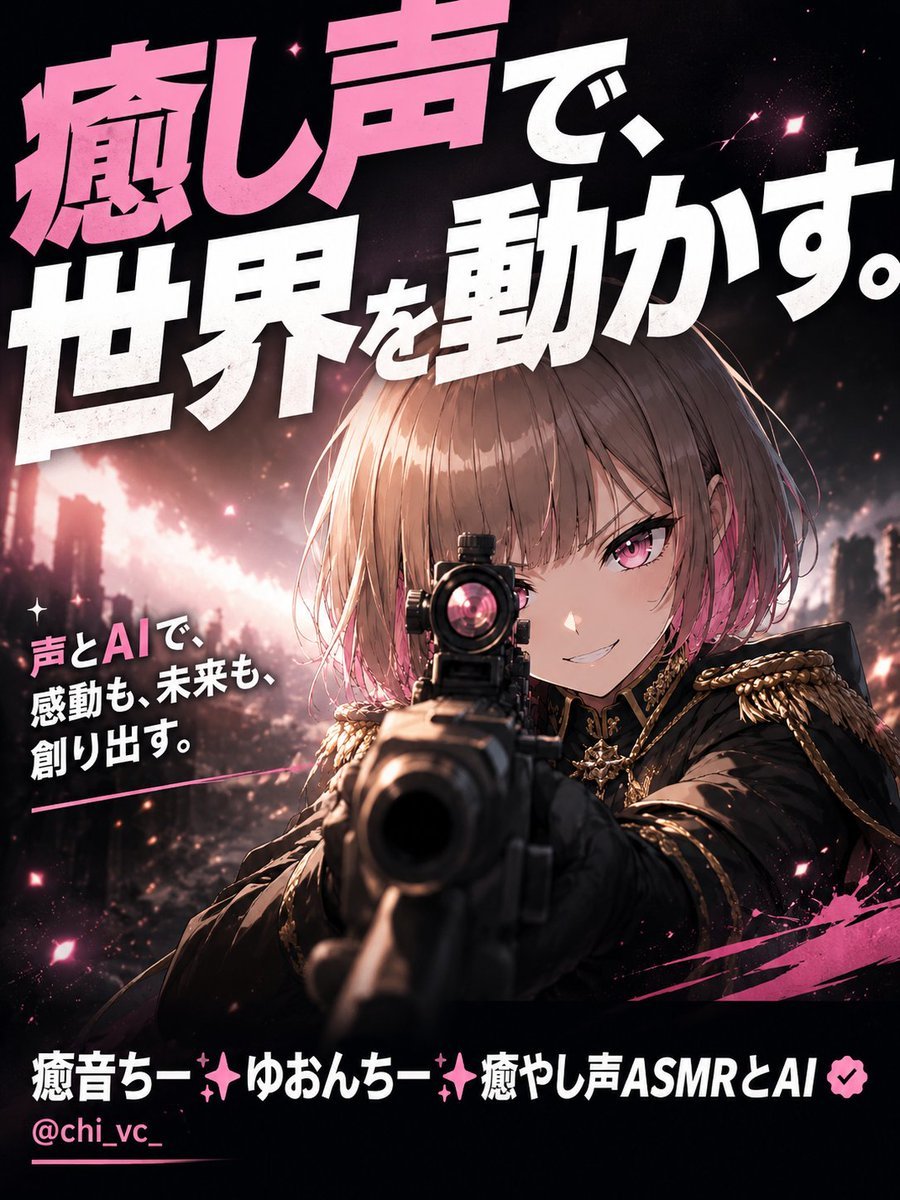
- Prompt included
- Model and format preset
- Free template
The prompt behind this image
Copy the exact prompt behind Anime Voice AI Poster, or open it in the studio and make it yours.
Goal: Create an original premium 3:4 advertising poster for a voice-and-AI creator, not a social media interface. Use one anime-style female protagonist as the single central subject, preserving a recognizable profile-icon-like identity and glossy digital illustration medium. Canvas: Vertical 3:4 poster, high-impact cinematic composition, dark black background with hot pink accents, sized like a premium social ad. Main subject: A fierce anime girl with short light brown bob hair with pink highlights, straight bangs, vivid pink eyes, a confident smirk, and a black military-inspired jacket with ornate gold epaulettes, gold trim, decorative chains, and a star-like brooch. She is aiming a large rifle directly toward the viewer in dramatic foreshortened perspective, with the gun barrel dominating the lower center foreground and her face sharply visible behind the scope. Layout: Place the protagonist in the center-right lower half, angled forward as if breaking through the poster. Use a smoky ruined-city or concert-stage background with blurred lights, sparks, pink particles, lens flares, and a glowing diagonal energy streak behind her. Add hot pink paint slashes near the bottom right and small star-shaped sparkles across the image. Text content: Use exactly 4 visible text blocks. 1) Huge Japanese hero headline across the top, tilted and cropped slightly for impact: 「癒し声で、世界を動かす。」 with 「癒し声」 in bright pink and the rest in bold white. 2) Smaller left-side supporting copy in white with pink emphasis: 「声とAIで、感動も、未来も、創り出す。」. 3) Bottom creator name in bold white and pink: 「癒音ちー✨ゆおんちー✨癒やし声ASMRとAI」 followed by a small pink verification-like badge. 4) Bottom handle in pink: 「@chi_vc_」. Typography: Use massive condensed Japanese display lettering, heavy weight, sharp poster-ad energy, subtle rough texture, white and hot pink palette, strong drop shadows and slight perspective tilt. Keep the headline dominant and readable. Visual style: Premium anime advertising poster, cinematic lighting, dramatic depth of field, sharp face detail, glossy eyes, high contrast, black/pink/white color scheme, energetic cyber-idol action mood, clean professional finish. Constraints: Do not recreate an X profile screenshot or any social media UI. Keep only one protagonist, one weapon, and exactly the four text blocks listed. No extra logos, no watermark, no additional characters.
How to use Anime Voice AI Poster in 3 steps
- 1Upload ImagePNG, JPG or paste
Add your photo
Upload the photo the template builds on. The prompt, model and format are already set.
- 2…a portrait of your subject in softgolden-hour light, 85mm…
Personalize
Edit the subject and creative details for your destination.
- 3Generate
Generate
Press Generate — your image is created in PicX Studio, so you can compare it with the original and refine one variable at a time.
More like this
Templates with the same subject, style or setup. Open one to see its prompt.

Captain Tsubasa Anime World Cup Poster

Gpt2 Youtube Thumbnail Anime Music Bootcamp Promo Poster

Japan Travel Brochure Poster

Cel 2D Finale Fireworks

Cel 2D Garden Maze

Cel 2D Rooftop Concert

Cel 2D Bicycle Coast

Cel 2D Castle Gate

Cel 2D Kitchen Chaos

Cel 2D Carnival Ride

Cel 2D Rainy Bus Stop

Cel 2D Space Dock
Make it yours
Anime Voice AI Poster works as-is. These are the safest ways to change it without losing the look.
Change one field
Copy a single group, rewrite it, and generate again so you can see what that field is doing.
Keep the frame, change the subject
Hold the composition and light of Anime Voice AI Poster, then swap wardrobe, props or the person for a new take.
| If the result… | Why | Fix |
|---|---|---|
| The result drifts from the preview | Too many fields changed at once. | Reuse Anime Voice AI Poster as-is first, then change one group — subject, light, or setting. |
| The model over-stylizes the scene | The prose prompt leaves finish and camera underspecified. | Add one camera or lighting sentence and stay on GPT Image 2. |
More GPT Image 2 templates
Other prompts made for GPT Image 2.

Six VTuber Japanese Logo Sheet

Realistic Portrait of Woman and Deer

The Vista Modular Condo Poster

AI Model Routing Comparison Infographic

2.5D Anime Art Board

Isometric Productivity Desk Scene

New York Double Exposure Poster

Four-Panel AI Landscape Comparison

Japanese Tatami Lifestyle Magazine Cover

NESCAFÉ Coffee Map Poster
More image prompts
Fresh picks from across the catalog.

Cinematic Portrait of Man on Modern Motorbike
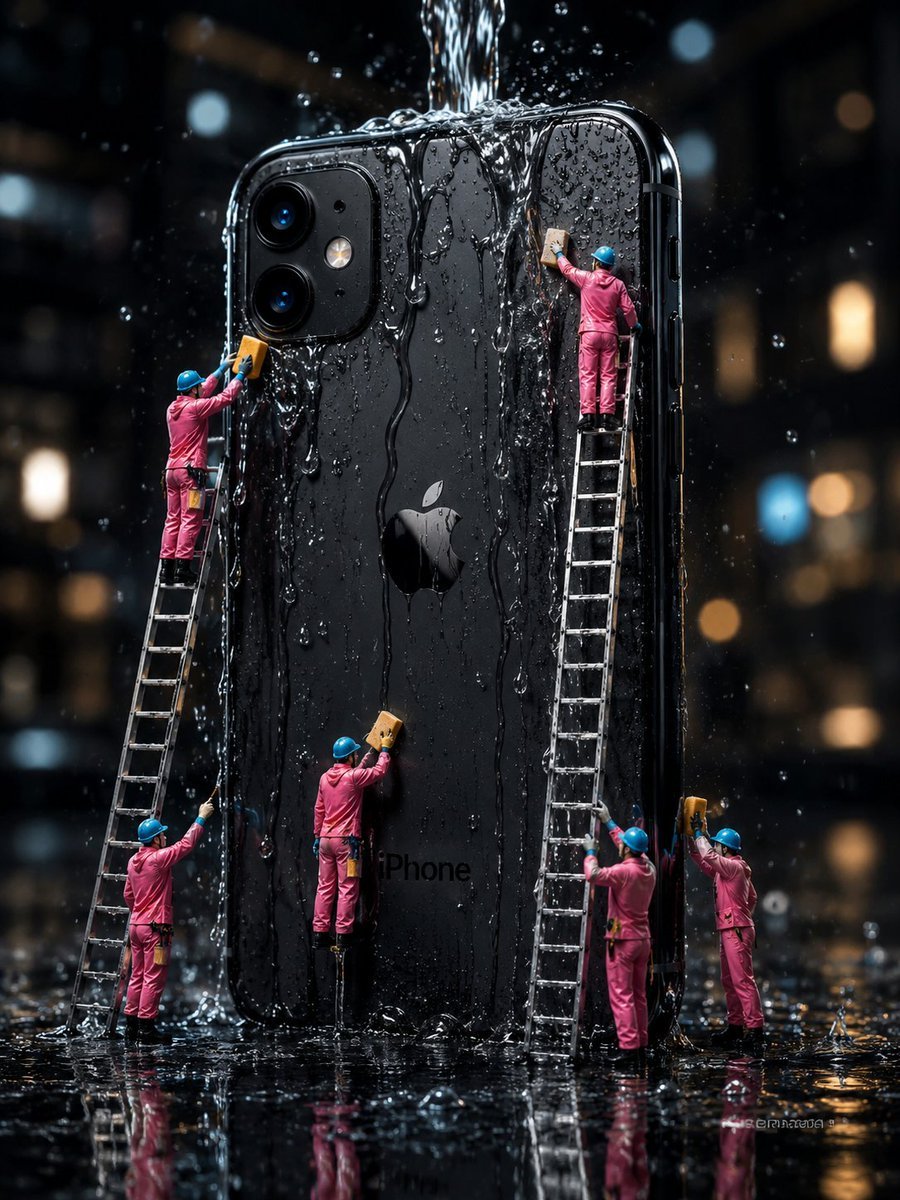
Mini Workers Washing Giant iPhone
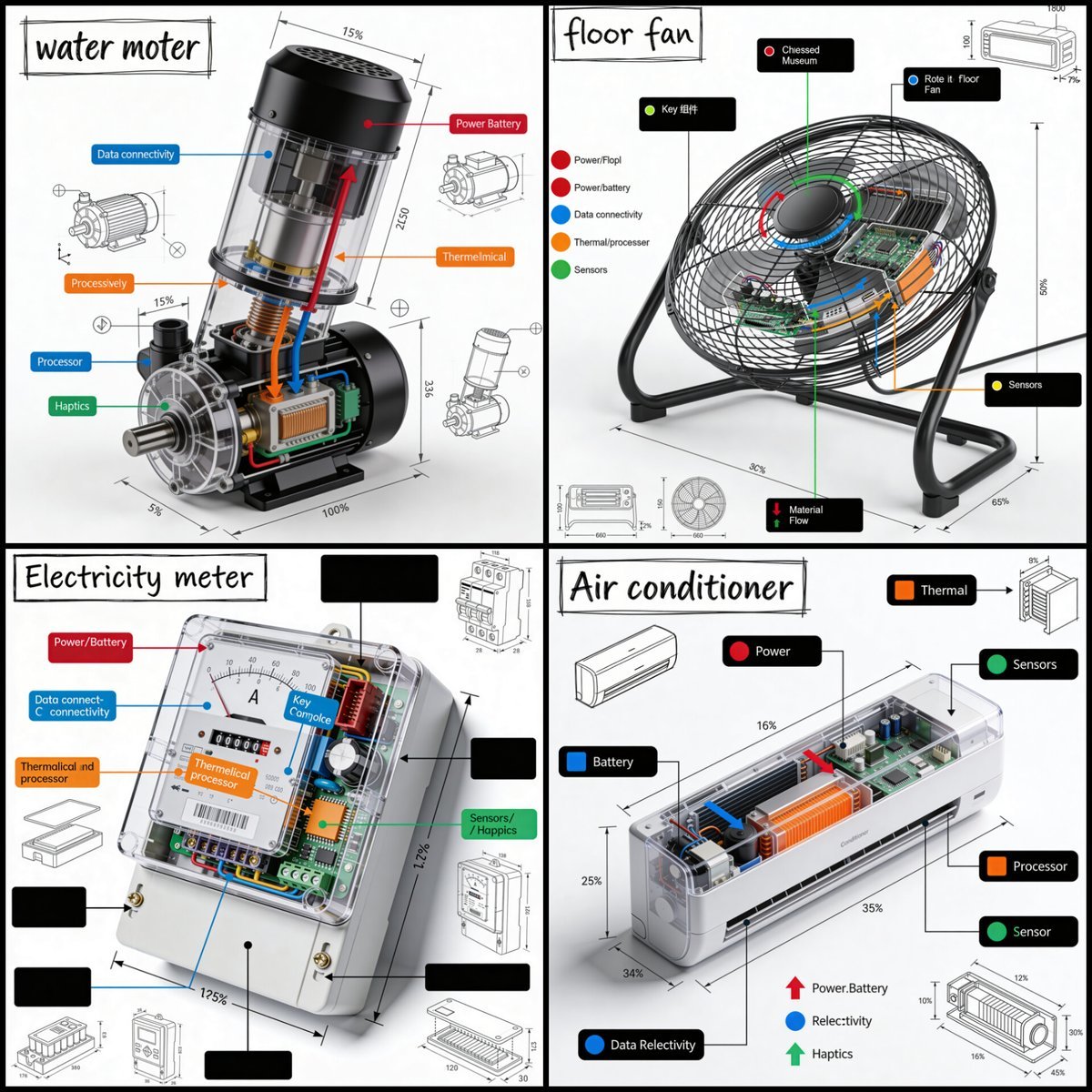
Technical Product Teardown Infographic
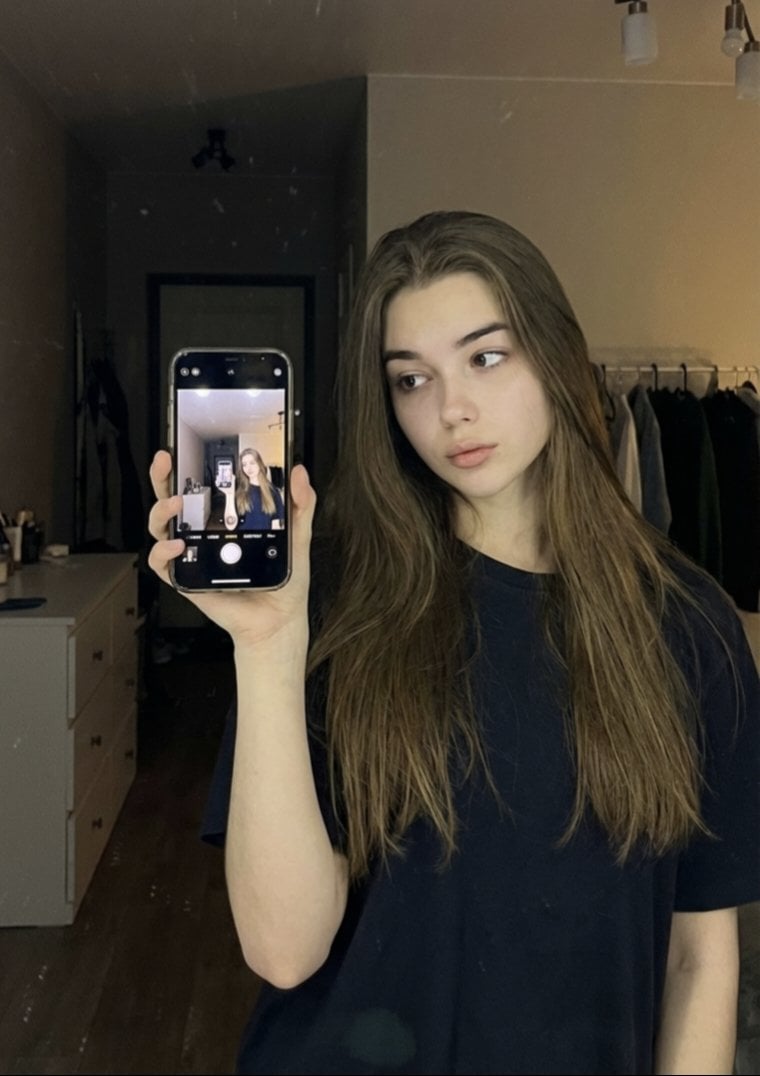
Detailed JSON Prompt for Mirror Selfie Portrait
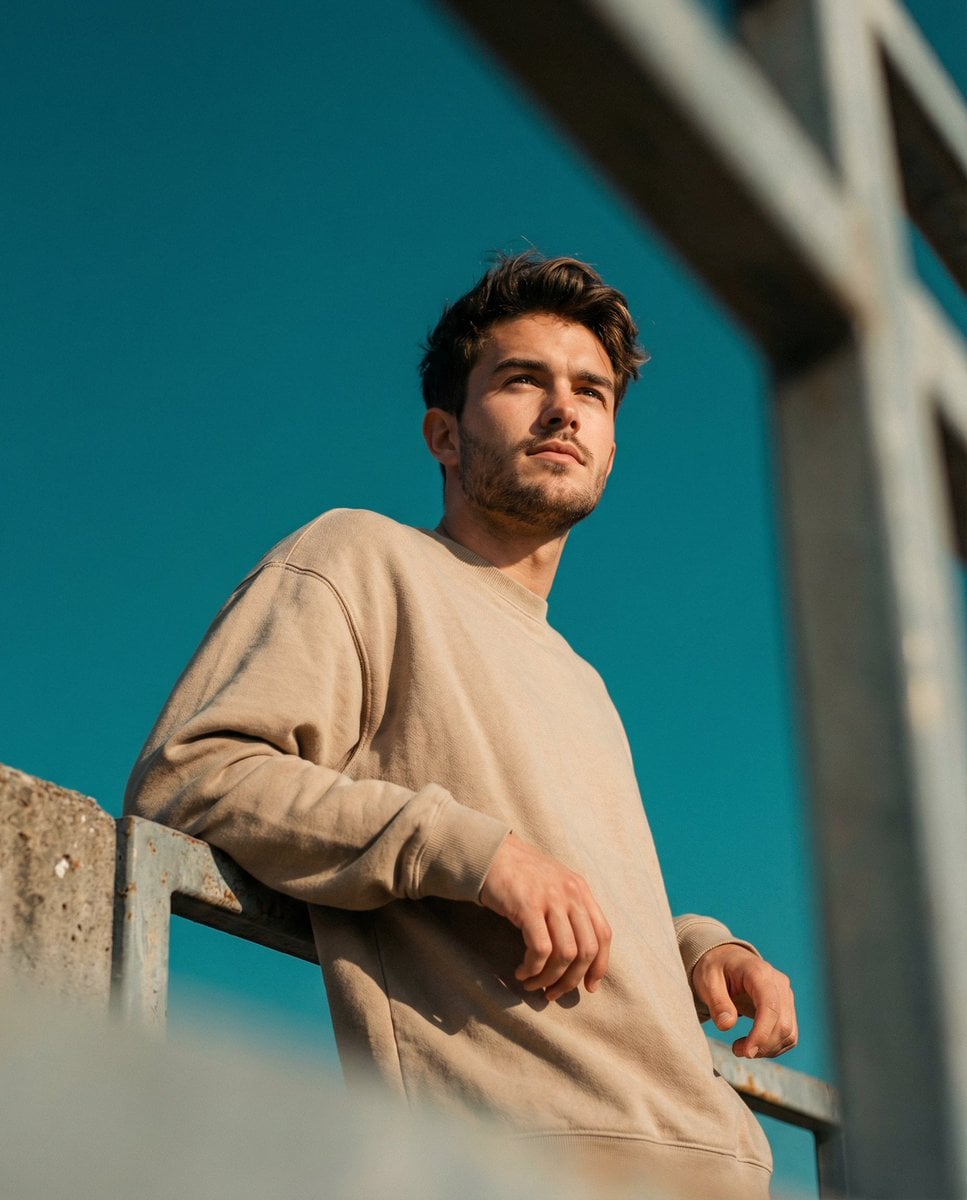
Cinematic Portrait Prompt using Nano Banana 2 with Face Reference
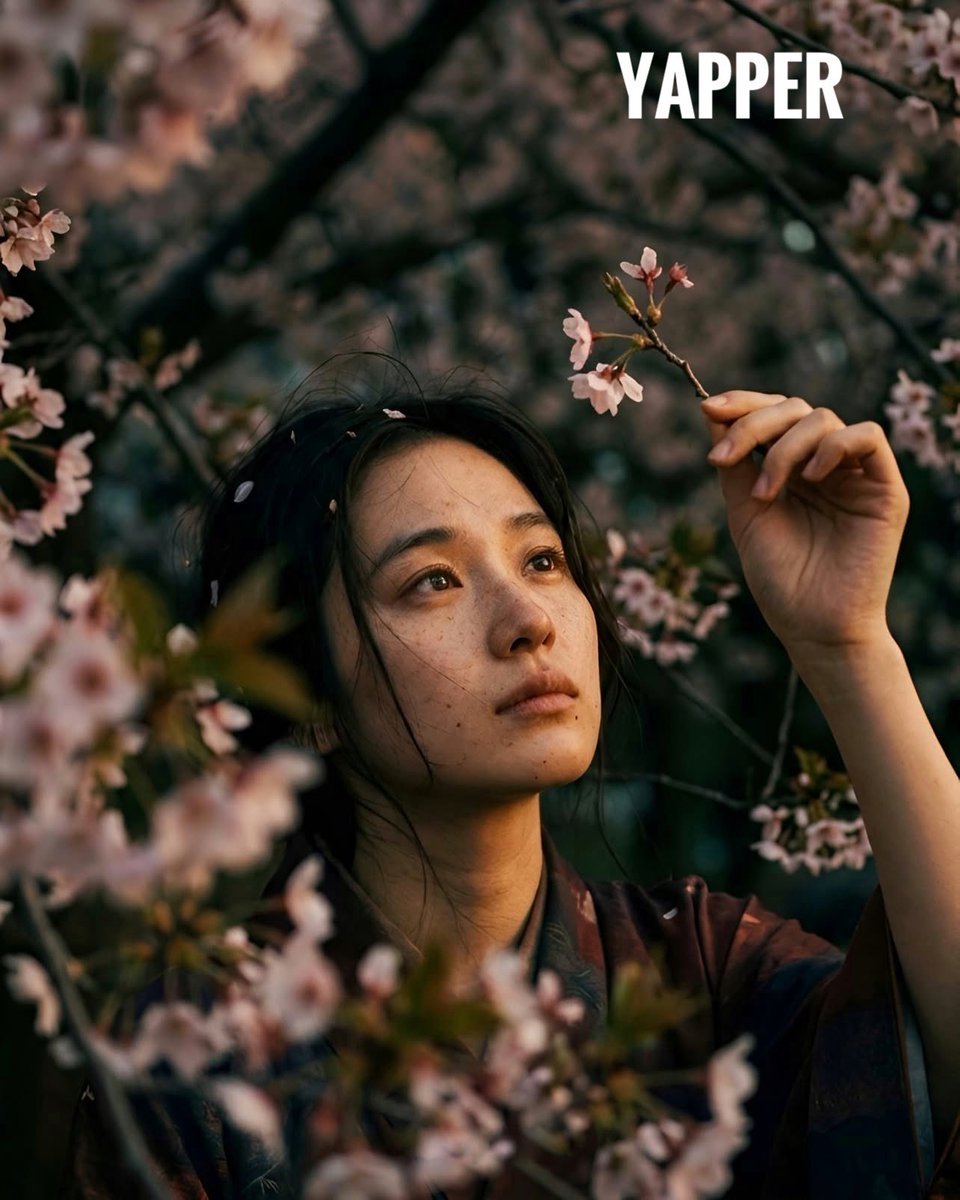
Japanese woman in vintage kimono under cherry blossoms
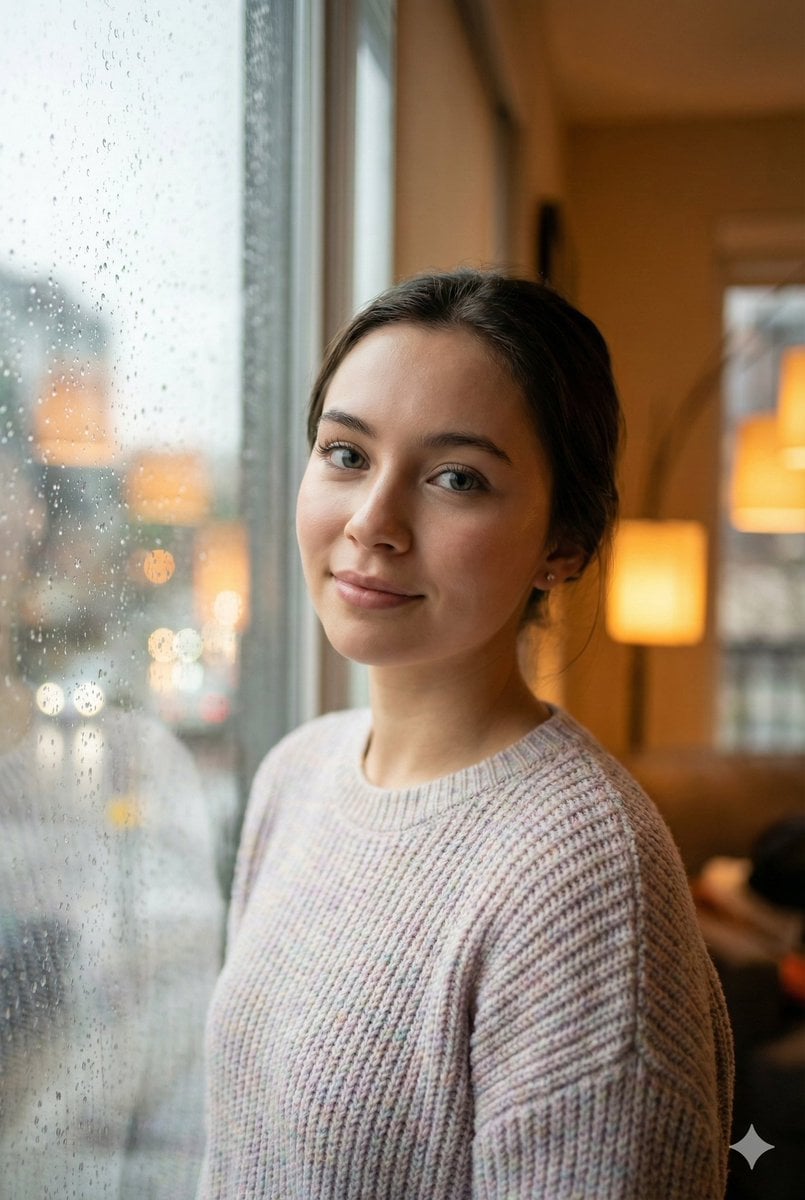
Cozy Realism Rainy Day Portrait Prompt
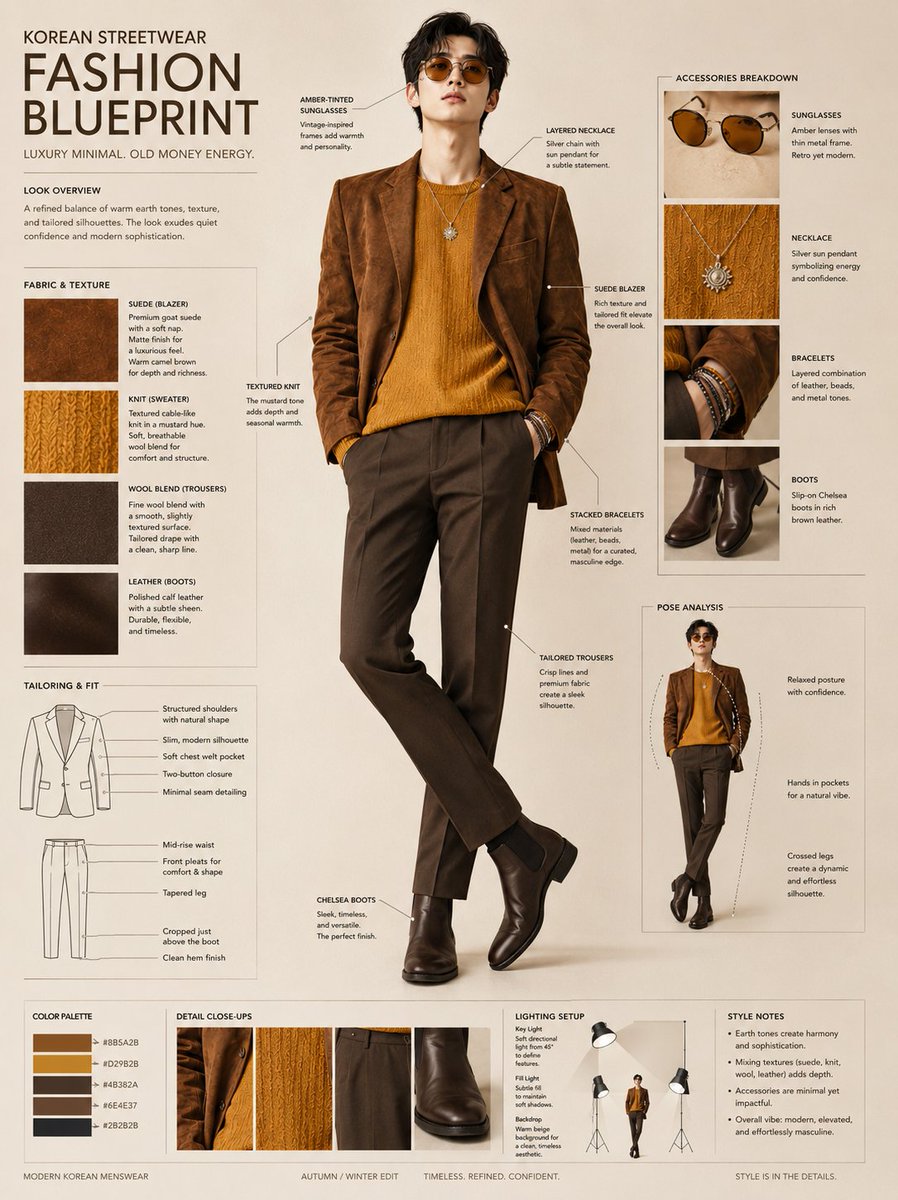
Korean Streetwear Fashion Blueprint
Inception-Style Folding City Diorama Prompt

Cinematic Spinning Latte Splash
Browse template categories
Anime Voice AI Poster questions
How do I use the Anime Voice AI Poster template?
Add your photo if the template asks for one, edit the prompt if you like — the template's model and format are already selected — and press Generate. Your version opens in PicX Studio.
Can I customize the Anime Voice AI Poster template?
Yes. You can change the subject, setting, lighting, mood, format, and available model controls before creating your image.
Is the Anime Voice AI Poster template free?
Opening and editing this template is free. Generating uses credits, shown on the Generate button when you are signed in.
Which AI model should I use?
Start with GPT Image 2, which is the model associated with this template. You can compare another compatible model for a different finish.
Looking for something else? Browse all templates.

Your photo, any look
Thousands of ready templates for every top image and video model, from one credit balance.