How do I use the Macro Close-Up Skin Texture Portrait template?
Choose the primary action to open PicX Studio with the available template settings. Review the model and format, personalize the creative direction, and generate when ready.
Generates a tightly cropped photorealistic side portrait emphasizing warm lighting, facial anatomy, and AI-like skin texture artifacts.
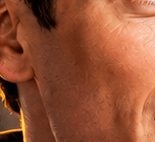
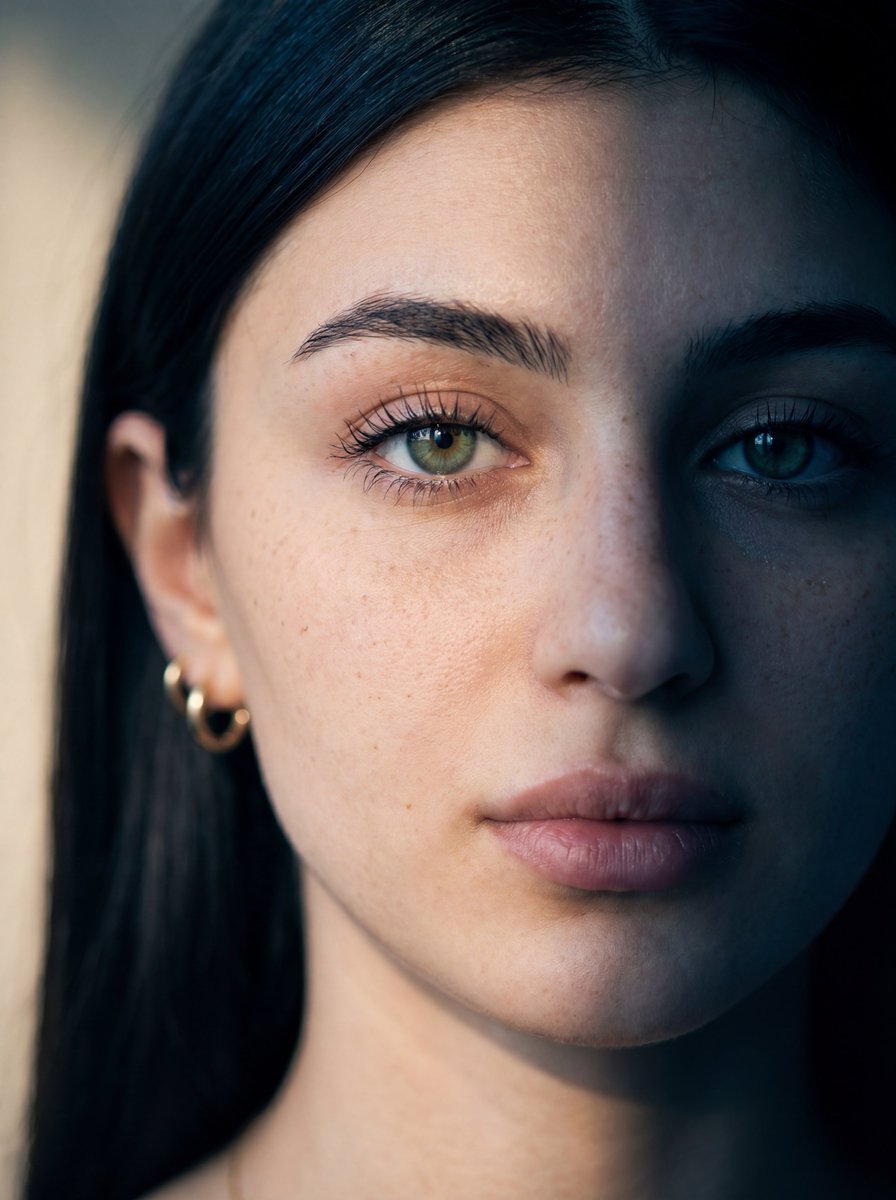
Create an extreme close-up photorealistic portrait crop of the left side of an adult man's face and neck, showing the ear, jawline, cheek, lower eye edge, and throat in warm golden sunlight. The subject has {argument name="skin tone" default="medium tan skin"}, short dark hair barely visible at the top, and no visible clothing except a small dark collar edge near the bottom. Frame the composition tightly so the ear sits on the left side, the cheek and jaw fill the right side, and the neck extends downward, with the mouth mostly out of frame and only a hint of the eye at the top right. Emphasize realistic skin pores, fine facial hair, neck folds, dimples, and subtle uneven texture, including slightly strange repetitive mottled micro-patterns and over-sharpened texture artifacts across the cheek and neck as if from repeated AI image edits. Use shallow depth of field, high-detail macro photography, warm orange rim lighting, soft shadows, and a dark blurred background with a thin yellow highlight line behind the neck. No text, no watermark, no extra objects.
Choose the primary action to open PicX Studio with the available template settings. Review the model and format, personalize the creative direction, and generate when ready.
Yes. You can change the subject, setting, lighting, mood, format, and available model controls before creating your image.
This template is free to open and customize. Generation usage is shown in PicX Studio before you create.
Start with GPT Image 2, which is the model associated with this template. You can compare another compatible model for a different finish.
Follow a topic to a crawlable collection of related PicX Studio templates.