
Albuquerque GTA-Style Crime Collage
A detailed prompt for generating a GTA-inspired illustrated square poster parodying Albuquerque crime-drama imagery with eight panels and a central logo.
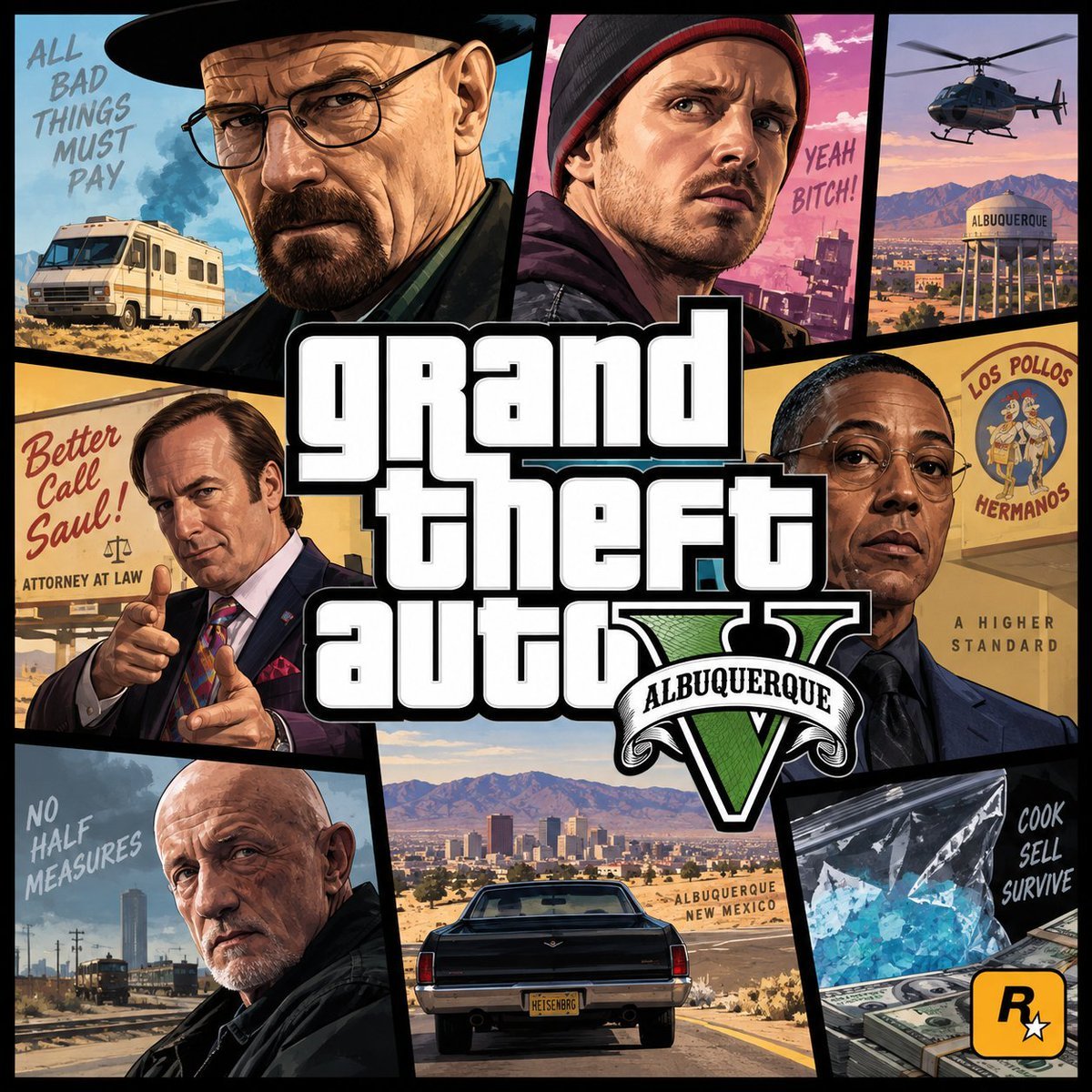
- Prompt included
- Model and format preset
- Free template
The prompt behind this image
Copy the exact prompt behind Albuquerque GTA-Style Crime Collage, or open it in the studio and make it yours.
Goal: Create a square illustrated parody video game cover/poster in the style of a Grand Theft Auto V key art collage, themed around {argument name="series theme" default="Breaking Bad and Better Call Saul in Albuquerque"}. Make it look like polished digital box art with dramatic realism, comic-book painting, bold black panel borders, and a central oversized game logo. Canvas: 1:1 square poster, high resolution, full bleed, saturated desert colors, crisp inked edges, cinematic lighting, no photo collage. Use a black background grid with tilted rectangular panels surrounding the center. Layout: Use exactly 8 illustrated scene panels around one central title logo. The panels are separated by thick black diagonal borders. The central logo overlaps the panels and reads {argument name="main title text" default="grand theft auto"} in large stacked white block letters with black outline, plus a green Roman numeral V emblem with a white ribbon reading {argument name="ribbon location text" default="ALBUQUERQUE"}. Panel count and contents: 1) Top-left large panel: stern bald middle-aged man with glasses, goatee, black porkpie hat, and dark jacket, with a beige RV in the desert behind him; include handwritten text “ALL BAD THINGS MUST PAY”. 2) Top-center panel: young man with stubble wearing a black-and-red beanie and hoodie, looking worried against a pink sunset city background; include handwritten text “YEAH BITCH!”. 3) Top-right narrow panel: helicopter flying over desert mountains and a water tower labeled “ALBUQUERQUE”. 4) Middle-left panel: slick lawyer in a suit pointing finger-guns toward the viewer, yellow legal-ad background; include red script “Better Call Saul!” and small text “ATTORNEY AT LAW”. 5) Middle-right panel: composed man in glasses and a dark suit in front of a fast-food sign reading “LOS POLLOS HERMANOS”; include small tagline “A HIGHER STANDARD”. 6) Bottom-left panel: bald older tough man in a black jacket looking over his shoulder near industrial tracks; include handwritten text “NO HALF MEASURES”. 7) Bottom-center panel: rear view of a black classic car driving toward the Albuquerque skyline and desert mountains, license plate reading “HEISENBRG”, roadside sign reading “ALBUQUERQUE NEW MEXICO”. 8) Bottom-right panel: plastic bag of blue crystal meth beside stacks of cash; include handwritten text “COOK SELL SURVIVE” and a small yellow square Rockstar-style rating/logo icon with a black “R” and white star. Visual style: Highly detailed painterly realism mixed with GTA loading-screen illustration, strong outlines, warm desert yellows, turquoise blues, pink skies, noir shadows, expressive faces, dramatic cropped portraits, clean readable typography. Constraints: Do not use actual actor names. Keep all visible text spelled exactly as specified. Maintain the exact 8-panel collage plus central logo. Avoid extra panels, watermarks, UI elements, or modern app overlays.
How to use Albuquerque GTA-Style Crime Collage in 3 steps
- 1Upload ImagePNG, JPG or paste
Add your photo
Upload the photo the template builds on. The prompt, model and format are already set.
- 2…a portrait of your subject in softgolden-hour light, 85mm…
Personalize
Edit the subject and creative details for your destination.
- 3Generate
Generate
Press Generate — your image is created in PicX Studio, so you can compare it with the original and refine one variable at a time.
More like this
Templates with the same subject, style or setup. Open one to see its prompt.












Make it yours
Albuquerque GTA-Style Crime Collage works as-is. These are the safest ways to change it without losing the look.
Change one field
Copy a single group, rewrite it, and generate again so you can see what that field is doing.
Keep the frame, change the subject
Hold the composition and light of Albuquerque GTA-Style Crime Collage, then swap wardrobe, props or the person for a new take.
| If the result… | Why | Fix |
|---|---|---|
| The result drifts from the preview | Too many fields changed at once. | Reuse Albuquerque GTA-Style Crime Collage as-is first, then change one group — subject, light, or setting. |
| The model over-stylizes the scene | The prose prompt leaves finish and camera underspecified. | Add one camera or lighting sentence and stay on GPT Image 2. |
More GPT Image 2 templates
Other prompts made for GPT Image 2.

Six VTuber Japanese Logo Sheet

Realistic Portrait of Woman and Deer

The Vista Modular Condo Poster

AI Model Routing Comparison Infographic

2.5D Anime Art Board

Isometric Productivity Desk Scene

New York Double Exposure Poster

Four-Panel AI Landscape Comparison

Japanese Tatami Lifestyle Magazine Cover

NESCAFÉ Coffee Map Poster
More image prompts
Fresh picks from across the catalog.
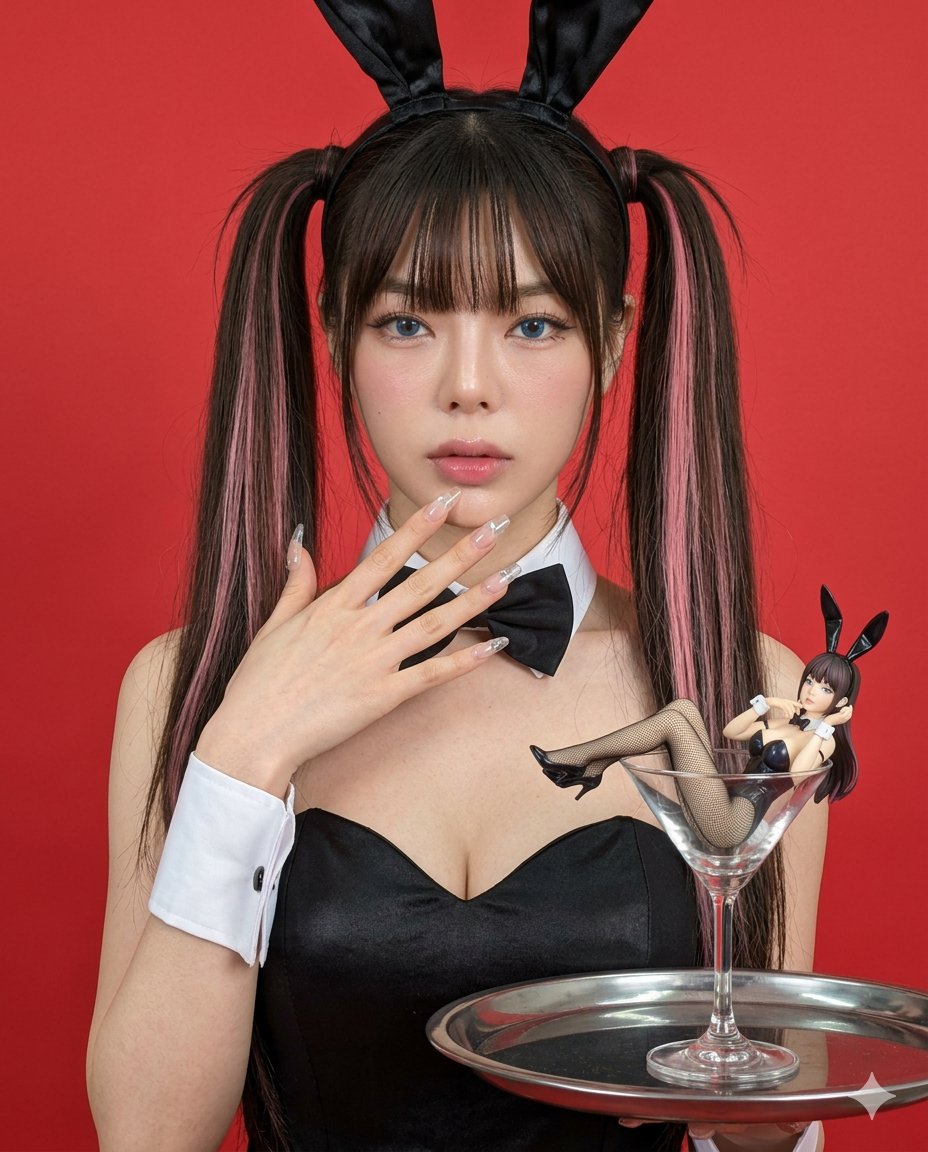
Hyper-realistic Bunny Suit Portrait
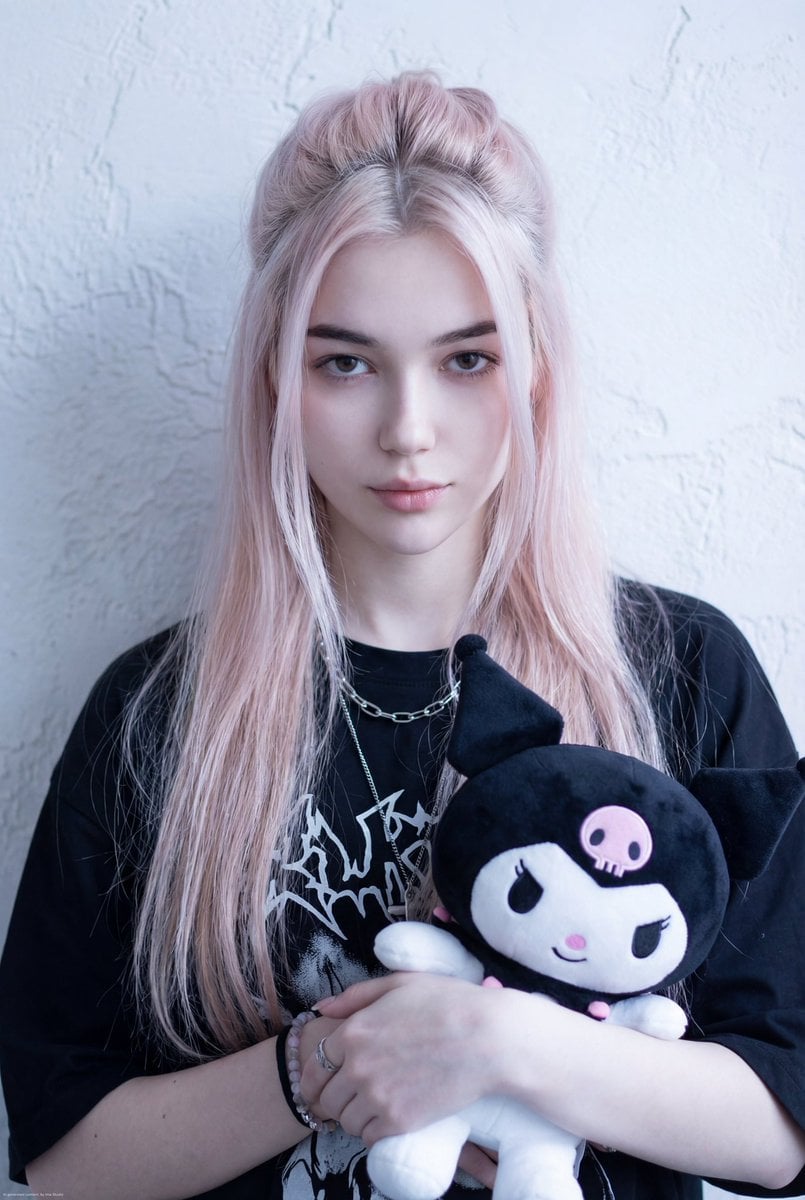
Kuromi Influencer Portrait Prompt for Nano Banana Pro
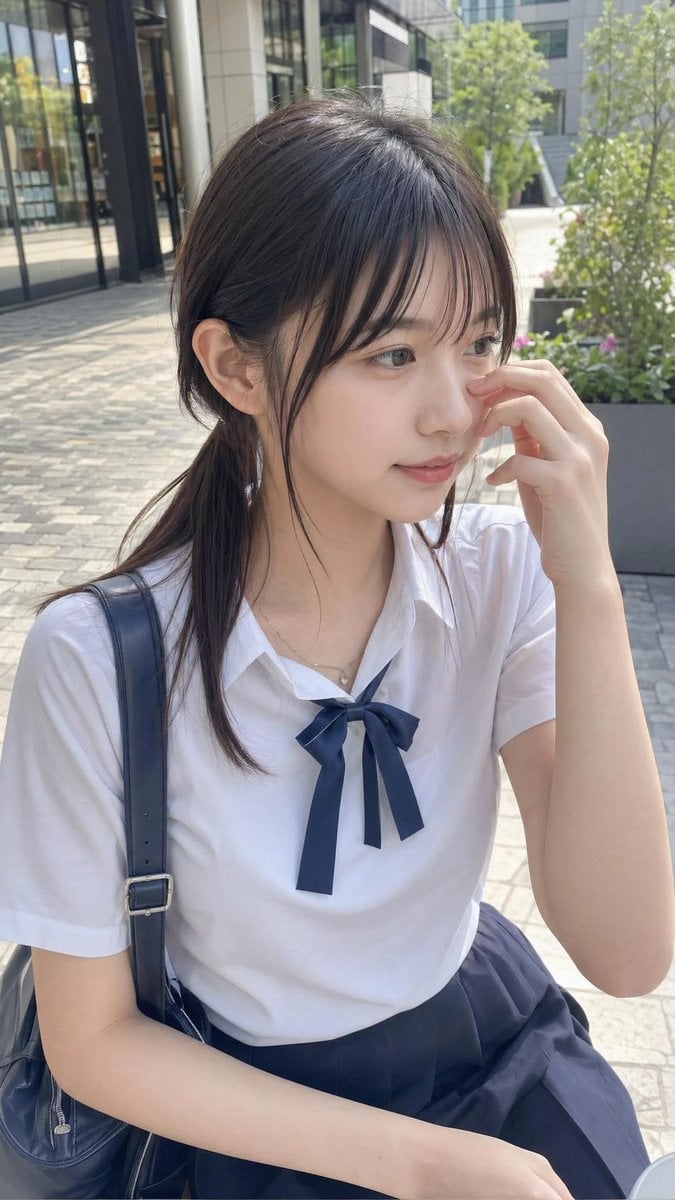
Casual Student Uniform Street Photo
reading
Luxury Salon Portrait with Identity Lock Prompt
Ordinary Evening Street Snapshot
Ultra-Realistic Macro Miniature City Prompt
Photorealistic Night Portrait of Man Smoking in Snow
Cinematic Forest Campfire Portrait

Chibi Mini-Me Scrapbook Portrait
Browse template categories
Albuquerque GTA-Style Crime Collage questions
How do I use the Albuquerque GTA-Style Crime Collage template?
Add your photo if the template asks for one, edit the prompt if you like — the template's model and format are already selected — and press Generate. Your version opens in PicX Studio.
Can I customize the Albuquerque GTA-Style Crime Collage template?
Yes. You can change the subject, setting, lighting, mood, format, and available model controls before creating your image.
Is the Albuquerque GTA-Style Crime Collage template free?
Opening and editing this template is free. Generating uses credits, shown on the Generate button when you are signed in.
Which AI model should I use?
Start with GPT Image 2, which is the model associated with this template. You can compare another compatible model for a different finish.
Looking for something else? Browse all templates.

Your photo, any look
Thousands of ready templates for every top image and video model, from one credit balance.