
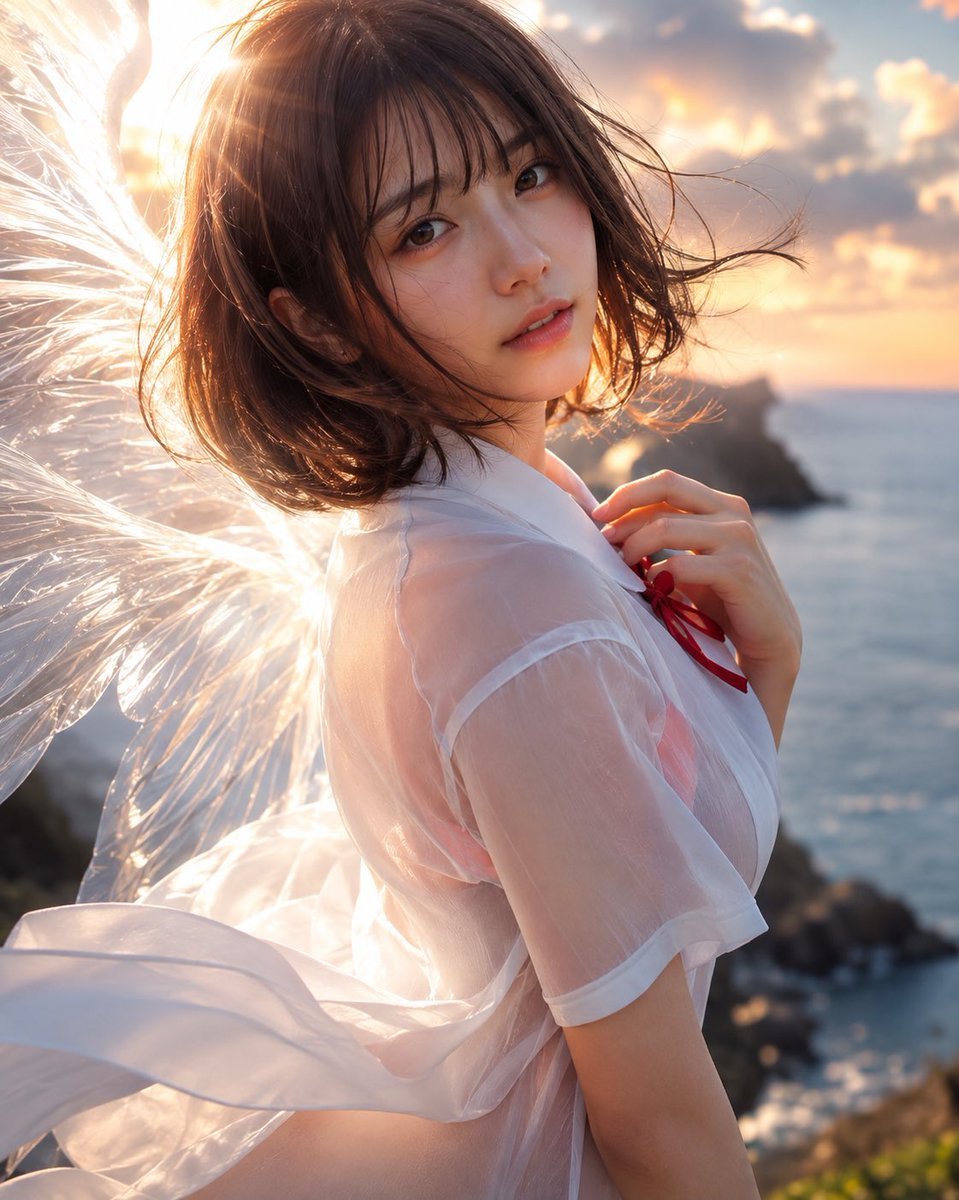
Angel Girl at Sunset Coast
A photorealistic vertical portrait of a wind-swept angelic young woman on a glowing seaside cliff, ideal for cinematic fantasy character art.
- Prompt included
- Model and format preset
- Free template
The prompt behind this image
Copy the exact prompt behind Angel Girl at Sunset Coast, or open it in the studio and make it yours.
Create a highly realistic cinematic portrait of a {argument name="character age and type" default="beautiful young Japanese woman in her early twenties"} standing on a rocky seaside cliff at golden hour, turned three-quarters away from the camera but looking back over her shoulder with a soft, wistful expression. She has {argument name="hair style" default="short dark brown bob hair with airy bangs"}, wind-tossed strands across her face, natural makeup, warm brown eyes, delicate skin texture, and slightly parted lips. She wears a {argument name="outfit" default="sheer white short-sleeved blouse with a small red ribbon tie at the collar"}, the translucent fabric glowing in the backlight and fluttering dramatically in the ocean breeze. Add one pair of large luminous white feathered angel wings emerging behind her, with individual semi-transparent feathers catching the sun. The background is a blurred ocean coastline with dark rocks, sparkling water, soft clouds, and a warm sunset sky in peach, gold, and blue tones. Use strong backlighting from the upper left, visible sun flare through her hair and wings, shallow depth of field, bokeh highlights, natural skin tones, high-detail photorealism, dreamy romantic atmosphere, vertical portrait composition, 4:5 aspect ratio, ultra-detailed fashion photography style, no text, no watermark.
How to use Angel Girl at Sunset Coast in 3 steps
- 1Upload ImagePNG, JPG or paste
Add your photo
Upload the photo the template builds on. The prompt, model and format are already set.
- 2…a portrait of your subject in softgolden-hour light, 85mm…
Personalize
Edit the subject and creative details for your destination.
- 3Generate
Generate
Press Generate — your image is created in PicX Studio, so you can compare it with the original and refine one variable at a time.
More like this
Templates with the same subject, style or setup. Open one to see its prompt.

Teen Girl Alpine Lake Mountain View
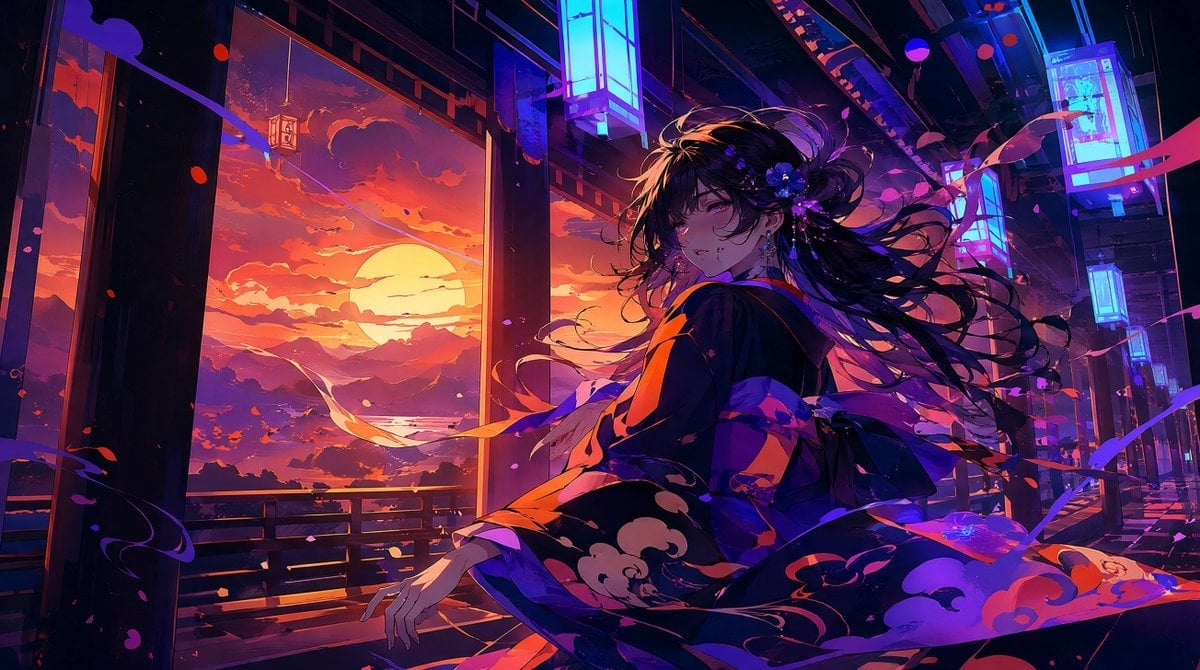
Neon Sunset Kimono Girl

Mountain Lake Sunset Landscape
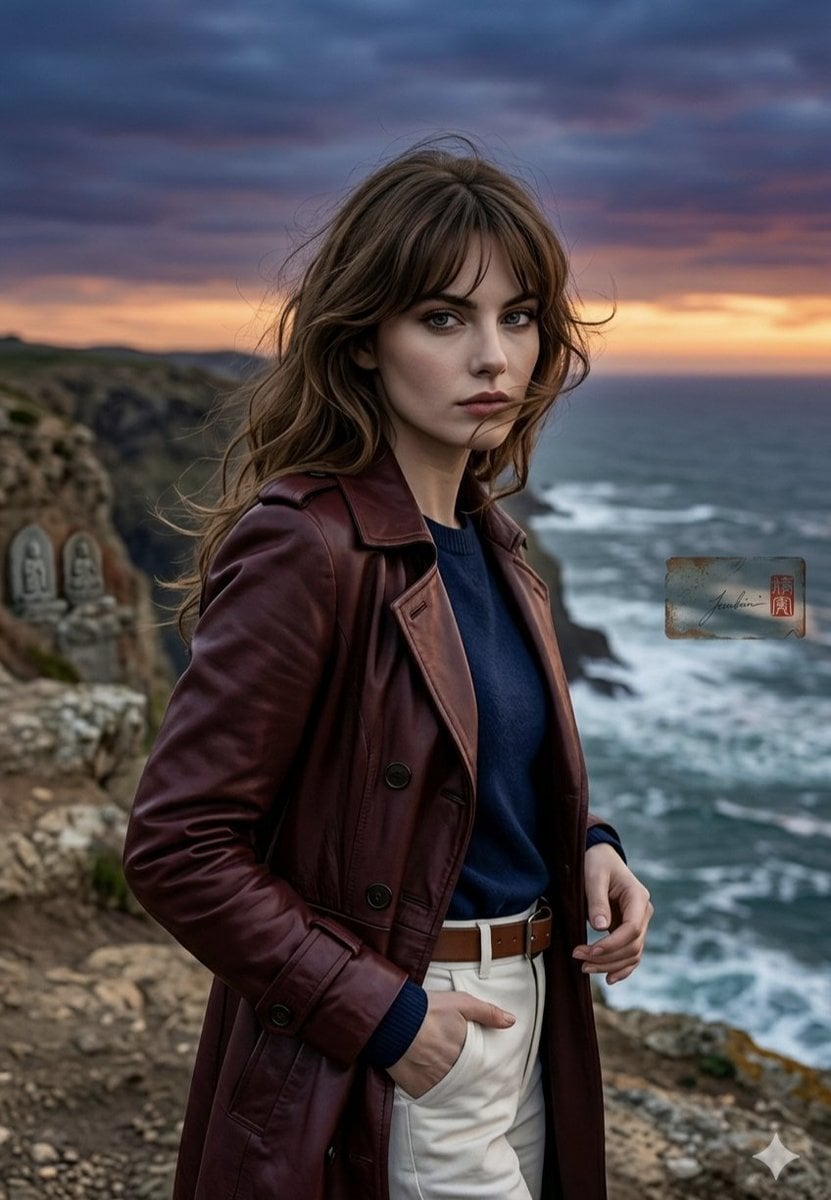
Anime Style Coastal Sunset Portrait

Artistic Arborpunk Garden Observatory Complex
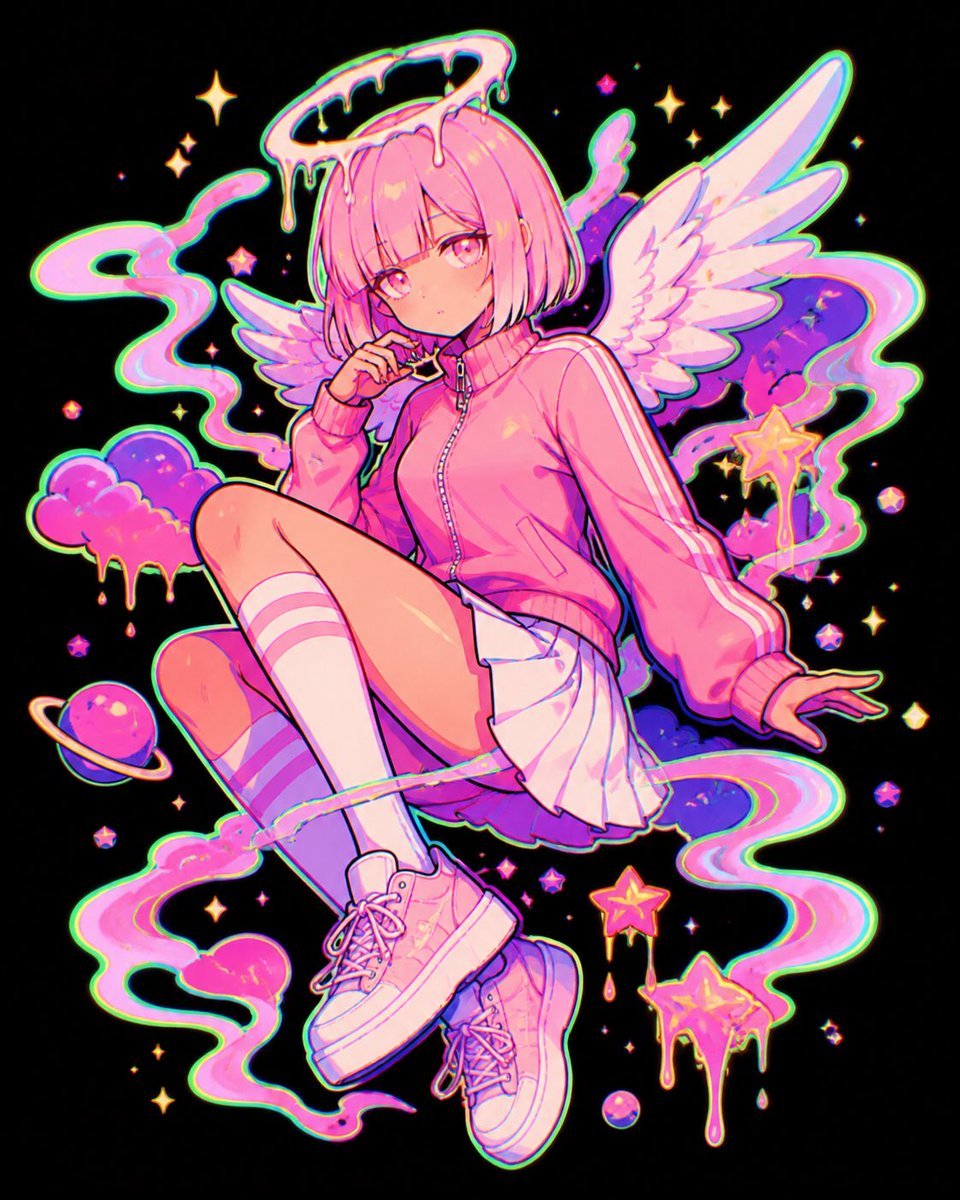
Pastel Neon Angel Girl

Sleepy Chibi Angel Girl
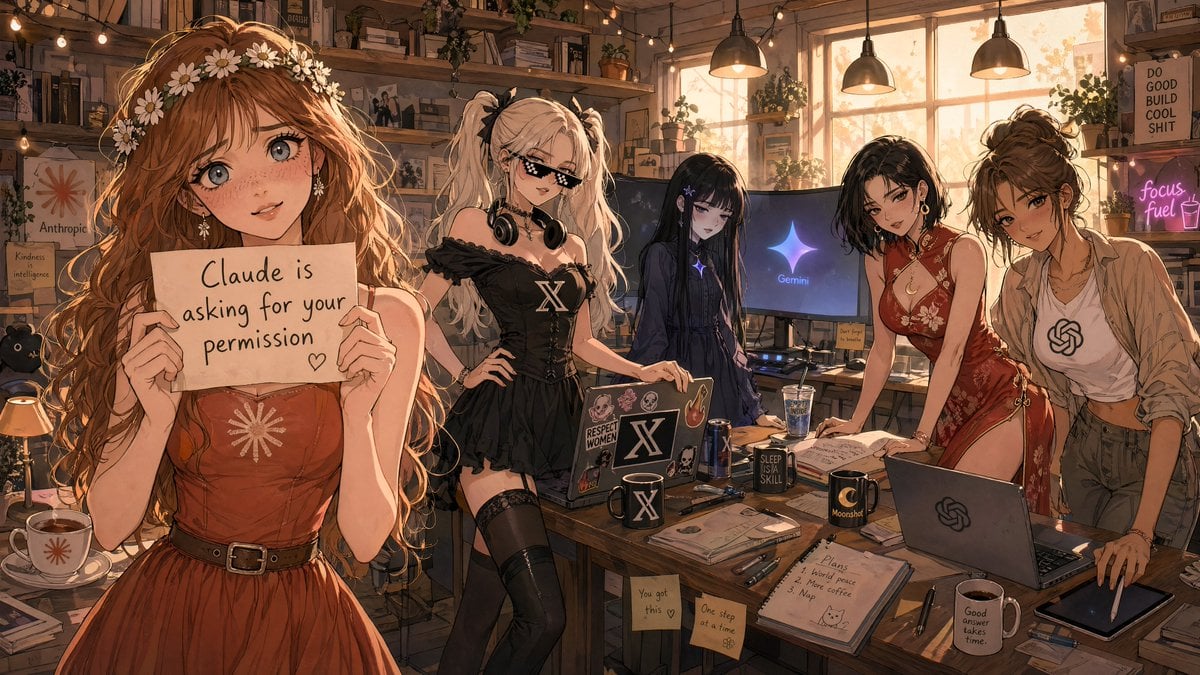
Anime AI Studio Girls at Sunset

Angel Girl in Sakura Kimono
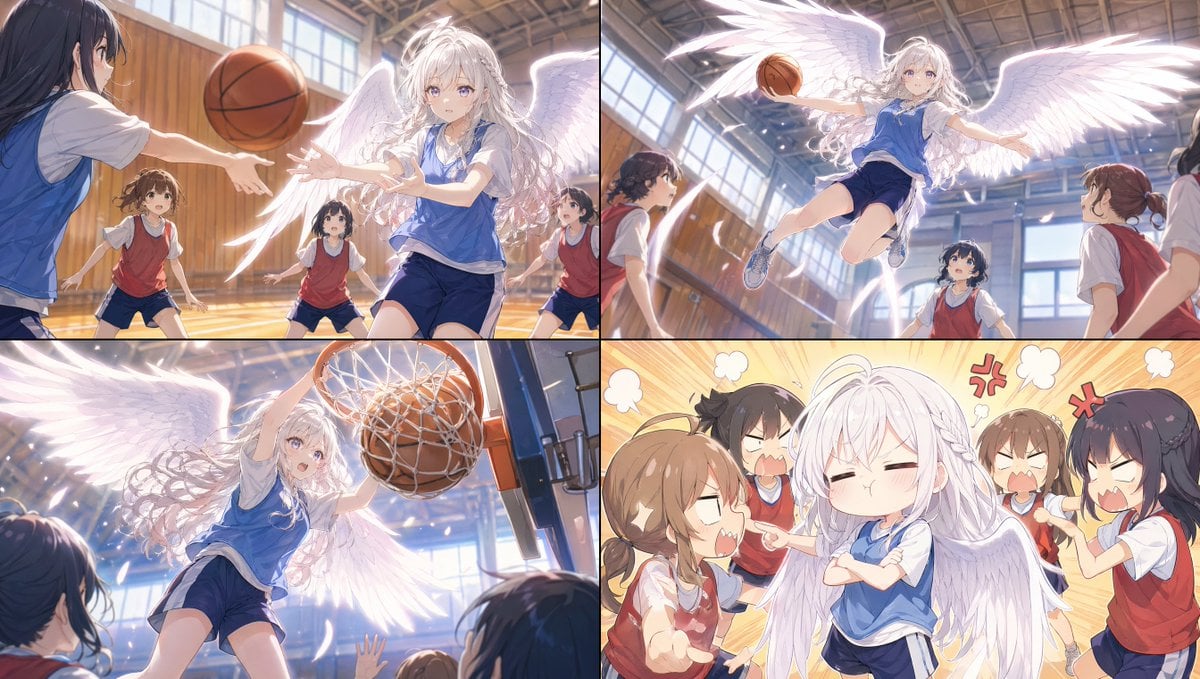
Angel Girl Basketball Storyboard
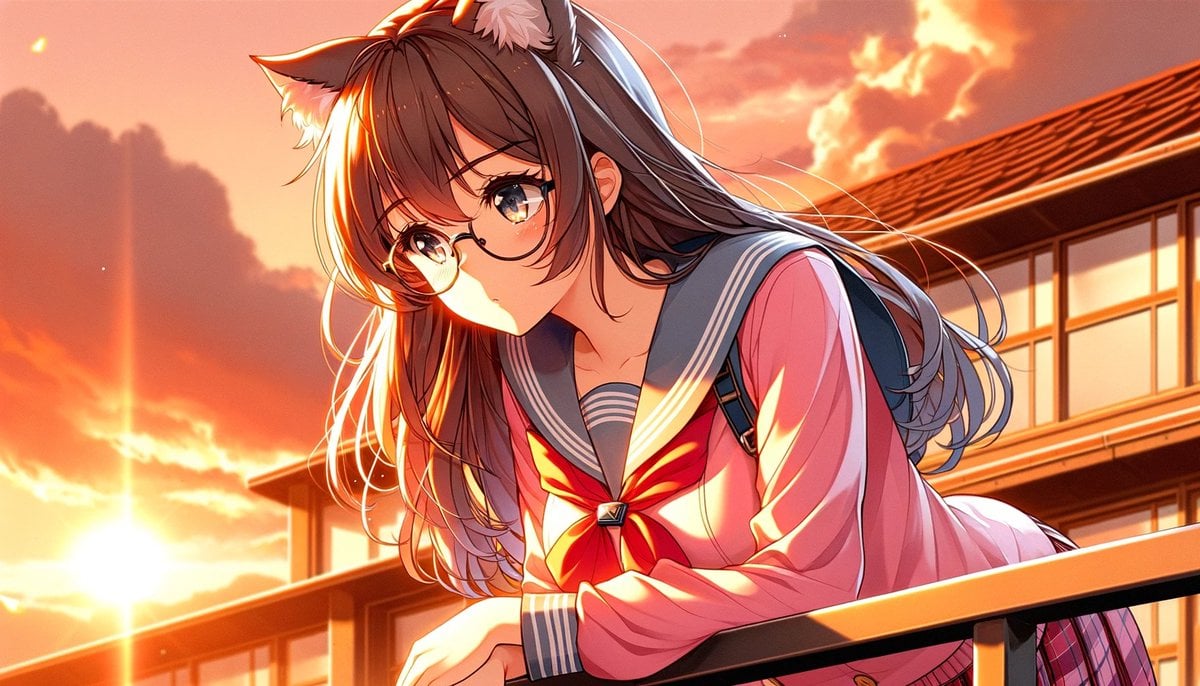
Sunset Catgirl School Rooftop Anime

Indian Village Cattle Herding — Nano Banana
Make it yours
Angel Girl at Sunset Coast works as-is. These are the safest ways to change it without losing the look.
Change one field
Copy a single group, rewrite it, and generate again so you can see what that field is doing.
Keep the frame, change the subject
Hold the composition and light of Angel Girl at Sunset Coast, then swap wardrobe, props or the person for a new take.
| If the result… | Why | Fix |
|---|---|---|
| The result drifts from the preview | Too many fields changed at once. | Reuse Angel Girl at Sunset Coast as-is first, then change one group — subject, light, or setting. |
| The model over-stylizes the scene | The prose prompt leaves finish and camera underspecified. | Add one camera or lighting sentence and stay on GPT Image 2. |
More GPT Image 2 templates
Other prompts made for GPT Image 2.

Six VTuber Japanese Logo Sheet

Realistic Portrait of Woman and Deer

The Vista Modular Condo Poster

AI Model Routing Comparison Infographic

2.5D Anime Art Board

Isometric Productivity Desk Scene

New York Double Exposure Poster

Four-Panel AI Landscape Comparison

Japanese Tatami Lifestyle Magazine Cover

NESCAFÉ Coffee Map Poster
More image prompts
Fresh picks from across the catalog.

Vibrant Geometric Studio Banner

Nano Banana - Paris Night Party Dancing
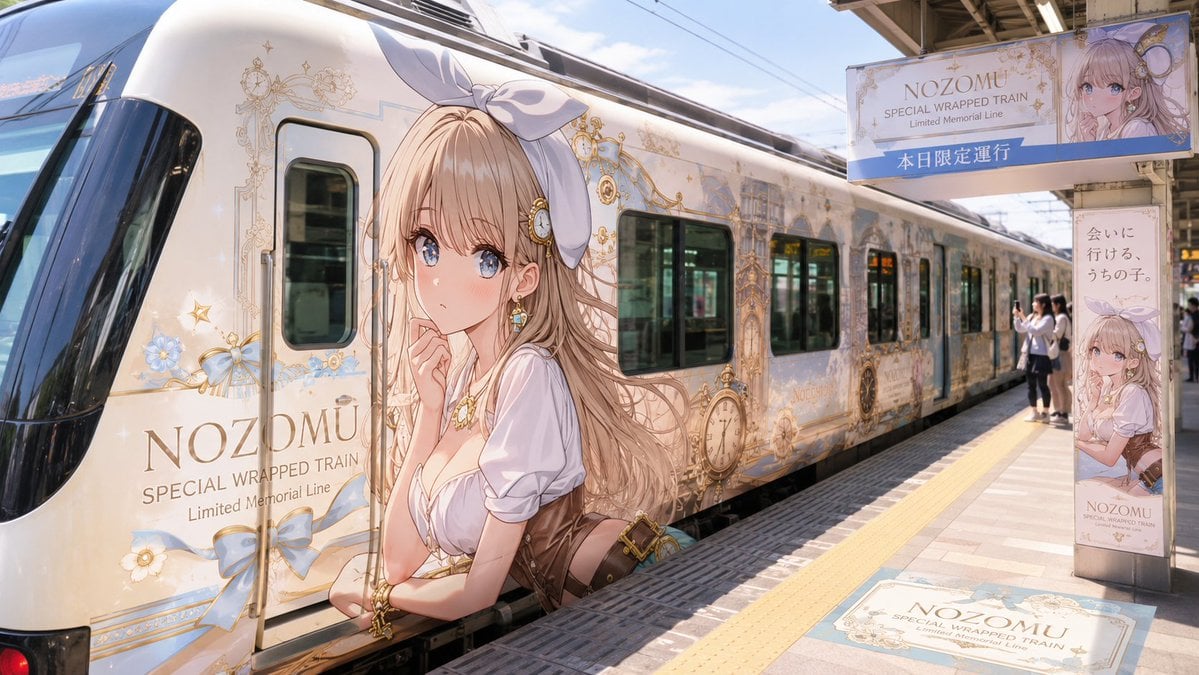
Anime Wrapped Train at Japanese Station
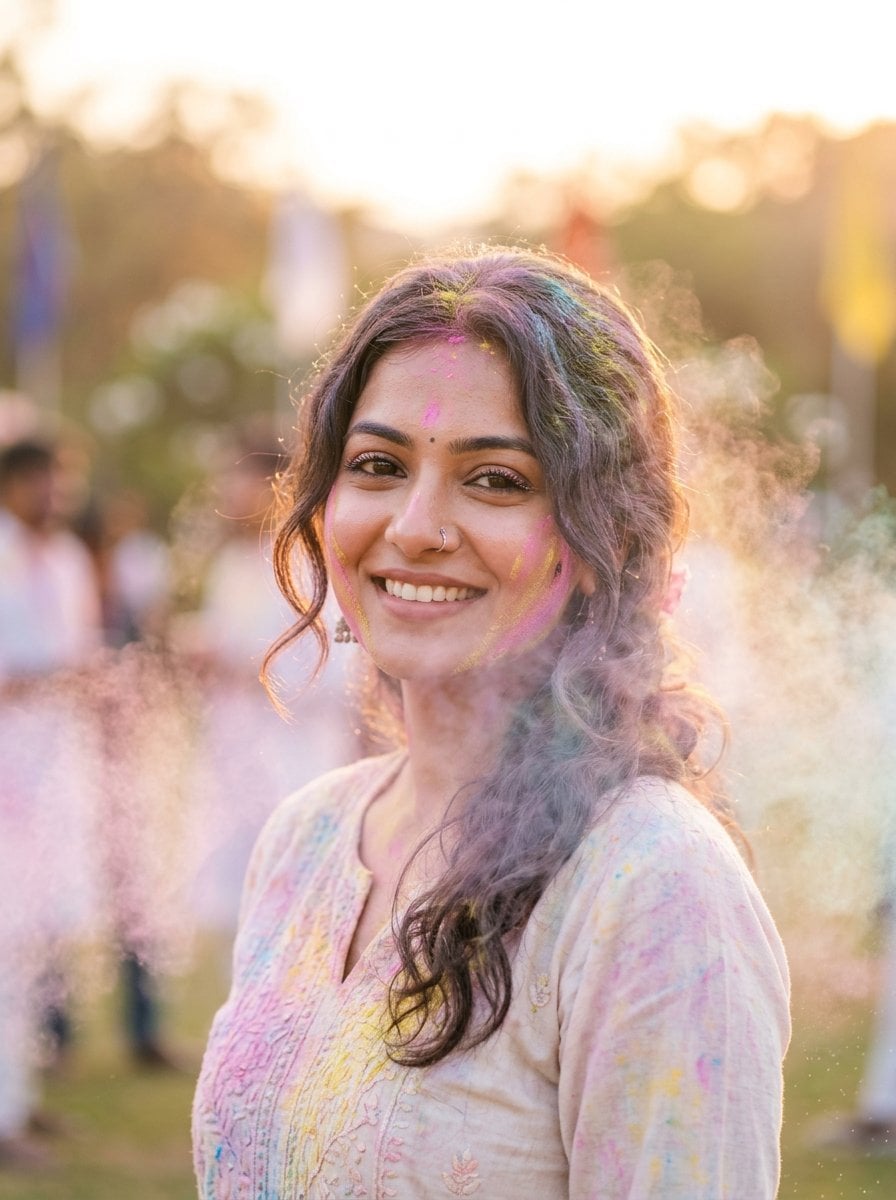
Soft Dreamy Holi Festival Portrait Prompt

MRE Package Design Prompt (Short)
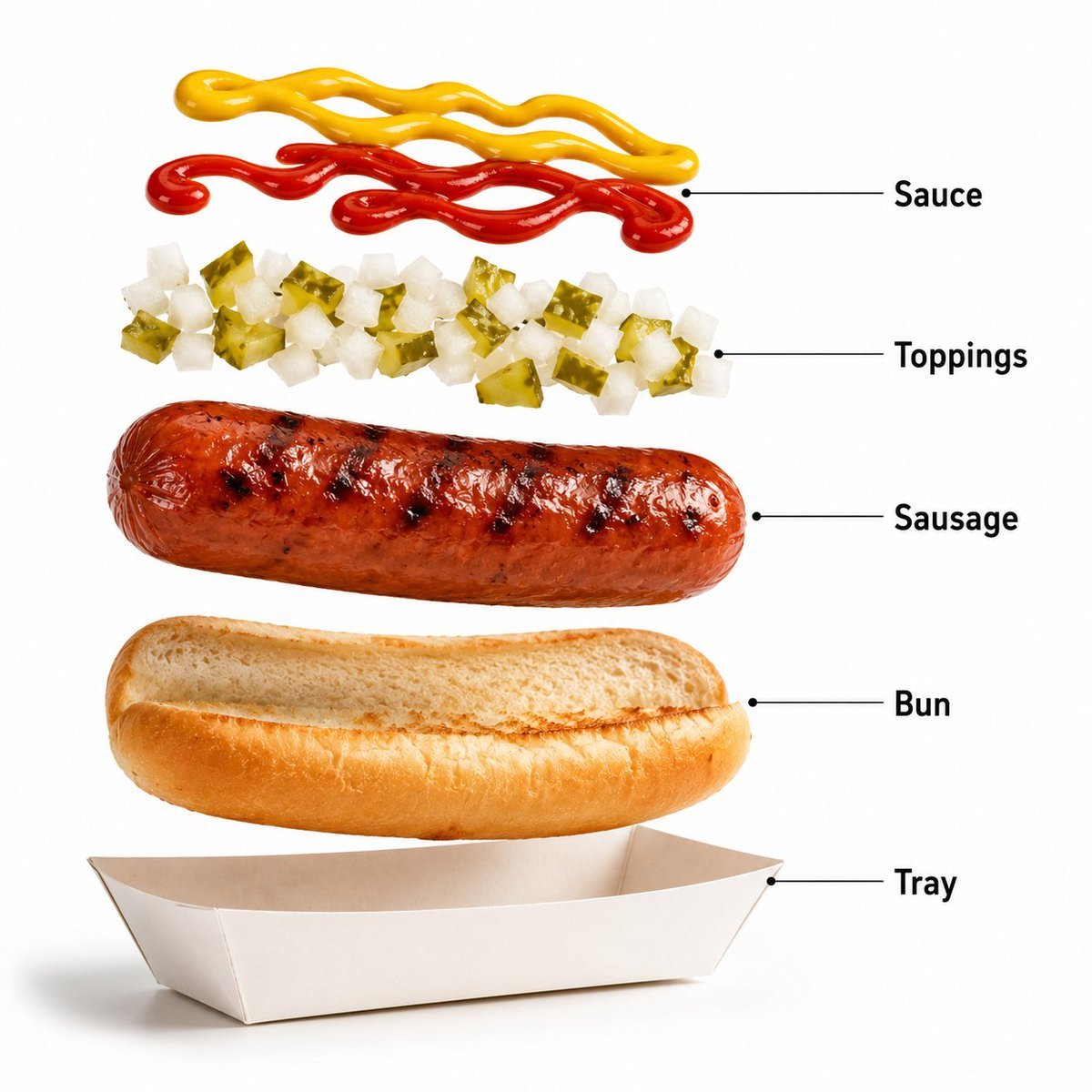
Premium Fast-Food Product Shot
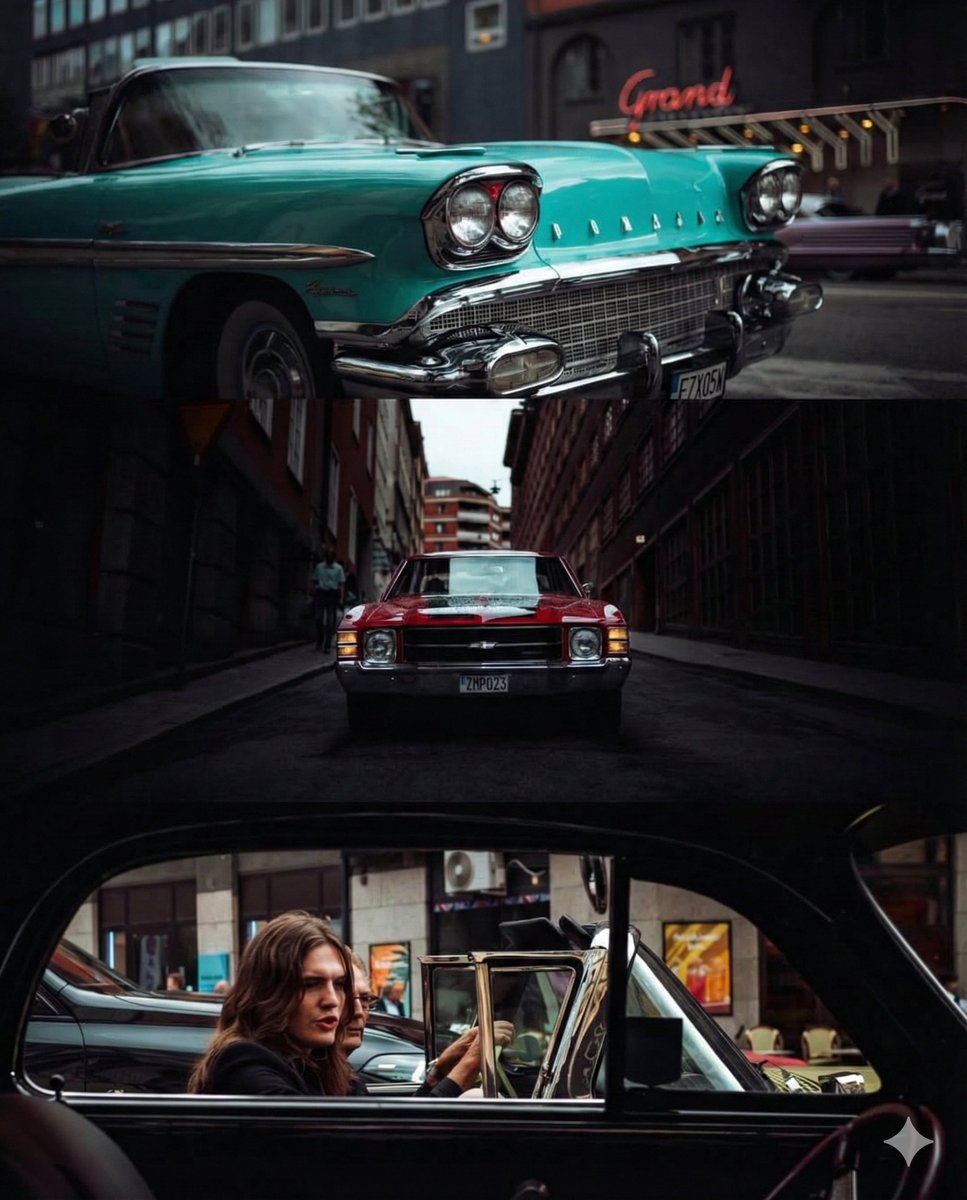
Triptych Collage of Vintage American Cars
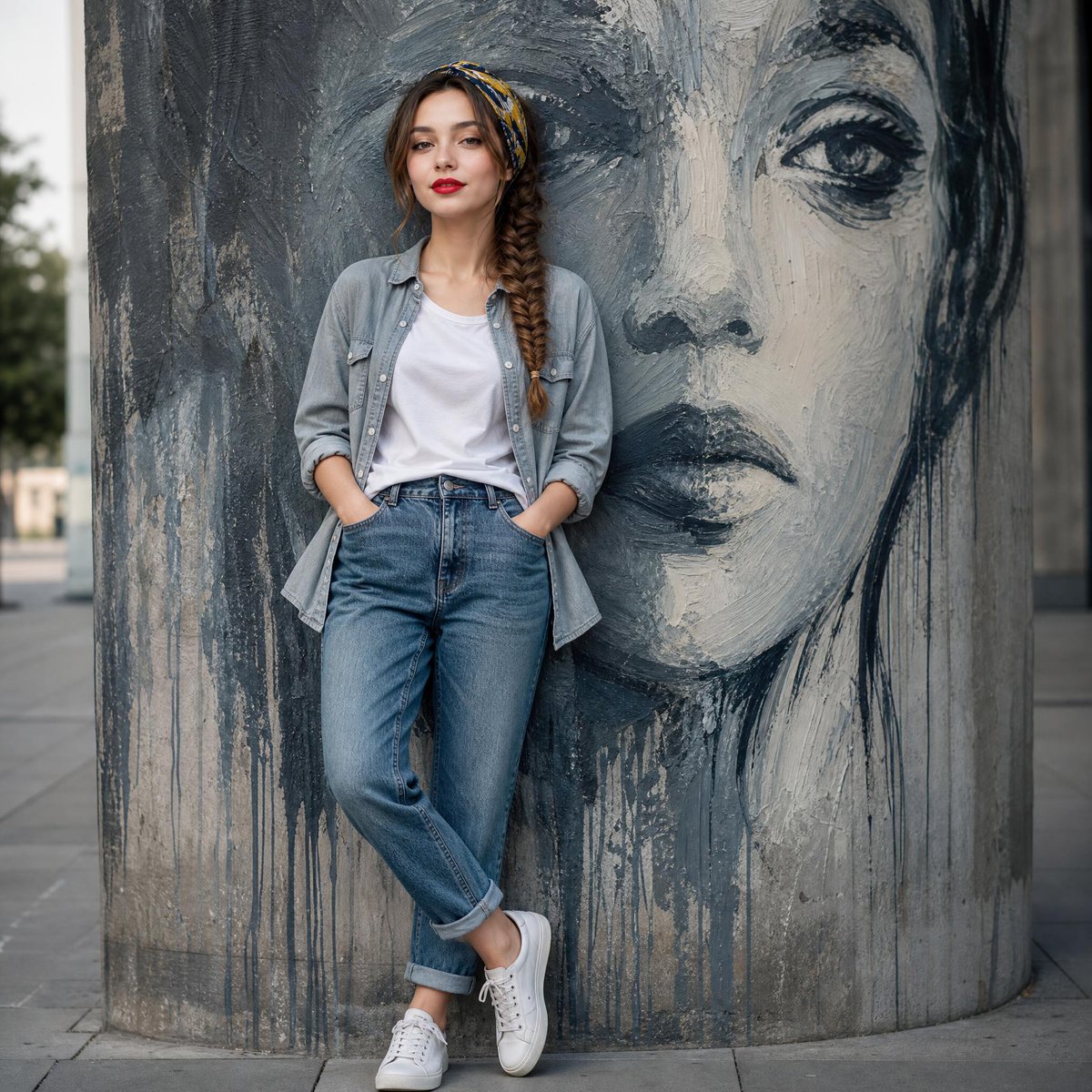
Fashion Mural Editorial Portrait
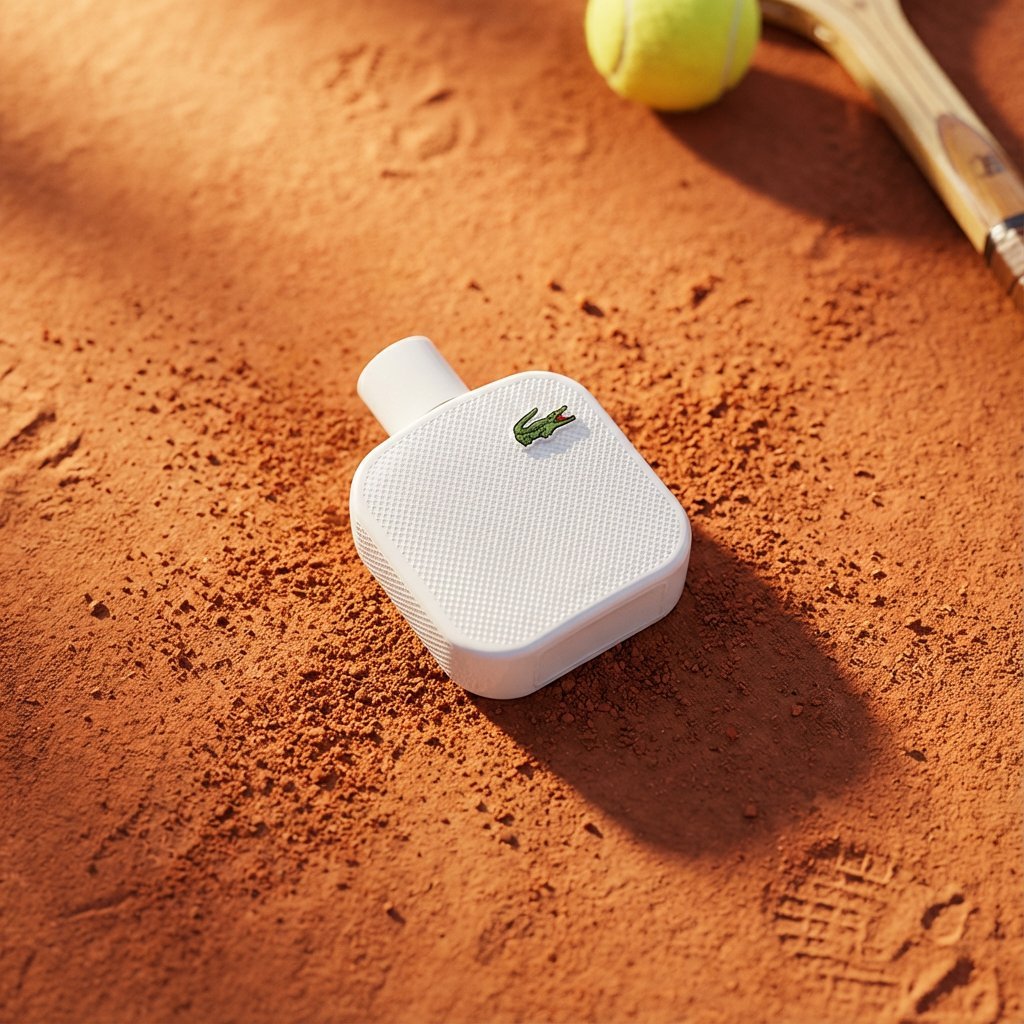
Premium Marketing Shots with Nano Banana
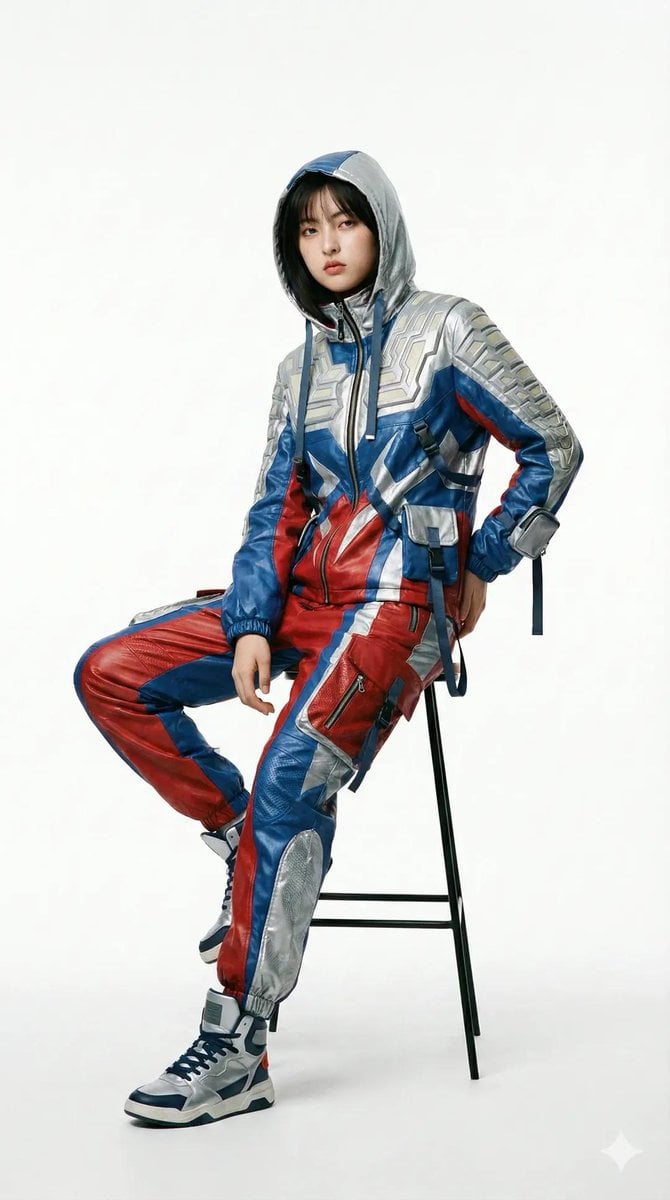
Editorial Fashion Photography with Structural Mimicry Prompt
Browse template categories
Angel Girl at Sunset Coast questions
How do I use the Angel Girl at Sunset Coast template?
Add your photo if the template asks for one, edit the prompt if you like — the template's model and format are already selected — and press Generate. Your version opens in PicX Studio.
Can I customize the Angel Girl at Sunset Coast template?
Yes. You can change the subject, setting, lighting, mood, format, and available model controls before creating your image.
Is the Angel Girl at Sunset Coast template free?
Opening and editing this template is free. Generating uses credits, shown on the Generate button when you are signed in.
Which AI model should I use?
Start with GPT Image 2, which is the model associated with this template. You can compare another compatible model for a different finish.
Looking for something else? Browse all templates.

Your photo, any look
Thousands of ready templates for every top image and video model, from one credit balance.