
Leonardo Life in Roles Poster
A cinematic biographical collage poster showing Leonardo-style role portraits, a decade timeline, props, quote, and award laurels for a prestige film retrospective design.
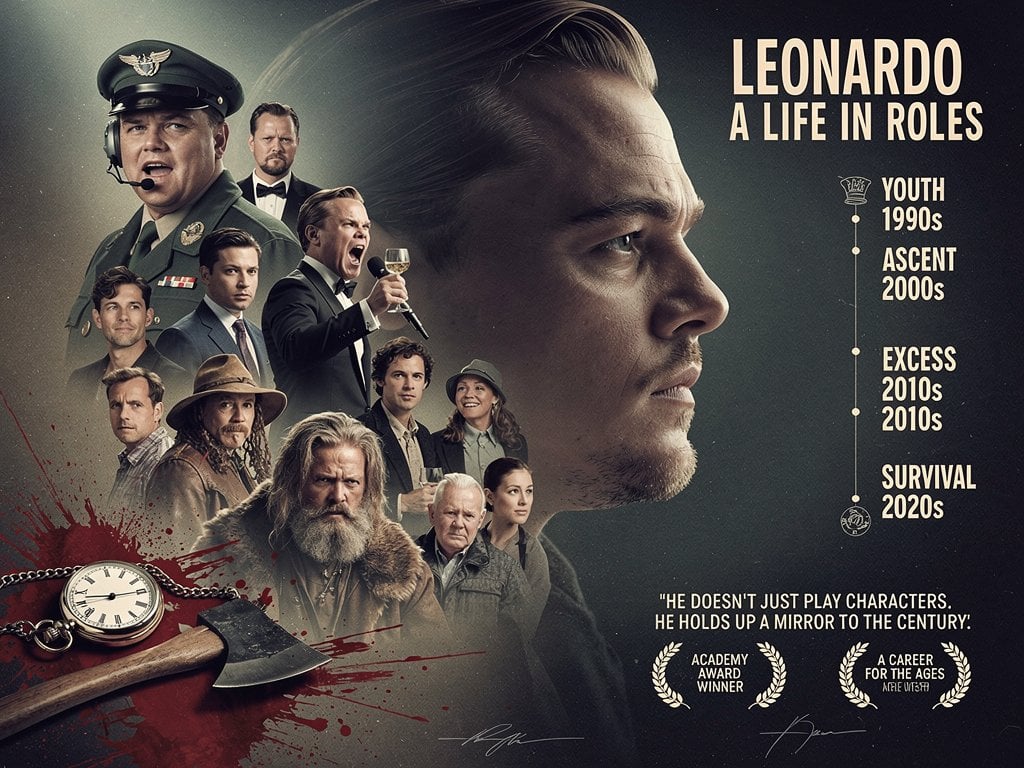
- Prompt included
- Model and format preset
- Free template
The prompt behind this image
Copy the exact prompt behind Leonardo Life in Roles Poster, or open it in the studio and make it yours.
Goal: Create a cinematic biographical movie poster celebrating {argument name="actor name" default="LEONARDO"} with the subtitle {argument name="subtitle" default="A LIFE IN ROLES"}, showing the actor's evolution through iconic dramatic roles across decades. Canvas: Landscape poster, 4:3 aspect ratio, dark teal-black smoky background with subtle film grain, soft vignette, high-contrast studio lighting, polished prestige-documentary aesthetic. Layout: Place a huge realistic side-profile portrait of the actor on the right half, facing right, serious expression, slicked-back hair, warm rim light on forehead, nose, cheek, and jaw. On the left half, build a layered collage of exactly 11 smaller character portraits arranged in a vertical cluster around the main face: 1 overweight military pilot wearing a green uniform, peaked cap, headset microphone, and medals at upper left; 2 stern man in black tuxedo with bow tie behind him; 3 young clean-cut man in a gray suit and tie; 4 energetic tuxedoed man shouting while holding a champagne coupe; 5 casually dressed man with curly hair at lower left; 6 rugged adventurer with long hair, beard, and tan wide-brim hat; 7 intense long-haired bearded frontiersman in heavy fur coat at bottom center; 8 curly-haired man in dark vest and shirt; 9 smiling woman in a bucket-style hat and outdoor jacket; 10 elderly white-haired man in a gray jacket; 11 elegant dark-haired woman in a gray coat. The collage should feel like a museum-quality montage, with realistic scale overlap, atmospheric haze, and directional highlights. Foreground props: In the lower-left corner, show exactly 2 objects: an open vintage pocket watch with chain and Roman numerals, and a small hatchet/axe lying diagonally over dark red blood-splatter graphics. Add splashes and streaks of deep crimson behind these props, but keep the overall poster sophisticated rather than gory. Right-side text and timeline: At the upper right, set the title in tall condensed cream-colored uppercase typography: {argument name="headline text" default="LEONARDO"}. Directly below it, smaller uppercase text: {argument name="subtitle text" default="A LIFE IN ROLES"}. Beneath, create a thin vertical timeline with small circular nodes and two small decorative icons, listing exactly 4 labeled eras in stacked cream uppercase text: YOUTH 1990s, ASCENT 2000s, EXCESS 2010s 2010s, SURVIVAL 2020s. Keep the odd repeated 2010s text visible as part of the design. Bottom text and awards: Near the lower right, add a centered pull quote in cream uppercase: {argument name="quote" default="HE DOESN'T JUST PLAY CHARACTERS, HE HOLDS UP A MIRROR TO THE CENTURY!"}. Under it, include exactly 2 laurel award badges: left badge reads ACADEMY AWARD WINNER, right badge reads A CAREER FOR THE AGES with tiny secondary text beneath. Add two faint signature-like scribbles along the bottom edge. Visual style: Ultra-realistic celebrity-poster compositing, dramatic chiaroscuro, muted cream typography, desaturated teal and charcoal palette with warm skin tones, subtle scratches and dust, sharp faces with cinematic depth of field. No modern UI elements, no watermark, no extra people, no extra timeline categories.
How to use Leonardo Life in Roles Poster in 3 steps
- 1Upload ImagePNG, JPG or paste
Add your photo
Upload the photo the template builds on. The prompt, model and format are already set.
- 2…a portrait of your subject in softgolden-hour light, 85mm…
Personalize
Edit the subject and creative details for your destination.
- 3Generate
Generate
Press Generate — your image is created in PicX Studio, so you can compare it with the original and refine one variable at a time.
More like this
Templates with the same subject, style or setup. Open one to see its prompt.
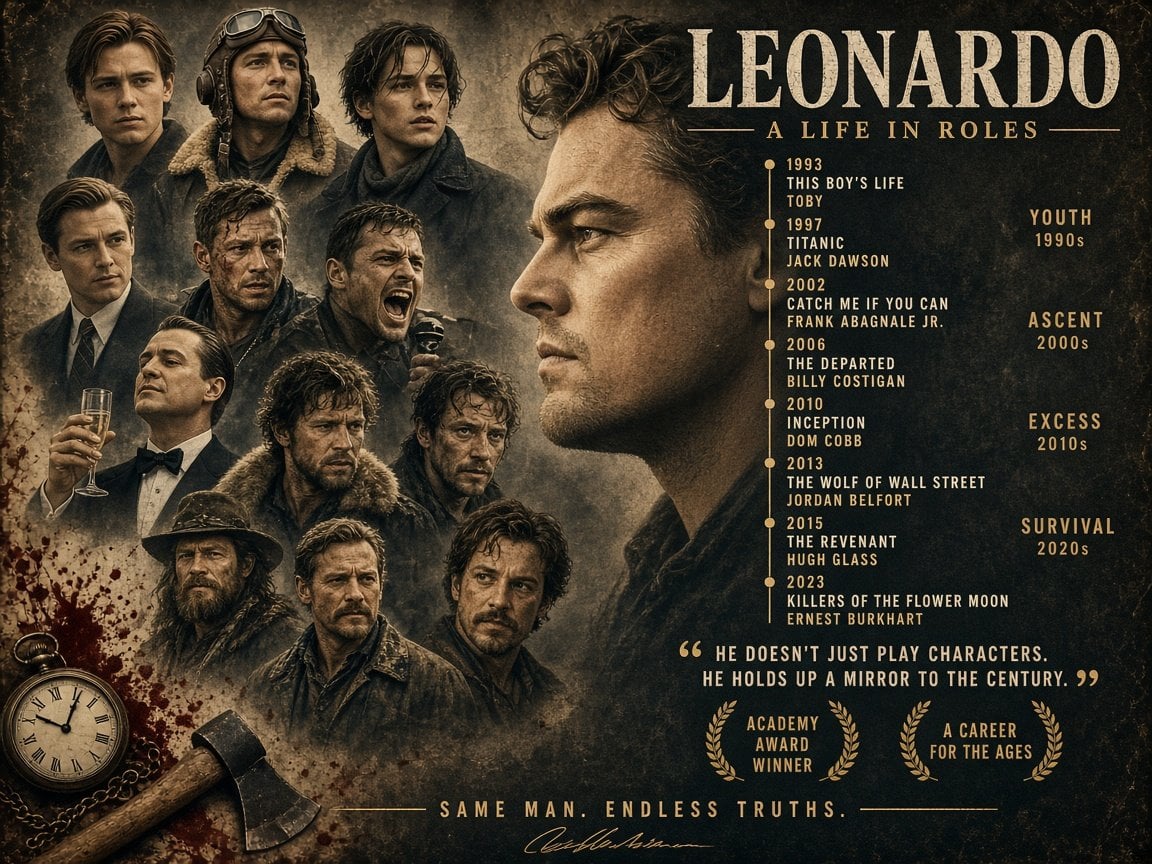
Leonardo Life in Roles Poster

Japan Travel Brochure Poster

Cartoon TV Show Poster Pack

Trendy Cafe Drink Promo Poster

Urban Fashion Editorial Collage Streetwear Poster

Premium Fashion Editorial Cover Layout System

Polo Ralph Lauren Luxury American Heritage Fashion Campaign

Monochrome Halftone Editorial Fashion Poster

Retro Mirror Luxury Fashion Campaign Poster

Luxury Fashion Campaign Typography Poster System

Premium Fashion Editorial Campaign Poster System

Ultra-Stylized High-Fashion Streetwear Poster
Make it yours
Leonardo Life in Roles Poster works as-is. These are the safest ways to change it without losing the look.
Change one field
Copy a single group, rewrite it, and generate again so you can see what that field is doing.
Keep the frame, change the subject
Hold the composition and light of Leonardo Life in Roles Poster, then swap wardrobe, props or the person for a new take.
| If the result… | Why | Fix |
|---|---|---|
| The result drifts from the preview | Too many fields changed at once. | Reuse Leonardo Life in Roles Poster as-is first, then change one group — subject, light, or setting. |
| The model over-stylizes the scene | The prose prompt leaves finish and camera underspecified. | Add one camera or lighting sentence and stay on GPT Image 2. |
More GPT Image 2 templates
Other prompts made for GPT Image 2.

Six VTuber Japanese Logo Sheet

Realistic Portrait of Woman and Deer

The Vista Modular Condo Poster

AI Model Routing Comparison Infographic

2.5D Anime Art Board

Isometric Productivity Desk Scene

New York Double Exposure Poster

Four-Panel AI Landscape Comparison

Japanese Tatami Lifestyle Magazine Cover

NESCAFÉ Coffee Map Poster
More image prompts
Fresh picks from across the catalog.
Minimalist Studio Fashion Photo of Young Man
Misty Glass Reflection Portrait

Luxury Telegram Cyber Hub Poster

Cinematic Portrait Prompt for Nano Banana
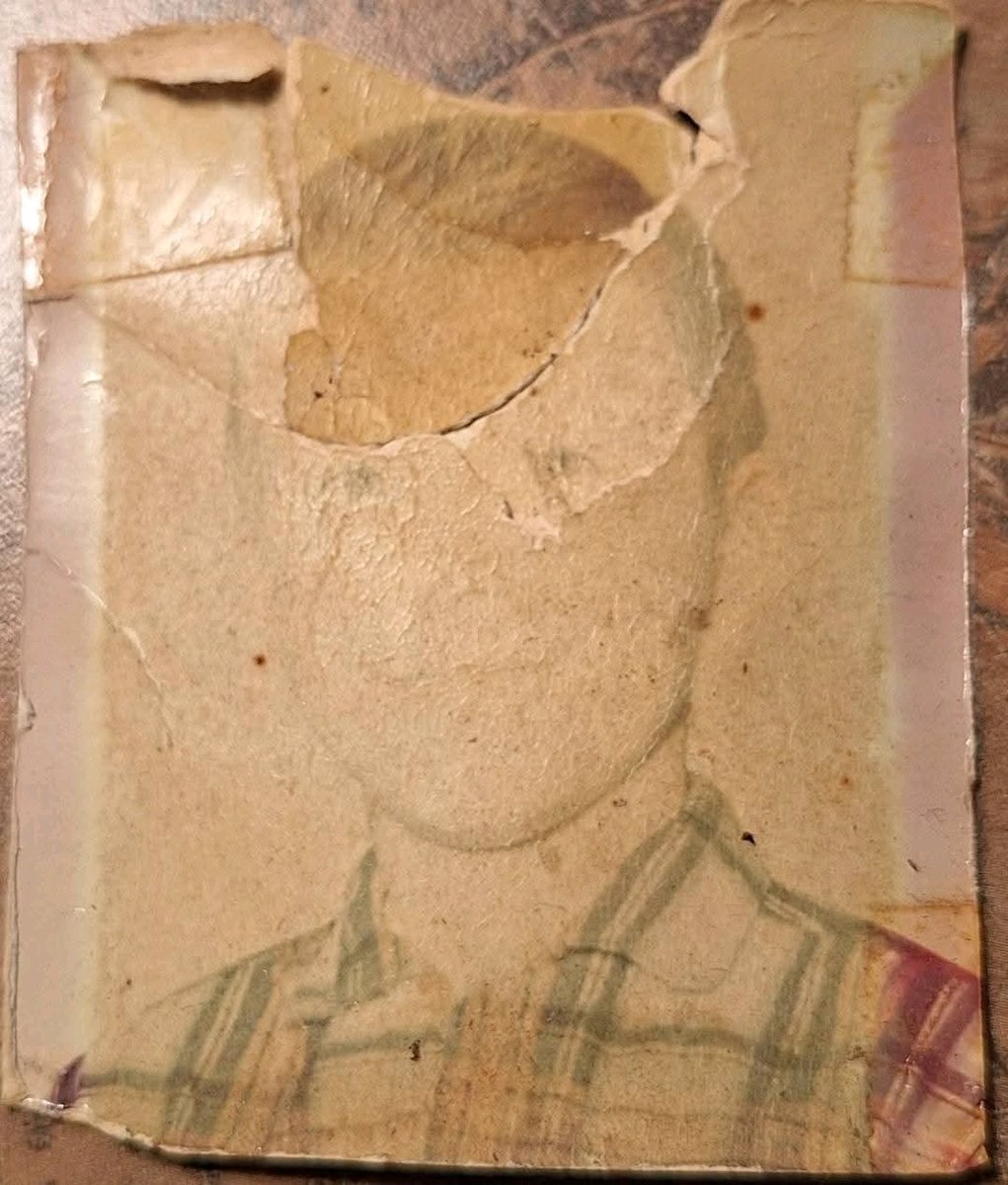
Old Photo Restoration to DSLR-Quality Portrait
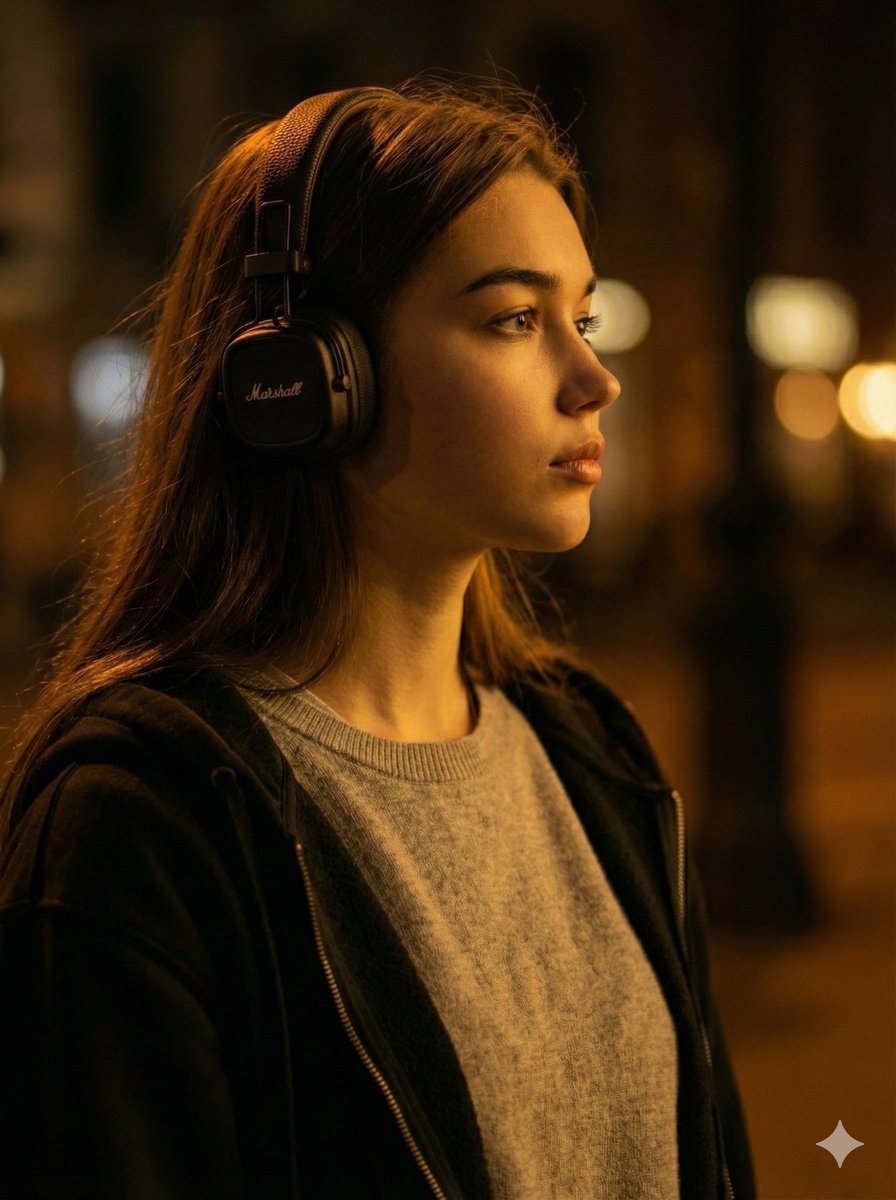
Moody Cinematic Profile Portrait Prompt
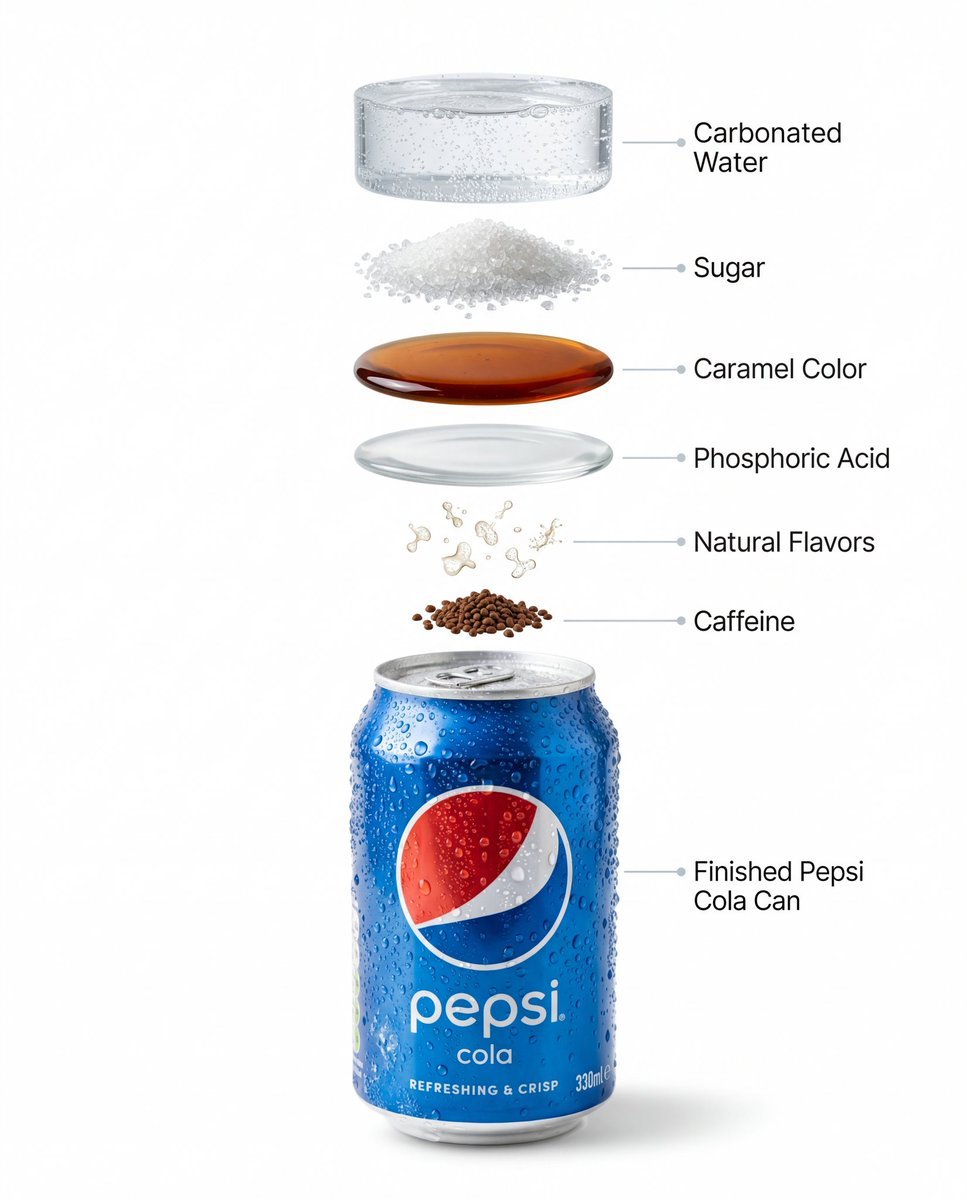
Hyper-Realistic Product Photography and Infographic Prompts for Pepsi
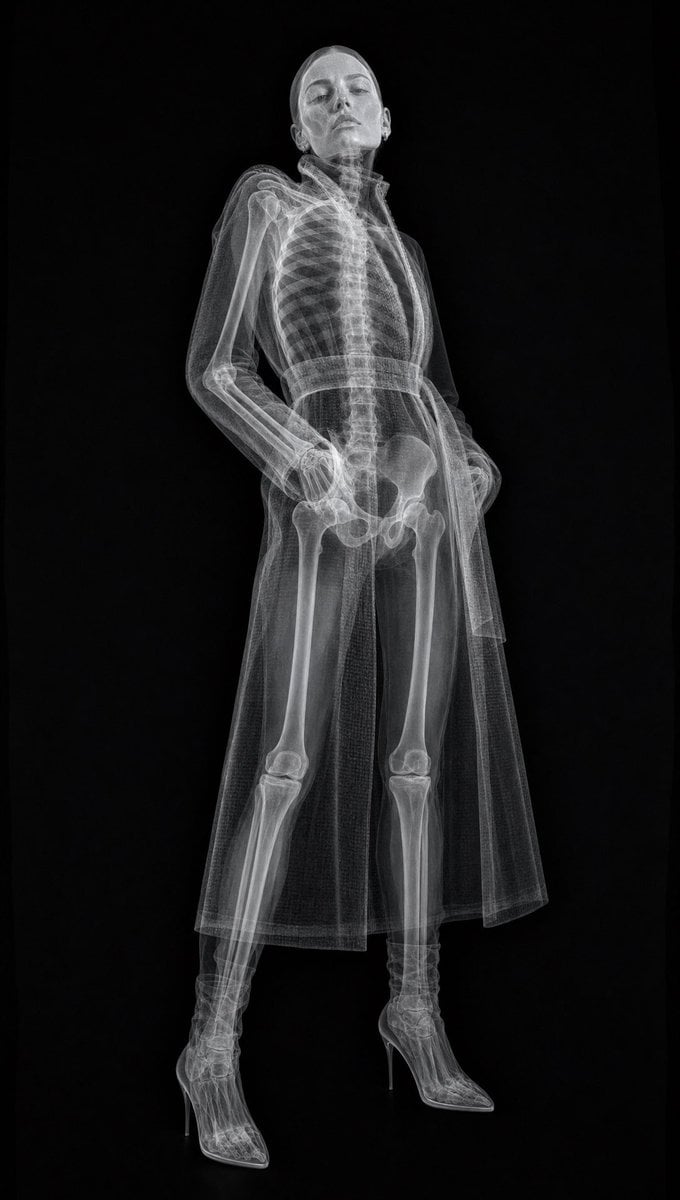
Realistic Medical X-ray Scan
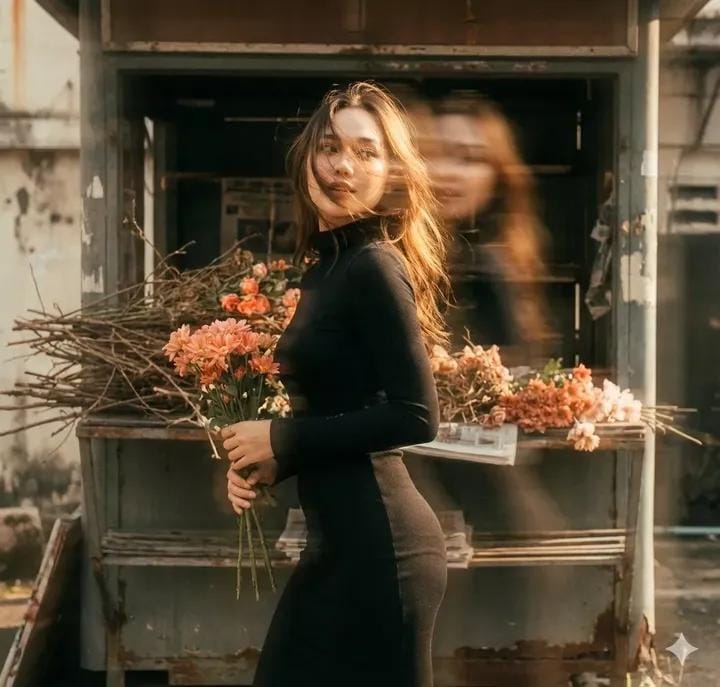
Vintage Film Double-Exposure Portrait
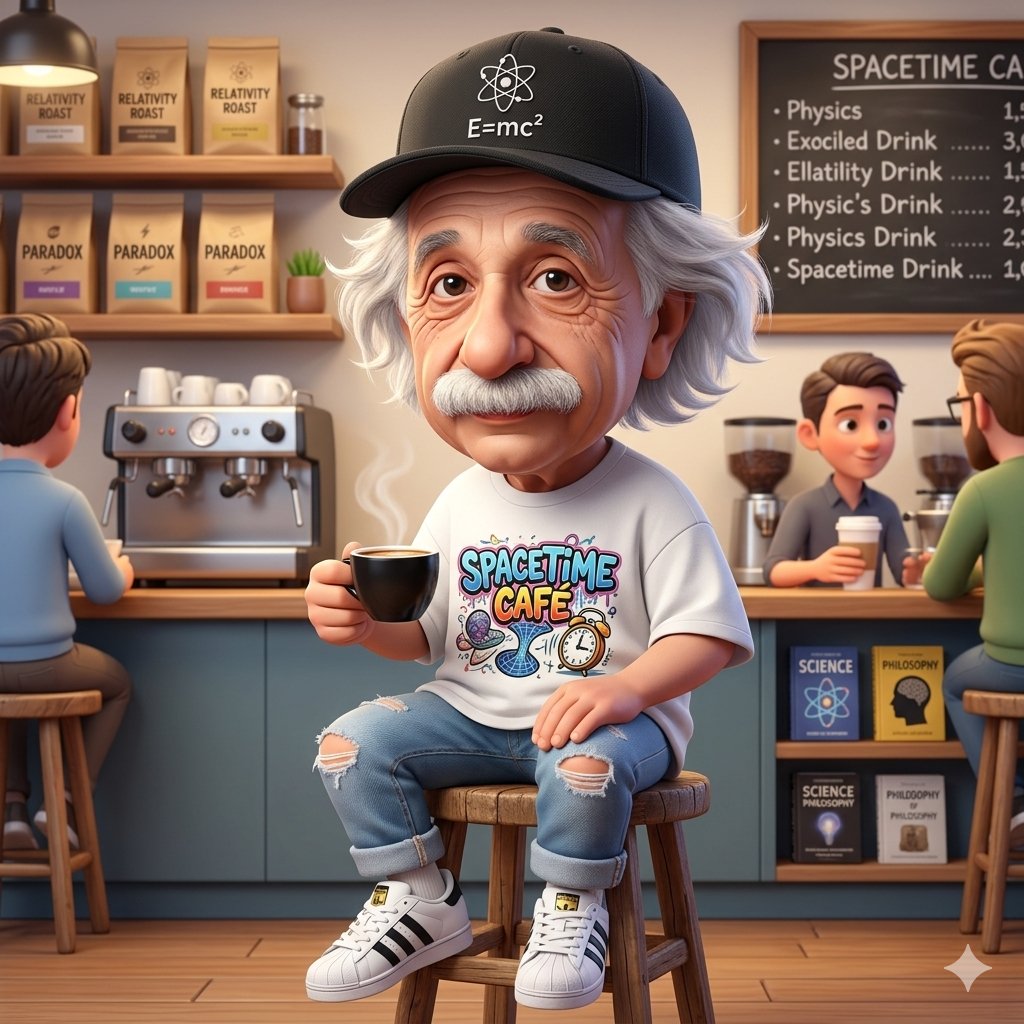
A Cartoonish Take on the Master of Mars
Browse template categories
Leonardo Life in Roles Poster questions
How do I use the Leonardo Life in Roles Poster template?
Add your photo if the template asks for one, edit the prompt if you like — the template's model and format are already selected — and press Generate. Your version opens in PicX Studio.
Can I customize the Leonardo Life in Roles Poster template?
Yes. You can change the subject, setting, lighting, mood, format, and available model controls before creating your image.
Is the Leonardo Life in Roles Poster template free?
Opening and editing this template is free. Generating uses credits, shown on the Generate button when you are signed in.
Which AI model should I use?
Start with GPT Image 2, which is the model associated with this template. You can compare another compatible model for a different finish.
Looking for something else? Browse all templates.

Your photo, any look
Thousands of ready templates for every top image and video model, from one credit balance.