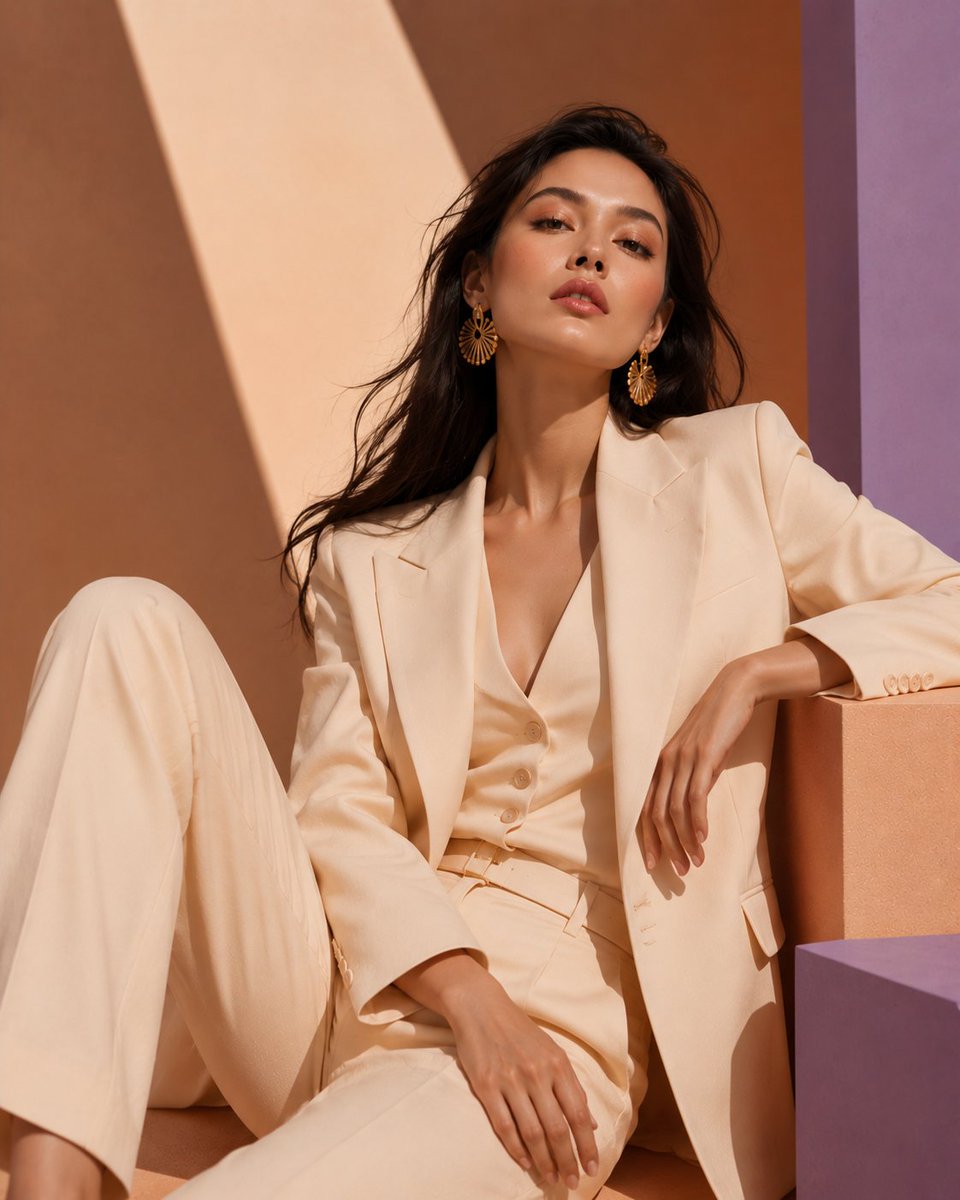
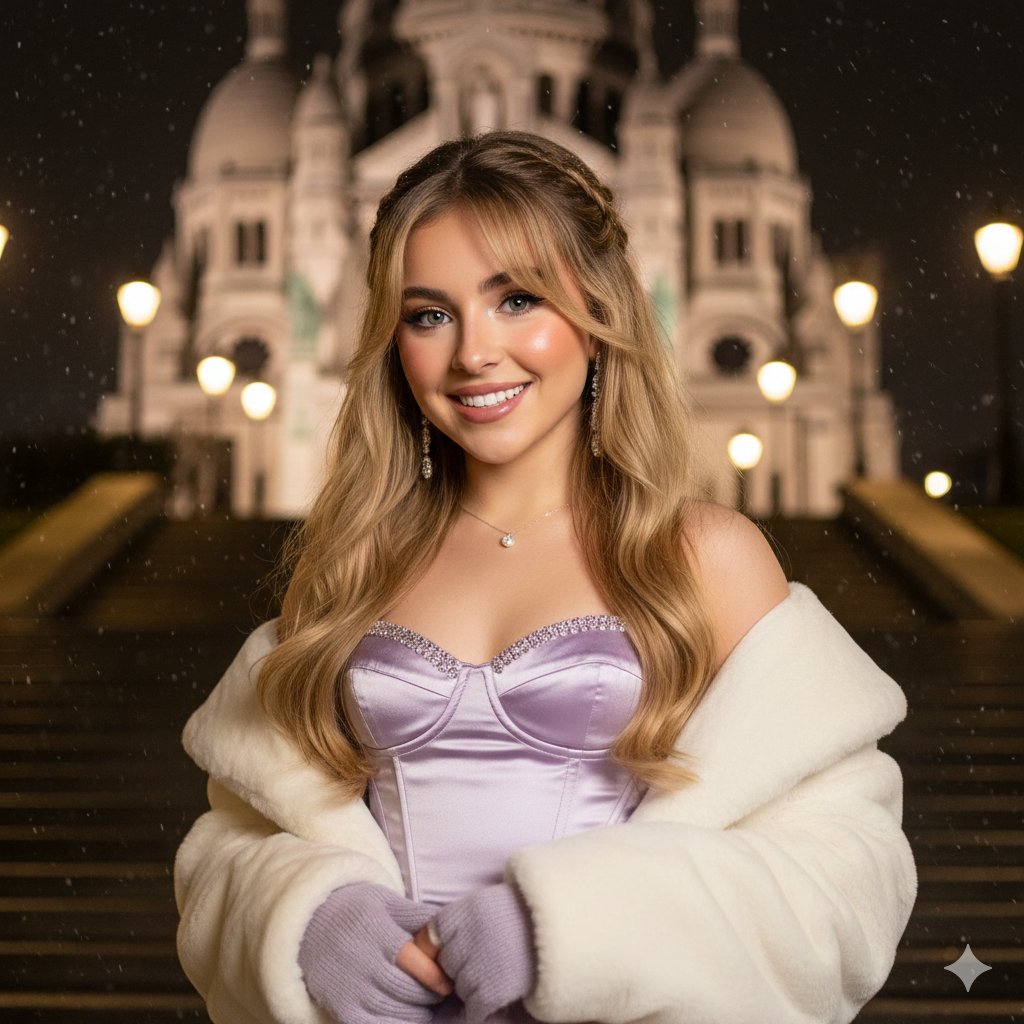
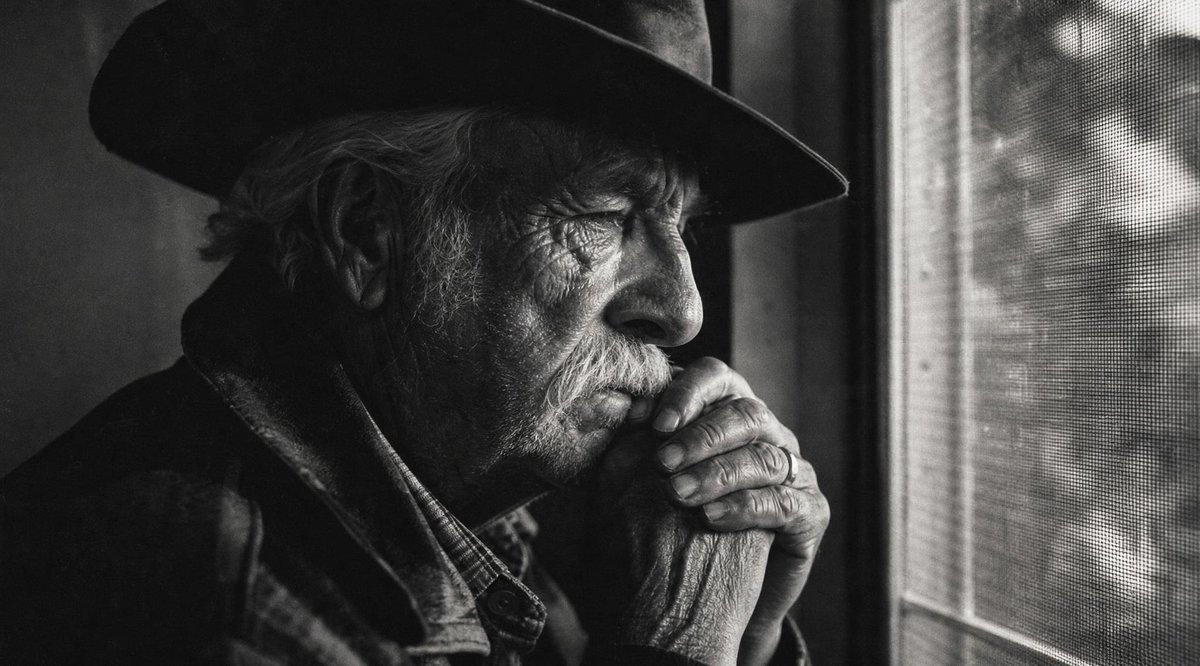
How do I use the Cinematic Couture Archer Portrait template?
Choose the primary action to open PicX Studio with the available template settings. Review the model and format, personalize the creative direction, and generate when ready.
A detailed JSON prompt for generating an ultra-photorealistic, cinematic full-body portrait of an elegant female model in an archer stance, wearing a champagne-ivory satin corset gown against a deep burgundy velvet backdrop, utilizing low-key studio lighting with classical painting influence. Change the subject, setting, or lighting one variable at a time.

{ "generation_request": { "meta_data": { "task_type": "photoreal_cinematic_couture_archer_portrait", "language": "en", "priority": "highest", "version": "v1.0_BURGUNDY_DRAPE_SATIN_ARCHER" }, "output": { "aspect_ratio": "9:16", "resolution": "high", "num_images": 4 }, "scene": { "environment": "deep {argument name="backdrop color" default="burgundy"} velvet draped backdrop, dark studio floor with subtle fabric folds", "mood": "baroque, dramatic, elegant, quiet tension", "composition": "full-body, side profile, centered with negative space in the direction of the arrow" }, "subject": { "description": "elegant female model, side profile, calm focused expression", "pose": "archer stance: left arm extended holding bow, right hand pulling string to cheekbone, arrow perfectly aligned", "wardrobe": "champagne-ivory satin corset gown, structured bodice, subtle gold leaf embroidery on the bust, long flowing satin skirt with heavy train pooling on the floor", "props": "realistic recurve bow, clean arrow with natural feather fletching" }, "camera": { "shot": "full-body editorial portrait", "lens_mm": 85, "aperture": 2.8, "focus": "sharp face, hands, bowstring and embroidery; controlled depth of field", "quality_tags": "ultra-photoreal, micro-texture, crisp fabric weave, accurate specular highlights" }, "lighting": { "style": "low-key studio with classical painting influence", "key_light": "soft directional key from camera-left, Rembrandt triangle feel", "fill": "minimal fill to keep shadows rich", "rim_light": "subtle rim behind subject to separate from burgundy backdrop", "notes": "avoid blown satin highlights; preserve skin tone neutrality" }, "color_grade": { "palette": "burgundy / near-black shadows, warm champagne satin, natural warm skin", "contrast": "cinematic, deep blacks, controlled highlights" }, "negative_prompt": "text, logo, watermark, cartoon, anime, CGI, plastic skin, blur, lowres, bad anatomy, extra fingers, deformed hands, warped bow, broken string, duplicated limbs, messy face, noise artifacts" } }
Choose the primary action to open PicX Studio with the available template settings. Review the model and format, personalize the creative direction, and generate when ready.
Yes. You can change the subject, setting, lighting, mood, format, and available model controls before creating your image.
This template is free to open and customize. Generation usage is shown in PicX Studio before you create.
Start with Nano Banana 2, which is the model associated with this template. You can compare another compatible model for a different finish.
© 2026 PicX Studio. All rights reserved.

Follow a topic to a crawlable collection of related PicX Studio templates.
43,474 public templates available. Verified via the PicX Studio public templates API; refreshed hourly.


![69-untitled — FORMAT: 15s / 145 BPM / 14 SHOTS
SUBJECT: @[image1]
WARDROBE: Clean modern outfit
ENVIRONMENT: Street / indoor transitions
MOOD: Discovery → contr](/_next/image?url=https%3A%2F%2Fcdn.picxstudio.com%2Fuploads%2Fpost69_img0_d45faecf-38c3-4bcb-81a4-f6eb1cf42bb2.jpg&w=828&q=100)








![118-google-nano-banana-pro-skincare-product- — A professional skincare shot of a [product container] with [cap/lid], labeled [brand, product, descriptor, volume](/_next/image?url=https%3A%2F%2Fcdn.picxstudio.com%2Fuploads%2Fpost118_img0_332898b8-29ea-42a9-87ab-9ed746a3f944.jpg&w=828&q=100)









![Naive doodle-style subject illustration — A doodle-style {argument name="subject" default="[subject]"}, naive lines, humorous shape exaggeration](https://pbs.twimg.com/media/G6Wl2YxbsAARB2b.jpg)
















![Advanced Technical Space Rocket Poster — 为{argument name="火箭名称" default="[Space火箭]"}创建一张高级技术信息图海报,海报中央需包含一个巨大的全车身剖面图,所有主要部件都清晰可见,周围每个模块的详细分解图也需呈现:发动机、电池、悬架、电机、驱](https://cms-assets.youmind.com/media/1777280779310_famh1b_HG1RfVPbYAApCGE.jpg)