How do I use the Bad Girl Latex Jumpsuit in Parking Garage template?
Choose the primary action to open PicX Studio with the available template settings. Review the model and format, personalize the creative direction, and generate when ready.
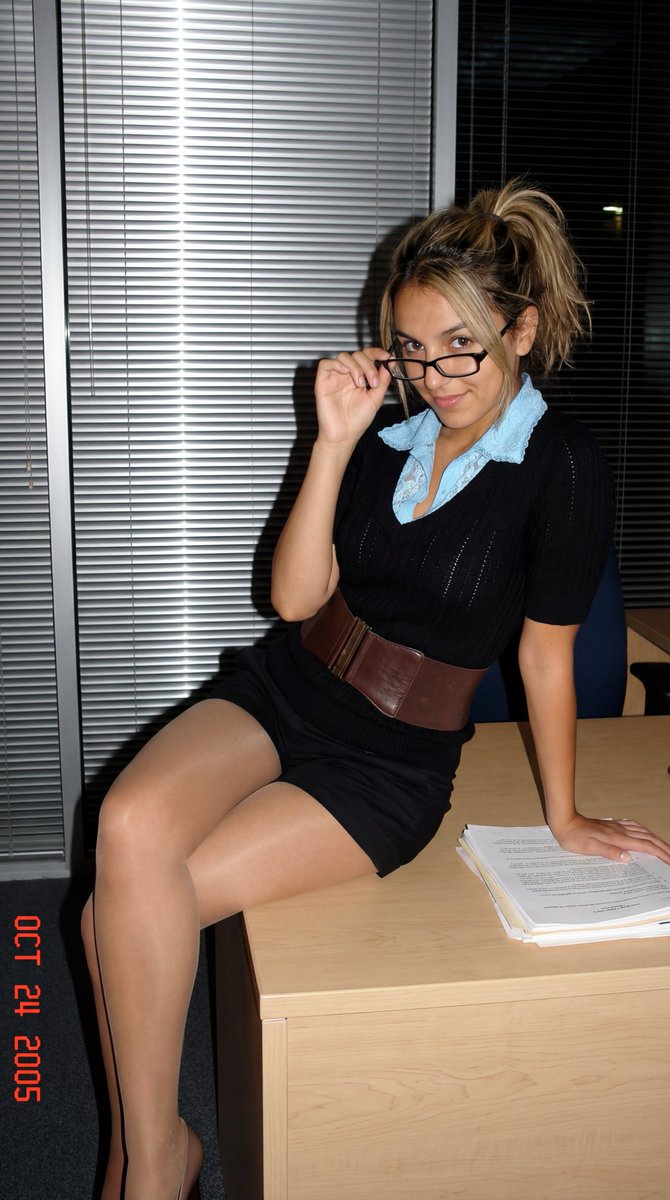
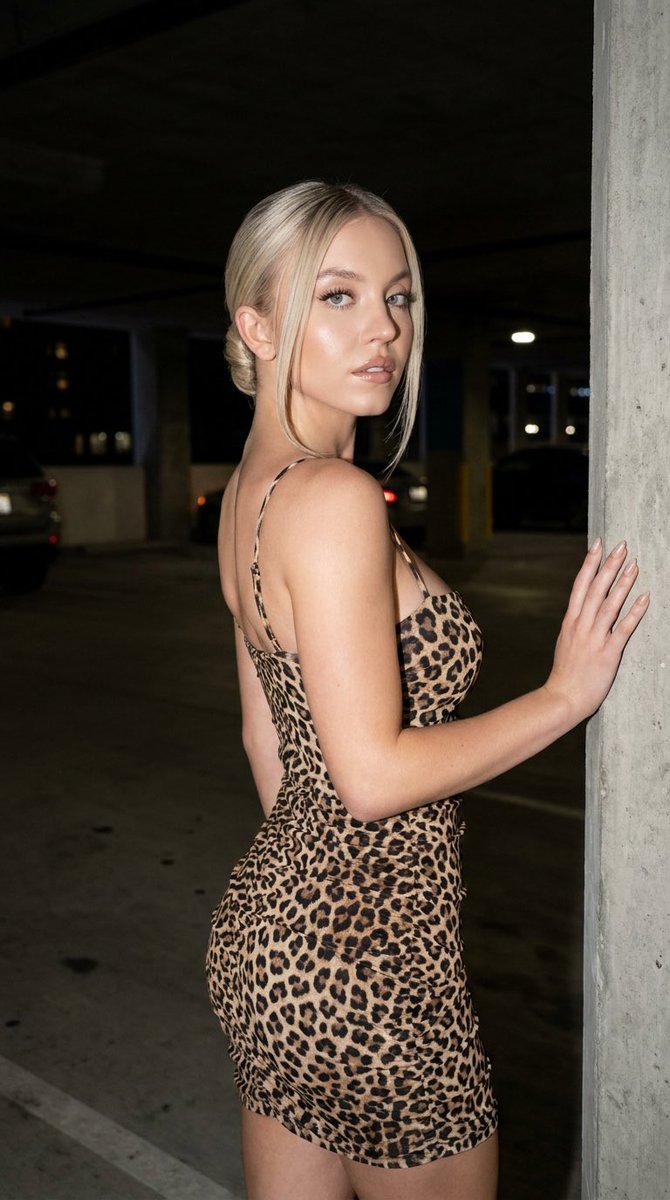
A highly specific JSON prompt for generating a photorealistic image of a voluptuous woman in a glossy, textured black latex jumpsuit and cat-ear headband, posing in an industrial concrete parking garage with soft, flat lighting. Change the subject, setting, or lighting one variable at a time.

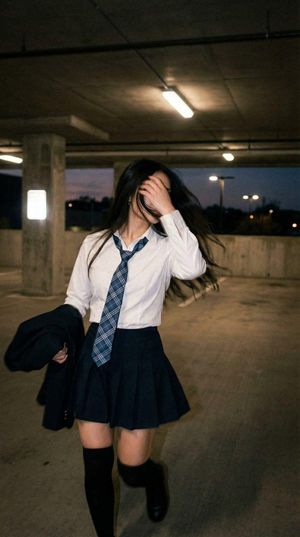
{ "type": "photograph", "aspect_ratio": "3:4", "subject": { "description": "Woman with long, wavy, dark reddish-auburn hair parted in the middle.", "face": { "makeup": "Heavy contouring, distinct winged eyeliner, filled arched eyebrows, overlined lips with brown liner and gloss.", "expression": "Confident, lips slightly parted, direct gaze, head tilted slightly to the right." }, "physique": "Voluptuous hourglass figure, prominent bust volume, distinct waist-to-hip ratio.", "outfit": { "garment": "Black form-fitting jumpsuit with a textured, embossed animal-skin pattern (faux leather/latex). Front zipper pulled down to reveal cleavage.", "accessories": [ "Black textured cat-ear headband matching the suit material.", "Black gloves with metallic silver claw tips attached to the fingers.", "Wide black belt with a rectangular plastic buckle.", "Small silver hoop earrings." ], "props": "Black braided riding whip held with both hands across the torso; right hand near shoulder, left hand near hip." } }, "environment": { "location": "Concrete parking garage structure.", "elements": [ "Thick grey concrete pillar directly behind the subject.", "Grey concrete ceiling with support beams.", "Background shows open garage levels with overexposed daylight coming from the rear right." ], "atmosphere": "Urban, industrial, utilitarian." }, "lighting": { "source": "Natural daylight diffused through open garage structure.", "quality": "Soft, flat, non-directional.", "shadows": "Soft shadows under the chin and hair; lack of dramatic contrast.", "highlights": "Reflective sheen on the textured latex suit surfaces, particularly on the chest and thighs." }, "camera": { "framing": "Medium shot, cropped at the upper thighs.", "angle": "Eye-level, slightly angled upwards.", "focus": "Sharp focus on subject, slight depth of field falloff in the background.", "style": "Amateur cosplay photography, incidental snapshot aesthetic." }, "textures": { "skin": "Smooth makeup finish with visible contouring.", "clothing": "Shiny, embossed, rubbery texture with visible wrinkles and gathering at the waist and armpits.", "surfaces": "Rough, matte concrete vs. glossy synthetic fabric." } }
Choose the primary action to open PicX Studio with the available template settings. Review the model and format, personalize the creative direction, and generate when ready.
Yes. You can change the subject, setting, lighting, mood, format, and available model controls before creating your image.
This template is free to open and customize. Generation usage is shown in PicX Studio before you create.
Start with Nano Banana 2, which is the model associated with this template. You can compare another compatible model for a different finish.
Follow a topic to a crawlable collection of related PicX Studio templates.
43,474 public templates available. Verified via the PicX Studio public templates API; refreshed hourly.











![Naive doodle-style subject illustration — A doodle-style {argument name="subject" default="[subject]"}, naive lines, humorous shape exaggeration](https://pbs.twimg.com/media/G6Wl2YxbsAARB2b.jpg)





















![Overhead Superhero Mahjong Scene Prompt (WeChat Moments Style) — 一张9:16的超广角超现实主义俯视平铺摄影。一群4个[{argument name="人物" default="人物"}]围坐在一张方形桌,每个人坐一个边。相机大幅后拉,在人物和桌子周围制造](https://pbs.twimg.com/media/G9jtHBBaMAQ2CmI.jpg)