
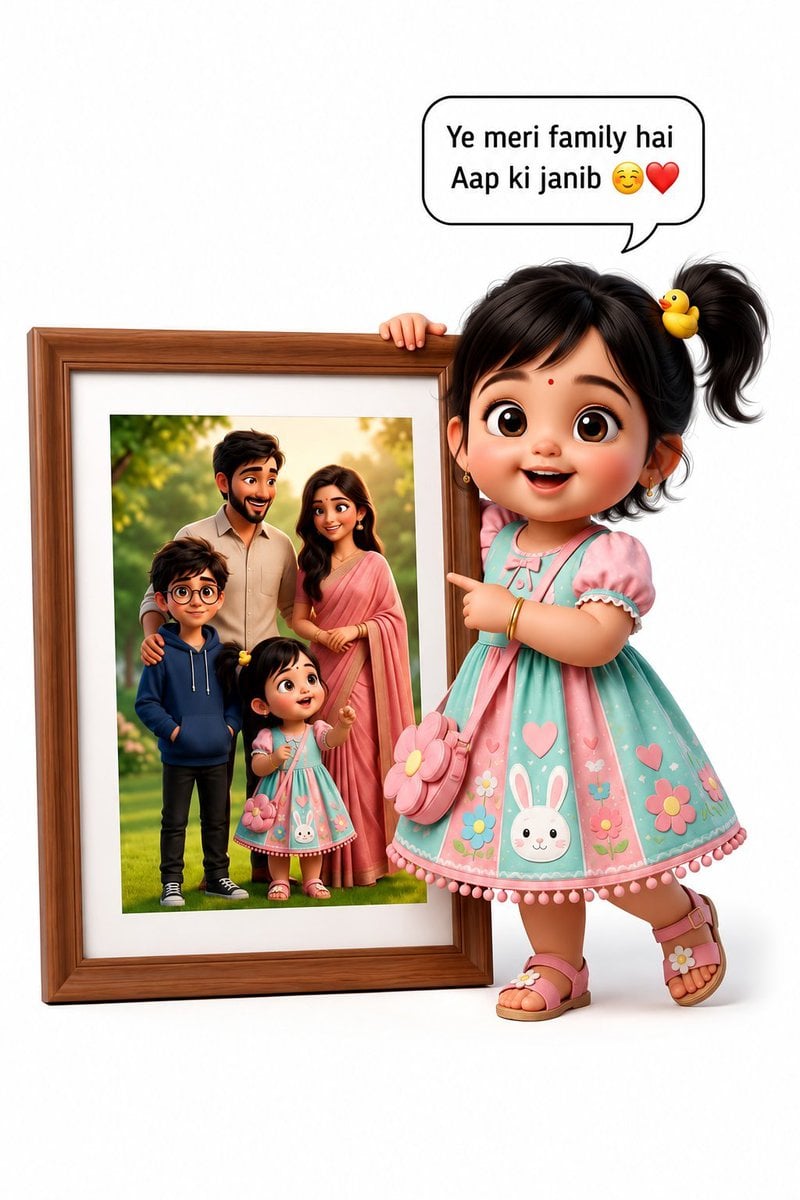
3D Pixar Style Girl Family Portrait
A prompt for generating a high-quality 3D Pixar-style illustration of a young girl with a family portrait, featuring cinematic lighting and expressive character design.
- Prompt included
- Model and format preset
- Free template
The prompt behind this image
Copy the exact prompt behind 3D Pixar Style Girl Family Portrait, or open it in the studio and make it yours.
realistic 3D Pixar-style cartoon illustration of an adorable little girl with huge expressive brown eyes, rosy cheeks, black hair tied in a side ponytail with a {argument name="hair clip" default="small yellow duck hair clip"}, wearing a {argument name="outfit" default="pastel mint-and-pink dress decorated with bunny, heart, and flower patterns"}, matching pink sandals, and a flower-shaped shoulder bag. She is happily standing beside a large wooden-framed family portrait, pointing at it with a cheerful smile. The portrait shows a loving family of four (father, mother, older brother, and little sister) standing together outdoors in warm golden sunlight with lush greenery in the background. A clean white studio background, soft natural lighting, ultra-detailed textures, cinematic composition, vibrant pastel colors, glossy 3D rendering, Disney/Pixar-inspired character design, shallow depth of field, premium quality, 8K resolution. At the top, a clean speech bubble contains only the text: "{argument name="speech bubble text" default="Ye meri family hai..."}" followed by 🥹❤️. No Instagram interface, no watermark, no username, no UI elements, no extra text, no logos, clean minimal composition.
How to use 3D Pixar Style Girl Family Portrait in 3 steps
- 1
Open
The prompt is already in the box next to the preview, with the template's model and format selected.
- 2…a portrait of your subject in softgolden-hour light, 85mm…
Personalize
Edit the subject and creative details for your destination.
- 3Generate
Generate
Press Generate — your image is created in PicX Studio, so you can compare it with the original and refine one variable at a time.
More like this
Templates with the same subject, style or setup. Open one to see its prompt.

Toddler Version of a Person in 3d Pixar

Found Photograph: Us, 1970

80s Couple Studio Portrait

80s Bollywood Star

80s Golden Hour Cinema

Me in 1985

1985 Studio Portrait
Realistic Family Lifestyle Portrait

Hyper-Realistic Minecraft POV Portrait

Teen Girl Alpine Lake Mountain View
Eight Mini Me Family Portrait

Rooftop Fisheye — Cat-Ear Balaclava at Golden Hour
Make it yours
3D Pixar Style Girl Family Portrait works as-is. These are the safest ways to change it without losing the look.
Change one field
Copy a single group, rewrite it, and generate again so you can see what that field is doing.
Keep the frame, change the subject
Hold the composition and light of 3D Pixar Style Girl Family Portrait, then swap wardrobe, props or the person for a new take.
| If the result… | Why | Fix |
|---|---|---|
| The result drifts from the preview | Too many fields changed at once. | Reuse 3D Pixar Style Girl Family Portrait as-is first, then change one group — subject, light, or setting. |
| The model over-stylizes the scene | The prose prompt leaves finish and camera underspecified. | Add one camera or lighting sentence and stay on GPT Image 2. |
More GPT Image 2 templates
Other prompts made for GPT Image 2.

Six VTuber Japanese Logo Sheet

Realistic Portrait of Woman and Deer

The Vista Modular Condo Poster

AI Model Routing Comparison Infographic

2.5D Anime Art Board

Isometric Productivity Desk Scene

New York Double Exposure Poster

Four-Panel AI Landscape Comparison

Japanese Tatami Lifestyle Magazine Cover

NESCAFÉ Coffee Map Poster
More image prompts
Fresh picks from across the catalog.
Fashion Editorial Green Cap Portraits
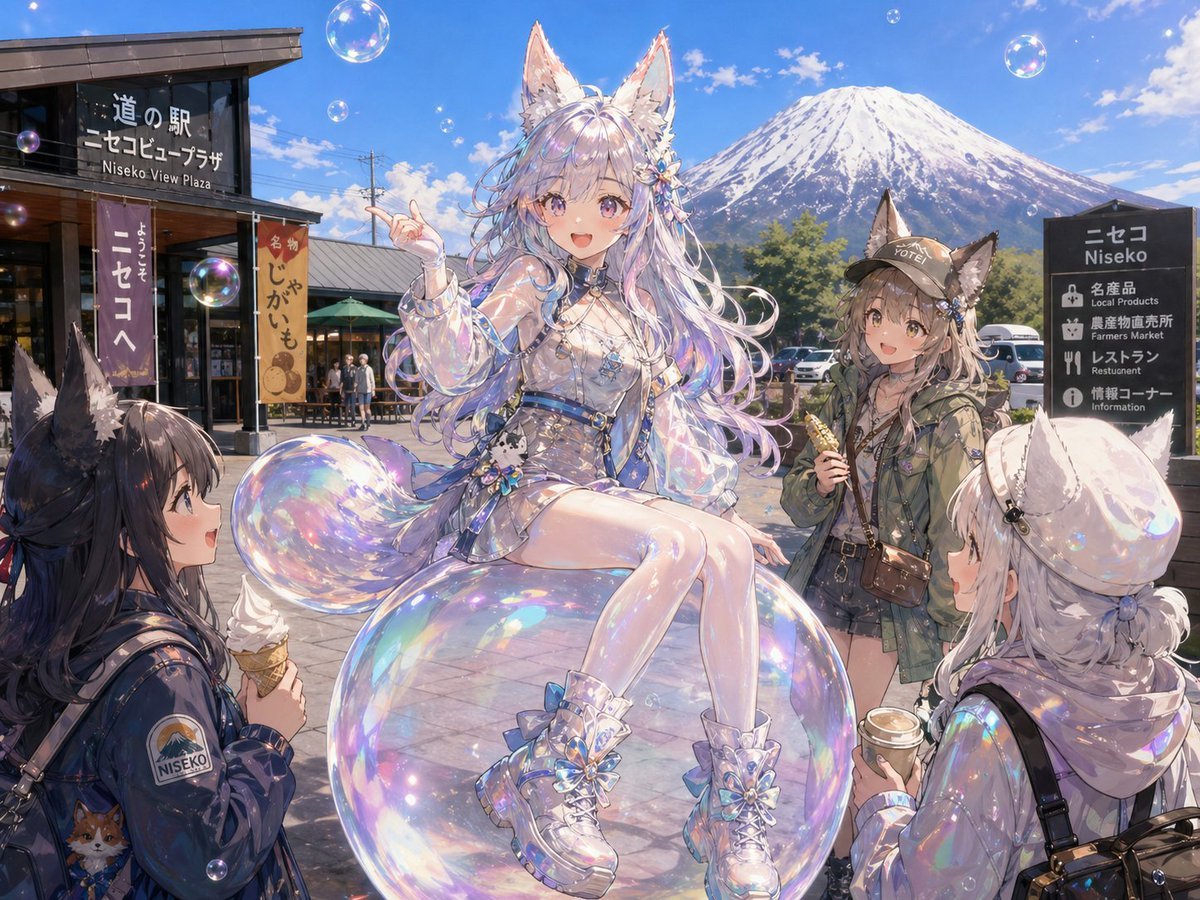
Bubble Fox Friends Meet in Niseko
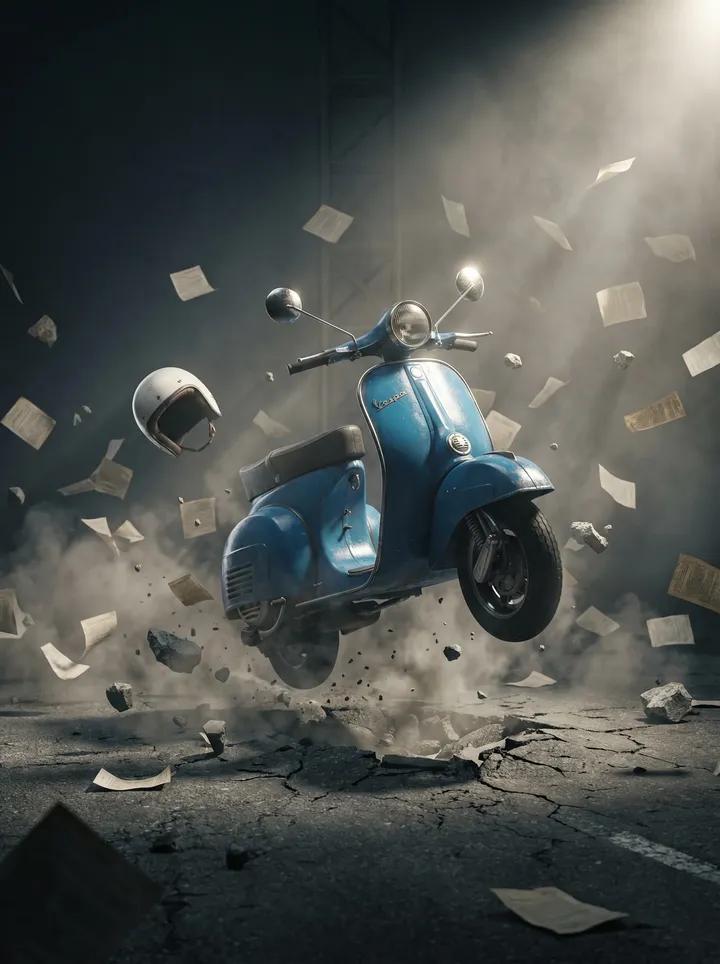
Suspended Vespa Explosion Scene Prompt
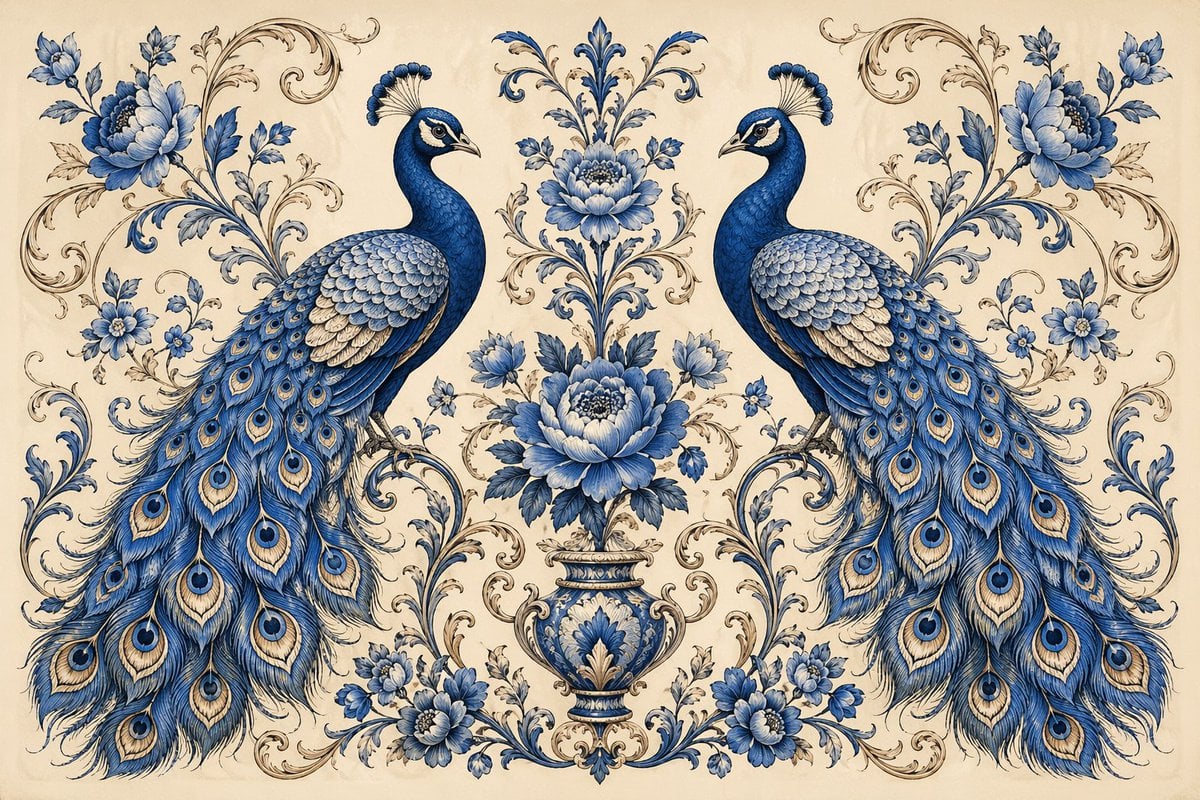
Vintage Peacock Botanical Illustration
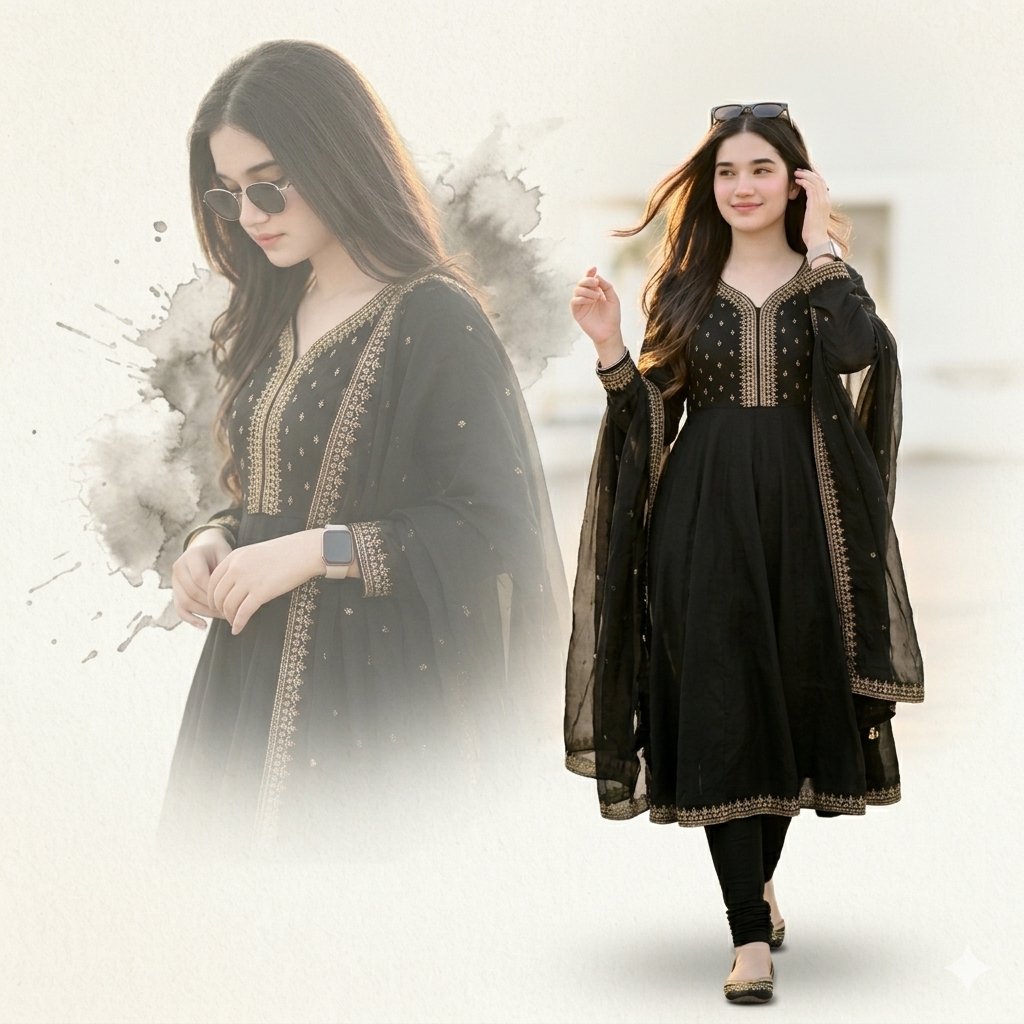
Elegant Double Portrait Fashion Collage
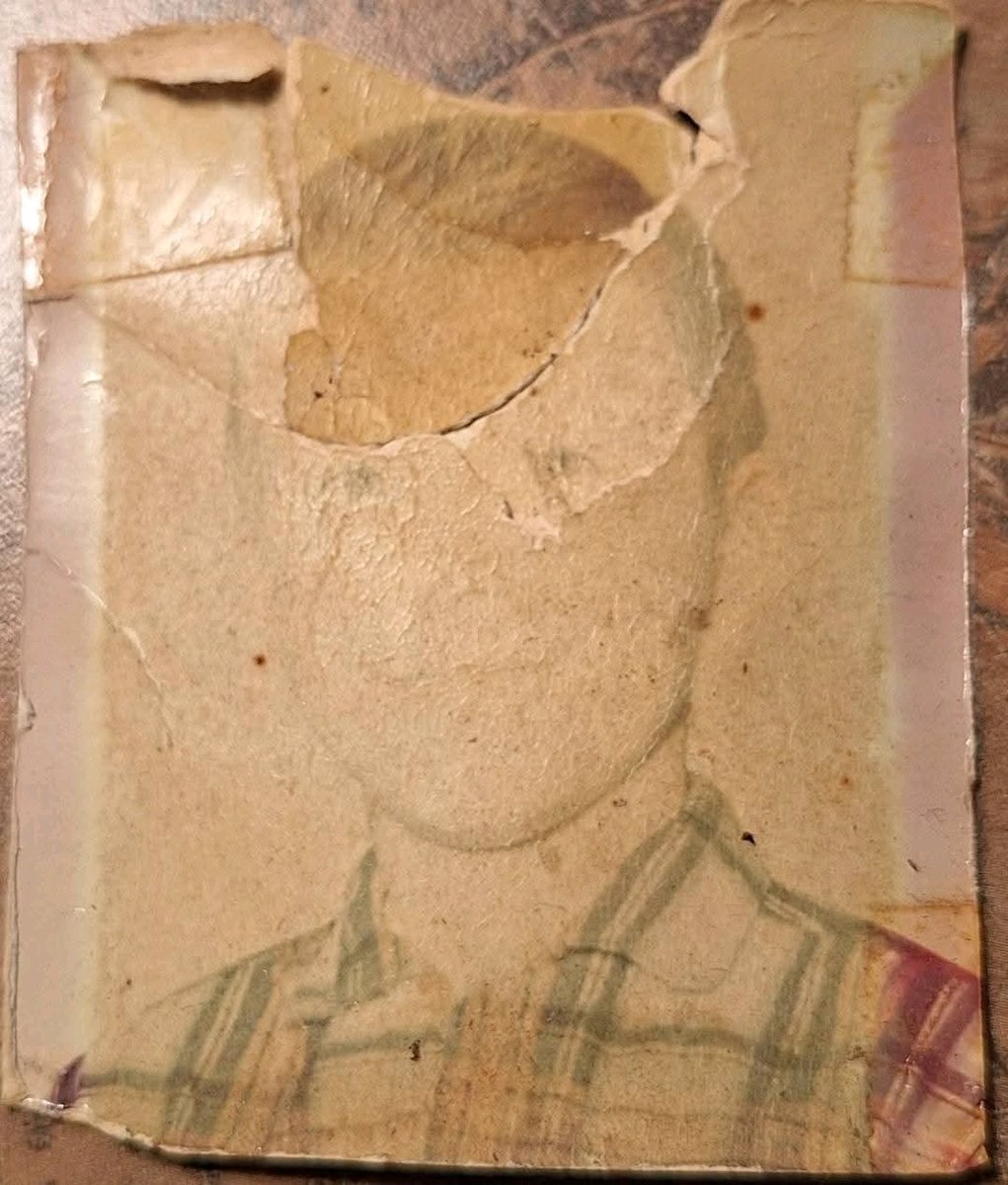
Old Photo Restoration to DSLR-Quality Portrait
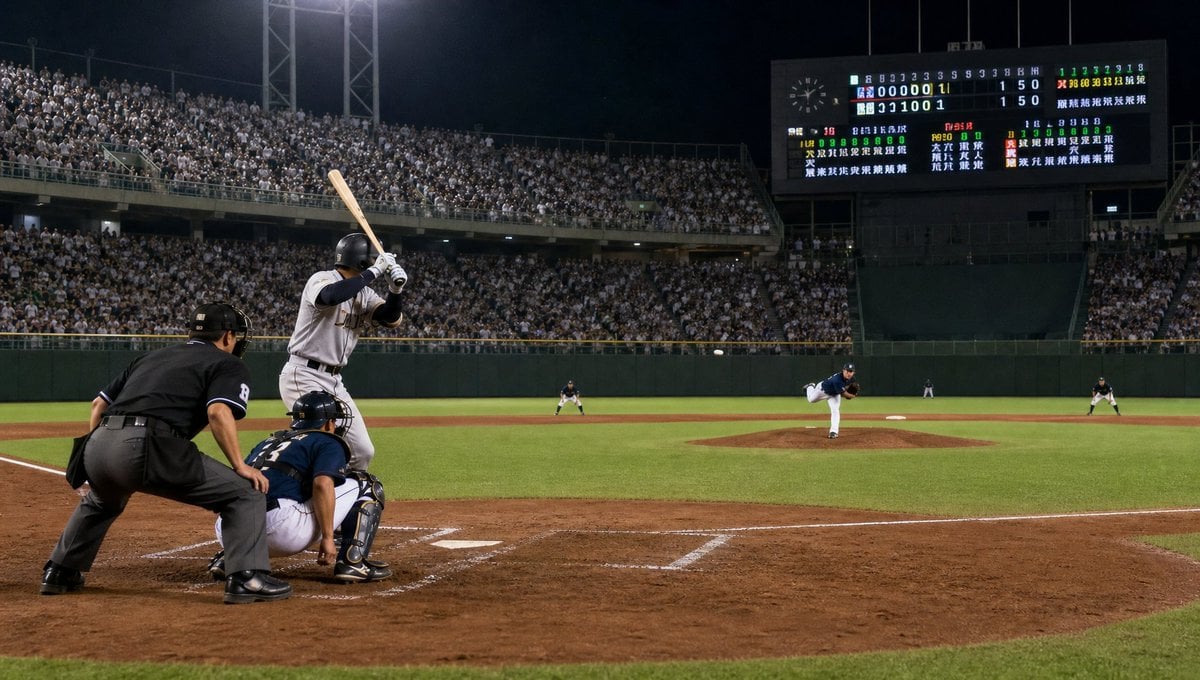
Night Baseball Stadium Pitch
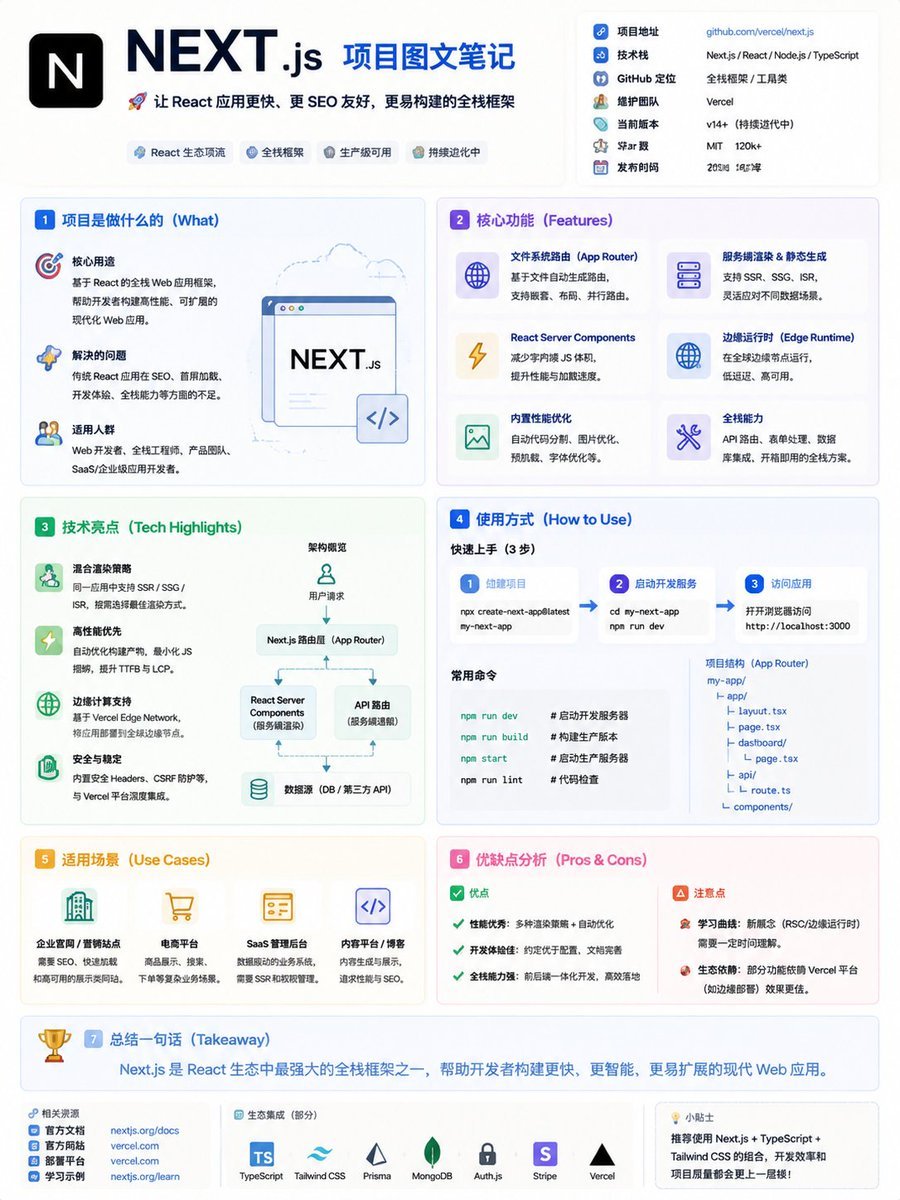
GitHub Project Infographic Poster
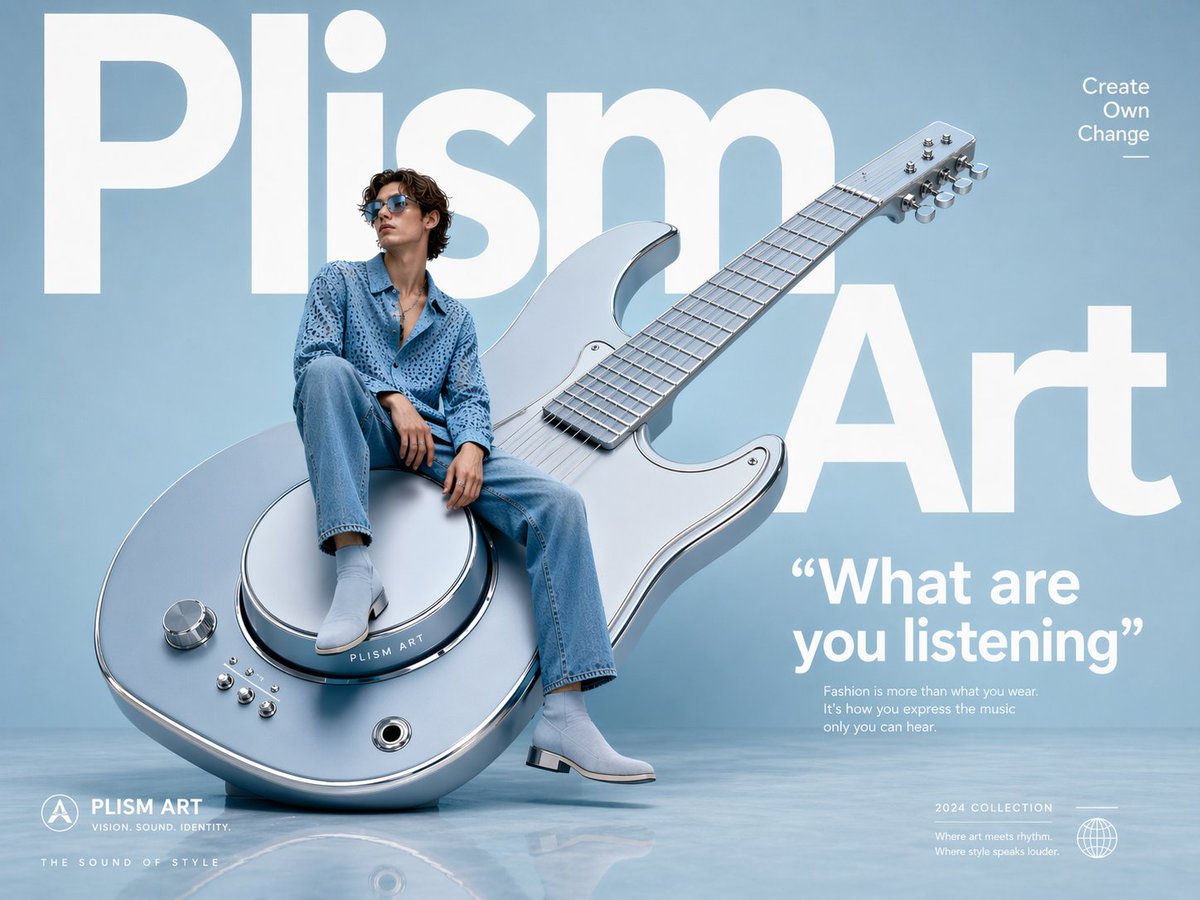
Avant-Garde Fashion Eyewear Ad
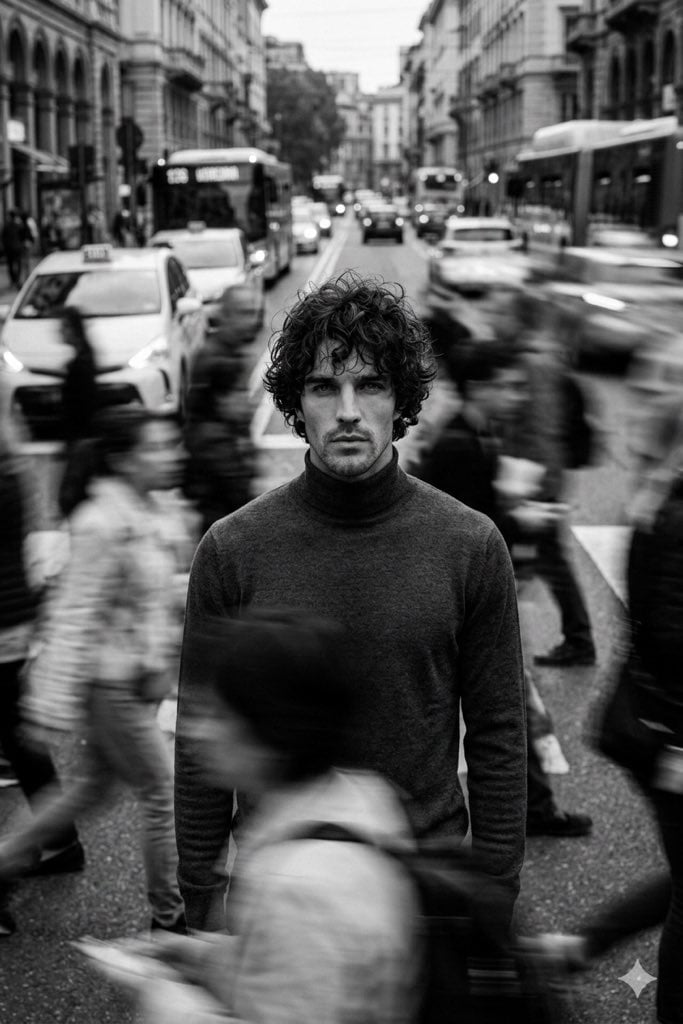
Cinematic Black and White Portrait in a Crowd
Browse template categories
3D Pixar Style Girl Family Portrait questions
How do I use the 3D Pixar Style Girl Family Portrait template?
Add your photo if the template asks for one, edit the prompt if you like — the template's model and format are already selected — and press Generate. Your version opens in PicX Studio.
Can I customize the 3D Pixar Style Girl Family Portrait template?
Yes. You can change the subject, setting, lighting, mood, format, and available model controls before creating your image.
Is the 3D Pixar Style Girl Family Portrait template free?
Opening and editing this template is free. Generating uses credits, shown on the Generate button when you are signed in.
Which AI model should I use?
Start with GPT Image 2, which is the model associated with this template. You can compare another compatible model for a different finish.
Looking for something else? Browse all templates.

Your photo, any look
Thousands of ready templates for every top image and video model, from one credit balance.