How do I use the Photorealistic Cat Burglar Lifestyle Editorial template?
Choose the primary action to open PicX Studio with the available template settings. Review the model and format, personalize the creative direction, and generate when ready.
A highly detailed JSON prompt for Nano Banana Pro generating a photorealistic lifestyle editorial image of a female subject in a glossy black latex catsuit (Catwoman-inspired) lounging in a lived-in, cozy apartment bedroom. Change the subject, setting, or lighting one variable at a time.

{ "meta": { "aspect_ratio": "9:16", "orientation": "vertical", "quality": "ultra_photoreal", "resolution": "8k", "camera": "iPhone 15 Pro Max", "lens": "24mm wide", "capture_style": "handheld phone photo (NOT selfie), slight natural hand micro-shake, realistic iPhone HDR", "style": "photoreal lifestyle cosplay editorial, natural skin texture, realistic indoor light" }, "scene": { "time_of_day": "daytime (late morning)", "location": "real apartment bedroom", "setting_details": { "bed": "queen bed with slightly wrinkled white sheets and a beige duvet, pillows slightly messy", "room_fill": [ "nightstand with a book stack + phone charger + water glass", "soft throw blanket draped over chair", "laundry basket in corner (tidy but visible)", "dresser with a small mirror and perfume bottles", "houseplant near window", "framed art on wall", "curtains half-open with sunlight streaks", "a pair of boots near the bed (subtle, not staged)" ], "vibe": "lived-in, real, cozy but stylish" }, "background": { "look": "realistic clutter balance (not messy, not minimal showroom)", "avoid_readable_text": true } }, "lighting": { "type": "natural daylight", "key_light": "soft window light from one side, diffused through curtain", "fill_light": "gentle ambient room bounce", "shadow_behavior": "soft natural shadows, no harsh studio look", "exposure": "real iPhone HDR feel, highlights protected, blacks not crushed" }, "photography": { "shot_type": "3/4 body on bed (realistic phone photo framing)", "angle": "slightly above bed height, standing beside bed perspective", "composition": "subject on the bed, room context clearly visible (nightstand + window + dresser in frame)", "depth_of_field": "moderate (subject sharp, background slightly softened like iPhone portrait but not fake blur)", "realism_notes": [ "natural lens distortion typical of phone wide lens (minimal, not stretched)", "skin texture visible (pores), realistic latex reflections", "no cinematic teal/orange grade" ] }, "subject": { "gender": "female", "age": "early-to-mid 20s (clearly adult)", "look": "cat burglar inspired (Catwoman-like), high-fashion cosplay realism", "expression": { "eyes": "direct eye contact, playful confident gaze", "mouth": "subtle smirk, relaxed", "overall": "calm, teasing, in control" }, "pose": { "position": "lounging diagonally across the bed", "legs": "one leg slightly bent, relaxed elegance", "arms": "one arm above head on pillow, other hand lightly holding a coiled whip near hip (subtle)", "head": "slight tilt toward camera" }, "wardrobe": { "catsuit": { "type": "black glossy latex catsuit, skin-tight, high-neck
Choose the primary action to open PicX Studio with the available template settings. Review the model and format, personalize the creative direction, and generate when ready.
Yes. You can change the subject, setting, lighting, mood, format, and available model controls before creating your image.
This template is free to open and customize. Generation usage is shown in PicX Studio before you create.
Start with Nano Banana 2, which is the model associated with this template. You can compare another compatible model for a different finish.
© 2026 PicX Studio. All rights reserved.

Follow a topic to a crawlable collection of related PicX Studio templates.
43,474 public templates available. Verified via the PicX Studio public templates API; refreshed hourly.




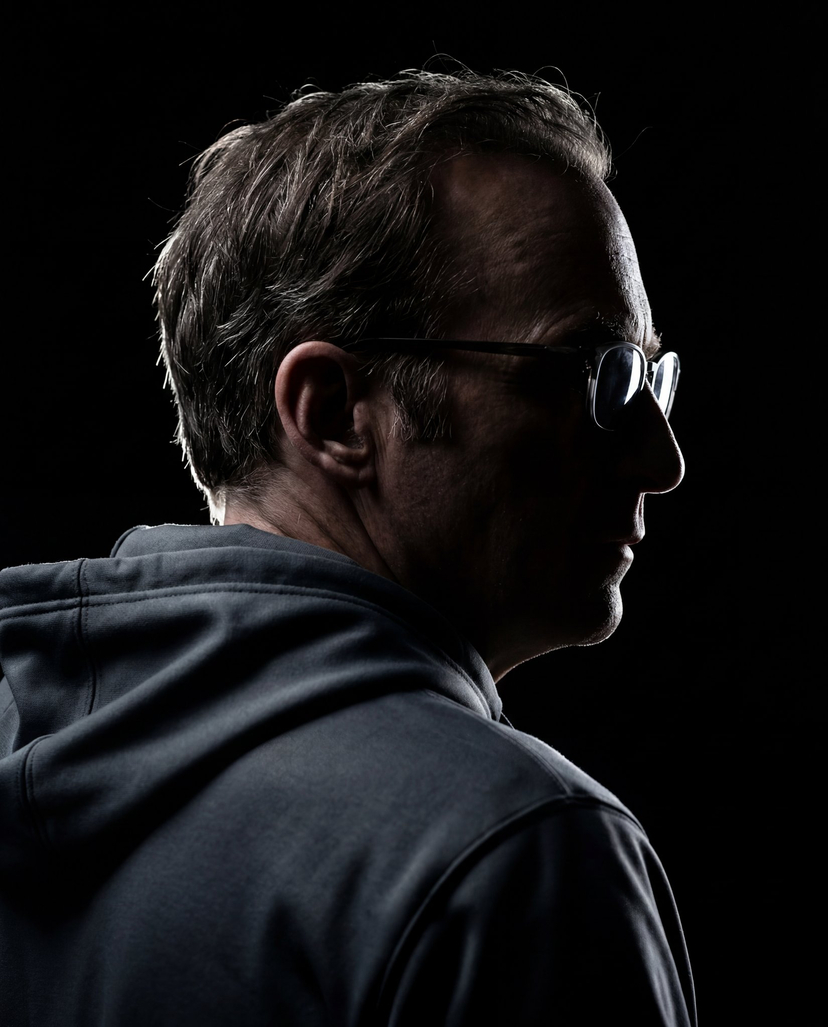



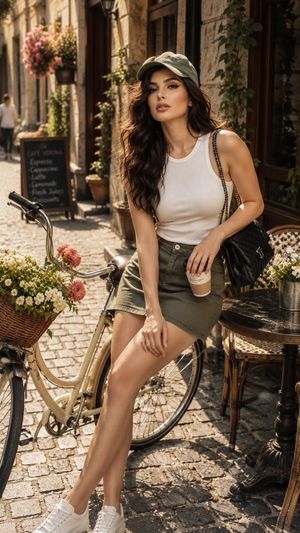











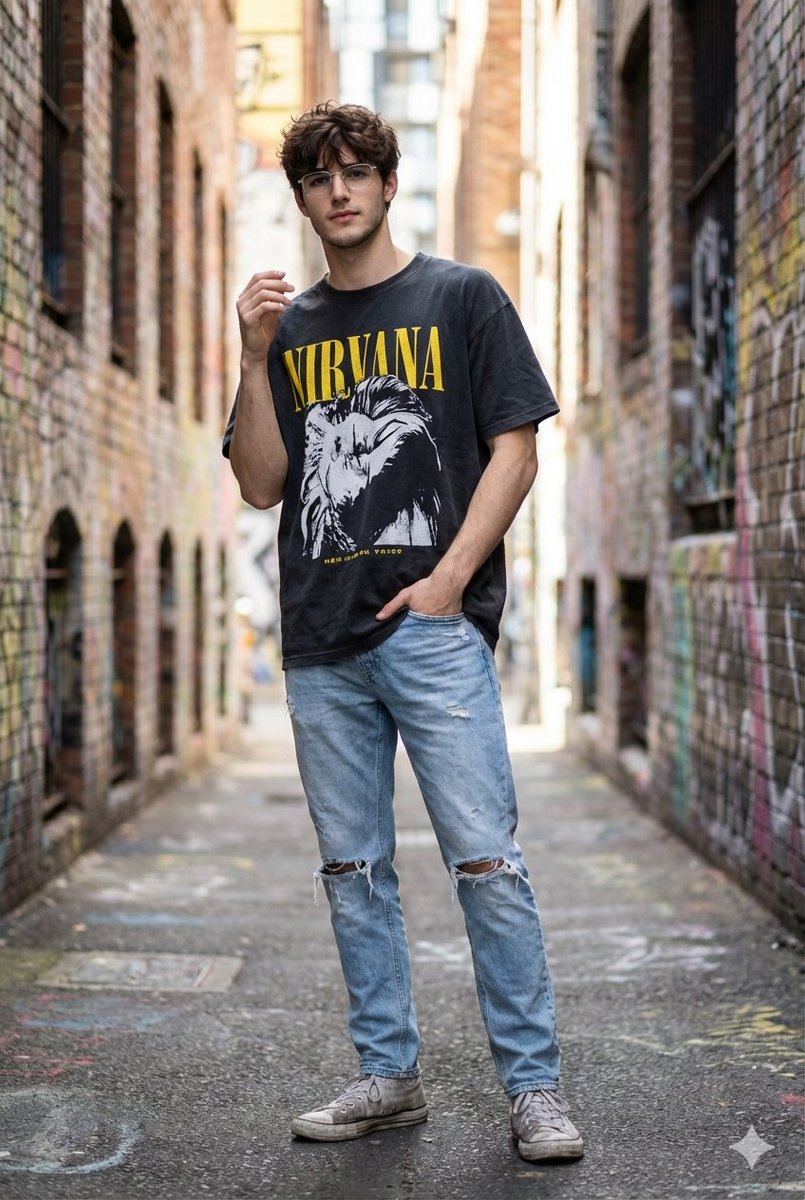
![Naive doodle-style subject illustration — A doodle-style {argument name="subject" default="[subject]"}, naive lines, humorous shape exaggeration](https://pbs.twimg.com/media/G6Wl2YxbsAARB2b.jpg)











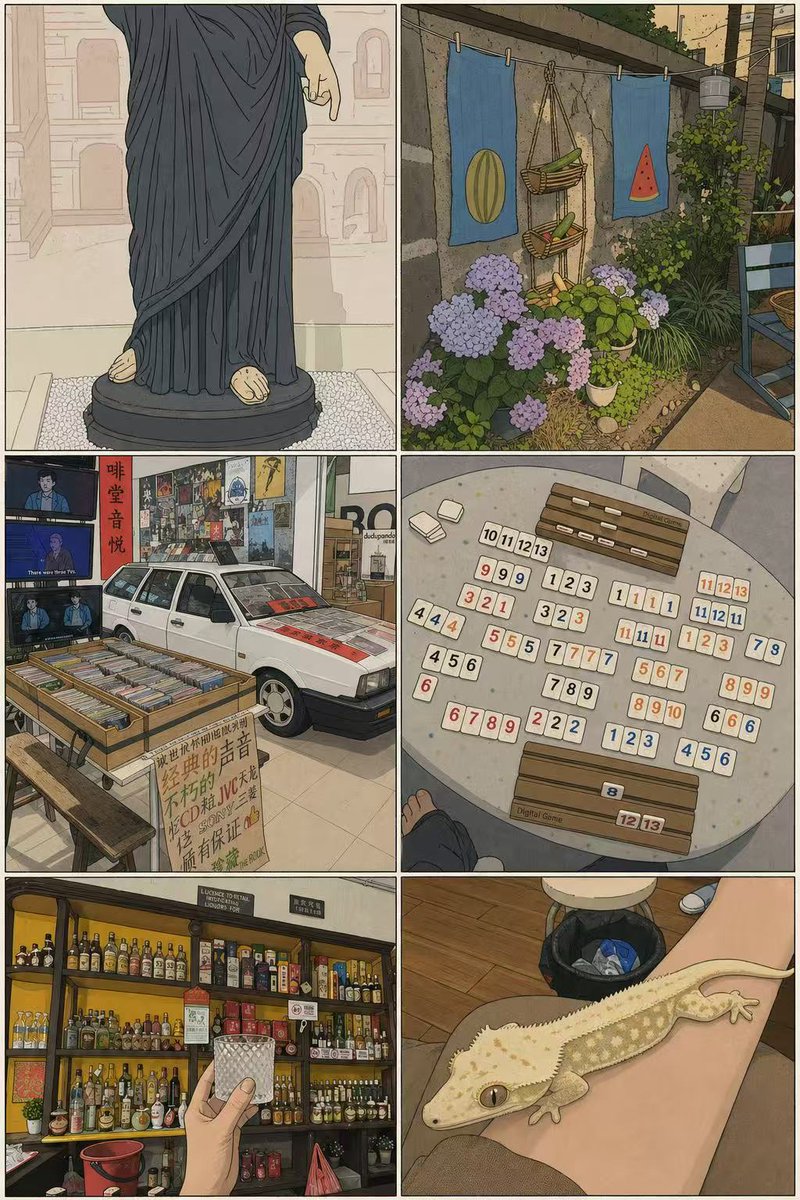




![Luxury Culinary Menu Poster — Create a luxury menu poster for {argument name="restaurant" default="[RESTAURANT NAME]"} promoting {…](https://cms-assets.youmind.com/media/1777193313557_a635b0_HGwIgkRa8AA2Ojj.jpg)

![Exploded View Product Photography — [ {argument name="product name" default="Nintendo game"} ], high-end product advertising, white seamless background, explode](https://pbs.twimg.com/media/G-e7-58bQAM5PY1.jpg)


![Edible Cityscape Diorama (Double Inference) — Anchor: {argument name="country city name" default="[Country/City Name]"}::4
Morphology: Miniature architectural c](https://pbs.twimg.com/media/G9868g7XAAAkpDL.jpg)