How do I use the Monochrome Avant-Garde Fashion Editorial Prompt template?
Choose the primary action to open PicX Studio with the available template settings. Review the model and format, personalize the creative direction, and generate when ready.
A detailed text prompt for generating a monochrome fine art fashion editorial image. Change the subject, setting, or lighting one variable at a time.

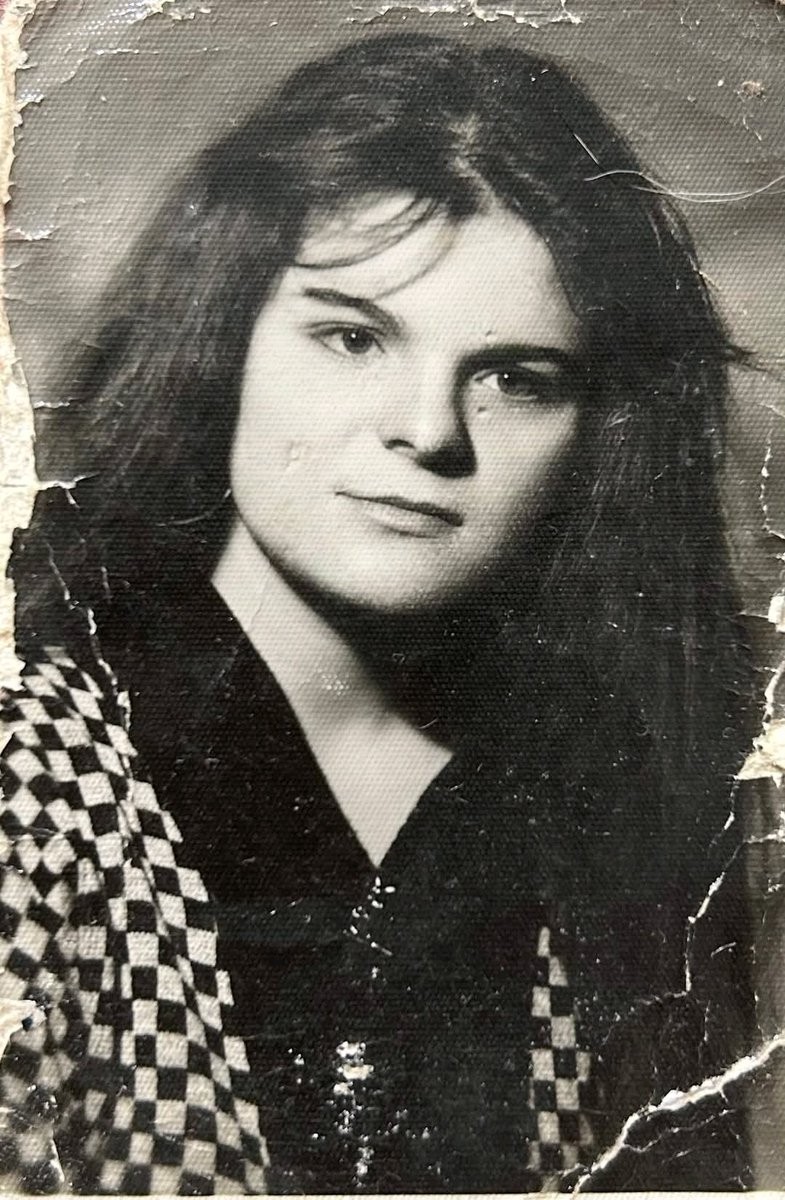
Photograph me sitting low on a minimalist metal stool, legs spread forward in a relaxed, grounded pose, feet planted on uneven outdoor terrain. One hand loselt resting between the knees holding thin leather jacket reins, shoulders slightly slouched, head tilted downward in a calm, introspection expression, the subject wears dark oversized layered clothing, wide- leg trousers, leather boots and dark sunglasses. A strong black {argument name="animal" default="horse"} stands closely behind the seated figure aligned procetectively and partially overlapping the subjects silhouette,. Open Natural landscapes with rough ground and wild grass, bright overexposed sky creating strong negative space. High contrast lighting, deep blacks, soft highlight, mmatte texture, timeless, cinematic mood. Medium format firm look.Subtle grain. Monochrome fine art fashion editorial, advant garde luxury photography, don't harm the equality of the picture give me in 1080p quality
Choose the primary action to open PicX Studio with the available template settings. Review the model and format, personalize the creative direction, and generate when ready.
Yes. You can change the subject, setting, lighting, mood, format, and available model controls before creating your image.
This template is free to open and customize. Generation usage is shown in PicX Studio before you create.
Start with Nano Banana 2, which is the model associated with this template. You can compare another compatible model for a different finish.
© 2026 PicX Studio. All rights reserved.

Follow a topic to a crawlable collection of related PicX Studio templates.
43,474 public templates available. Verified via the PicX Studio public templates API; refreshed hourly.










![Naive doodle-style subject illustration — A doodle-style {argument name="subject" default="[subject]"}, naive lines, humorous shape exaggeration](https://pbs.twimg.com/media/G6Wl2YxbsAARB2b.jpg)
















![1960s Retro Advertising Poster — Authentic 1960s American advertising poster for {argument name="brand" default="[BREW]"}, vintage mid-century commercial illust](https://cms-assets.youmind.com/media/1779268011008_0yy9bk_HIstKVOa4AAvrkS.jpg)







![Technical exploded view diagram of a device — Create a technical exploded view diagram of a {argument name="subject" default="[SUBJECT]"} in {argument name="dim](https://pbs.twimg.com/media/G6g6qKtWUAAqVz1.jpg)
![azed-double-exposure — A double exposure image of [subject], combined with [scene/elements], creating a surreal layered composition. Transparent overlays, atmos](/_next/image?url=https%3A%2F%2Fcdn.picxstudio.com%2Fuploads%2Fazed_double1_1d6ba4e8-e274-4914-ab88-638665f549b6.jpg&w=828&q=100)
