How do I use the Hyper-Realistic Ski Slope Portrait template?
Choose the primary action to open PicX Studio with the available template settings. Review the model and format, personalize the creative direction, and generate when ready.
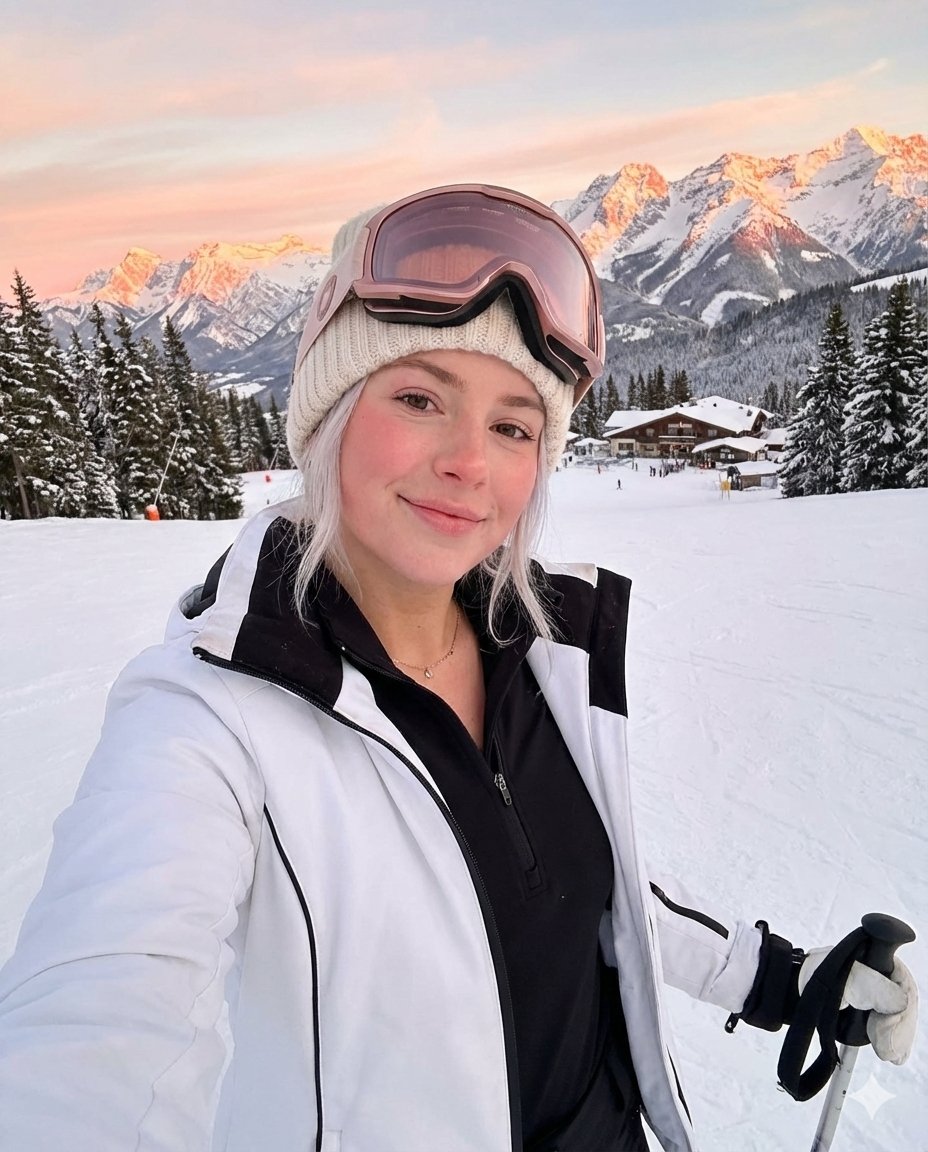
A prompt for generating a hyper-realistic, full-body portrait of a young woman on a snowy ski slope. Change the subject, setting, or lighting one variable at a time.

{ "prompt": "A hyper-realistic full-body shot of a beautiful young woman with blonde hair standing on a snowy ski slope. She is wearing a {argument name="jacket color" default="white puffer ski jacket"} with black accents, fitted black ski pants, and ski boots. She is holding a pair of white '{argument name="ski brand" default="HEAD"}' branded skis vertically in one hand and ski poles in the other. She is smiling at the camera with ski goggles resting on her forehead over a beige knitted beanie. The background features a majestic snow-covered mountain range and ski lift gondolas moving in the distance under a bright cloudy sky. High quality, 8k, cinematic lighting, natural winter daylight.", "aspect_ratio": "9:16", "style": "Photorealistic" }
Choose the primary action to open PicX Studio with the available template settings. Review the model and format, personalize the creative direction, and generate when ready.
Yes. You can change the subject, setting, lighting, mood, format, and available model controls before creating your image.
This template is free to open and customize. Generation usage is shown in PicX Studio before you create.
Start with Nano Banana 2, which is the model associated with this template. You can compare another compatible model for a different finish.
Follow a topic to a crawlable collection of related PicX Studio templates.
43,474 public templates available. Verified via the PicX Studio public templates API; refreshed hourly.
![118-google-nano-banana-pro-skincare-product- — A professional skincare shot of a [product container] with [cap/lid], labeled [brand, product, descriptor, volume](/_next/image?url=https%3A%2F%2Fcdn.picxstudio.com%2Fuploads%2Fpost118_img0_332898b8-29ea-42a9-87ab-9ed746a3f944.jpg&w=828&q=100)









![69-untitled — FORMAT: 15s / 145 BPM / 14 SHOTS
SUBJECT: @[image1]
WARDROBE: Clean modern outfit
ENVIRONMENT: Street / indoor transitions
MOOD: Discovery → contr](/_next/image?url=https%3A%2F%2Fcdn.picxstudio.com%2Fuploads%2Fpost69_img0_d45faecf-38c3-4bcb-81a4-f6eb1cf42bb2.jpg&w=828&q=100)












![Naive doodle-style subject illustration — A doodle-style {argument name="subject" default="[subject]"}, naive lines, humorous shape exaggeration](https://pbs.twimg.com/media/G6Wl2YxbsAARB2b.jpg)
















![Fashion Portrait with TikTok Frame Overlay — 时尚的坐姿人物肖像,背景为白色 3D[TikTok]边框剪影,带有标志。深色背景,电影级灯光,超逼真。[TikTok]账号:'{argument name="TikTok账号…](https://pbs.twimg.com/media/G7vZ_TwagAAn9uw.jpg)