How do I use the Candid Dressing Room Portrait JSON Prompt template?
Choose the primary action to open PicX Studio with the available template settings. Review the model and format, personalize the creative direction, and generate when ready.
A structured JSON prompt for generating a realistic, candid full-body photo of a woman in a cluttered dressing room trailer, wearing a fitted black latex outfit. Change the subject, setting, or lighting one variable at a time.

{ "prompt": "A realistic, candid full-body photo of a woman standing in a cluttered dressing room trailer. She is wearing a fitted black latex corset top with a front zipper, a matching black latex mini skirt with dangling garter straps, and black thigh-high boots. She stands with a relaxed posture, arms by her sides, looking away to her left. The background features a full-length mirror, a black leather couch, and hanging garment bags. Flash photography style, raw and unpolished aesthetic. sfw", "negative_prompt": "illustration, 3d render, painting, cartoon, drawing, deformed, ugly, distorted", "aspect_ratio": "3:4", "notes": "Face and hair descriptions have been omitted to allow for reference image usage." }
Choose the primary action to open PicX Studio with the available template settings. Review the model and format, personalize the creative direction, and generate when ready.
Yes. You can change the subject, setting, lighting, mood, format, and available model controls before creating your image.
This template is free to open and customize. Generation usage is shown in PicX Studio before you create.
Start with Nano Banana 2, which is the model associated with this template. You can compare another compatible model for a different finish.
Follow a topic to a crawlable collection of related PicX Studio templates.
43,474 public templates available. Verified via the PicX Studio public templates API; refreshed hourly.






![118-google-nano-banana-pro-skincare-product- — A professional skincare shot of a [product container] with [cap/lid], labeled [brand, product, descriptor, volume](/_next/image?url=https%3A%2F%2Fcdn.picxstudio.com%2Fuploads%2Fpost118_img0_332898b8-29ea-42a9-87ab-9ed746a3f944.jpg&w=828&q=100)








![69-untitled — FORMAT: 15s / 145 BPM / 14 SHOTS
SUBJECT: @[image1]
WARDROBE: Clean modern outfit
ENVIRONMENT: Street / indoor transitions
MOOD: Discovery → contr](/_next/image?url=https%3A%2F%2Fcdn.picxstudio.com%2Fuploads%2Fpost69_img0_d45faecf-38c3-4bcb-81a4-f6eb1cf42bb2.jpg&w=828&q=100)



![Naive doodle-style subject illustration — A doodle-style {argument name="subject" default="[subject]"}, naive lines, humorous shape exaggeration](https://pbs.twimg.com/media/G6Wl2YxbsAARB2b.jpg)











![43-elevate-your-cocktail-visuals-with-this- — A high-end studio photograph of a [YOUR COCKTAIL], shot from a high-angle slightly top-down perspect…](/_next/image?url=https%3A%2F%2Fcdn.picxstudio.com%2Fuploads%2Fpost43_img0_d0668574-f957-4115-8a97-99564ad70a8f.jpg&w=828&q=100)







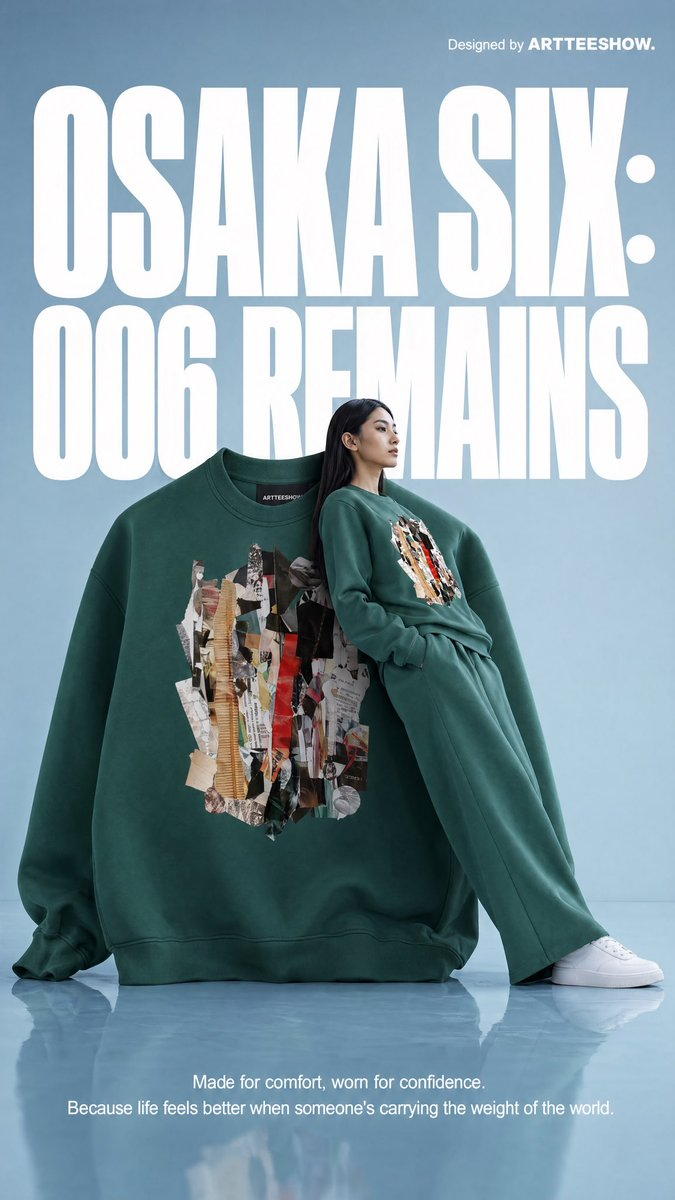
![Face-to-Career Matching Composite Image Generator — {
"referenced_image_ids": ["<PASTE_INPUT_IMAGE_ID_HERE>"],
"size": "1024x1536",
"n": 1,
"prompt": "C](https://pbs.twimg.com/media/G96NyG-WoAA1YQk.jpg)