How do I use the K-Pop Idol Mirror Selfie in Dressing Room template?
Choose the primary action to open PicX Studio with the available template settings. Review the model and format, personalize the creative direction, and generate when ready.
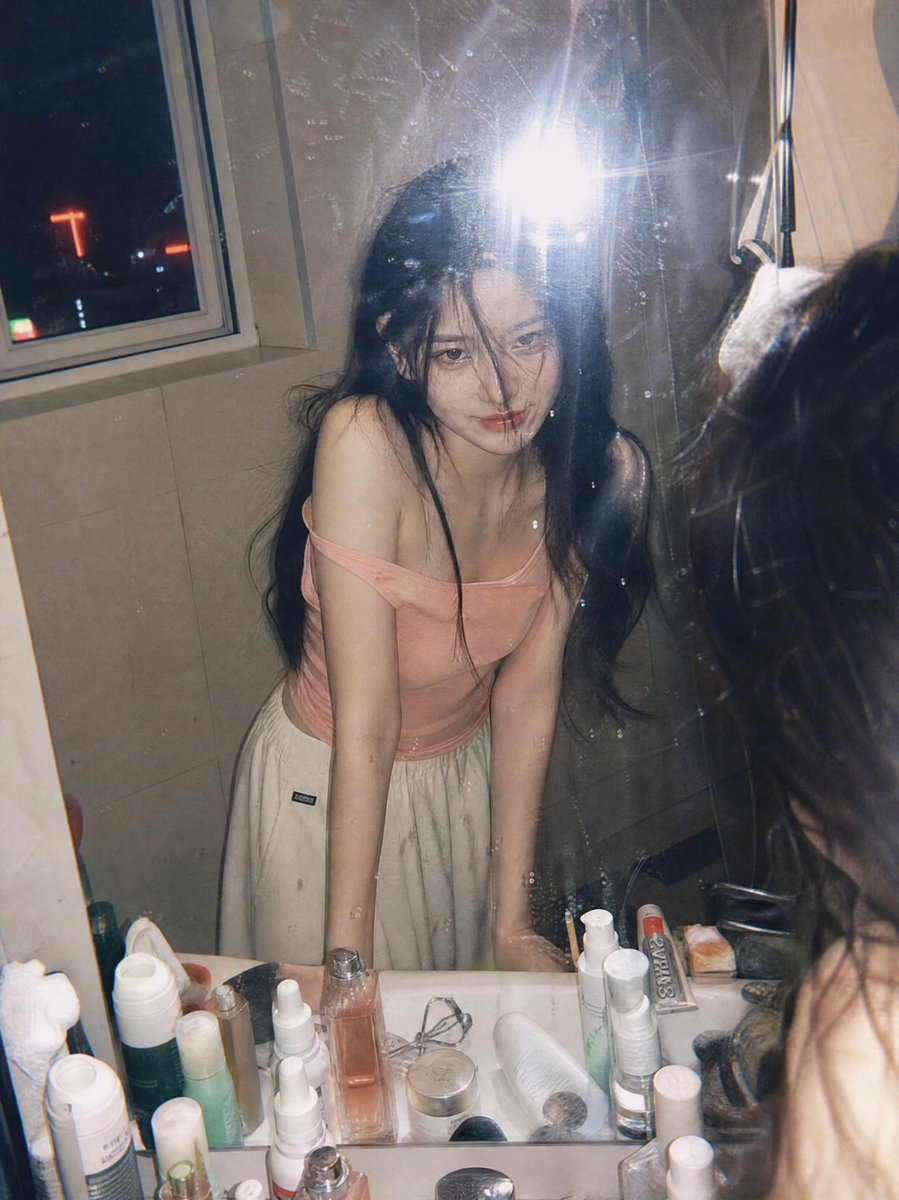
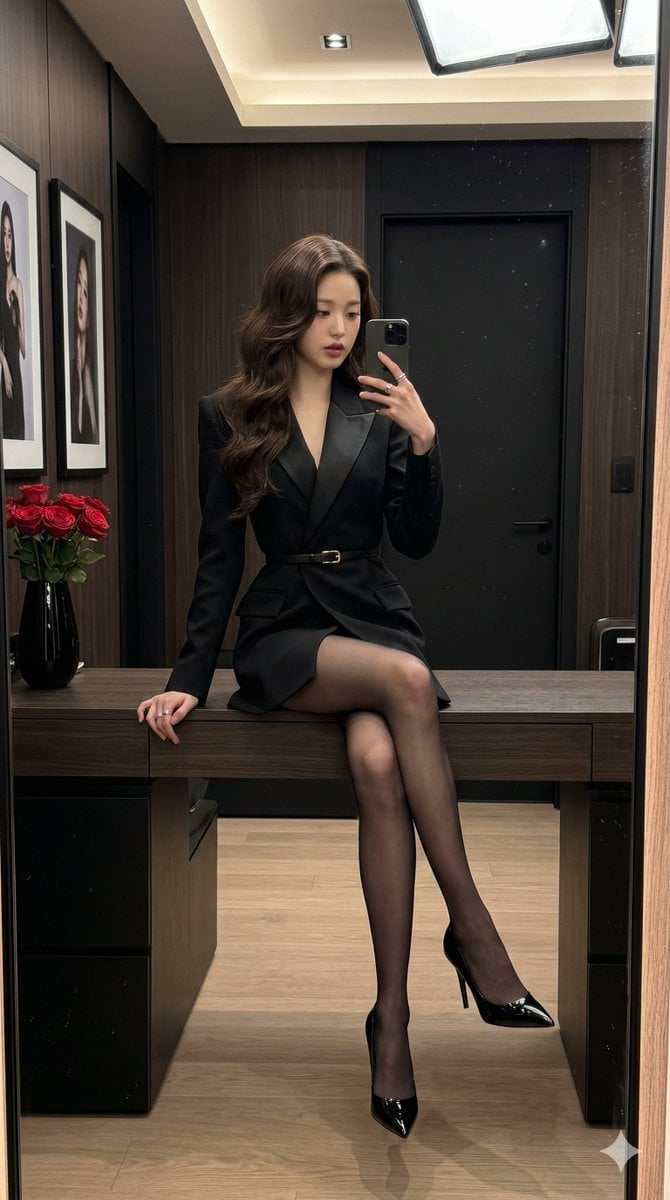
A highly technical prompt for generating an ultra-realistic mirror selfie of a K-pop idol aesthetic female subject. Change the subject, setting, or lighting one variable at a time.

"Young Asian female (K-pop idol aesthetic), pale porcelain skin, long straight dark cherry-red (burgundy) hair reaching waist length.", "apparel": { "top": "White strapless corset-style crop top with a central vertical zipper detail.", "bottom": "Matching white high-waisted mini skirt with vertical silver seam lines.", "sleeves": "Detached white opera-length arm warmers/gloves covering palms.", "jewelry": "Layered diamond choker necklaces with a pendant, dangling silver earrings, multiple silver rings." }, "appearance": { "makeup": "Soft coral lip tint, subtle eyeliner, straight eyebrows.", "reflection": "The subject's back and long red hair are clearly visible in the large mirror behind her." } }, "exact_pose_anatomical": { "type": "Standing Mirror Selfie.", "body_orientation": "Torso angled 45 degrees towards the mirror plane, hips shifted to the subject's right (creating a slight curve at the waist).", "head": "Turned to face the mirror directly, slight tilt to her left.", "right_arm": "Elbow bent, forearm raised, hand holding a white smartphone (iPhone Pro) up to shoulder height to capture the reflection.", "left_arm": "Extended downwards naturally by the side, hand relaxed.", "gaze": "Looking at the phone screen in the mirror." }, "camera_technical_values": { "viewpoint": "Mirror reflection view (shot from the phone's perspective within the mirror).", "lens_focal_length": "26mm equivalent (Standard smartphone wide lens).", "aperture": "f/1.8 (Bright, sharp focus on the subject, slight fall-off in the deep background).", "shutter_speed": "1/100s (Indoor artificial light setting).", "iso": "ISO 200 (Clean image with minimal grain).", "framing": "Medium shot (Thighs up), capturing the subject and her reflection in the mirror." }, "lighting_and_environment": { "environment": "Brightly lit backstage dressing room / makeup room.", "background_elements": "Large wall mirror, white countertop with black makeup cases, hair styling tools, cables, and a blurry reflection of chairs and white walls.", "lighting_type": "Cool White Artificial Fluorescence / Vanity Mirror Lighting.", "quality": "Flat, even illumination (high key), minimizing facial shadows, creating a clean and polished look.", "reflections": "Light glare on the phone case and glossy hair."
Choose the primary action to open PicX Studio with the available template settings. Review the model and format, personalize the creative direction, and generate when ready.
Yes. You can change the subject, setting, lighting, mood, format, and available model controls before creating your image.
This template is free to open and customize. Generation usage is shown in PicX Studio before you create.
Start with Nano Banana 2, which is the model associated with this template. You can compare another compatible model for a different finish.
© 2026 PicX Studio. All rights reserved.

Follow a topic to a crawlable collection of related PicX Studio templates.
43,474 public templates available. Verified via the PicX Studio public templates API; refreshed hourly.











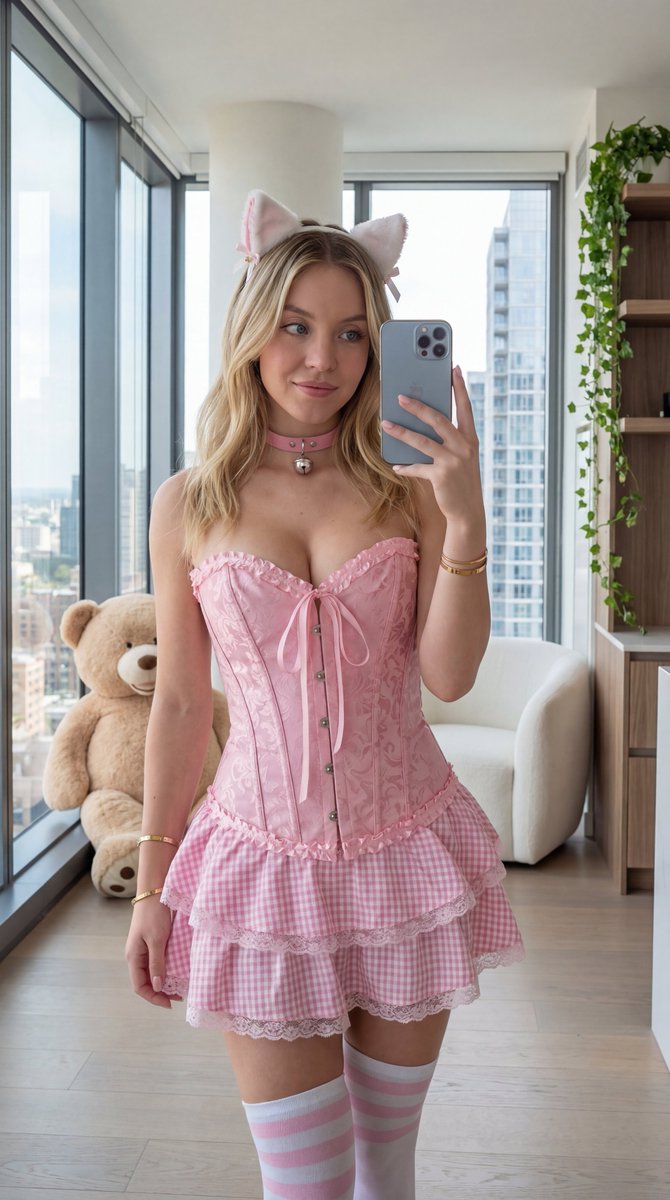
![nano-banana-grwm-mirror-selfie-pink — Nano Banana 2
Prompt (JSON):
{
"type": "image_prompt",
"description": {
"subject": {
"main": "[NAME] com o](/_next/image?url=https%3A%2F%2Fcdn.picxstudio.com%2Fuploads%2Ftweet_img_10a_612da6f9-cf6d-417e-bdd5-cc1300d1d830.jpg&w=828&q=100)


![Naive doodle-style subject illustration — A doodle-style {argument name="subject" default="[subject]"}, naive lines, humorous shape exaggeration](https://pbs.twimg.com/media/G6Wl2YxbsAARB2b.jpg)














![Gestural Ink Fashion Illustration — ASPECT_RATIO: [{argument name="aspect ratio" default="3:4"}]
SOURCE_IMAGE: [{argument name="reference" default="uploaded ph](https://cms-assets.youmind.com/media/1777280753932_fx7ly1_HG1FTbYbcAAgUjS.jpg)