How do I use the Denim Mirror Selfie Portrait template?
Choose the primary action to open PicX Studio with the available template settings. Review the model and format, personalize the creative direction, and generate when ready.
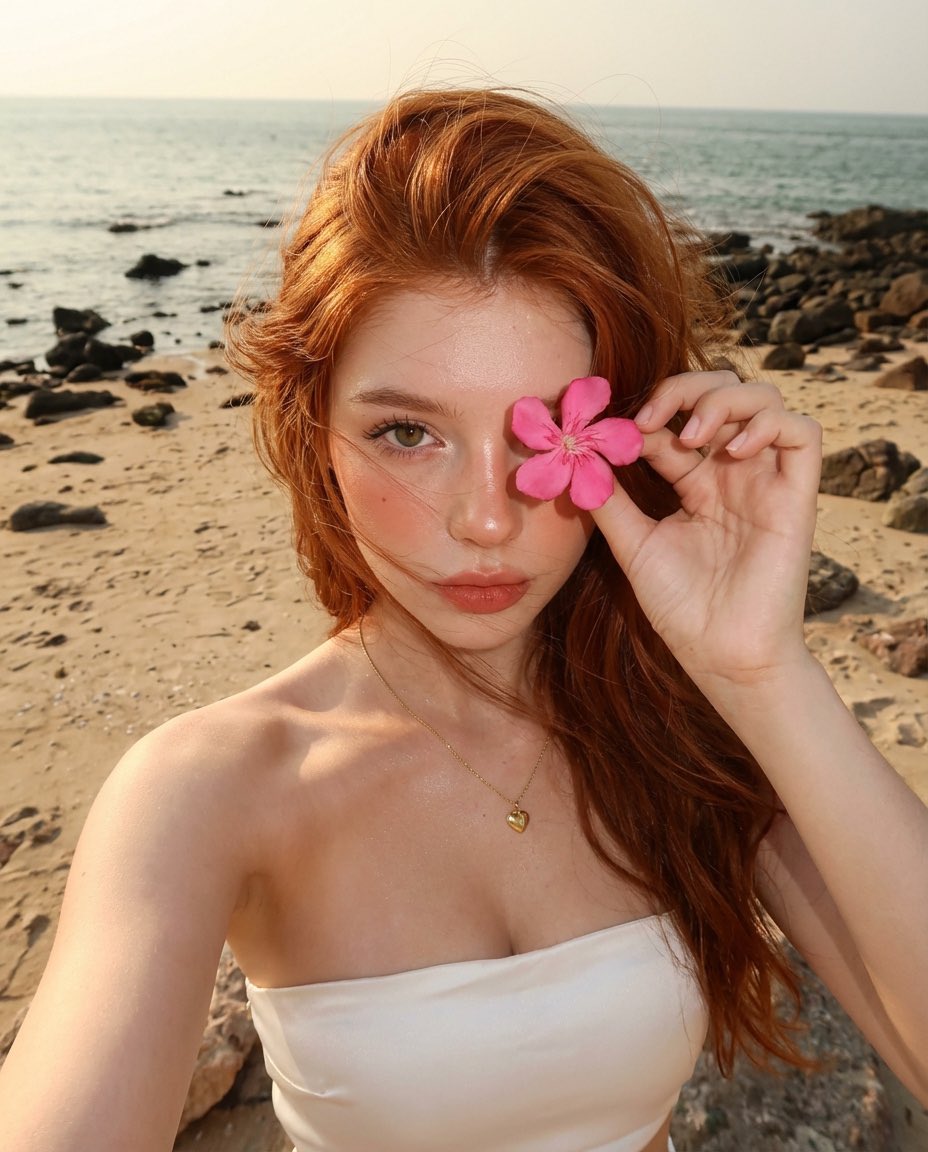
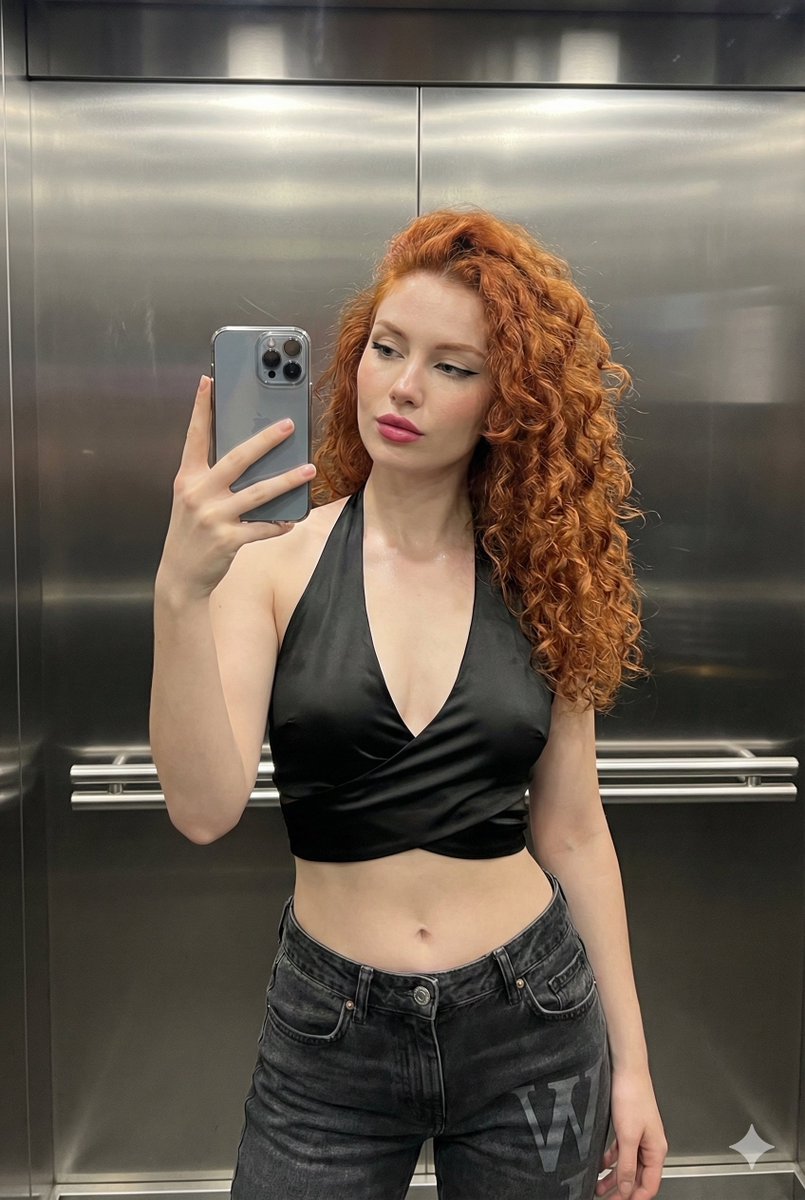
A detailed JSON prompt for generating an ultra-high resolution mirror selfie portrait of a woman wearing a denim corset top and miniskirt. Change the subject, setting, or lighting one variable at a time.

{ "configuration": { "version": "2.0", "format": "Mirror-Selfie Portrait", "aspect_ratio": "4:5", "target_resolution": "8K UHD" }, "subject_profile": { "biometrics": { "ethnicity": "European", "physique": "Curvy, hourglass silhouette", "facial_id": "High-fidelity, identical facial features, symmetrical", "skin_texture": "Realistic pores, soft matte finish" }, "expression_and_gaze": { "mouth": "Softly parted lips", "eyes": "Direct eye contact via mirror, confident, calm", "head_angle": "Slightly turned, 15-degree tilt" }, "kinematics": { "upper_body": "Right arm raised holding smartphone", "lower_body": "Left hand resting on hip/waist", "positioning": "Centered at eye level" } }, "wardrobe_details": { "top_layer": { "item": "Corset top", "fabric": "Heavy-weight blue denim", "neckline": "Sweetheart", "accents": ["Thin spaghetti straps", "Contoured stitching", "Metal eyelets"] }, "bottom_layer": { "item": "Denim miniskirt jeans with pantyhose", "fit": "Skinny-fit, emphasizing curves", "wash": "Matching blue denim wash" } }, "environment_architecture": { "background": { "primary_wall": "Smooth grey matte finish", "secondary_wall": "Glossy white subway tiles", "grout_detail": "Thin grey contrast grout" }, "setting": { "vibe": "Clean, modern, intimate", "props": ["Modern smartphone", "Large high-definition bathroom mirror"] } }, "lighting_and_optics": { "illumination": { "type": "Warm indoor ambient", "key_light": "Soft overhead diffuse", "highlights": "Specular glint on denim and tile surfaces" }, "camera_simulation": { "lens_type": "35mm prime", "depth_of_field": "Shallow (slight blur on background tiles)", "focus": "Sharp focus on subject reflection" } } }
Choose the primary action to open PicX Studio with the available template settings. Review the model and format, personalize the creative direction, and generate when ready.
Yes. You can change the subject, setting, lighting, mood, format, and available model controls before creating your image.
This template is free to open and customize. Generation usage is shown in PicX Studio before you create.
Start with Nano Banana 2, which is the model associated with this template. You can compare another compatible model for a different finish.
© 2026 PicX Studio. All rights reserved.

Follow a topic to a crawlable collection of related PicX Studio templates.
43,474 public templates available. Verified via the PicX Studio public templates API; refreshed hourly.






![86-hyper-realistic-ai-selfie-prompt-generat — Raw iPhone [model] photo, [shot type] of [character details: age, ethnicity, specific features], [hair with imperf](/_next/image?url=https%3A%2F%2Fcdn.picxstudio.com%2Fuploads%2Fpost86_img0_c444d40d-a07d-4013-8b75-e692799481c0.jpg&w=828&q=100)









![Naive doodle-style subject illustration — A doodle-style {argument name="subject" default="[subject]"}, naive lines, humorous shape exaggeration](https://pbs.twimg.com/media/G6Wl2YxbsAARB2b.jpg)