How do I use the Literary Diorama Grid Prompt template?
Choose the primary action to open PicX Studio with the available template settings. Review the model and format, personalize the creative direction, and generate when ready.
A prompt for generating a 2x2 grid of photorealistic, detailed dioramas carved into open book pages, each panel representing a famous science fiction or fantasy book ('Lord of the Rings', 'Dune', 'Blade Runner', 'The Matrix') with specific visual elements. Change the subject, setting, or lighting one variable at a time.
2x2 grid layout, elite gallery exhibition, polished stone and gilded accents, sharp close-up photorealism. Panel A: “{argument name="book 1" default="The Lord of the Rings"}” as a layered volcanic diorama carved into thick open tome pages: fiery mountain forge, tiny fellowship figures crossing bridge, glowing ring element. Panel B: “{argument name="book 2" default="Dune"}” as a wind-swept desert automaton rising from leather-bound volume: articulated worm segments with brass joints, spice harvester silhouettes, sand grains in motion. Panel C: “{argument name="book 3" default="Blade Runner"}” as a neon-lit cityscape miniature film set inside hardcover: raining streets, flying spinner vehicles, replicant figures under holographic ads. Panel D: “{argument name="book 4" default="The Matrix"}” as a code-rain kinetic relief over ancient book: falling green glyphs on rotating cylinders, pod chambers with implied awakening motion, metallic sheen.
Choose the primary action to open PicX Studio with the available template settings. Review the model and format, personalize the creative direction, and generate when ready.
Yes. You can change the subject, setting, lighting, mood, format, and available model controls before creating your image.
This template is free to open and customize. Generation usage is shown in PicX Studio before you create.
Start with Nano Banana 2, which is the model associated with this template. You can compare another compatible model for a different finish.
Follow a topic to a crawlable collection of related PicX Studio templates.
43,474 public templates available. Verified via the PicX Studio public templates API; refreshed hourly.




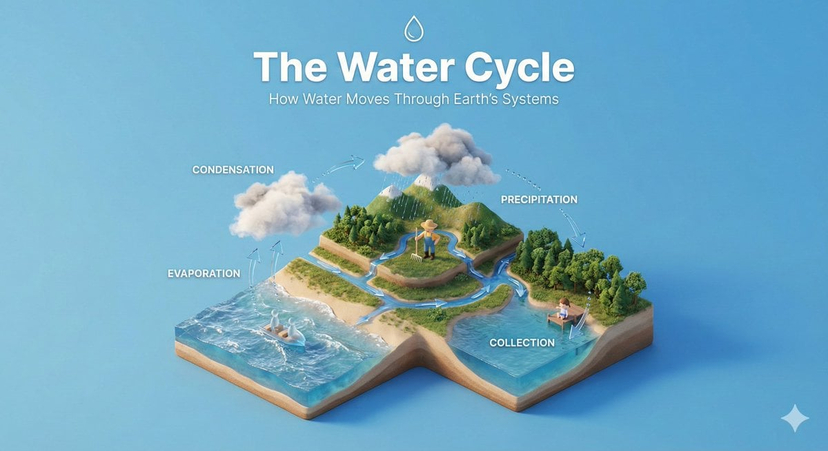




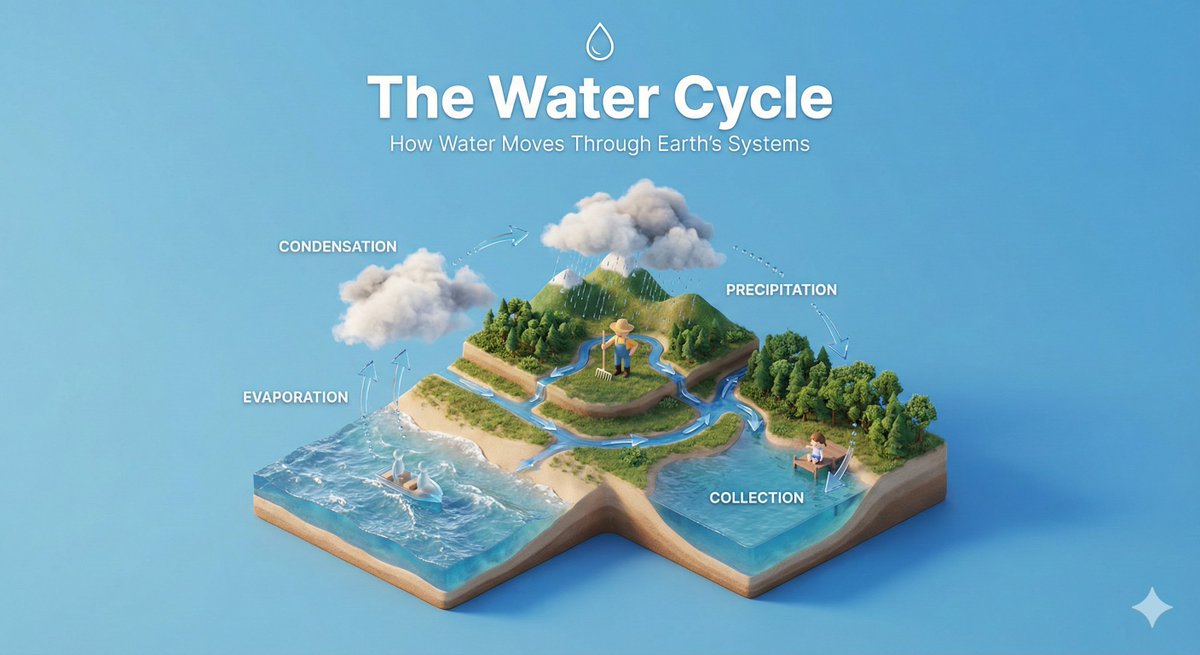


![Isometric Brand Store Diorama — Present a clear, 45° top-down isometric miniature 3D cartoon diorama of the [BRAND], with soft refin…](/_next/image?url=https%3A%2F%2Fcdn.picxstudio.com%2Fuploads%2Fmeigen_18578a8c7cb6_25c7ccef-837d-4949-99fb-d6321dc5c72c.jpg&w=828&q=100)
![Movement Sheet - Dance Reference (Seedance 2.0) — [STYLE]
Monochrome grayscale illustration, 3D-rendered character, clean instructional reference sheet, white b](https://pbs.twimg.com/media/HGzSvcnboAA_bjD.jpg?name=orig)




![Naive doodle-style subject illustration — A doodle-style {argument name="subject" default="[subject]"}, naive lines, humorous shape exaggeration](https://pbs.twimg.com/media/G6Wl2YxbsAARB2b.jpg)




















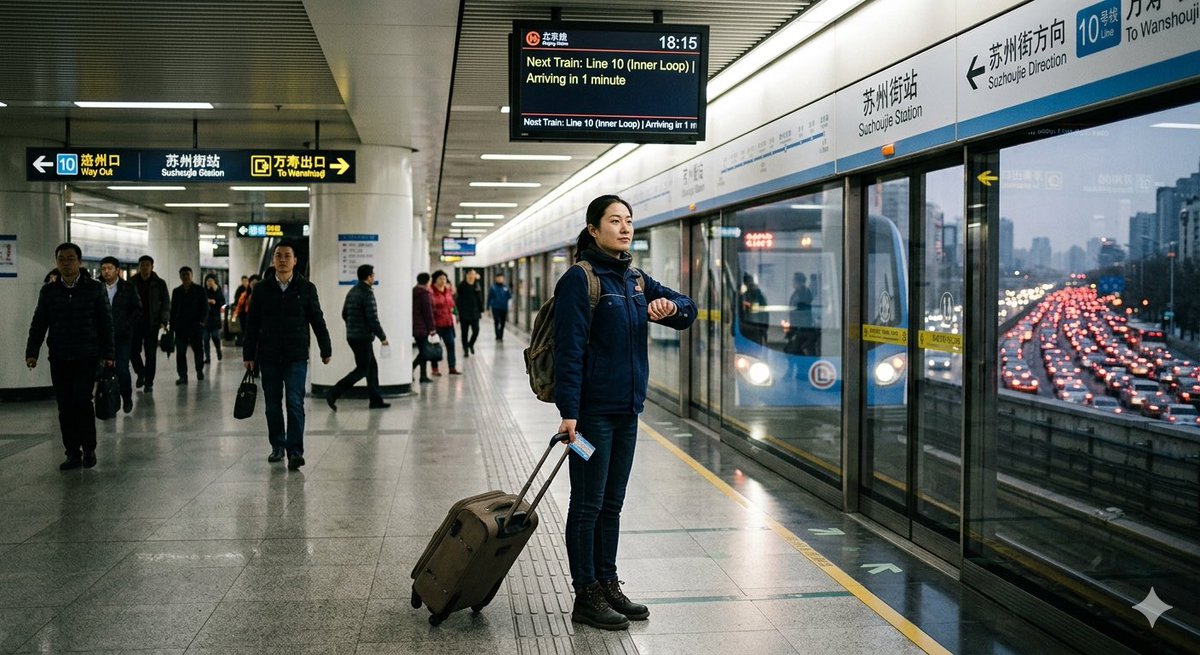
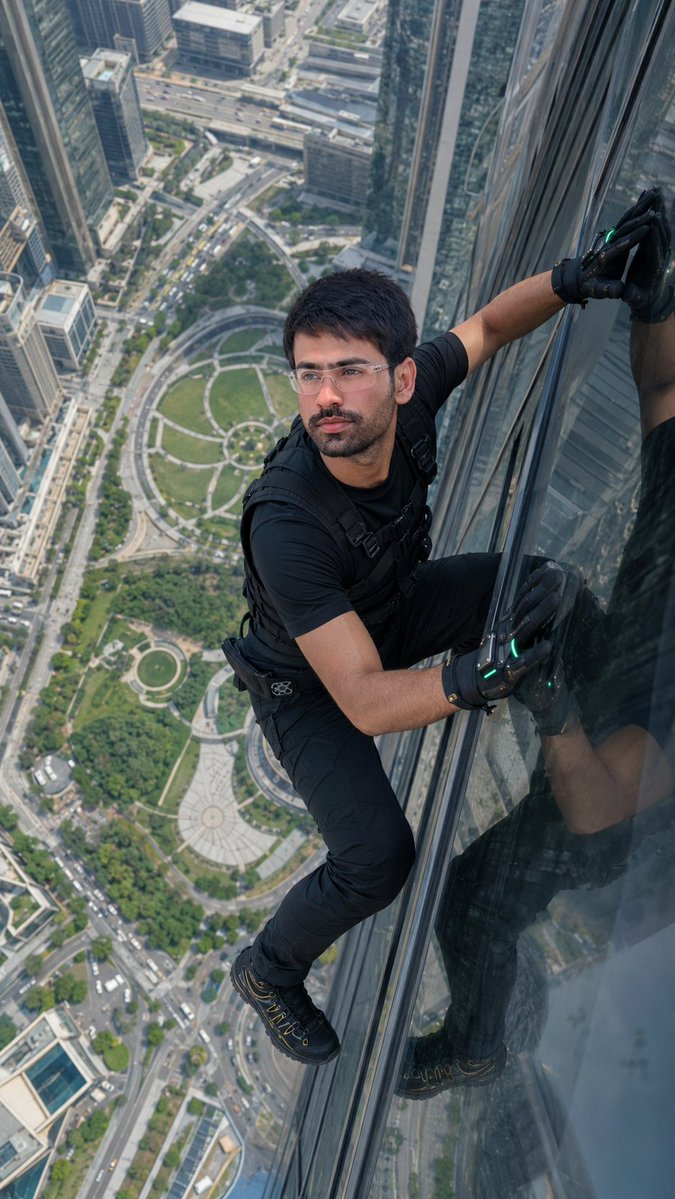


![85-80-year-old-rapper-mv-seedance-2-0-stree — 16:9 horizontal, street rap MV style, neon purple-blue cold color tone,燃炸酷飒氛围. Duration: 16 seconds.
[0-3s] Mediu](/_next/image?url=https%3A%2F%2Fcdn.picxstudio.com%2Fuploads%2Fpost85_img0_e893af71-4377-4ad8-a655-ec3aac33316c.jpg&w=828&q=100)