How do I use the Early 2000s Digital Aesthetic in Billiard Room template?
Choose the primary action to open PicX Studio with the available template settings. Review the model and format, personalize the creative direction, and generate when ready.
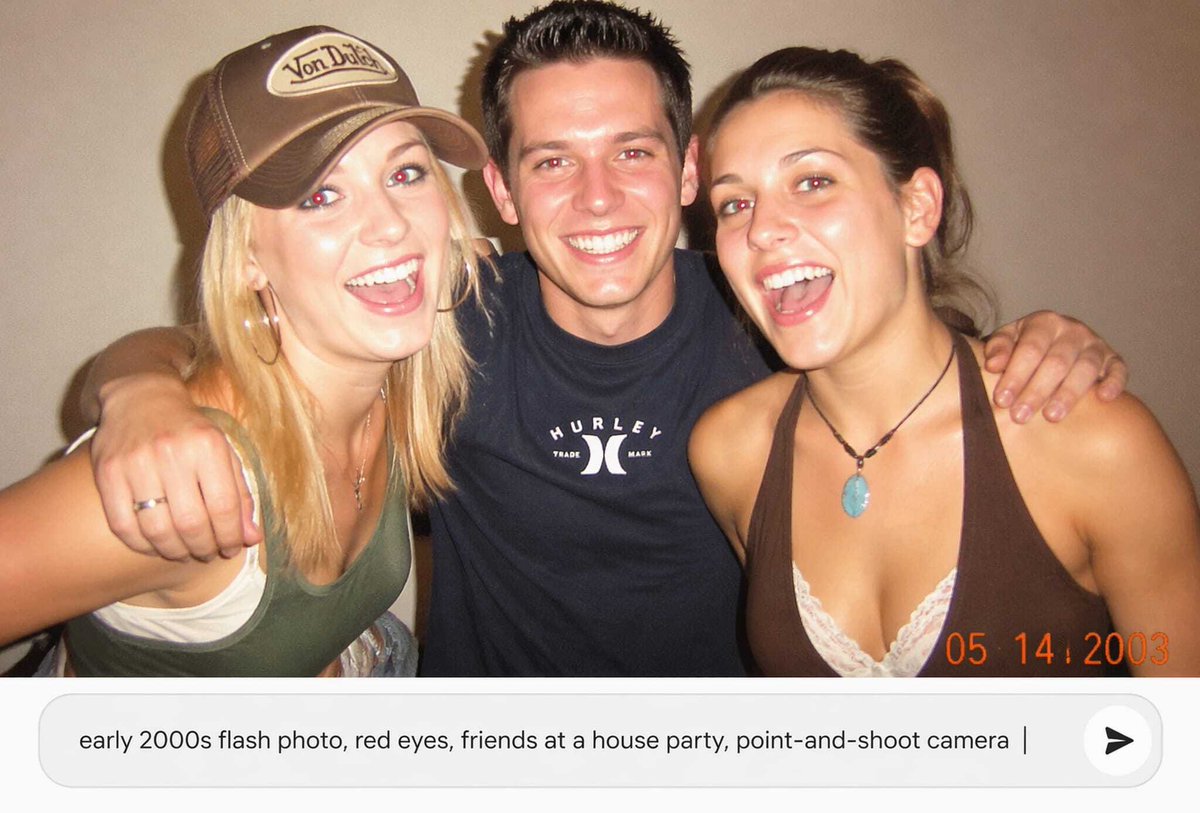
A prompt designed to generate an image with an early 2000s digital aesthetic, high contrast, and hard direct flash. The subject is a young woman in a charcoal grey bodysuit lying back on a vibrant orange pool table in a wood-paneled billiard room, emphasizing a grainy, candid texture and high-angle shot. (free to use) — Free AI image template on PicX Studio.
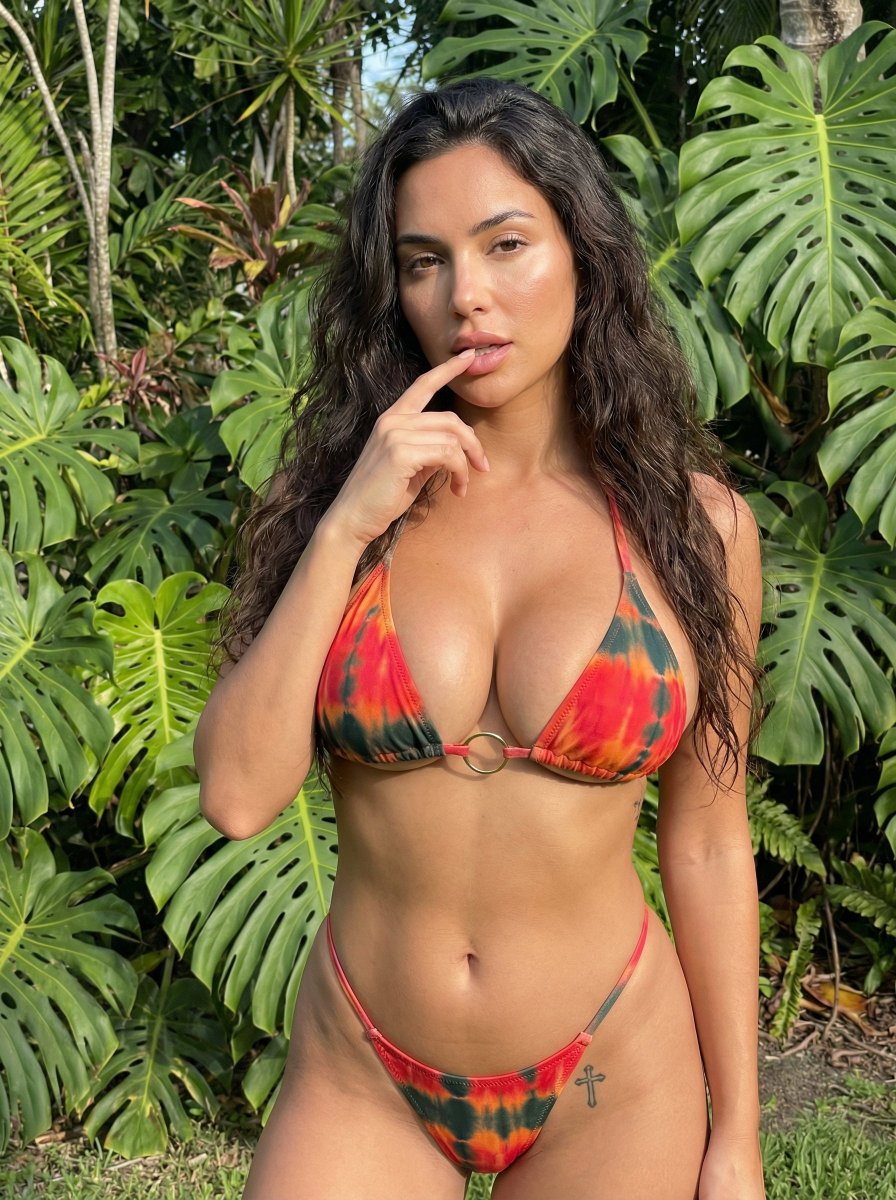
{ "image_metadata": { "subject": { "identity": "Young woman", "hair": { "color": "Dark brown", "style": "Long, straight, sleek" }, "physique": "Fit, hourglass", "pose": { "description": "Lying back on pool table", "posture": "Arched back, head thrown back", "alignment": "Diagonal" } }, "attire": { "type": "Bodysuit", "color": "{argument name=\"bodysuit color\" default=\"Charcoal grey\"}", "features": [ "Front zipper", "Corset-style piping", "Short sleeves" ], "accessories": [ "Silver bracelet" ] }, "environment": { "setting": "Billiard room", "lighting": "Hard direct flash, high contrast", "table_details": { "felt_color": "{argument name=\"felt color\" default=\"Vibrant orange\"}", "props": [ "Wooden pool cue", "Black 8-ball", "Striped ball", "Solid orange ball" ] }, "background": { "walls": "Wood paneling", "decor": "Wall-mounted ball rack" } }, "technical_style": { "aesthetic": "Early 2000s digital", "camera_angle": "High angle", "texture": "Grainy, candid" } } }
Use Early 2000s Digital Aesthetic in Billiard Room to plan an AI image around nano-banana-2 generation. Match the preview's composition first, then personalize the subject, setting, and mood for your own project.
Use the primary action to load the template settings in PicX Studio.
Adjust the subject and creative details for your destination.
Create the image, compare the result with the preview, and refine one variable at a time.
A continuous mix — similar concepts first, woven with same-model prompts and fresh picks from the catalog.
Choose the primary action to open PicX Studio with the available template settings. Review the model and format, personalize the creative direction, and generate when ready.
Yes. You can change the subject, setting, lighting, mood, format, and available model controls before creating your image.
This template is free to open and customize. Generation usage is shown in PicX Studio before you create.
Start with nano-banana-2, which is the model associated with this template. You can compare another compatible model for a different finish.
A continuous mix — similar concepts first, woven with same-model prompts and fresh picks from the catalog.
Follow a topic to a crawlable collection of related PicX Studio templates.
32,032 public templates available. Verified via the PicX Studio public templates API; refreshed hourly.