How do I use the Sunlit White Micro String Bikini Portrait template?
Choose the primary action to open PicX Studio with the available template settings. Review the model and format, personalize the creative direction, and generate when ready.
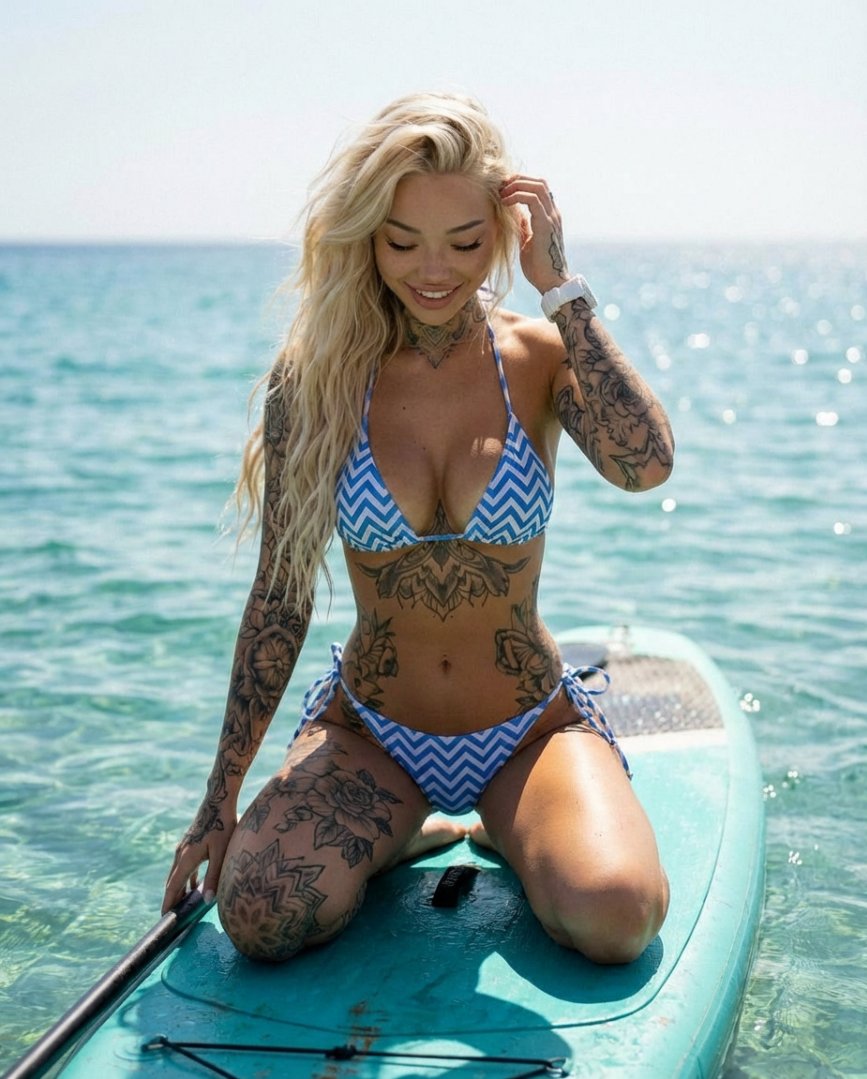
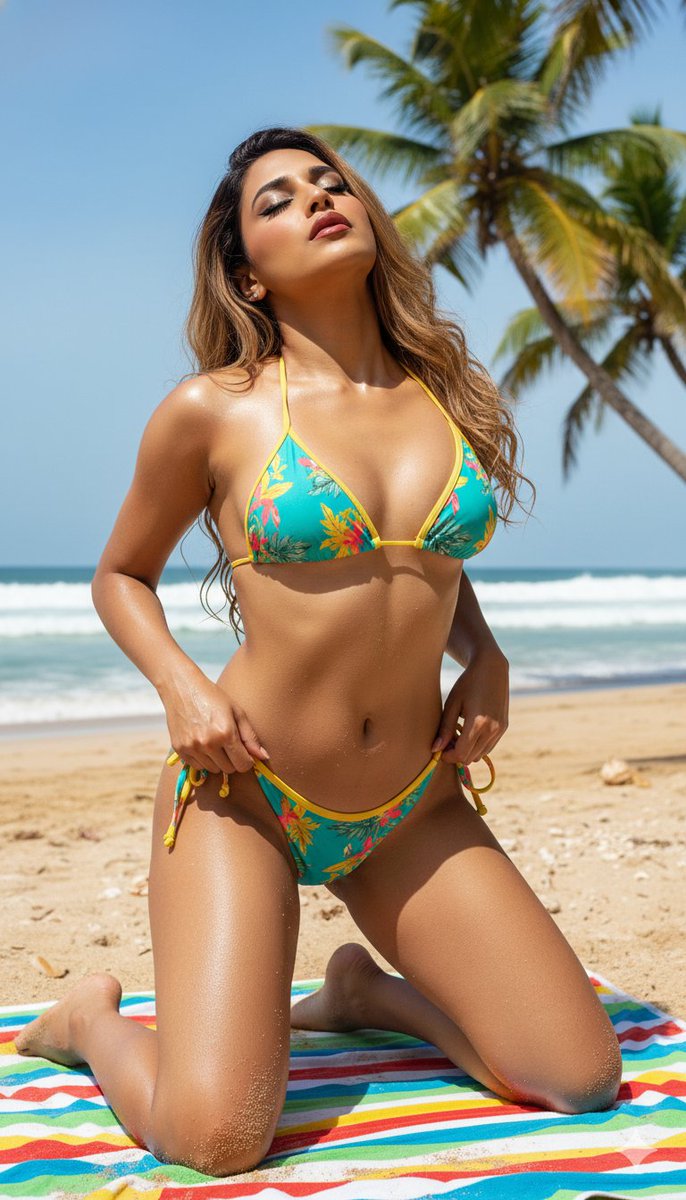
A highly detailed, structured prompt for generating a hyper-realistic 8K outdoor fashion/swimwear portrait, requiring the replacement of the subject's identity while strictly preserving the pose, camera angle, crop, bikini design, flower placement, and environment from a reference image. (free to use) — Free AI image template on PicX Studio.
{ "meta": { "title": "Sunlit White Micro String Bikini – Tropical Flower Portrait", "version": "1.0.0", "tags": [ "portrait", "beachwear", "bikini", "sunlit", "tropical", "flower", "editorial" ] }, "prompt_data": { "full_string": "Hyper-realistic 8K sunlit outdoor portrait. Replace the woman with the uploaded subject while keeping the pose, camera angle, crop, white micro string bikini design, flower hand placement, and environment identical to the reference. Scene: woman standing outdoors in bright direct sunlight, framed from mid-thigh to just above the head. Body facing mostly toward the camera with a very slight turn of the shoulders. Left arm hangs naturally by her side. Right arm is raised, elbow bent, with the right hand gently holding a small white tropical flower near the temple on the right side of her head. Expression calm, slightly intense, gaze directed toward the camera. Wardrobe: very minimal white micro string bikini. Top: small white triangle cups with a simple ruched/gathered look, joined at the center by a short beaded connector strip; thin halter straps run from the cups up and tie behind the neck, with a matching thin strap across the back. Bottoms: white micro string bikini bottoms with a narrow front panel, softly ruched, connected to thin side strings decorated with small colored beads; side strings sit high on the hips and tie or connect near the waist. Fabric is opaque white stretch swimwear, smooth with subtle sun highlights. Lighting: strong midday sun, creating bright highlights on the subject and crisp shadows, with a warm golden tone on the skin. Background: simple outdoor setting with a neutral-toned wooden or concrete wall behind, partial foliage or leaves at the top left casting soft dappled shadows. Color grading: warm skin tones, bright white bikini, slightly muted background, high clarity and contrast. Camera: eye-level or slightly below, vertical portrait crop from mid-thigh to above the head. Composition: subject centered, right hand and flower clearly visible near the face, background softly blurred but recognizable. Maintain the exact pose, bikini structure and color, flower hand placement, and lighting mood while swapping the subject identity. --ar 2:3 --style raw --v 6.0", "components": { "style": "Hyper-realistic 8K outdoor fashion/swimwear portrait with bright sunshine and clean, modern color.", "subject": { "reference_instruction": "Use the uploaded subject image to replace the woman’s identity while preserving the same body orientation, arm positions, and hand-with-flower gesture.", "pose": "standing upright, body mostly facing camera with a slight turn, left arm relaxed down by side, right arm bent with hand holding a small white flower near the right temple, gaze directed at the camera with a calm confident expression.", "clothing": "opaque white micro string " } } }
Use Sunlit White Micro String Bikini Portrait to plan an AI image around nano-banana-2 generation. Match the preview's composition first, then personalize the subject, setting, and mood for your own project.
Use the primary action to load the template settings in PicX Studio.
Adjust the subject and creative details for your destination.
Create the image, compare the result with the preview, and refine one variable at a time.
A continuous mix — similar concepts first, woven with same-model prompts and fresh picks from the catalog.
Choose the primary action to open PicX Studio with the available template settings. Review the model and format, personalize the creative direction, and generate when ready.
Yes. You can change the subject, setting, lighting, mood, format, and available model controls before creating your image.
This template is free to open and customize. Generation usage is shown in PicX Studio before you create.
Start with nano-banana-2, which is the model associated with this template. You can compare another compatible model for a different finish.
Follow a topic to a crawlable collection of related PicX Studio templates.
39,155 public templates available. Verified via the PicX Studio public templates API; refreshed hourly.
A continuous mix — similar concepts first, woven with same-model prompts and fresh picks from the catalog.