How do I use the 2000s Paparazzi Style Nightlife Portrait Prompt template?
Choose the primary action to open PicX Studio with the available template settings. Review the model and format, personalize the creative direction, and generate when ready.
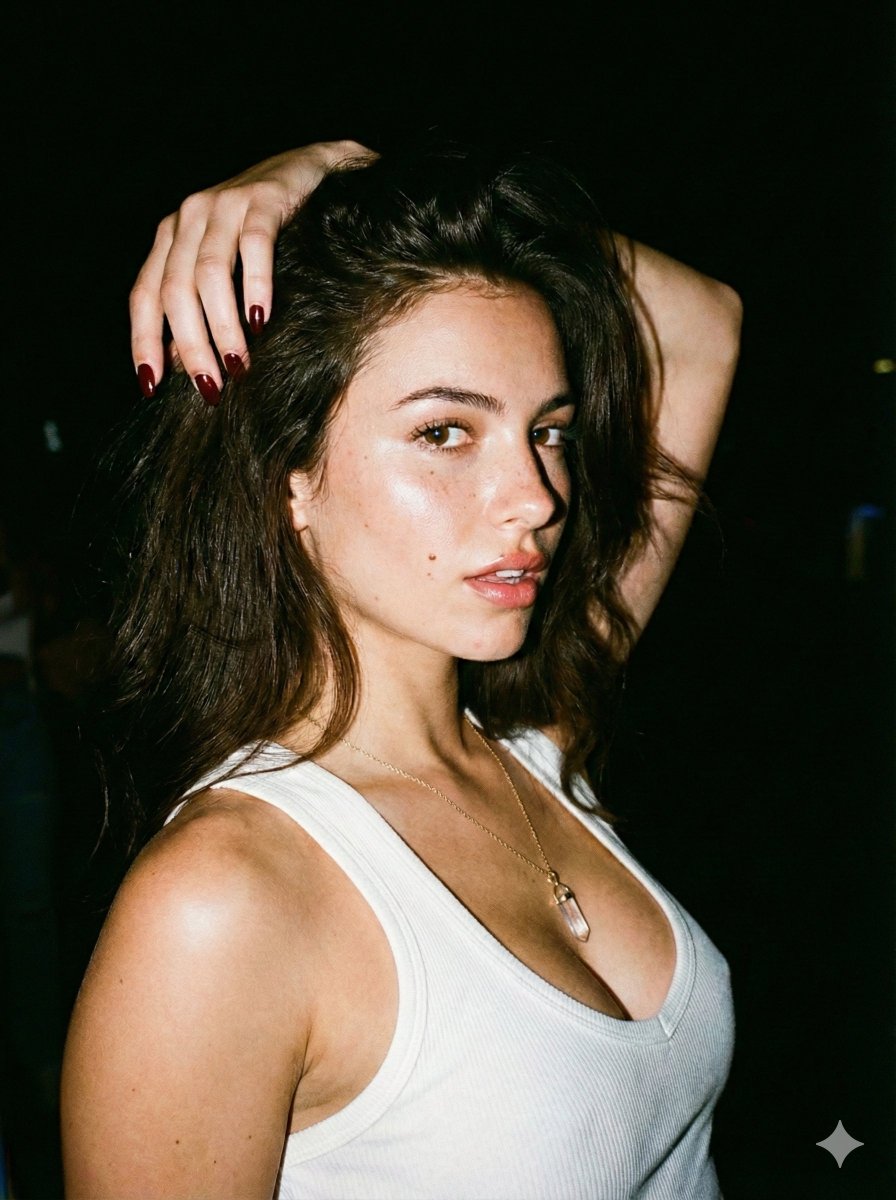
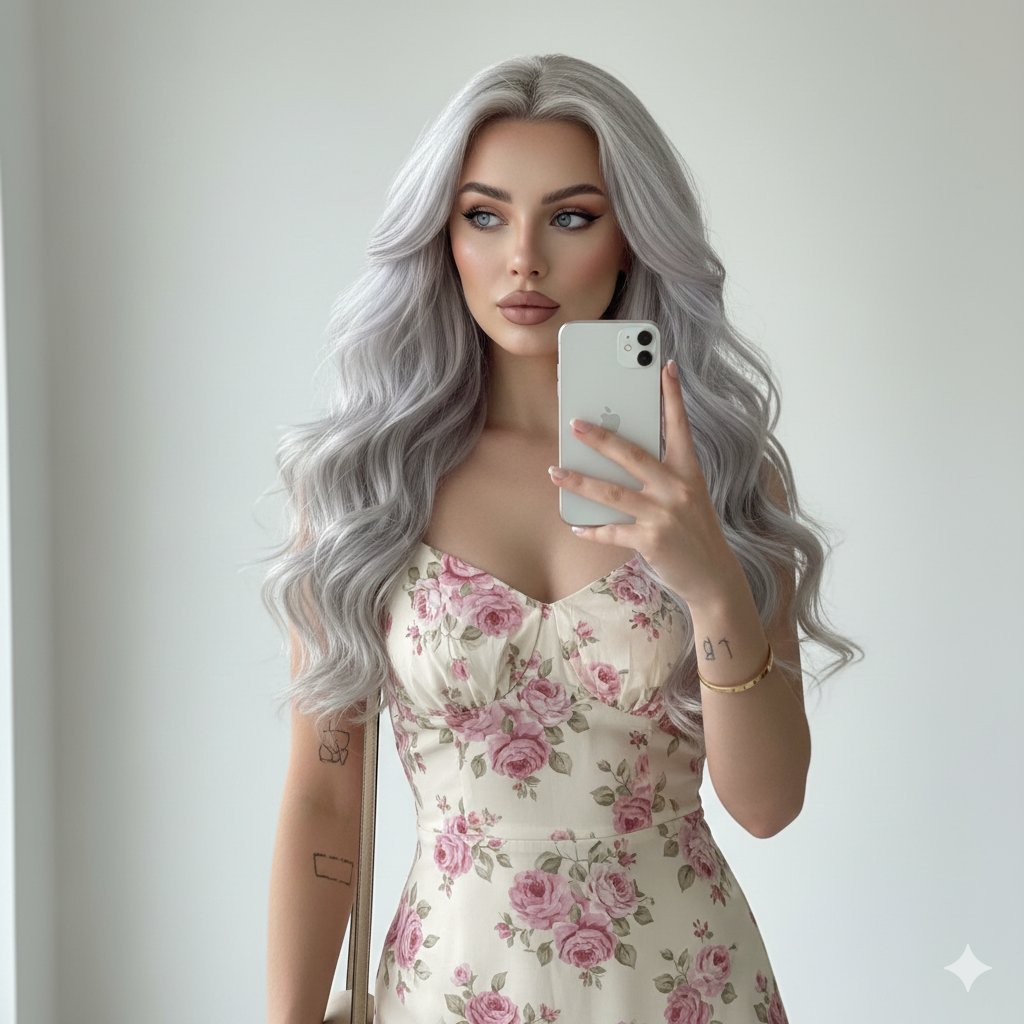
A detailed JSON prompt for Gemini Nano Banana Pro to generate a high-contrast, ultra-realistic portrait in the style of 2000s paparazzi flash photography. Change the subject, setting, or lighting one variable at a time.

{ "prompt_structure": { "subject": { "description": "Young woman with long, wavy platinum blonde hair parted to the side.", "features": "Light skin tone, blue eyes, defined eyebrows, soft glam makeup with rosy lips and winged eyeliner.", "expression": "Confident, direct eye contact with the camera, slight smile." }, "attire": { "dress": "Fitted, {argument name="dress color" default="cherry red"} leather mini dress with a halter neckline and structured bodice.", "outerwear": "Black jacket with fluffy faux fur sleeves, worn casually off-the-shoulders, draping around the arms.", "footwear_and_legs": "Bare legs (lower legs not fully visible)." }, "accessories": { "jewelry": "Delicate gold chain necklace with a small pendant, small hoop earrings.", "bag": "Small, structured black leather handbag held in the left hand by a metal handle." }, "pose": { "stance": "Standing straight, facing forward, hips slightly tilted to the right.", "hands": "Right arm relaxed by the side, left hand gripping the handbag handle." }, "setting": { "location": "Urban exterior at night, possibly outside a club, hotel, or upscale venue.", "background": "Blurred city lights in warm yellow and gold tones, contrasting with dark shadows; a gray concrete pillar or wall is visible to the left." }, "lighting_and_style": { "lighting": "Direct flash photography (on-camera flash), creating a high-contrast look with a bright subject and dark background. Hard shadow cast behind the subject.", "aesthetic": "2000s paparazzi style, nightlife glamour, candid celebrity snapshot, high-resolution realism, sharp focus on the subject." } } }
Choose the primary action to open PicX Studio with the available template settings. Review the model and format, personalize the creative direction, and generate when ready.
Yes. You can change the subject, setting, lighting, mood, format, and available model controls before creating your image.
This template is free to open and customize. Generation usage is shown in PicX Studio before you create.
© 2026 PicX Studio. All rights reserved.

Start with Nano Banana 2, which is the model associated with this template. You can compare another compatible model for a different finish.
Follow a topic to a crawlable collection of related PicX Studio templates.
43,474 public templates available. Verified via the PicX Studio public templates API; refreshed hourly.










![118-google-nano-banana-pro-skincare-product- — A professional skincare shot of a [product container] with [cap/lid], labeled [brand, product, descriptor, volume](/_next/image?url=https%3A%2F%2Fcdn.picxstudio.com%2Fuploads%2Fpost118_img0_332898b8-29ea-42a9-87ab-9ed746a3f944.jpg&w=828&q=100)



![69-untitled — FORMAT: 15s / 145 BPM / 14 SHOTS
SUBJECT: @[image1]
WARDROBE: Clean modern outfit
ENVIRONMENT: Street / indoor transitions
MOOD: Discovery → contr](/_next/image?url=https%3A%2F%2Fcdn.picxstudio.com%2Fuploads%2Fpost69_img0_d45faecf-38c3-4bcb-81a4-f6eb1cf42bb2.jpg&w=828&q=100)





![Naive doodle-style subject illustration — A doodle-style {argument name="subject" default="[subject]"}, naive lines, humorous shape exaggeration](https://pbs.twimg.com/media/G6Wl2YxbsAARB2b.jpg)



















![Mecha Character Concept Showcase — Create a high-end, asymmetric editorial CHARACTER CONCEPT SHOWCASE from these inputs:
[STYLE]: {argument name="art style" de](https://cms-assets.youmind.com/media/1780045860648_45rlud_HJZ0ChDbwAAH5uV.jpg)