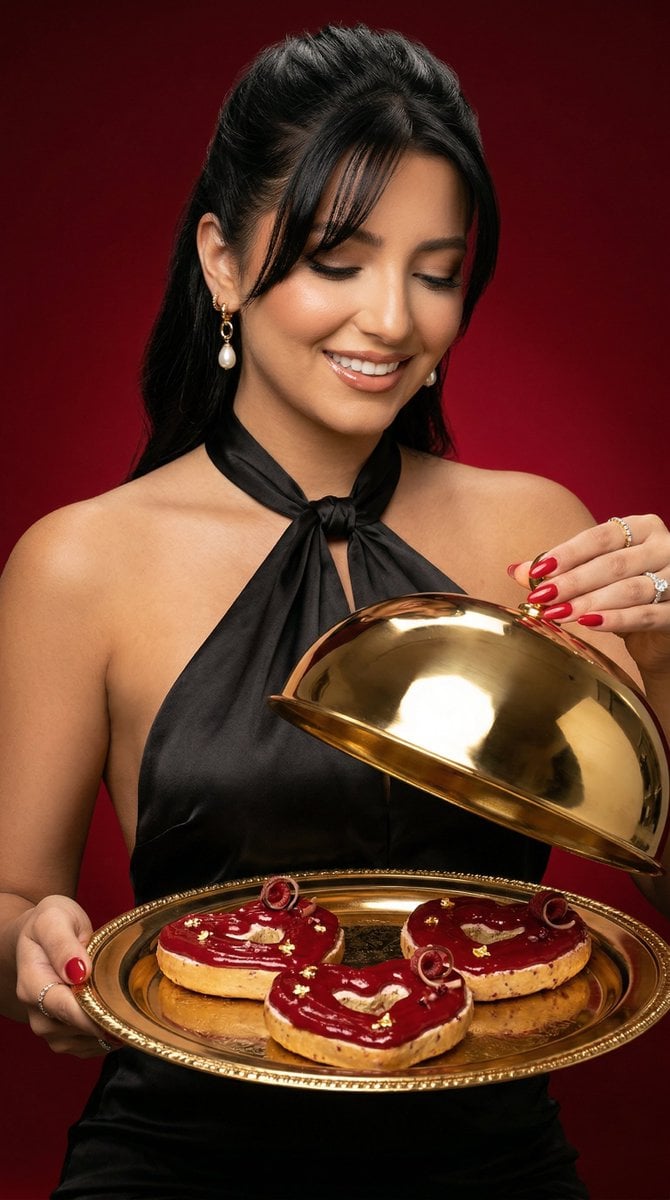
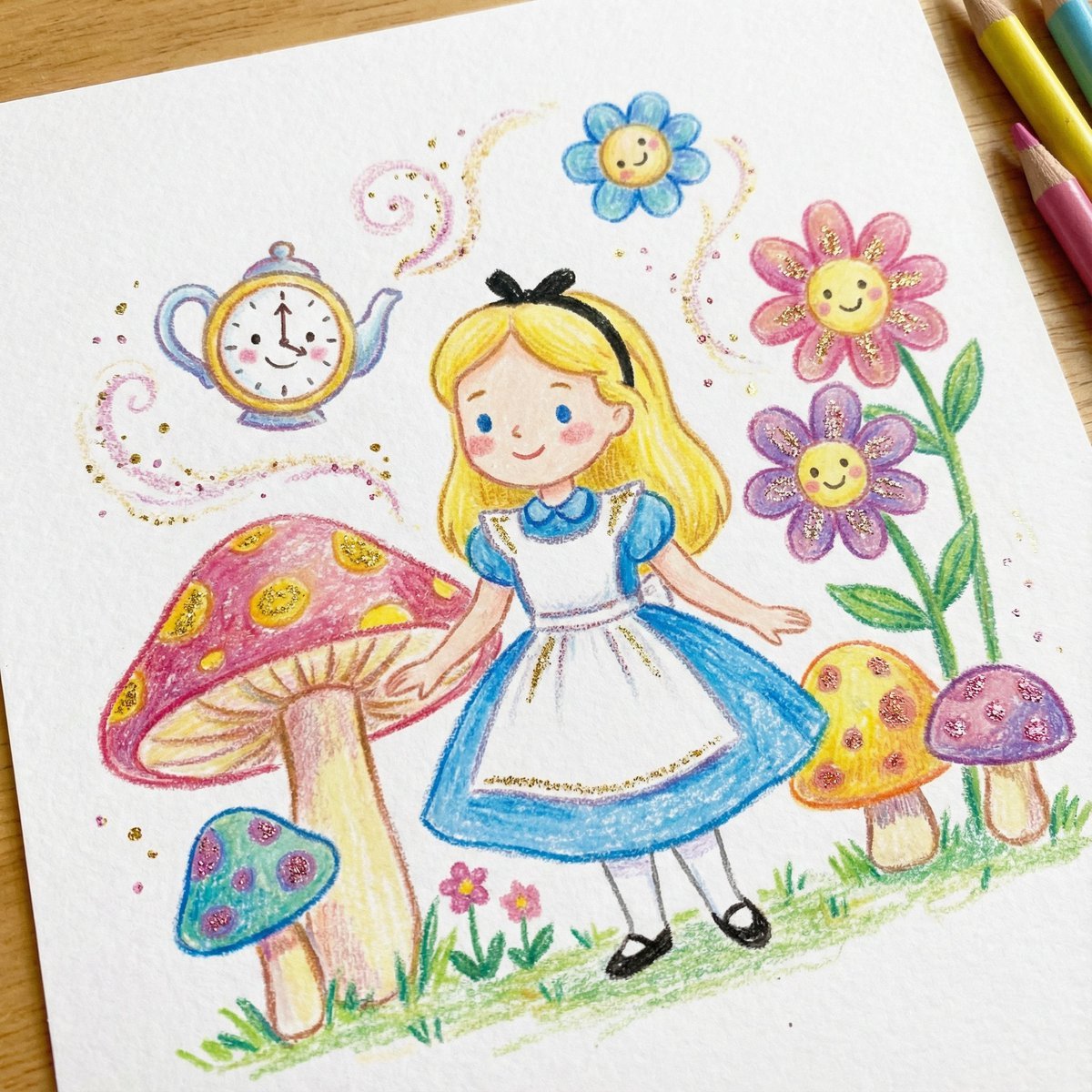
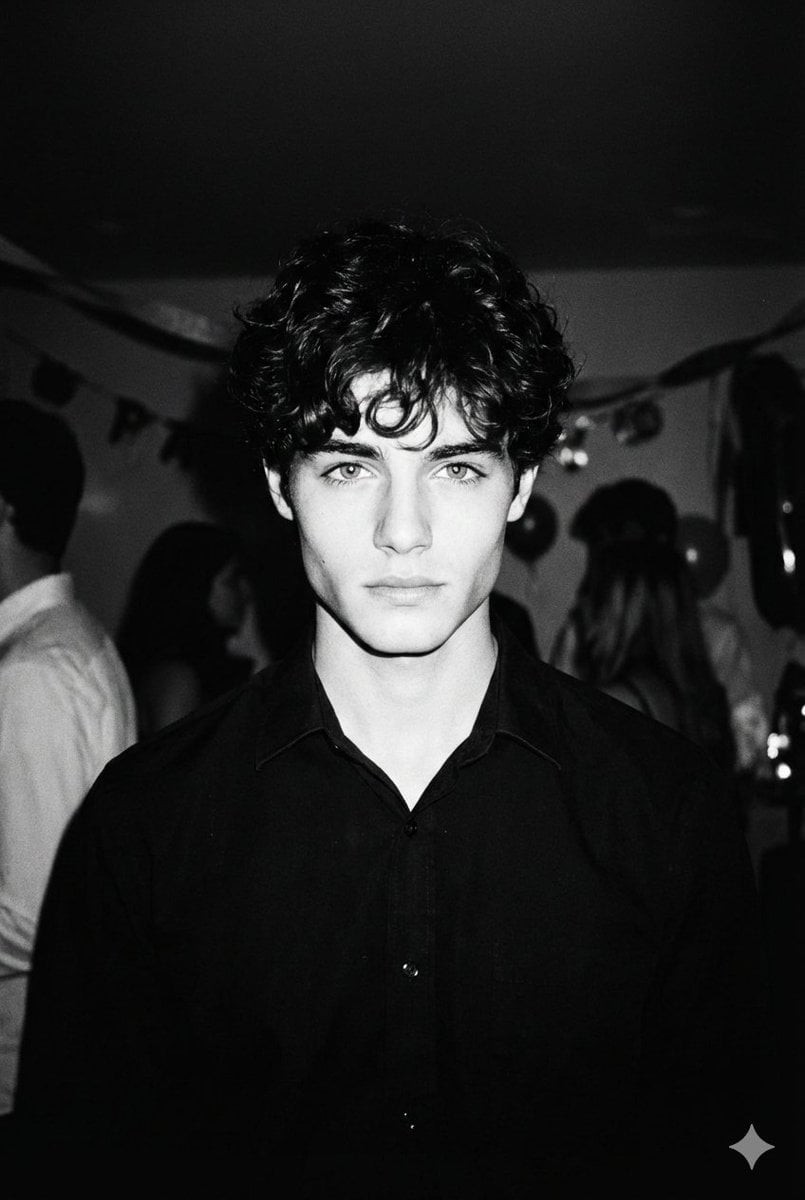
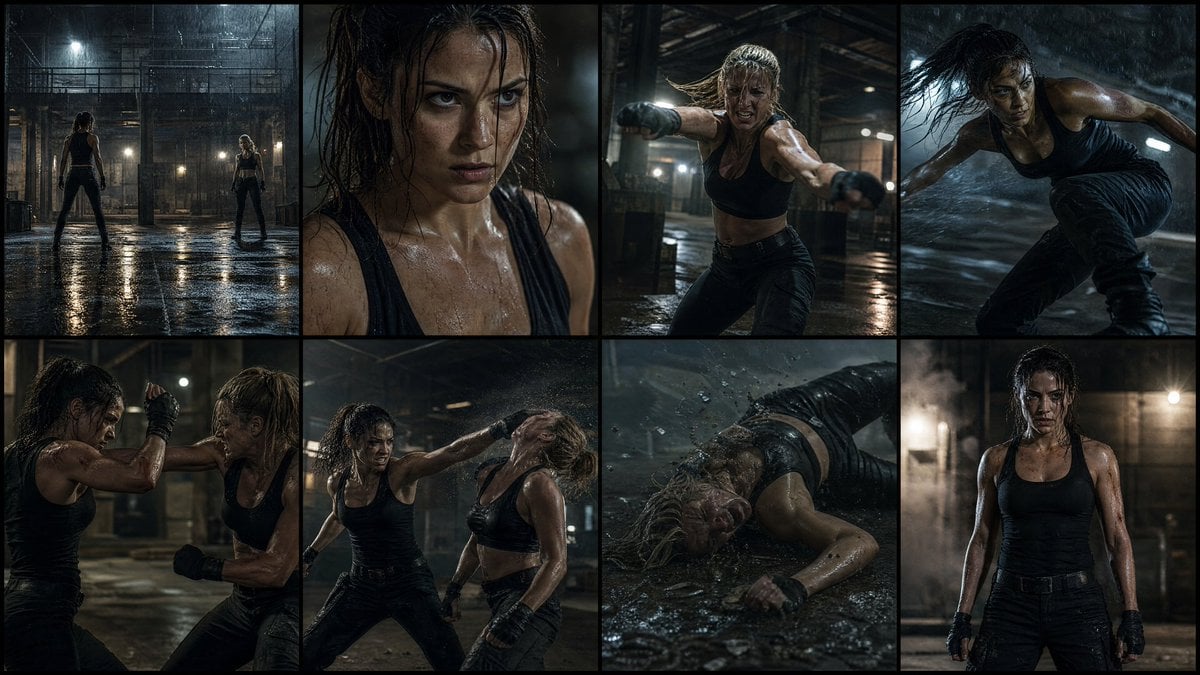
How do I use the Pose with Panda Studio Portrait template?
Edit the prompt in the box under the preview — the template's model and format are already selected — and press Generate. Your version appears right on this page.
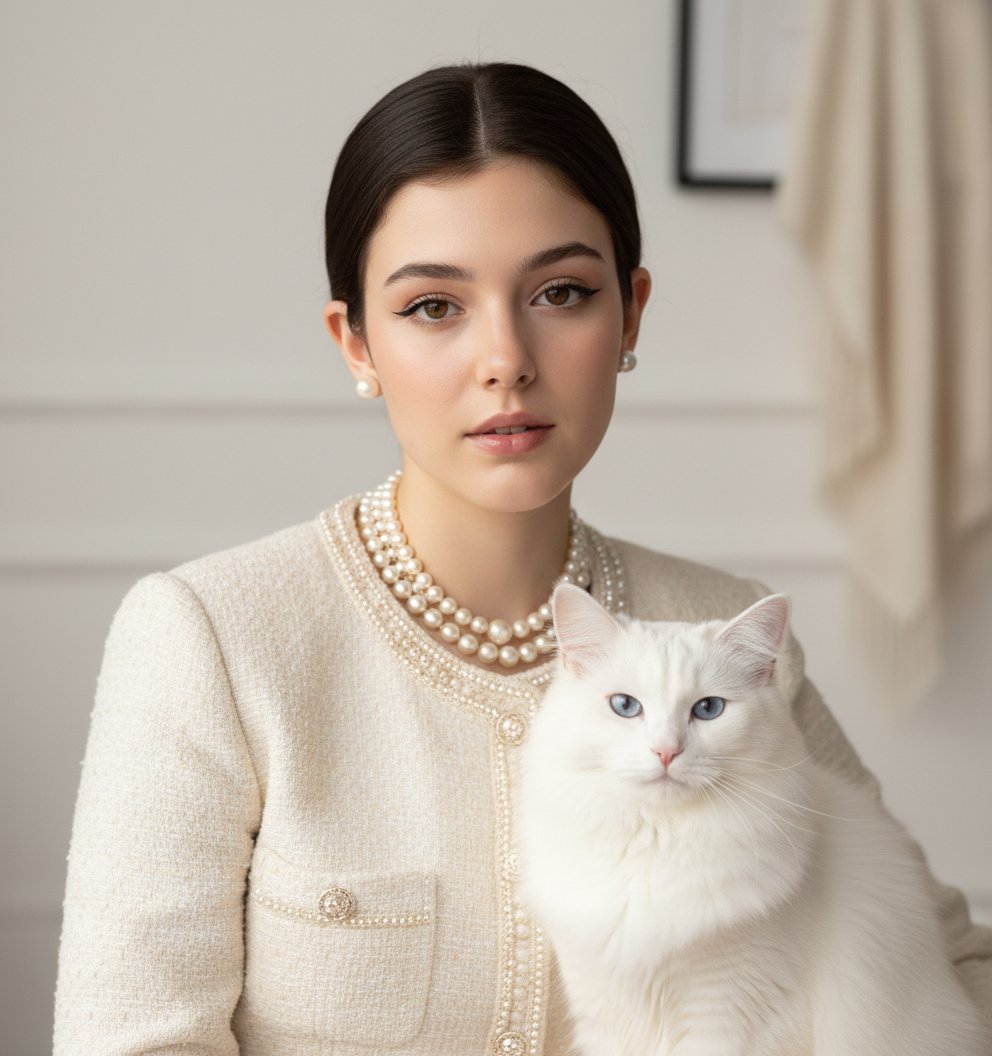
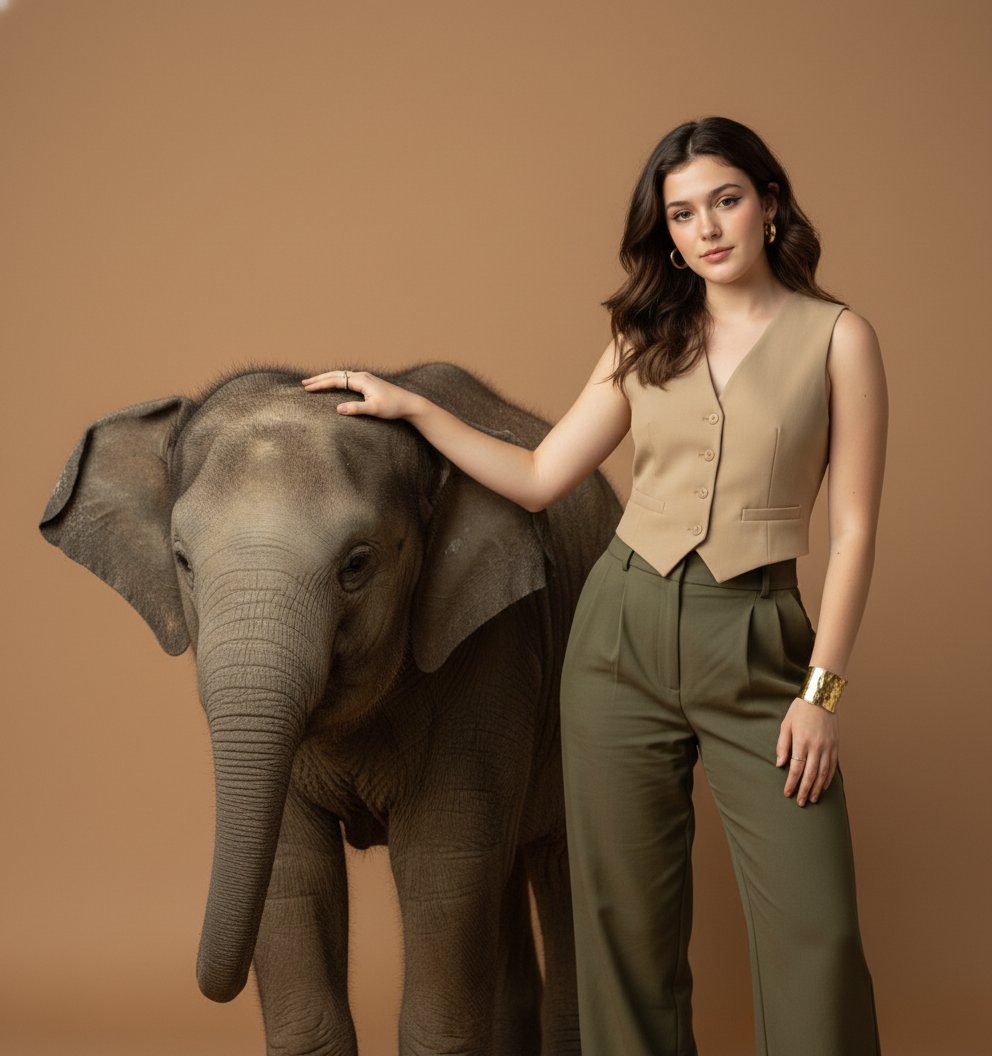
Pose with Panda Studio Portrait is a ready photo look.

Close-up 4k studio portrait of the uploaded image standing poised beside a panda seated calmly. Setting: real photography studio with seamless soft gradient lighting, polished matte floor, no props except soft shadows. Outfit: sculptural off-white satin gown with structured shoulders, minimal silhouette. Jewellery: sleek platinum choker and matching ear cuffs. Panda’s fur captured with elegant, calm detail. Lighting: soft diffused key light with subtle rim light, Vogue editorial sophistication.
Close-up 4k studio portrait of the uploaded image standing poised beside a panda seated calmly. Setting: real photography studio with seamless soft gradient lighting, polished matte floor, no props except soft shadows. Outfit: sculptural off-white satin gown with structured shoulders, minimal silhouette. Jewellery: sleek platinum choker and matching ear cuffs. Panda’s fur captured with elegant, calm detail. Lighting: soft diffused key light with subtle rim light, Vogue editorial sophistication.
Edit the prompt in the box under the preview — the template's model and format are already selected — and press Generate. Your version appears right on this page.
Yes. You can change the subject, setting, lighting, mood, format, and available model controls before creating your image.
Opening and editing this template is free. Generating uses credits, shown on the Generate button when you are signed in.
Choose a compatible model in PicX Studio based on the style, speed, and output controls your project needs.
Follow a topic to a crawlable collection of related PicX Studio templates.