How do I use the Elle Fanning as Rei Ayanami Cosplay template?
Choose the primary action to open PicX Studio with the available template settings. Review the model and format, personalize the creative direction, and generate when ready.
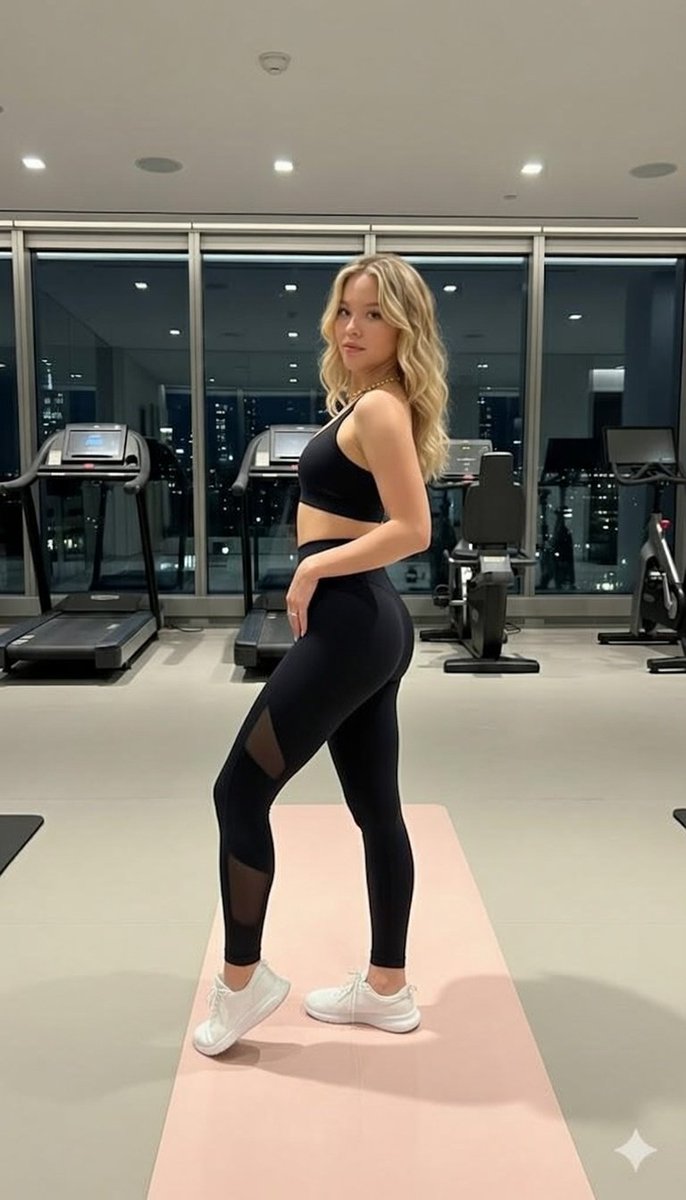
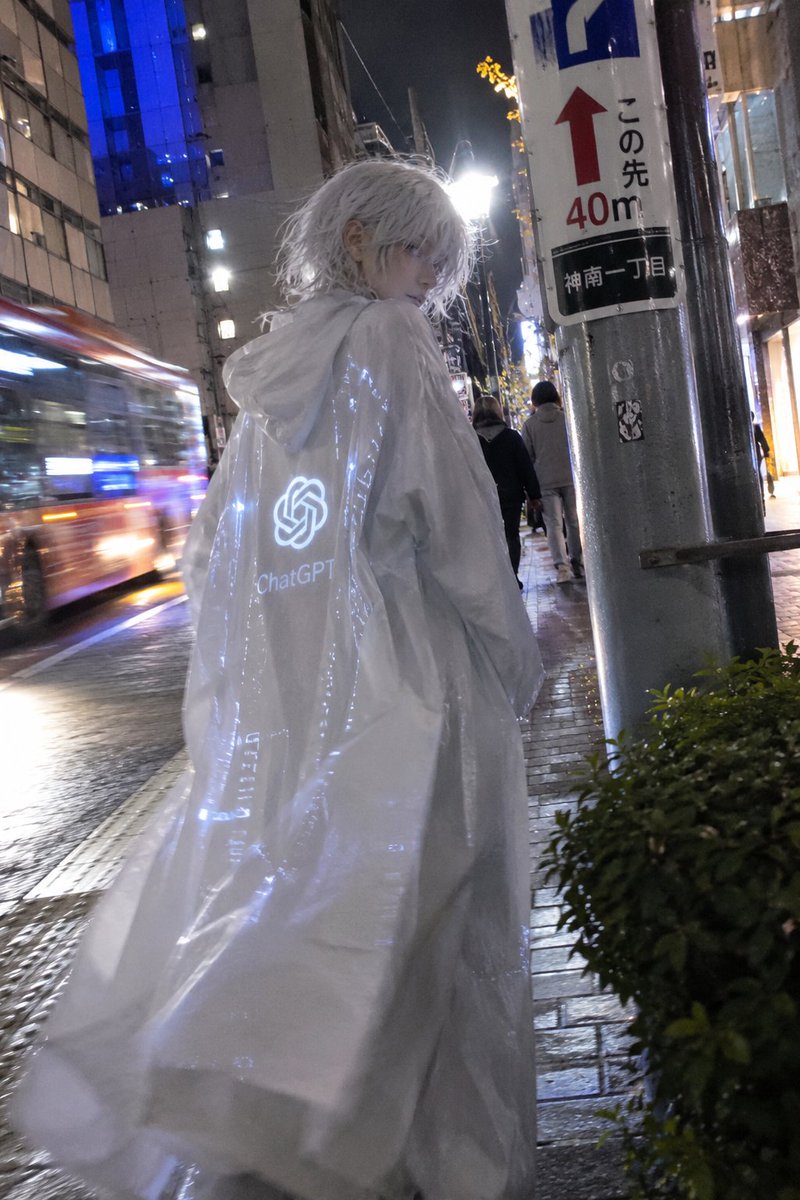
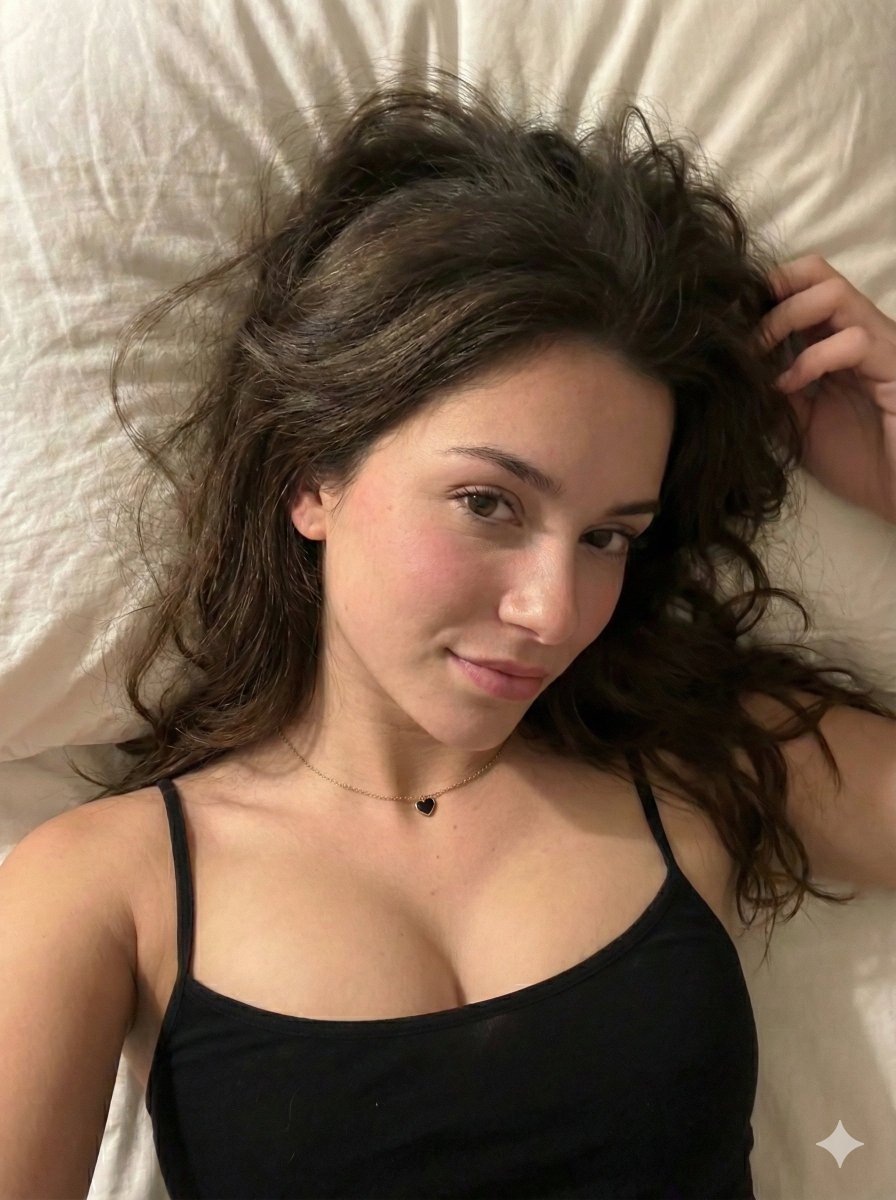
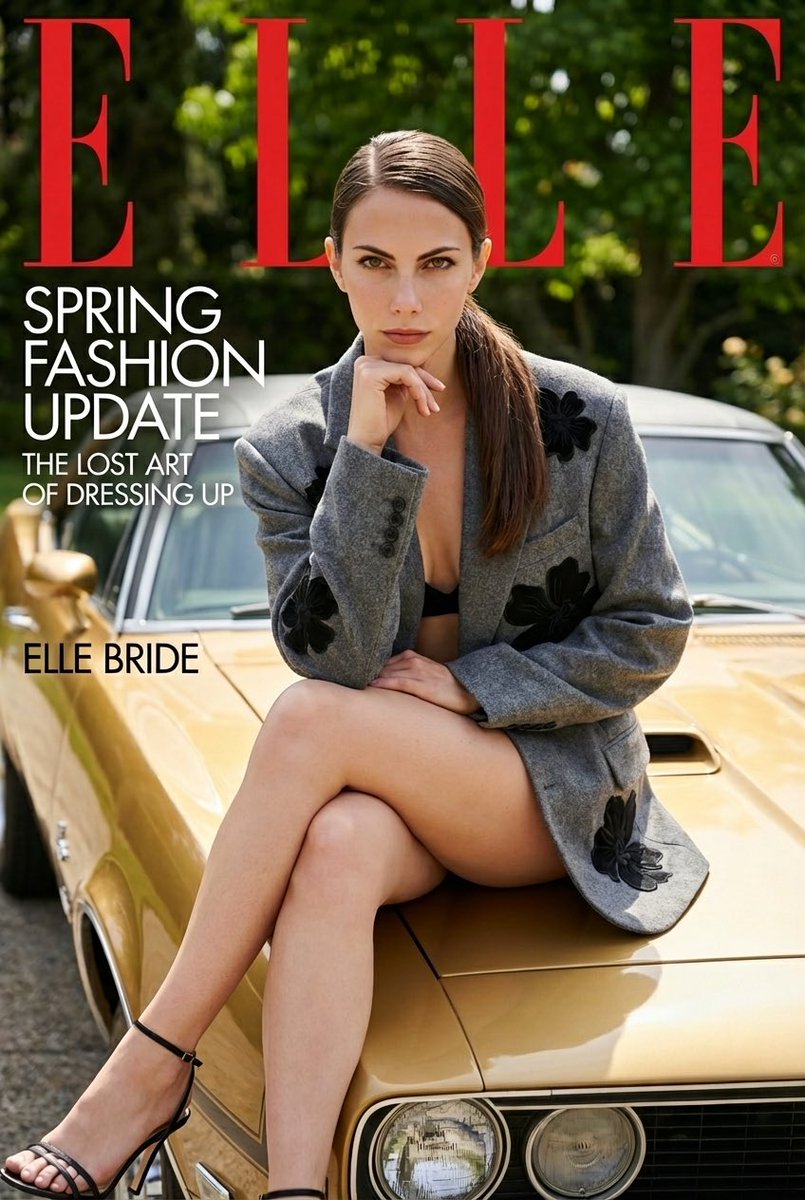
Editorial cosplay portrait prompt of actress Elle Fanning as Rei Ayanami from Neon Genesis Evangelion against a manga-covered wall. Change the subject, setting, or lighting one variable at a time.

{ "prompt": "A stylized indoor portrait of actress {argument name="actress" default="Elle Fanning"} cosplaying the character {argument name="character" default="Rei Ayanami"}, posing on a bed. She is wearing the typical Evangelion anime uniform (plugsuit) made of glossy latex. Her expression is soft and slightly melancholic, with glossy lips and flushed cheeks. The background is a wall fully covered with black-and-white manga panels from Neon Genesis Evangelion, creating a striking graphic aesthetic. Soft and even lighting with minimal shadows, anime cosplay style, high level of detail, editorial photography, aspect ratio 9:16.", "negative_prompt": "blurry, low resolution, bad anatomy, extra limbs, distorted face, harsh shadows, overexposed areas, messy background, text, watermark, logo", "style": { "genre": "editorial cosplay portrait", "mood": "introspective, mysterious, slightly melancholic", "influences": [ "sci-fi/mecha aesthetic", "Neon Genesis Evangelion", "editorial photography" ] }, "composition": { "framing": "vertical portrait, from mid-body to full body", "aspect_ratio": "9:16", "angle": "slightly above eye level", "focus": "centered subject, emphasis on latex outfit and facial expression", "background": "{argument name="background" default="collage of Neon Genesis Evangelion manga panels covering the wall"}" }, "subject_details": { "hair": "short bob style, in the character's signature light blue tone", "expression": "relaxed, introspective, and slightly distant gaze", "makeup": "glossy lips, rosy cheeks, porcelain skin", "tattoos": "none", "outfit": [ "Typical Evangelion uniform (white plugsuit with orange and black details)", "Glossy latex material, tight-fitting" ] }, "camera": { "lens": "50mm", "aperture": "f/2.0", "depth_of_field": "shallow", "quality": "high level of detail, sharp focus" } }
Choose the primary action to open PicX Studio with the available template settings. Review the model and format, personalize the creative direction, and generate when ready.
Yes. You can change the subject, setting, lighting, mood, format, and available model controls before creating your image.
This template is free to open and customize. Generation usage is shown in PicX Studio before you create.
Start with Nano Banana 2, which is the model associated with this template. You can compare another compatible model for a different finish.
Follow a topic to a crawlable collection of related PicX Studio templates.
43,474 public templates available. Verified via the PicX Studio public templates API; refreshed hourly.

![Samurai Cosplay Landmark Portrait Generator — 【入力項目】\n役柄:{argument name="役柄" default="侍"}\n鎧の主色:{argument name="鎧の主色" default="赤"}\n武器:[刀 / 薙刀 / 弓 / 武器なし]\n場所:{](https://cms-assets.youmind.com/media/1781945754797_1igmbg_HLJWlumbwAAIvMm-300x300.jpg)


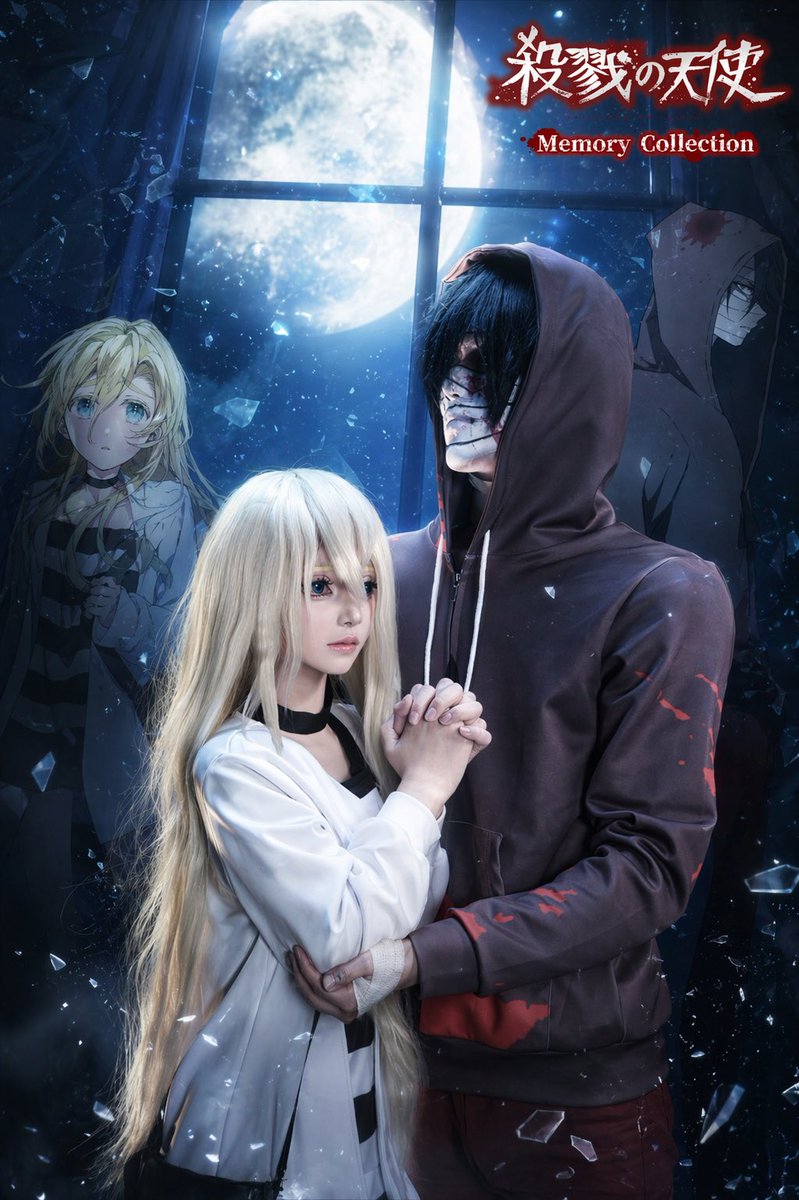
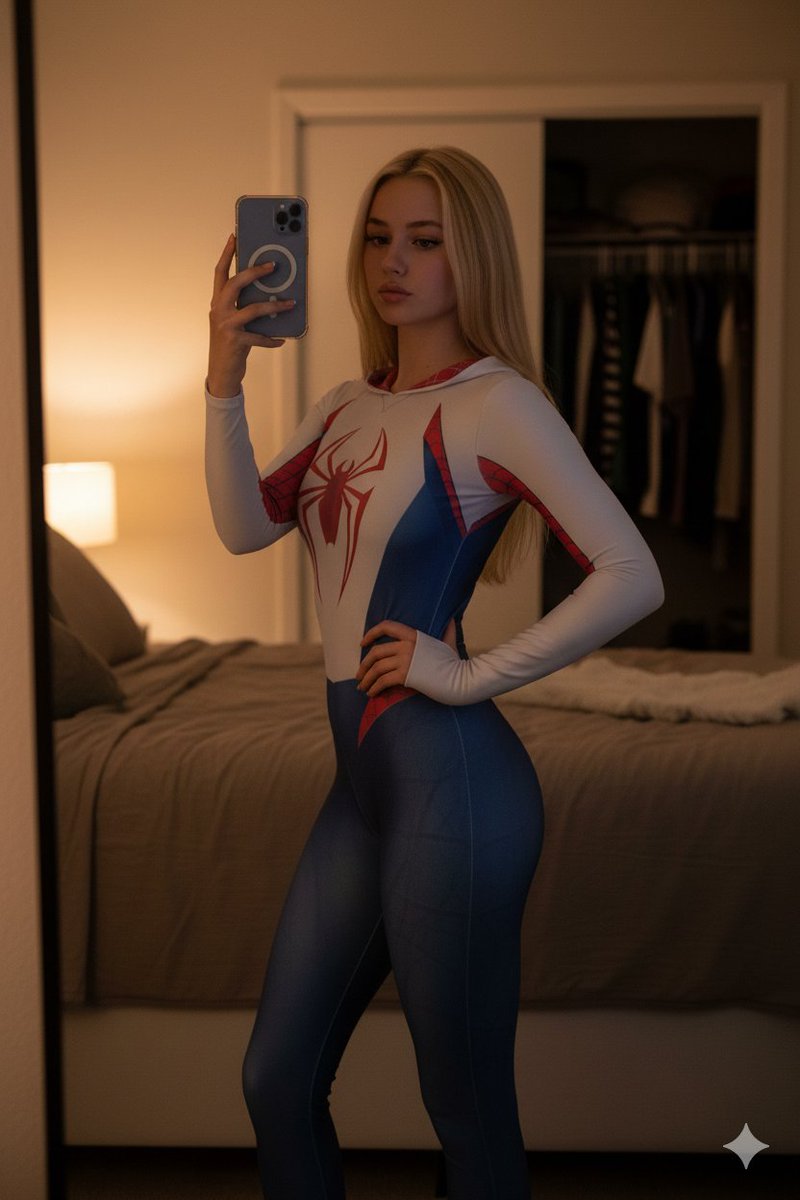









![Naive doodle-style subject illustration — A doodle-style {argument name="subject" default="[subject]"}, naive lines, humorous shape exaggeration](https://pbs.twimg.com/media/G6Wl2YxbsAARB2b.jpg)













![Caravaggio Meets National Geographic Dissection — [NATURAL OBJECT] dissected as if by a master naturalist who found it in the wild. Split and pinned o…](https://pbs.twimg.com/media/HEcBXNEXYAAPe9J.jpg)