
Samurai Cosplay Landmark Portrait Generator
A sophisticated prompt structure for GPT Image 2 designed to generate high-quality samurai cosplay images at world landmarks while strictly maintaining the facial features and proportions of a reference person.
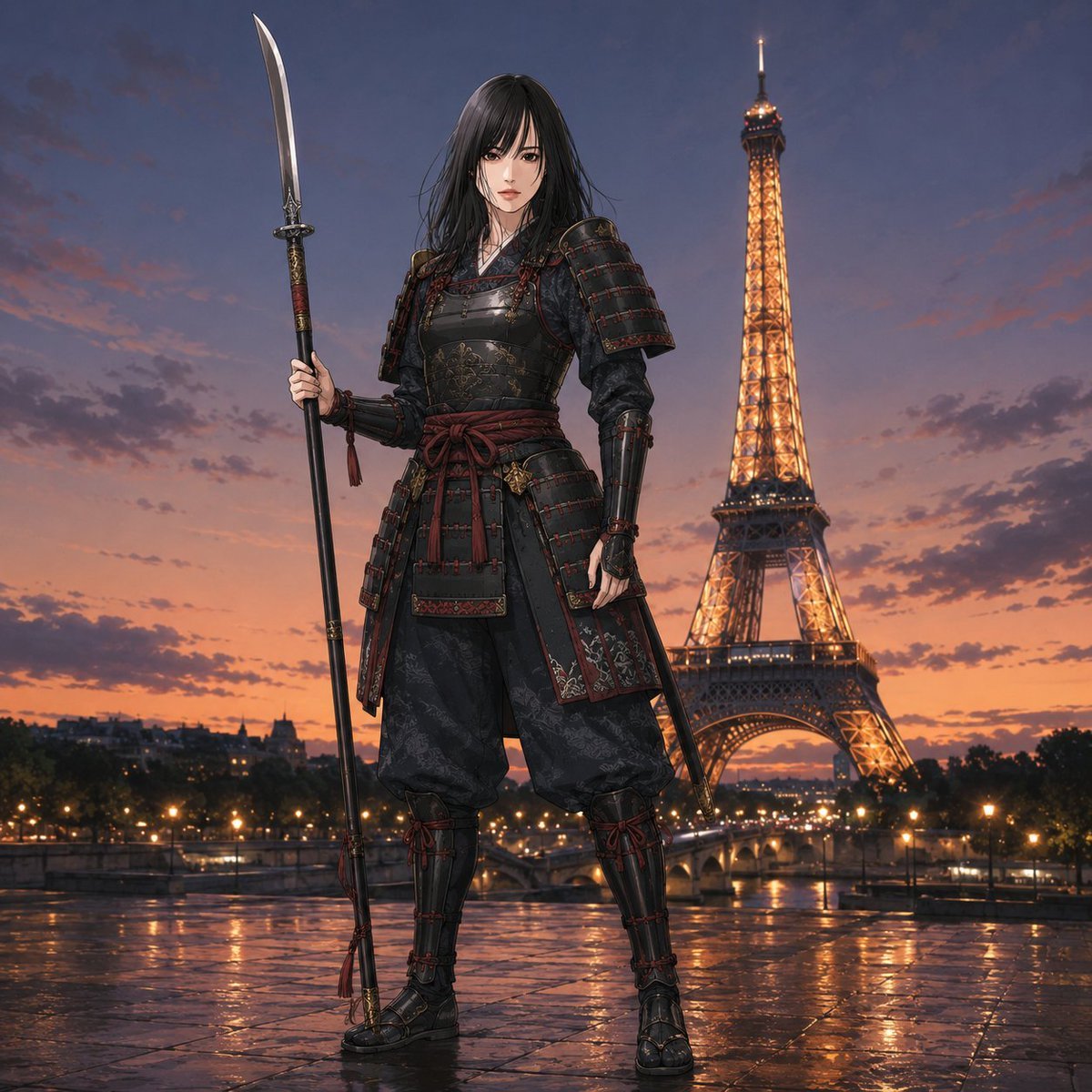
- Prompt included
- Model and format preset
- Free template
The prompt behind this image
Copy the exact prompt behind Samurai Cosplay Landmark Portrait Generator, or open it in the studio and make it yours.
【入力項目】\n役柄:{argument name="役柄" default="侍"}\n鎧の主色:{argument name="鎧の主色" default="赤"}\n武器:[刀 / 薙刀 / 弓 / 武器なし]\n場所:{argument name="場所" default="パリ・エッフェル塔"}\n時間帯:[昼 / 夕暮れ / 夜]\n画調:[参照画像を維持 / 実写 / アニメ]\n\n【本文指示書】\n添付した参照画像の人物を、指定した世界の名所に立つ華やかな侍姿の全身ビジュアルとして描写してください。\n\n参照画像の顔立ち、目の印象、髪型、髪色、年齢感、性別、体格、全身のプロポーションを忠実に維持し、別人化させないでください。特に顔と髪型の再現を最優先し、元画像の衣装、背景、ポーズ、照明、小物、アクセサリーは継承しません。\n\n人物は指定した役柄に変換し、歴史的な武者らしさを保った実戦的な侍鎧を着用させてください。鎧は黒鉄や濃い金属色を基調に、指定した主色を組紐、布飾り、差し色、一部装甲へ反映してください。上品な金属装飾、控えめな文様、格調ある装甲の重なりを加え、通常の実戦鎧より少し華やかにしてください。ただし、過度なファンタジー、機械的な装甲、安価なコスプレ風にはしないでください。\n\n兜は着用させず、顔と髪型を明確に見せてください。髪を隠す大きな頭部装備は使いません。\n\n武器は入力項目に従い、顔や身体を不自然に隠さない位置で自然に保持させてください。武器なしの場合は、堂々とした自然な立ち姿にしてください。\n\n背景は指定した実在の名所とし、その場所が一目で分かる構図にしてください。人物と背景の遠近感、光の方向、影、足元の接地感、空気感を統一し、切り貼りに見せないでください。時間帯も入力項目に従って自然に反映してください。\n\n画調が「参照画像を維持」の場合、実写画像は高品質な実写のまま、アニメ・イラスト画像は元の線、彩色、顔のデザイン、質感を保ってください。「実写」または「アニメ」が指定された場合は、その画調で高品質に再構成してください。\n\n人物は1人のみ。頭頂から足元まで収めた全身構図とし、侍姿と名所の両方が明確に見える完成ビジュアルにしてください。文字、ロゴ、透かし、説明、分割画面、コラージュ、キャラクターシート表示は入れないでください。
How to use Samurai Cosplay Landmark Portrait Generator in 3 steps
- 1Upload ImagePNG, JPG or paste
Add your photo
Upload the photo the template builds on. The prompt, model and format are already set.
- 2…a portrait of your subject in softgolden-hour light, 85mm…
Personalize
Edit the subject and creative details for your destination.
- 3Generate
Generate
Press Generate — your image is created in PicX Studio, so you can compare it with the original and refine one variable at a time.
More like this
Templates with the same subject, style or setup. Open one to see its prompt.
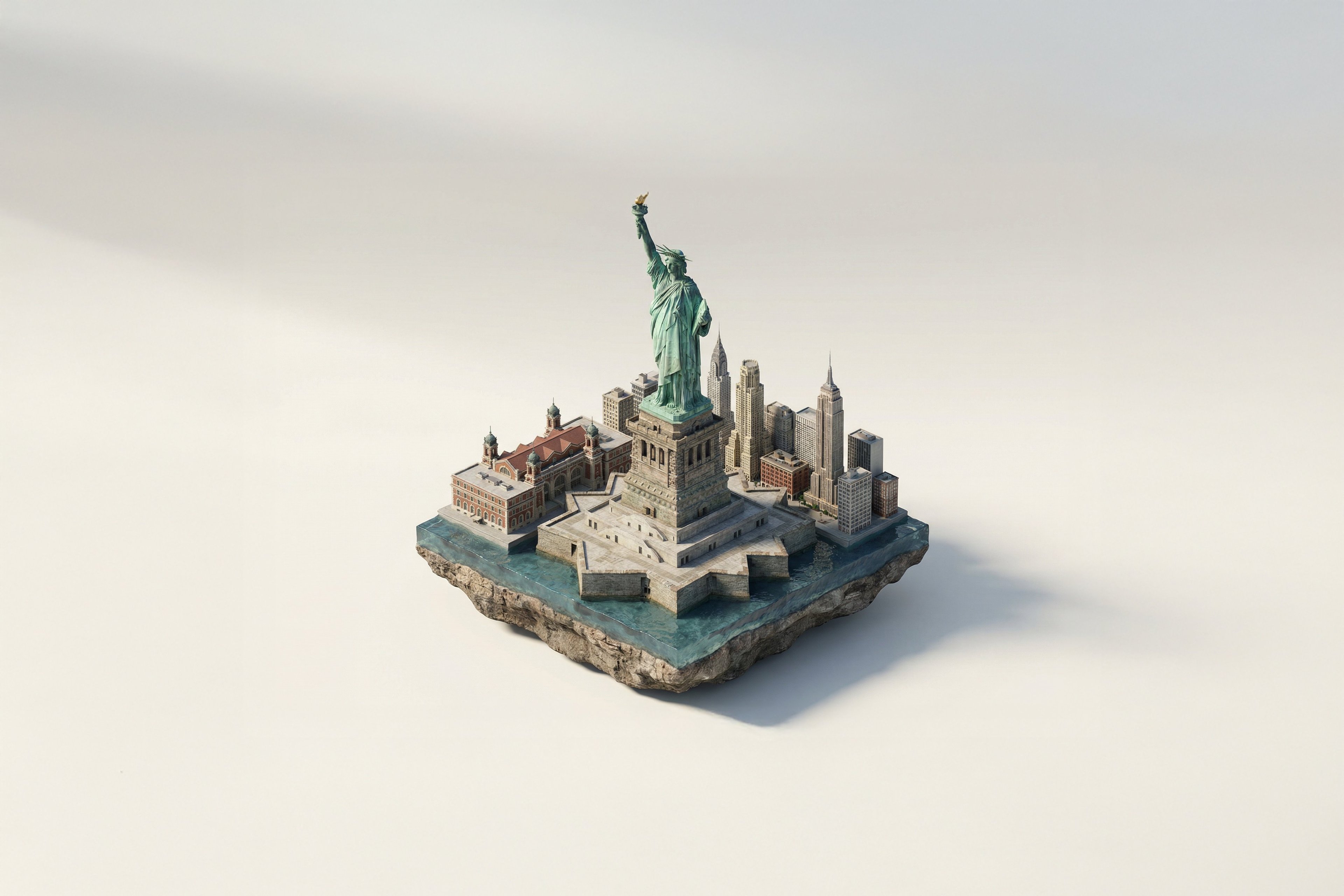
Turn Iconic Landmarks Into Tiny Worlds W

Isometric Landmark Generation Using Nano

Found Photograph: Us, 1970

80s Couple Studio Portrait

80s Bollywood Star

80s Golden Hour Cinema

Me in 1985

1985 Studio Portrait

Hyper-Realistic Minecraft POV Portrait

Cyber Samurai Empress Portrait
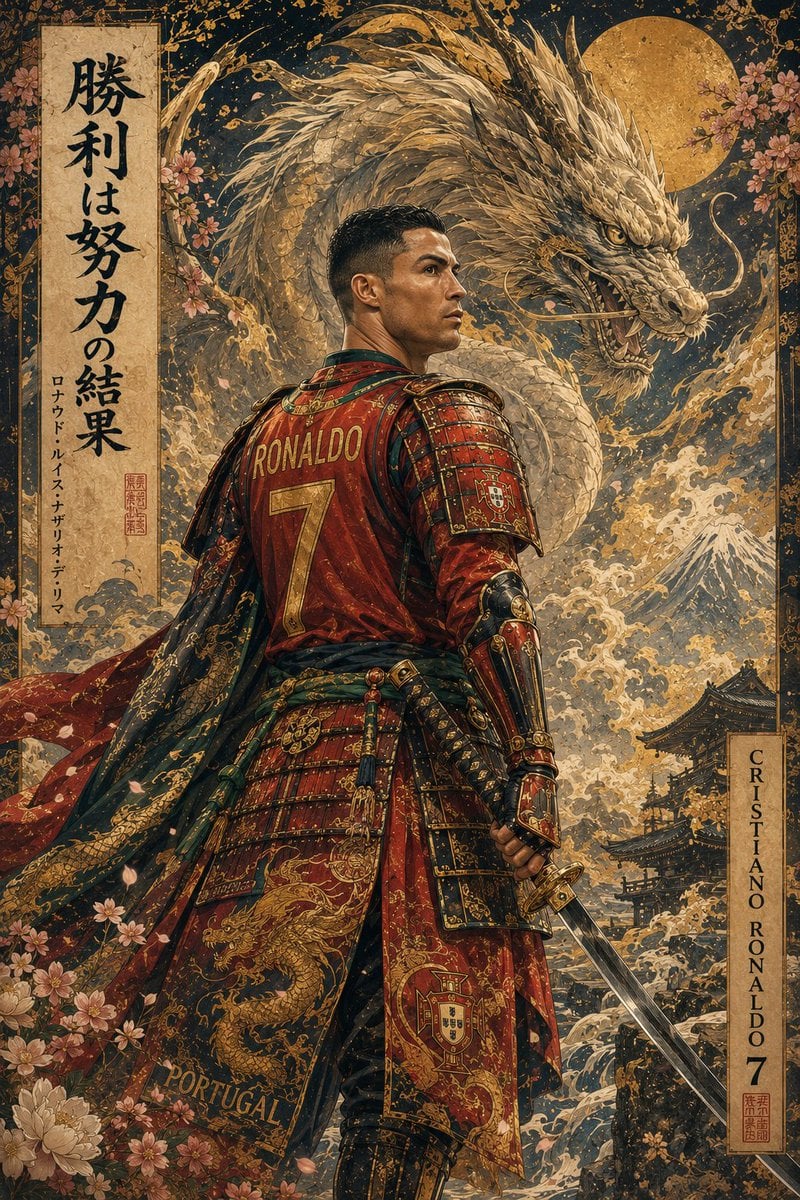
Ukiyo-e Mythological Samurai Portrait

Rooftop Fisheye — Cat-Ear Balaclava at Golden Hour
Make it yours
Samurai Cosplay Landmark Portrait Generator works as-is. These are the safest ways to change it without losing the look.
Change one field
Copy a single group, rewrite it, and generate again so you can see what that field is doing.
Keep the frame, change the subject
Hold the composition and light of Samurai Cosplay Landmark Portrait Generator, then swap wardrobe, props or the person for a new take.
| If the result… | Why | Fix |
|---|---|---|
| The result drifts from the preview | Too many fields changed at once. | Reuse Samurai Cosplay Landmark Portrait Generator as-is first, then change one group — subject, light, or setting. |
| The model over-stylizes the scene | The prose prompt leaves finish and camera underspecified. | Add one camera or lighting sentence and stay on GPT Image 2. |
More GPT Image 2 templates
Other prompts made for GPT Image 2.

Six VTuber Japanese Logo Sheet

Realistic Portrait of Woman and Deer

The Vista Modular Condo Poster

AI Model Routing Comparison Infographic

2.5D Anime Art Board

Isometric Productivity Desk Scene

New York Double Exposure Poster

Four-Panel AI Landscape Comparison

Japanese Tatami Lifestyle Magazine Cover

NESCAFÉ Coffee Map Poster
More image prompts
Fresh picks from across the catalog.
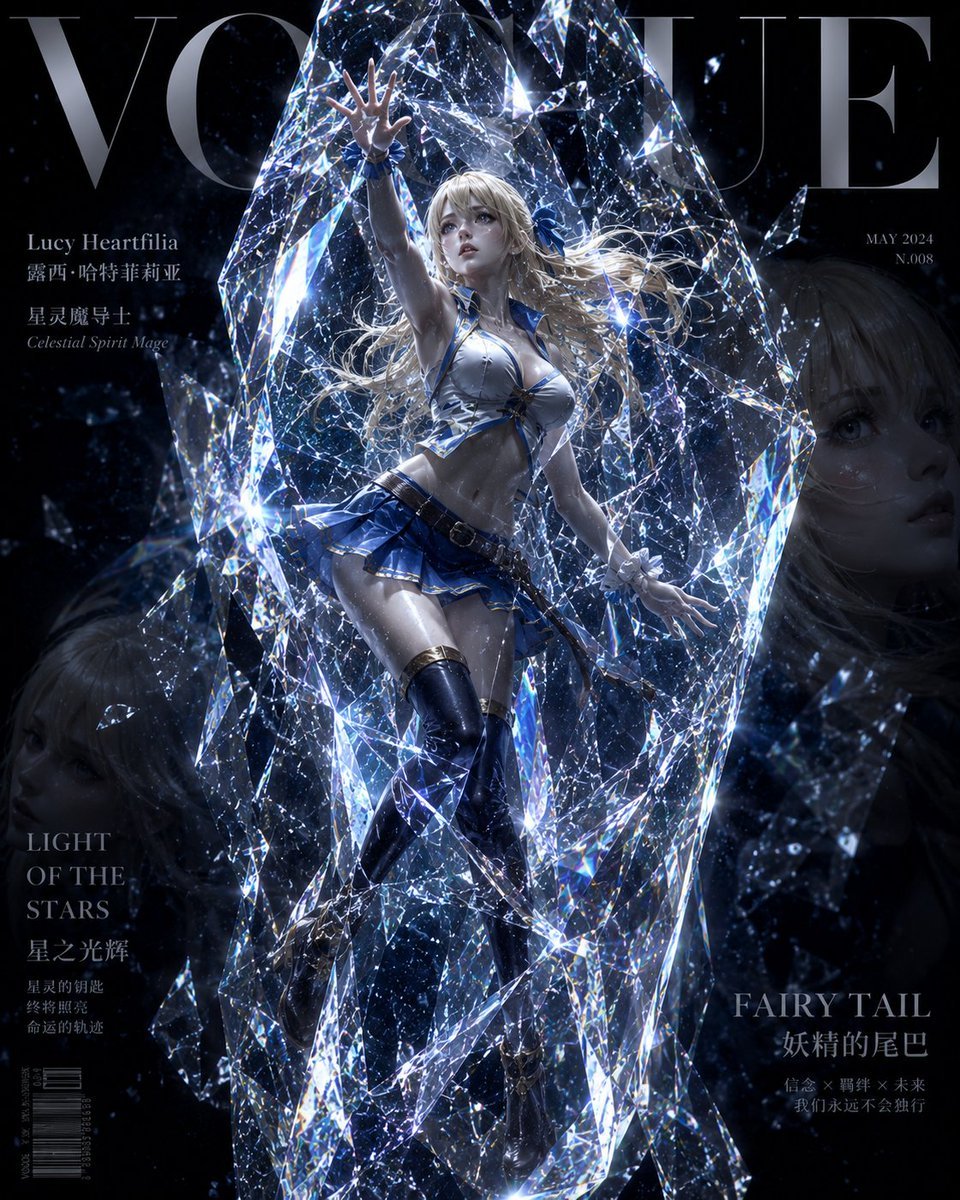
Avant-Garde Crystal Frozen Portrait
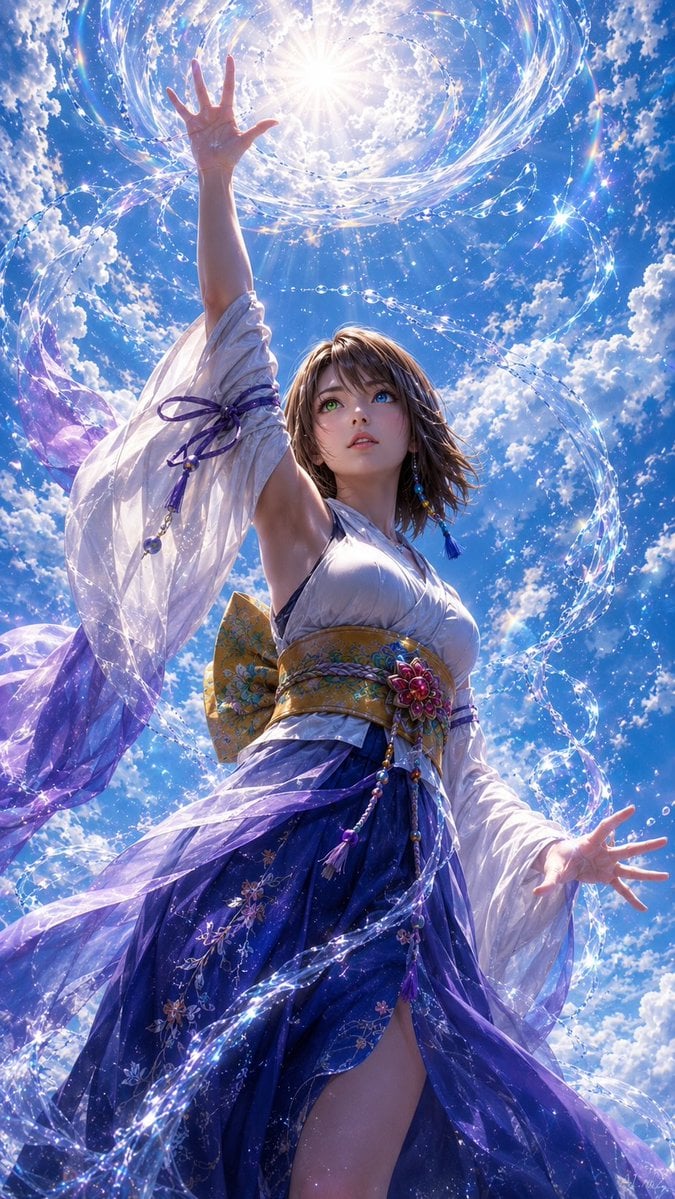
Magical Sky Dancer Portrait
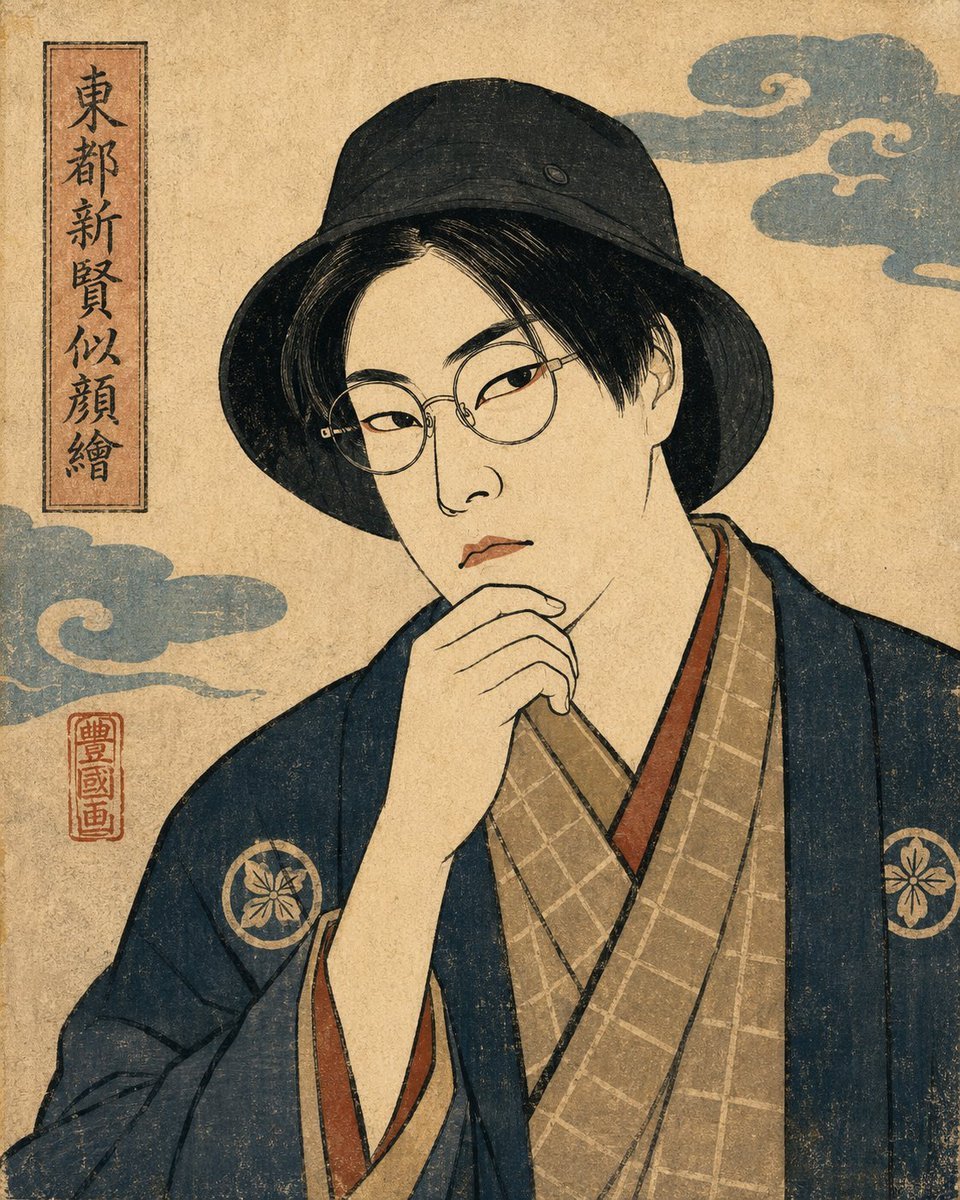
Ukiyo-e Portrait Transformation
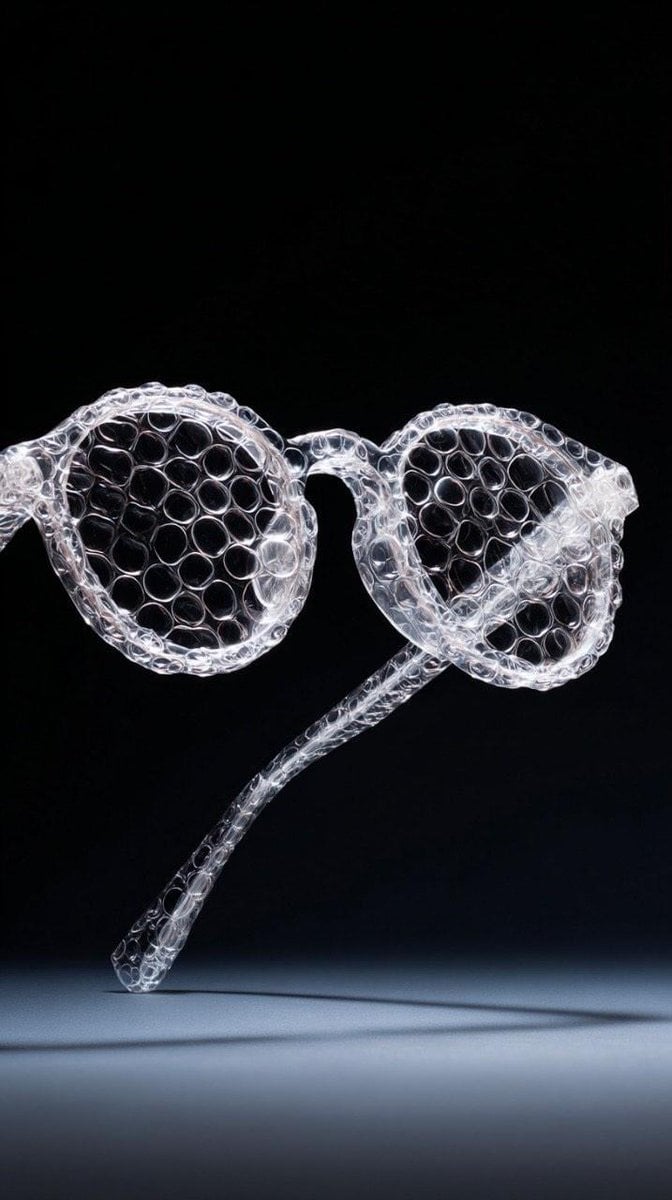
Minimalist studio shot of transparent bubble wrap fashion item

3D Render of Couple on Giant Heart
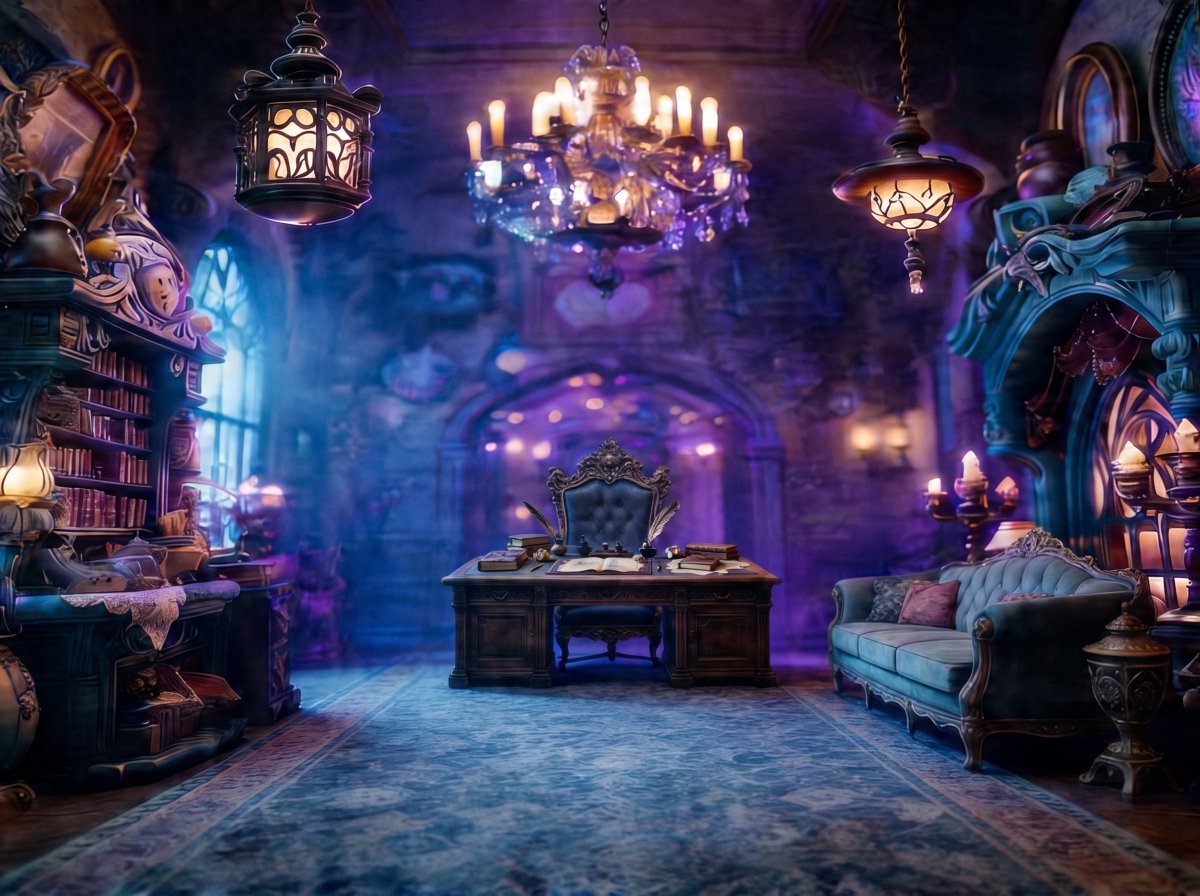
Enchanted Gothic Study Interior
Retro CRT TV Display Portrait Collage

Nano Banana Pro Image Generation Refusal Analysis (Freepik Example)
Girlfriend Portrait on Vintage CRT TV Wall
Golden Hour Ski Slope Selfie (Snow Bunny Aesthetic)
Browse template categories
Samurai Cosplay Landmark Portrait Generator questions
How do I use the Samurai Cosplay Landmark Portrait Generator template?
Add your photo if the template asks for one, edit the prompt if you like — the template's model and format are already selected — and press Generate. Your version opens in PicX Studio.
Can I customize the Samurai Cosplay Landmark Portrait Generator template?
Yes. You can change the subject, setting, lighting, mood, format, and available model controls before creating your image.
Is the Samurai Cosplay Landmark Portrait Generator template free?
Opening and editing this template is free. Generating uses credits, shown on the Generate button when you are signed in.
Which AI model should I use?
Start with GPT Image 2, which is the model associated with this template. You can compare another compatible model for a different finish.
Looking for something else? Browse all templates.

Your photo, any look
Thousands of ready templates for every top image and video model, from one credit balance.