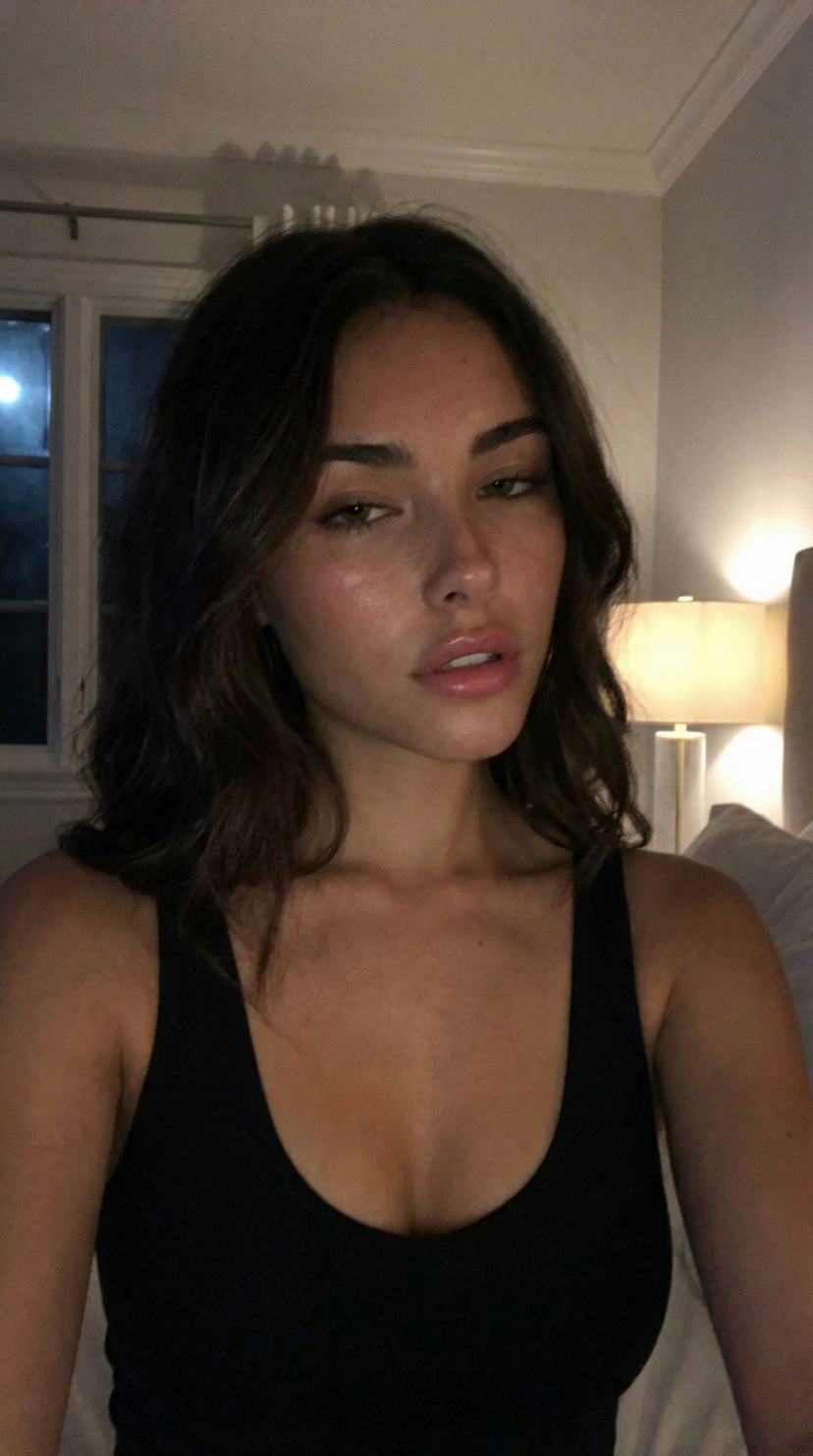
How do I use the Soft Close-up Bedroom Selfie Prompt template?
Choose the primary action to open PicX Studio with the available template settings. Review the model and format, personalize the creative direction, and generate when ready.
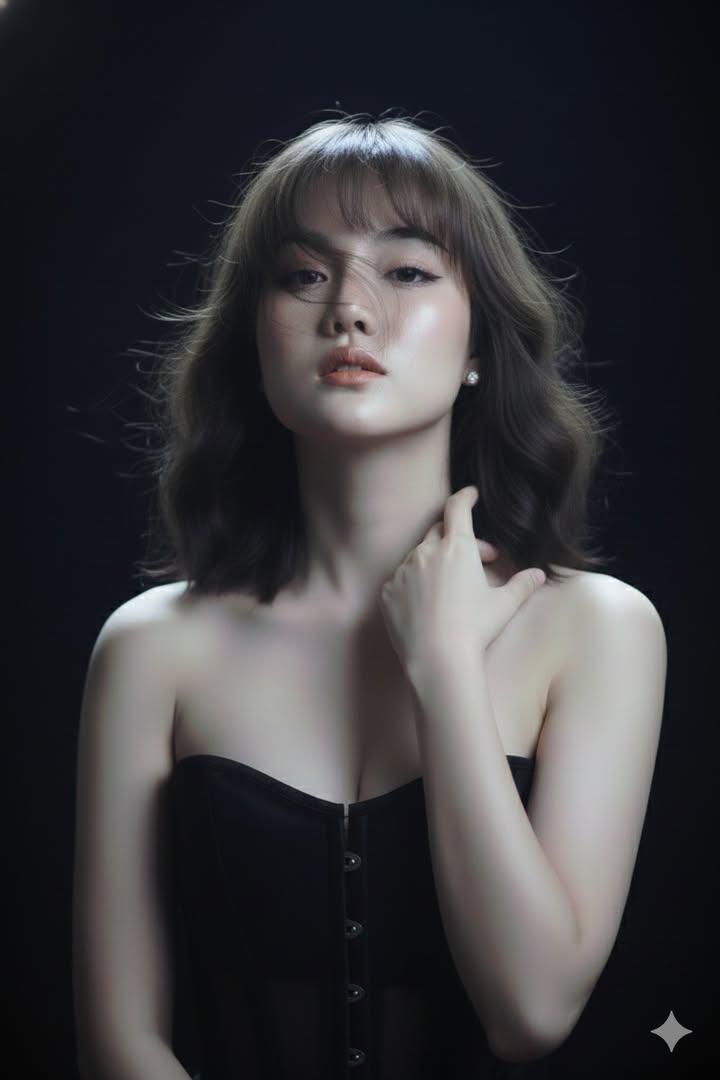
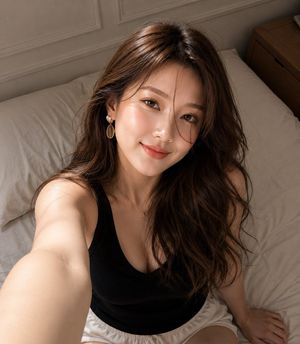
A detailed JSON prompt for generating a close-up, high-angle portrait of a young woman lying down in a bedroom setting. Change the subject, setting, or lighting one variable at a time.

{ "subject": { "demographics": "{argument name="demographics" default="Young woman, Roughly 20s"}", "hair": { "color": "Dark brown", "style": "Long, wavy, tousled, spread out on pillow", "texture": "Soft, natural" }, "face": { "expression": "Gentle smile, relaxed", "eyes": "Brown, looking directly at camera", "skin_tone": "Fair to medium, rosy cheeks", "makeup": "Natural look, minimal" }, "pose": "Reclining/lying down on back, head tilted slightly" }, "attire": { "clothing": "Black spaghetti-strap tank top or camisole", "neckline": "Low scoop neck" }, "accessories": { "jewelry": [ "Thin gold chain necklace", "Small dark pendant (possibly heart-shaped or geometric)" ] }, "environment": { "setting": "Bedroom, bed", "background": "White bed sheets/pillows, soft texture, slightly wrinkled" }, "photography_style": { "angle": "High angle, close-up, selfie perspective", "lighting": "Soft indoor lighting, warm tones, slight shadowing on the neck and side of face", "focus": "Sharp focus on face, slightly softer background" } }
Choose the primary action to open PicX Studio with the available template settings. Review the model and format, personalize the creative direction, and generate when ready.
Yes. You can change the subject, setting, lighting, mood, format, and available model controls before creating your image.
This template is free to open and customize. Generation usage is shown in PicX Studio before you create.
Start with Nano Banana 2, which is the model associated with this template. You can compare another compatible model for a different finish.
© 2026 PicX Studio. All rights reserved.

Follow a topic to a crawlable collection of related PicX Studio templates.
43,474 public templates available. Verified via the PicX Studio public templates API; refreshed hourly.












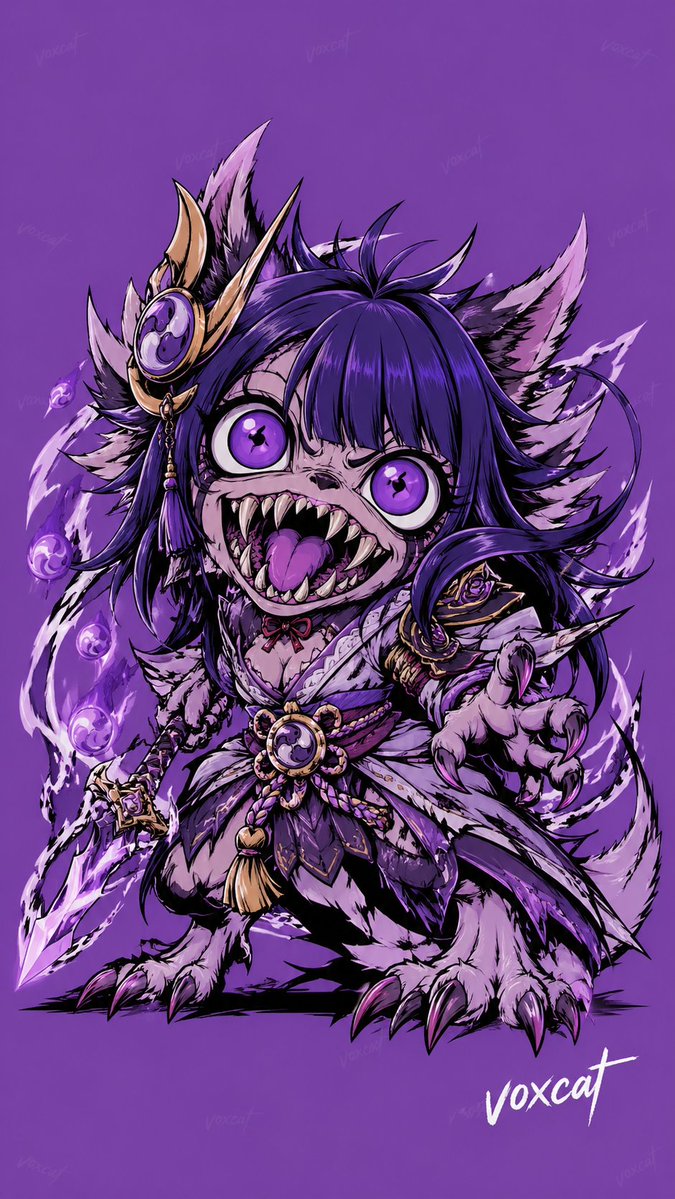
![Naive doodle-style subject illustration — A doodle-style {argument name="subject" default="[subject]"}, naive lines, humorous shape exaggeration](https://pbs.twimg.com/media/G6Wl2YxbsAARB2b.jpg)