
Children's Marker Drawing Style Transfer
A style transfer prompt that converts any input image subject into a handcrafted children's drawing style using markers on white paper.
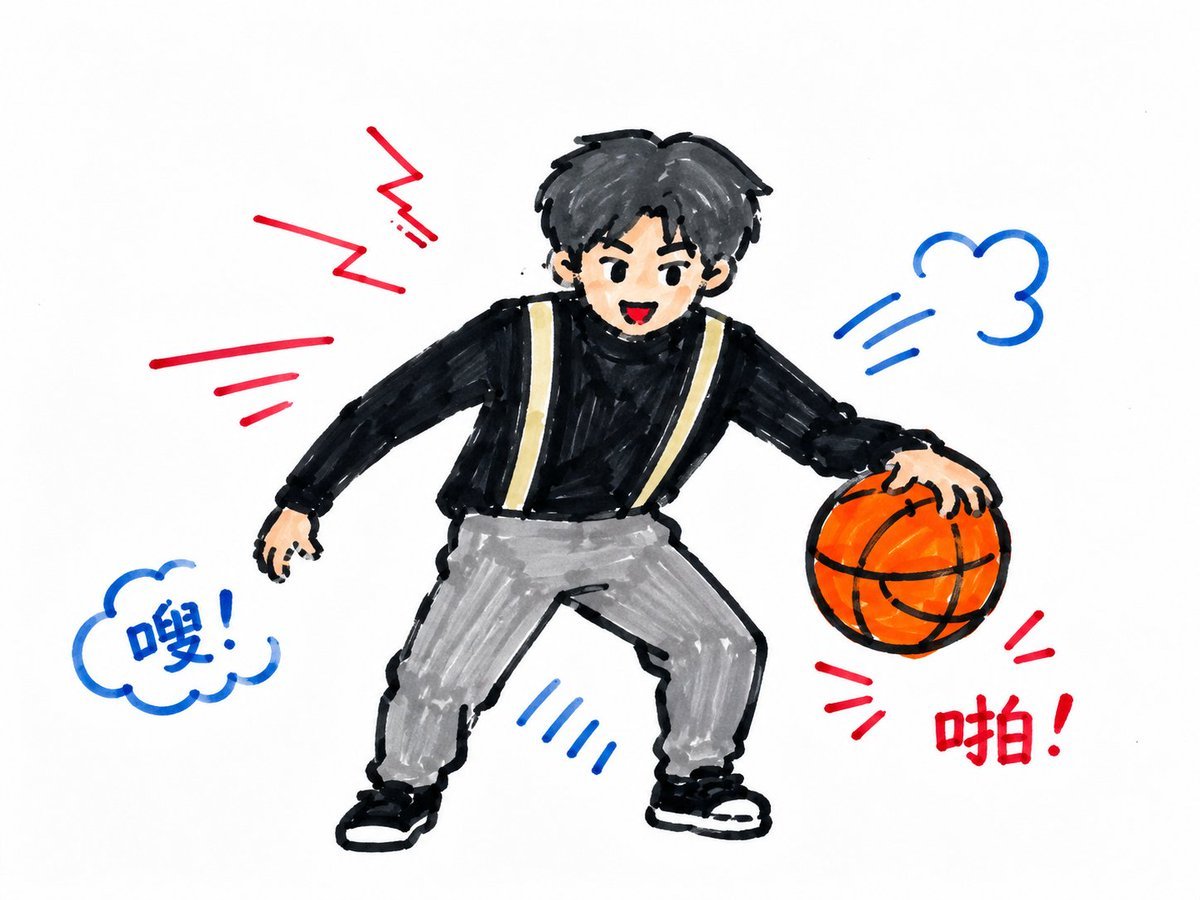
- Prompt included
- Model and format preset
- Free template
The prompt behind this image
Copy the exact prompt behind Children's Marker Drawing Style Transfer, or open it in the studio and make it yours.
以用户输入图片中的具体主题内容为核心,将主体重新绘成一张横向白纸上的儿童马克笔手绘图。先从输入内容里提取最能识别它的外轮廓、姿态方向、局部标志、功能部件和身份色,把复杂细节压缩成少数清楚的大形;主体不追求真实比例和精密结构,而以粗黑手绘外轮廓、松散内部结构线、幼稚但可认的变形来成立。画面主要重量放在中央或中下部,四周保留宽阔干净的白色纸面,让主体像被孩子认真画在纸上的主角符号。色彩使用有限的高饱和马克笔块面:一个从主题身份推导出的强主色承担主体质量,一个辅助强色切分结构和运动,小面积亮色点出最重要的识别部件;黑色负责压住轮廓,白色纸面同时作为背景、高光和漏白。所有色块都要有粗糙手工痕迹,保留干笔短痕、未涂满的空隙、轻微越界、颜色压线和线色错位,不使用真实光影、细腻渐变或抛光材质。背景保持白纸动作场,不建立完整环境,只在主体运动方向、视线方向和情绪压力周围放置稀疏的红蓝黑手绘速度线、波浪线、闪电式断线、云形线、短竖线或感叹符号,让背景承担空气、声音、速度和信息提示。输入图片中的复杂材质、纹理和小装饰都转成短线、块面、漏白和儿童记忆式符号;关键身份部件必须画清楚,非关键部分保持简略、歪斜、不完全对称。若需要文字,只使用短促的手写拟声、感叹或边缘注释,字迹像粗笔随手写出的动作线,不做正式排版。整体完成度停在清楚但不修整的位置,画面要像真实纸面上用粗黑记号笔和高饱和彩笔画出的童趣动作图,既一眼认出输入主体,又保留儿童手部控制带来的抖动、漏白、重描和天真失准。
How to use Children's Marker Drawing Style Transfer in 3 steps
- 1Upload ImagePNG, JPG or paste
Add your photo
Upload the photo the template builds on. The prompt, model and format are already set.
- 2…a portrait of your subject in softgolden-hour light, 85mm…
Personalize
Edit the subject and creative details for your destination.
- 3Generate
Generate
Press Generate — your image is created in PicX Studio, so you can compare it with the original and refine one variable at a time.
More like this
Templates with the same subject, style or setup. Open one to see its prompt.
Charcoal Chiaroscuro Portraiture
Turn children’s drawings into comic-style characters
Children's Book Illustration Style Prompt for Character Drawing
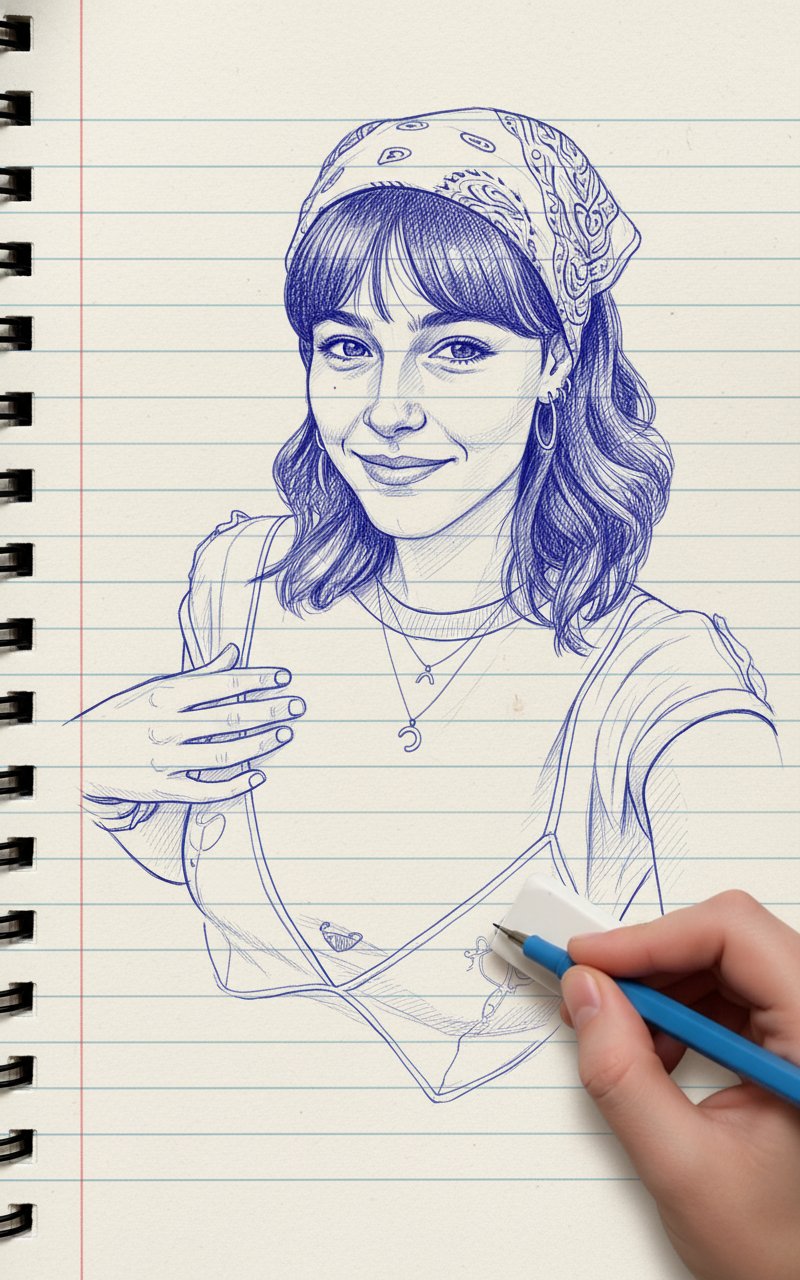
Blue Pencil Sketching
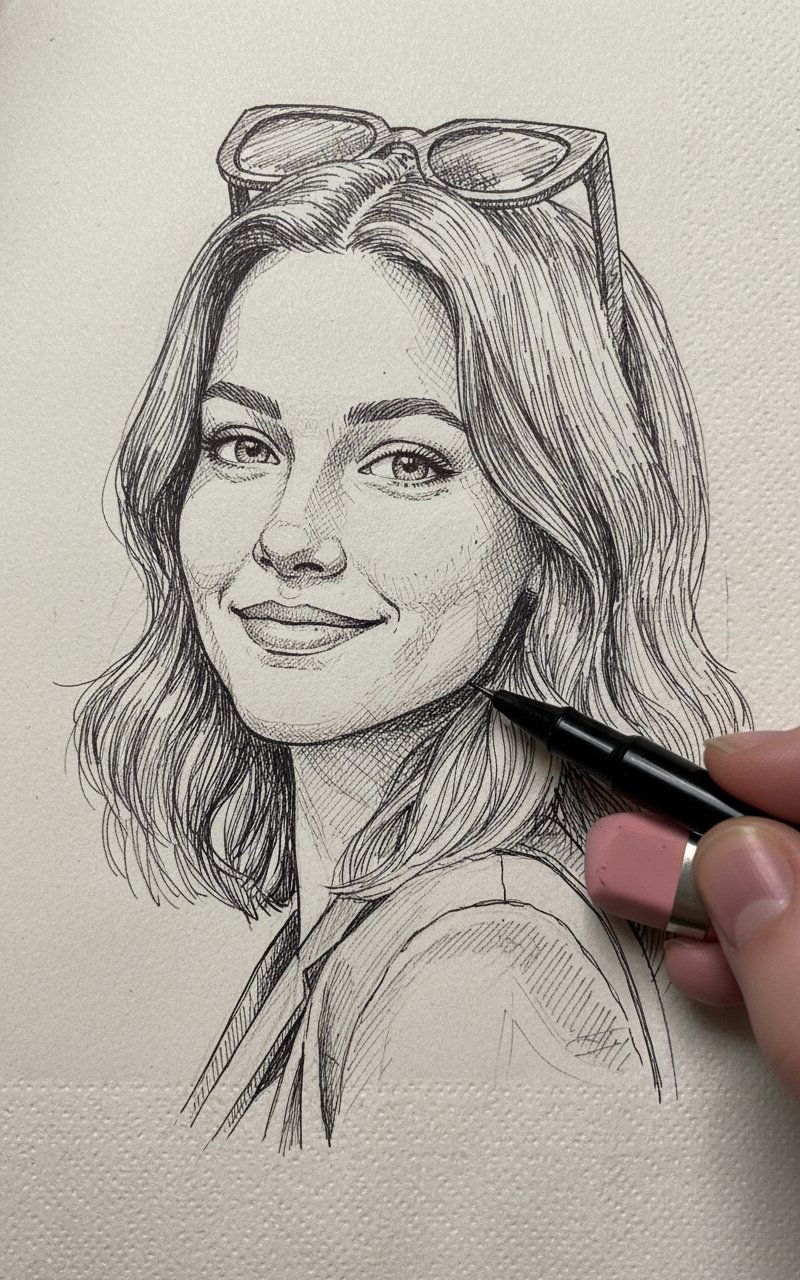
Pencil Sketch
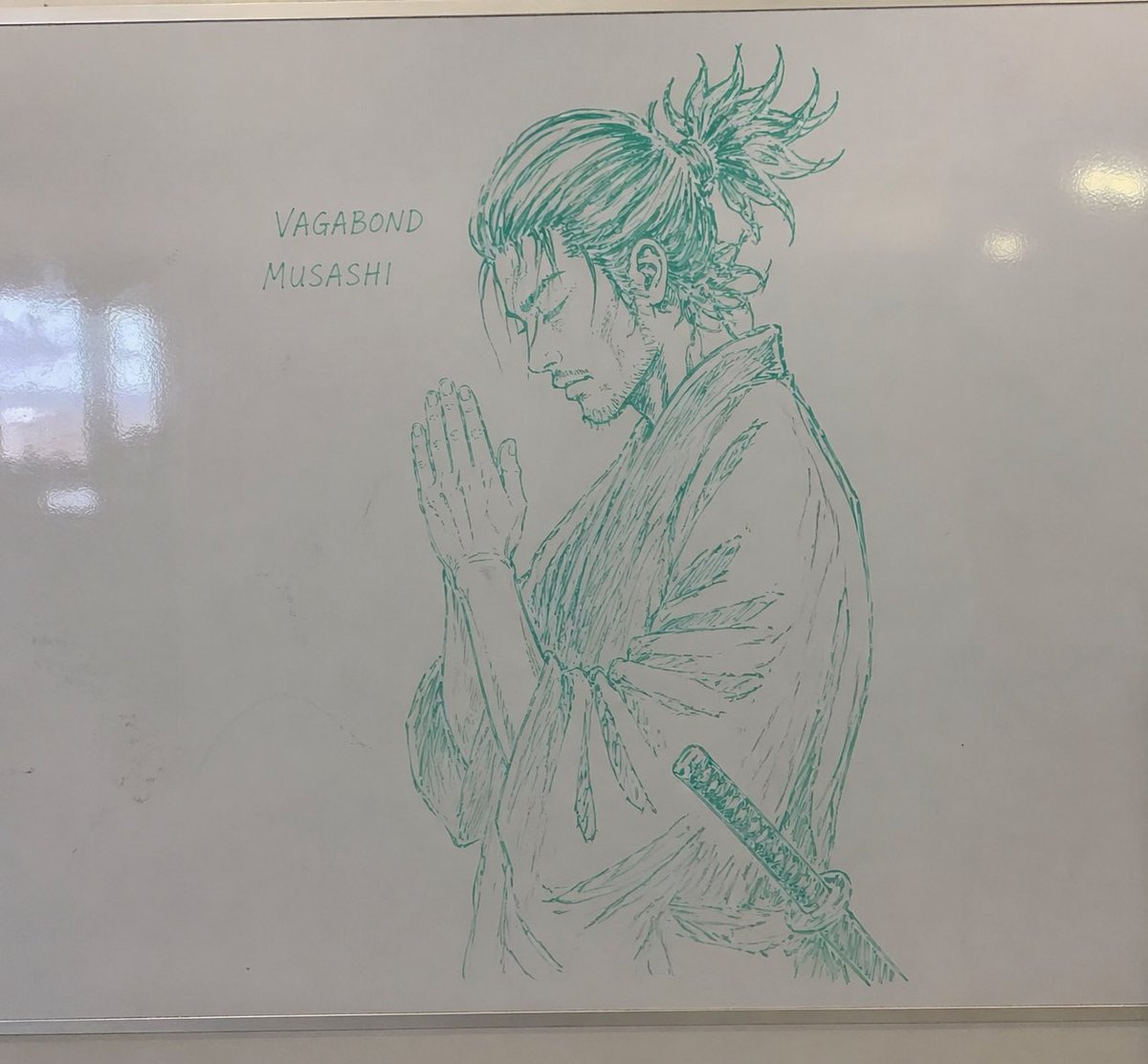
Whiteboard Marker Anime Sketch
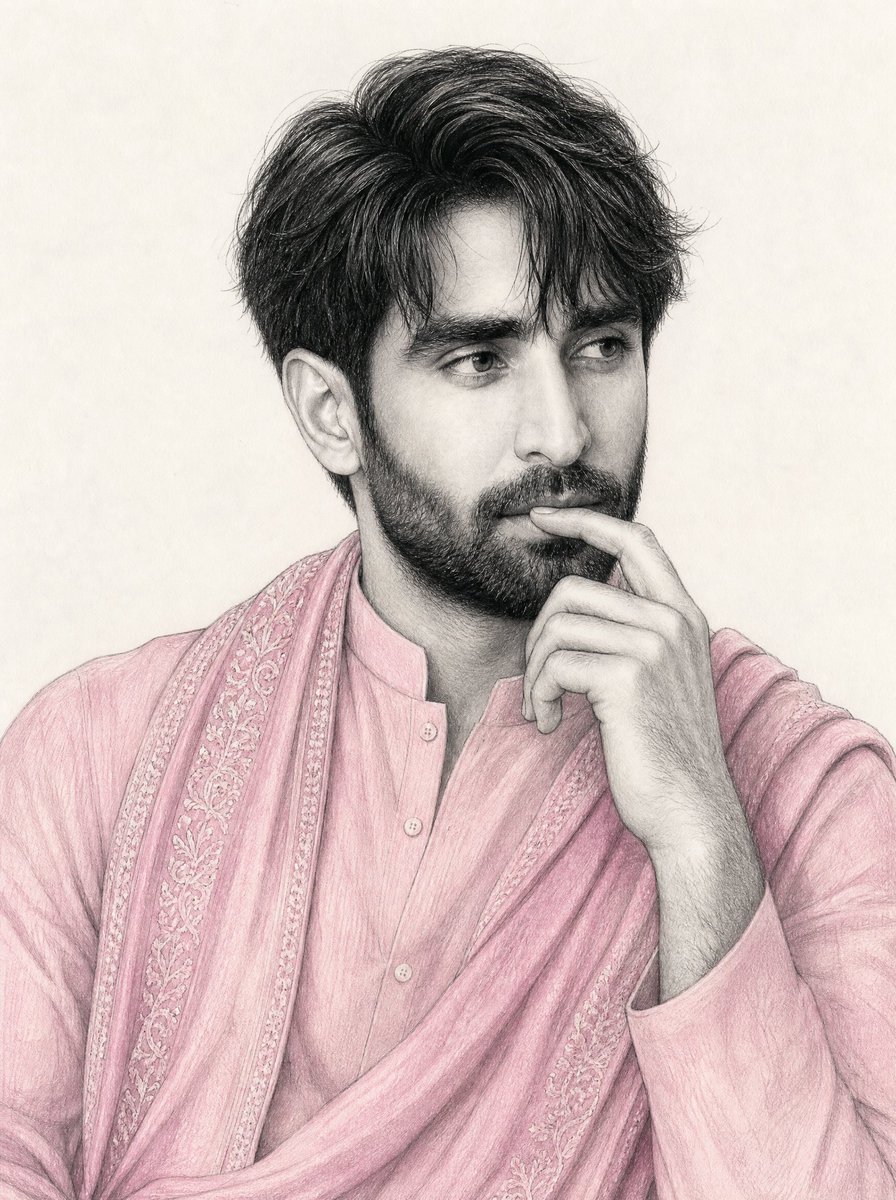
South Asian Man Graphite Drawing
Alcohol Marker Travel Poster Prompt
Watercolor Children Book Illustration
Chibi Marker Doodle Sketch
Minimalist Marker Sketch Doodle
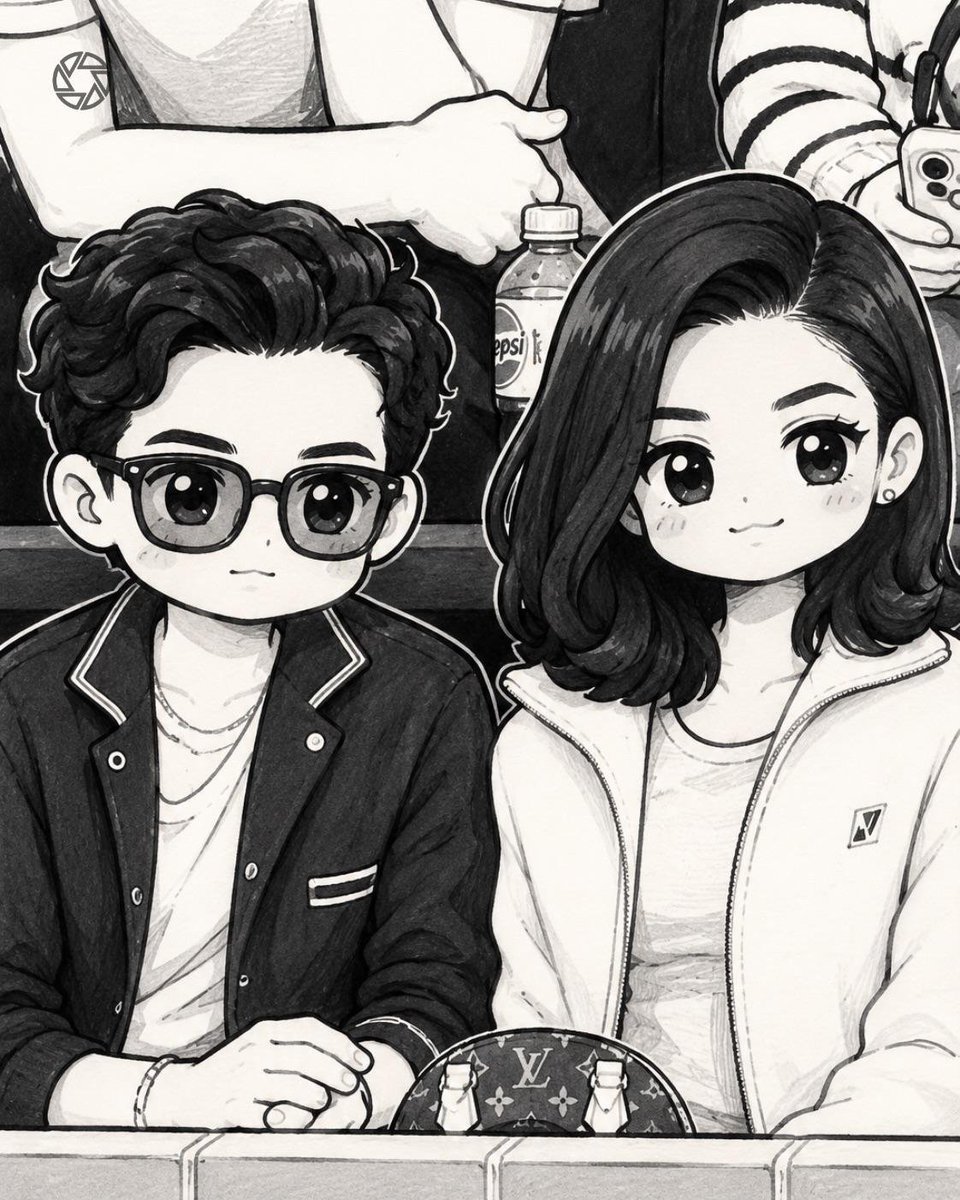
Photo to Chibi Marker Sketch
Make it yours
Children's Marker Drawing Style Transfer works as-is. These are the safest ways to change it without losing the look.
Change one field
Copy a single group, rewrite it, and generate again so you can see what that field is doing.
Keep the frame, change the subject
Hold the composition and light of Children's Marker Drawing Style Transfer, then swap wardrobe, props or the person for a new take.
| If the result… | Why | Fix |
|---|---|---|
| The result drifts from the preview | Too many fields changed at once. | Reuse Children's Marker Drawing Style Transfer as-is first, then change one group — subject, light, or setting. |
| The model over-stylizes the scene | The prose prompt leaves finish and camera underspecified. | Add one camera or lighting sentence and stay on GPT Image 2. |
More GPT Image 2 templates
Other prompts made for GPT Image 2.

Six VTuber Japanese Logo Sheet

Realistic Portrait of Woman and Deer

The Vista Modular Condo Poster

AI Model Routing Comparison Infographic

2.5D Anime Art Board

Isometric Productivity Desk Scene

New York Double Exposure Poster

Four-Panel AI Landscape Comparison

Japanese Tatami Lifestyle Magazine Cover

NESCAFÉ Coffee Map Poster
More image prompts
Fresh picks from across the catalog.
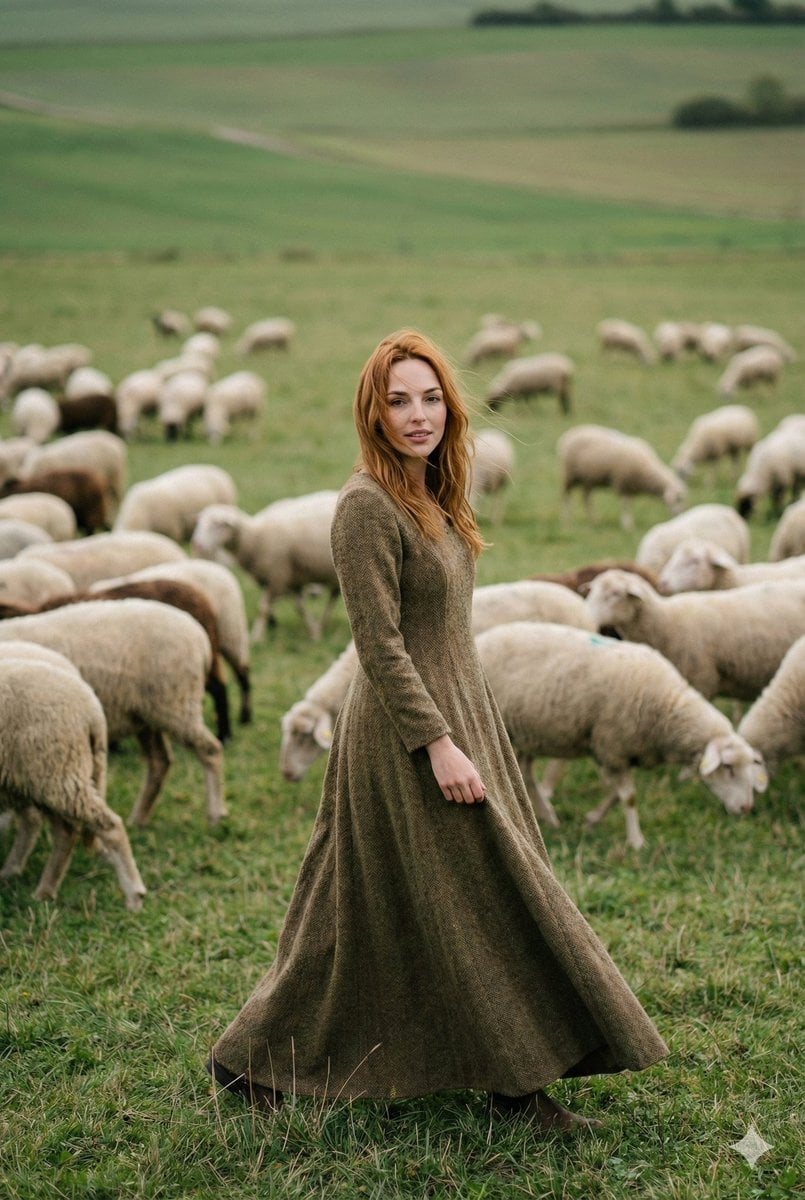
Fashion-Meets-Documentary Portrait in a Pastoral Setting
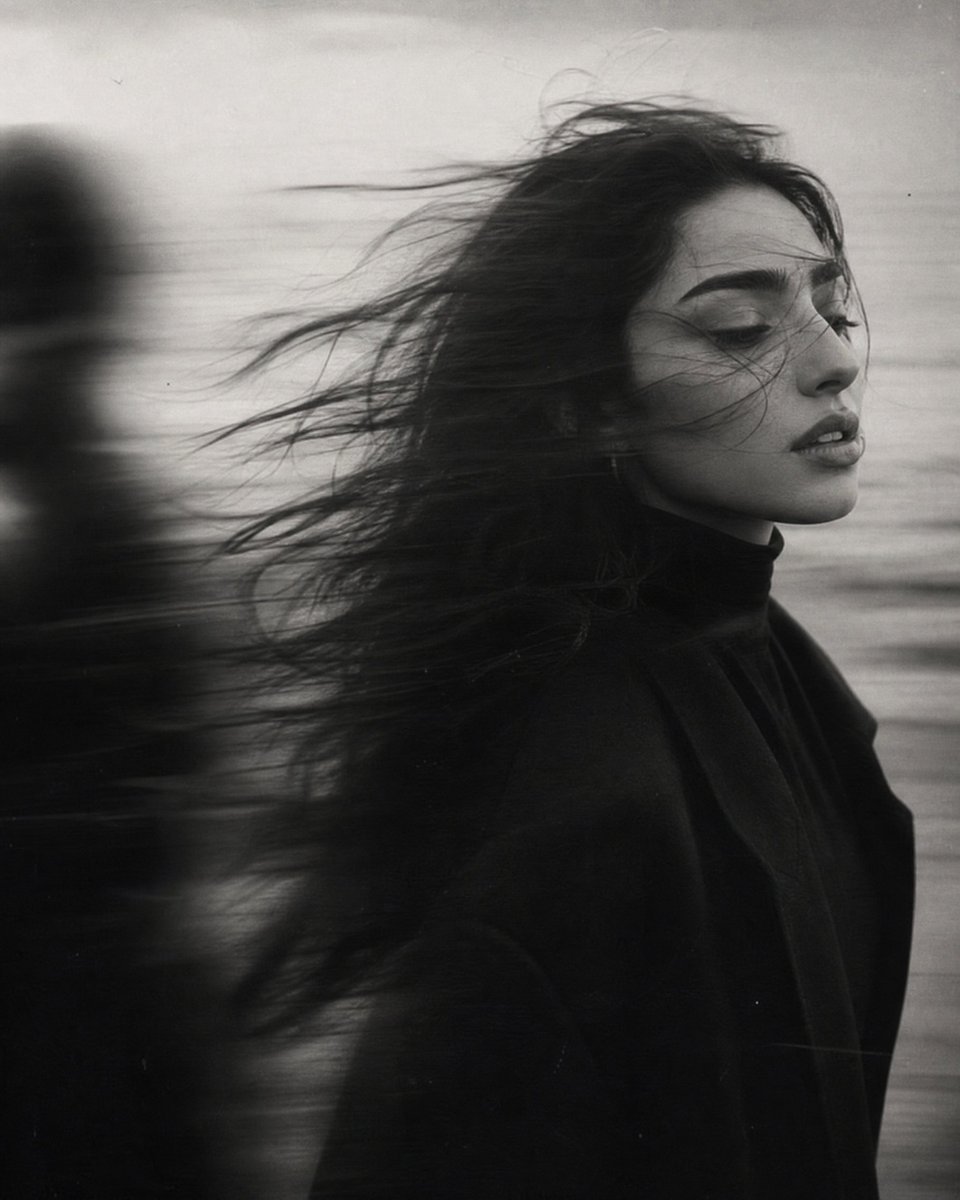
Windblown Anonymous Film Portrait
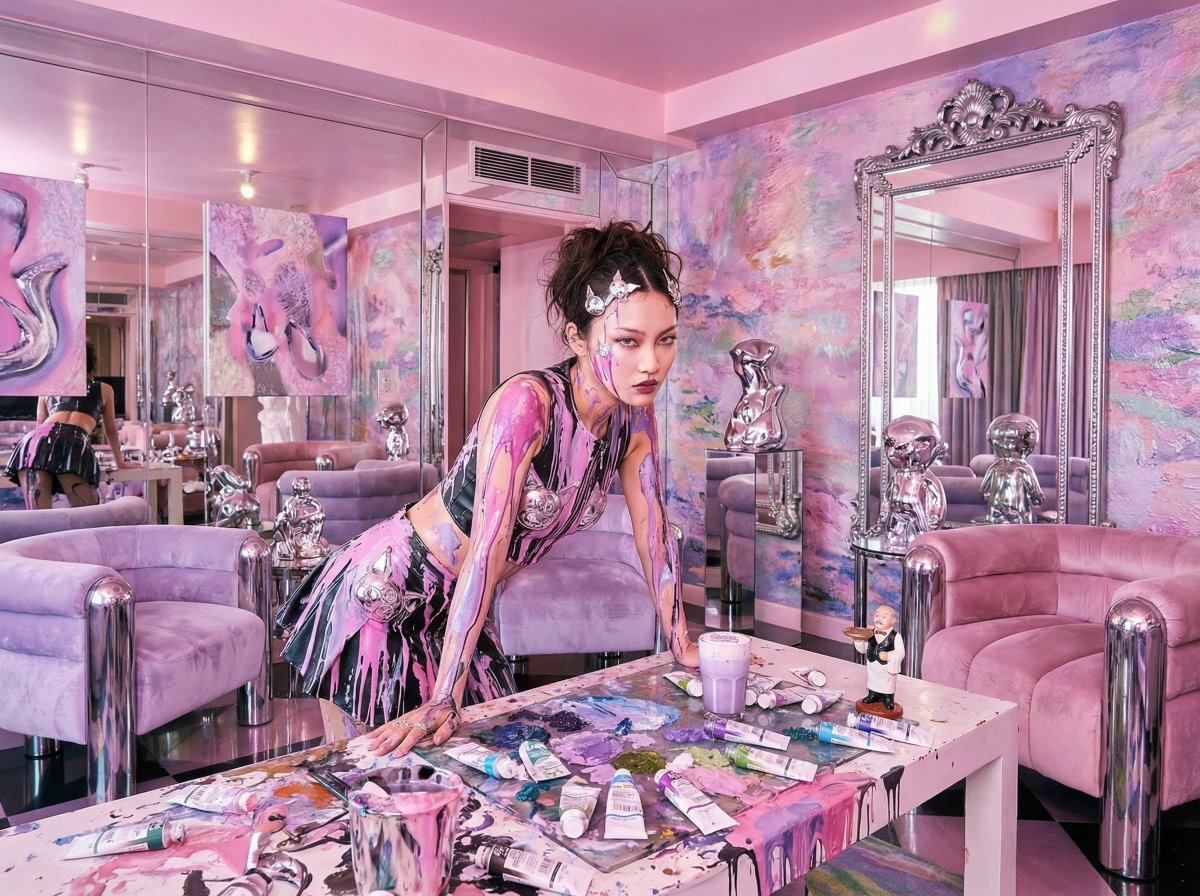
Psychedelic Y2K Maximalist Hotel Suite Prompt
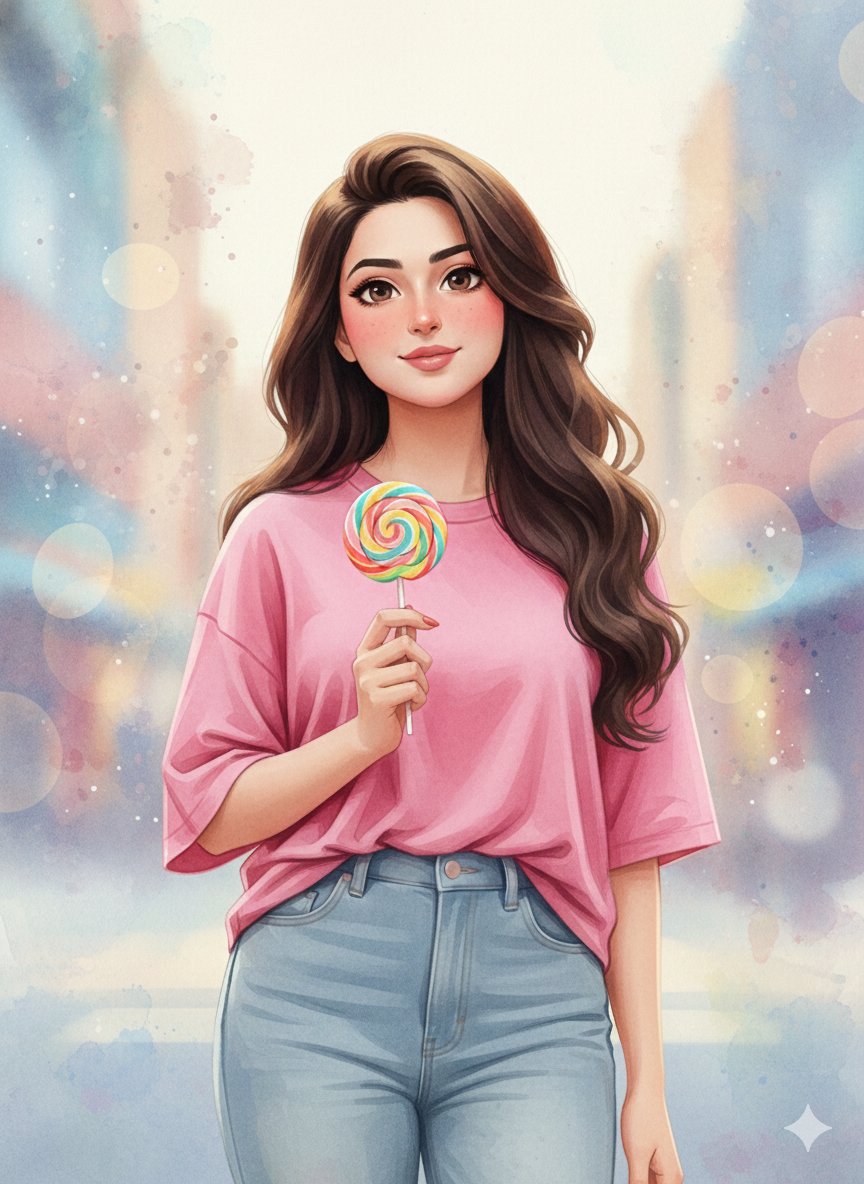
3D Anime Watercolor Style Transfer
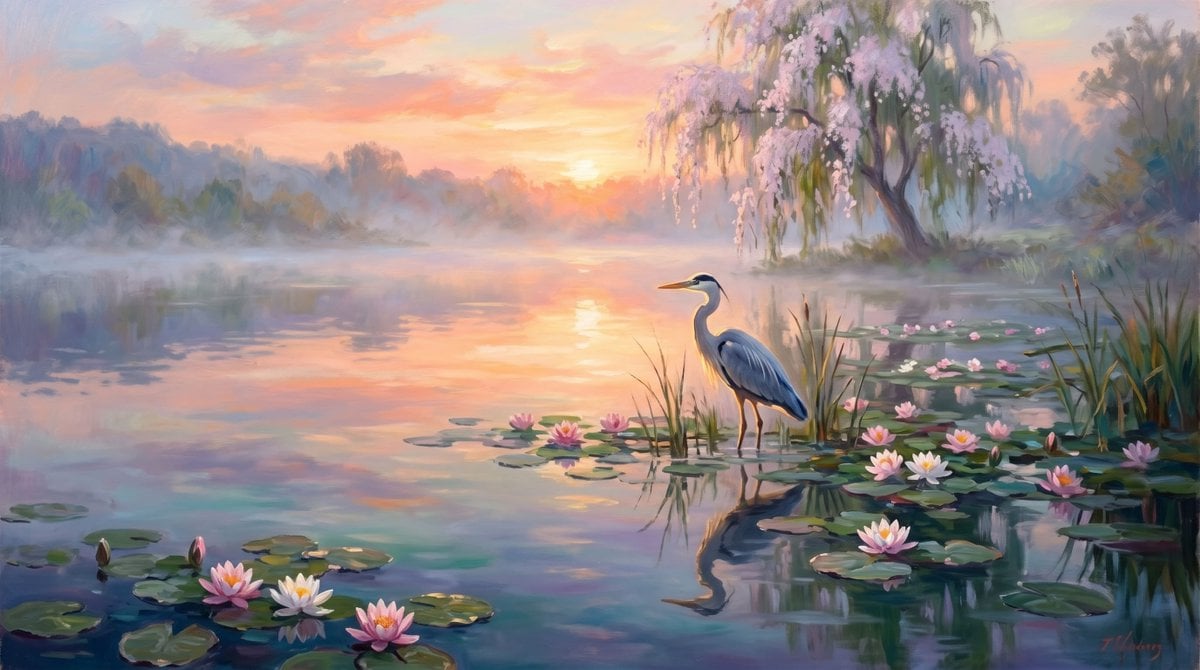
Misty Sunrise Heron Lake
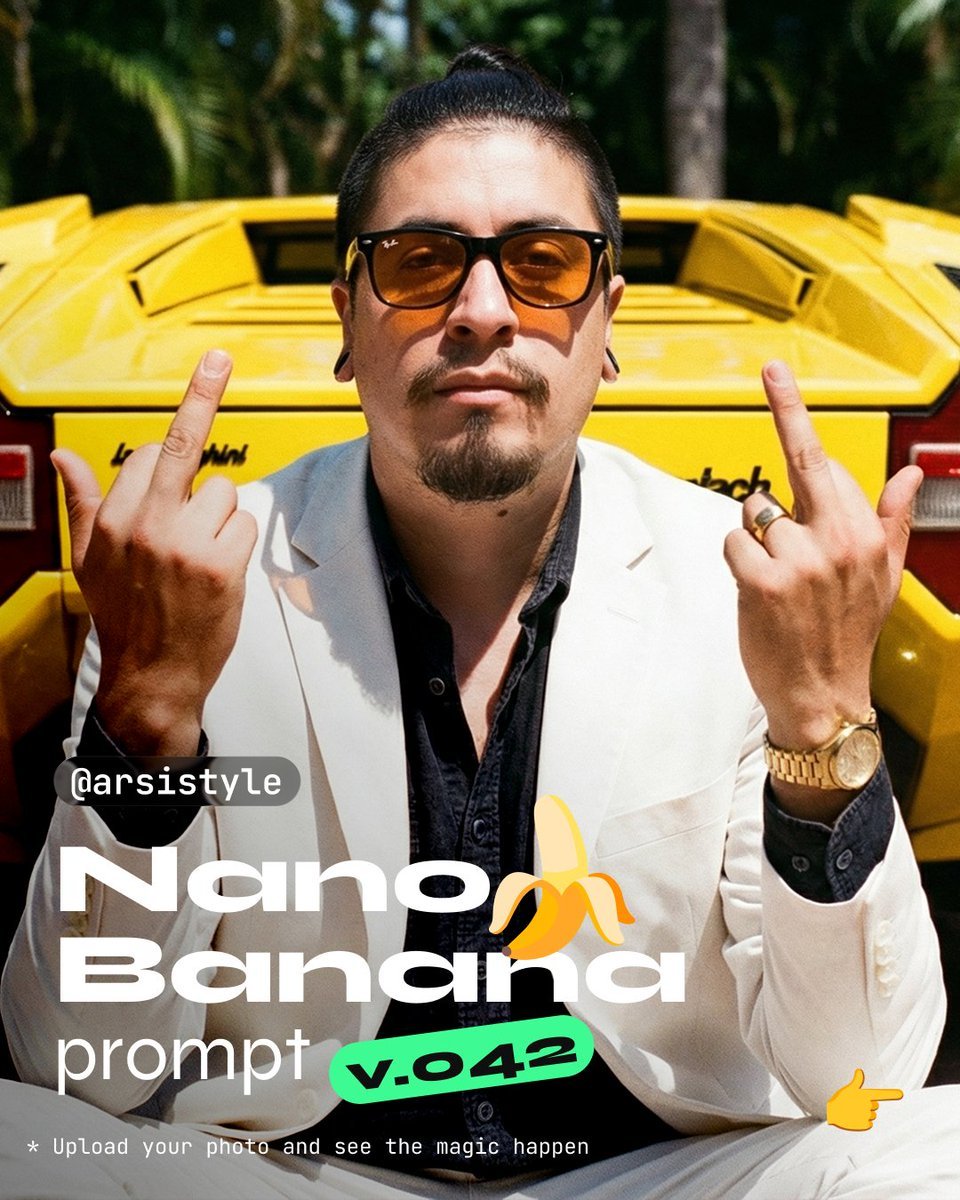
Defiant Subject with Vintage Sports Car
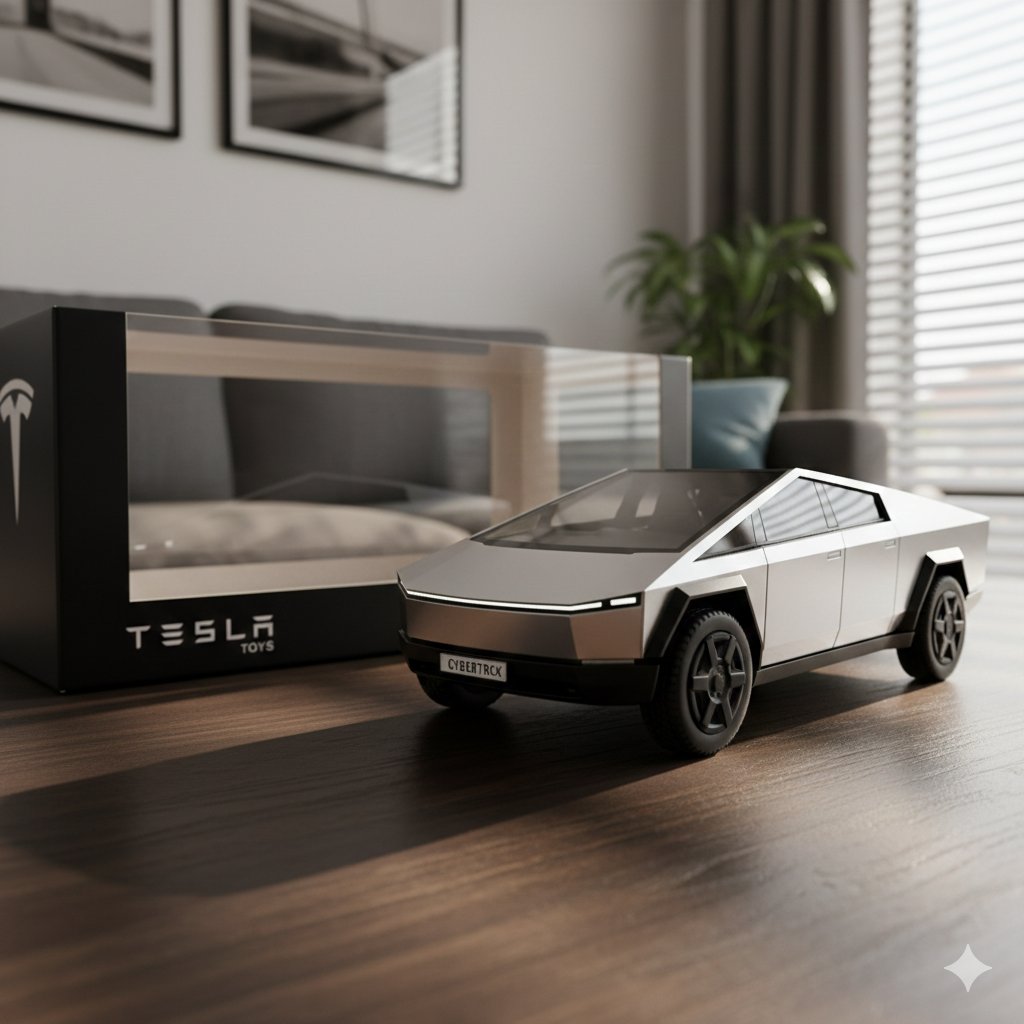
Diecast Toy Model Generation Prompt
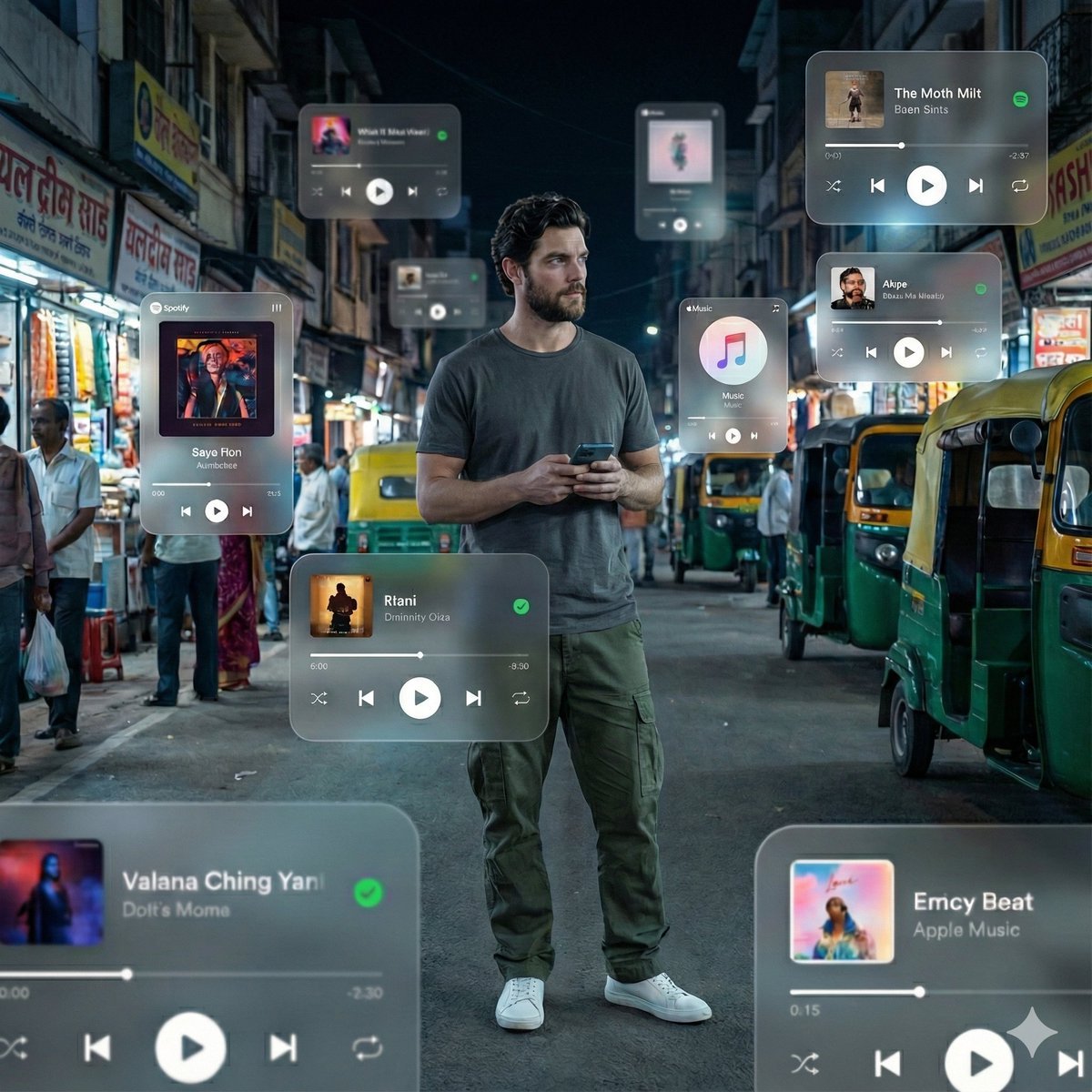
Cinematic AR Visualization in Indian Street Market
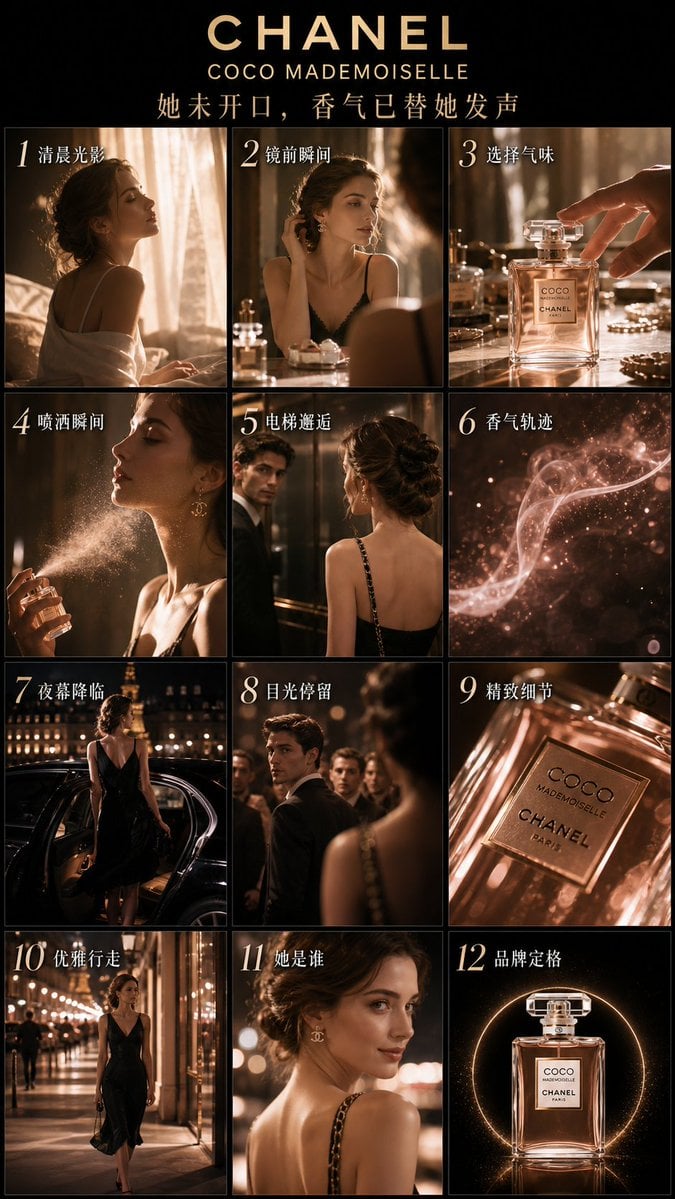
Luxury Perfume Advertising Storyboard
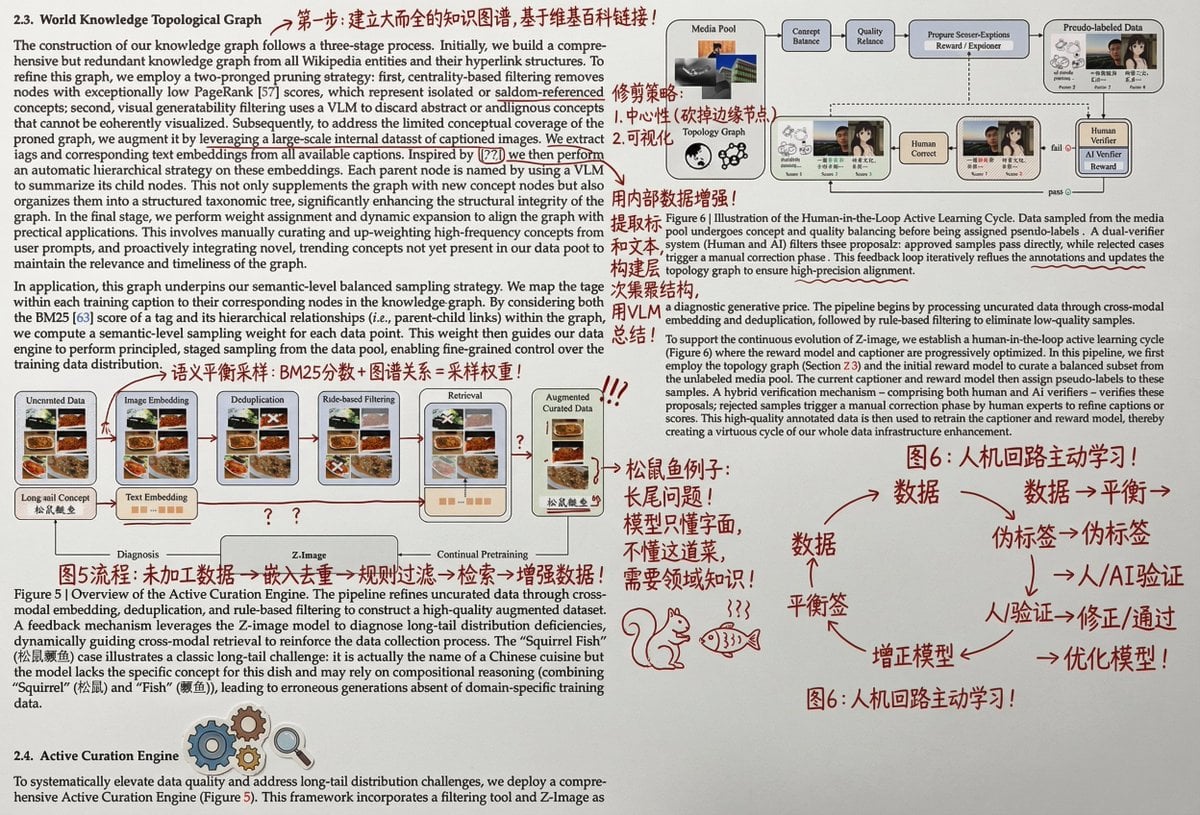
Paper Annotation and Review Prompt
Browse template categories
Children's Marker Drawing Style Transfer questions
How do I use the Children's Marker Drawing Style Transfer template?
Add your photo if the template asks for one, edit the prompt if you like — the template's model and format are already selected — and press Generate. Your version opens in PicX Studio.
Can I customize the Children's Marker Drawing Style Transfer template?
Yes. You can change the subject, setting, lighting, mood, format, and available model controls before creating your image.
Is the Children's Marker Drawing Style Transfer template free?
Opening and editing this template is free. Generating uses credits, shown on the Generate button when you are signed in.
Which AI model should I use?
Start with GPT Image 2, which is the model associated with this template. You can compare another compatible model for a different finish.
Looking for something else? Browse all templates.

Your photo, any look
Thousands of ready templates for every top image and video model, from one credit balance.