How do I use the Chibi Marker Doodle Sketch template?
Edit the prompt in the box under the preview — the template's model and format are already selected — and press Generate. Your version appears right on this page.
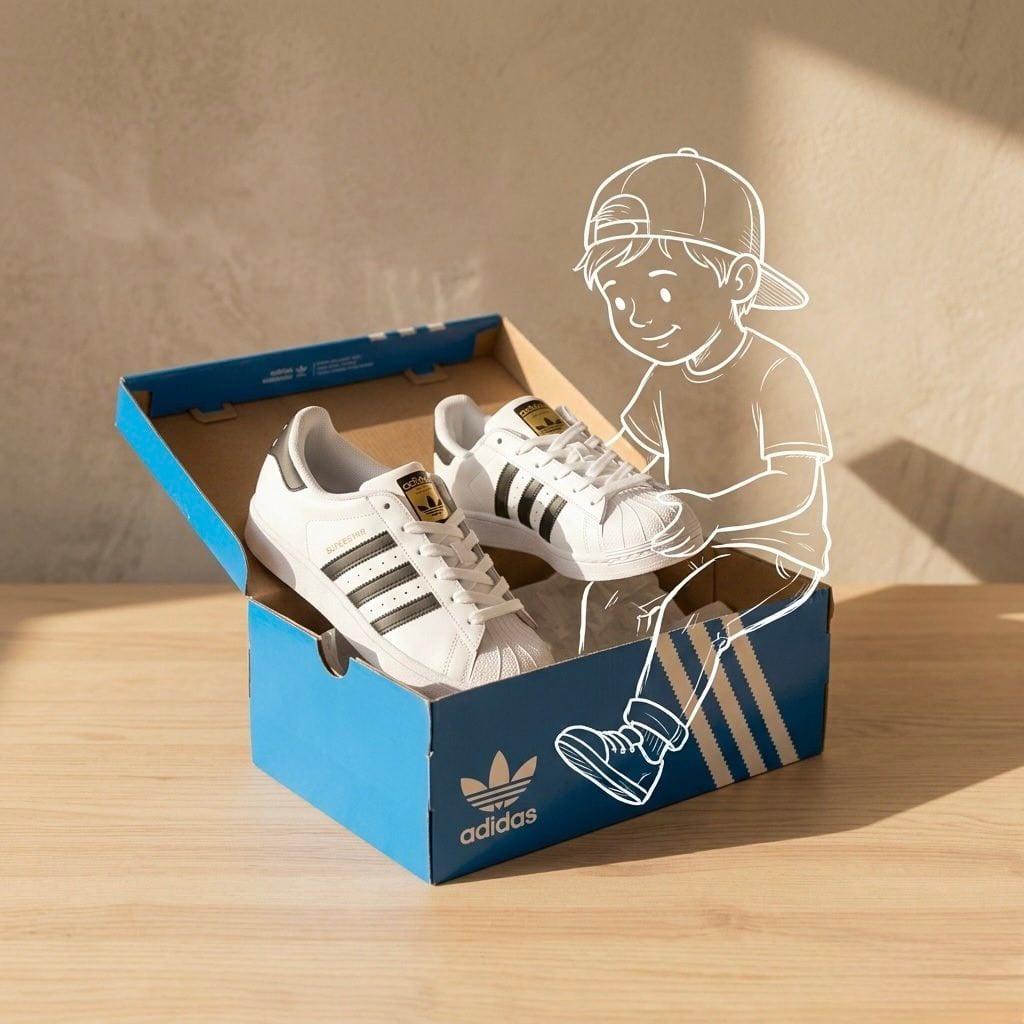
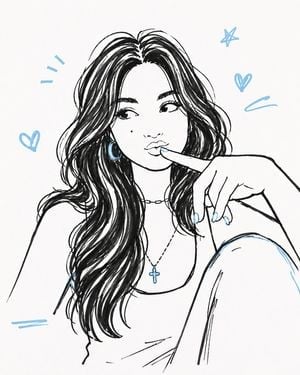
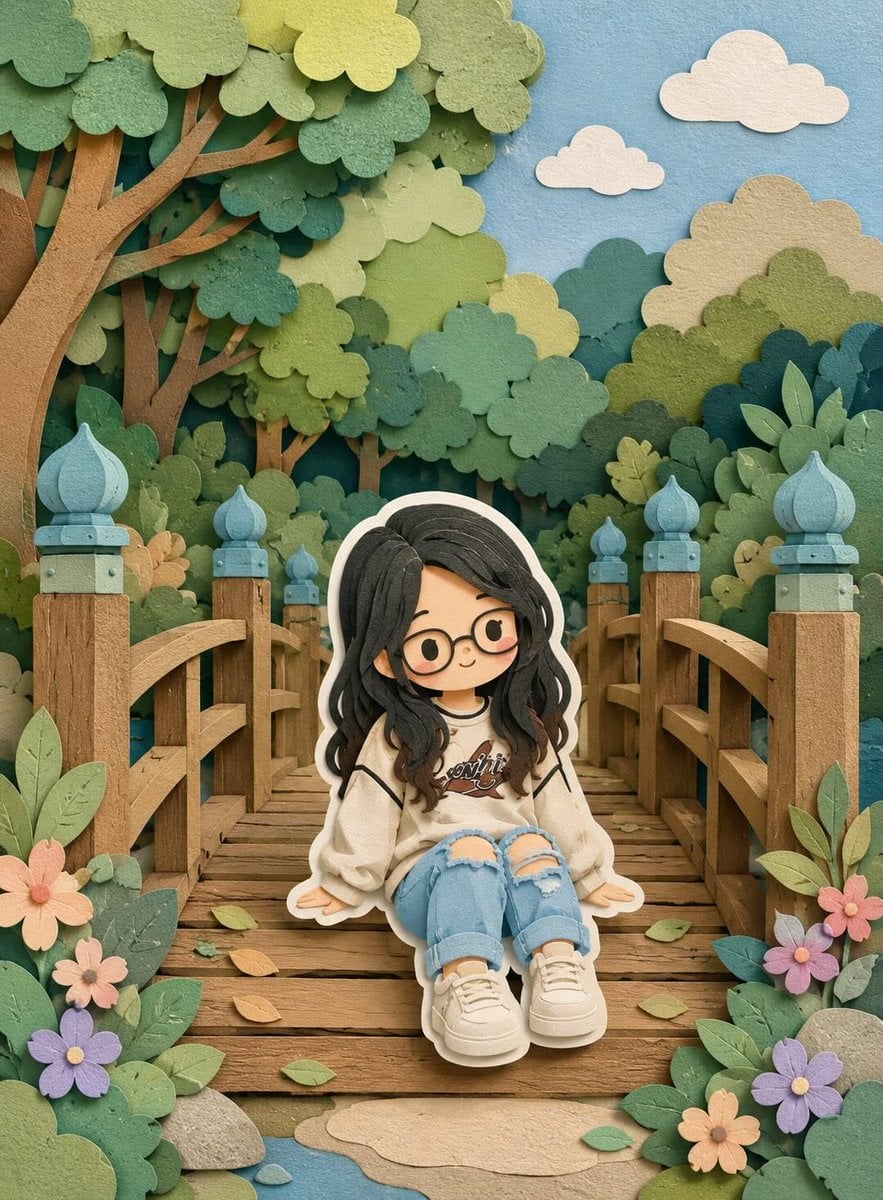
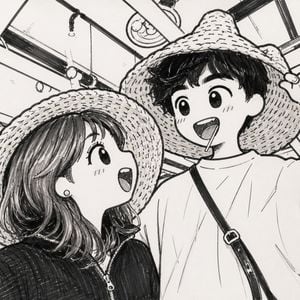
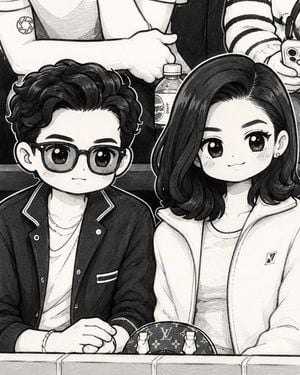
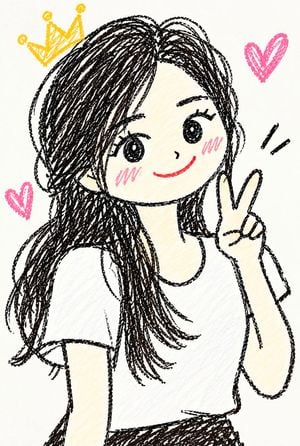
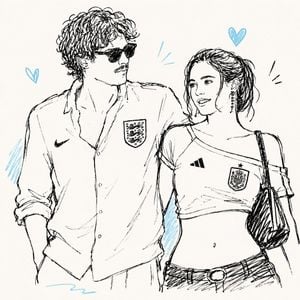
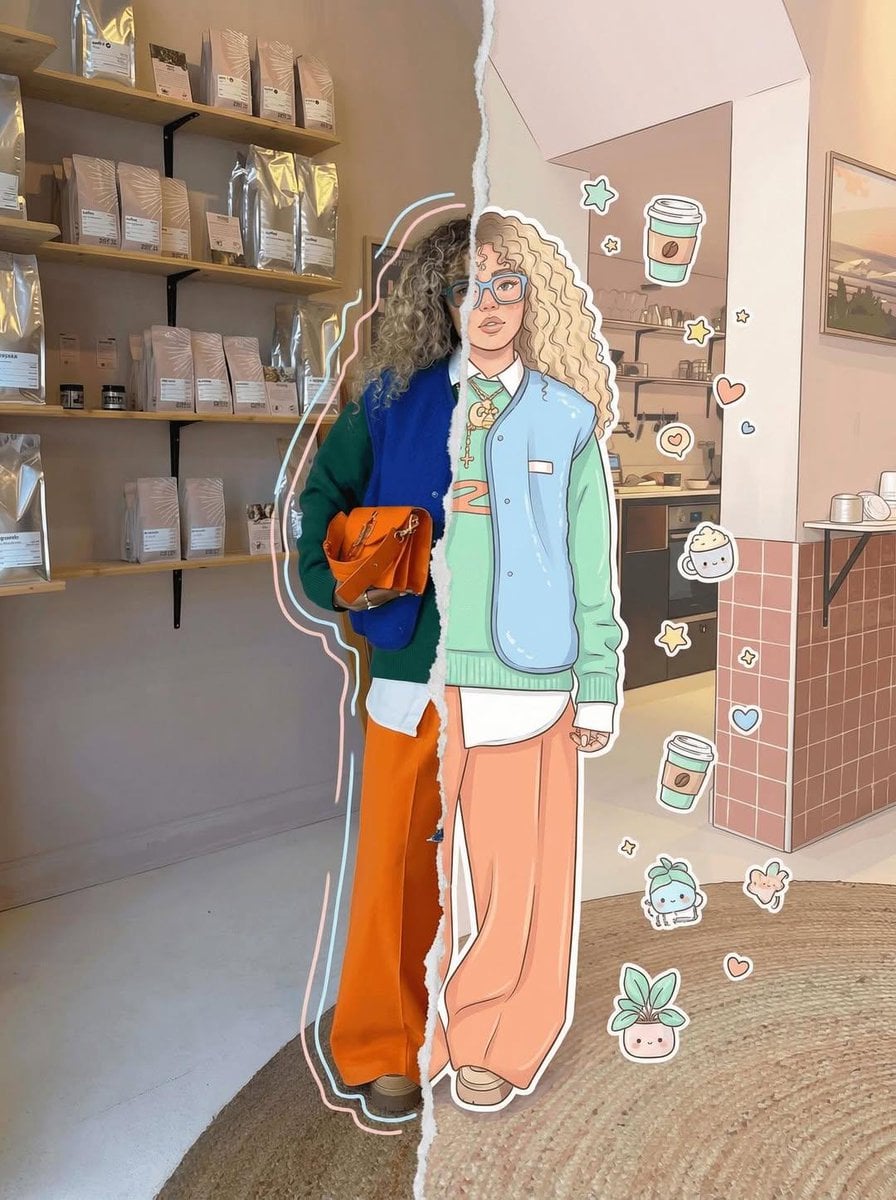
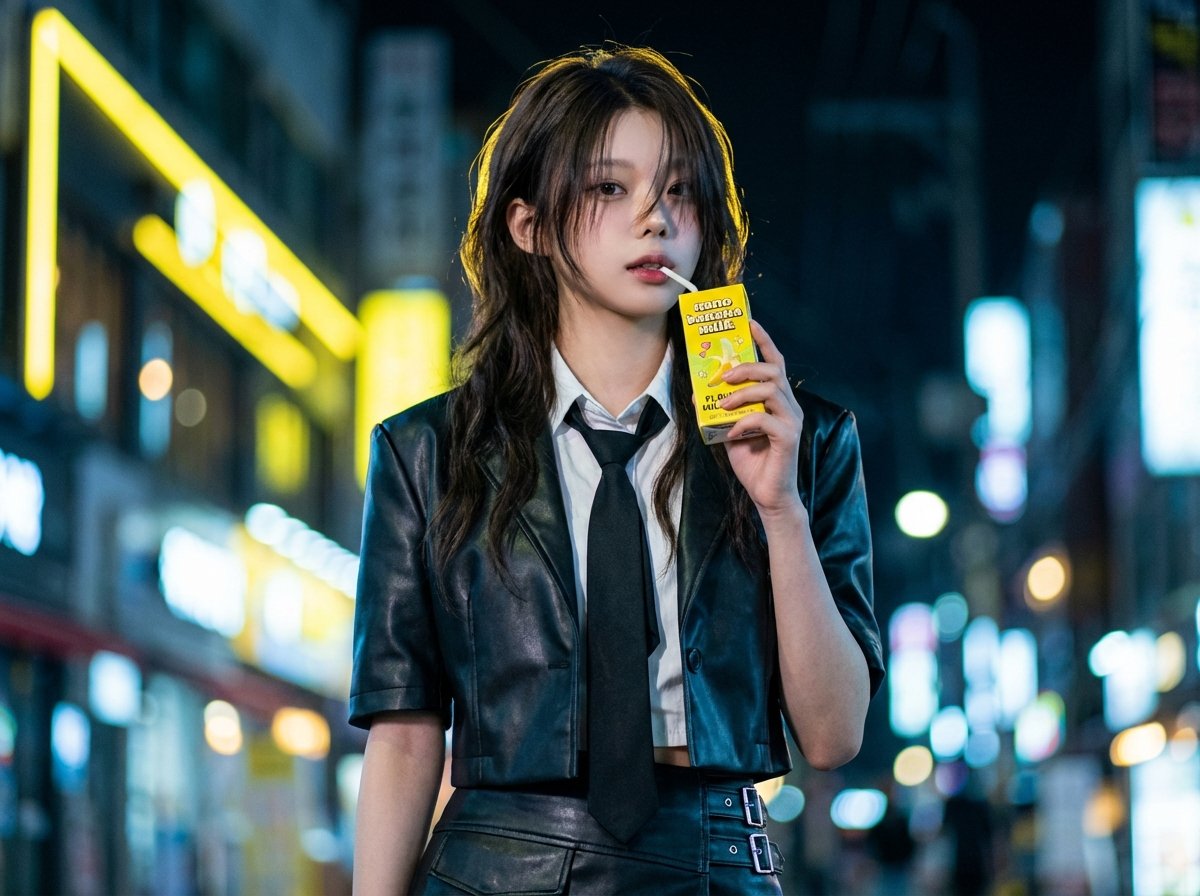
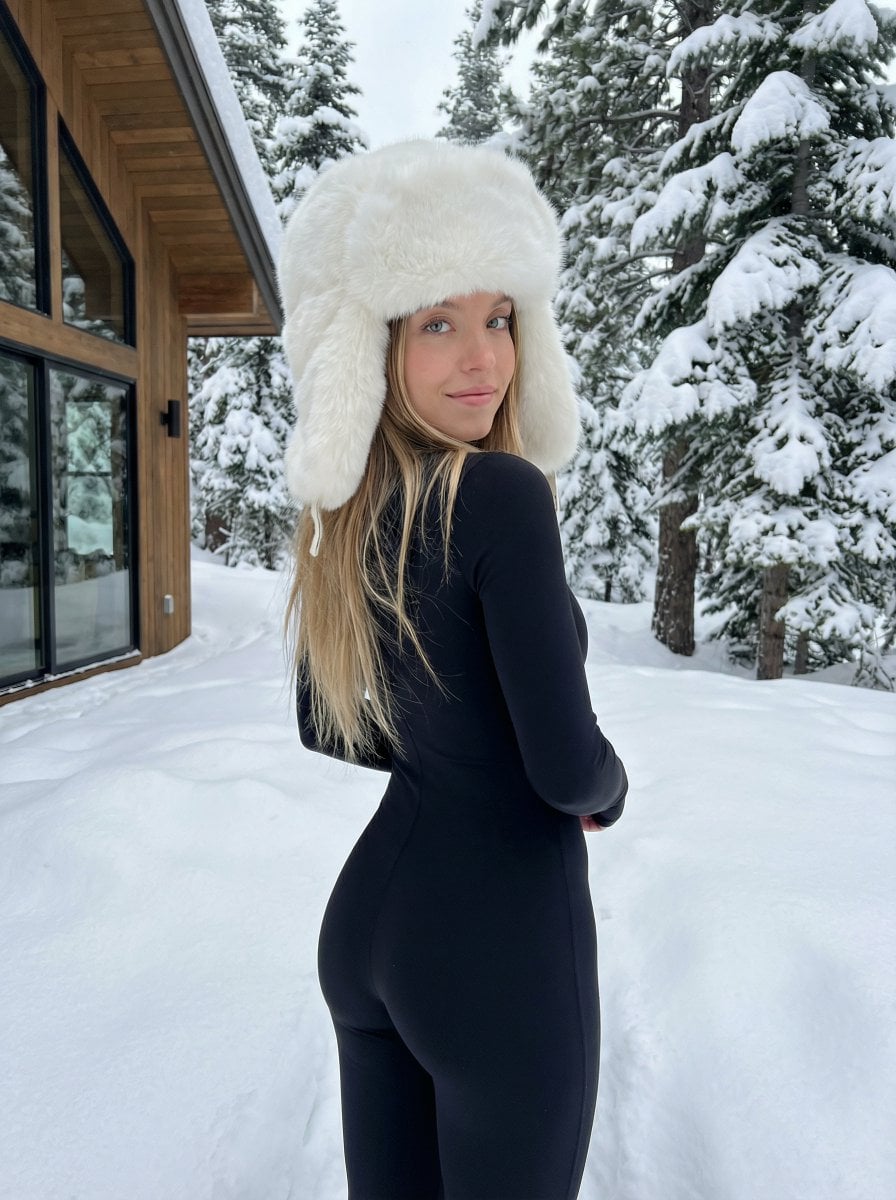
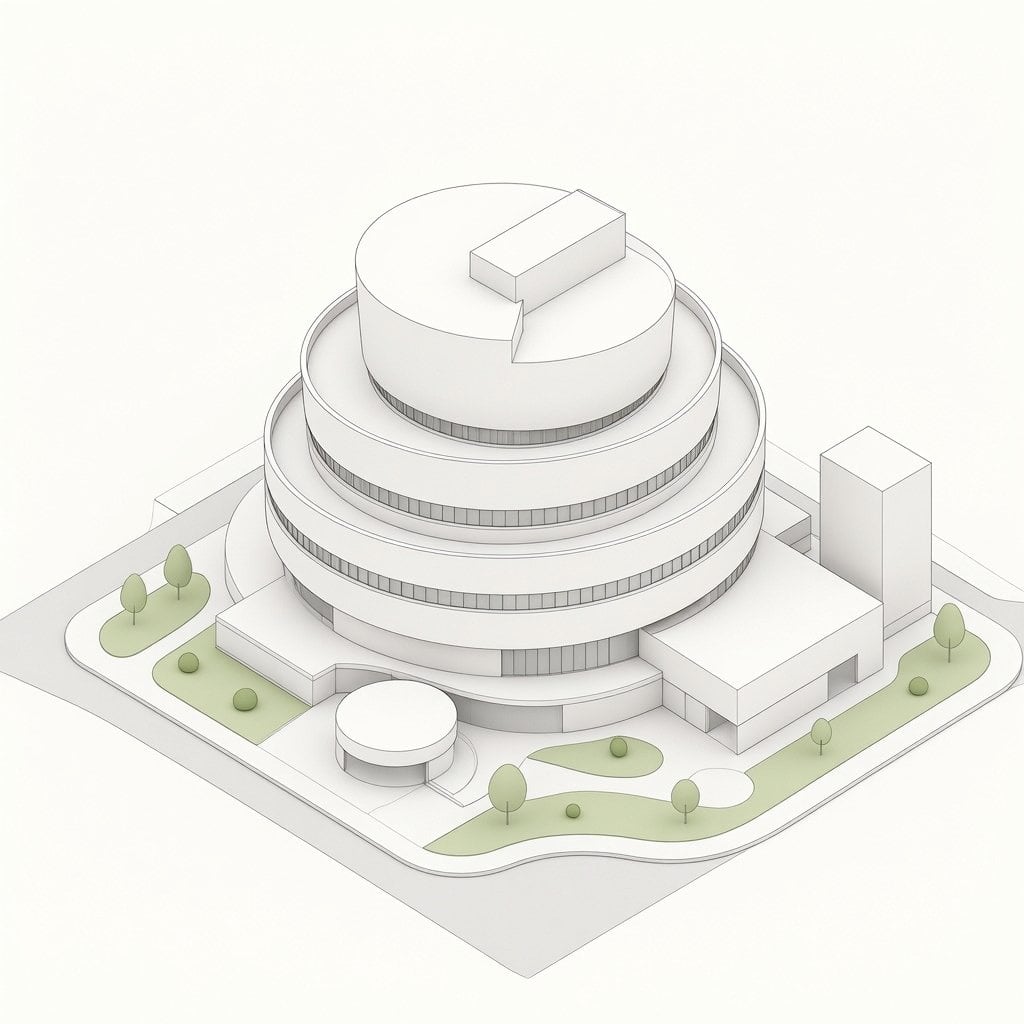
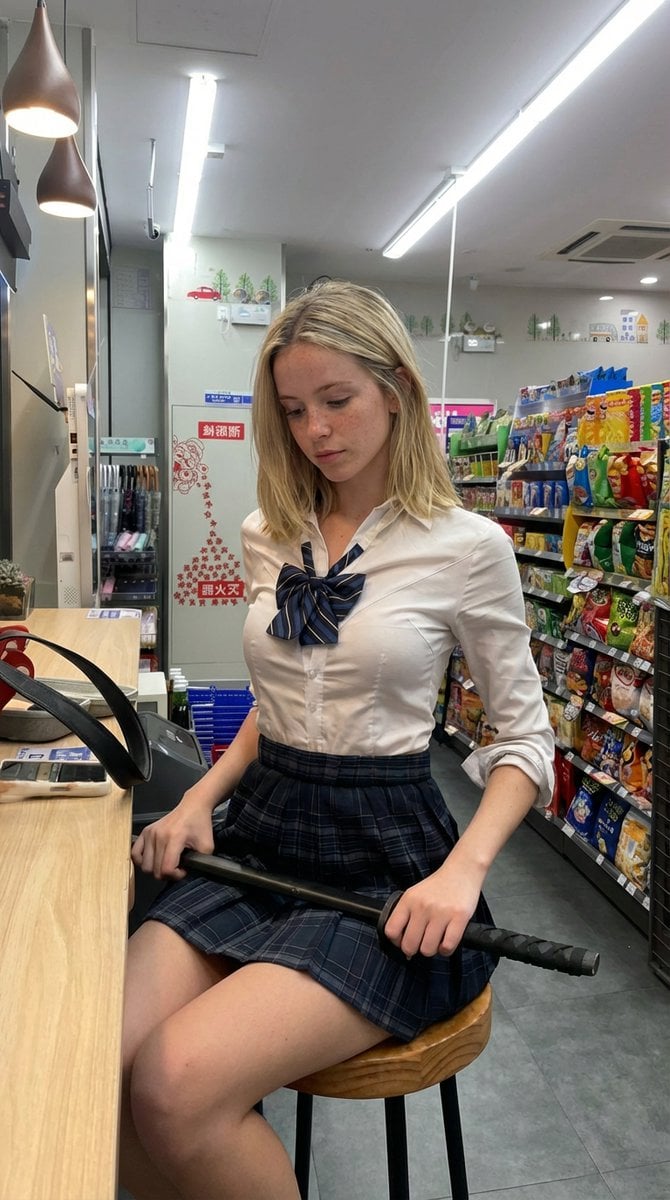
Converts uploaded photos into minimalist black-and-white marker sketches featuring adorable chibi-style characters with large expressive eyes.

This template uses your photo — add one with the + button.
Convert the uploaded photo into a {argument name="style" default="cute black-and-white hand-drawn doodle illustration"} in the exact style of a {argument name="medium" default="minimalist marker sketch"}.Preserve the original composition, pose, camera angle, facial expressions, clothing, and positioning of all subjects. Transform the people into adorable chibi/cartoon characters with simplified features, large expressive eyes, rounded faces, and clean outlines.
Convert the uploaded photo into a {argument name="style" default="cute black-and-white hand-drawn doodle illustration"} in the exact style of a {argument name="medium" default="minimalist marker sketch"}.Preserve the original composition, pose, camera angle, facial expressions, clothing, and positioning of all subjects. Transform the people into adorable chibi/cartoon characters with simplified features, large expressive eyes, rounded faces, and clean outlines.
Edit the prompt in the box under the preview — the template's model and format are already selected — and press Generate. Your version appears right on this page.
Yes. You can change the subject, setting, lighting, mood, format, and available model controls before creating your image.
Opening and editing this template is free. Generating uses credits, shown on the Generate button when you are signed in.
Start with GPT Image 2, which is the model associated with this template. You can compare another compatible model for a different finish.
Follow a topic to a crawlable collection of related PicX Studio templates.