
Futuristic Stockings Product Overview
A high-tech ecommerce poster showcasing sheer black stockings with model styling, material demos, packaging, and feature-list details.
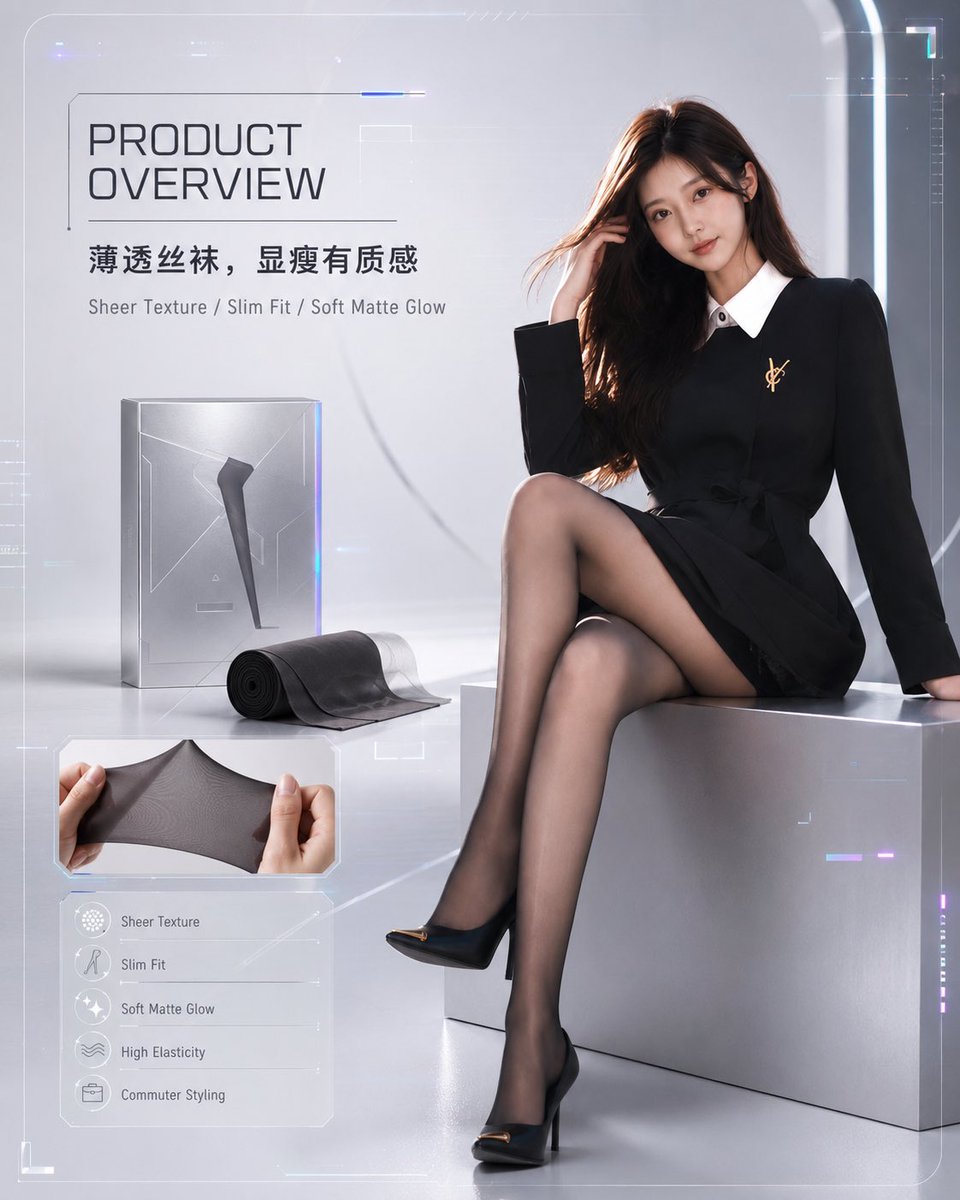
- Prompt included
- Model and format preset
- Free template
The prompt behind this image
Copy the exact prompt behind Futuristic Stockings Product Overview, or open it in the studio and make it yours.
Goal: Create a futuristic ecommerce product overview poster for {argument name="product type" default="sheer black stockings"}, styled like a high-tech product launch page. Canvas: Square 1:1 composition, glossy silver-gray studio background with soft gradients, faint transparent HUD lines, corner brackets, neon blue and violet accents, subtle sci-fi interface overlays, premium clean lighting. Layout: Right side features the main fashion model occupying about 60% of the image. Left side contains the product information panel, product packaging, rolled stocking display, fabric stretch demo image, and a feature list card. Keep the composition balanced, luxurious, and minimal. Main subject: A seated adult female fashion model on a metallic silver cube, wearing sheer black stockings, black high heels with small gold toe accents, and a fitted black dress with long sleeves, white pointed collar, and a small gold brooch. She sits with legs crossed to clearly show the stockings’ sheer texture and slim fit. Long brown hair, elegant pose, one hand near her hair. The face is intentionally obscured by a soft square blur for anonymity. Product elements: Include exactly 3 visible product/demo elements on the left: 1 tall translucent silver product box with a silhouette of a leg wearing stocking, 1 rolled black stocking with a loose sheer section extending forward, and 1 inset close-up photo showing two hands stretching the stocking fabric horizontally. Text content: Large English headline at upper left: “PRODUCT OVERVIEW”. Below it, show the Chinese product slogan {argument name="Chinese slogan" default="薄透丝袜,显瘦有质感"}. Under that, add the English descriptor line: “Sheer Texture / Slim Fit / Soft Matte Glow”. Use modern condensed sans-serif typography in dark gray. Feature list card: At bottom left, include exactly 5 feature rows with small circular line icons and English labels: 1) Sheer Texture, 2) Slim Fit, 3) Soft Matte Glow, 4) High Elasticity, 5) Commuter Styling. Use thin dividers and a translucent frosted-glass panel. Visual style: Premium fashion-tech advertising, photorealistic model and product, clean futuristic UI details, soft reflections on floor and cube, black stockings rendered semi-transparent with subtle matte glow, elegant commercial lighting, sharp focus on legs and product materials. Constraints: No extra feature rows, no extra product demos, no watermark, no messy background text, keep all typography legible, keep the model modestly posed and fashion-catalog oriented.
How to use Futuristic Stockings Product Overview in 3 steps
- 1Upload ImagePNG, JPG or paste
Add your photo
Upload the photo the template builds on. The prompt, model and format are already set.
- 2…a portrait of your subject in softgolden-hour light, 85mm…
Personalize
Edit the subject and creative details for your destination.
- 3Generate
Generate
Press Generate — your image is created in PicX Studio, so you can compare it with the original and refine one variable at a time.
More like this
Templates with the same subject, style or setup. Open one to see its prompt.

Playful Futuristic Brand Kit Board

A k.pop idol on the stage with mic

Trendy Cafe Drink Promo Poster

Futuristic Chrome Helmet Fashion Portrait

Futuristic Studio Neon Ring Minimalist Portrait
Futuristic Chrome Helmet Fashion Portrait
Futuristic Studio Neon Ring Minimalist Portrait

Minimalist Skincare Product Water Stone Still

Black Liquid Cyberpunk Portrait Poster

Cyberpunk Neon Brazil World Cup Poster

Giant Forced Perspective Street Product Selfie

Headphones Lifestyle Nine Panel Grid
Make it yours
Futuristic Stockings Product Overview works as-is. These are the safest ways to change it without losing the look.
Change one field
Copy a single group, rewrite it, and generate again so you can see what that field is doing.
Keep the frame, change the subject
Hold the composition and light of Futuristic Stockings Product Overview, then swap wardrobe, props or the person for a new take.
| If the result… | Why | Fix |
|---|---|---|
| The result drifts from the preview | Too many fields changed at once. | Reuse Futuristic Stockings Product Overview as-is first, then change one group — subject, light, or setting. |
| The model over-stylizes the scene | The prose prompt leaves finish and camera underspecified. | Add one camera or lighting sentence and stay on GPT Image 2. |
More GPT Image 2 templates
Other prompts made for GPT Image 2.

Six VTuber Japanese Logo Sheet

Realistic Portrait of Woman and Deer

The Vista Modular Condo Poster

AI Model Routing Comparison Infographic

2.5D Anime Art Board

Isometric Productivity Desk Scene

New York Double Exposure Poster

Four-Panel AI Landscape Comparison

Japanese Tatami Lifestyle Magazine Cover

NESCAFÉ Coffee Map Poster
More image prompts
Fresh picks from across the catalog.

Top-Down Flat Lay of Custom-Shaped Conference Table
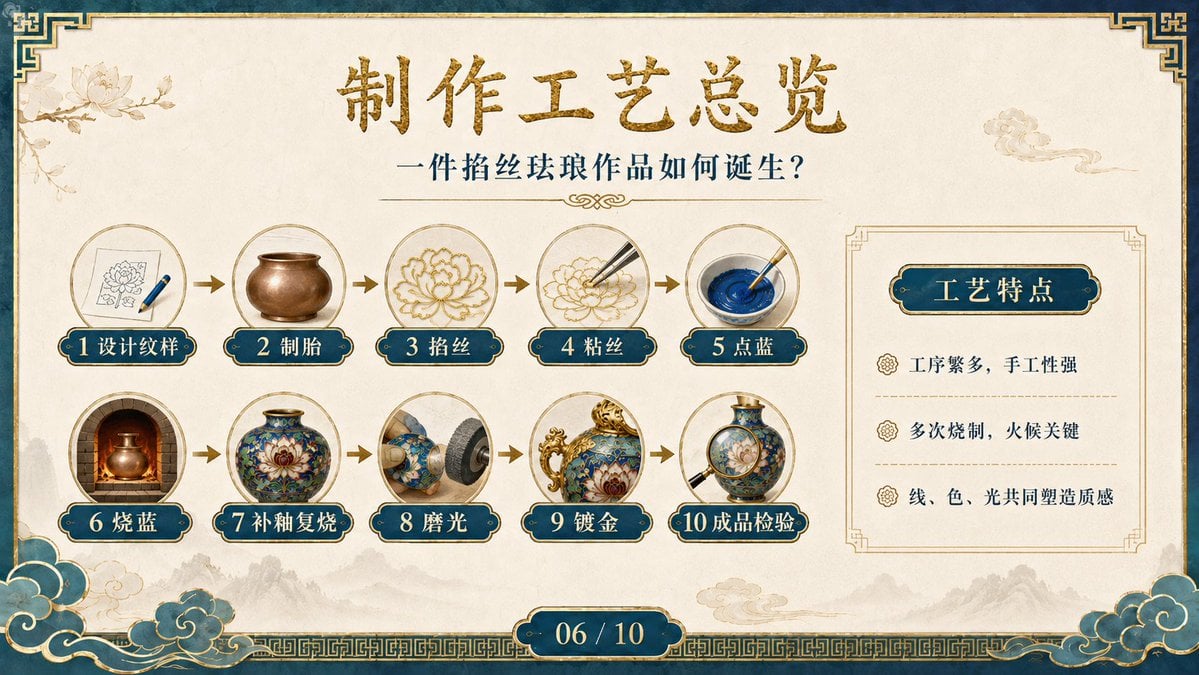
Cloisonné Craft Process PPT Slide
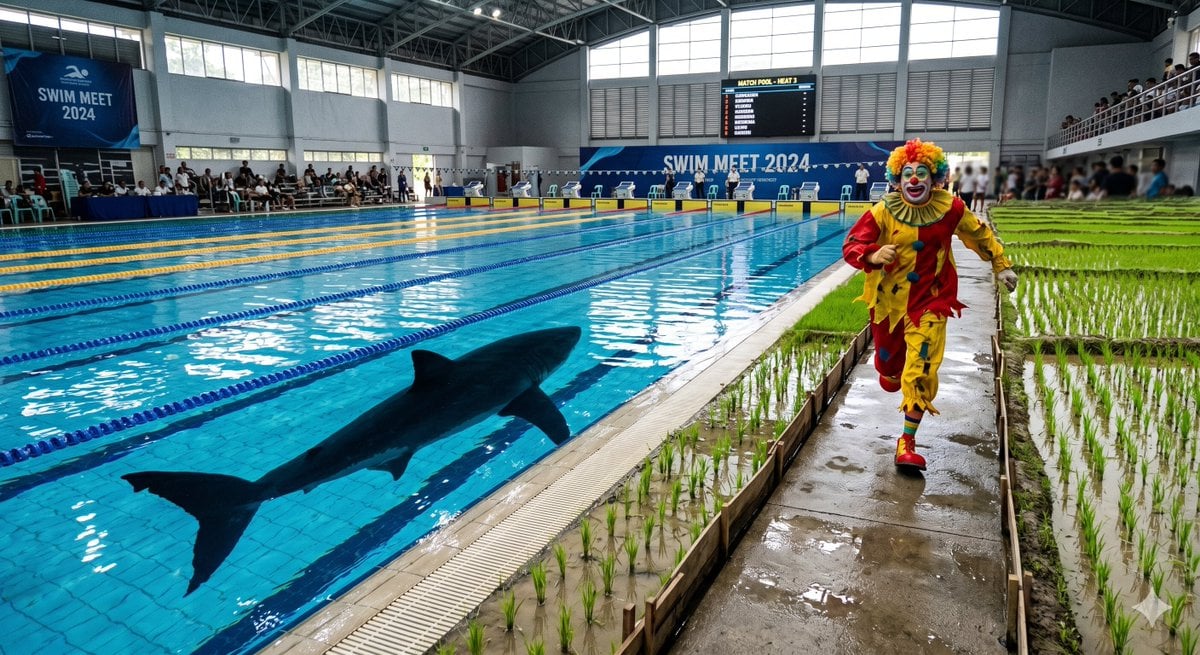
Swimming Pool vs Rice Field Comparison
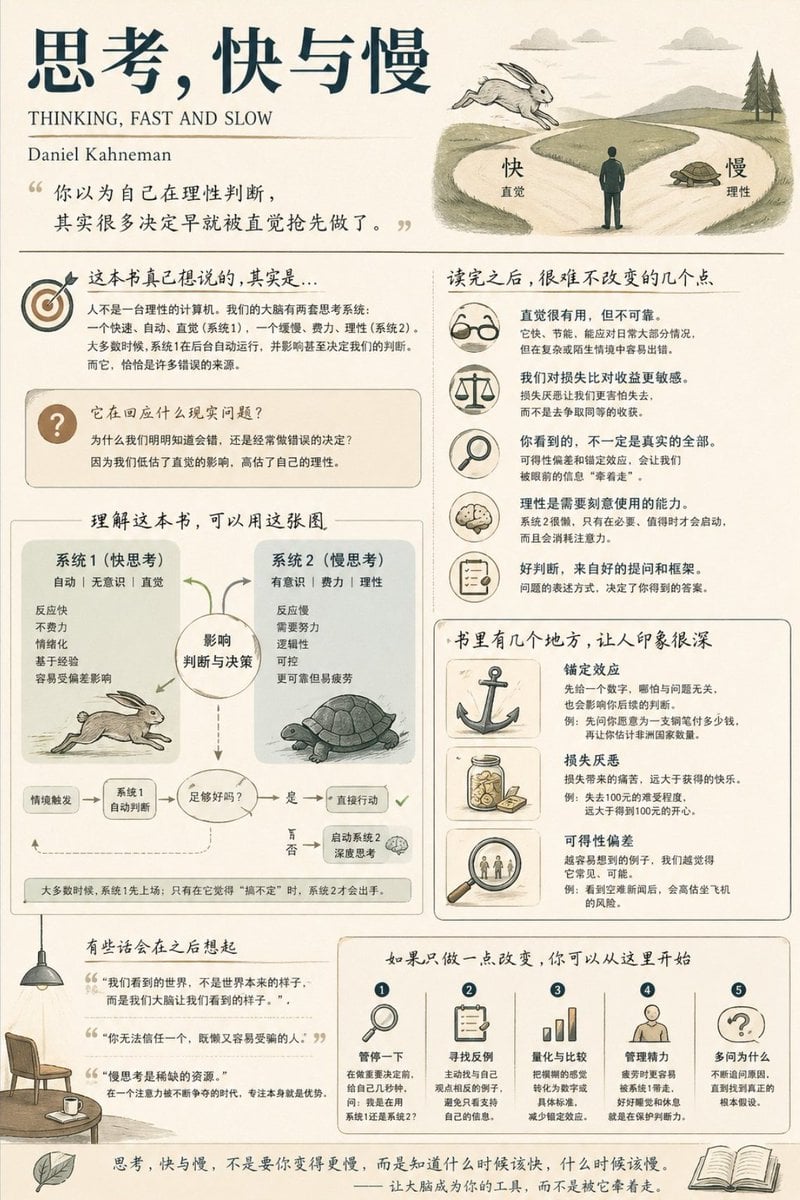
Social Media Book Summary Infographic
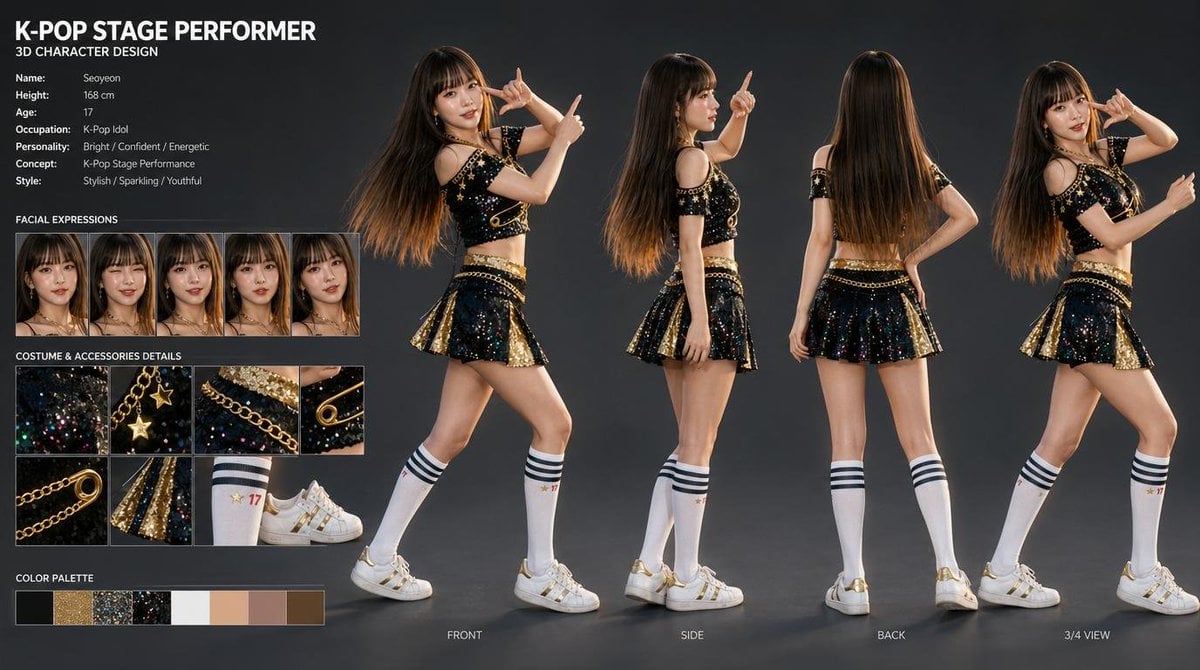
K-Pop Idol 3D Character Sheet
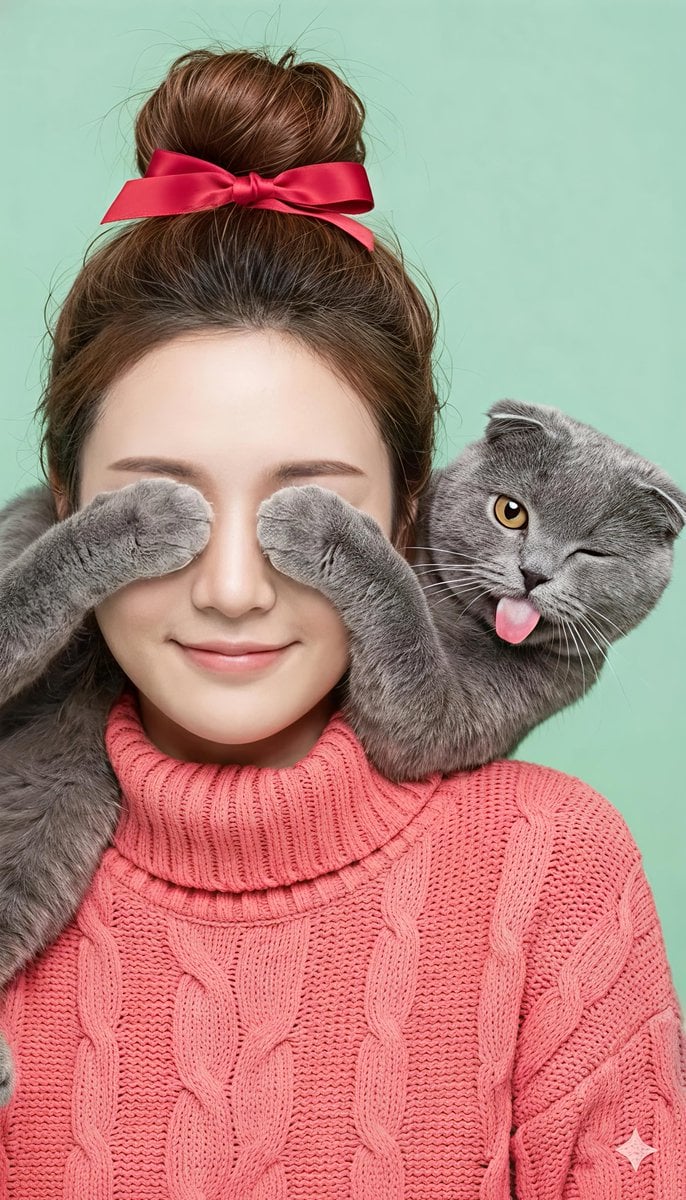
Comical Portrait of Woman with Winking Cat
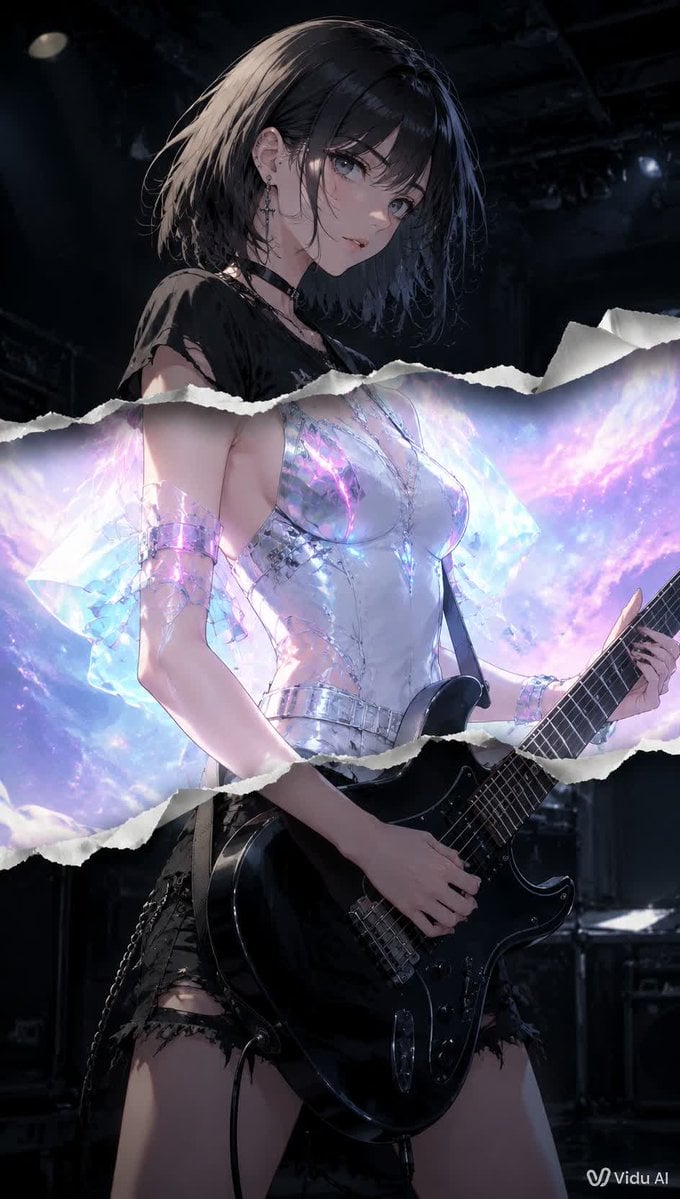
Torn Paper Anime Guitarist

Macro Photography of Subject in Glass Workspace
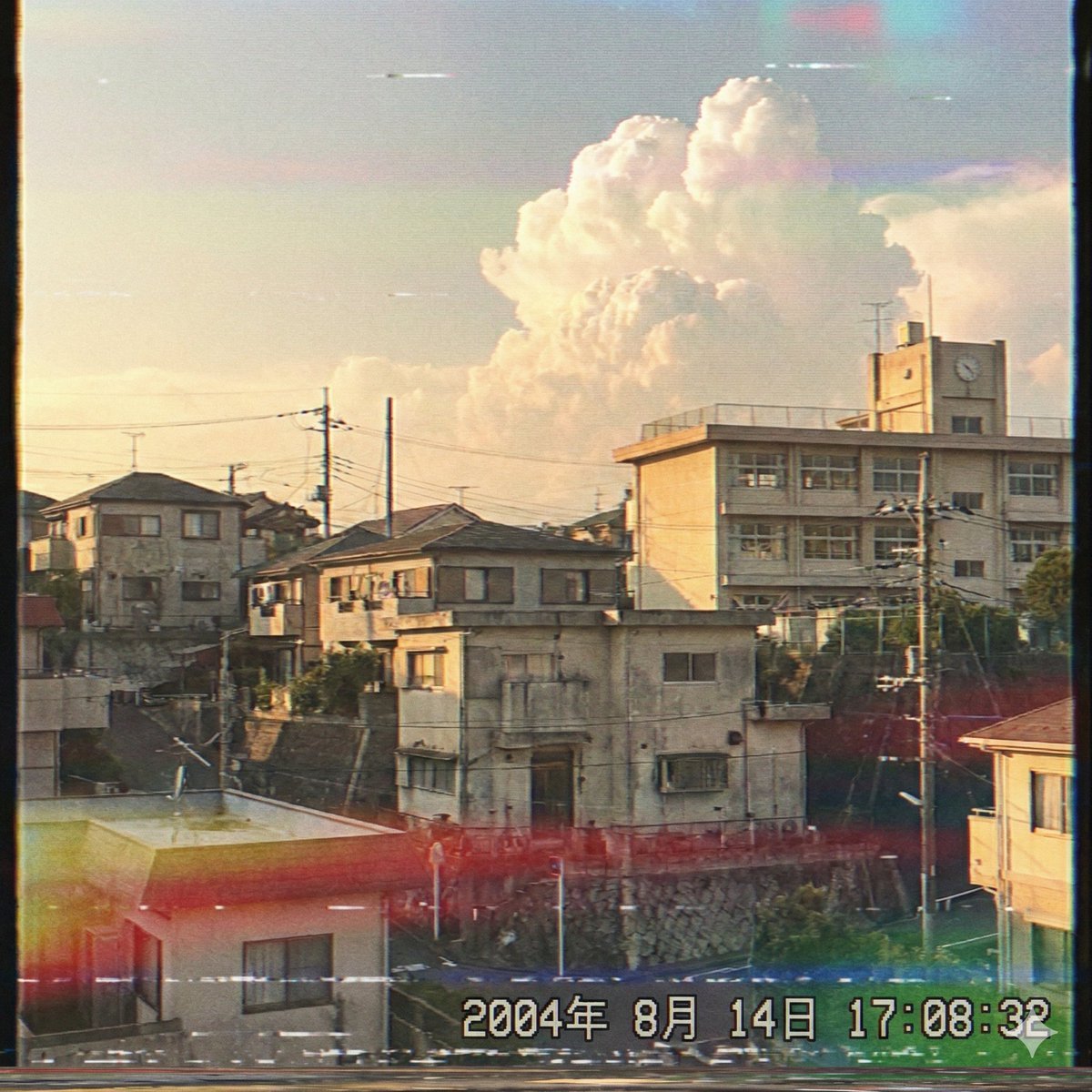
Japanese Suburb in 2000s Atmosphere

Nostalgic Film Print Portrait on Wooden Table
Browse template categories
Futuristic Stockings Product Overview questions
How do I use the Futuristic Stockings Product Overview template?
Add your photo if the template asks for one, edit the prompt if you like — the template's model and format are already selected — and press Generate. Your version opens in PicX Studio.
Can I customize the Futuristic Stockings Product Overview template?
Yes. You can change the subject, setting, lighting, mood, format, and available model controls before creating your image.
Is the Futuristic Stockings Product Overview template free?
Opening and editing this template is free. Generating uses credits, shown on the Generate button when you are signed in.
Which AI model should I use?
Start with GPT Image 2, which is the model associated with this template. You can compare another compatible model for a different finish.
Looking for something else? Browse all templates.

Your photo, any look
Thousands of ready templates for every top image and video model, from one credit balance.