
Social Media Book Summary Infographic
A detailed prompt for generating elegant, high-retention book summary posters for social media, using a light retro hand-drawn style.
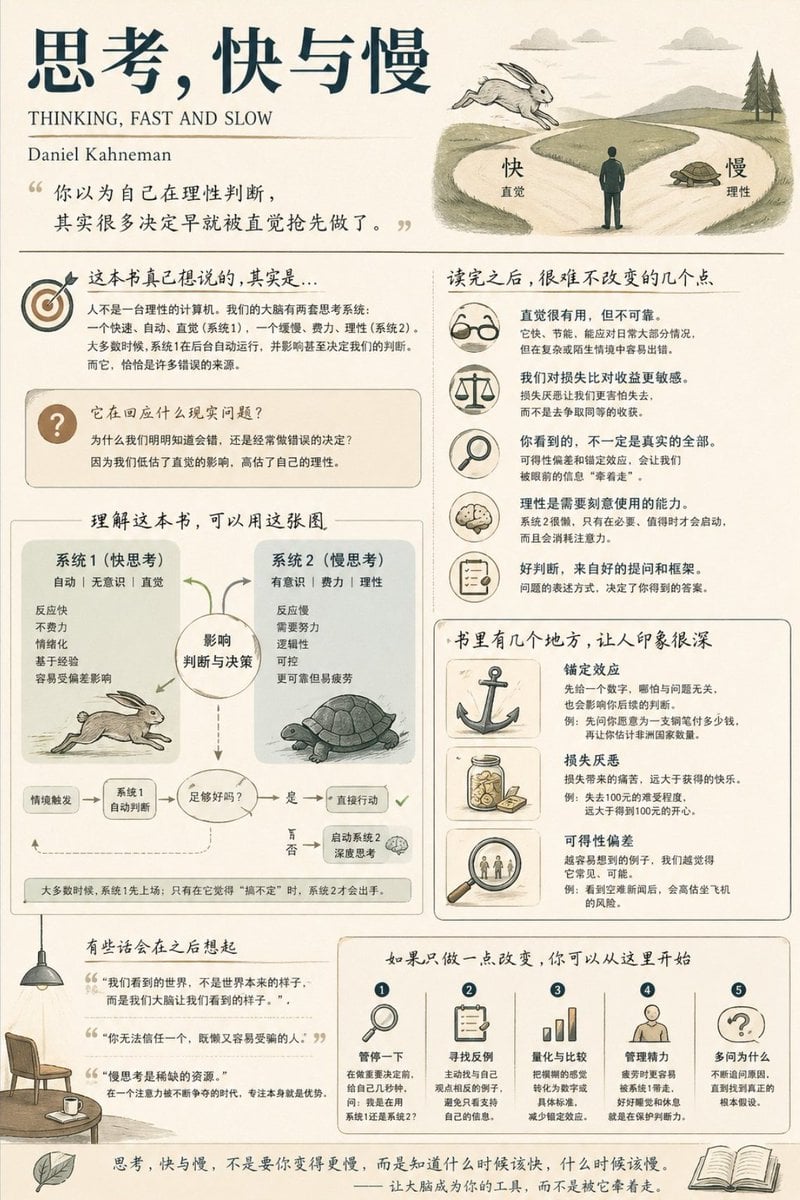
- Prompt included
- Model and format preset
- Free template
The prompt behind this image
Copy the exact prompt behind Social Media Book Summary Infographic, or open it in the studio and make it yours.
Generate a medium-information-density book-summary infographic poster suitable for social-media sharing, on the topic of "{argument name="book title" default="Book Title"}." [Overall Style] {argument name="style" default="modern minimalist + light retro hand-drawn style"}, using a soft light background color ({argument name="background color" default="cream #FAF7F2"} or pale blue-gray #F5F8FA), with generous negative space — calm, substantive, and comfortable for extended reading. [Core Requirements] First determine the book's primary genre (cognitive/personal growth, business/wealth, psychology/emotions, or fiction/narrative), and organize the content and emphasis naturally based on that. Don't use fixed template headings or force a structure — it should read like someone who has truly understood the book sharing their take on it. [Suggested Content Structure (combine dynamically)] - Opening: book title + author + one deeply insightful line (written like something a person would actually say) - Core understanding: what is this book really trying to say? What real-world problem is it responding to? - The most worthwhile takeaways (key module): depending on the book's genre, choose from models, leverage points, emotional mechanisms, character conflicts, etc. - Key structure or framework (the visual centerpiece) - Memorable examples/excerpts (with a strong sense of imagery) - A section for memorable quotes worth remembering (treated with negative space) - Takeaway changes/action suggestions (3-5 items, concrete and actionable) [Visual Requirements] - An adaptive grid layout (2-3 columns or a free-form distribution) - White cards + rounded corners + subtle shadows - Each module paired with a simple hand-drawn-style illustration - Clear heading hierarchy, with important information appropriately emphasized - A restrained, elegant color scheme (choose the primary color based on the book's genre: tech blue, growth green, warm psychology brown, etc.) [Language Style] Written like a person talking about the book: with understanding, discernment, and a sense of realization. Avoid templated phrasing like "This book talks about…" or "The core idea is…". Generate a book-summary poster that is clear in information, refined in design, and suitable for sharing on Xiaohongshu/Weibo/Twitter.
How to use Social Media Book Summary Infographic in 3 steps
- 1
Open
The prompt is already in the box next to the preview, with the template's model and format selected.
- 2…a portrait of your subject in softgolden-hour light, 85mm…
Personalize
Edit the subject and creative details for your destination.
- 3Generate
Generate
Press Generate — your image is created in PicX Studio, so you can compare it with the original and refine one variable at a time.
More like this
Templates with the same subject, style or setup. Open one to see its prompt.
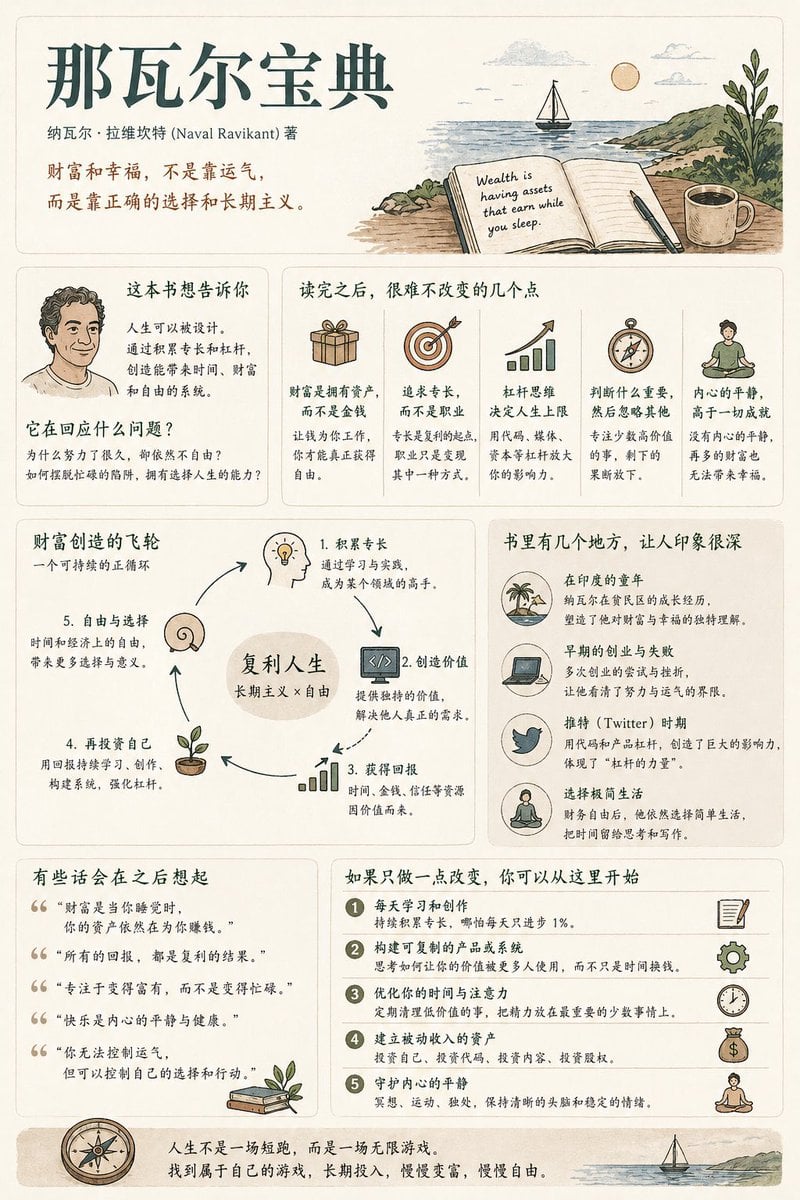
Book Summary Infographic Poster

Japan Travel Brochure Poster

Shattered Screen Social Media Ad

Torn Social Media Profile Art

Isometric Process Educational Diorama

Isometric Vehicle Teardown Infographic Template

VLOG Style Social Media Post
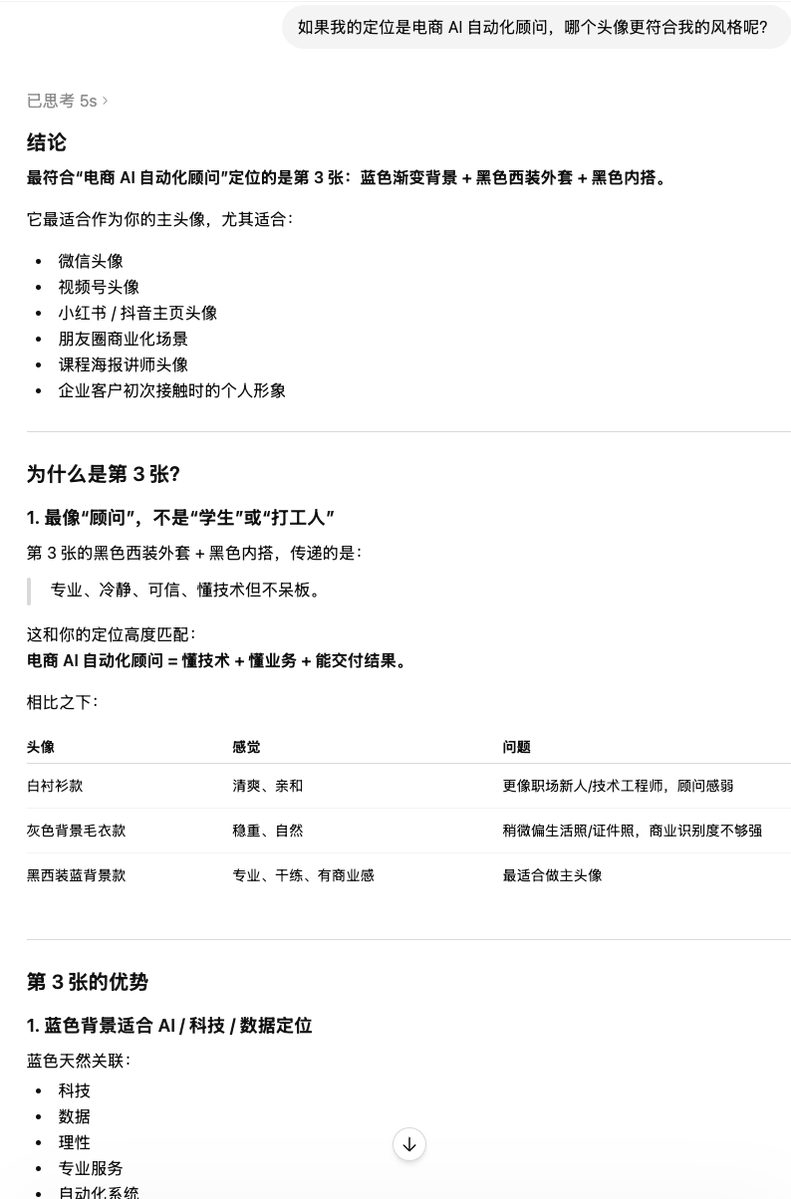
Clean Professional Social Media Avatar

Social Media Magazine Cover
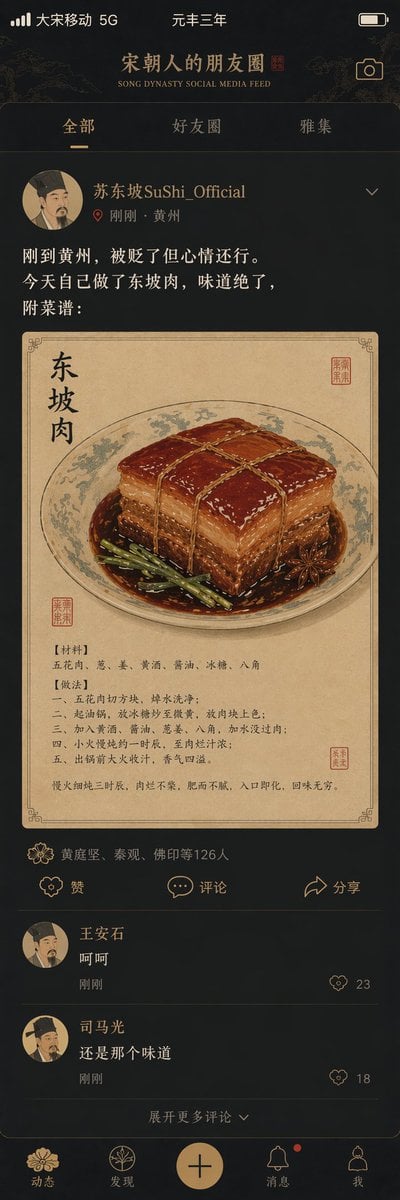
Song Dynasty Social Media Feed

Social Media Meme Cover
Social Media Product Announcement Mockup
Make it yours
Social Media Book Summary Infographic works as-is. These are the safest ways to change it without losing the look.
Change one field
Copy a single group, rewrite it, and generate again so you can see what that field is doing.
Keep the frame, change the subject
Hold the composition and light of Social Media Book Summary Infographic, then swap wardrobe, props or the person for a new take.
| If the result… | Why | Fix |
|---|---|---|
| The result drifts from the preview | Too many fields changed at once. | Reuse Social Media Book Summary Infographic as-is first, then change one group — subject, light, or setting. |
| The model over-stylizes the scene | The prose prompt leaves finish and camera underspecified. | Add one camera or lighting sentence and stay on GPT Image 2. |
More GPT Image 2 templates
Other prompts made for GPT Image 2.

Six VTuber Japanese Logo Sheet

Realistic Portrait of Woman and Deer

The Vista Modular Condo Poster

AI Model Routing Comparison Infographic

2.5D Anime Art Board

Isometric Productivity Desk Scene

New York Double Exposure Poster

Four-Panel AI Landscape Comparison

Japanese Tatami Lifestyle Magazine Cover

NESCAFÉ Coffee Map Poster
More image prompts
Fresh picks from across the catalog.
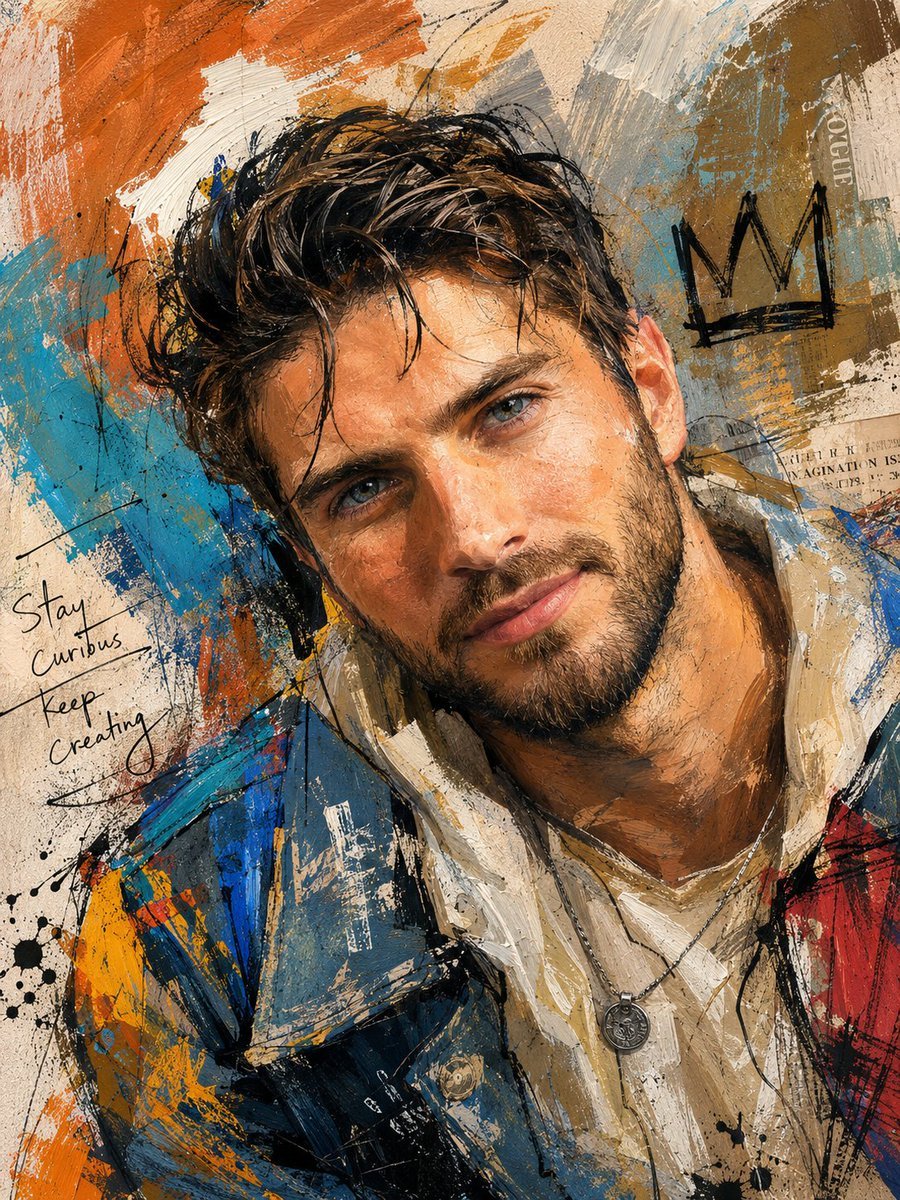
Handcrafted Mixed Media Portrait Painting

Cute 4-Panel School Club Manga

Early 2000s Digital Camera Flash Portrait Prompt

Nano Banana Pro Battle Entry Screen Prompt
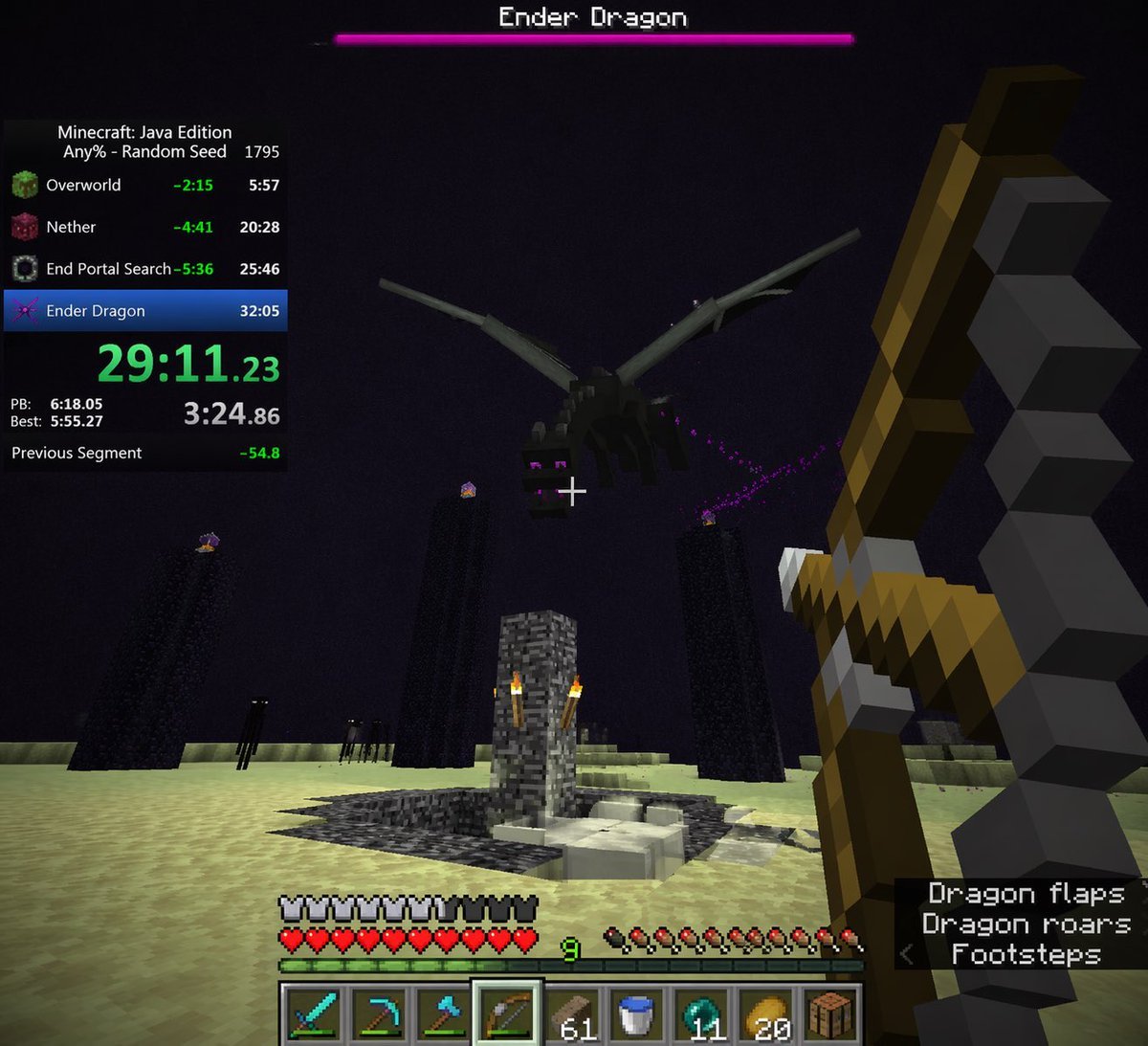
Minecraft Speedrun Screenshot
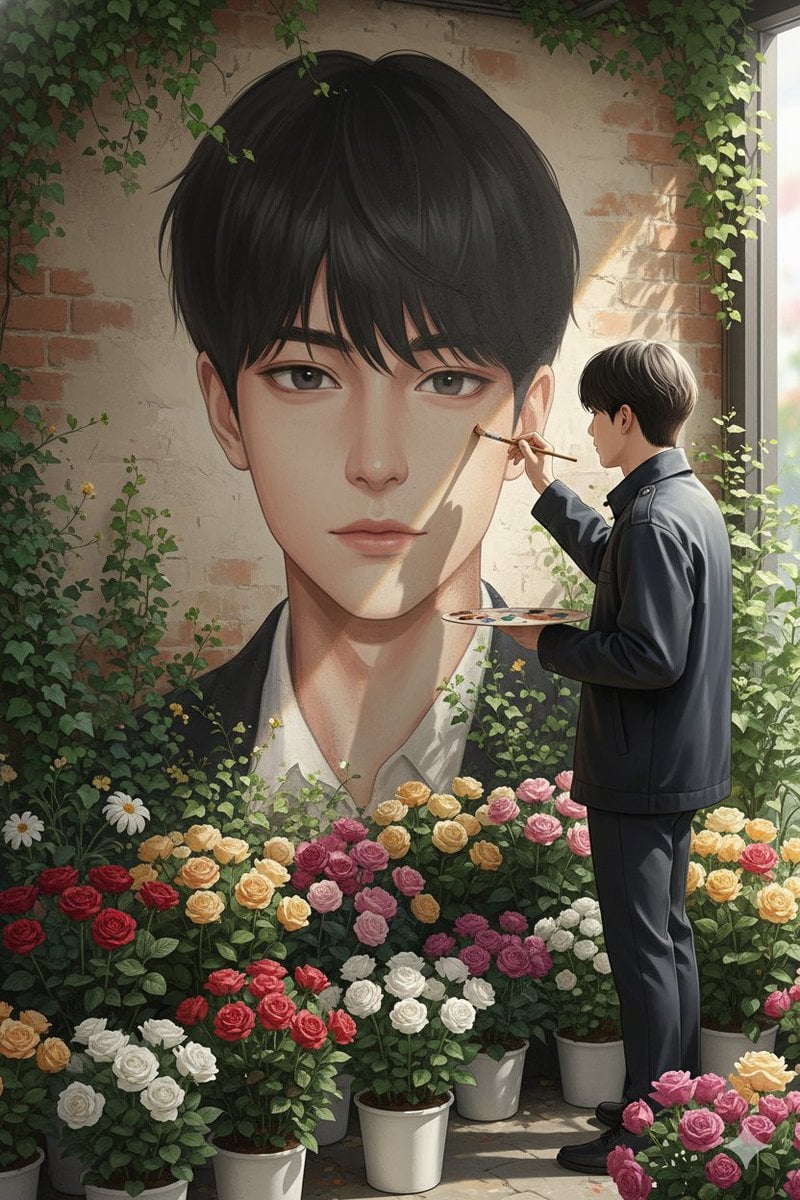
Ultra-Realistic Portrait of an Artist Painting a Self-Mural
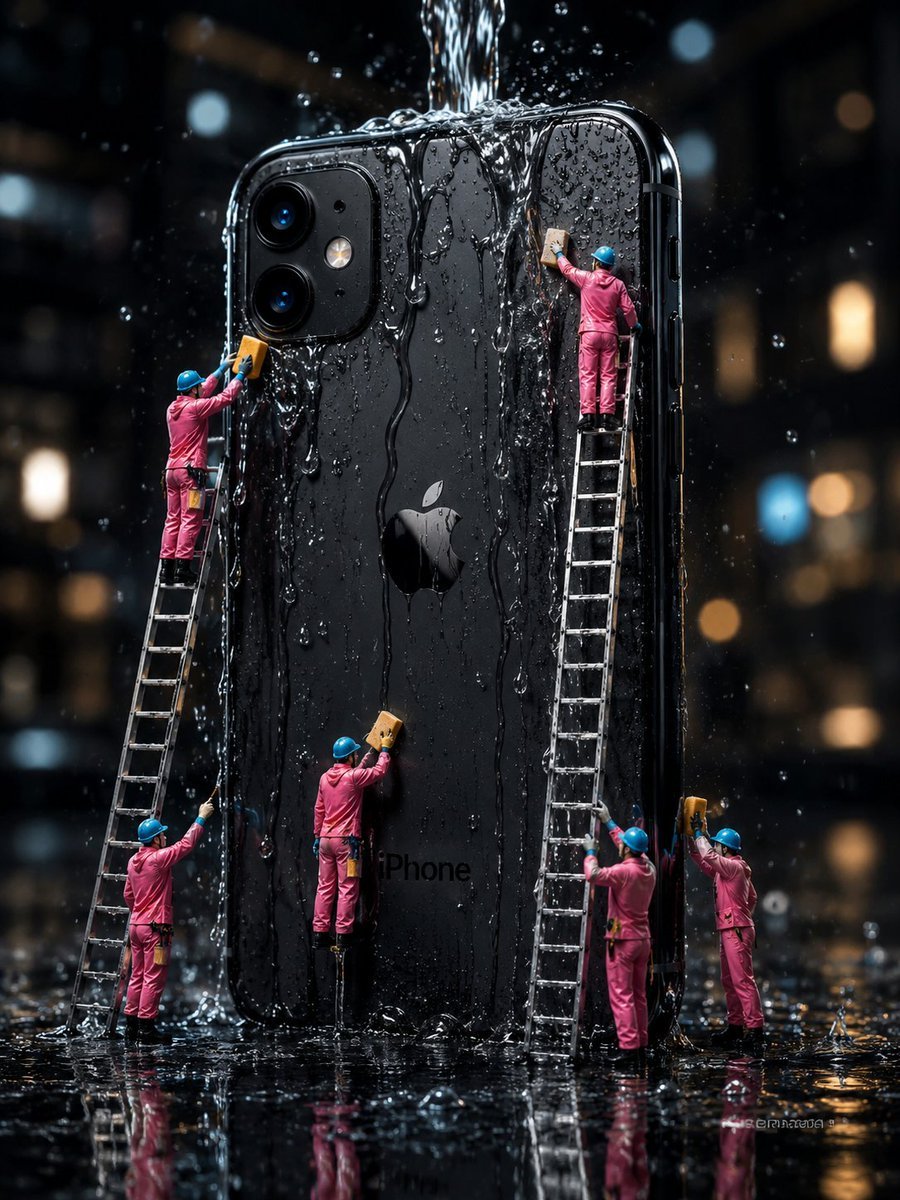
Mini Workers Washing Giant iPhone

X Ozayrr Irl Chatgpt Image 2 Vs Google
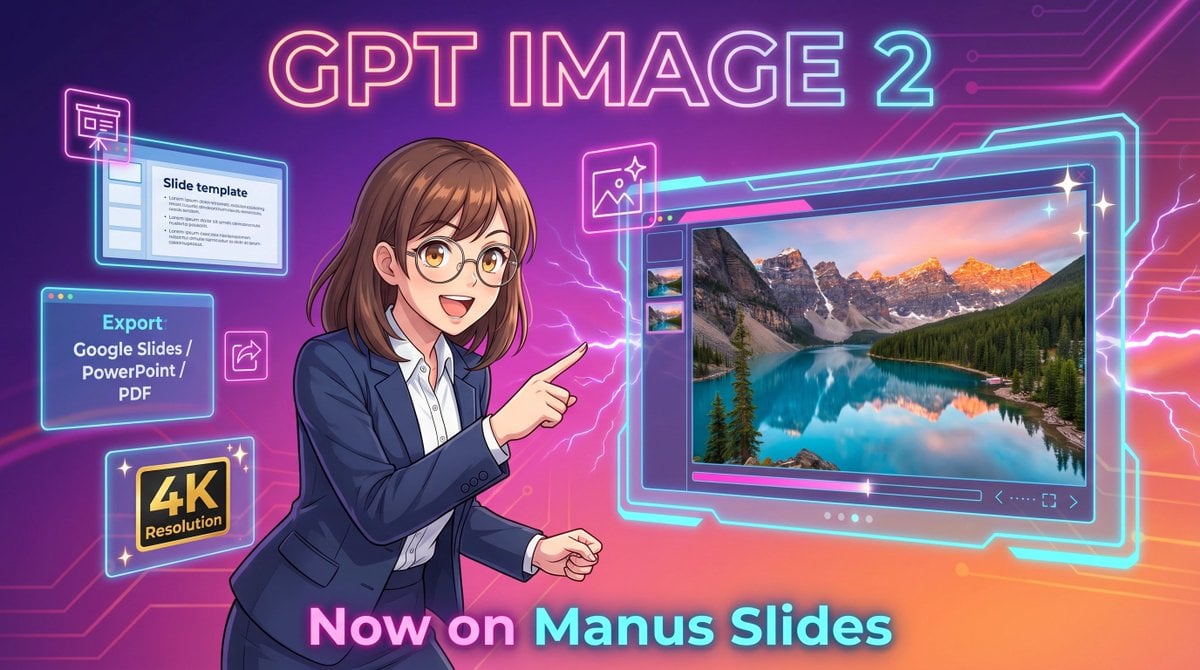
Neon GPT Image 2 Promo Poster

Ultra-Photoreal Candlelight Dinner Scene with Couple
Browse template categories
Social Media Book Summary Infographic questions
How do I use the Social Media Book Summary Infographic template?
Add your photo if the template asks for one, edit the prompt if you like — the template's model and format are already selected — and press Generate. Your version opens in PicX Studio.
Can I customize the Social Media Book Summary Infographic template?
Yes. You can change the subject, setting, lighting, mood, format, and available model controls before creating your image.
Is the Social Media Book Summary Infographic template free?
Opening and editing this template is free. Generating uses credits, shown on the Generate button when you are signed in.
Which AI model should I use?
Start with GPT Image 2, which is the model associated with this template. You can compare another compatible model for a different finish.
Looking for something else? Browse all templates.

Your photo, any look
Thousands of ready templates for every top image and video model, from one credit balance.