
Gritty Evangelion Unit-01 Poster
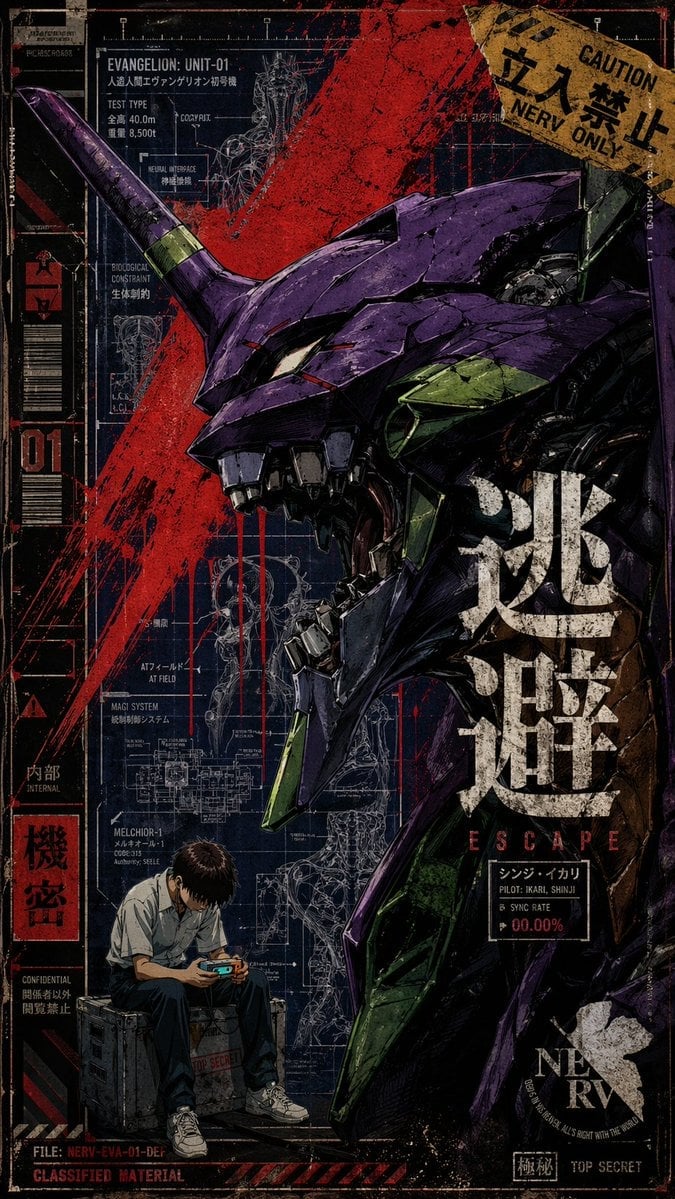
This generates a distressed anime-mecha poster featuring a screaming purple biomechanical unit, blueprint overlays, warning graphics, and a small seated pilot figure for collectible print or cover-art use.
- Prompt included
- Model and format preset
- Free template
The prompt behind this image
Copy the exact prompt behind Gritty Evangelion Unit-01 Poster, or open it in the studio and make it yours.
A gritty vertical anime-mecha poster in distressed screen-print style, inspired by retro military dossiers and Evangelion key art. The main subject is a massive close-up side profile of {argument name="mecha unit name" default="EVANGELION: UNIT-01"}, dominating the right two-thirds of the composition, facing left with its jaws open in a feral scream. The head is angular and biomechanical, with deep purple armor, olive-green accent plates, black metal inner structures, a single long horn projecting diagonally upward to the left, sharp teeth, and a narrow glowing eye. The surface is scratched, chipped, weathered, and inked with heavy comic-style linework. Behind it is a dark navy blueprint background filled with 8 visible technical diagram clusters, white schematic lines, anatomical overlays, cross-sections, labels, measurement marks, and interface graphics. A violent red paint slash explodes diagonally across the upper center and left side, with additional red drips running downward from the mecha’s mouth area. In the lower left corner, 1 small human figure sits hunched on a gray equipment crate: a teenage boy in a short-sleeve white school shirt, dark pants, and white sneakers, elbows on knees, looking down at a glowing handheld device, conveying isolation and anxiety. Add layered poster typography and warning graphics throughout the border: a torn yellow caution sign in the upper right with Japanese warning text and “CAUTION NERV ONLY”; a tall left sidebar with “01”, barcode-like blocks, hazard icons, and red-black labels; large distressed white kanji vertically stacked over the mecha torso; the word {argument name="main title" default="ESCAPE"} in spaced red capitals beneath the kanji; a small black label reading “PILOT: {argument name="pilot name" default="IKARI, SHINJI"}”; a bottom-right NERV logo; and footer text such as classified file markings and top secret stamps. Include 6 clearly readable English technical labels in the blueprint area: “TEST TYPE”, “BIOLOGICAL CONSTRAINT”, “AT FIELD”, “MAGI SYSTEM”, “INTERNAL”, and “CLASSIFIED MATERIAL”. Add Japanese dossier text blocks as authentic graphic texture. The palette is limited to dark indigo, black, crimson red, purple, olive green, dirty beige, and off-white. High contrast, torn-paper collage details, halftone texture, ink splatter, cracked paint, and worn print edges. Cinematic, oppressive, chaotic, collectible poster design, ultra-detailed, sharp, textured, no clean modern polish.
How to use Gritty Evangelion Unit-01 Poster in 3 steps
- 1Upload ImagePNG, JPG or paste
Add your photo
Upload the photo the template builds on. The prompt, model and format are already set.
- 2…a portrait of your subject in softgolden-hour light, 85mm…
Personalize
Edit the subject and creative details for your destination.
- 3Generate
Generate
Press Generate — your image is created in PicX Studio, so you can compare it with the original and refine one variable at a time.
More like this
Templates with the same subject, style or setup. Open one to see its prompt.
Gritty Evangelion Poster

Japan Travel Brochure Poster

Cartoon TV Show Poster Pack

Trendy Cafe Drink Promo Poster

Urban Fashion Editorial Collage Streetwear Poster

Premium Fashion Editorial Cover Layout System

Polo Ralph Lauren Luxury American Heritage Fashion Campaign

Monochrome Halftone Editorial Fashion Poster

Retro Mirror Luxury Fashion Campaign Poster

Luxury Fashion Campaign Typography Poster System

Premium Fashion Editorial Campaign Poster System

Ultra-Stylized High-Fashion Streetwear Poster
Make it yours
Gritty Evangelion Unit-01 Poster works as-is. These are the safest ways to change it without losing the look.
Change one field
Copy a single group, rewrite it, and generate again so you can see what that field is doing.
Keep the frame, change the subject
Hold the composition and light of Gritty Evangelion Unit-01 Poster, then swap wardrobe, props or the person for a new take.
| If the result… | Why | Fix |
|---|---|---|
| The result drifts from the preview | Too many fields changed at once. | Reuse Gritty Evangelion Unit-01 Poster as-is first, then change one group — subject, light, or setting. |
| The model over-stylizes the scene | The prose prompt leaves finish and camera underspecified. | Add one camera or lighting sentence and stay on GPT Image 2. |
More GPT Image 2 templates
Other prompts made for GPT Image 2.

Six VTuber Japanese Logo Sheet

Realistic Portrait of Woman and Deer

The Vista Modular Condo Poster

AI Model Routing Comparison Infographic

2.5D Anime Art Board

Isometric Productivity Desk Scene

New York Double Exposure Poster

Four-Panel AI Landscape Comparison

Japanese Tatami Lifestyle Magazine Cover

NESCAFÉ Coffee Map Poster
More image prompts
Fresh picks from across the catalog.
Japanese Four-Panel Healing Ad Collage
Y2K Grunge Arcade Selfie Portrait

Image Restoration and Enhancement Prompt
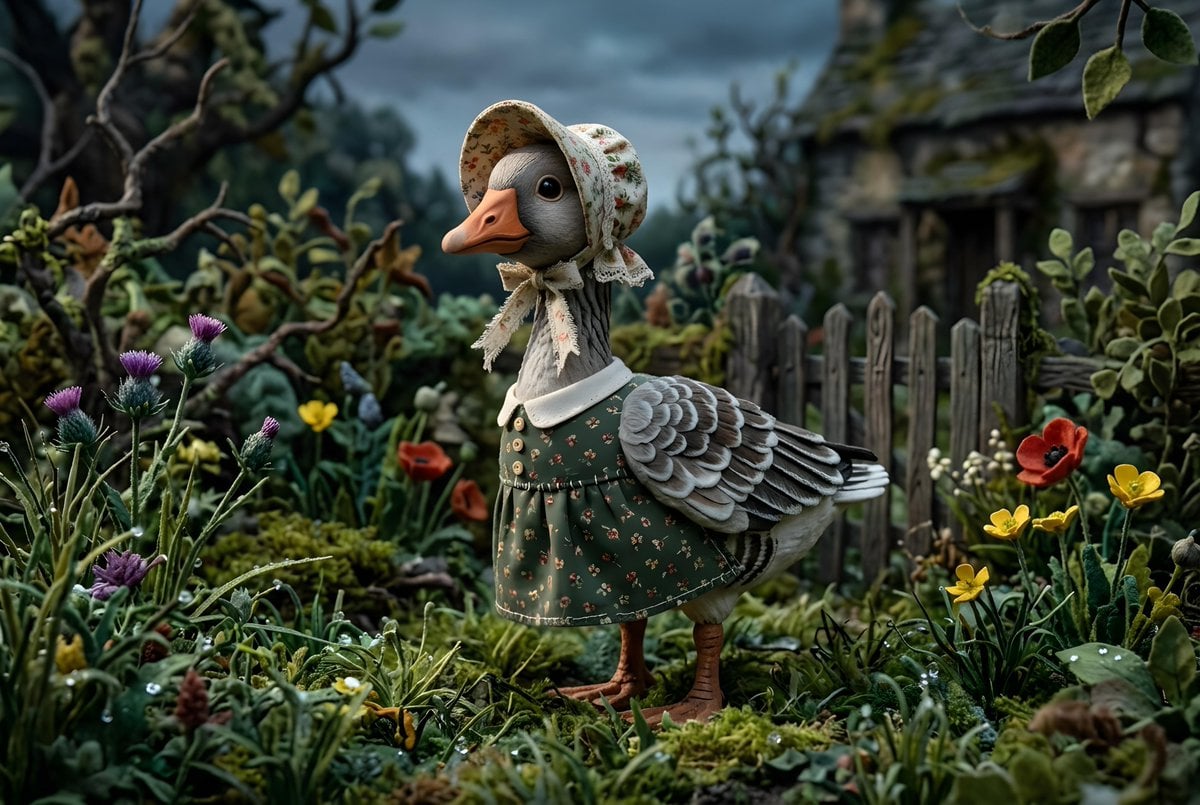
Whimsygoth Goose Illustration
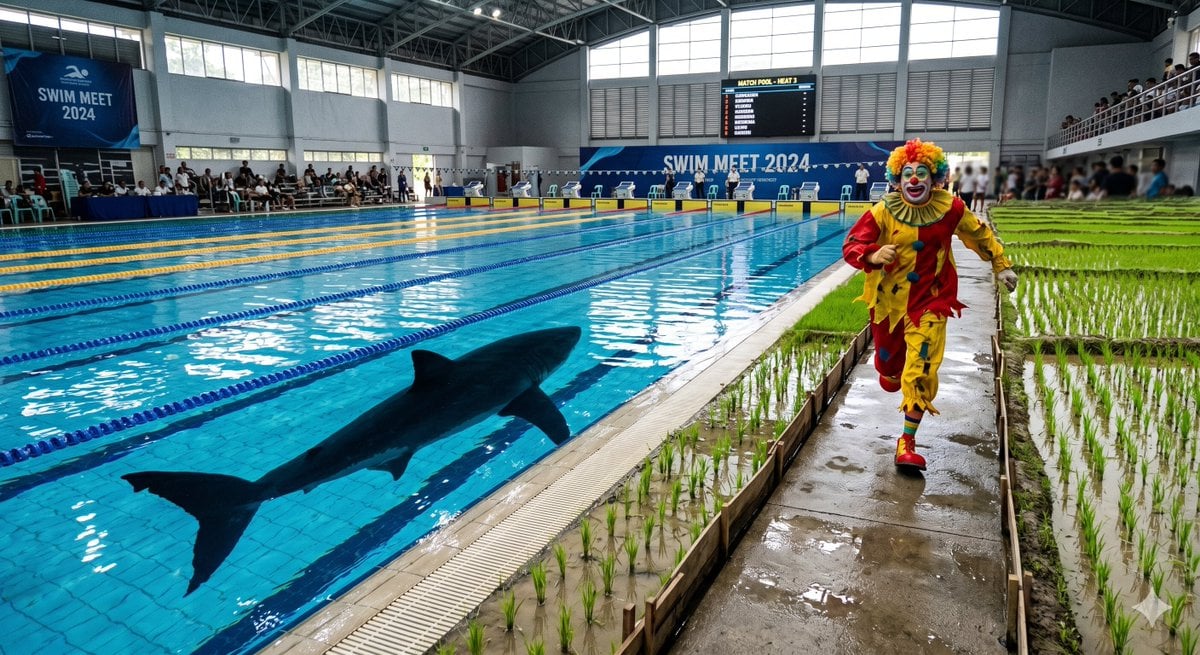
Swimming Pool vs Rice Field Comparison
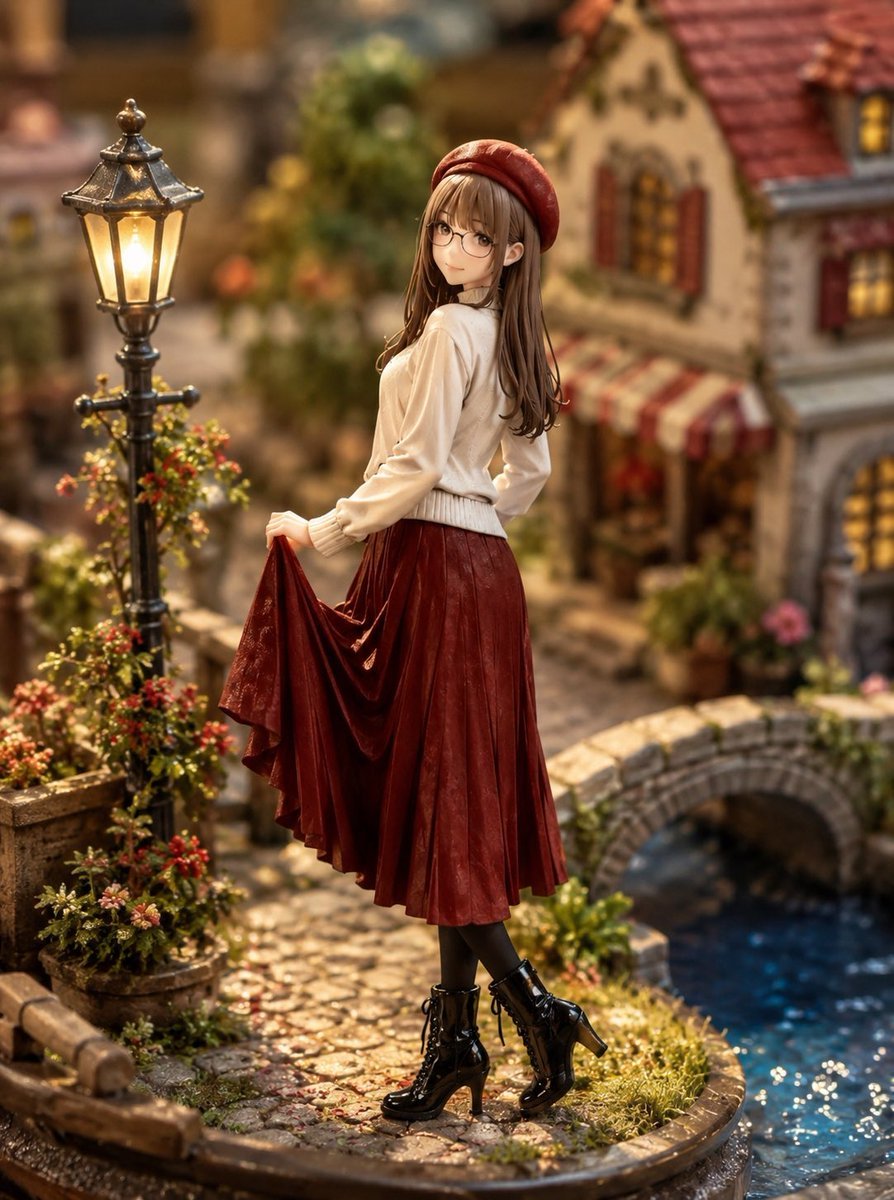
Miniature Diorama Style Transformation
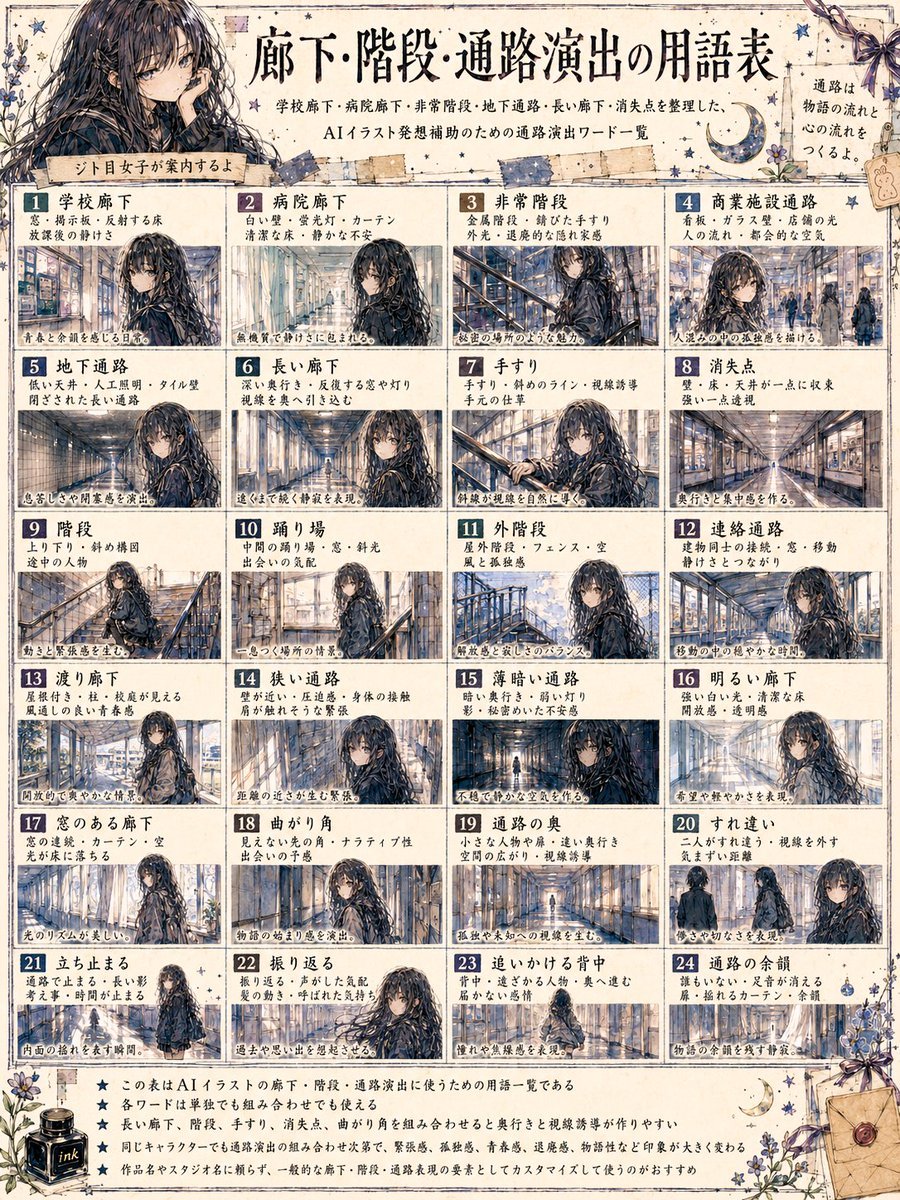
Japanese Corridor Vocabulary Poster
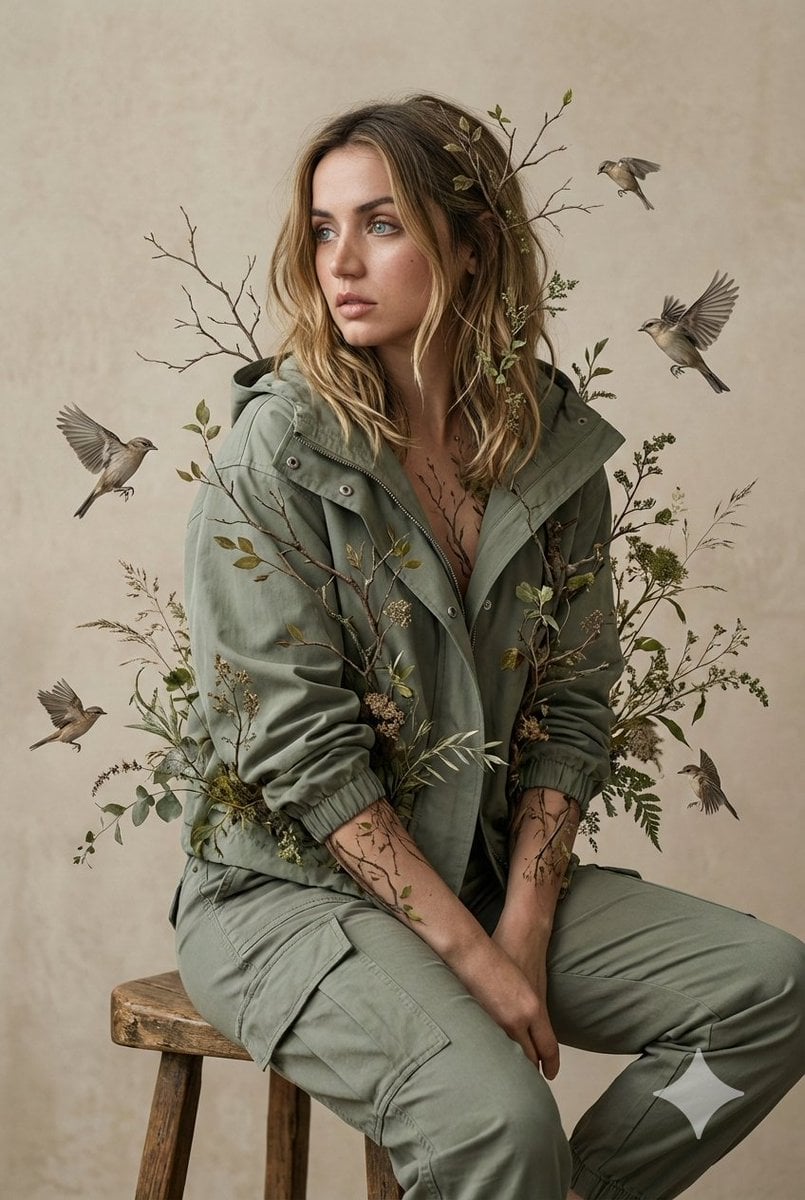
Nature-Human Fusion Editorial Portrait Prompt
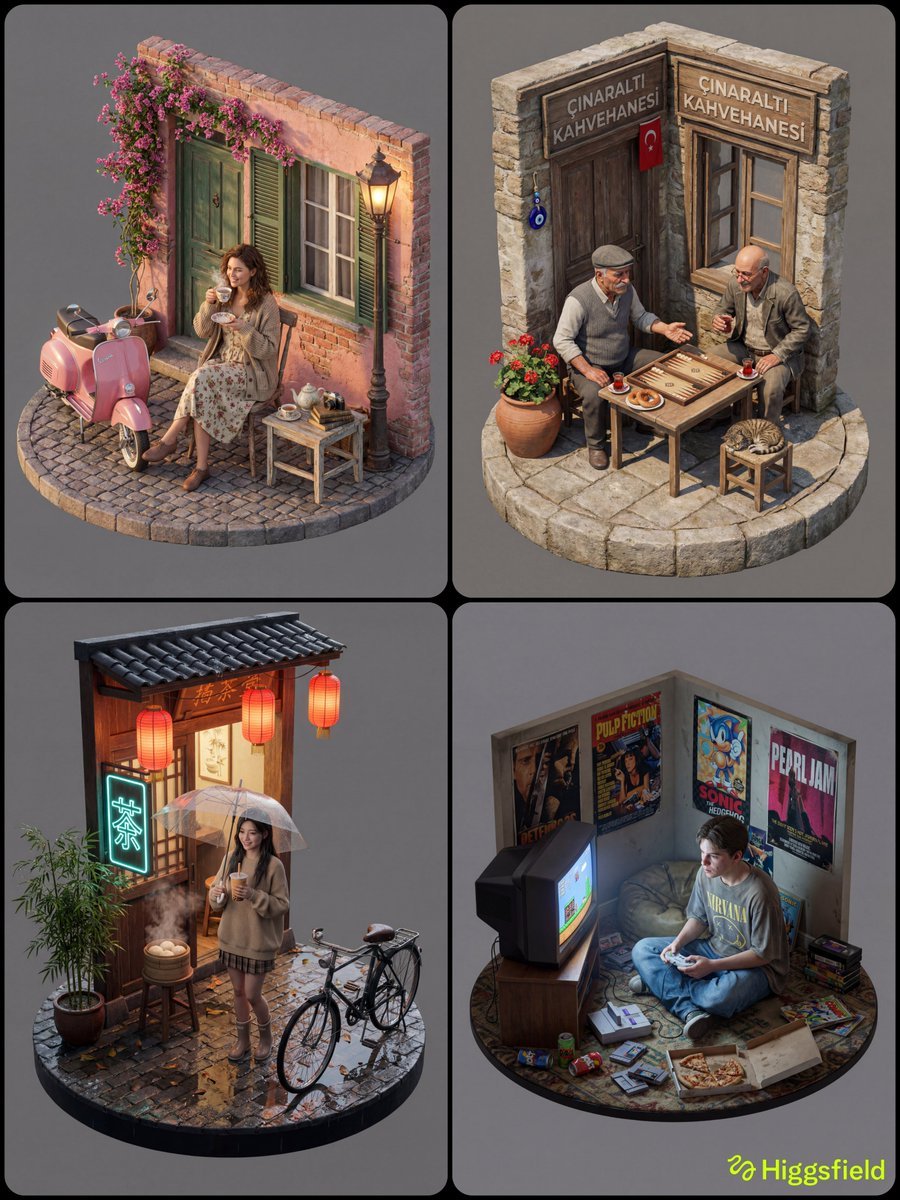
Isometric 3D Diorama with Living Human Texture
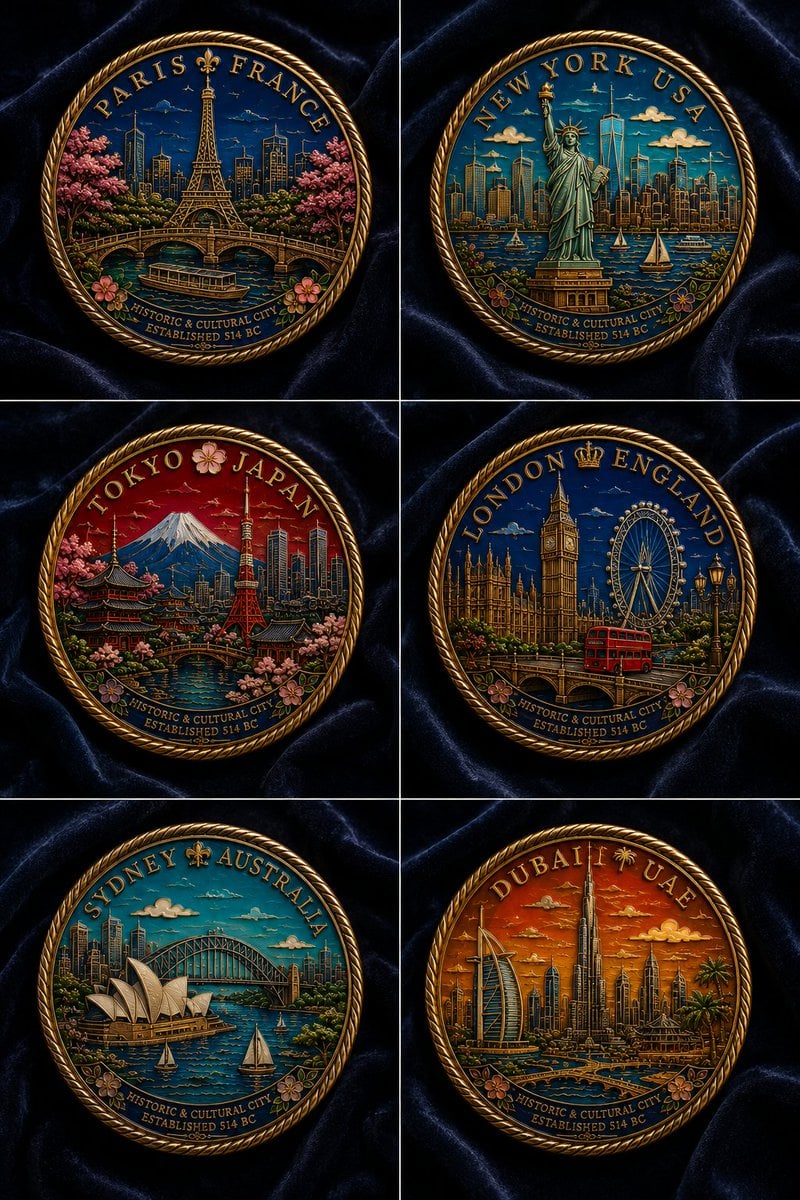
Six Cloisonné City Medals
Browse template categories
Gritty Evangelion Unit-01 Poster questions
How do I use the Gritty Evangelion Unit-01 Poster template?
Add your photo if the template asks for one, edit the prompt if you like — the template's model and format are already selected — and press Generate. Your version opens in PicX Studio.
Can I customize the Gritty Evangelion Unit-01 Poster template?
Yes. You can change the subject, setting, lighting, mood, format, and available model controls before creating your image.
Is the Gritty Evangelion Unit-01 Poster template free?
Opening and editing this template is free. Generating uses credits, shown on the Generate button when you are signed in.
Which AI model should I use?
Start with GPT Image 2, which is the model associated with this template. You can compare another compatible model for a different finish.
Looking for something else? Browse all templates.

Your photo, any look
Thousands of ready templates for every top image and video model, from one credit balance.