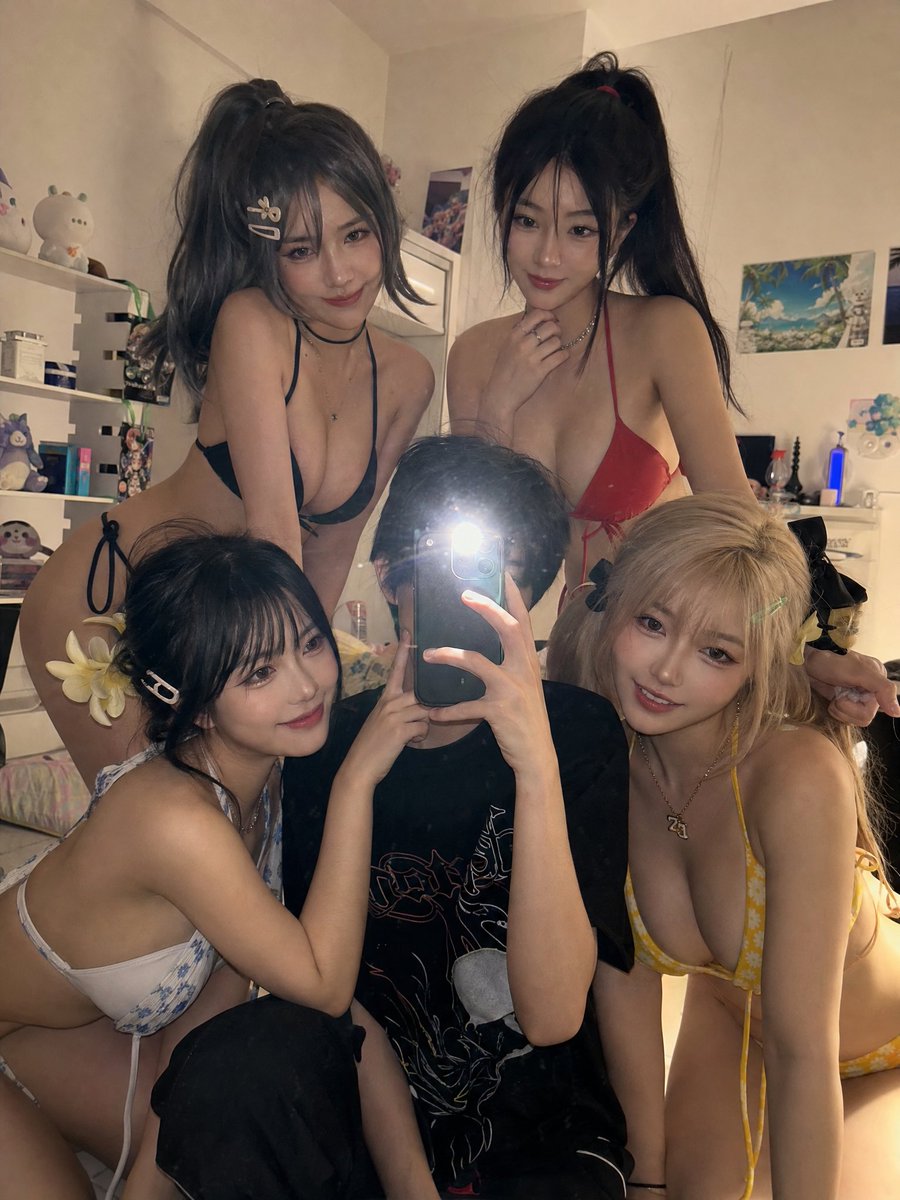
How do I use the Anime Cosplay Mirror Selfie template?
Choose the primary action to open PicX Studio with the available template settings. Review the model and format, personalize the creative direction, and generate when ready.
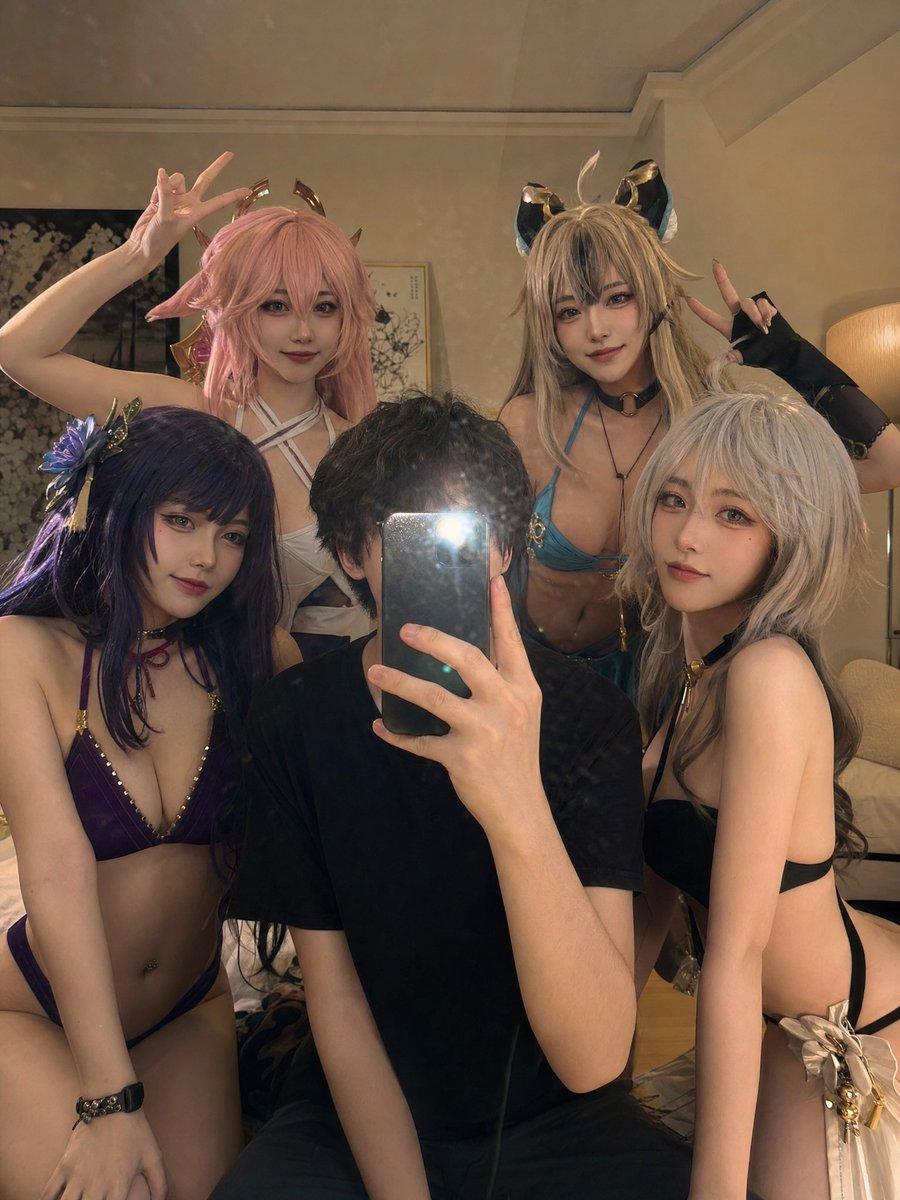
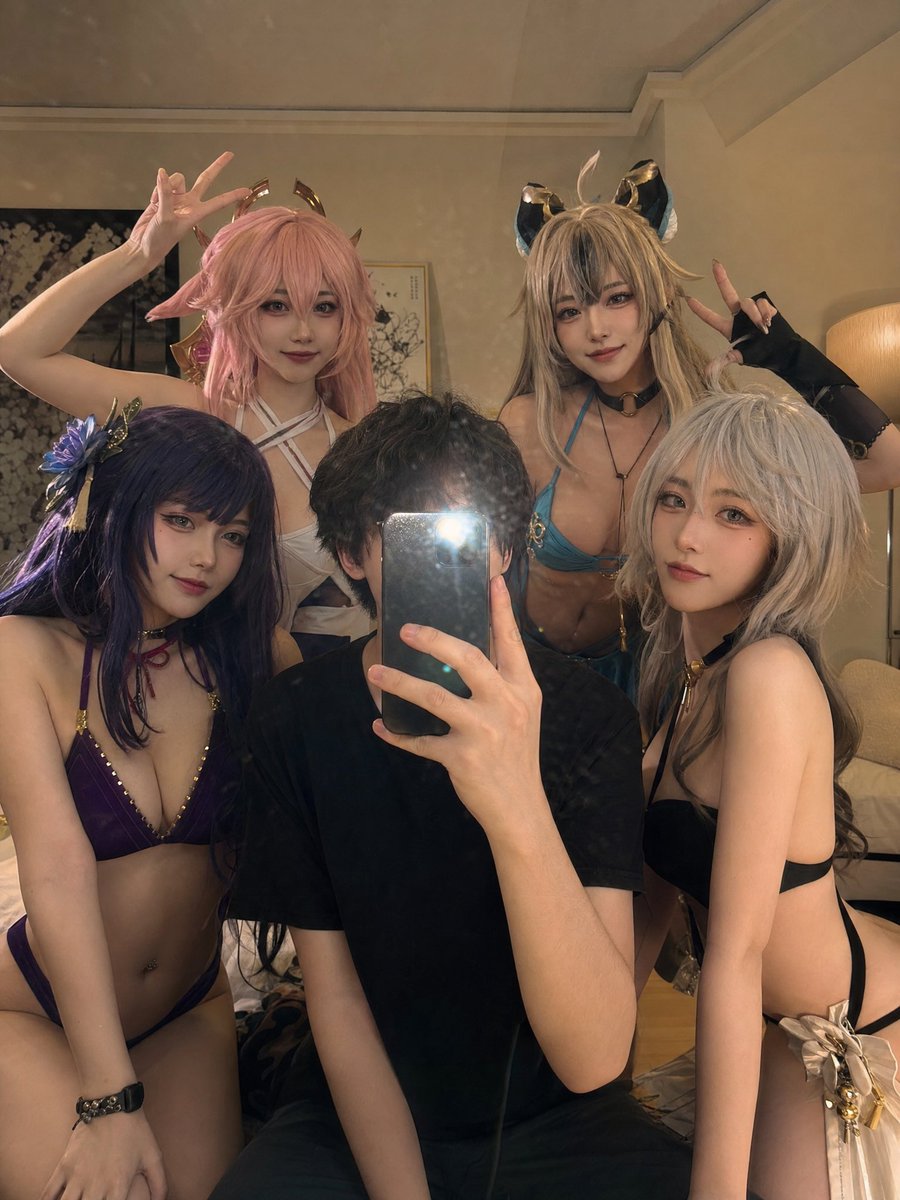
A prompt for generating a warm, semi-realistic mirror selfie featuring anime-style characters in bikinis with cinematic lighting and film grain. (free to use) — Free AI image template on PicX Studio.
Holding a phone with the flash on, snapping a mirror selfie in a casually lit, slightly lived-in room. Multiple anime-aesthetic characters fill the frame around me, their look inspired by the {argument name="anime characters" default="female cast of Dead or Alive Xtreme Beach Volleyball"}. They're in {argument name="outfit" default="bikinis"}, crowding in close — a few gently touching my cheeks, others leaning in warmly. Makeup is soft and natural, facial features carry a clear anime influence. The mood is warm and intimate, soft shadows everywhere, a bright flash catch visible in the mirror. Visual style is semi-realistic with cinematic lighting, a hint of film grain, and that polished TikTok-era look. The characters feel like real people in flawless cosplay rather than fully rendered anime figures.
Use Anime Cosplay Mirror Selfie to plan an AI image around gpt-image-2 generation, themes such as en and gpt-image-2. Match the preview's composition first, then personalize the subject, setting, and mood for your own project.
Use the primary action to load the template settings in PicX Studio.
Adjust the subject and creative details for your destination.
Create the image, compare the result with the preview, and refine one variable at a time.
A continuous mix — similar concepts first, woven with same-model prompts and fresh picks from the catalog.
Choose the primary action to open PicX Studio with the available template settings. Review the model and format, personalize the creative direction, and generate when ready.
Yes. You can change the subject, setting, lighting, mood, format, and available model controls before creating your image.
This template is free to open and customize. Generation usage is shown in PicX Studio before you create.
Start with gpt-image-2, which is the model associated with this template. You can compare another compatible model for a different finish.
Follow a topic to a crawlable collection of related PicX Studio templates.
39,155 public templates available. Verified via the PicX Studio public templates API; refreshed hourly.
A continuous mix — similar concepts first, woven with same-model prompts and fresh picks from the catalog.