
Manga School Trip Timetable
Transforms a plain Japanese school-trip timetable into a dramatic monochrome manga-style travel schedule page.
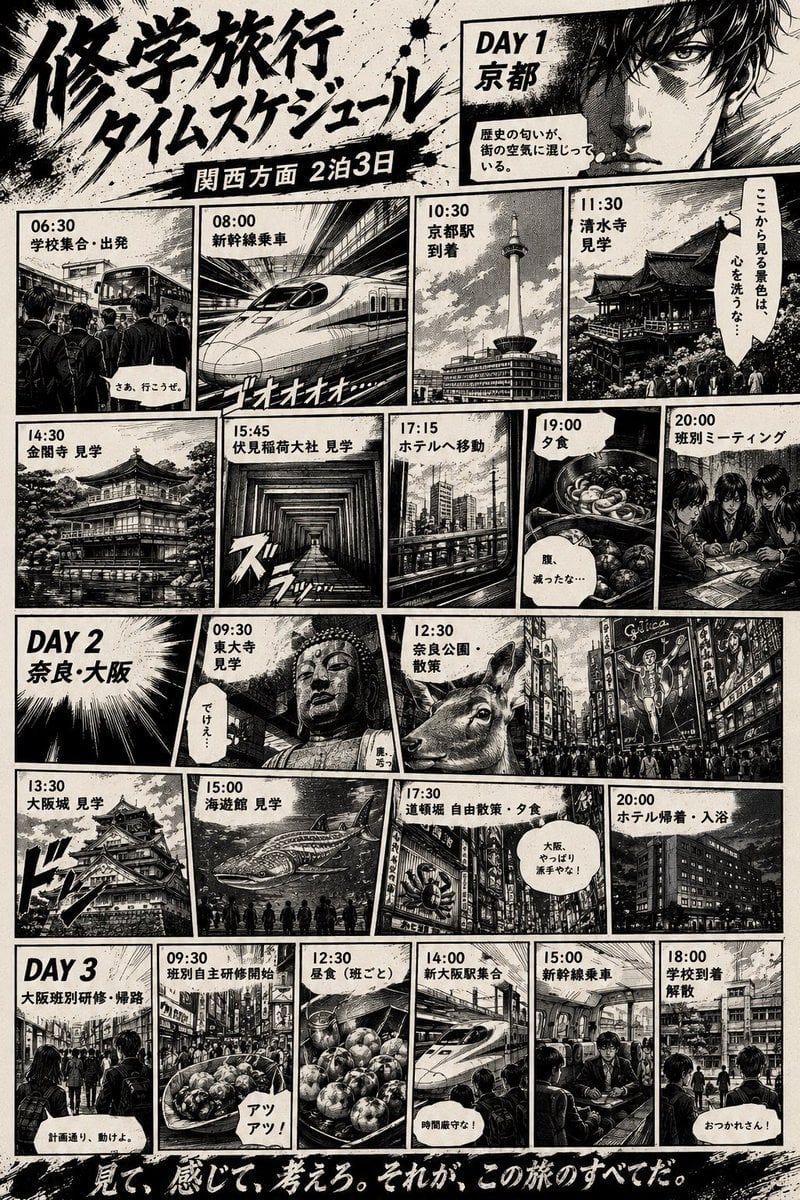
- Prompt included
- Model and format preset
- Free template
The prompt behind this image
Copy the exact prompt behind Manga School Trip Timetable, or open it in the studio and make it yours.
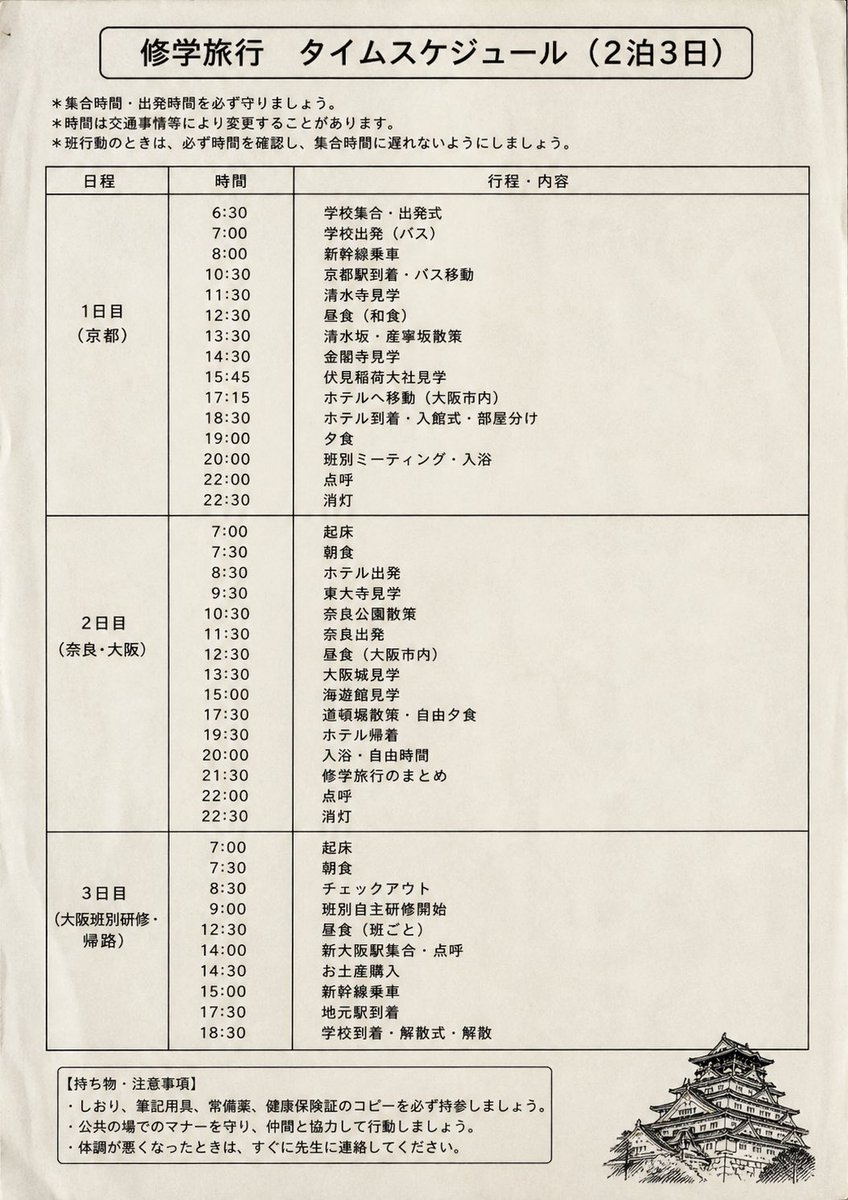
Using REFERENCE_0 as the source timetable, transform the plain printed school-trip schedule into a dramatic black-and-white Japanese manga page. Keep the same overall trip concept, the 3-day structure, and the main Japanese schedule information, but replace the formal table with an action-manga comic layout full of heavy ink, speed lines, halftone shading, rough paper texture, splatter effects, thick panel borders, and cinematic perspective. Use a large brush-calligraphy headline reading {argument name="headline text" default="修学旅行 タイムスケジュール"}, with a dark subtitle ribbon reading {argument name="subtitle text" default="関西方面 2泊3日"}. Add a gritty manga protagonist close-up in the top-right Day 1 area and convert the schedule into exactly 20 illustrated event panels plus 3 day-title cards: Day 1 has 9 event panels labeled 06:30 school gathering/departure, 08:00 bullet train boarding, 10:30 Kyoto Station arrival, 11:30 Kiyomizu-dera visit, 14:30 Kinkaku-ji visit, 15:45 Fushimi Inari Taisha visit, 17:15 hotel transfer, 19:00 dinner, 20:00 group meeting; Day 2 has 6 event panels labeled 09:30 Todai-ji visit, 12:30 Nara Park walk, 13:30 Osaka Castle visit, 15:00 aquarium visit, 17:30 Dotonbori free walk/dinner, 20:00 hotel return/bath; Day 3 has 5 event panels labeled 09:30 group independent study begins, 12:30 lunch by group, 14:00 Shin-Osaka meeting/roll call, 15:00 bullet train boarding, 18:00 school arrival/dismissal. For each panel, depict the corresponding location or activity with manga-style crowds, trains, temples, city streets, food, or hotel scenes instead of the original plain text rows. Include small Japanese speech bubbles and narration boxes for energy, while keeping the schedule labels legible. End with a bold handwritten bottom slogan reading {argument name="bottom slogan" default="見て、感じて、考えろ。それが、この旅のすべてだ。"}. Overall style: {argument name="manga style" default="gritty seinen travel manga, monochrome ink, high contrast, vintage print texture"}.
Reference images included
Manga School Trip Timetable needs input media to work. They load alongside the prompt when you open it in the studio.
How to use Manga School Trip Timetable in 3 steps
- 1Upload ImagePNG, JPG or paste
Add your photo
Upload the photo the template builds on. The prompt, model and format are already set.
- 2…a portrait of your subject in softgolden-hour light, 85mm…
Personalize
Edit the subject and creative details for your destination.
- 3Generate
Generate
Press Generate — your image is created in PicX Studio, so you can compare it with the original and refine one variable at a time.
More like this
Templates with the same subject, style or setup. Open one to see its prompt.
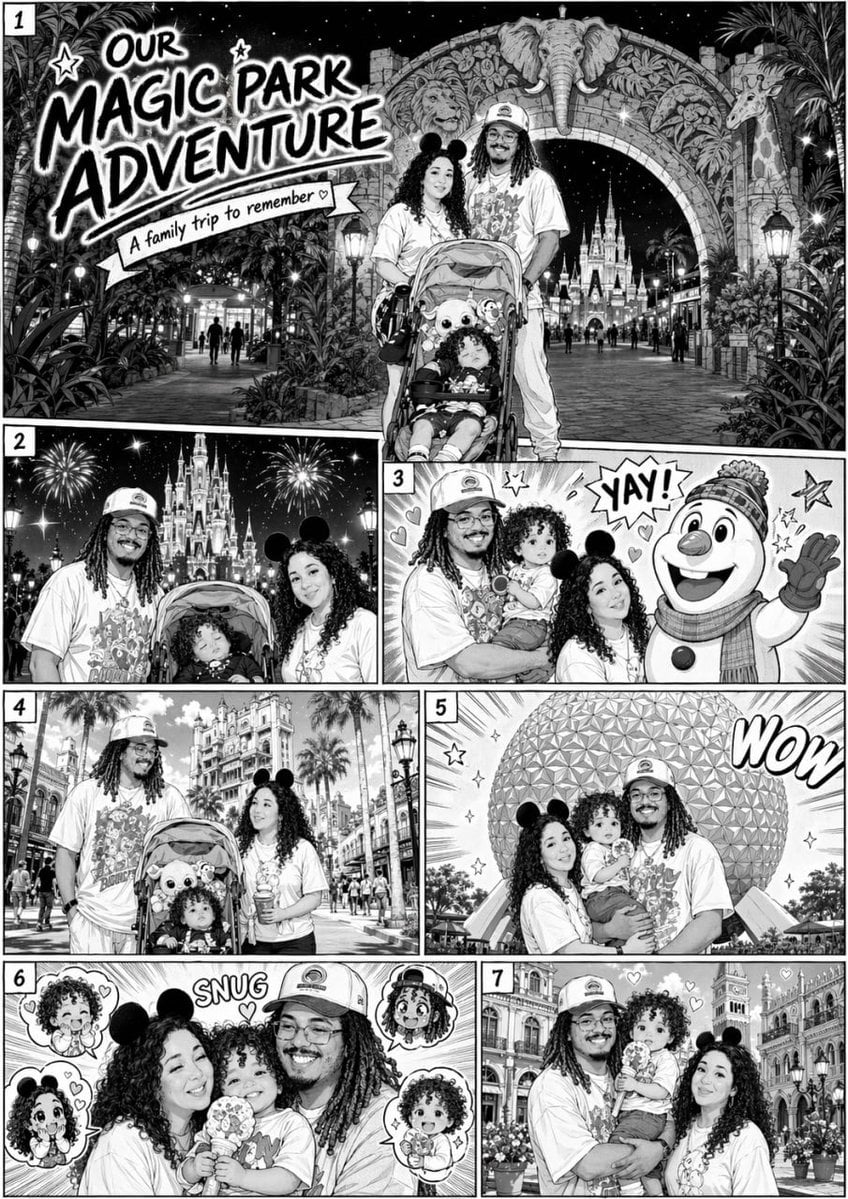
Manga Style Family Disney Trip
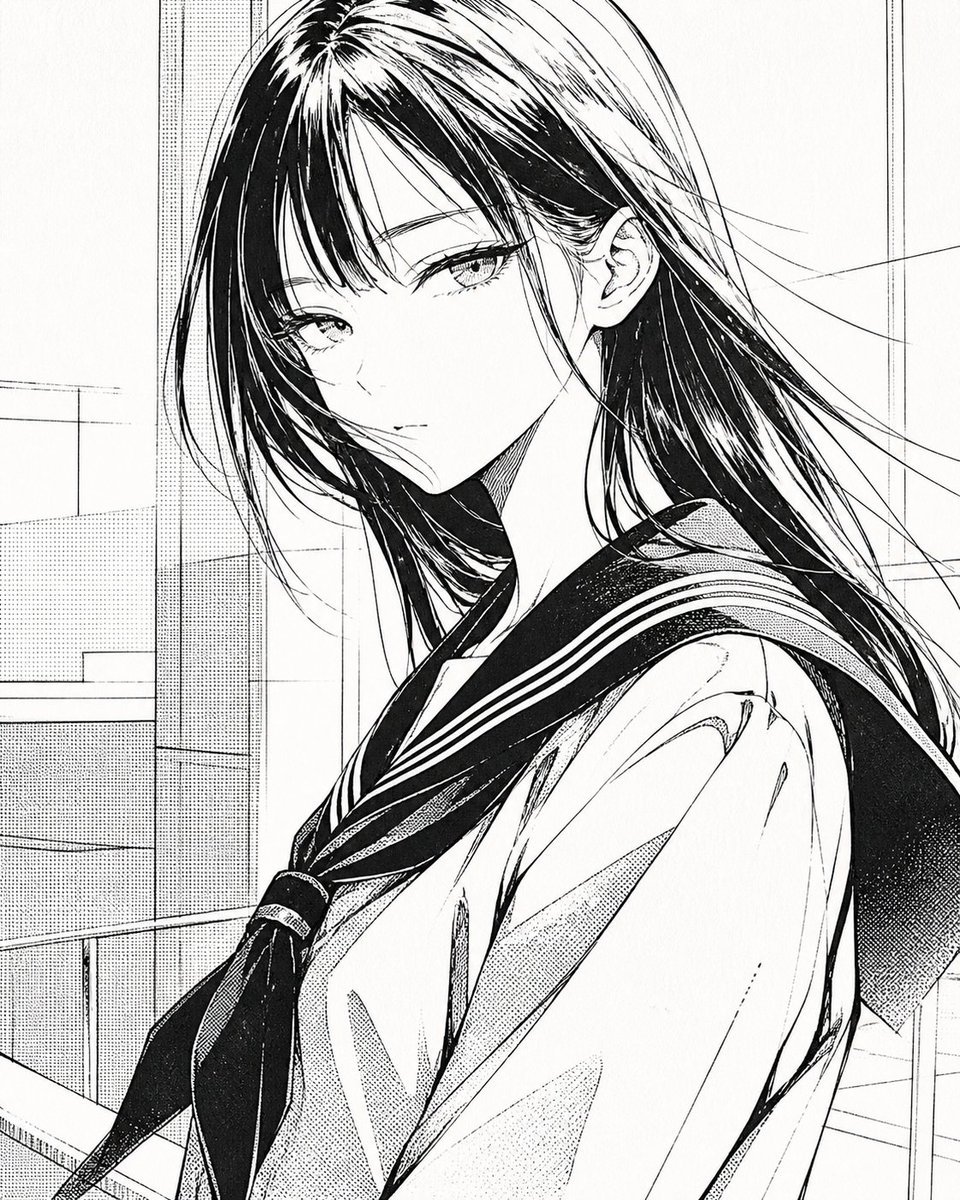
Censored Manga Schoolgirl Portrait
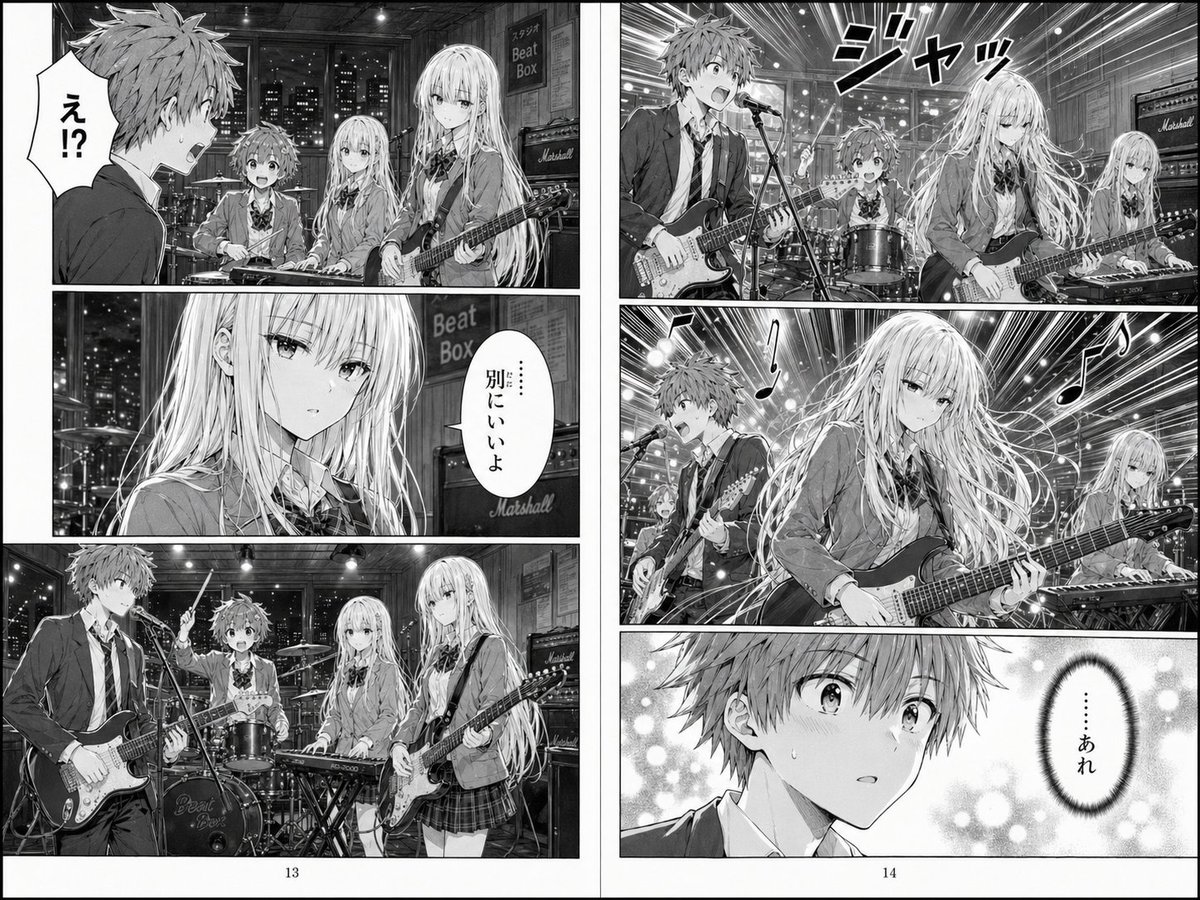
Two-Page School Band Manga Spread
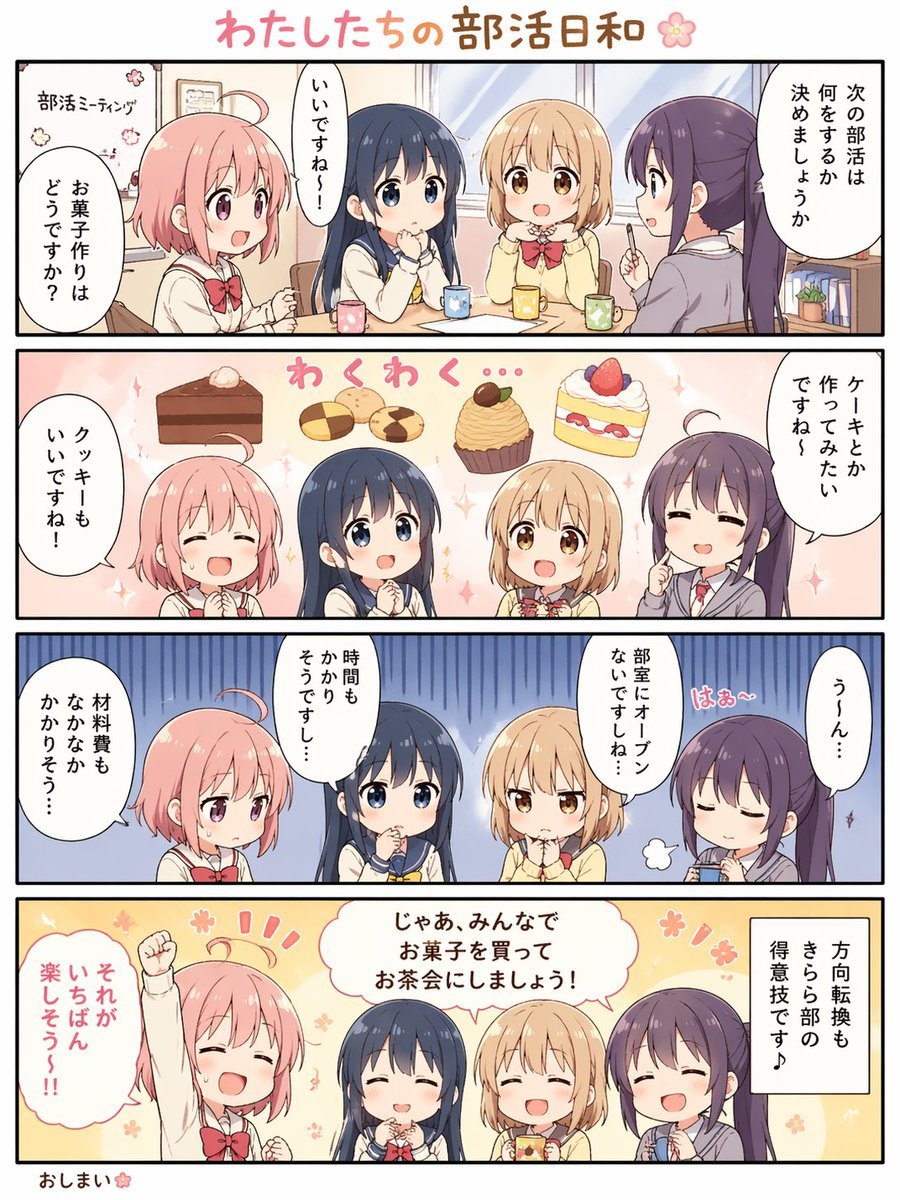
Cute 4-Panel School Club Manga
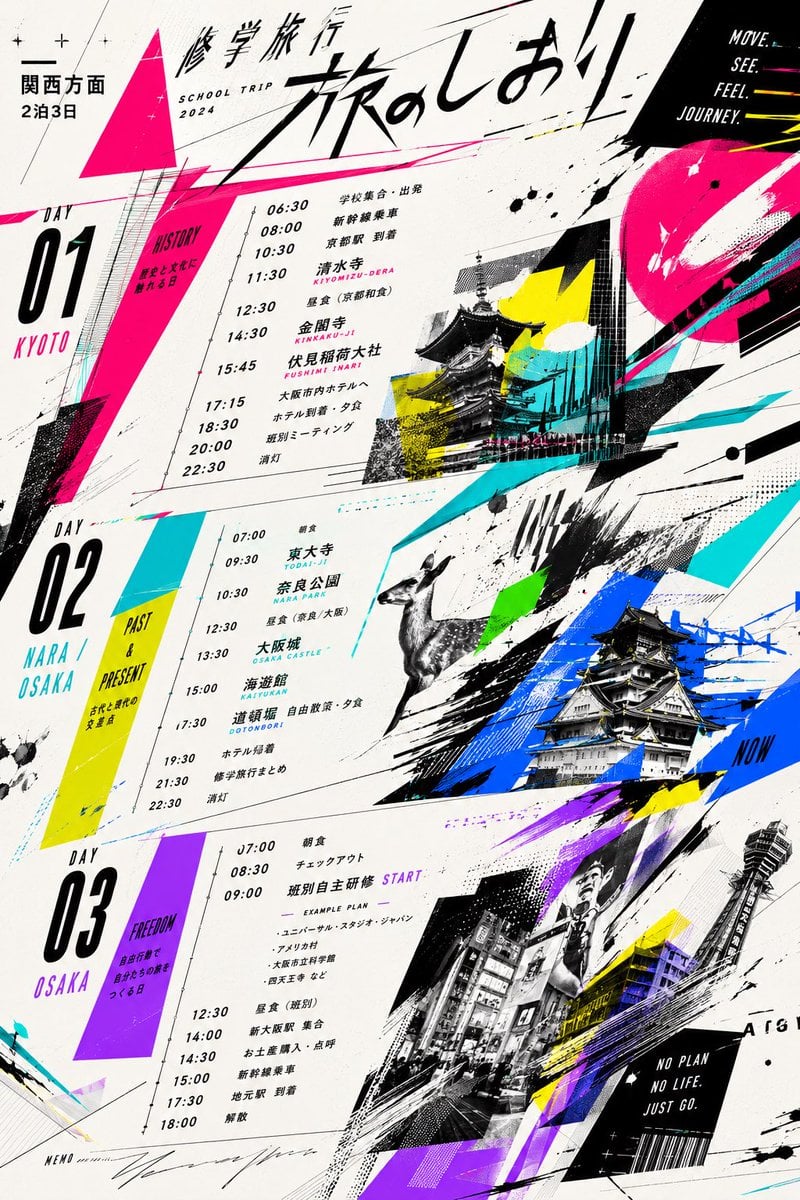
Graphic School Trip Schedule Poster
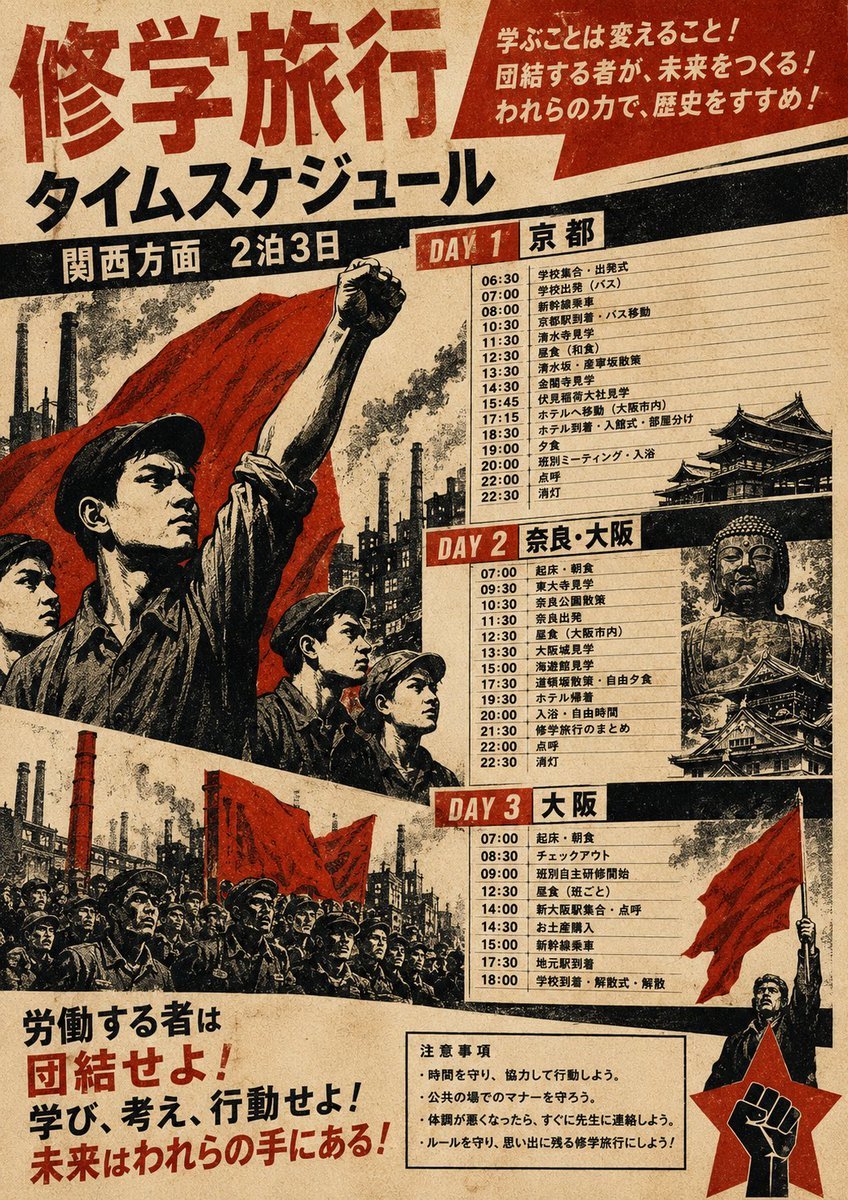
Propaganda School Trip Schedule Poster
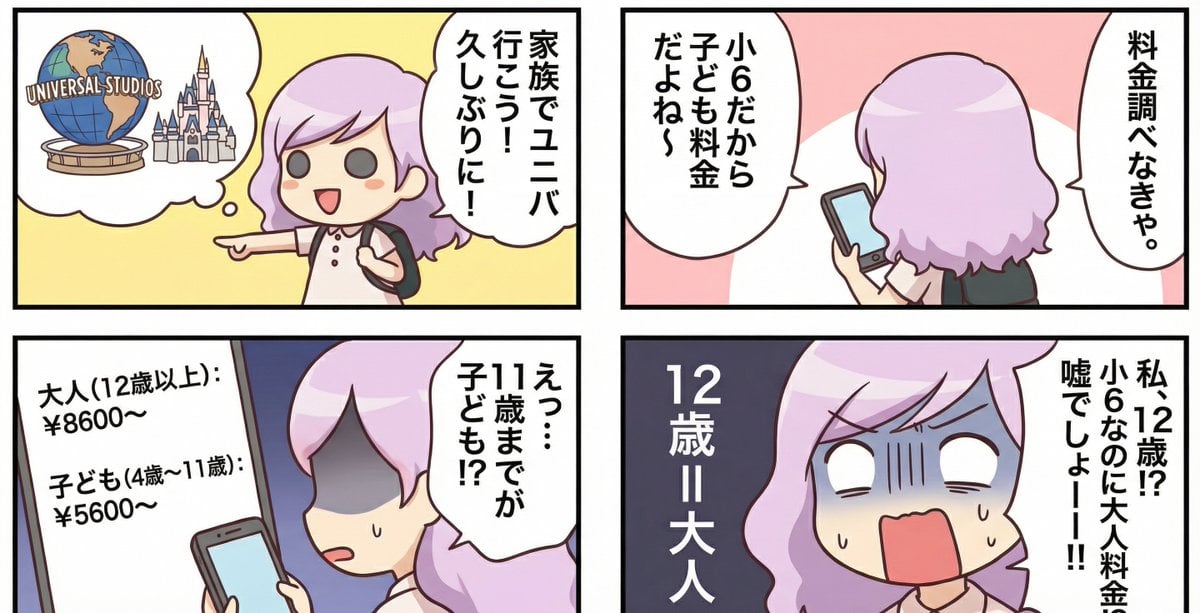
Essay-style manga about a family trip to Universal Studios
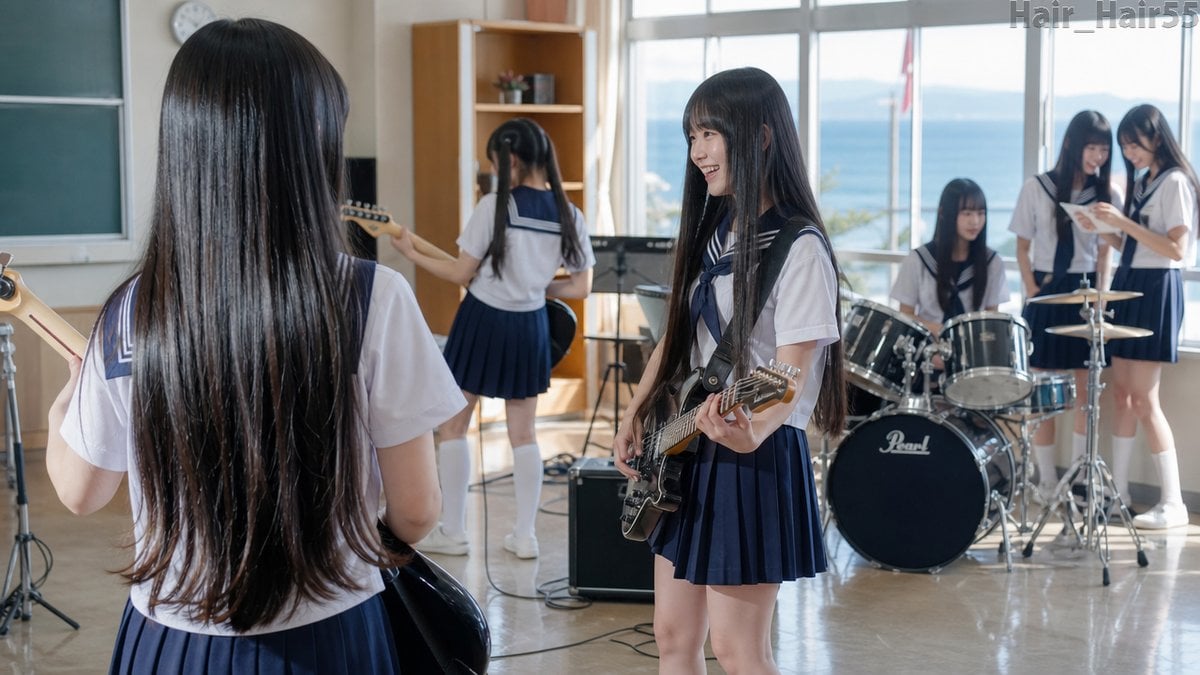
Seaside School Band Rehearsal

Anime School Rom-Com Key Visual
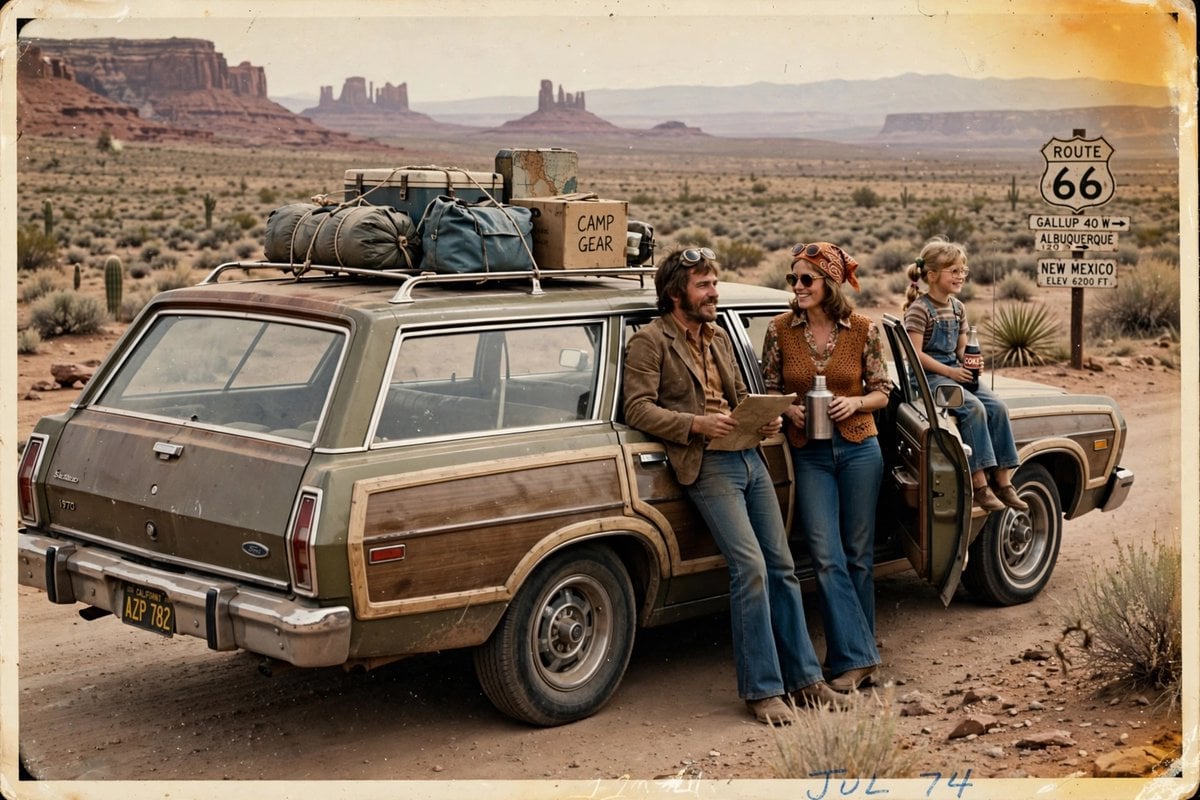
Vintage 1970s Road Trip Photography
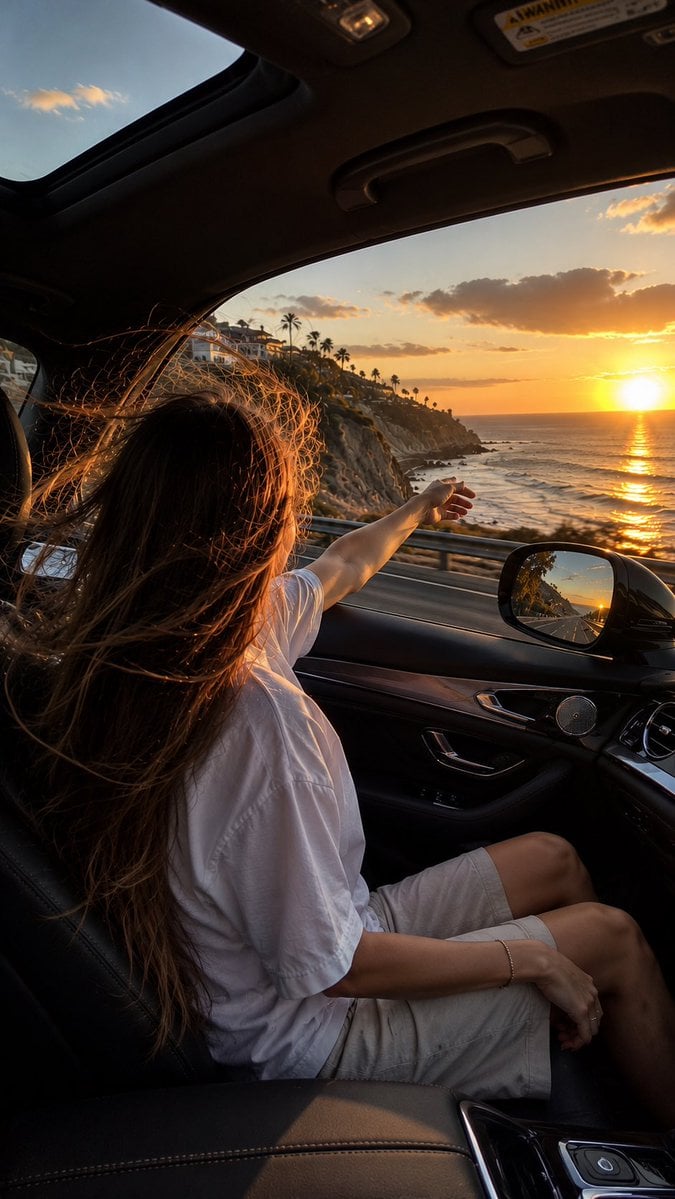
Candid iPhone Coastal Road Trip
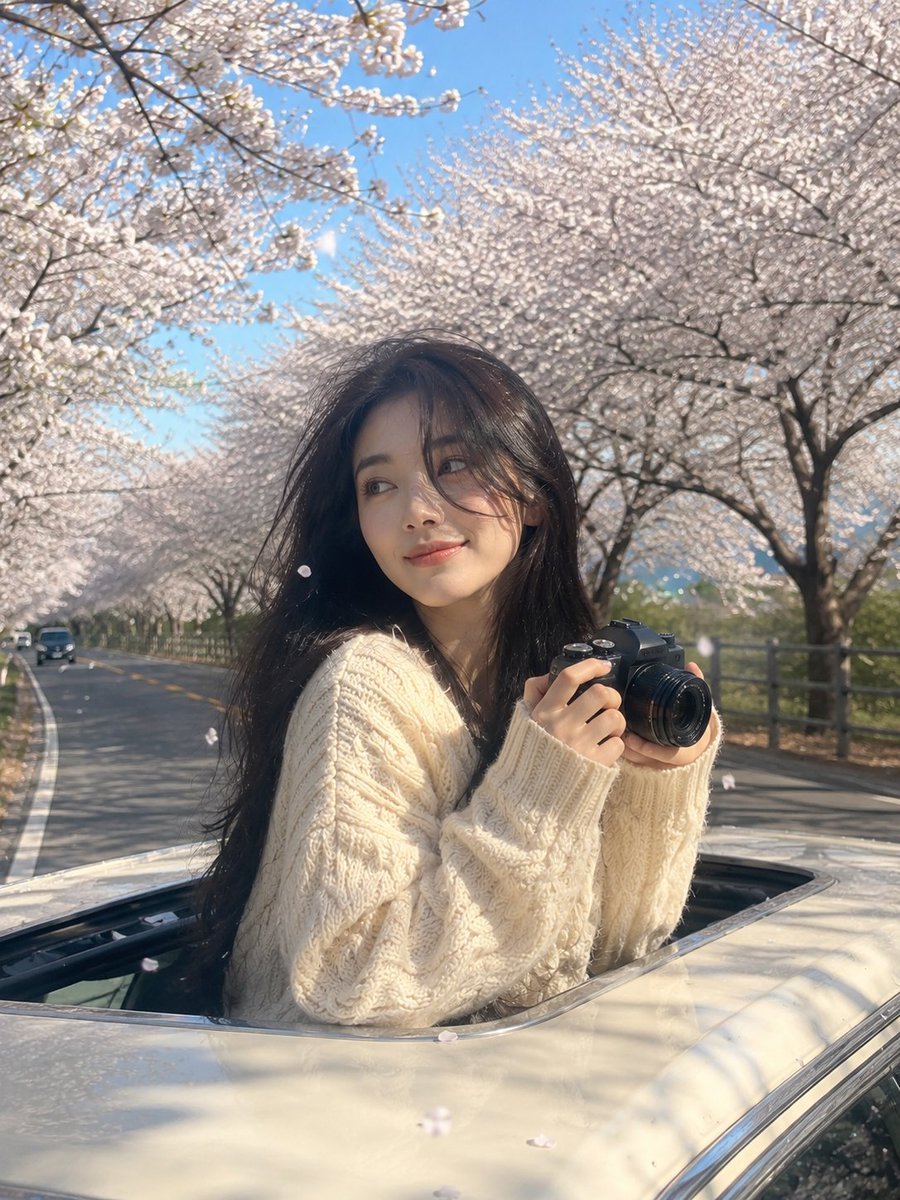
Dreamy Spring Road Trip Travel Portrait
Make it yours
Manga School Trip Timetable works as-is. These are the safest ways to change it without losing the look.
Change one field
Copy a single group, rewrite it, and generate again so you can see what that field is doing.
Keep the frame, change the subject
Hold the composition and light of Manga School Trip Timetable, then swap wardrobe, props or the person for a new take.
| If the result… | Why | Fix |
|---|---|---|
| The result drifts from the preview | Too many fields changed at once. | Reuse Manga School Trip Timetable as-is first, then change one group — subject, light, or setting. |
| The model over-stylizes the scene | The prose prompt leaves finish and camera underspecified. | Add one camera or lighting sentence and stay on GPT Image 2. |
More GPT Image 2 templates
Other prompts made for GPT Image 2.

Six VTuber Japanese Logo Sheet

Realistic Portrait of Woman and Deer

The Vista Modular Condo Poster

AI Model Routing Comparison Infographic

2.5D Anime Art Board

Isometric Productivity Desk Scene

New York Double Exposure Poster

Four-Panel AI Landscape Comparison

Japanese Tatami Lifestyle Magazine Cover

NESCAFÉ Coffee Map Poster
More image prompts
Fresh picks from across the catalog.

Quiet Morning Coffee Scene Prompt
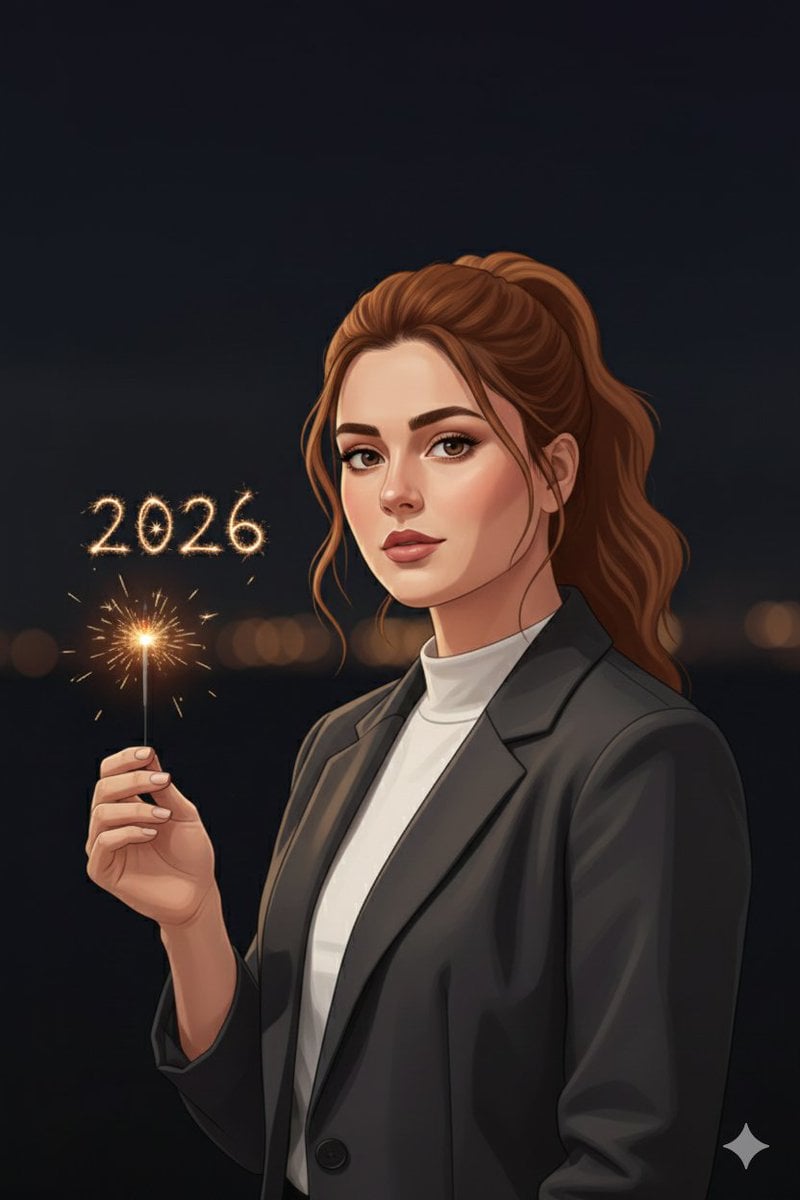
Minimal Cinematic New Year 2026 Portrait
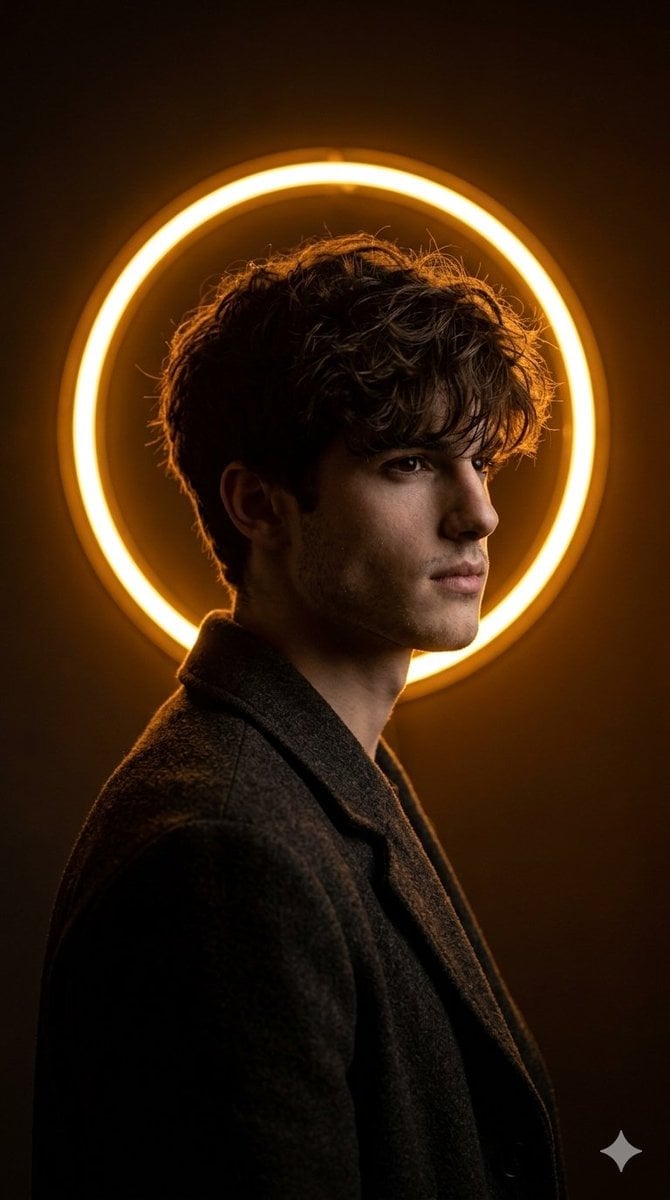
Cinematic Neon Ring Portrait
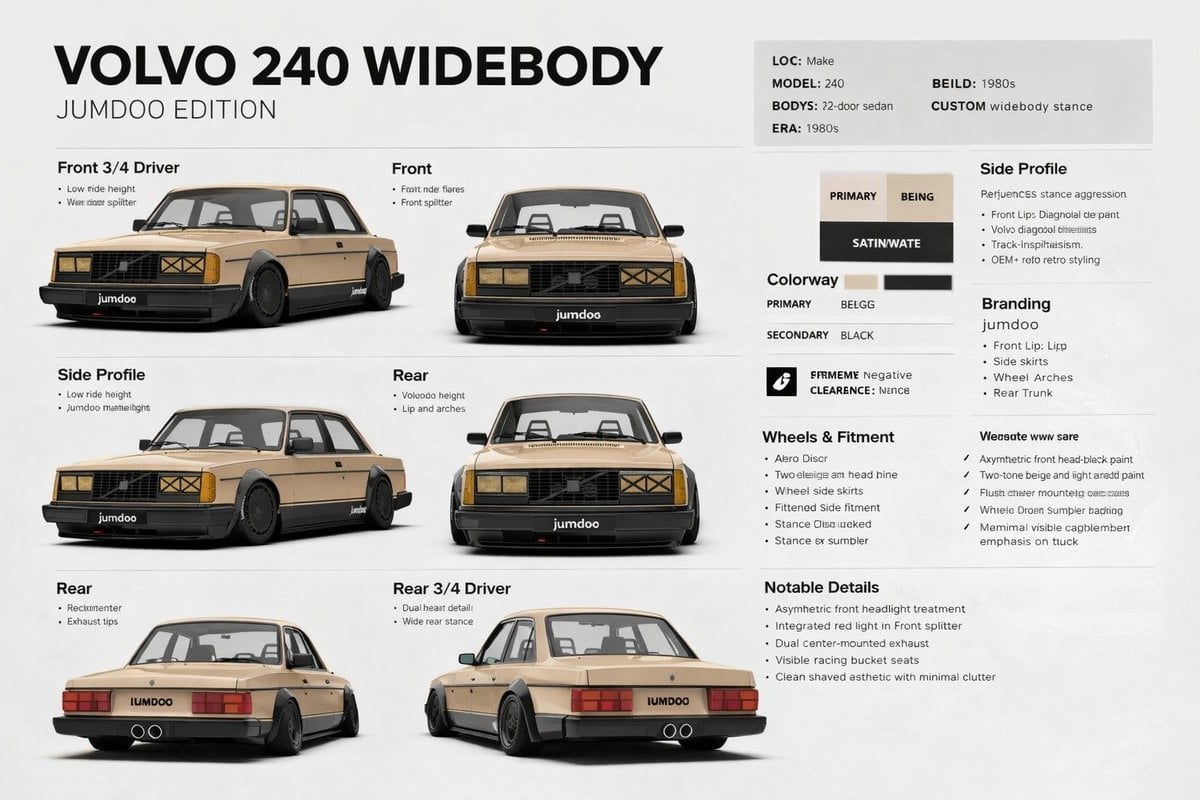
Widebody Volvo 240 Spec Board
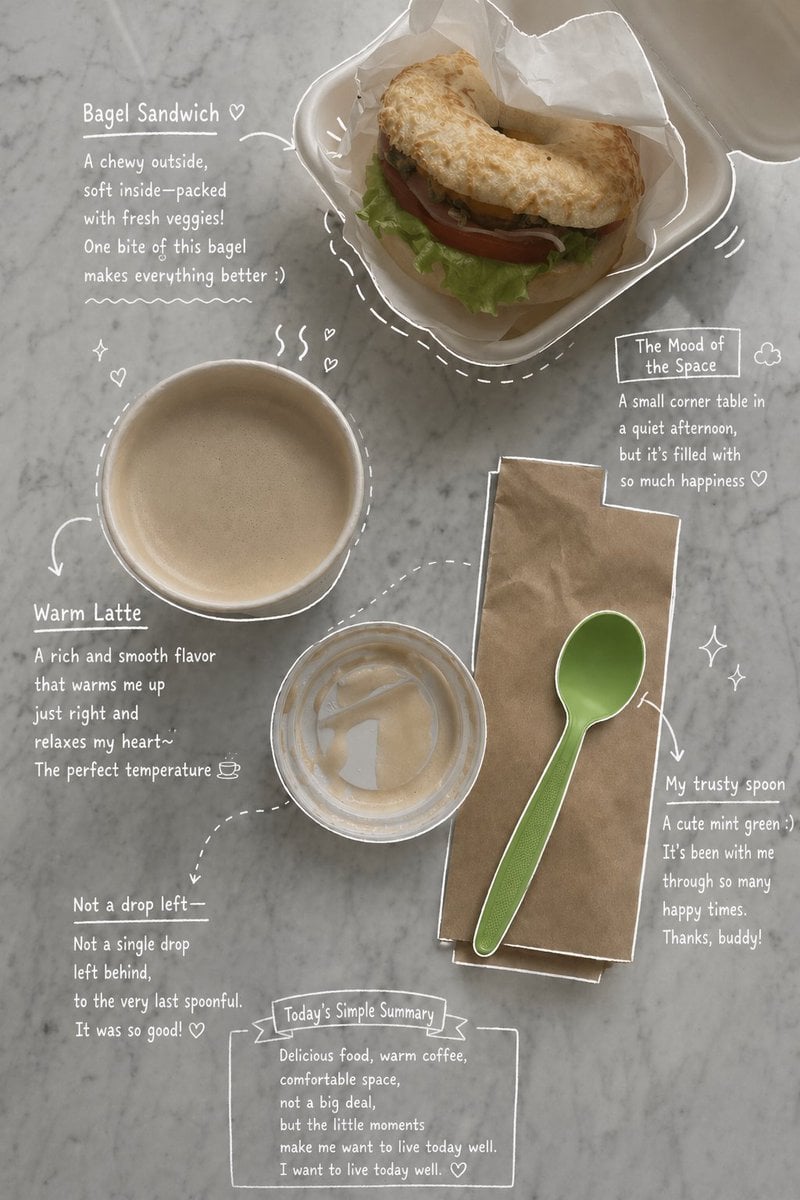
Emotional Hand-Drawn Annotations
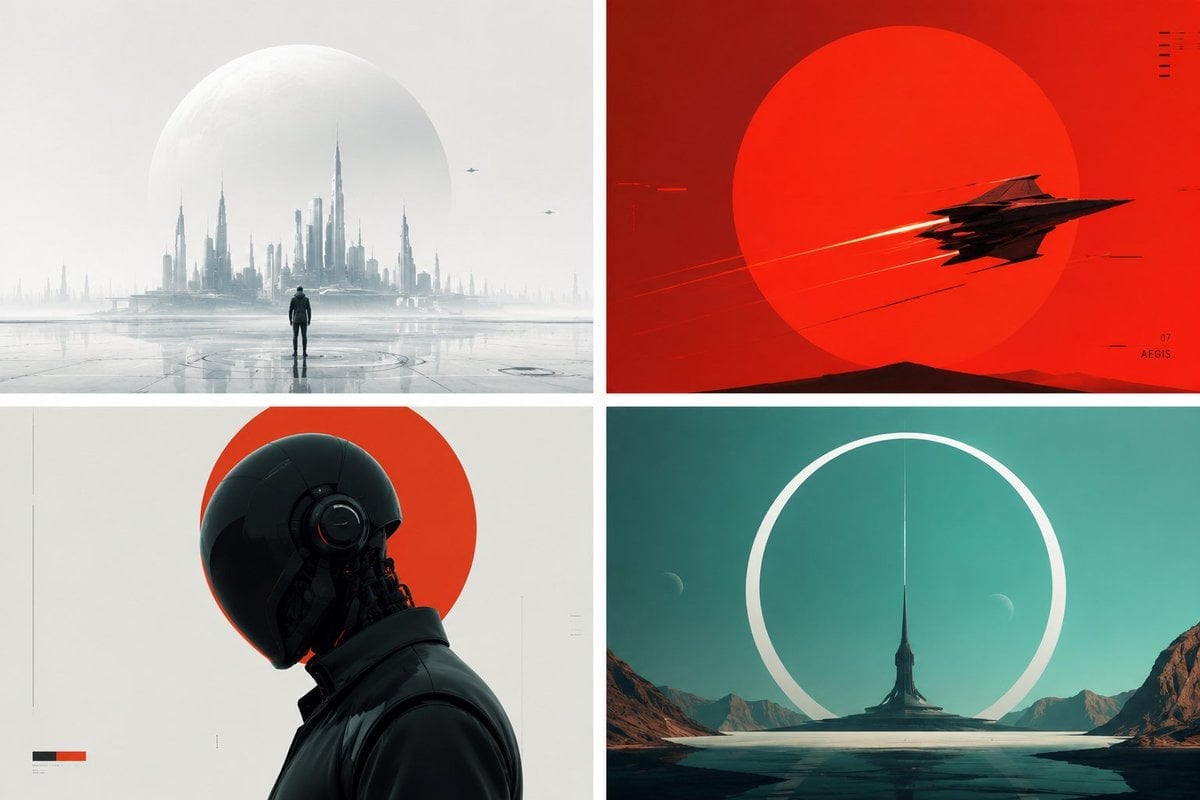
Minimalist Futuristic Concept Art
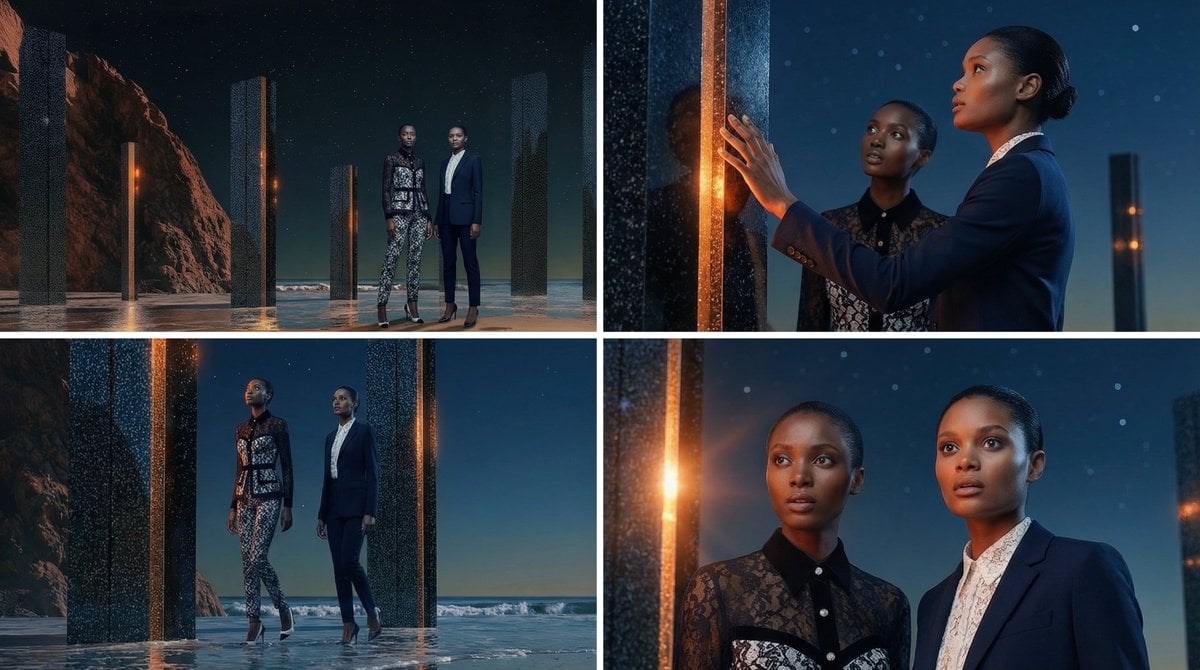
Storyboard Grid Generation Prompt (2x2)
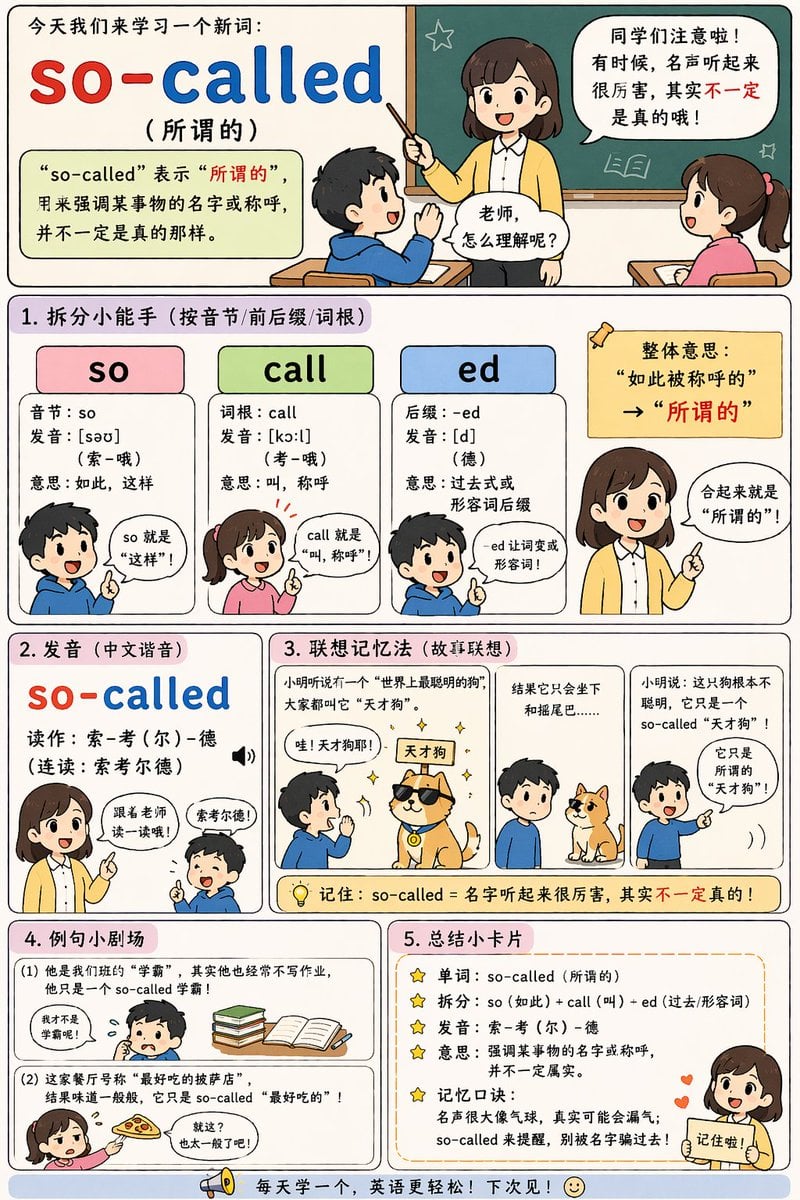
English Vocabulary Educational Infographic
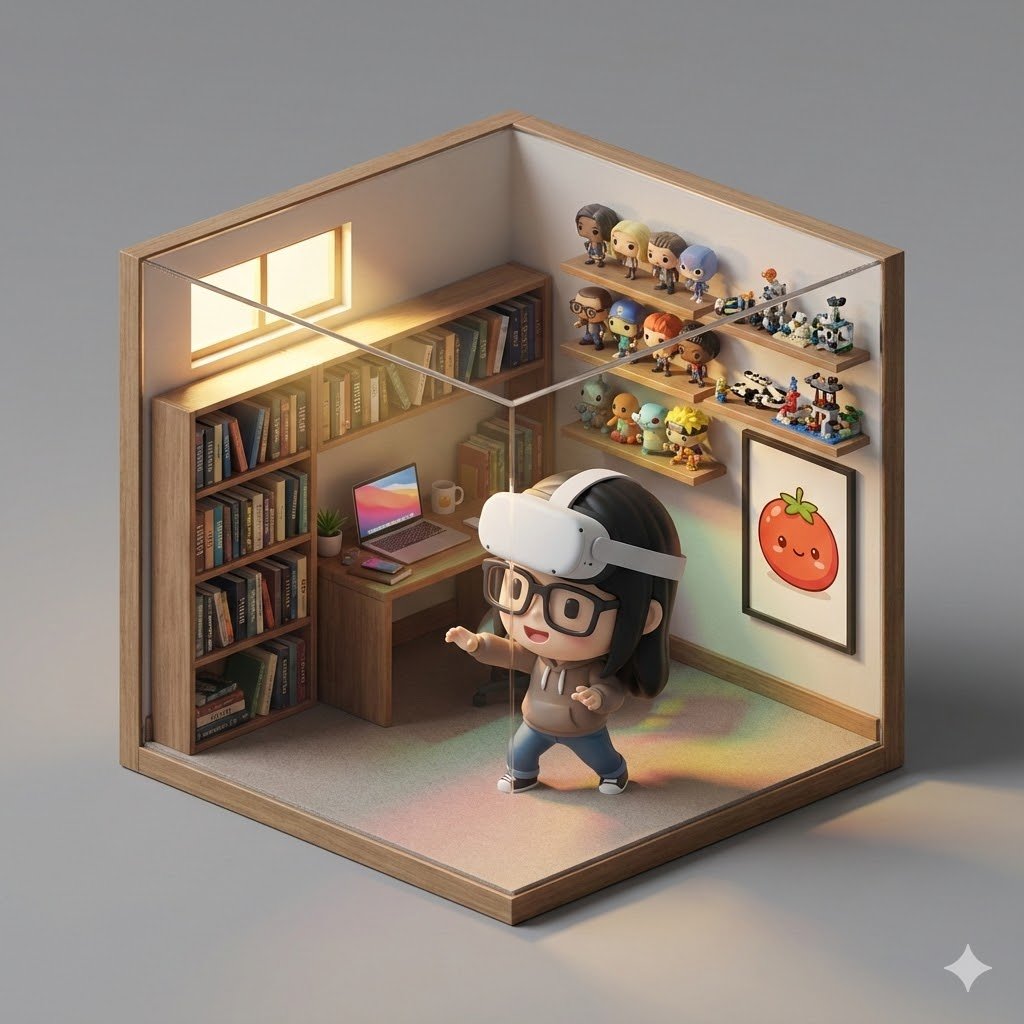
Isometric 3D Cube Prompt
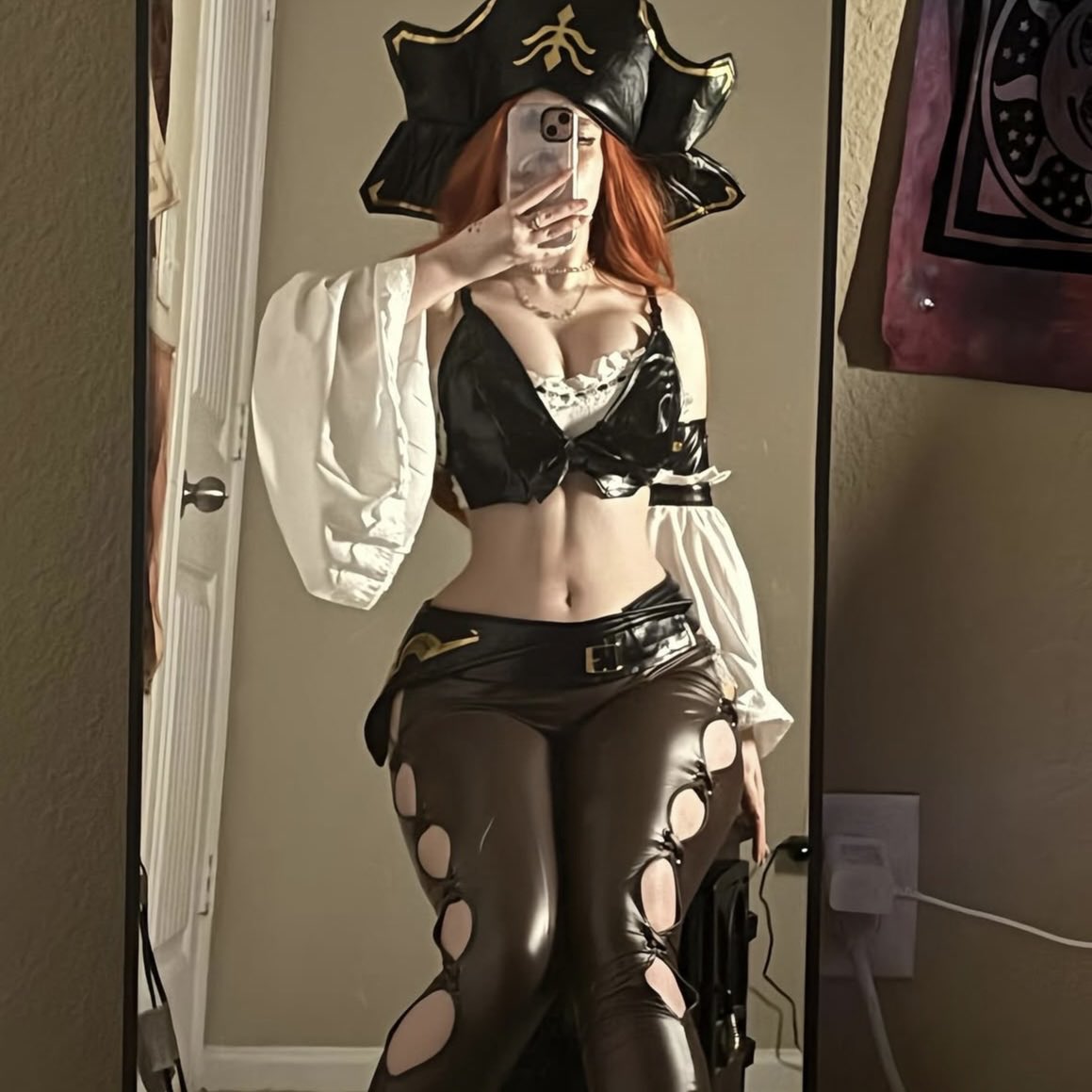
Miss Fortune Realistic Selfie Prompt
Browse template categories
Manga School Trip Timetable questions
How do I use the Manga School Trip Timetable template?
Add your photo if the template asks for one, edit the prompt if you like — the template's model and format are already selected — and press Generate. Your version opens in PicX Studio.
Can I customize the Manga School Trip Timetable template?
Yes. You can change the subject, setting, lighting, mood, format, and available model controls before creating your image.
Is the Manga School Trip Timetable template free?
Opening and editing this template is free. Generating uses credits, shown on the Generate button when you are signed in.
Which AI model should I use?
Start with GPT Image 2, which is the model associated with this template. You can compare another compatible model for a different finish.
Looking for something else? Browse all templates.

Your photo, any look
Thousands of ready templates for every top image and video model, from one credit balance.