How do I use the Cyberpunk Subway Music Player template?
Choose the primary action to open PicX Studio with the available template settings. Review the model and format, personalize the creative direction, and generate when ready.
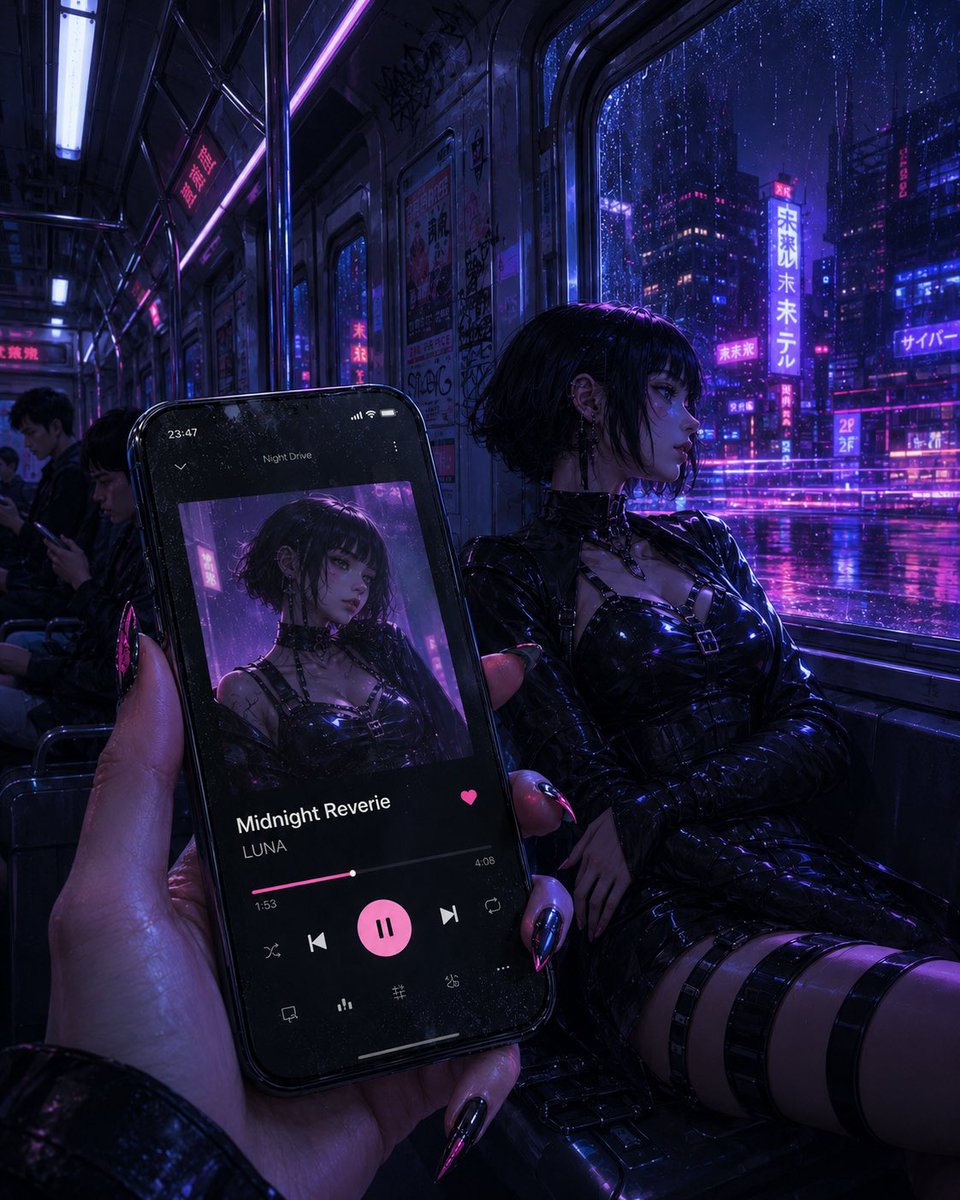
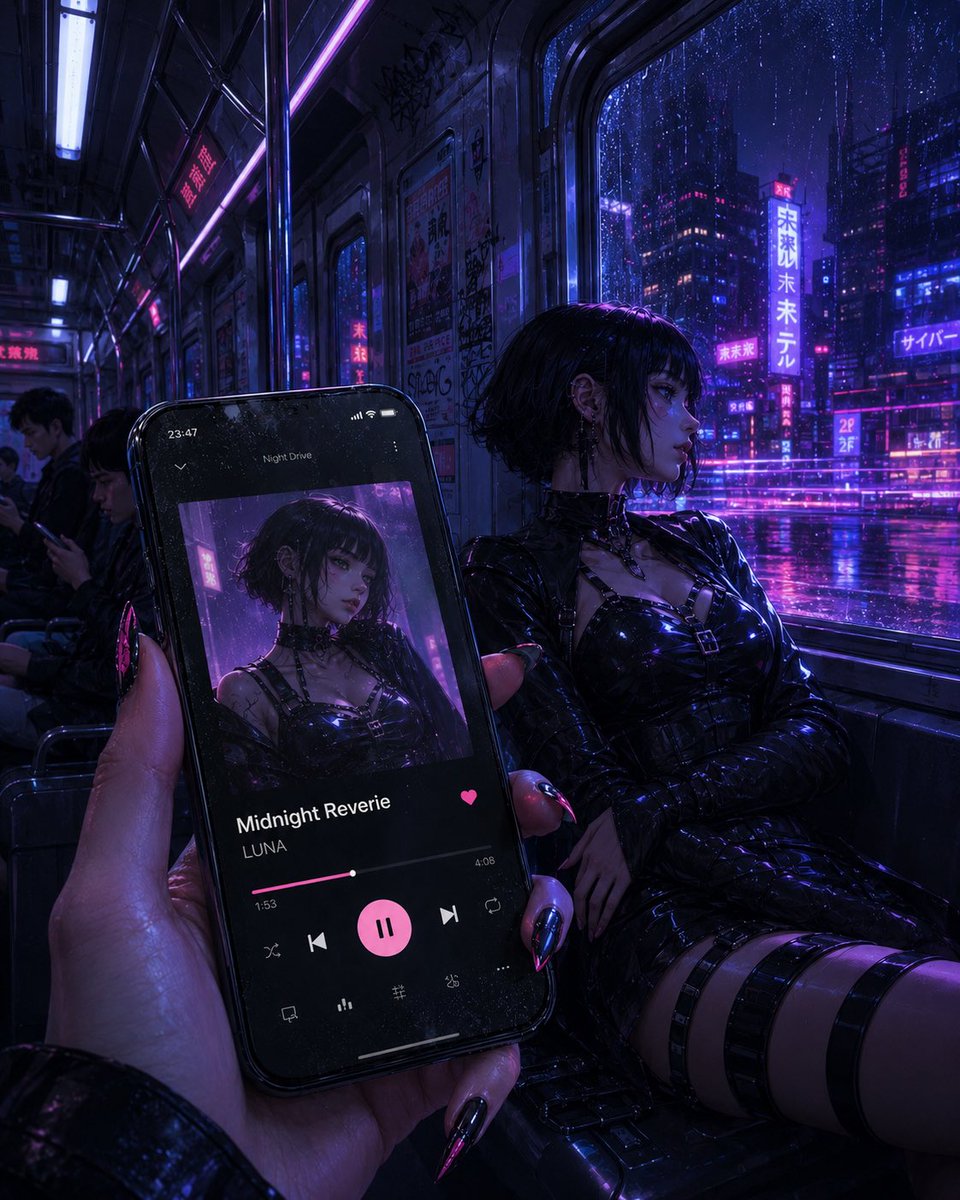
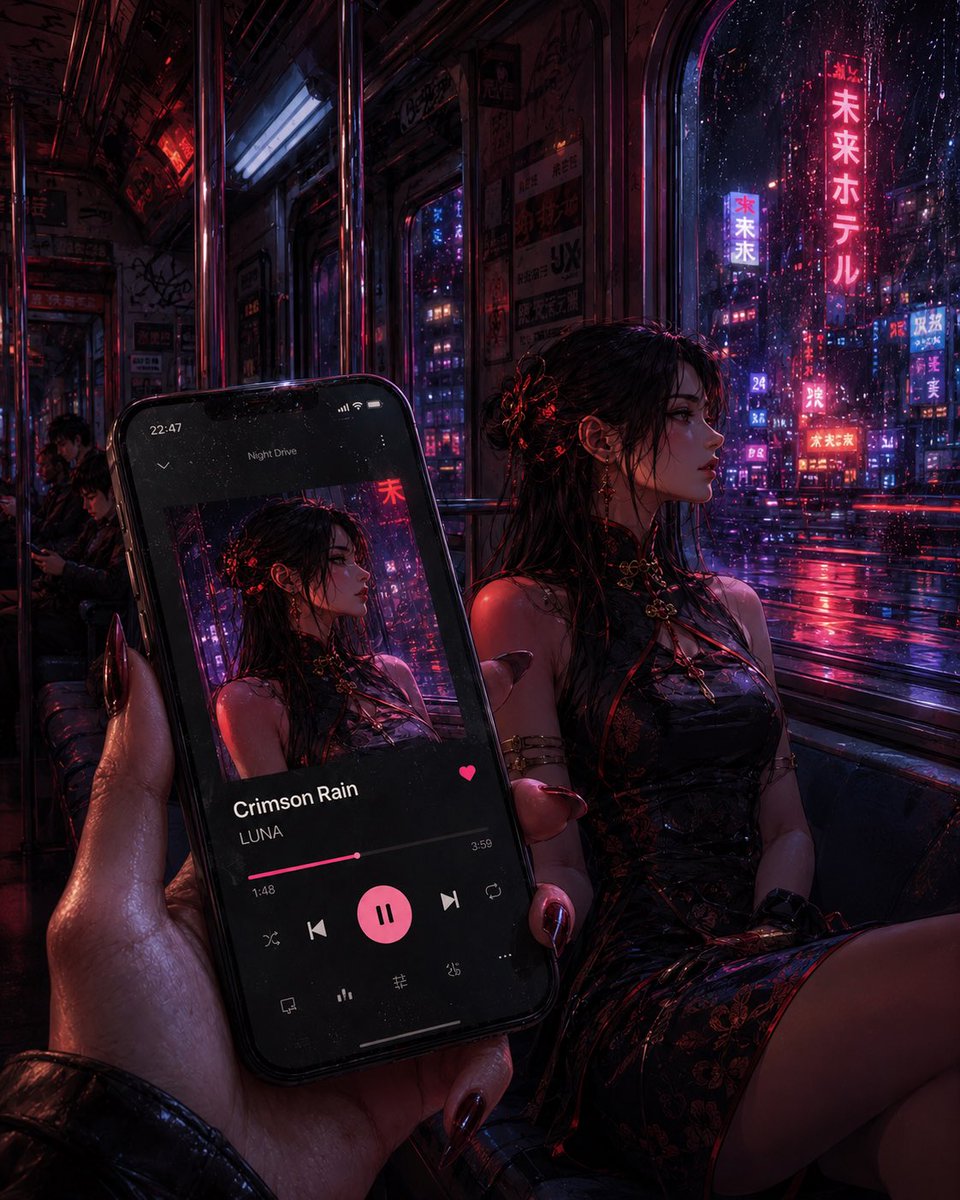
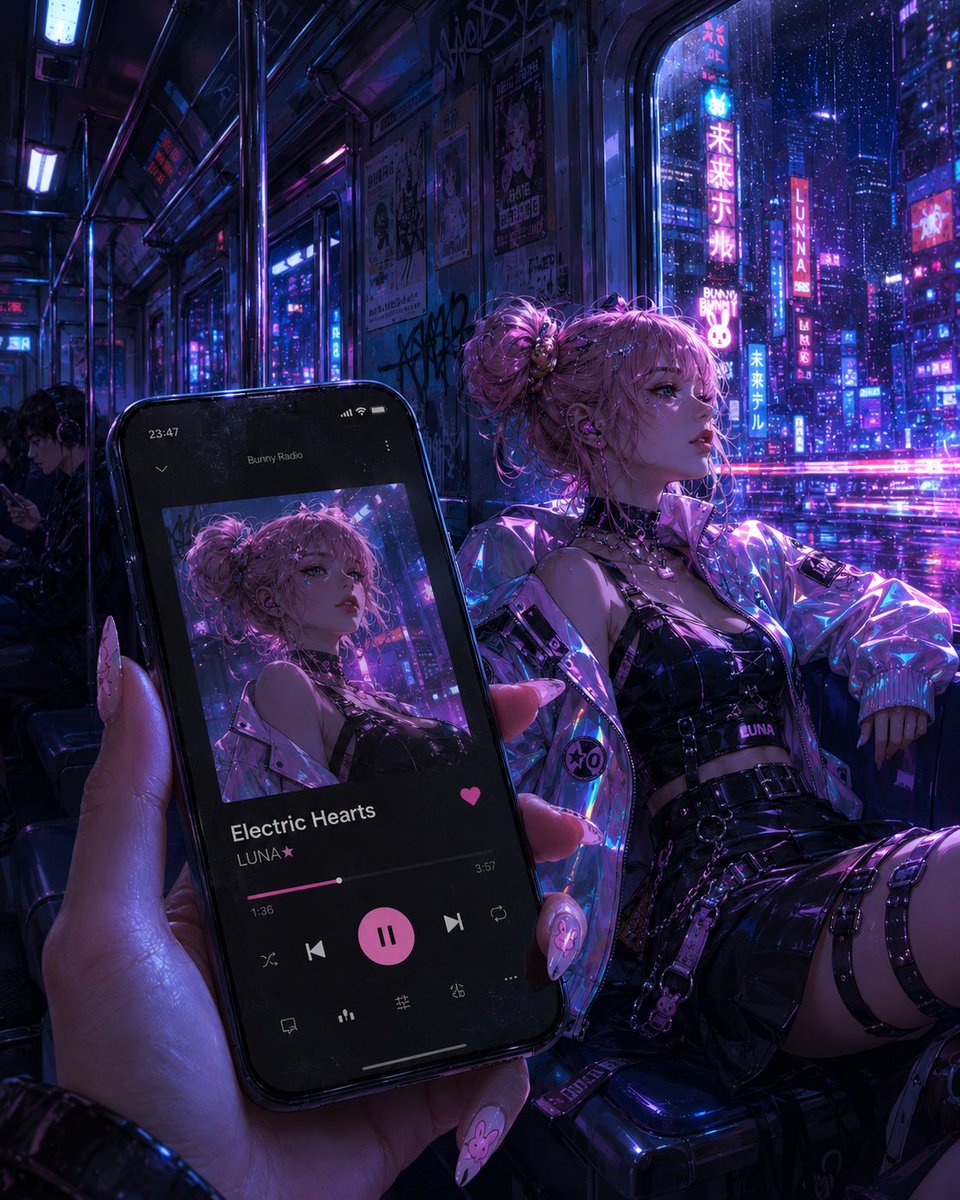
A cinematic cyberpunk rain-night subway scene with a smartphone music player matching the gothic passenger in the train. (free to use) — Free AI image template on PicX Studio.
Create a cinematic vertical cyberpunk photorealistic scene set inside a late-night subway train during heavy rain. In the foreground, a hand with long glossy black-and-pink stiletto nails holds a large black smartphone angled toward the camera. The phone displays a dark music player interface for {argument name="song title" default="Midnight Reverie"} by {argument name="artist name" default="LUNA"}; the album cover shows the same gothic woman sitting in the train, with her face intentionally covered by a dark square. The phone UI includes exactly 11 visible interface elements: the time 23:47, the small playlist title “Night Drive,” one album cover image, the song title, the artist name, one pink heart icon, one pink progress bar with timestamps 1:53 and 4:08, five main playback controls arranged in a row with a large pink pause button in the center, and four small bottom icons. In the midground to the right, the real woman from the album cover sits on the subway bench, wearing a glossy black latex gothic outfit with choker, buckles, straps, long sleeves, thigh straps, and high-shine black styling; she has {argument name="hair style" default="short messy black bob"}, silver earrings, and her face is covered by a dark square. Outside the large train window is a rainy neon city at night with wet reflections, purple and electric-blue lighting, skyscrapers, glowing Japanese and cyberpunk signs, and streaks of rain on the glass. Inside the train, show metal poles, dark seats, ceiling lights, graffiti, posters, and a few distant passengers; one passenger on the left is looking at a phone and has a blurred or obscured face. Use a moody {argument name="color palette" default="deep violet, magenta, electric blue, and black"} palette, shallow depth of field, realistic reflections on latex and glass, rain-soaked atmosphere, and the feeling of riding the last train while listening to music. No watermark, no extra captions outside the phone UI, no extra people in the foreground.
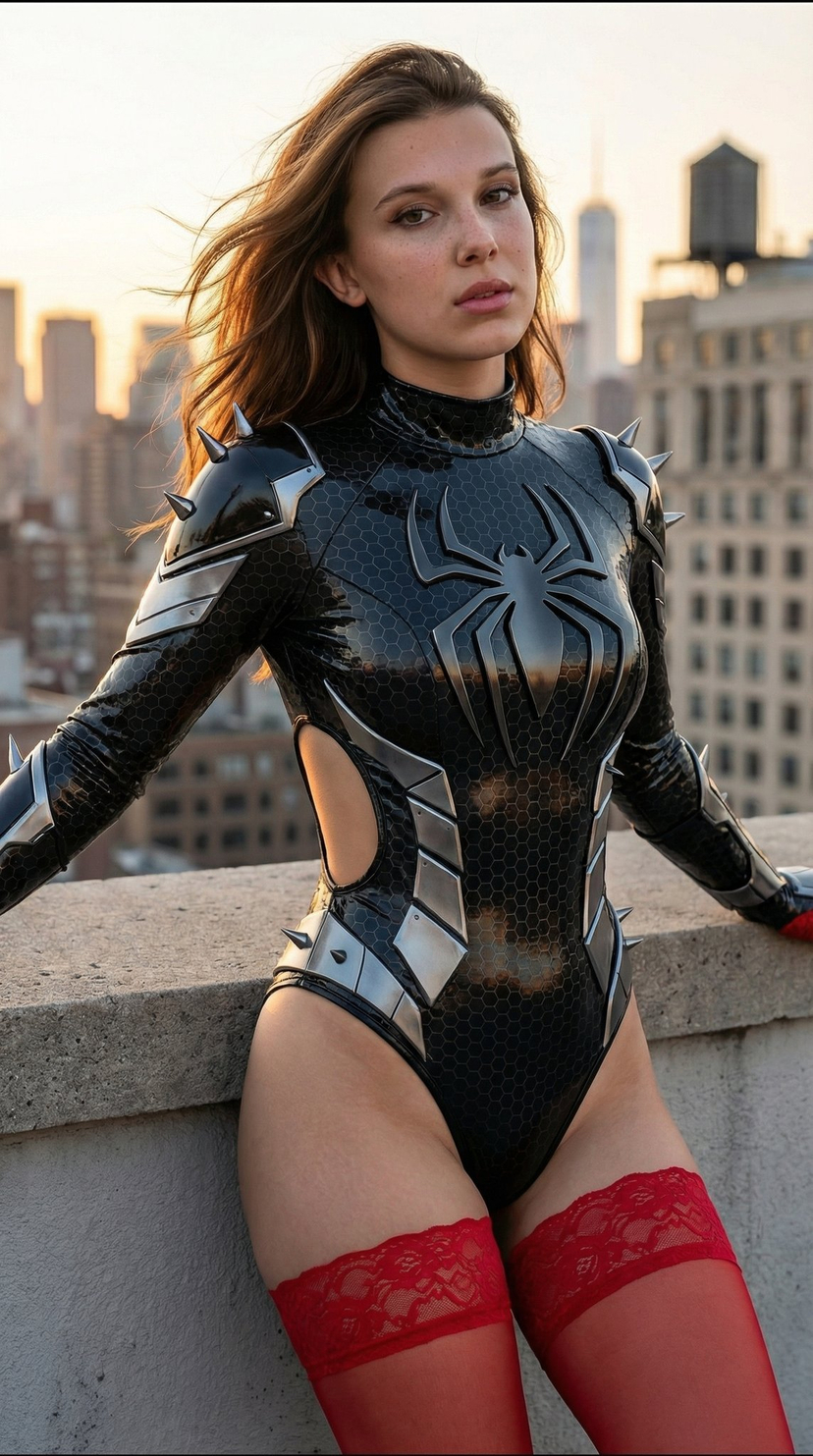
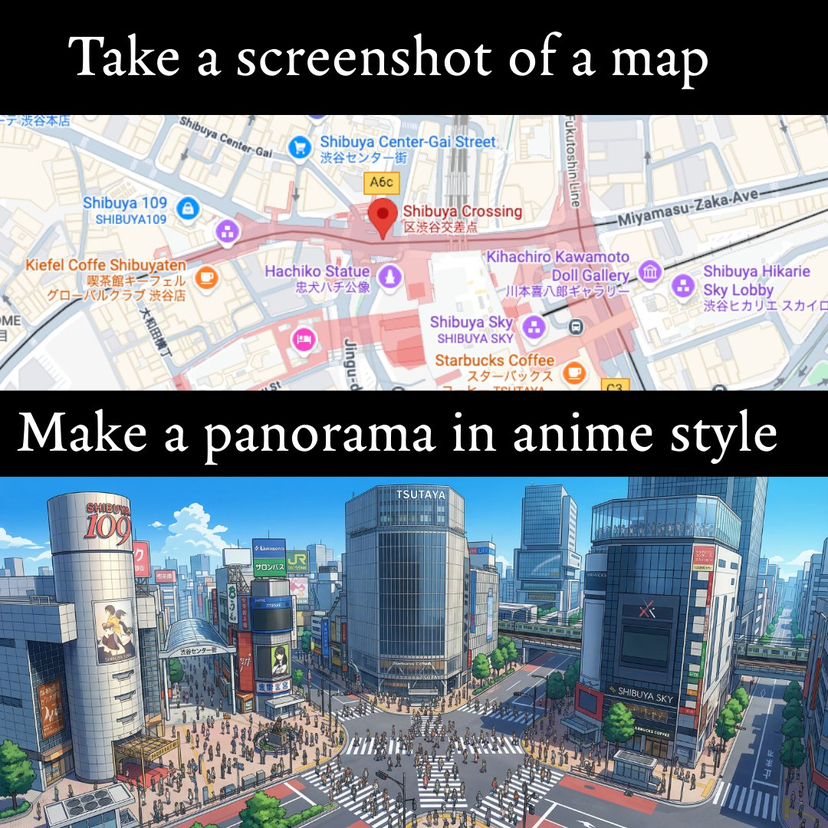
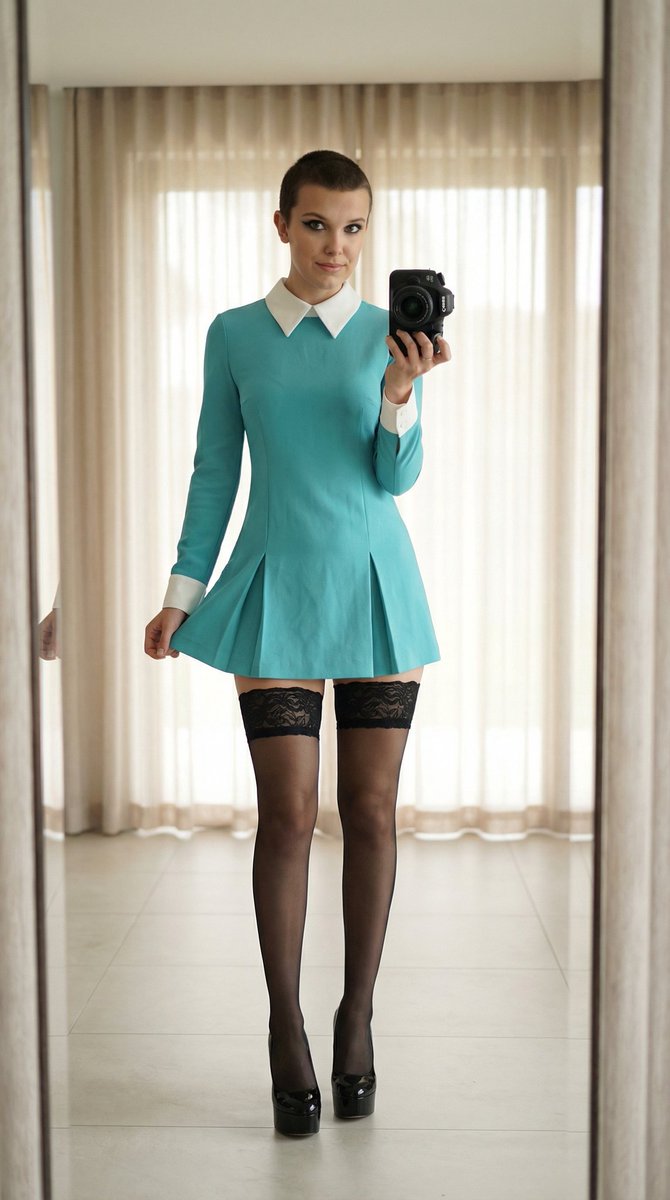
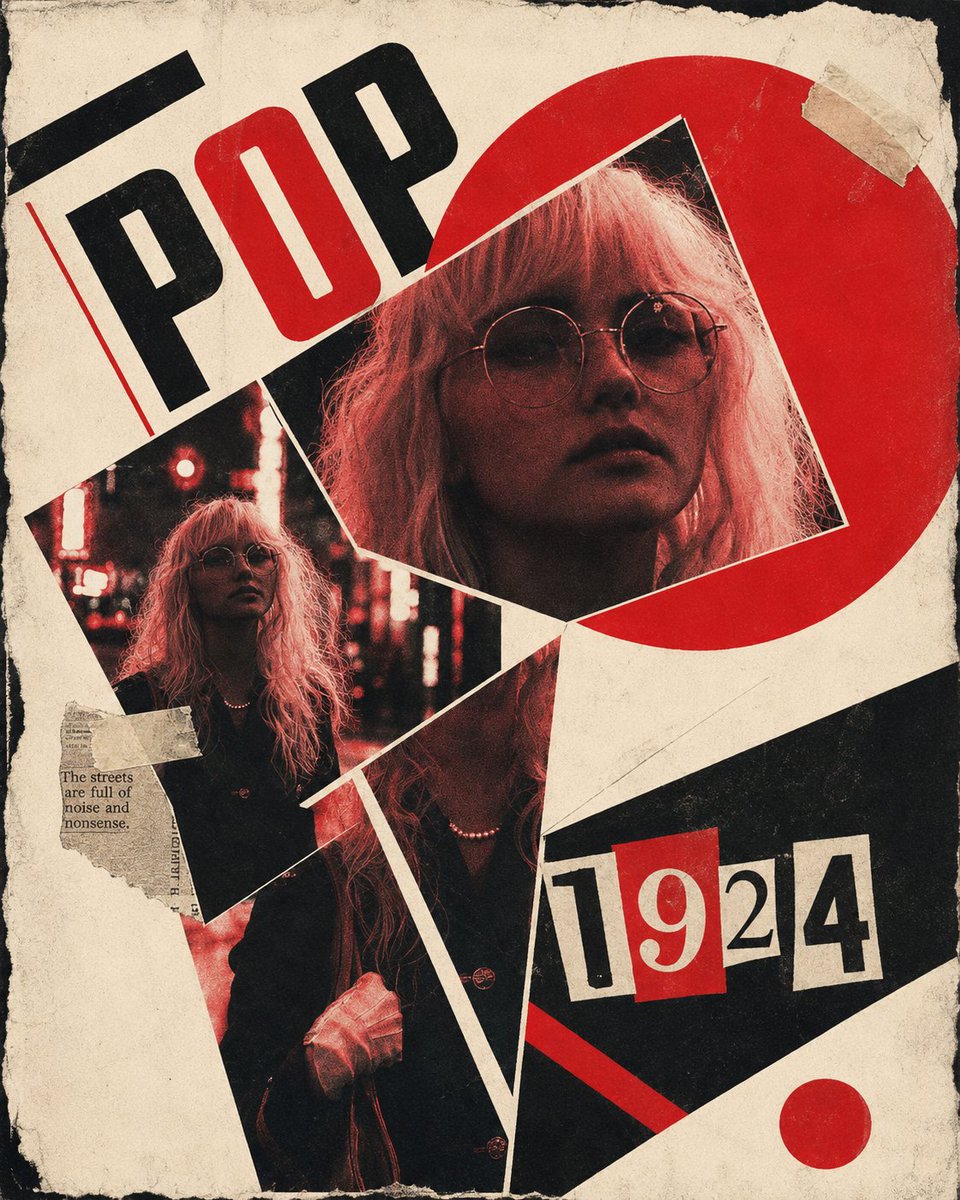
Use Cyberpunk Subway Music Player to plan an AI image around gpt-image-2 generation, themes such as en and gpt-image-2. Match the preview's composition first, then personalize the subject, setting, and mood for your own project.
Use the primary action to load the template settings in PicX Studio.
Adjust the subject and creative details for your destination.
Create the image, compare the result with the preview, and refine one variable at a time.
A continuous mix — similar concepts first, woven with same-model prompts and fresh picks from the catalog.
Choose the primary action to open PicX Studio with the available template settings. Review the model and format, personalize the creative direction, and generate when ready.
Yes. You can change the subject, setting, lighting, mood, format, and available model controls before creating your image.
This template is free to open and customize. Generation usage is shown in PicX Studio before you create.
Start with gpt-image-2, which is the model associated with this template. You can compare another compatible model for a different finish.
Follow a topic to a crawlable collection of related PicX Studio templates.
39,157 public templates available. Verified via the PicX Studio public templates API; refreshed hourly.
A continuous mix — similar concepts first, woven with same-model prompts and fresh picks from the catalog.