
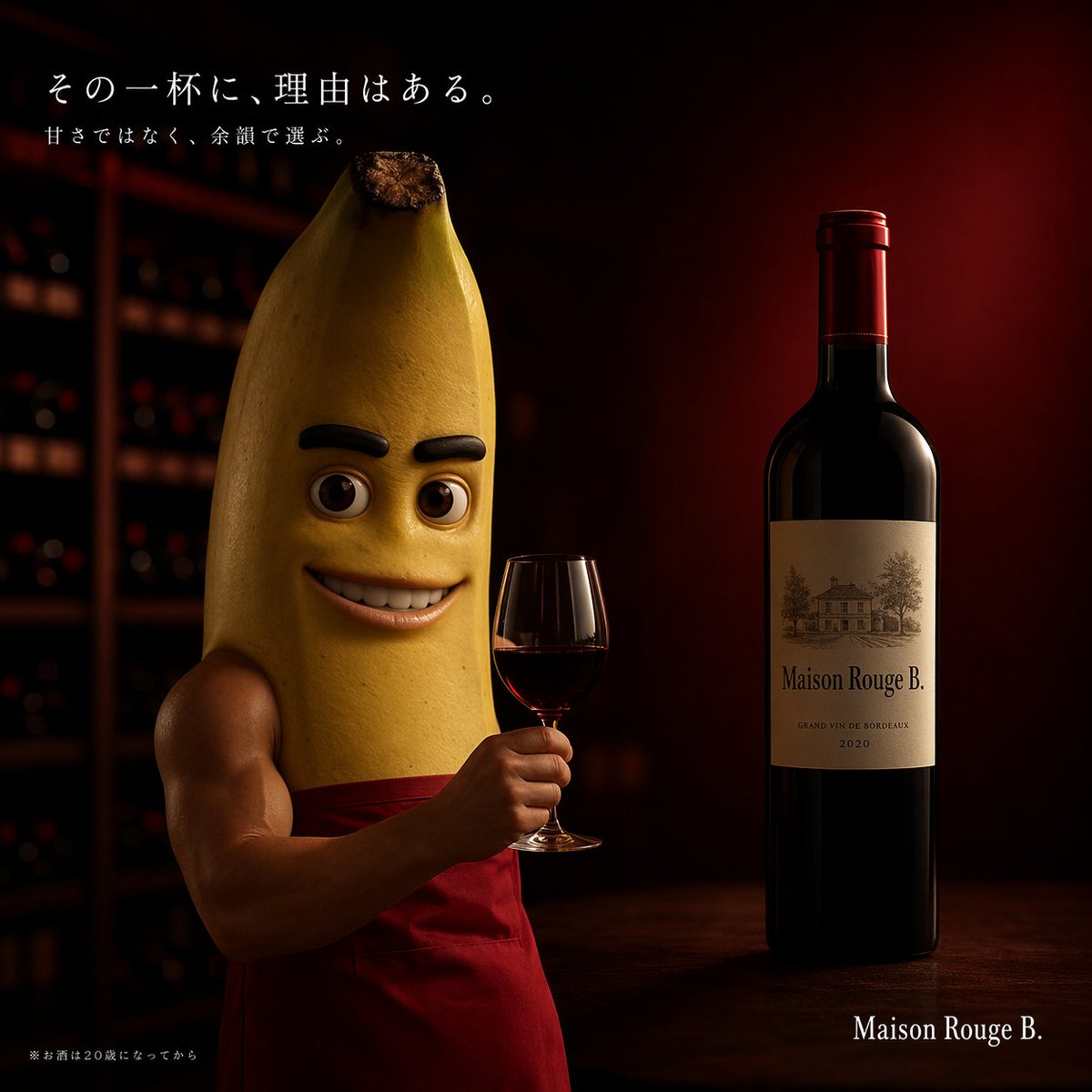
Cinematic Banana Wine Advertisement
Generates a moody, high-end commercial advertisement featuring a humorous humanoid character holding a glass of wine with customizable Japanese copy.
- Prompt included
- Model and format preset
- Free template
The prompt behind this image
Copy the exact prompt behind Cinematic Banana Wine Advertisement, or open it in the studio and make it yours.
A high-end cinematic commercial photography shot of a muscular humanoid banana character standing in a dimly lit, moody wine cellar. The character has a realistic yellow banana peel body, a cartoonish face with thick black eyebrows and a wide toothy smile, and muscular human arms. He is wearing a red apron and elegantly holding a glass of red wine. To his right rests a dark glass bottle of red wine on a wooden surface, featuring a classic, elegant label that reads {argument name="wine brand" default="Maison Rouge B."} with an illustration of a chateau. The background features blurred shelves filled with wine bottles, illuminated by sophisticated, dramatic lighting with deep red and brown tones. In the top left corner, elegant white Japanese typography displays the main tagline {argument name="main tagline" default="その一杯に、理由はある。"} followed by a smaller subtitle {argument name="sub tagline" default="甘さではなく、余韻で選ぶ。"}. In the bottom left corner, tiny legal text reads "※お酒は20歳になってから". The bottom right corner features the brand name {argument name="wine brand" default="Maison Rouge B."} in a clean serif font.
How to use Cinematic Banana Wine Advertisement in 3 steps
- 1Upload ImagePNG, JPG or paste
Add your photo
Upload the photo the template builds on. The prompt, model and format are already set.
- 2…a portrait of your subject in softgolden-hour light, 85mm…
Personalize
Edit the subject and creative details for your destination.
- 3Generate
Generate
Press Generate — your image is created in PicX Studio, so you can compare it with the original and refine one variable at a time.
More like this
Templates with the same subject, style or setup. Open one to see its prompt.
Nano Banana - Window Wine Red Dress

Woman in Mall with Chanel Bag - Heart Gesture

Newspaper Advertisement Campaign Template

Newspaper Advertisement Template
Cinematic 3D action-packed advertisement captured in an intense

A luxury brand advertisement featuring three stylish arranged
Minimalist Pepsi Commercial Advertisement
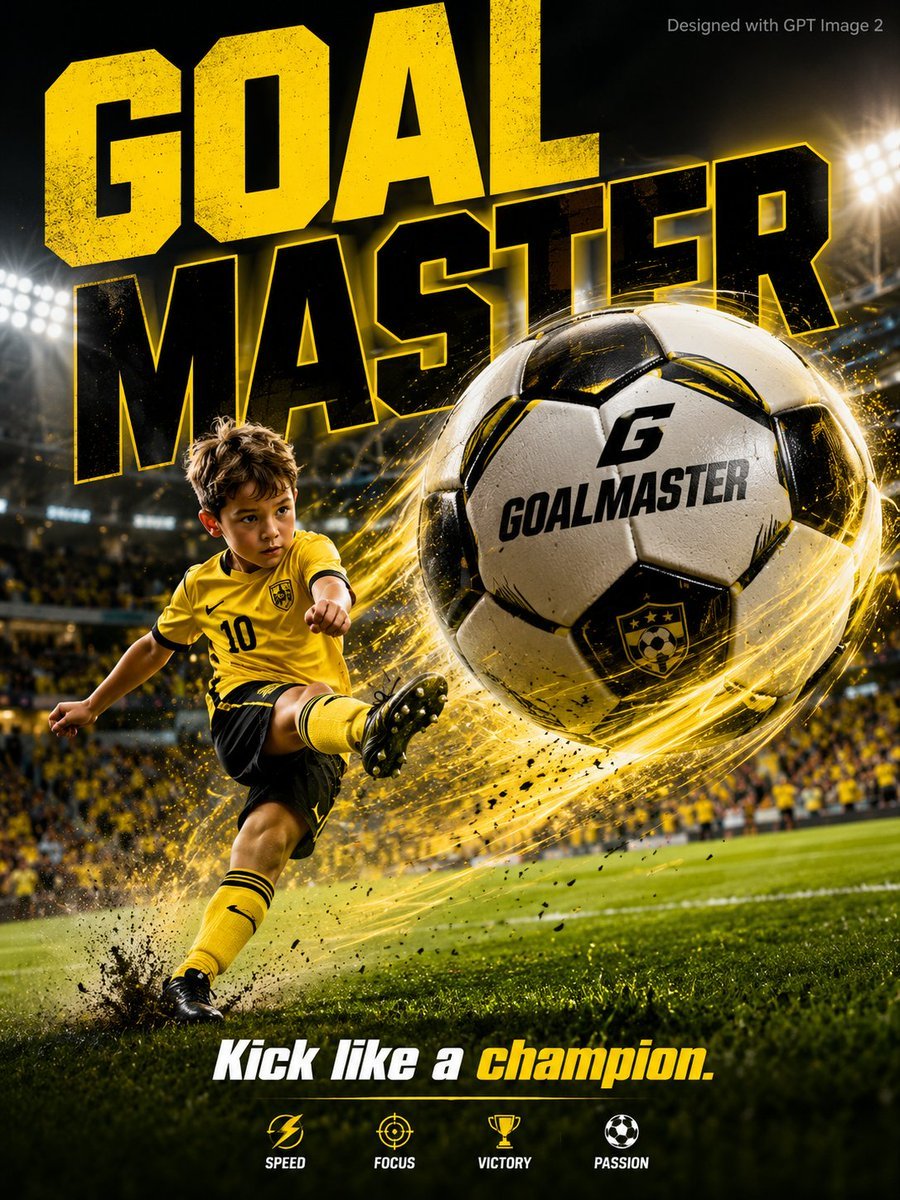
Vibrant Sports Advertisement Poster
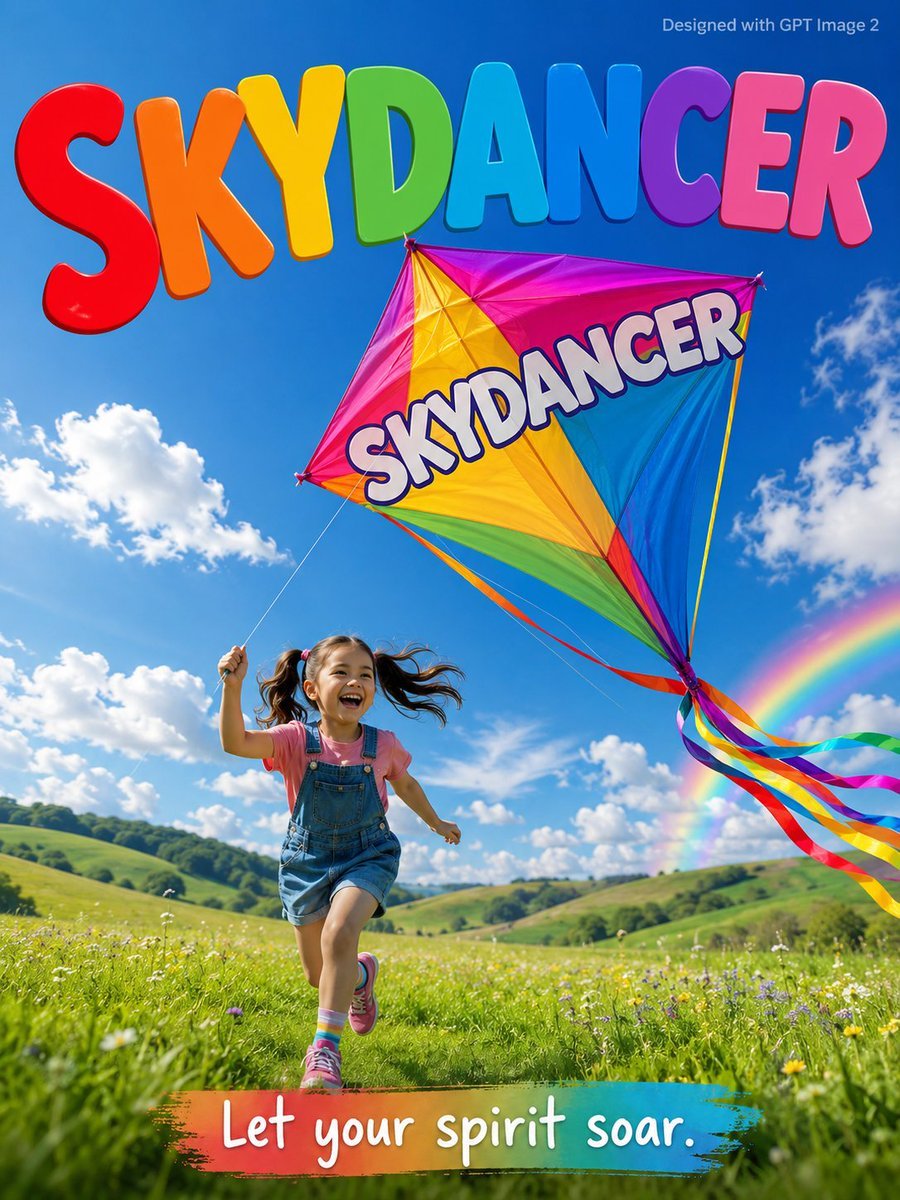
Skydancer Kite Advertisement Poster
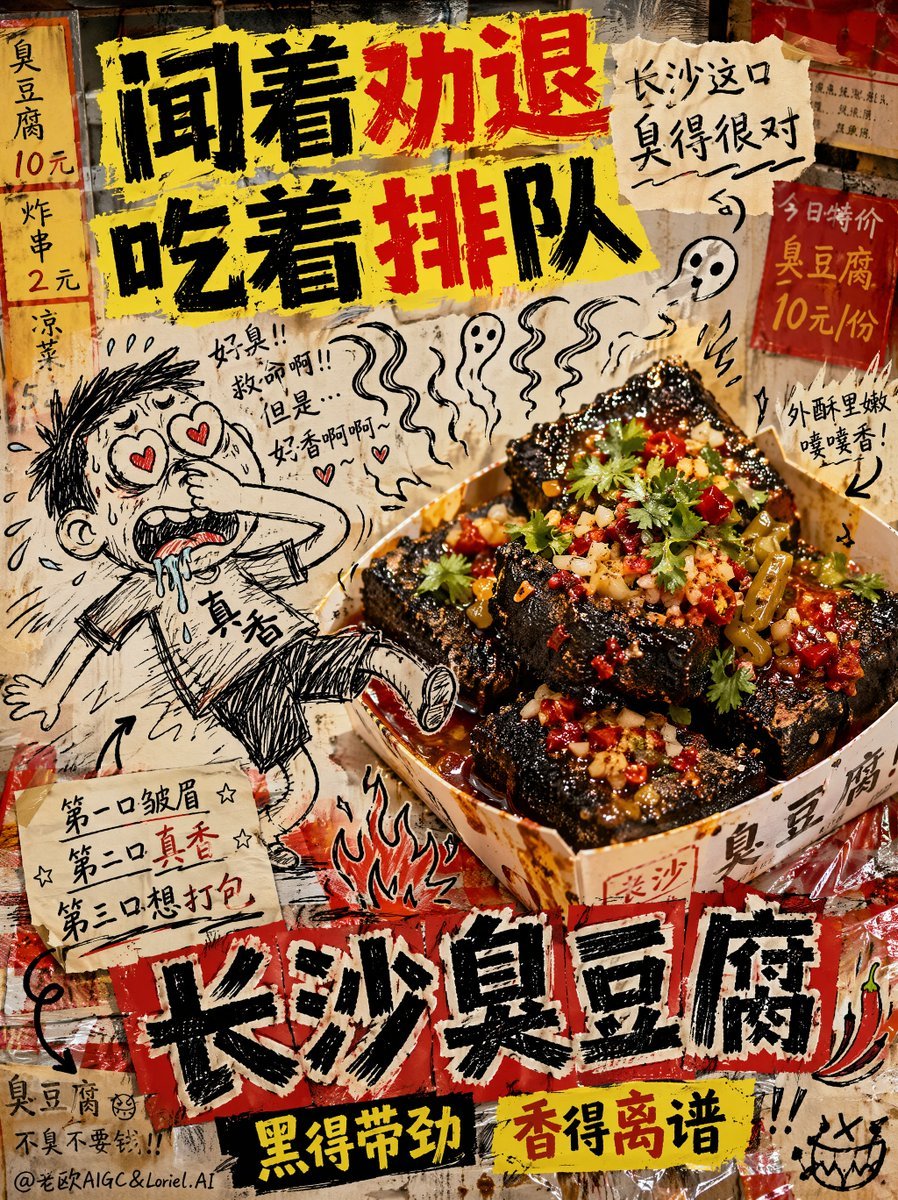
Anti-Design Stinky Tofu Advertisement
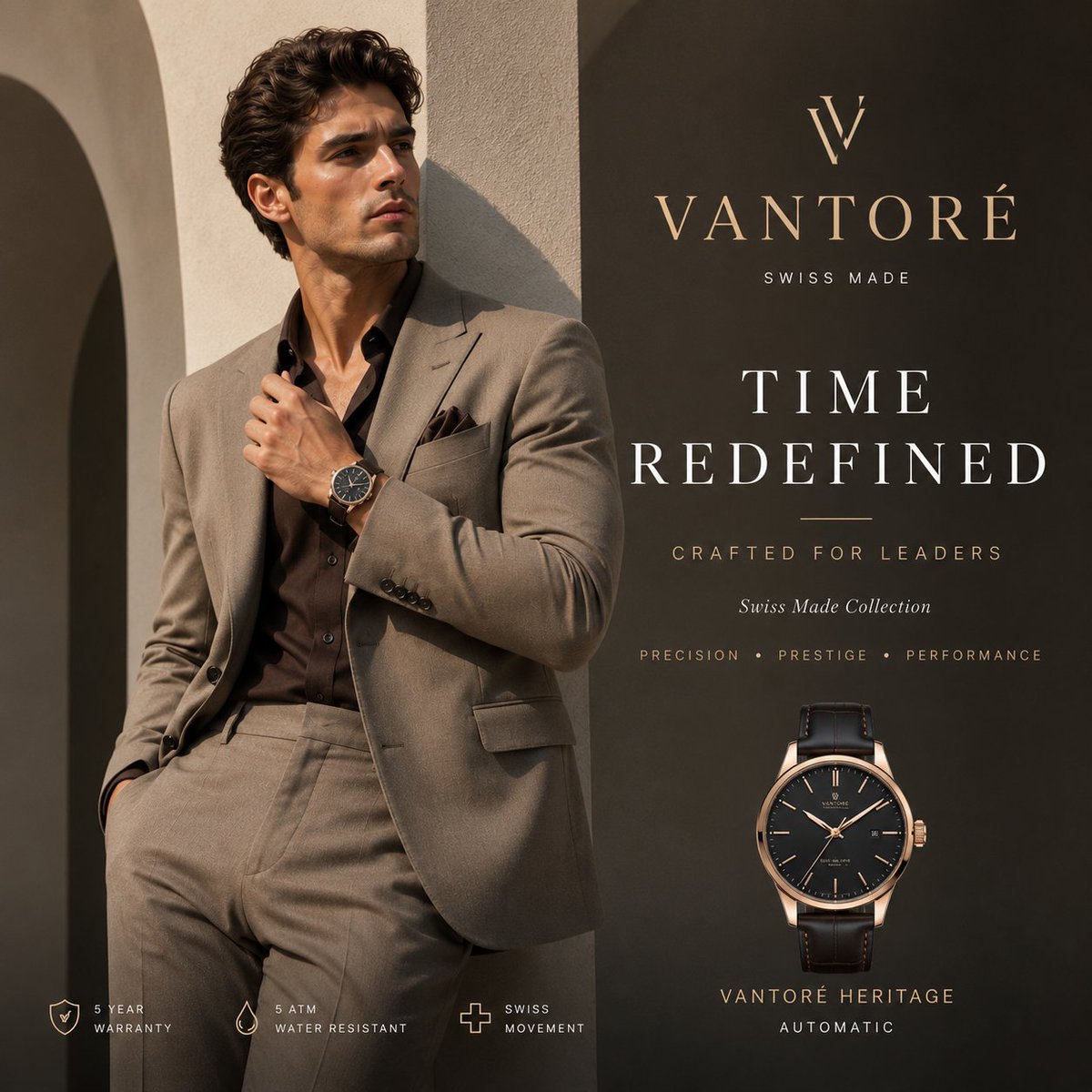
Luxury VANTORÉ Watch Advertisement

Luxury Citrus Sparkling Drink Advertisement
Make it yours
Cinematic Banana Wine Advertisement works as-is. These are the safest ways to change it without losing the look.
Change one field
Copy a single group, rewrite it, and generate again so you can see what that field is doing.
Keep the frame, change the subject
Hold the composition and light of Cinematic Banana Wine Advertisement, then swap wardrobe, props or the person for a new take.
| If the result… | Why | Fix |
|---|---|---|
| The result drifts from the preview | Too many fields changed at once. | Reuse Cinematic Banana Wine Advertisement as-is first, then change one group — subject, light, or setting. |
| The model over-stylizes the scene | The prose prompt leaves finish and camera underspecified. | Add one camera or lighting sentence and stay on GPT Image 2. |
More GPT Image 2 templates
Other prompts made for GPT Image 2.

Six VTuber Japanese Logo Sheet

Realistic Portrait of Woman and Deer

The Vista Modular Condo Poster

AI Model Routing Comparison Infographic

2.5D Anime Art Board

Isometric Productivity Desk Scene

New York Double Exposure Poster

Four-Panel AI Landscape Comparison

Japanese Tatami Lifestyle Magazine Cover

NESCAFÉ Coffee Map Poster
More image prompts
Fresh picks from across the catalog.
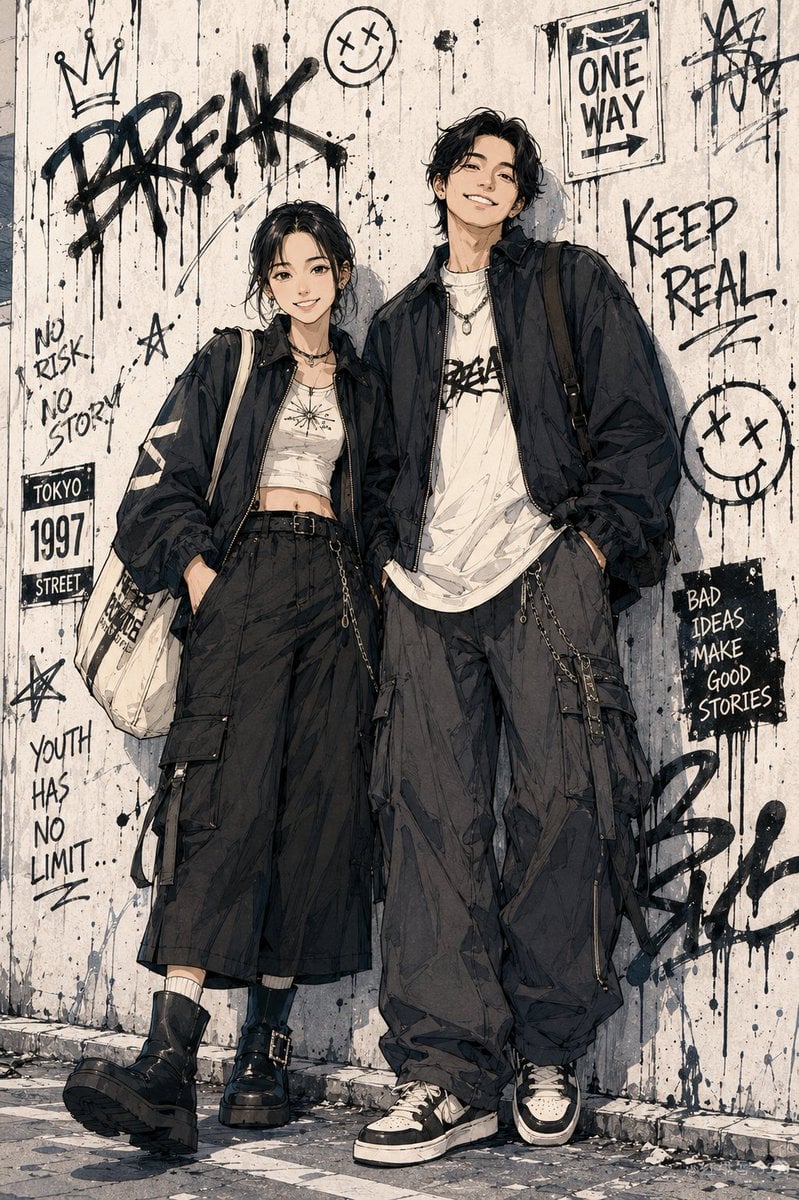
Shonen Manga Character Poster
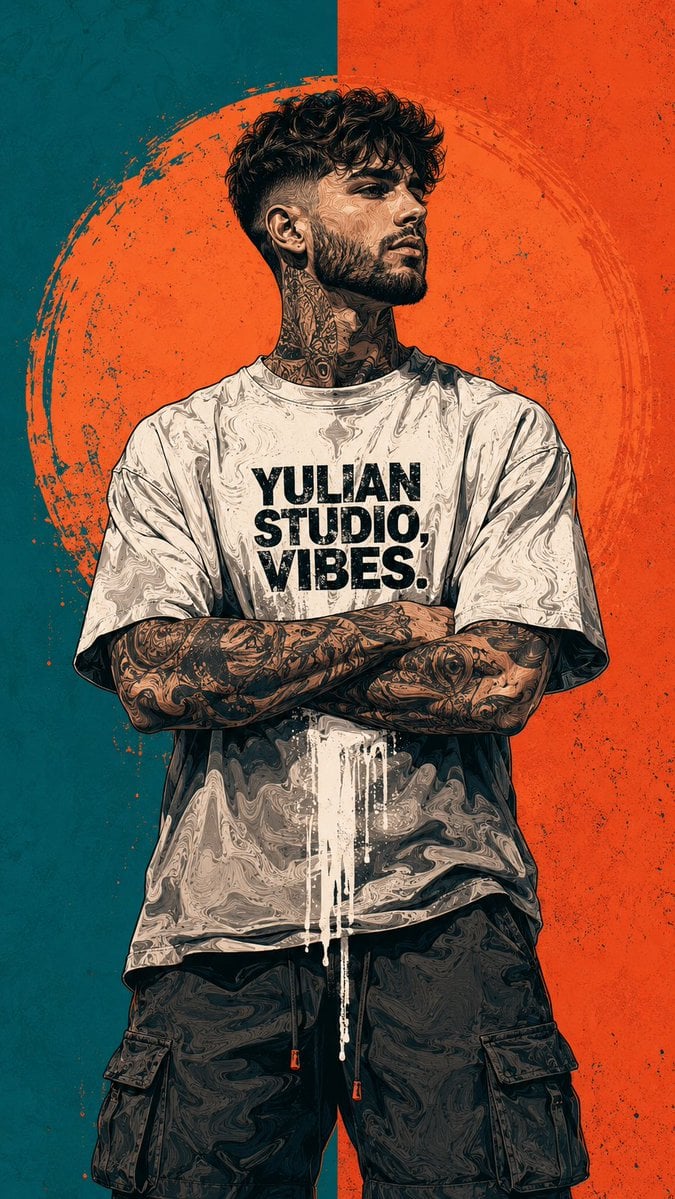
Urban Street Art Vector Illustration
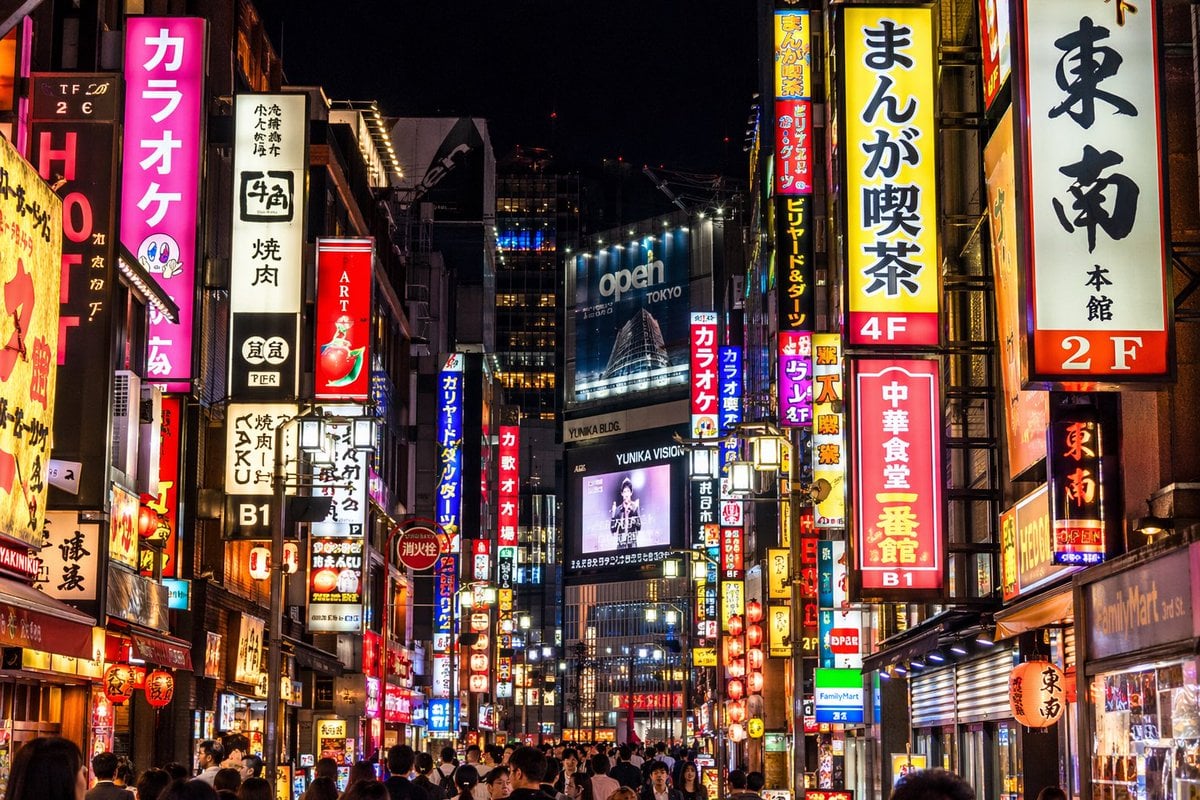
Photorealistic Neon Tokyo Street Scene
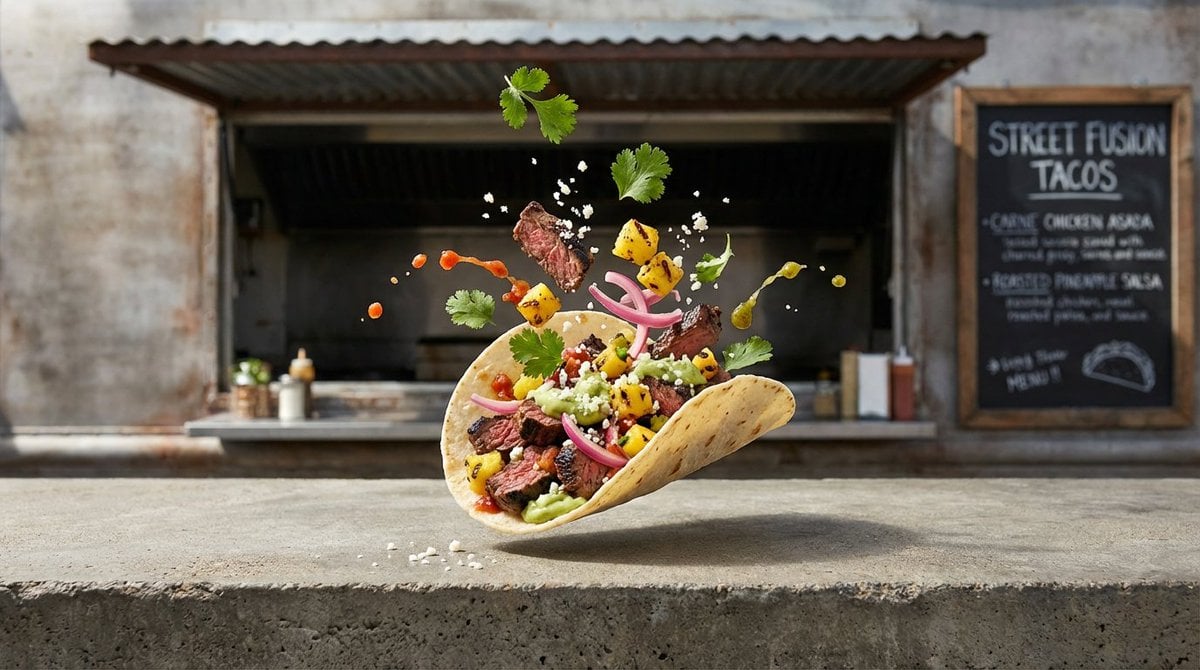
Four High-Detail Composite Photography Prompts
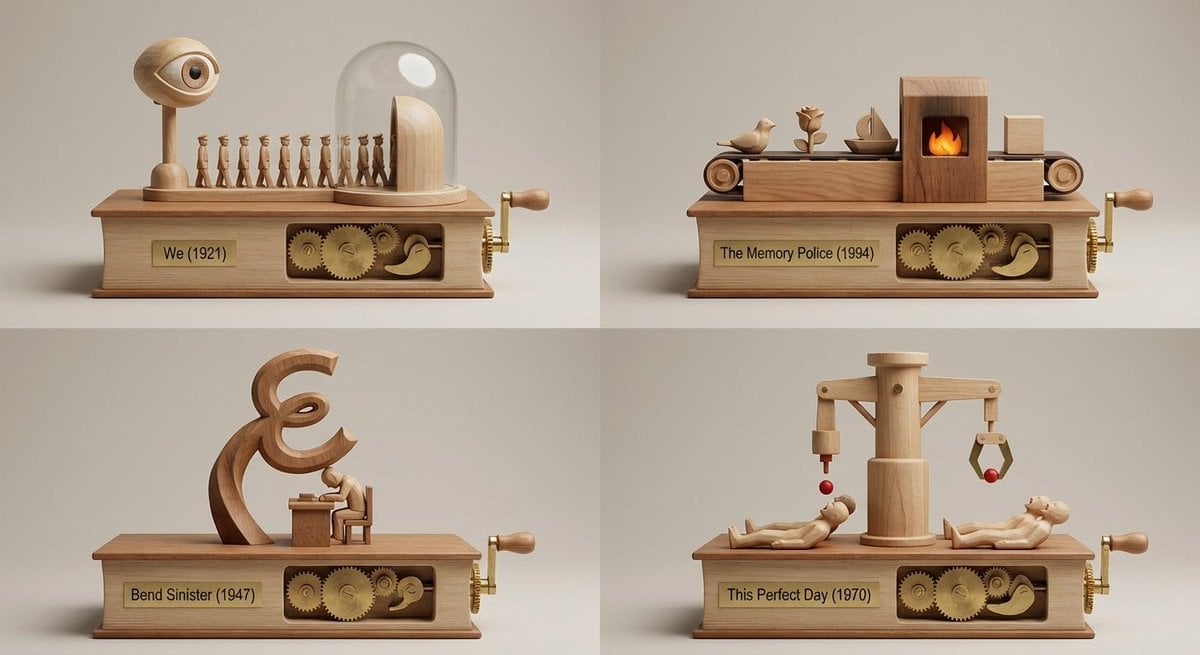
Book Recommendation Engine to Automaton Prompt
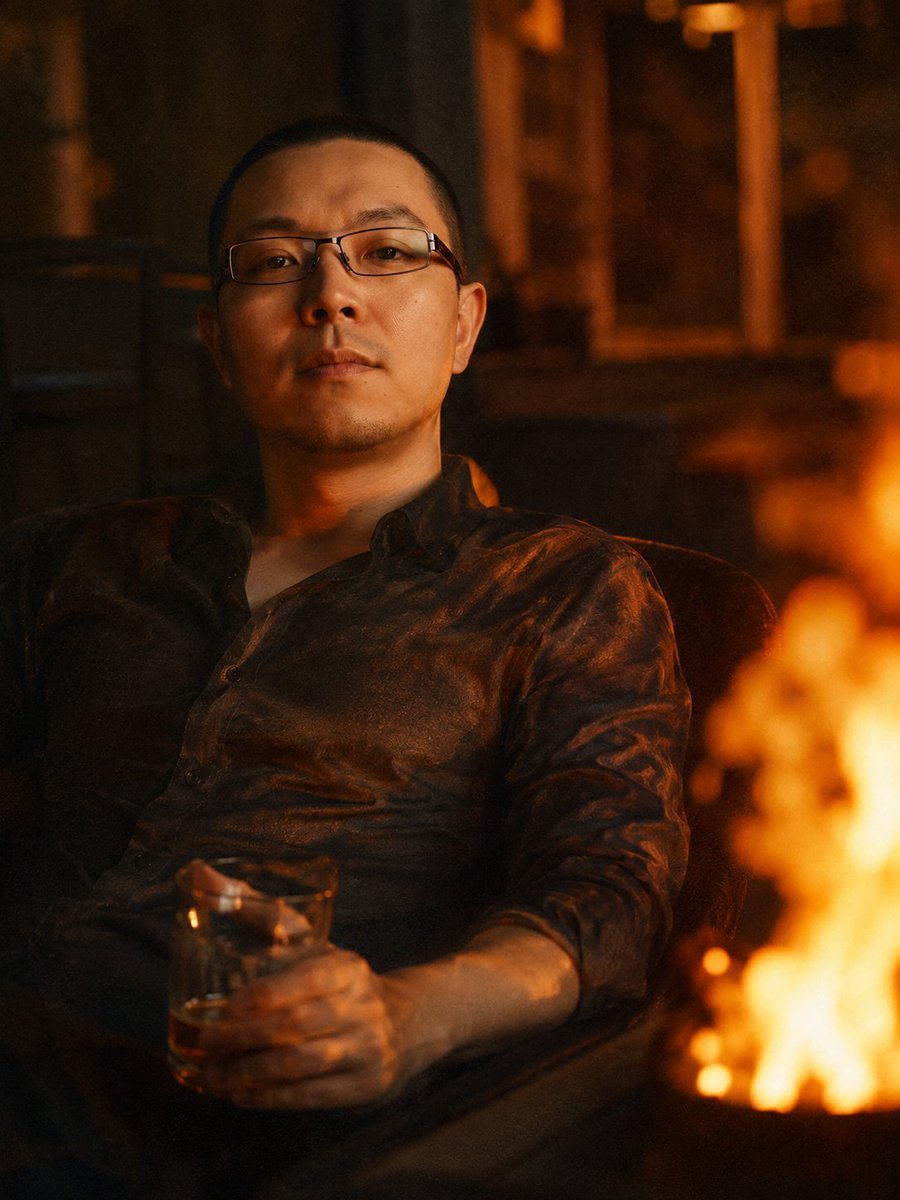
Cinematic Firelit Portrait Transformation
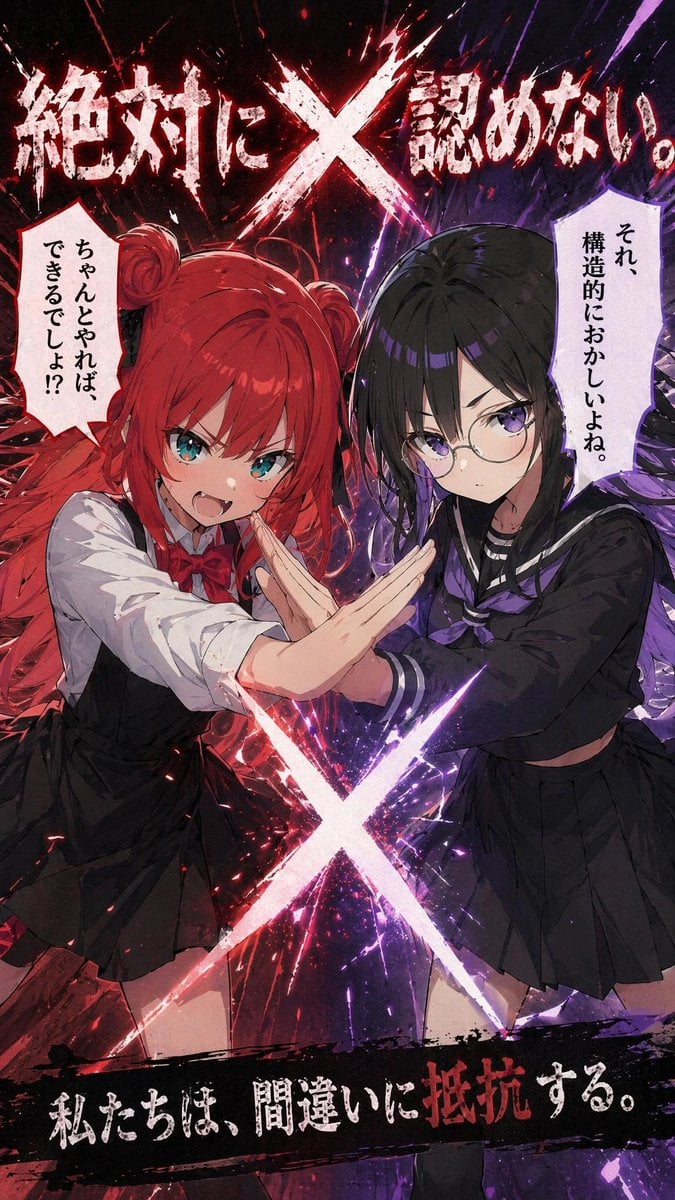
Anime X Battle Poster
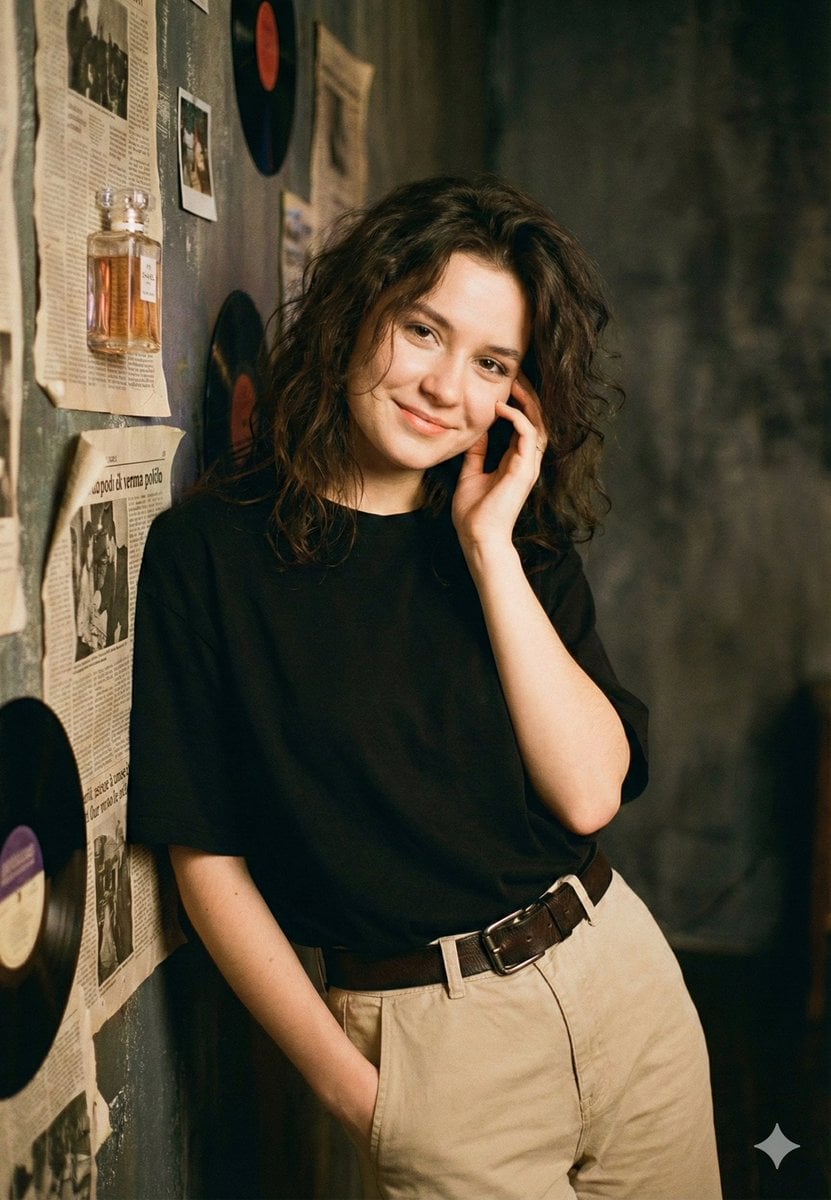
Vintage Rhythms Portrait Prompt
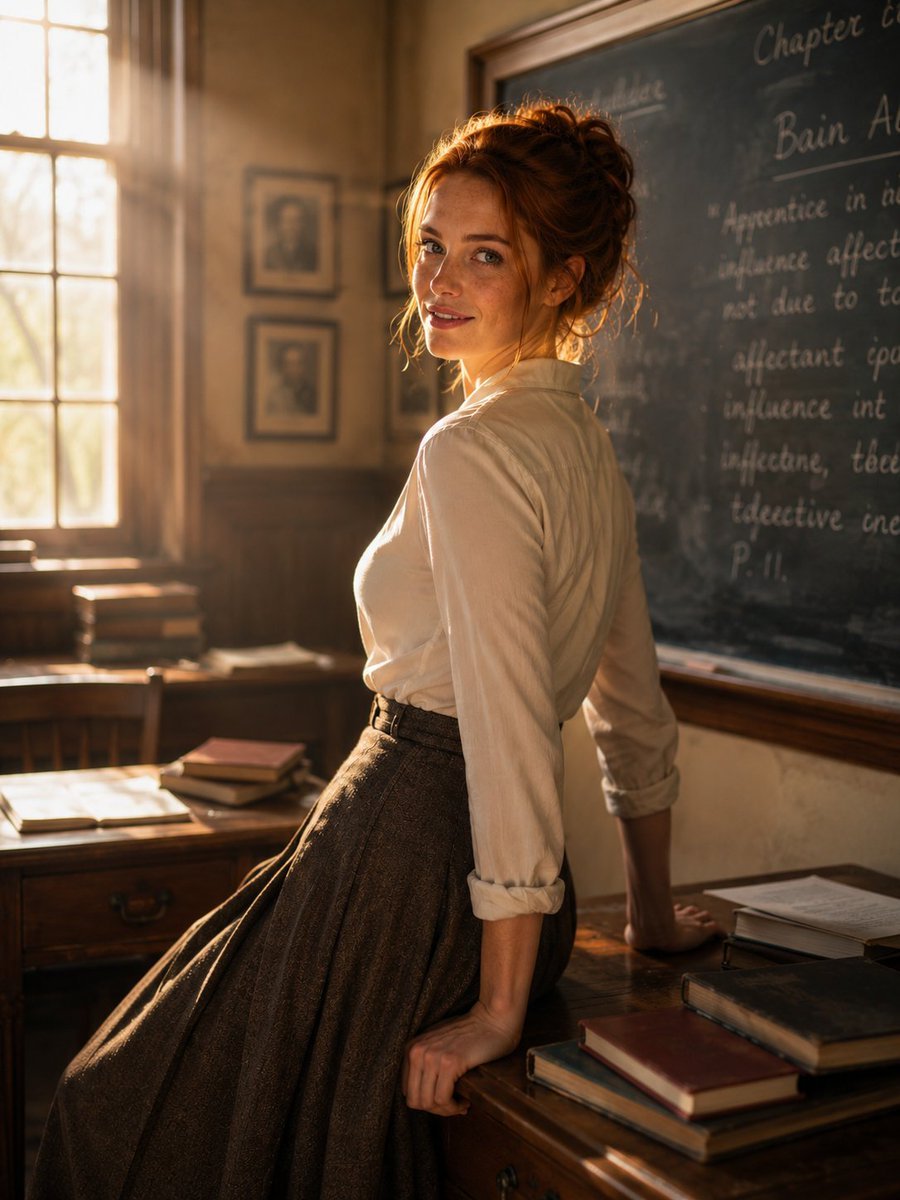
Cinematic Academic Portrait
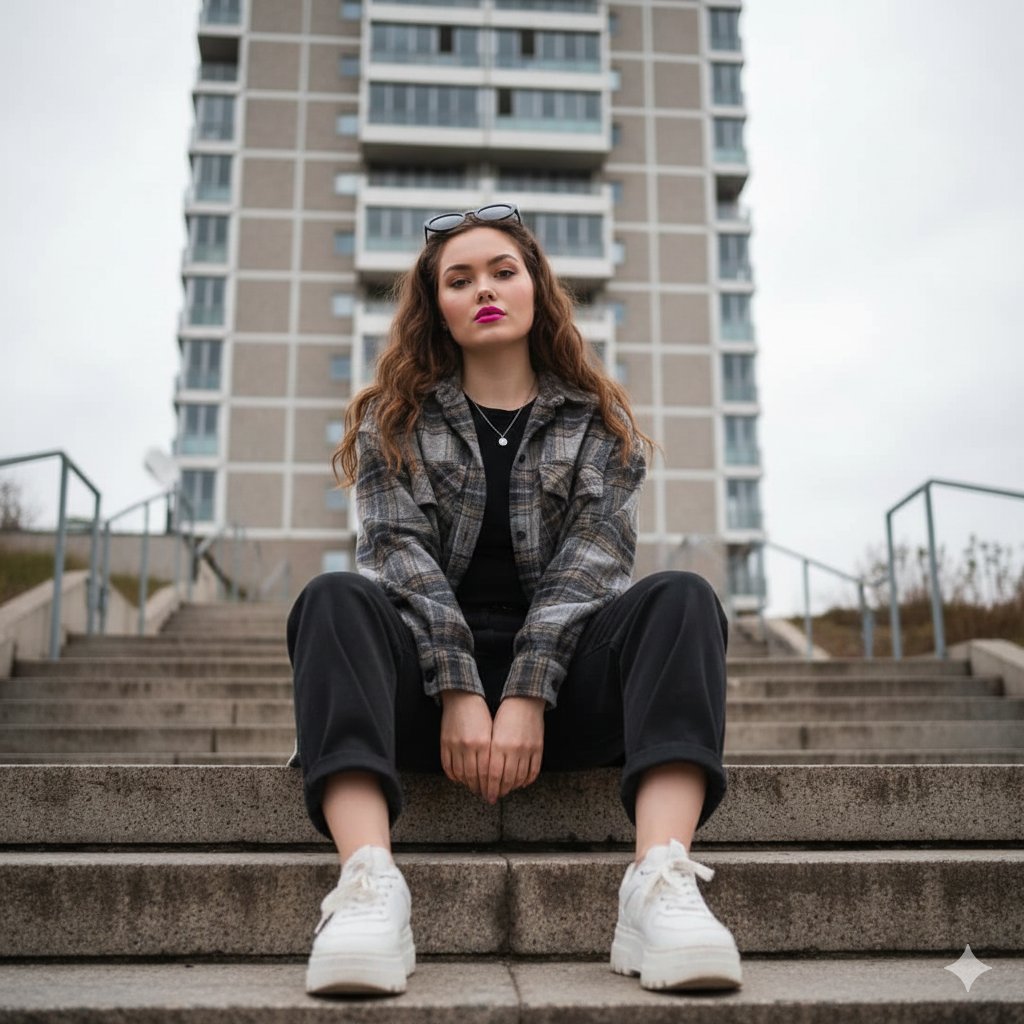
Low-Angle Full-Body Portrait on Concrete Steps
Browse template categories
Cinematic Banana Wine Advertisement questions
How do I use the Cinematic Banana Wine Advertisement template?
Add your photo if the template asks for one, edit the prompt if you like — the template's model and format are already selected — and press Generate. Your version opens in PicX Studio.
Can I customize the Cinematic Banana Wine Advertisement template?
Yes. You can change the subject, setting, lighting, mood, format, and available model controls before creating your image.
Is the Cinematic Banana Wine Advertisement template free?
Opening and editing this template is free. Generating uses credits, shown on the Generate button when you are signed in.
Which AI model should I use?
Start with GPT Image 2, which is the model associated with this template. You can compare another compatible model for a different finish.
Looking for something else? Browse all templates.

Your photo, any look
Thousands of ready templates for every top image and video model, from one credit balance.