
Golden Retriever Encyclopedia Card
Generates a vertical modular pet encyclopedia infographic card with a central golden retriever, detail close-ups, statistics, ratings, and care notes.
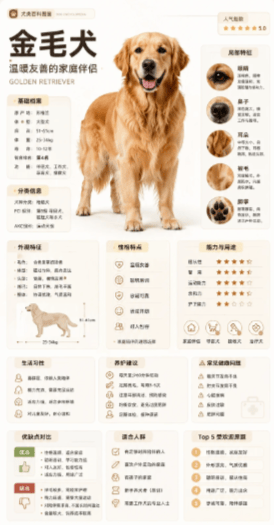
- Prompt included
- Model and format preset
- Free template
The prompt behind this image
Copy the exact prompt behind Golden Retriever Encyclopedia Card, or open it in the studio and make it yours.
Goal: Create a vertical modular encyclopedia card about {argument name="animal breed" default="Golden Retriever"}, designed like a polished Chinese science-popularization pet profile poster. Canvas: Tall portrait infographic, about 9:16 aspect ratio, warm off-white background, soft beige and cream rounded cards, subtle shadows, plenty of white space, clean grid alignment, high-resolution print-ready look. Main layout: Place a large realistic full-body golden retriever in the center-left, standing and facing forward, happy open mouth, visible tongue, fluffy golden coat, natural paws, soft studio lighting. At the top-left, use a small brand/tag pill, then a large bold Chinese headline for the breed name and a short subtitle meaning “gentle and friendly family companion.” Add the English text “GOLDEN RETRIEVER” below the subtitle in small uppercase letters. Top area elements: Include exactly 3 compact information blocks around the title and dog: 1 small breed-origin/specification card on the left with multiple short rows of stats, 1 small popularity or rating card at the top-right with star rating, and 1 small introduction card below the left stats with brief descriptive text. Right detail column: Create exactly 5 stacked rounded detail cards, each with a circular close-up photo and short Chinese explanatory text. The 5 close-ups are: 1 eye/face detail, 2 ear or muzzle detail, 3 coat/fur detail, 4 tail or body coat detail, 5 paw pad detail. Keep these cards aligned vertically on the right side of the dog. Middle and lower modules: Use a neat dashboard of exactly 10 rounded rectangular content cards below and around the dog. The 10 cards are: 1 physical characteristics card with a small side-view dog silhouette and bullet text, 2 personality traits card with five small line icons, 3 ability/rating card with exactly 5 rows of star ratings, 4 lifestyle habits card with four icon bullets, 5 care advice card with multiple short bullet rows, 6 safety or warning card with triangle alert icons, 7 strengths and weaknesses comparison card split into green “advantages” and red “disadvantages” areas, 8 suitable owners card with five icon bullets, 9 Top 5 key facts card with exactly five numbered orange circles, 10 small bonus profile/knowledge card if needed to balance the grid. Visual style: Professional encyclopedia-card aesthetic, clean Chinese editorial layout, soft warm palette of cream, beige, pale gold, muted orange, light brown, and gentle green/red accents. Use thin line icons, circular photo crops, small gold star ratings, rounded corners, subtle drop shadows, and consistent margins. The central dog should be the most visually dominant element; all text should look dense but organized. Text content: Use Chinese UI-style labels and short Chinese paragraphs throughout, with the main title set to {argument name="headline text" default="金毛犬"}. Use a warm subtitle set to {argument name="subtitle text" default="温暖友善的家庭伴侣"}. Keep text legible-looking but do not overcrowd; use placeholder-like short Chinese bullet lines where tiny text is not readable. Customization: Set the overall palette to {argument name="color palette" default="warm cream, beige, golden brown, muted orange"} and the illustration/photo style to {argument name="visual style" default="realistic pet photography combined with clean infographic design"}. Constraints: Exactly one main dog, exactly 5 right-column close-up detail cards, exactly 10 lower/middle information cards, exactly 5 rows in the star-rating card, exactly 5 numbered items in the Top 5 card. No people, no watermark, no messy background, no extra animals.
How to use Golden Retriever Encyclopedia Card in 3 steps
- 1Upload ImagePNG, JPG or paste
Add your photo
Upload the photo the template builds on. The prompt, model and format are already set.
- 2…a portrait of your subject in softgolden-hour light, 85mm…
Personalize
Edit the subject and creative details for your destination.
- 3Generate
Generate
Press Generate — your image is created in PicX Studio, so you can compare it with the original and refine one variable at a time.
More like this
Templates with the same subject, style or setup. Open one to see its prompt.

Golden Retriever Spray Ad

Golden Retriever Sunset Campfire Photography
Santorini Golden Retriever Sanctuary
British Shorthair Encyclopedia Card

2x2 Collage of Woman with Golden Retriever Puppy

80s Golden Hour Cinema
Teal Japanese Handwritten Lyric Card

Reiwa Slang Reaction Gacha Card
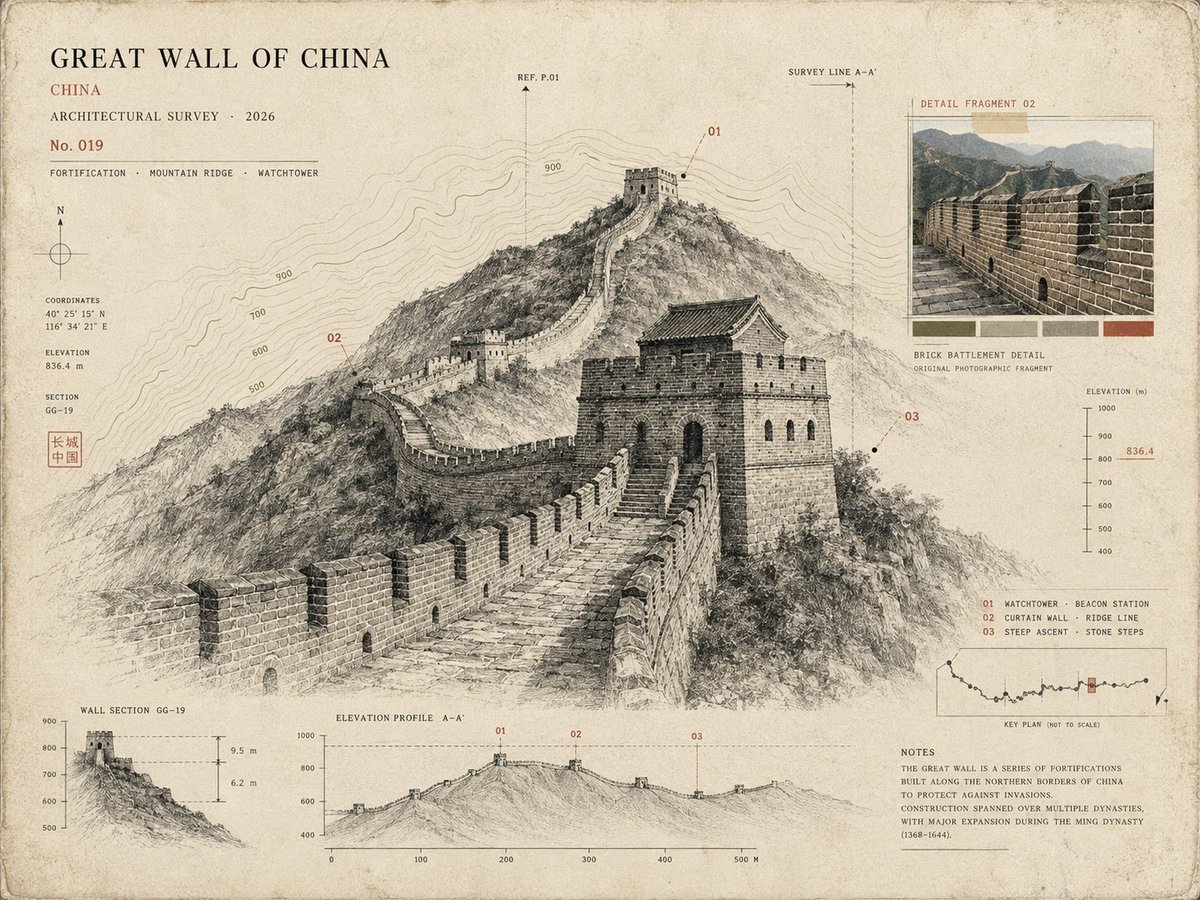
Architectural Museum Specimen Card
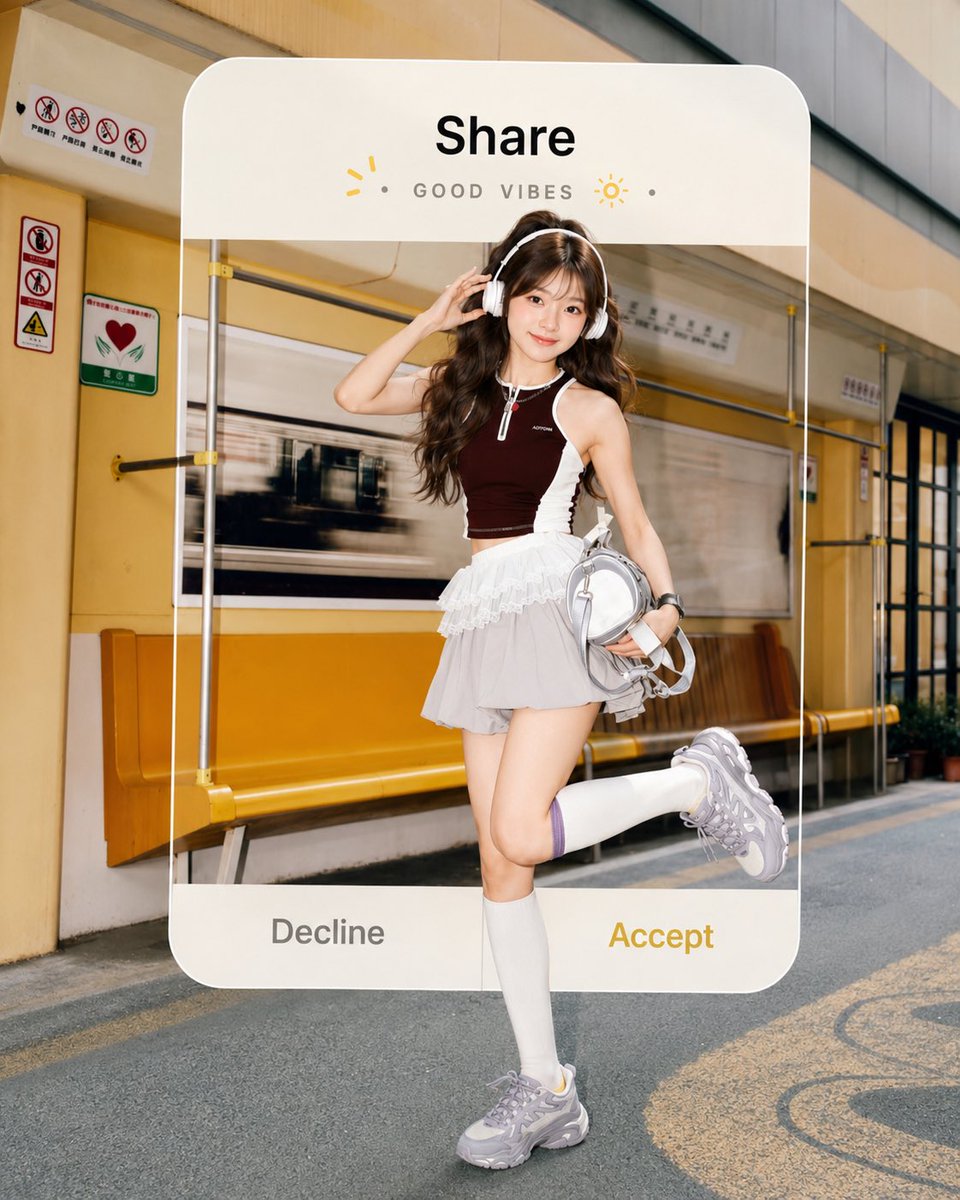
Subway Good Vibes App Card Portrait

Cinematic Golden Hour Garden Portrait
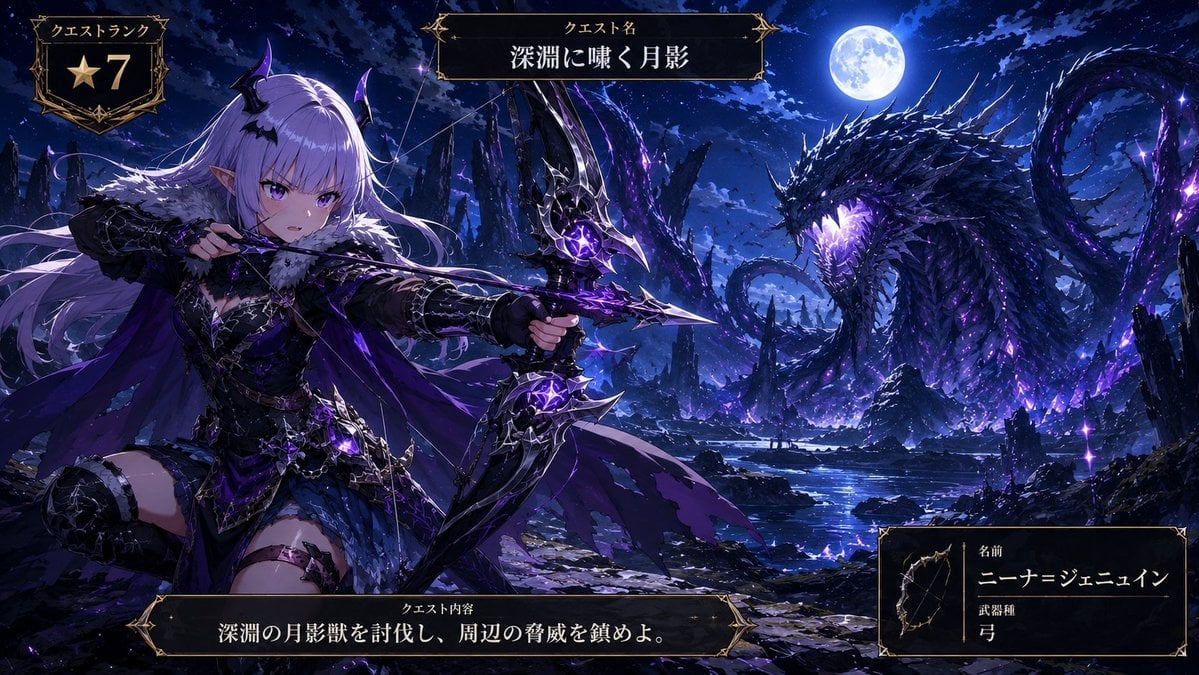
Anime Monster Hunter Quest Card
Make it yours
Golden Retriever Encyclopedia Card works as-is. These are the safest ways to change it without losing the look.
Change one field
Copy a single group, rewrite it, and generate again so you can see what that field is doing.
Keep the frame, change the subject
Hold the composition and light of Golden Retriever Encyclopedia Card, then swap wardrobe, props or the person for a new take.
| If the result… | Why | Fix |
|---|---|---|
| The result drifts from the preview | Too many fields changed at once. | Reuse Golden Retriever Encyclopedia Card as-is first, then change one group — subject, light, or setting. |
| The model over-stylizes the scene | The prose prompt leaves finish and camera underspecified. | Add one camera or lighting sentence and stay on GPT Image 2. |
More GPT Image 2 templates
Other prompts made for GPT Image 2.

Six VTuber Japanese Logo Sheet

Realistic Portrait of Woman and Deer

The Vista Modular Condo Poster

AI Model Routing Comparison Infographic

2.5D Anime Art Board

Isometric Productivity Desk Scene

New York Double Exposure Poster

Four-Panel AI Landscape Comparison

Japanese Tatami Lifestyle Magazine Cover

NESCAFÉ Coffee Map Poster
More image prompts
Fresh picks from across the catalog.

Image Style Transfer Prompt: Viking to Dragon Quest X 'Chamber of Vows'
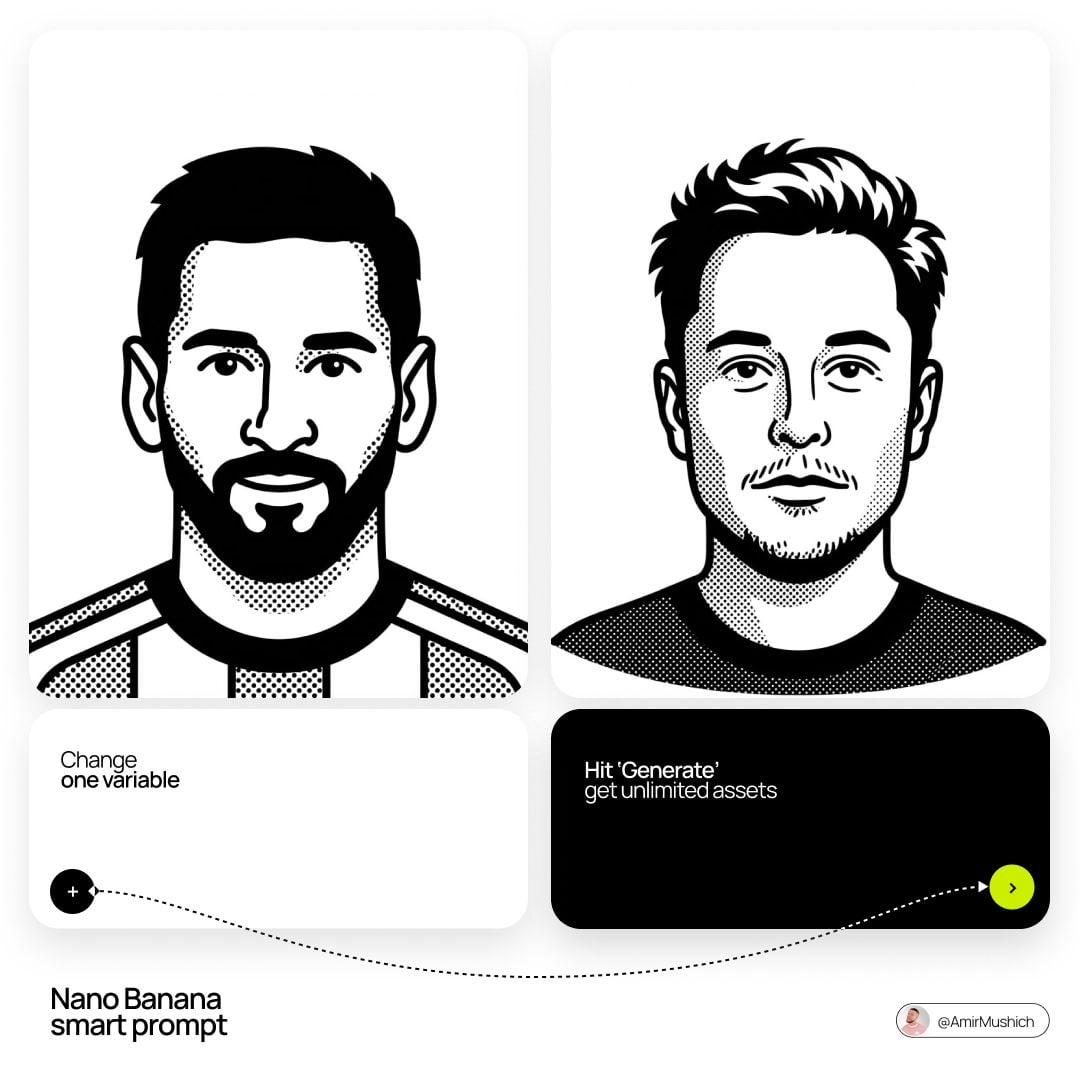
Notion Style Flat Vector Portrait

Tiny Santa Placing Present Prompt

Cinematic Winter Portrait Photoshoot Prompt

Expressive Photobooth Grid

Hand drip coffee flowchart in Japanese magazine style
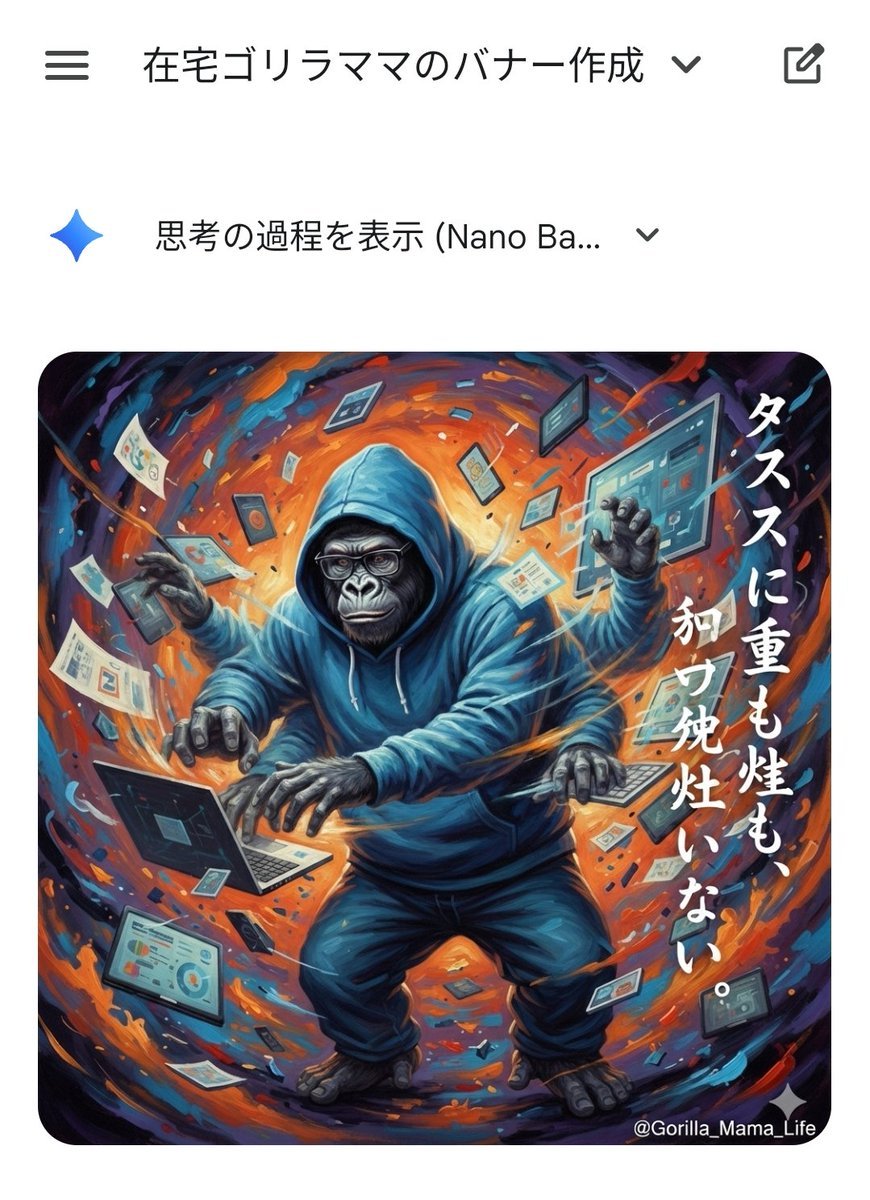
Prompting Tips for Nano Banana Pro (Japanese)
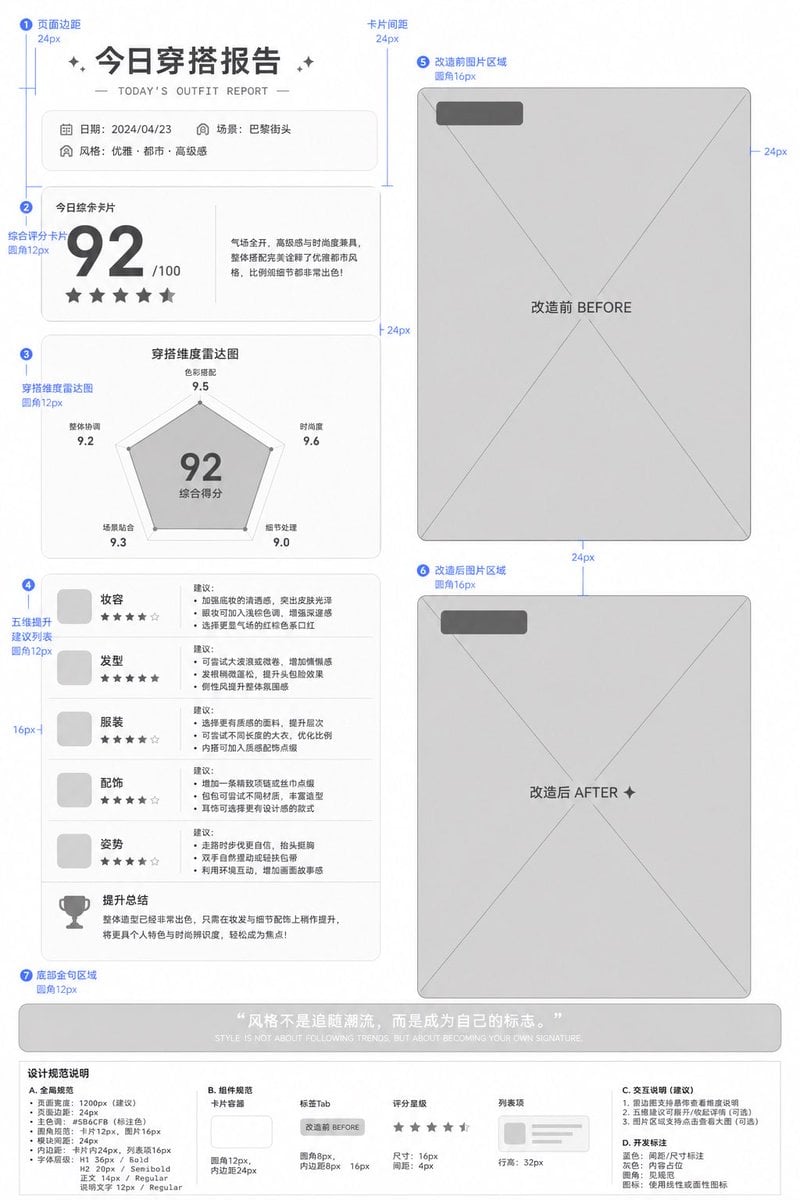
Low-Fidelity UI Design Prototype

Dragon Knight and Crimson Dragon

Parisian Fashion Phone Frame
Browse template categories
Golden Retriever Encyclopedia Card questions
How do I use the Golden Retriever Encyclopedia Card template?
Add your photo if the template asks for one, edit the prompt if you like — the template's model and format are already selected — and press Generate. Your version opens in PicX Studio.
Can I customize the Golden Retriever Encyclopedia Card template?
Yes. You can change the subject, setting, lighting, mood, format, and available model controls before creating your image.
Is the Golden Retriever Encyclopedia Card template free?
Opening and editing this template is free. Generating uses credits, shown on the Generate button when you are signed in.
Which AI model should I use?
Start with GPT Image 2, which is the model associated with this template. You can compare another compatible model for a different finish.
Looking for something else? Browse all templates.

Your photo, any look
Thousands of ready templates for every top image and video model, from one credit balance.