How do I use the Punk Anime Artbook Cover template?
Choose the primary action to open PicX Studio with the available template settings. Review the model and format, personalize the creative direction, and generate when ready.
Generates a hot-pink punk-goth anime illustration collection cover with rebellious collage typography and a tattooed original character. Change the subject, setting, or lighting one variable at a time.
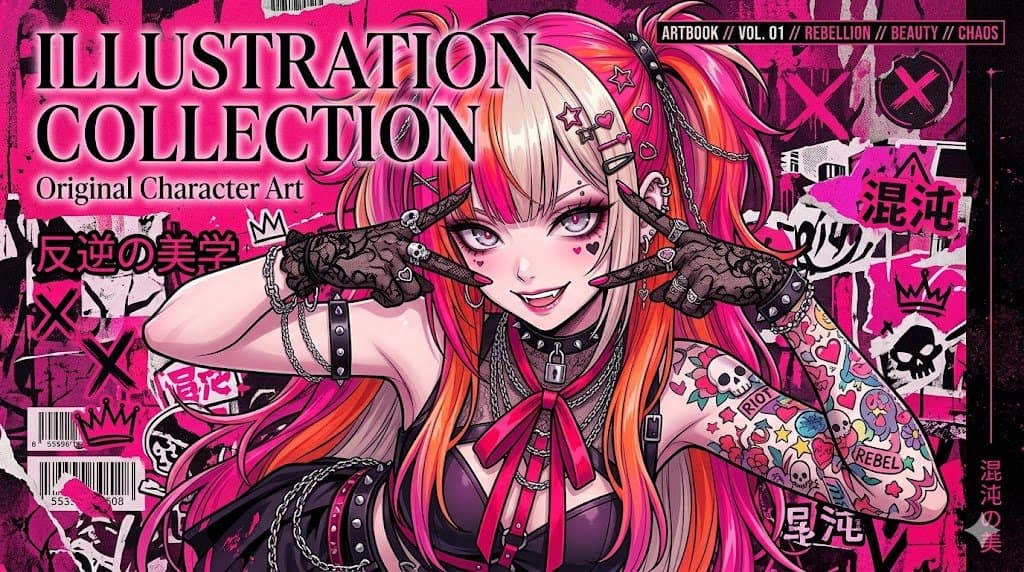
Create a vivid contemporary anime artbook cover/poster in a rebellious punk-goth street-art style, landscape 16:9 composition, dominated by hot pink, magenta, black, white, and orange. Center a glamorous original anime girl with very long two-tone twin-tail hair, {argument name="hair color" default="platinum blonde with neon pink and orange streaks"}, wearing a black leather corset top, studded choker, padlock necklace, chains, straps, and a bright pink ribbon tie; her arms are raised across her face in a defiant X-like pose, wearing black lace fingerless gloves covered with rings, studs, tiny heart and star accessories, and long manicured nails. Her visible skin has a sleeve of colorful tattoo-style stickers including skulls, hearts, flowers, stars, crowns, the words RIOT and REBEL, and doodle graphics. Place a flat opaque dusty-rose square censor block over the center of her face, hiding facial details. The background is a dense punk collage wall with torn paper, graffiti, black ink splatter, skull stickers, crowns, large X marks, barcodes, tape scraps, and Japanese street-zine typography. Include exactly 6 prominent text elements: a huge white serif headline with black shadow reading {argument name="headline text" default="ILLUSTRATION COLLECTION"} in the upper left, a smaller subtitle reading {argument name="subtitle text" default="Original Character Art"} below it, Japanese text reading {argument name="Japanese theme text" default="反逆の美学"} on the left, a black top-right label reading {argument name="series label" default="ARTBOOK // VOL. 01 // REBELLION // BEAUTY // CHAOS"}, Japanese graffiti reading "混沌" on the right, and vertical Japanese text reading "混沌の美" near the lower right edge. Add exactly 2 barcode stickers on the lower left, exactly 3 large black crown doodles, exactly 2 prominent skull graphics in the right-side collage, and multiple pink-and-black X graffiti marks. Use crisp clean anime line art, glossy highlights, high contrast, detailed accessories, layered screenprint texture, fashion-magazine cover energy, chaotic but balanced layout, sharp focus, professional illustration quality.
Choose the primary action to open PicX Studio with the available template settings. Review the model and format, personalize the creative direction, and generate when ready.
Yes. You can change the subject, setting, lighting, mood, format, and available model controls before creating your image.
This template is free to open and customize. Generation usage is shown in PicX Studio before you create.
Start with GPT Image 2, which is the model associated with this template. You can compare another compatible model for a different finish.
© 2026 PicX Studio. All rights reserved.

Follow a topic to a crawlable collection of related PicX Studio templates.
43,474 public templates available. Verified via the PicX Studio public templates API; refreshed hourly.















![Minimalist Flat Vector Travel Poster — Premium minimalist flat-vector travel poster for {argument name="city name" default="[CITY_NAME]"}, 3:4 vertical format.](https://cms-assets.youmind.com/media/1787917359711_3ug846_HQX205cbMAA6F6S-300x400.jpg)




























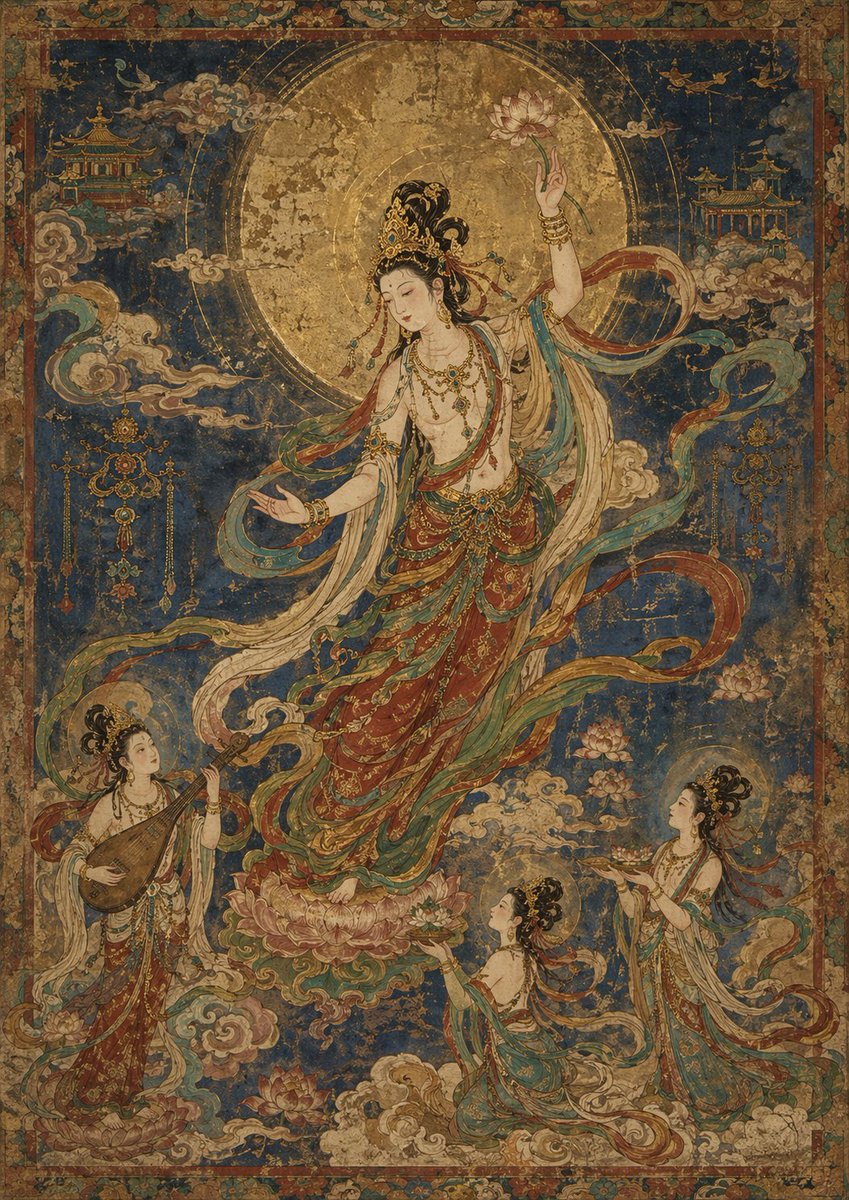
![Unreal Commercial Poster Generator — A hyper-detailed surreal advertising poster for {argument name="brand name" default="[BRAND NAME]"}.
BACKGROUND: A large d](https://cms-assets.youmind.com/media/1780735291585_n2d8qe_HHVZ56ha0AAu9BM.jpg)

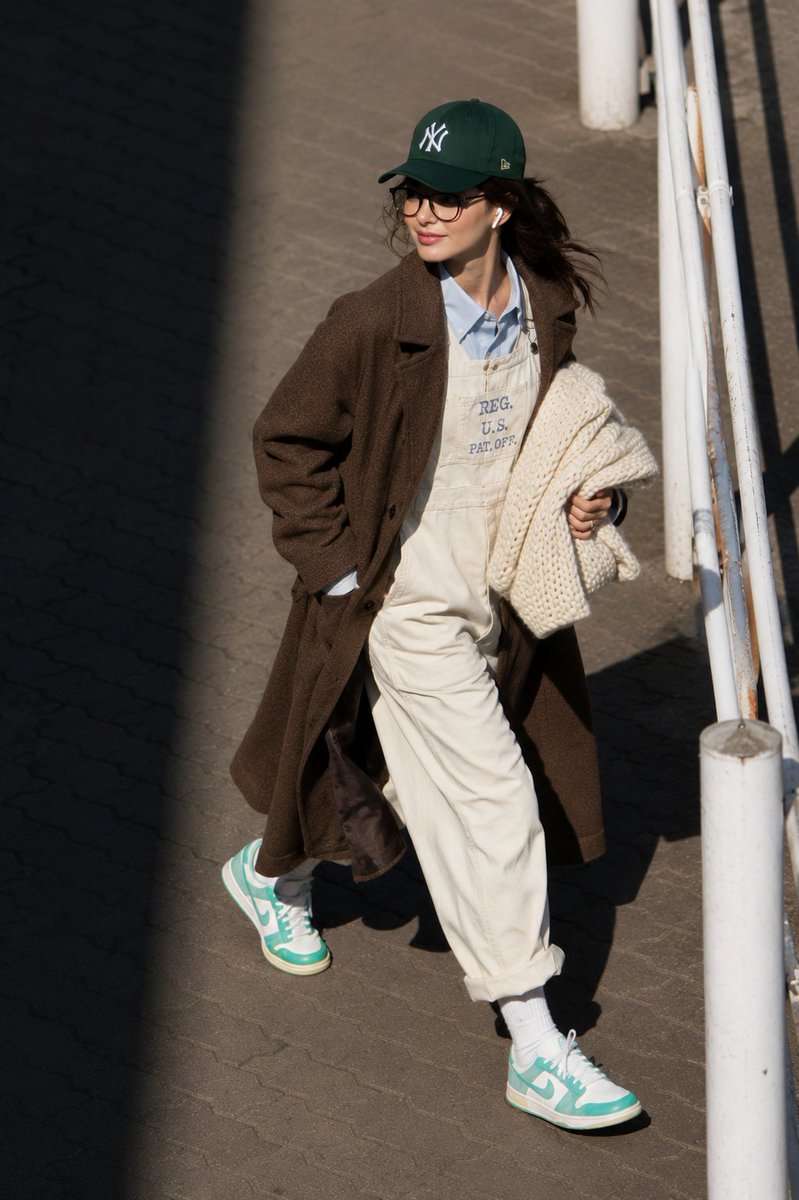
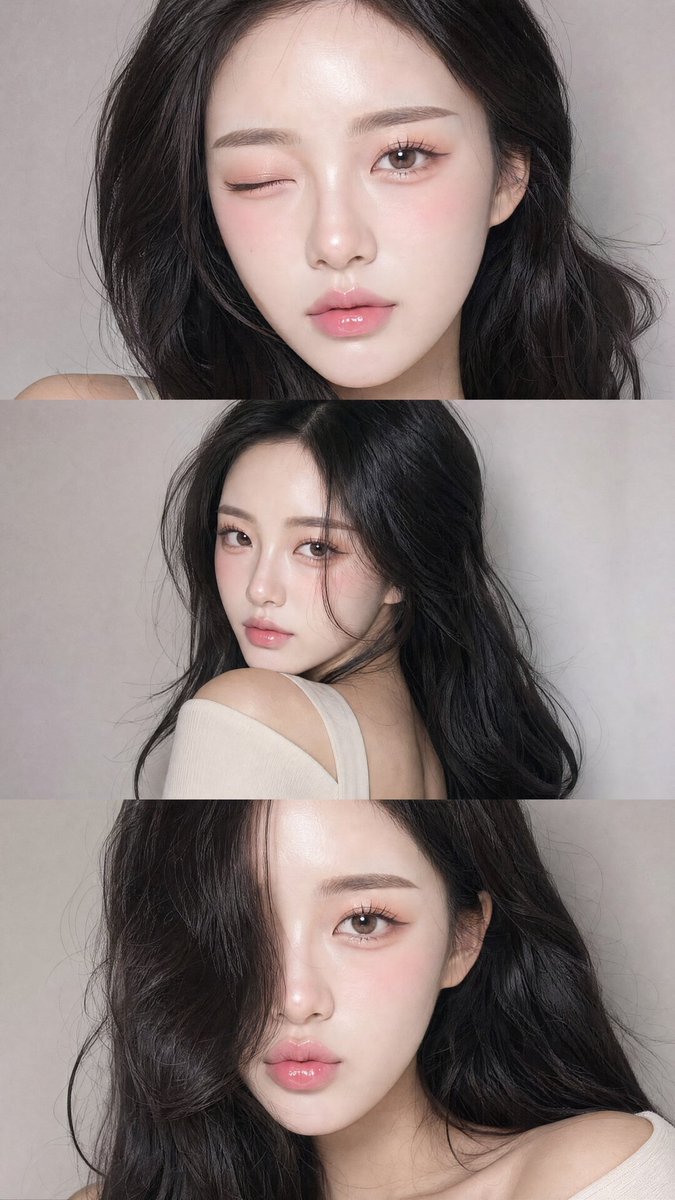

![80-how-to-generate-ai-humans-that-look-100- — The Scene: A [high-quality/candid] lifestyle photo of a [description of person] doing [insert action…](/_next/image?url=https%3A%2F%2Fcdn.picxstudio.com%2Fuploads%2Fpost80_img0_68a04f23-0b83-43da-b58e-701e8e14c74b.jpg&w=828&q=100)
