
Concept to Form Design Process
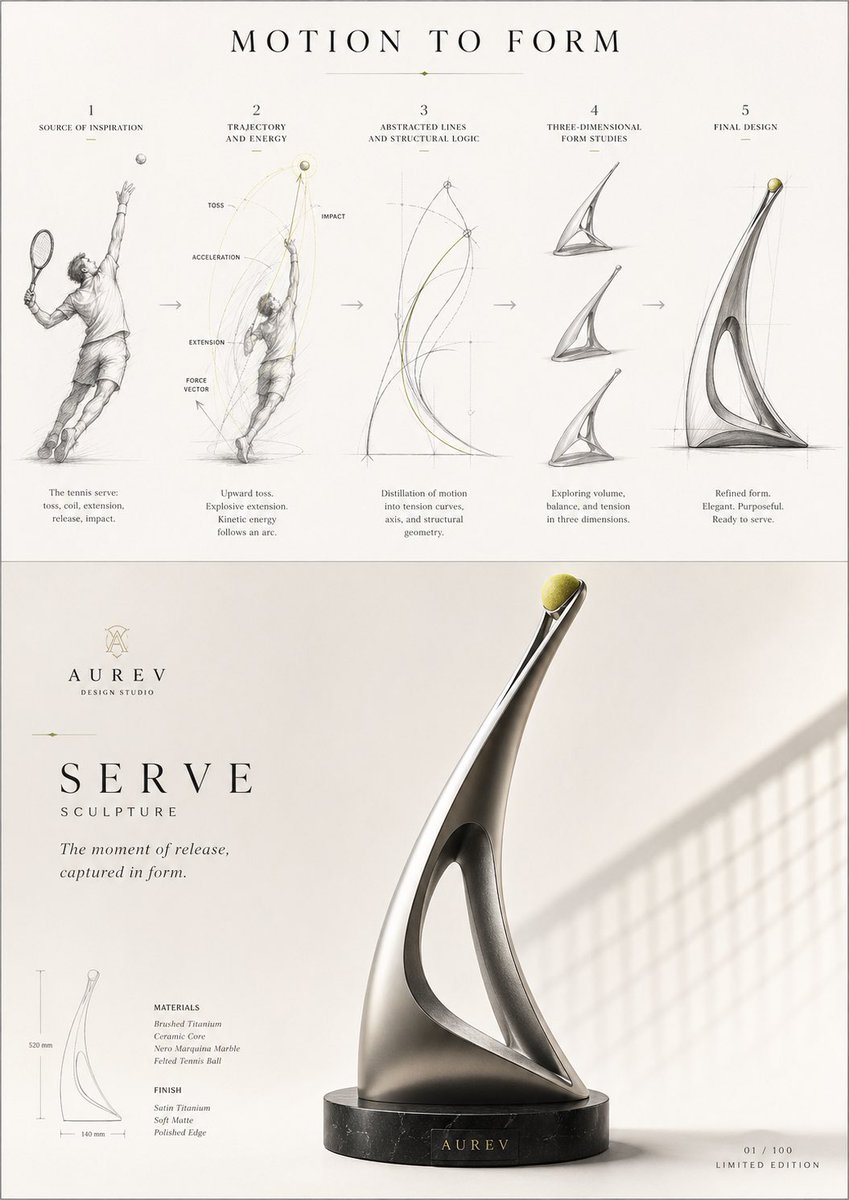
A sophisticated prompt that generates an A4 vertical visual mapping the transformation from a concept to a finished product design.
- Prompt included
- Model and format preset
- Free template
The prompt behind this image
Copy the exact prompt behind Concept to Form Design Process, or open it in the studio and make it yours.
Theme: [⭐︎ Example: {argument name="theme" default="A tennis serve"}] Please present the process of transforming this theme from concept to form, along with the finished design as the final result, in a single A4 vertical visual. Use a two-part structure, top and bottom. The top section is a five-step visual flowchart of the theme's essence. Build it following this sequence: source of inspiration → trajectory and energy → abstracted lines and structure → three-dimensional form → final design. Use fine sketches, line art, design drawings, small arrows, short English labels, and a carefully considered layout with generous white space. The title is "MOTION TO FORM". The image below shows the hero visual that finally took shape from the process above. The category is not fixed — the AI should choose the design object best suited to the theme. It can take any form: a product, an object, furniture, an accessory, packaging, a vessel, a lamp, a gadget, a fashion accessory, a piece of art, etc. Generate a fictional brand name, tagline, and short copy, creating creative content suitable for an advertising or design-launch visual. Overall, this should present a highly finished result that blends a concept board, brand advertising, and design development material. Aim for a minimalist, poetic, intellectual beauty built from negative space. The color tone should be based on neutral colors, paired with 1–2 accent colors drawn from the theme. Precisely depict the sense of material, light, shadow, structural beauty, and texture. High resolution, commercial-grade visual quality.
How to use Concept to Form Design Process in 3 steps
- 1
Open
The prompt is already in the box next to the preview, with the template's model and format selected.
- 2…a portrait of your subject in softgolden-hour light, 85mm…
Personalize
Edit the subject and creative details for your destination.
- 3Generate
Generate
Press Generate — your image is created in PicX Studio, so you can compare it with the original and refine one variable at a time.
More like this
Templates with the same subject, style or setup. Open one to see its prompt.
Glass Brand Logo Volcanic Landscape
Blueprint Split Reality Archetype Prompt
Real Illustration Split Portrait Transition
Black Cat Transformation Hero
High-Fashion Character Concept Art Sheet
Step-by-Step Pancake Process Collage
Isometric Educational Process Diorama
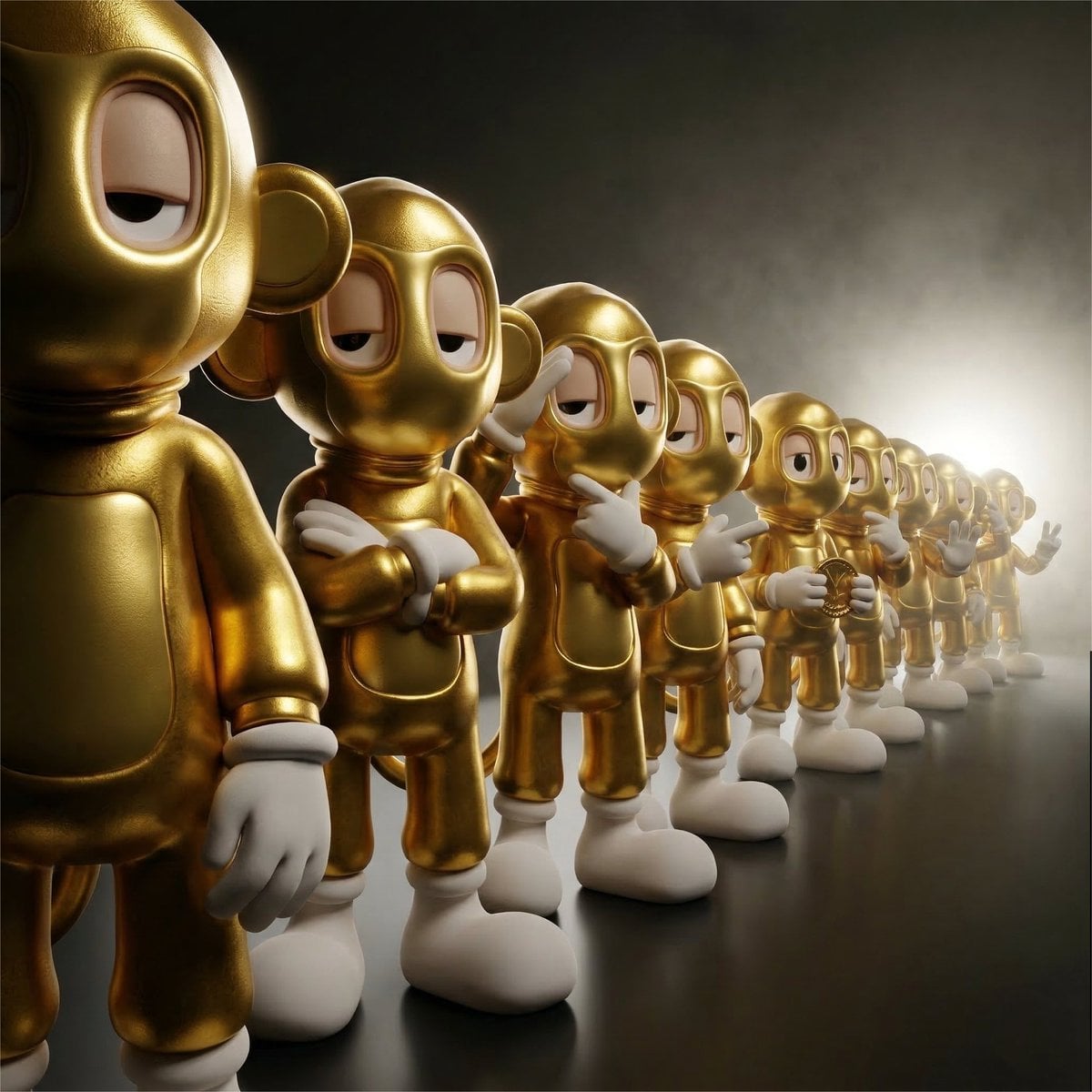
Collectible Vinyl Toy Procession 3D
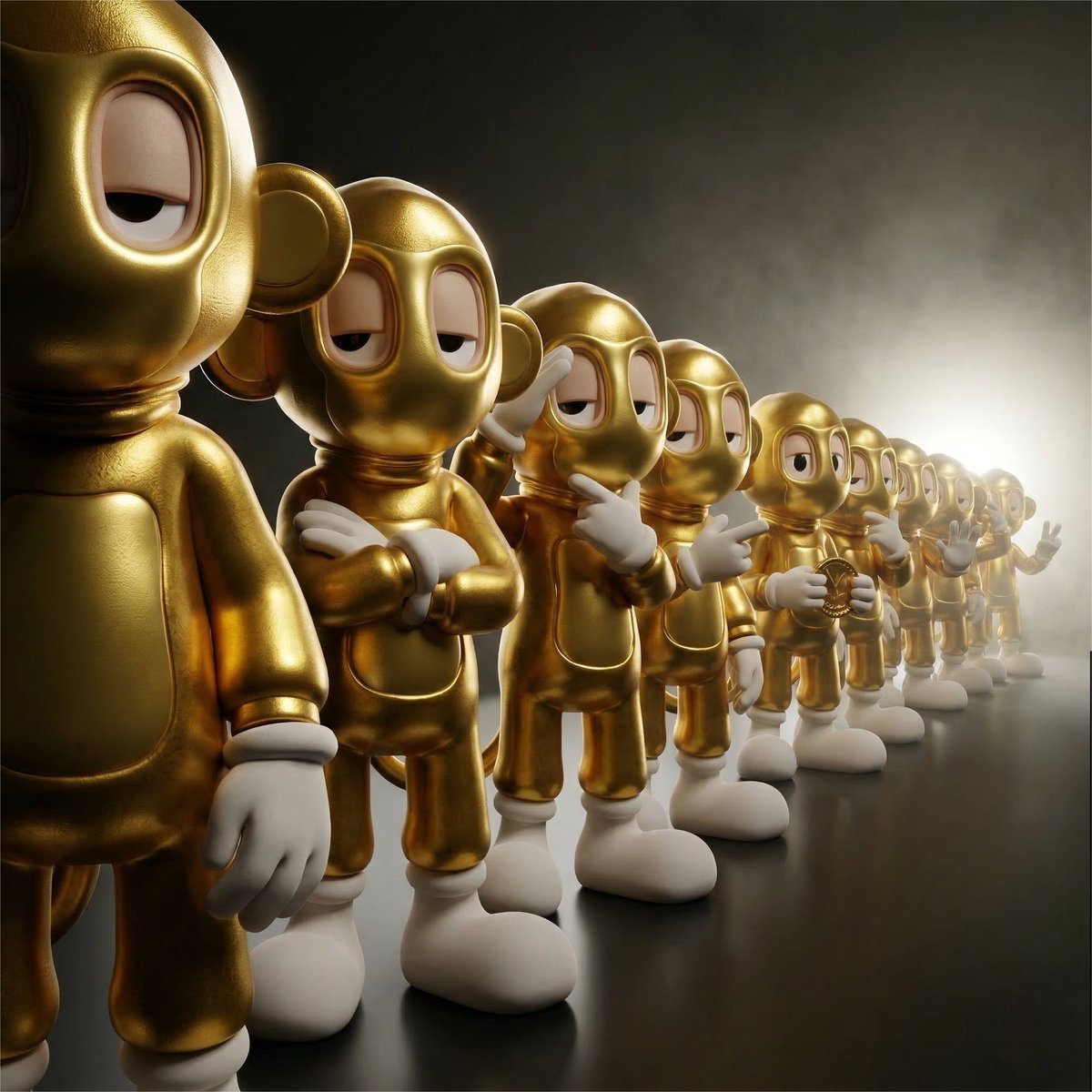
A detailed, collectible-style 3D render of a linear procession of twelve
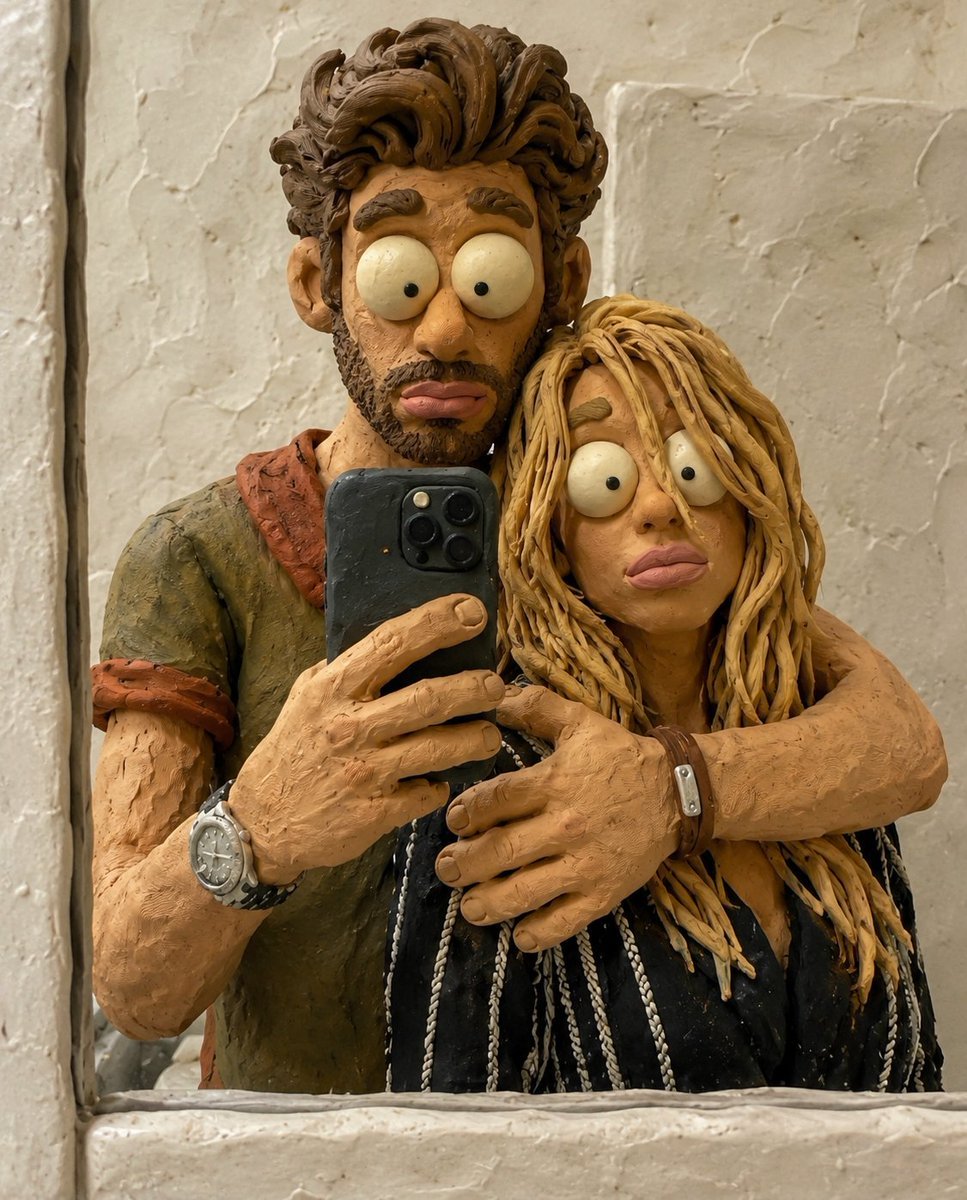
Chaotic Claymation Photo Transformation
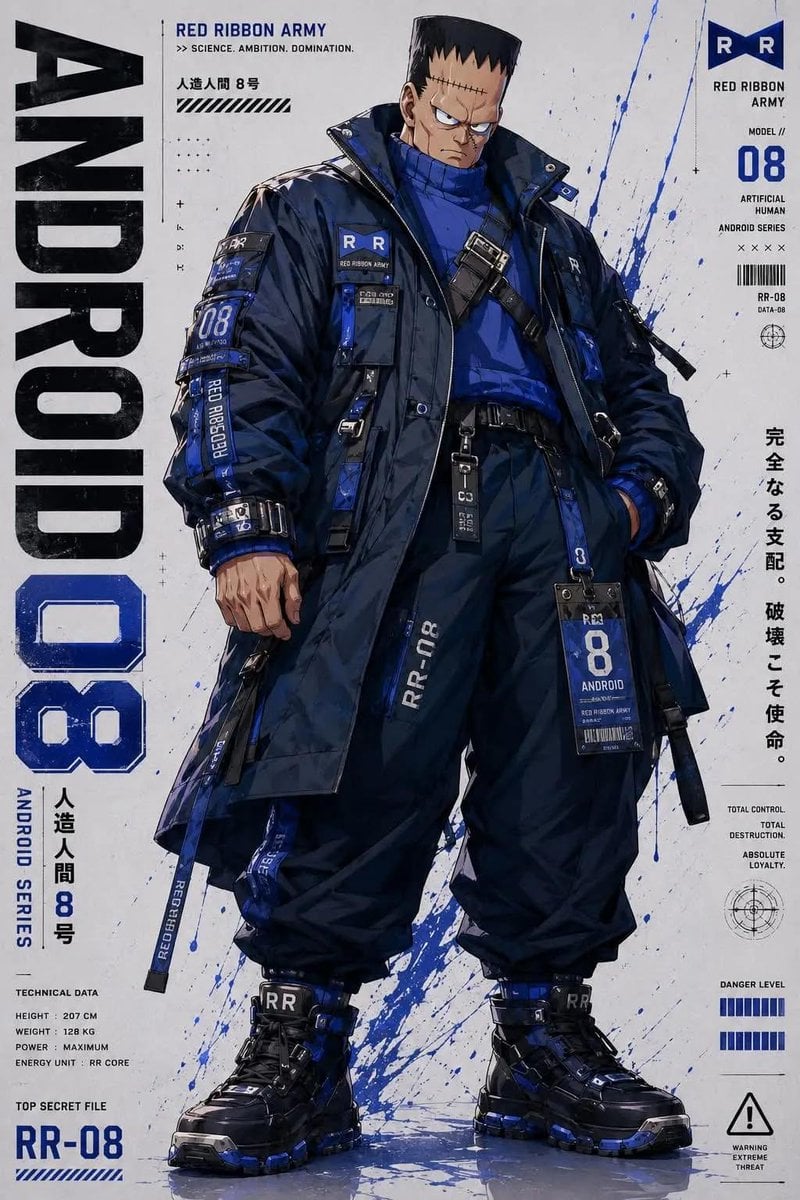
Futuristic Anime Tactical Concept Sheet
Anime Girl Transformed Into Glass Table
Make it yours
Concept to Form Design Process works as-is. These are the safest ways to change it without losing the look.
Change one field
Copy a single group, rewrite it, and generate again so you can see what that field is doing.
Keep the frame, change the subject
Hold the composition and light of Concept to Form Design Process, then swap wardrobe, props or the person for a new take.
| If the result… | Why | Fix |
|---|---|---|
| The result drifts from the preview | Too many fields changed at once. | Reuse Concept to Form Design Process as-is first, then change one group — subject, light, or setting. |
| The model over-stylizes the scene | The prose prompt leaves finish and camera underspecified. | Add one camera or lighting sentence and stay on GPT Image 2. |
More GPT Image 2 templates
Other prompts made for GPT Image 2.

Six VTuber Japanese Logo Sheet

Realistic Portrait of Woman and Deer

The Vista Modular Condo Poster

AI Model Routing Comparison Infographic

2.5D Anime Art Board

Isometric Productivity Desk Scene

New York Double Exposure Poster

Four-Panel AI Landscape Comparison

Japanese Tatami Lifestyle Magazine Cover

NESCAFÉ Coffee Map Poster
More image prompts
Fresh picks from across the catalog.

Hyper-Realistic Dark Green Cinematic Portrait (JSON)
Miniature 3D City with Live Weather Prompt

Anime Sakura Goodnight Festival Scene
Thermal X-Ray Style Infographic Prompt (Nintendo Switch Example)
Dark Fantasy Cathedral Handshake Art
Custom Enamel Souvenir Magnet
Kurage Chan Fantasy Trading Card

Luxury Car Golden Hour Shoot
Subculture Underground Graphic Design
Female Android on Spaceship
Browse template categories
Concept to Form Design Process questions
How do I use the Concept to Form Design Process template?
Add your photo if the template asks for one, edit the prompt if you like — the template's model and format are already selected — and press Generate. Your version opens in PicX Studio.
Can I customize the Concept to Form Design Process template?
Yes. You can change the subject, setting, lighting, mood, format, and available model controls before creating your image.
Is the Concept to Form Design Process template free?
Opening and editing this template is free. Generating uses credits, shown on the Generate button when you are signed in.
Which AI model should I use?
Start with GPT Image 2, which is the model associated with this template. You can compare another compatible model for a different finish.
Looking for something else? Browse all templates.

Your photo, any look
Thousands of ready templates for every top image and video model, from one credit balance.