
Retro Galaxy Train Interior
Generates a richly detailed anime-style view inside a vintage celestial railway carriage for fantasy backgrounds or cinematic scene design.
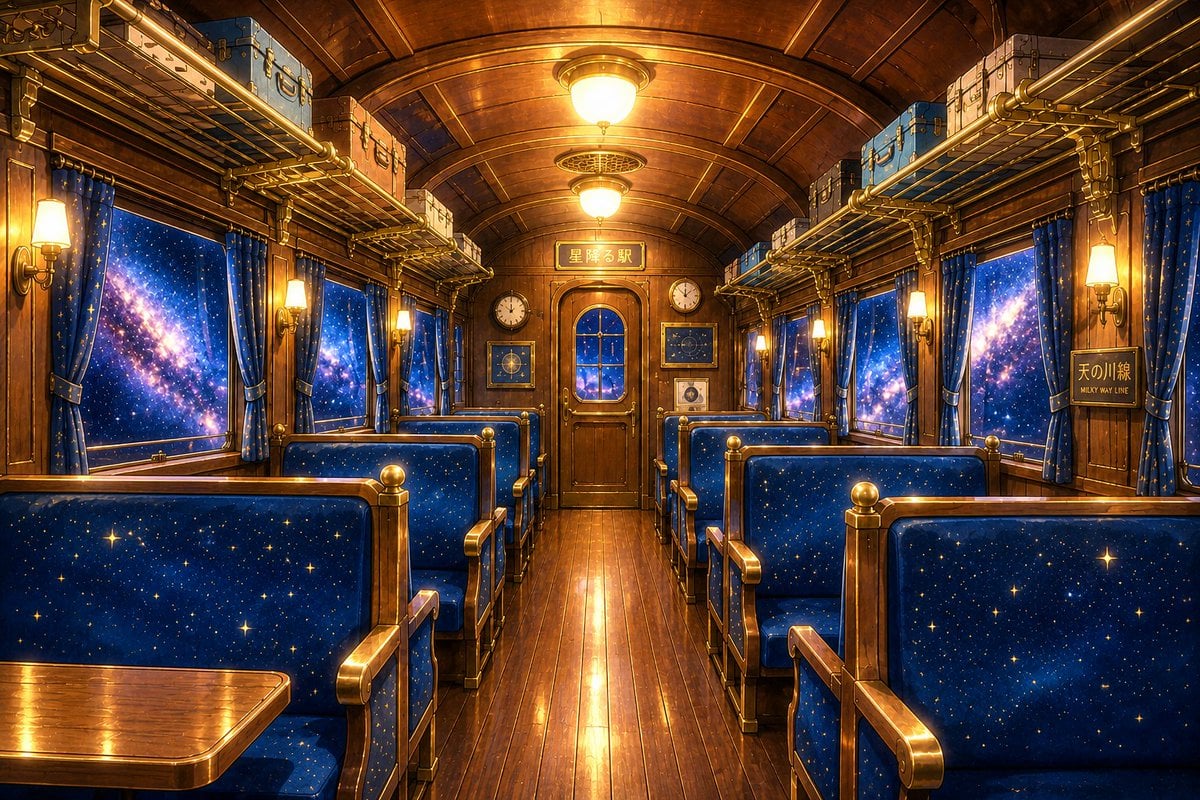
- Prompt included
- Model and format preset
- Free template
The prompt behind this image
Copy the exact prompt behind Retro Galaxy Train Interior, or open it in the studio and make it yours.
Create a highly detailed anime-style cinematic illustration of the interior of a retro fantasy galaxy train carriage, viewed from the center aisle in perfect one-point perspective looking toward the rear door. The scene is empty of passengers and warmly lit by glowing ceiling lamps and wall sconces, with polished varnished wood floors, curved wooden ceiling panels, brass rails, brass seat frames, and ornate vintage fittings. Use {argument name="seat fabric pattern" default="deep navy blue upholstery filled with tiny golden stars and nebula speckles"} for the seats and curtains, making the carriage feel like a celestial observatory. Show exactly 8 visible high-backed passenger bench seats arranged in two rows along the aisle, each with glossy brass armrests and rounded brass finials, plus 1 small wooden table attached at the front-left seat. Show exactly 8 large side windows, 4 on the left and 4 on the right, revealing a vivid outer-space panorama with a bright purple-blue Milky Way, dense stars, and glowing cosmic dust. Add exactly 2 long overhead luggage racks, one on each side, made of brass piping, holding exactly 9 vintage suitcases and trunks in blue, cream, and tan. At the far end, place a wooden door with a small arched window showing stars beyond it, flanked by exactly 2 round wall clocks and small framed astronomical diagrams. Include a glowing station sign above the rear door reading {argument name="rear station sign text" default="星降る駅"} and a side plaque on the right wall reading {argument name="side line sign text" default="天の川線"} with small English text beneath it reading {argument name="line subtitle" default="MILKY WAY LINE"}. The mood should be nostalgic, magical, and luxurious, like a steam-era sleeper train traveling through the galaxy; use warm amber lighting, rich reflections on wood and brass, crisp linework, elaborate background detail, no people, no modern technology, wide-angle composition, 16:9 aspect ratio.
How to use Retro Galaxy Train Interior in 3 steps
- 1Upload ImagePNG, JPG or paste
Add your photo
Upload the photo the template builds on. The prompt, model and format are already set.
- 2…a portrait of your subject in softgolden-hour light, 85mm…
Personalize
Edit the subject and creative details for your destination.
- 3Generate
Generate
Press Generate — your image is created in PicX Studio, so you can compare it with the original and refine one variable at a time.
More like this
Templates with the same subject, style or setup. Open one to see its prompt.






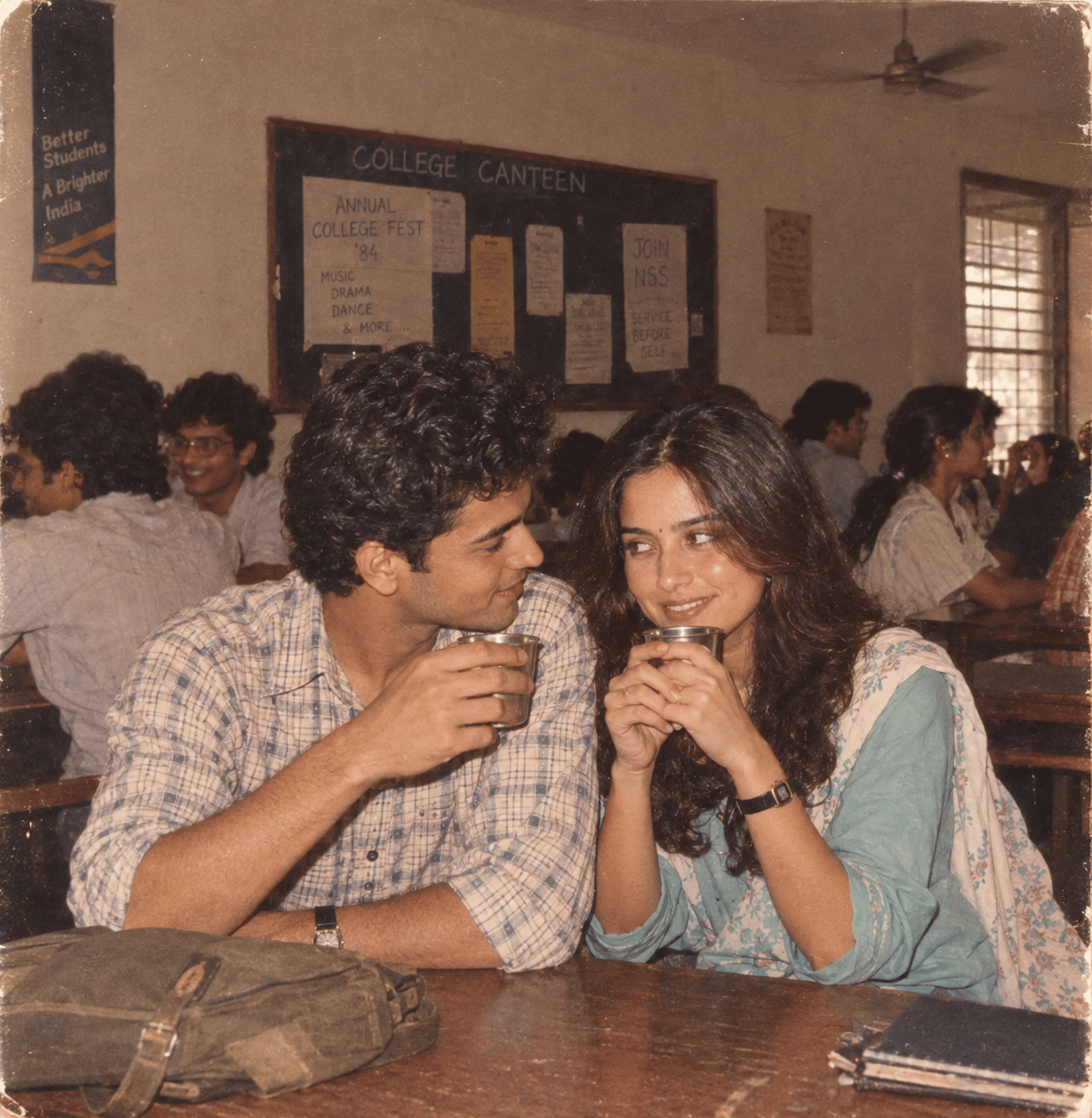
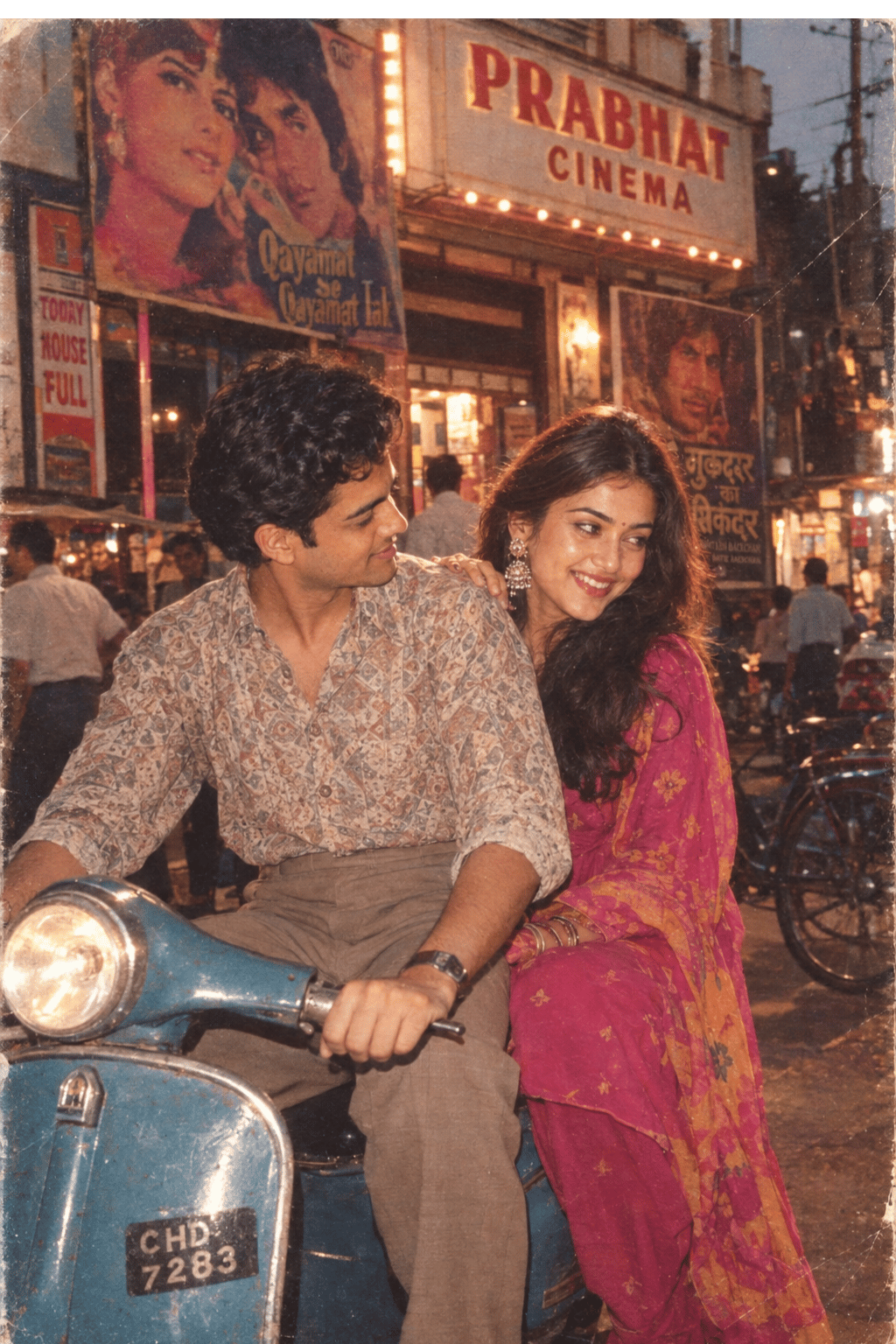

Make it yours
Retro Galaxy Train Interior works as-is. These are the safest ways to change it without losing the look.
Change one field
Copy a single group, rewrite it, and generate again so you can see what that field is doing.
Keep the frame, change the subject
Hold the composition and light of Retro Galaxy Train Interior, then swap wardrobe, props or the person for a new take.
| If the result… | Why | Fix |
|---|---|---|
| The result drifts from the preview | Too many fields changed at once. | Reuse Retro Galaxy Train Interior as-is first, then change one group — subject, light, or setting. |
| The model over-stylizes the scene | The prose prompt leaves finish and camera underspecified. | Add one camera or lighting sentence and stay on GPT Image 2. |
More GPT Image 2 templates
Other prompts made for GPT Image 2.

Six VTuber Japanese Logo Sheet

Realistic Portrait of Woman and Deer

The Vista Modular Condo Poster

AI Model Routing Comparison Infographic

2.5D Anime Art Board

Isometric Productivity Desk Scene

New York Double Exposure Poster

Four-Panel AI Landscape Comparison

Japanese Tatami Lifestyle Magazine Cover

NESCAFÉ Coffee Map Poster
More image prompts
Fresh picks from across the catalog.
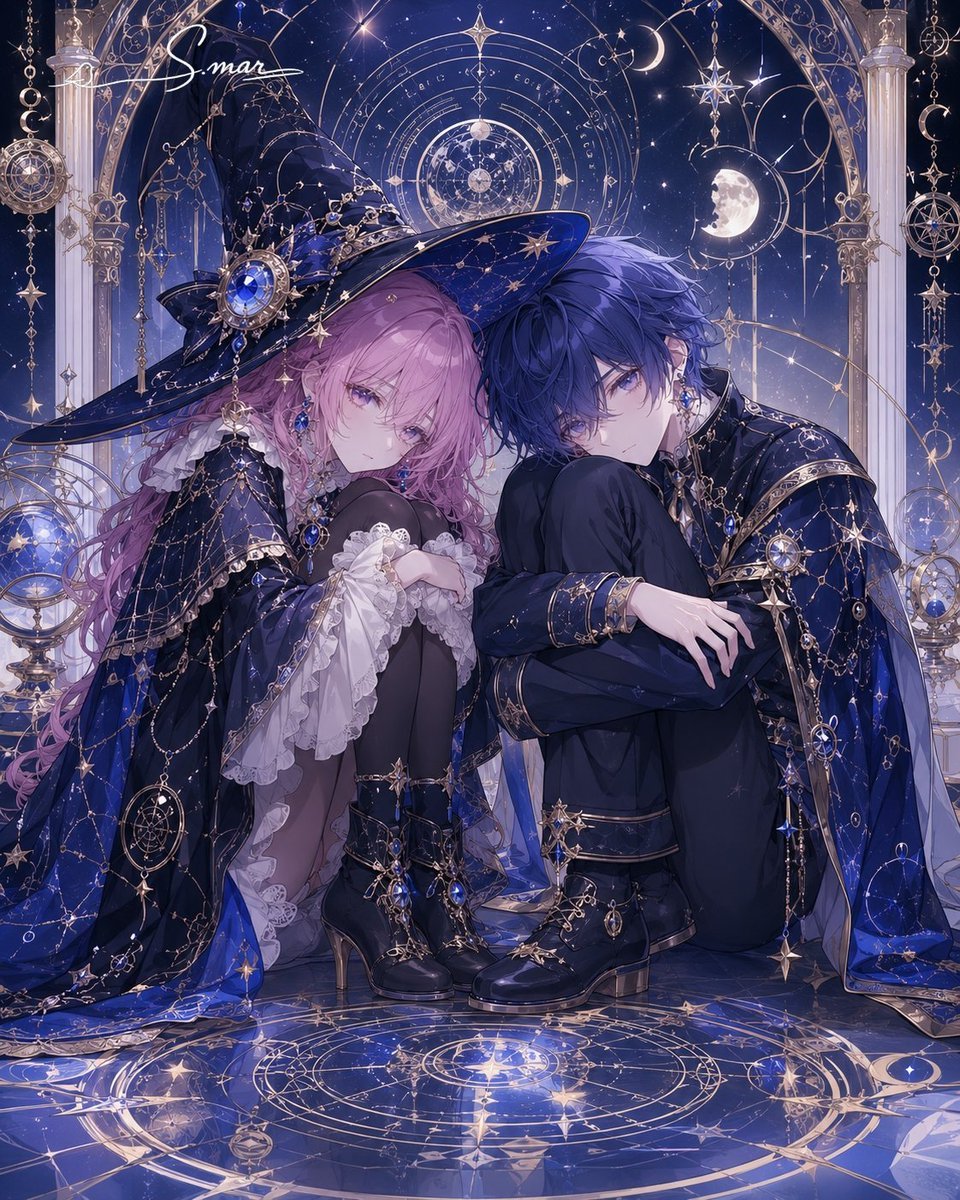
Celestial Magician Duo

Simple Photorealistic Portrait of a Finnish Woman
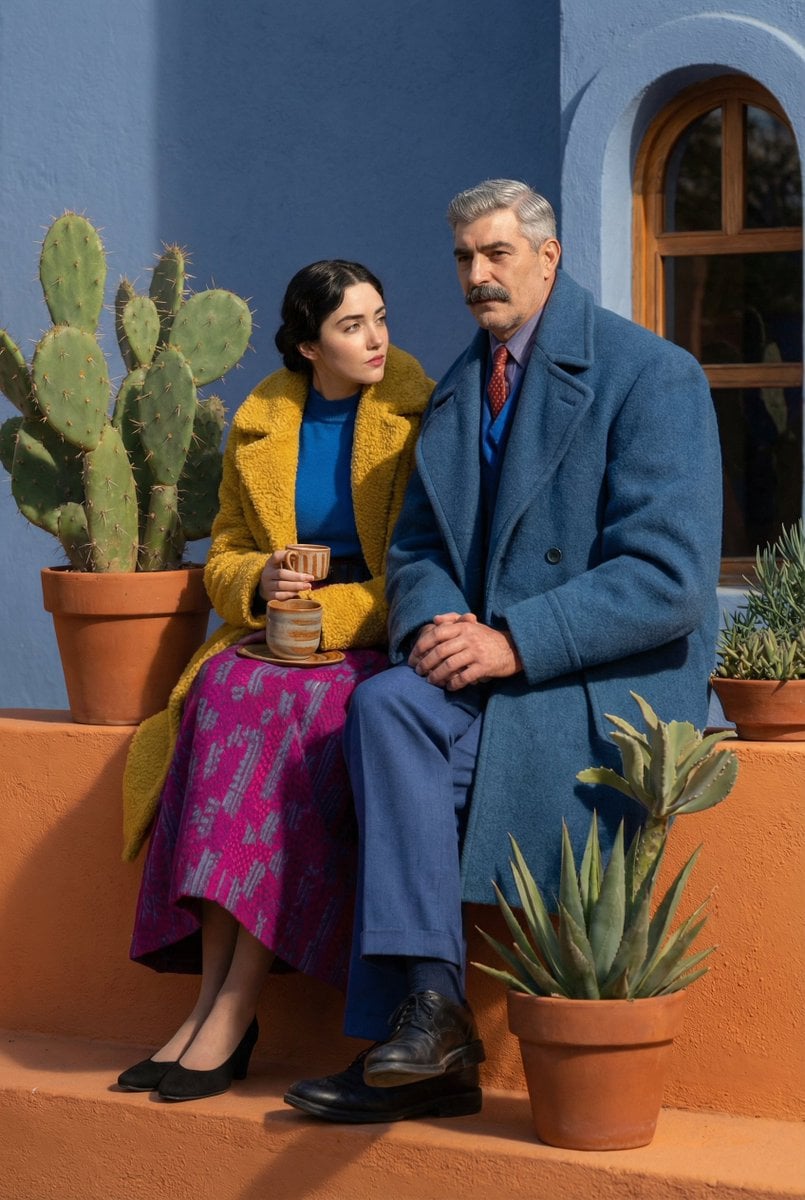
Action Movie Poster from Reference Image

Ultra-realistic cinematic portrait on a luxury yacht at sunset
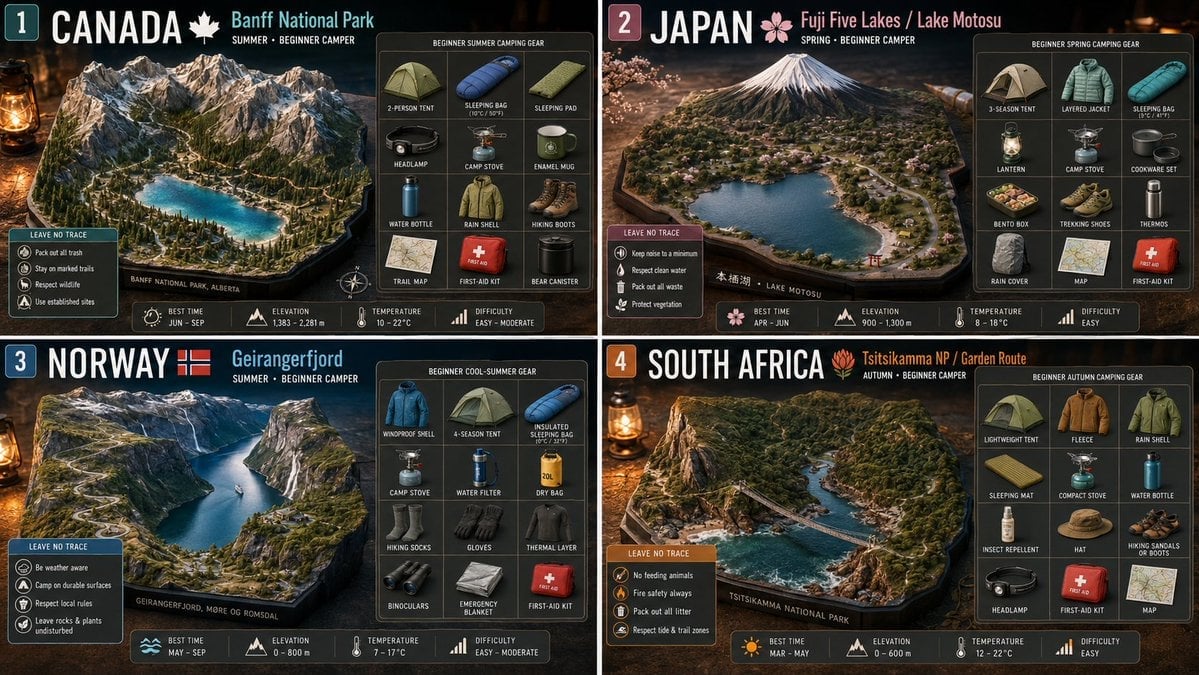
Beginner Camping Infographic Template
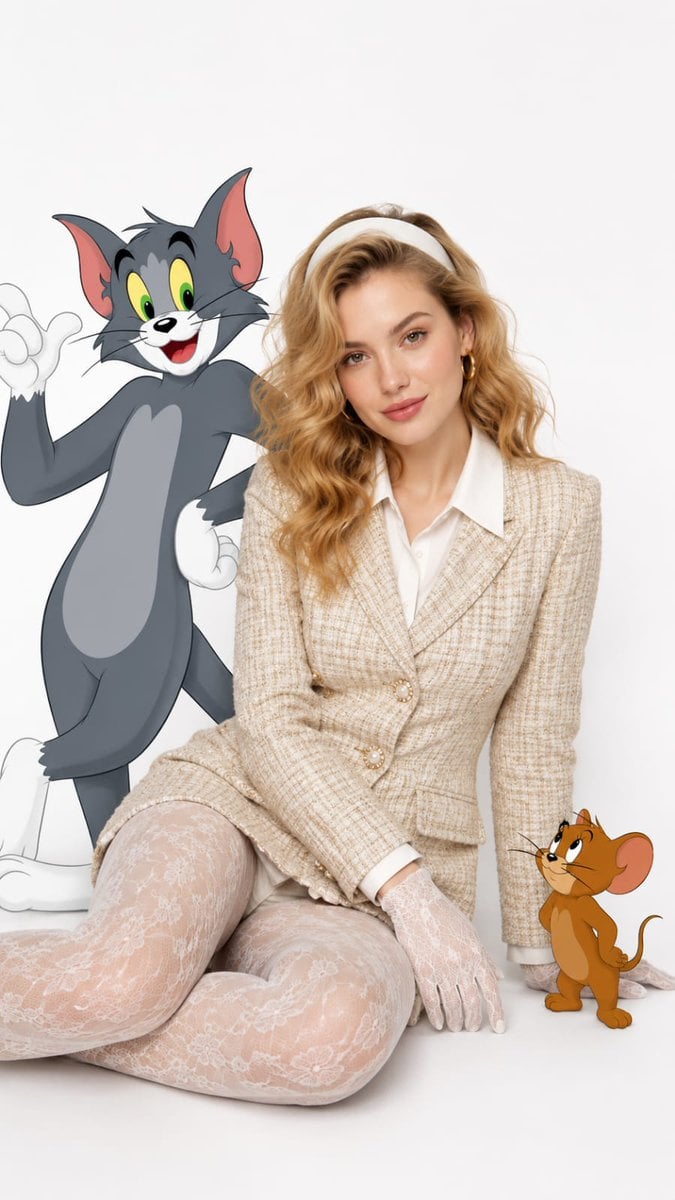
Vintage Fashion with Cartoon Characters
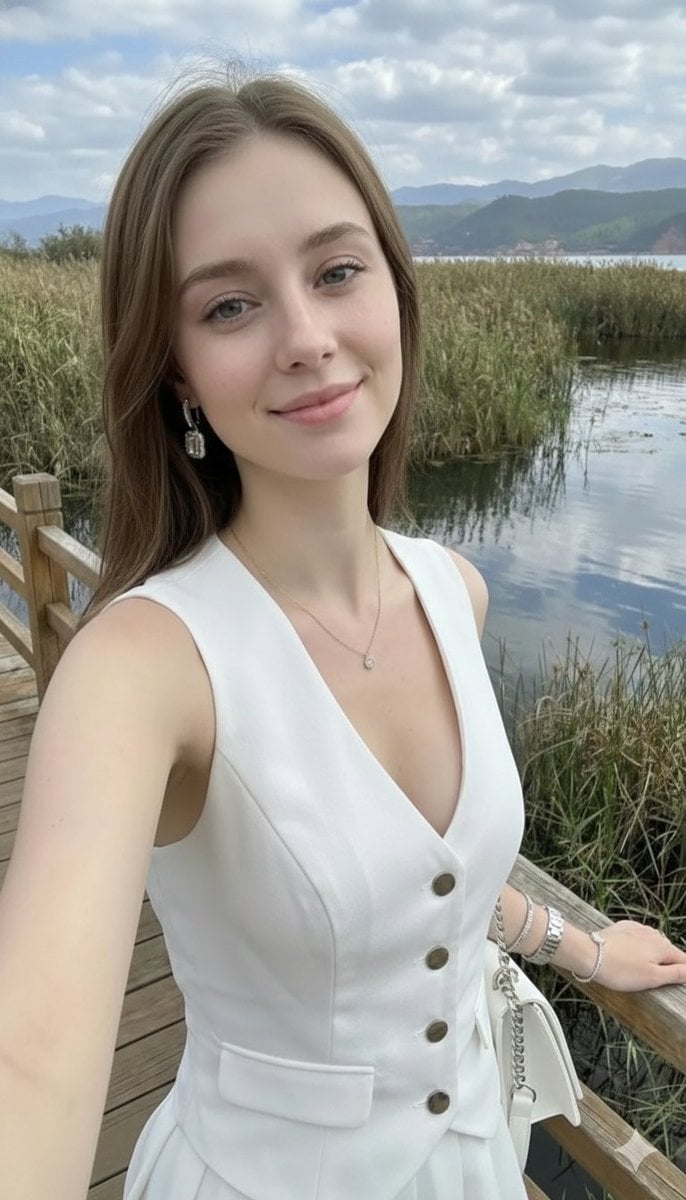
Photorealistic Highland Lake Selfie
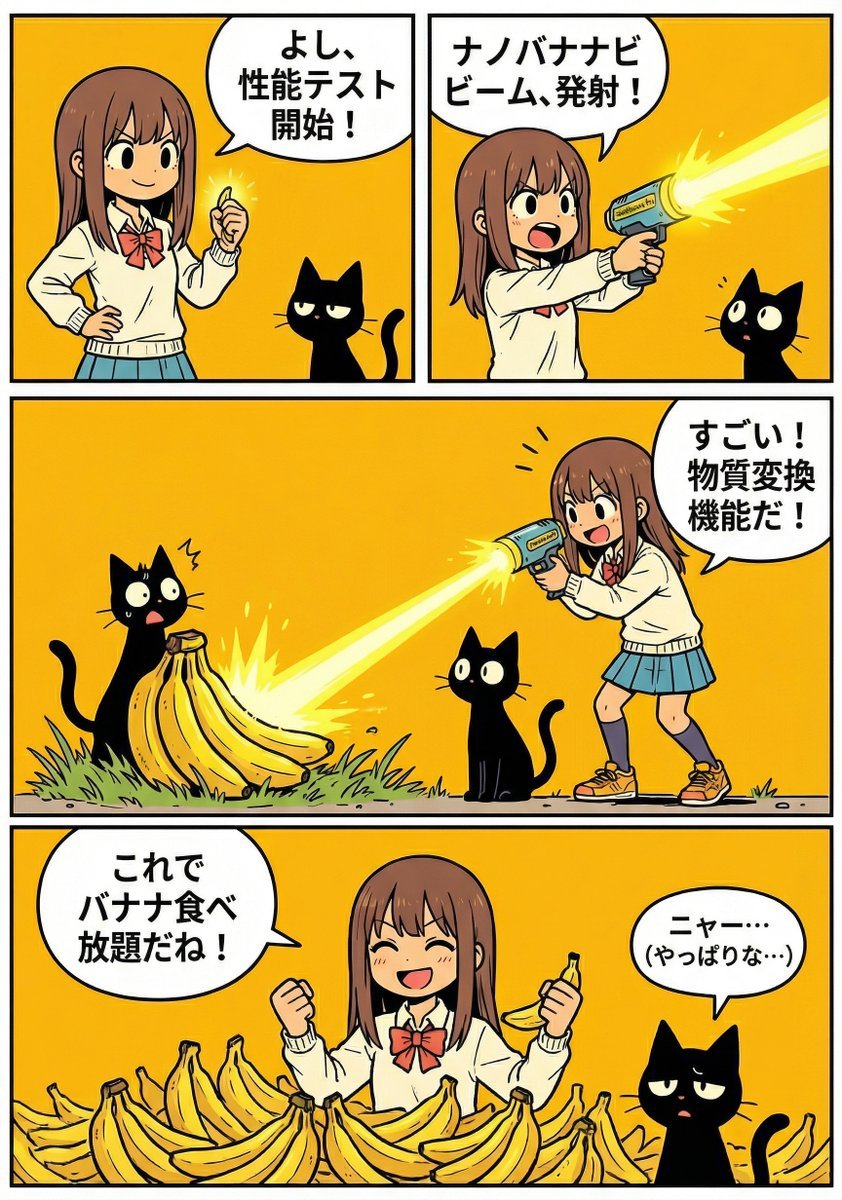
A4 manga about how amazing Nano Banana Pro is
Delorean 'Back to the Future' Scene Integration Prompt

Japanese X Monetization Thumbnail
Browse template categories
Retro Galaxy Train Interior questions
How do I use the Retro Galaxy Train Interior template?
Add your photo if the template asks for one, edit the prompt if you like — the template's model and format are already selected — and press Generate. Your version opens in PicX Studio.
Can I customize the Retro Galaxy Train Interior template?
Yes. You can change the subject, setting, lighting, mood, format, and available model controls before creating your image.
Is the Retro Galaxy Train Interior template free?
Opening and editing this template is free. Generating uses credits, shown on the Generate button when you are signed in.
Which AI model should I use?
Start with GPT Image 2, which is the model associated with this template. You can compare another compatible model for a different finish.
Looking for something else? Browse all templates.

Your photo, any look
Thousands of ready templates for every top image and video model, from one credit balance.