
Midnight Blue Asuka Fashion Portrait
A cinematic full-body fashion portrait prompt for depicting Asuka as an elegant monochrome figure in a cold abandoned ruin.
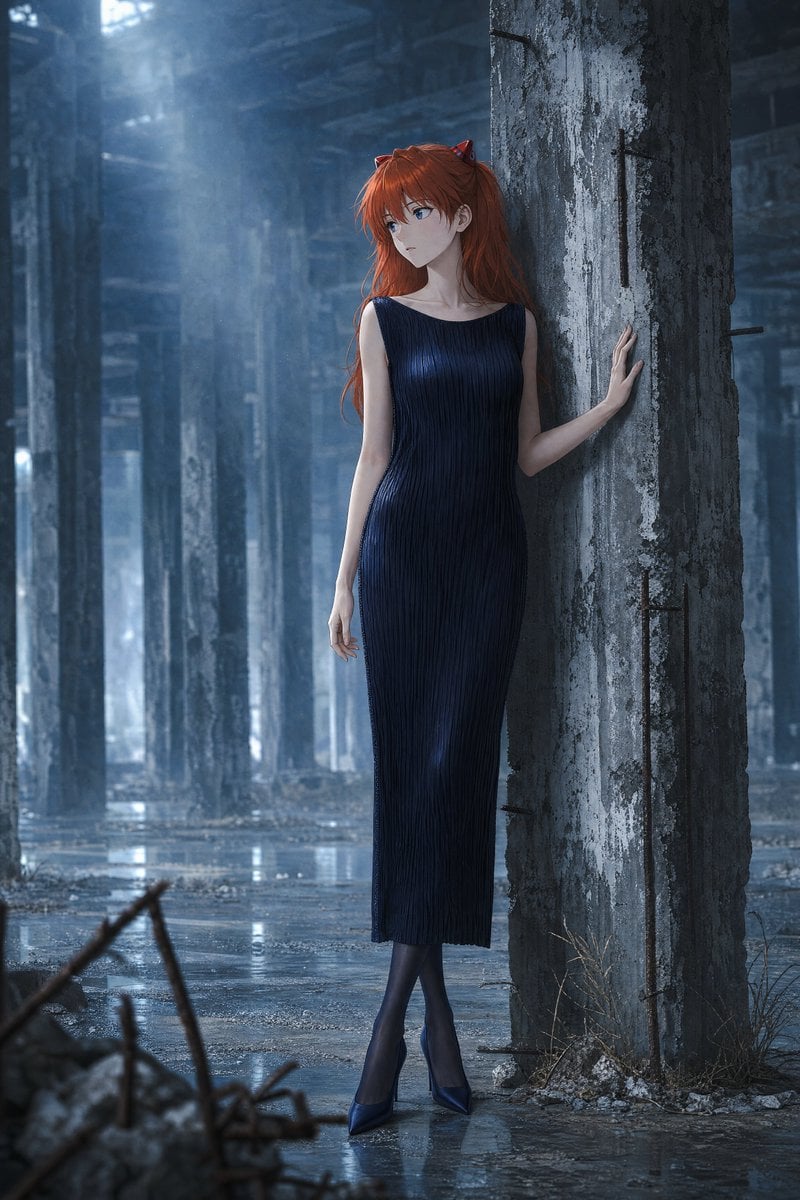
- Prompt included
- Model and format preset
- Free template
The prompt behind this image
Copy the exact prompt behind Midnight Blue Asuka Fashion Portrait, or open it in the studio and make it yours.
Create a full-body cinematic fashion portrait of {argument name="character name" default="Asuka Langley Soryu"} reimagined as a solitary, regal figure in a cold abandoned concrete ruin. She has long flowing {argument name="hair color" default="fiery red-orange"} hair with small red twin hair clips, pale skin, a slim elegant silhouette, and a distant, composed pose; keep the face softly obscured or minimally detailed rather than sharply recognizable. Dress her in a monochrome {argument name="outfit color" default="midnight ink-blue"} vertical silhouette: a sleeveless Fortuny Delphos–inspired pleated silk column gown with a wide shallow boat neckline, ankle-to-calf length, subtle glossy highlights, and extremely fine vertical pleats continuing the body line. Add matching tonal silk stockings and minimalist pointed-toe high-heel pumps inspired by Manolo Blahnik BB, all in the same dark blue palette so the dress, hosiery, and shoes form one uninterrupted line. She stands slightly turned beside a massive weathered concrete pillar, one hand resting lightly on the pillar and the other relaxed at her side, legs crossed at the ankles. The environment is a vast derelict industrial interior with many tall concrete columns receding into the background, peeling surfaces, exposed rusted rebar, rubble, dead weeds, shallow reflective water on the floor, and bluish fog. Use {argument name="lighting mood" default="cold blue moonlit haze"} with soft shafts of light from the upper left, wet reflections, high-fashion editorial realism, dramatic depth, muted blue-gray ruins, and a quiet queenlike atmosphere that feels distant, elegant, and razor-sharp. Vertical 2:3 composition, full body visible from head to shoes, realistic fabric texture, cinematic color grading, no text, no watermark, no extra characters.
How to use Midnight Blue Asuka Fashion Portrait in 3 steps
- 1Upload ImagePNG, JPG or paste
Add your photo
Upload the photo the template builds on. The prompt, model and format are already set.
- 2…a portrait of your subject in softgolden-hour light, 85mm…
Personalize
Edit the subject and creative details for your destination.
- 3Generate
Generate
Press Generate — your image is created in PicX Studio, so you can compare it with the original and refine one variable at a time.
More like this
Templates with the same subject, style or setup. Open one to see its prompt.
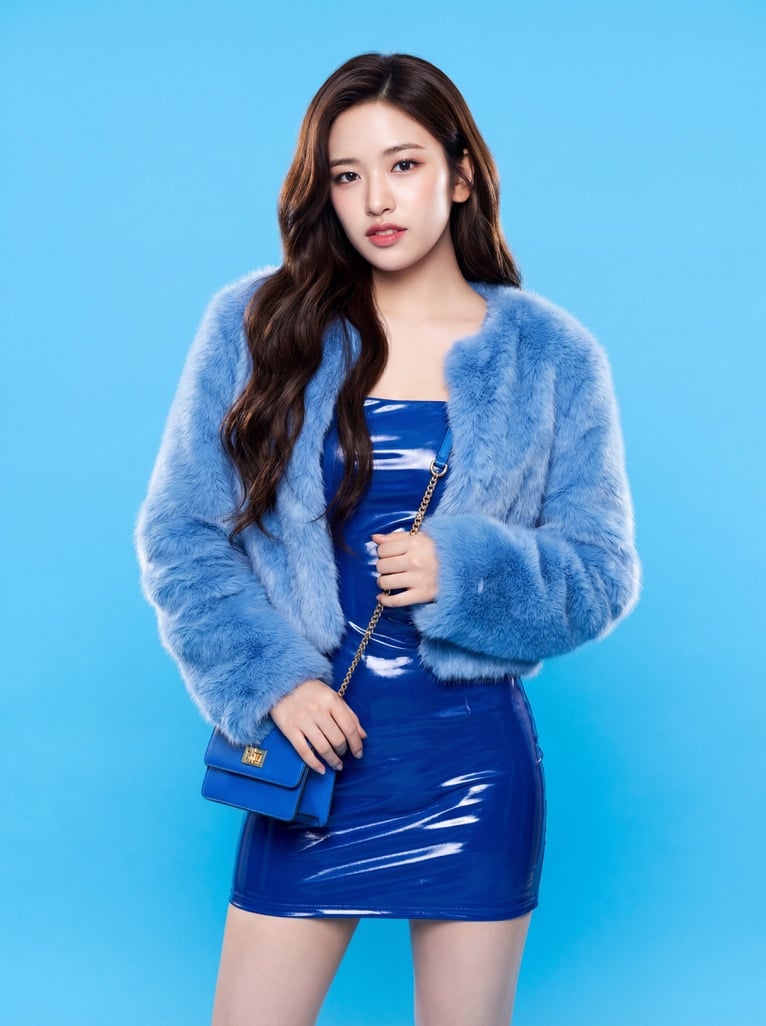
Ive Yujin Fashion Portrait in Blue
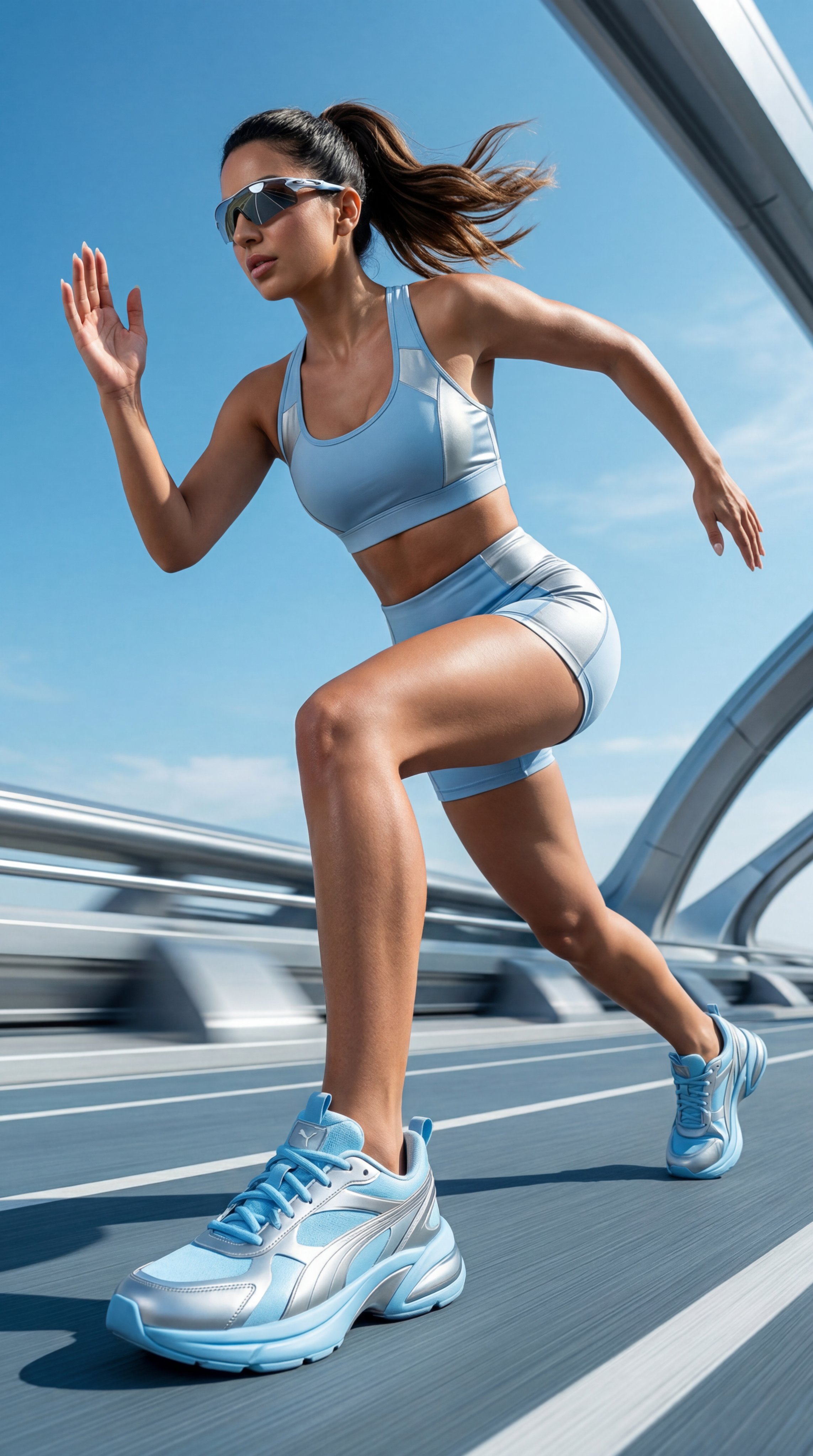
Nano Banana 2 High Fashion Sports Campai
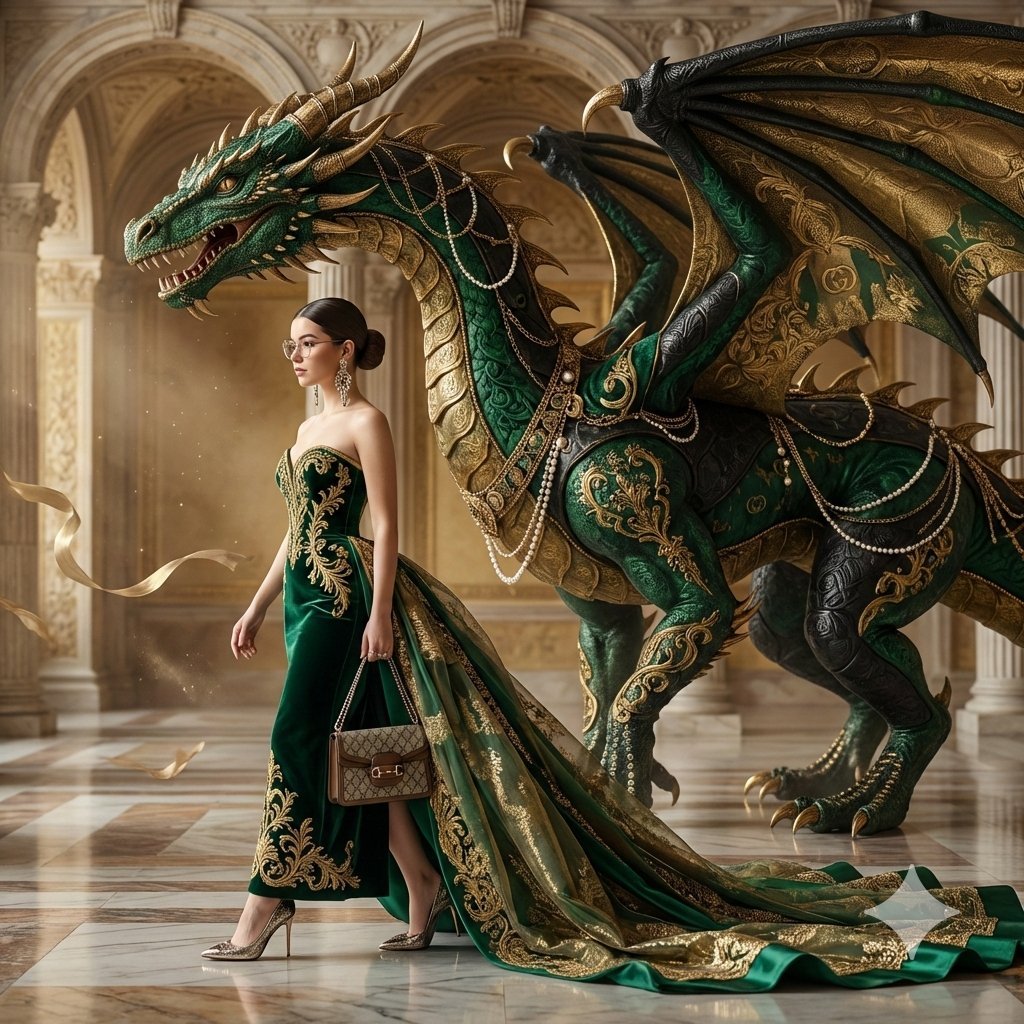
Couture Fashion Editorial Woman and Drag
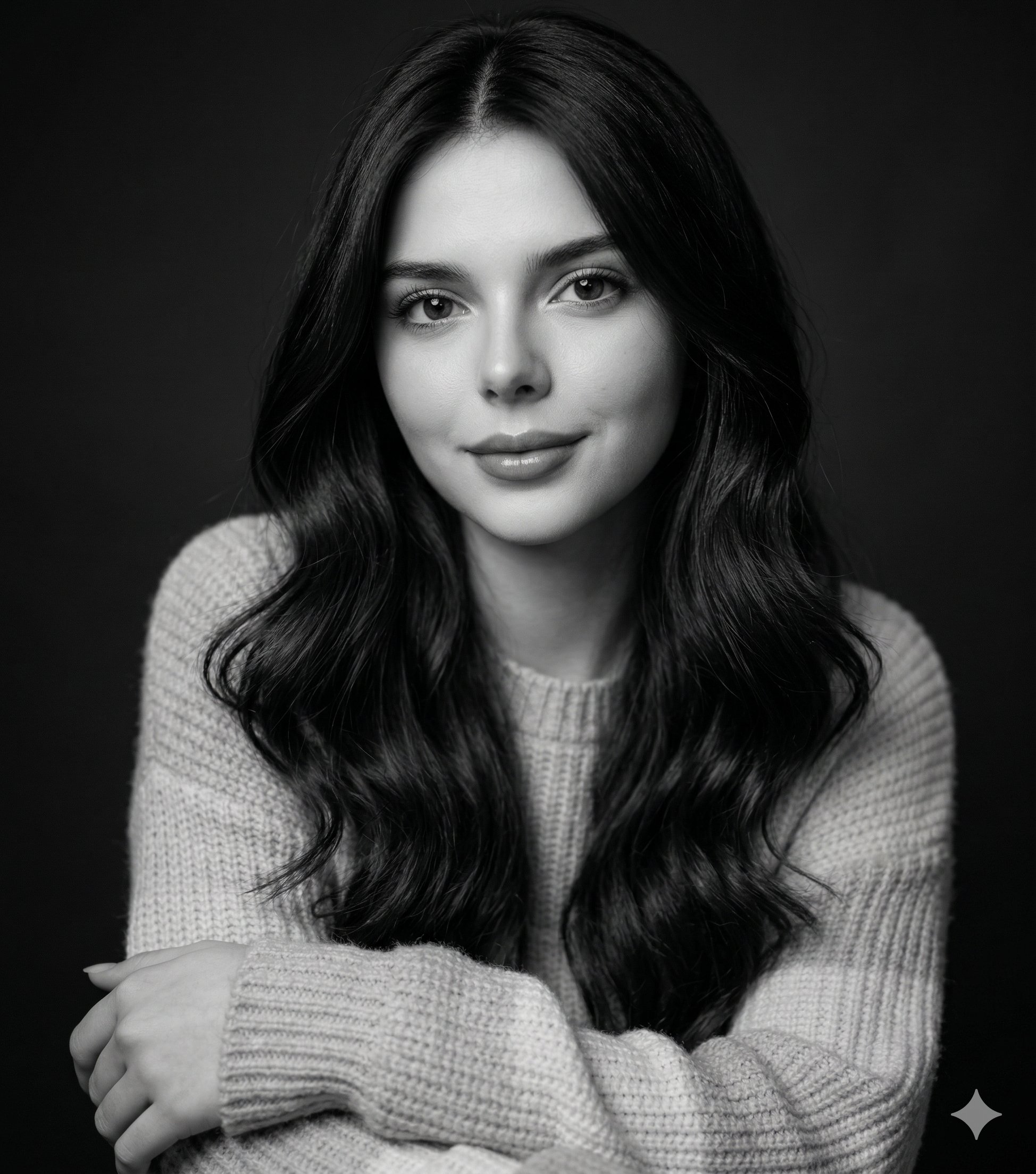
Nano Banana 2 Editorial Fashion Portrait
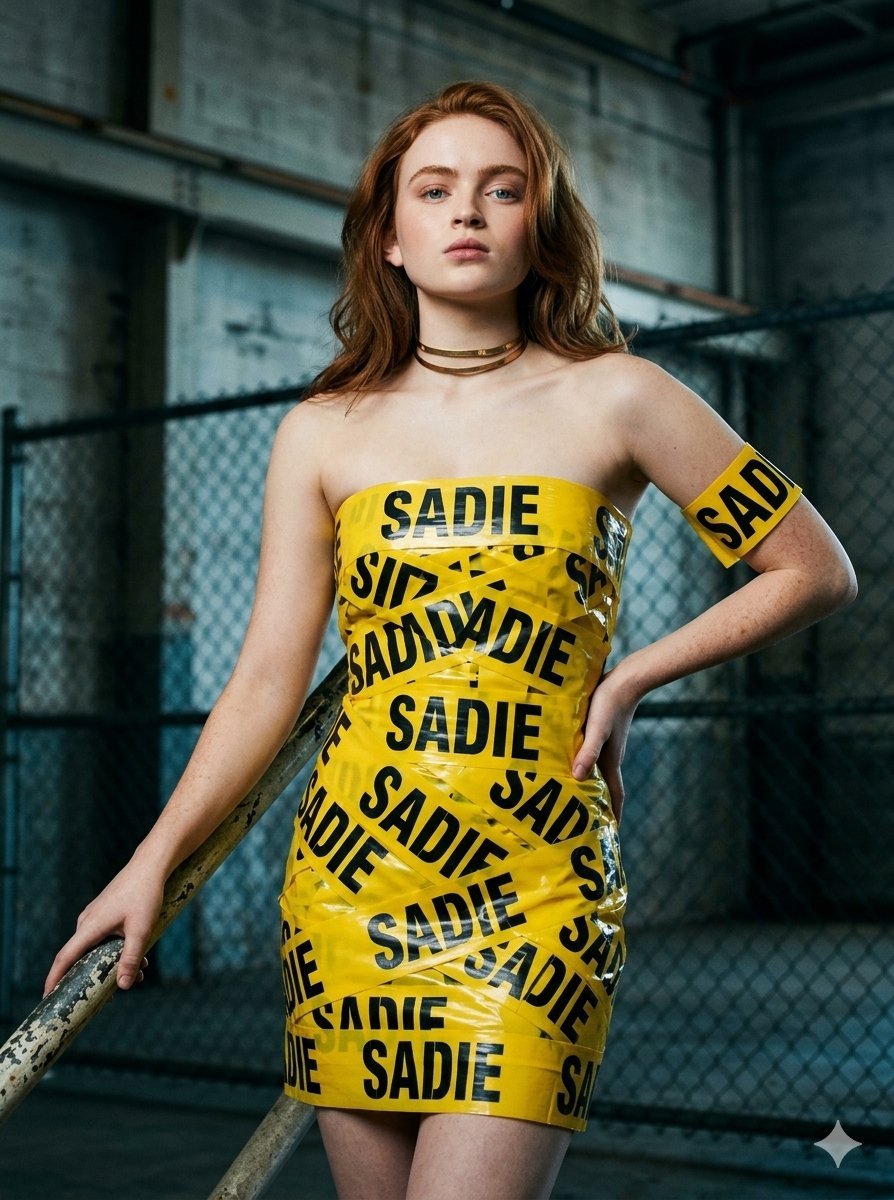
Caution Tape Fashion — Industrial Editorial
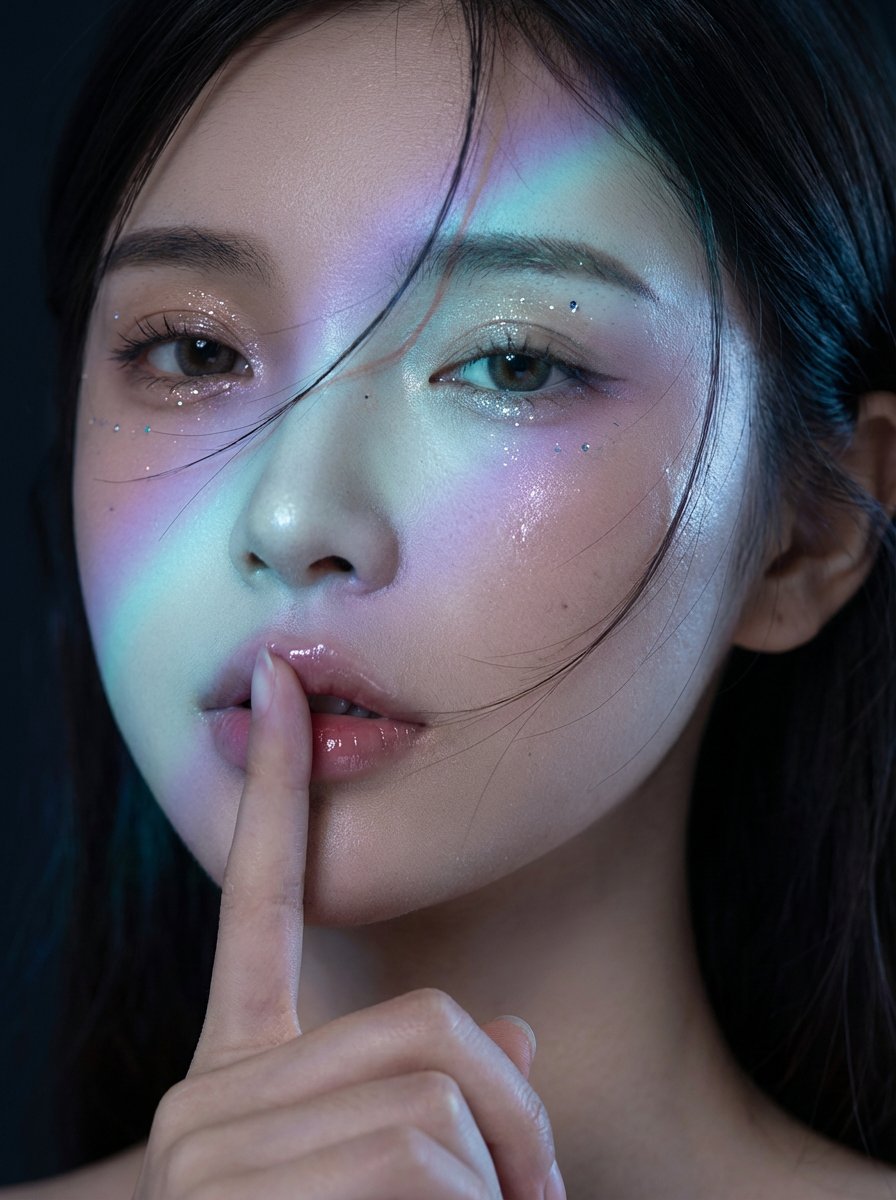
Midnight K-Fashion Editorial Portrait from Reference Image
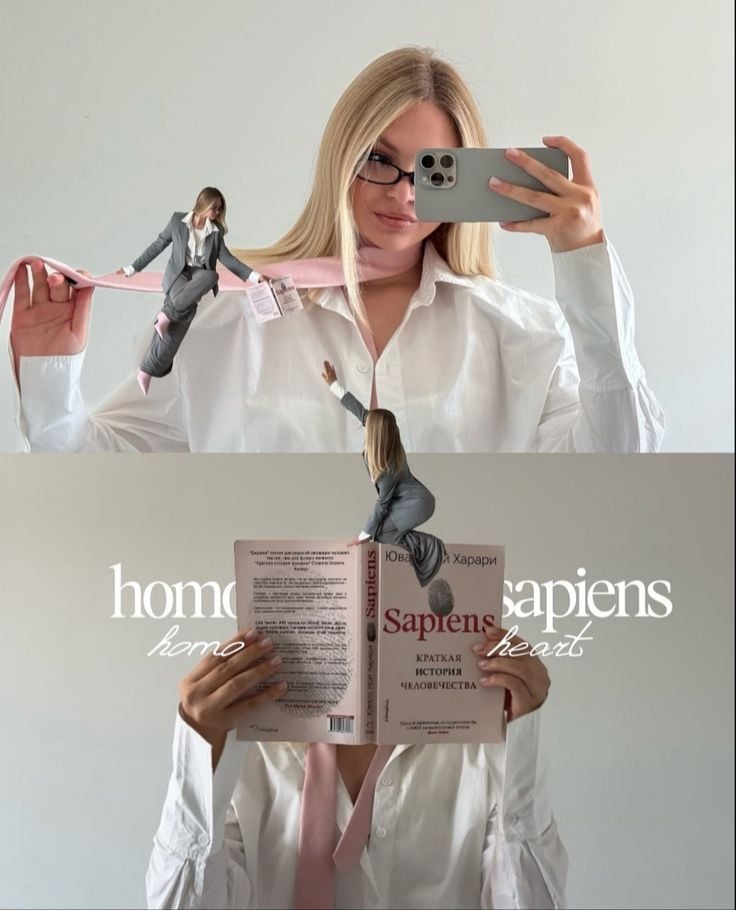
Miniature Self Portrait Collage

Found Photograph: Us, 1970

80s Couple Studio Portrait
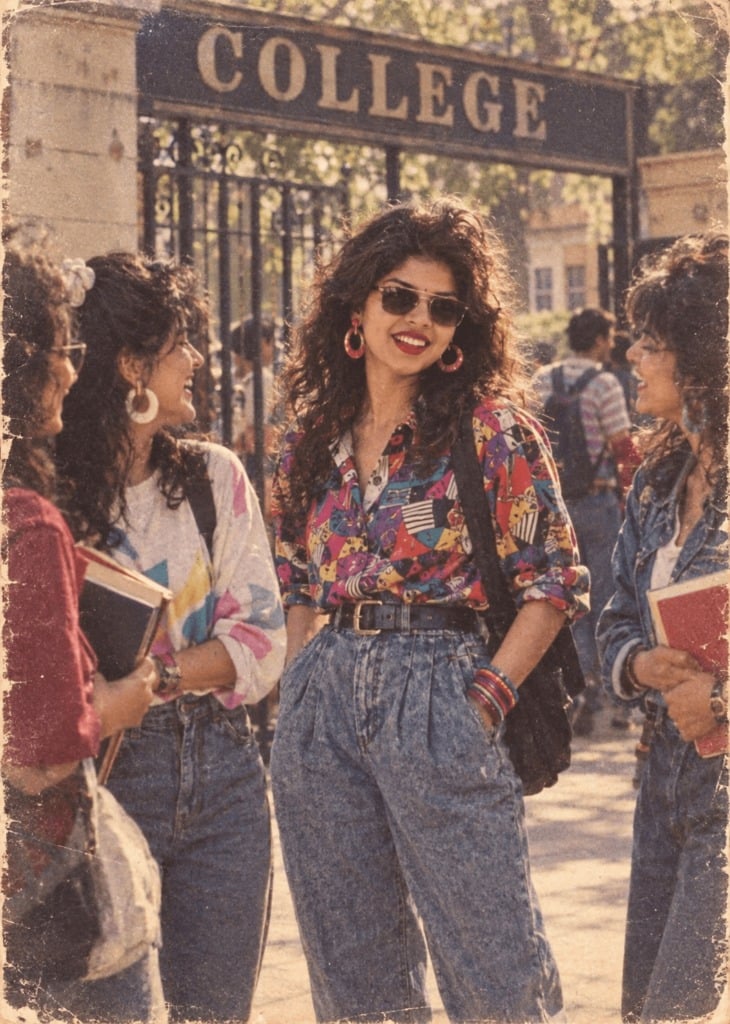
80s College Gate
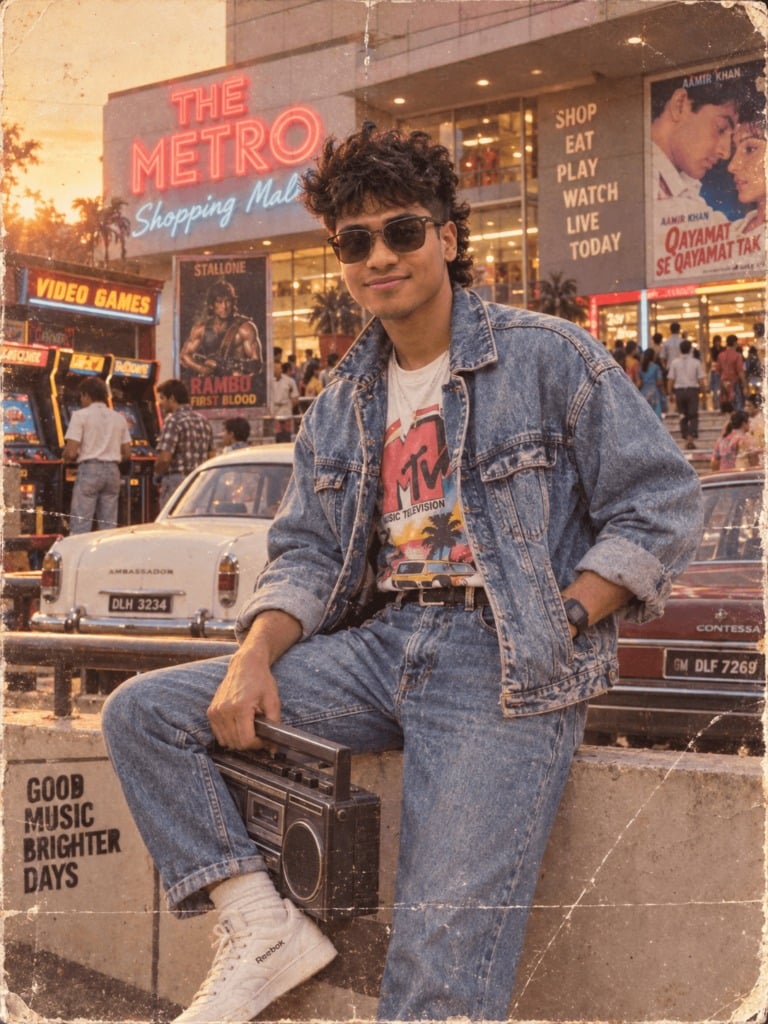
1988 Mall Style
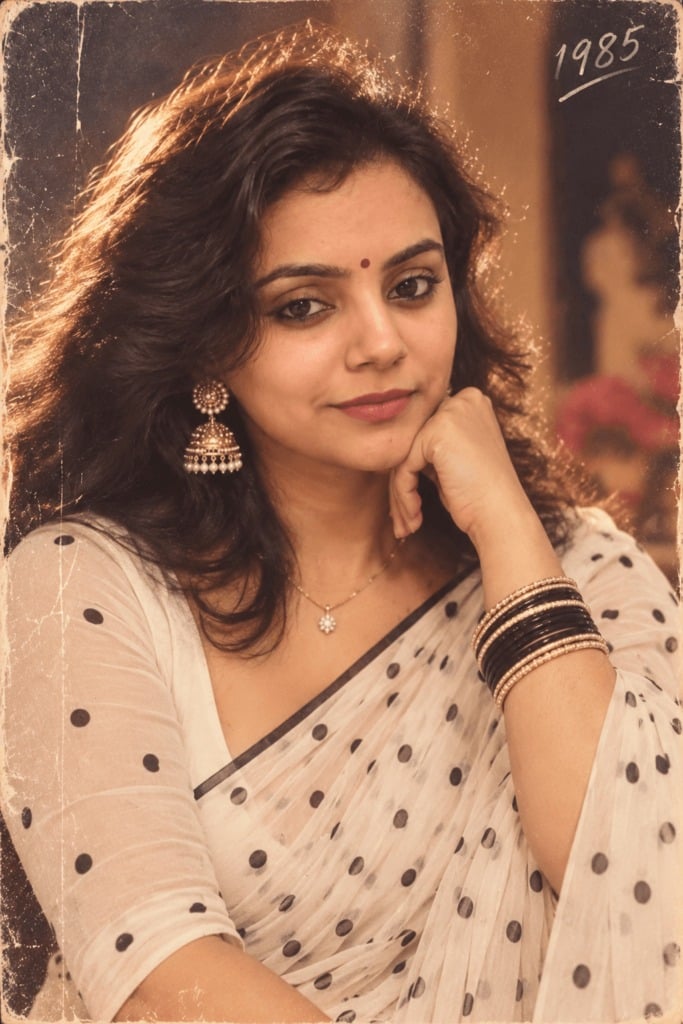
80s Polka Dot Saree
Make it yours
Midnight Blue Asuka Fashion Portrait works as-is. These are the safest ways to change it without losing the look.
Change one field
Copy a single group, rewrite it, and generate again so you can see what that field is doing.
Keep the frame, change the subject
Hold the composition and light of Midnight Blue Asuka Fashion Portrait, then swap wardrobe, props or the person for a new take.
| If the result… | Why | Fix |
|---|---|---|
| The result drifts from the preview | Too many fields changed at once. | Reuse Midnight Blue Asuka Fashion Portrait as-is first, then change one group — subject, light, or setting. |
| The model over-stylizes the scene | The prose prompt leaves finish and camera underspecified. | Add one camera or lighting sentence and stay on GPT Image 2. |
More GPT Image 2 templates
Other prompts made for GPT Image 2.

Six VTuber Japanese Logo Sheet

Realistic Portrait of Woman and Deer

The Vista Modular Condo Poster

AI Model Routing Comparison Infographic

2.5D Anime Art Board

Isometric Productivity Desk Scene

New York Double Exposure Poster

Four-Panel AI Landscape Comparison

Japanese Tatami Lifestyle Magazine Cover

NESCAFÉ Coffee Map Poster
More image prompts
Fresh picks from across the catalog.
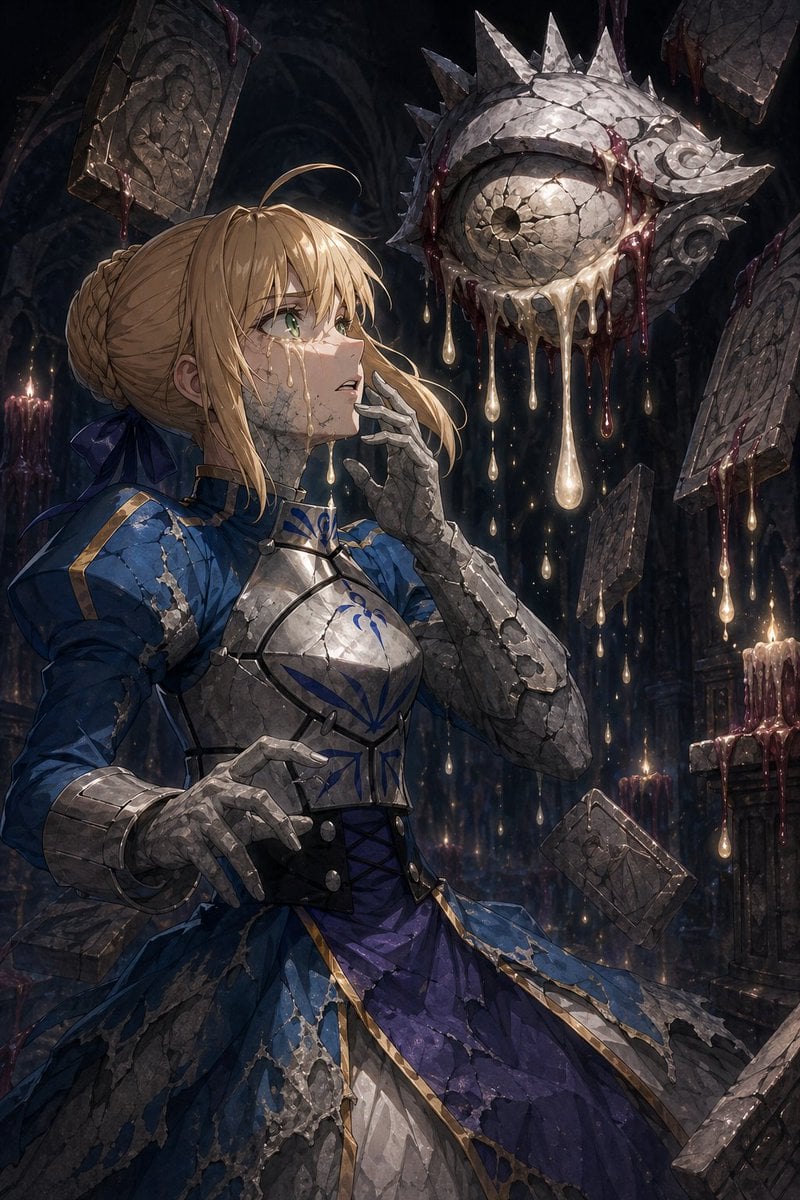
Partial Petrification Dark Fantasy Card Art
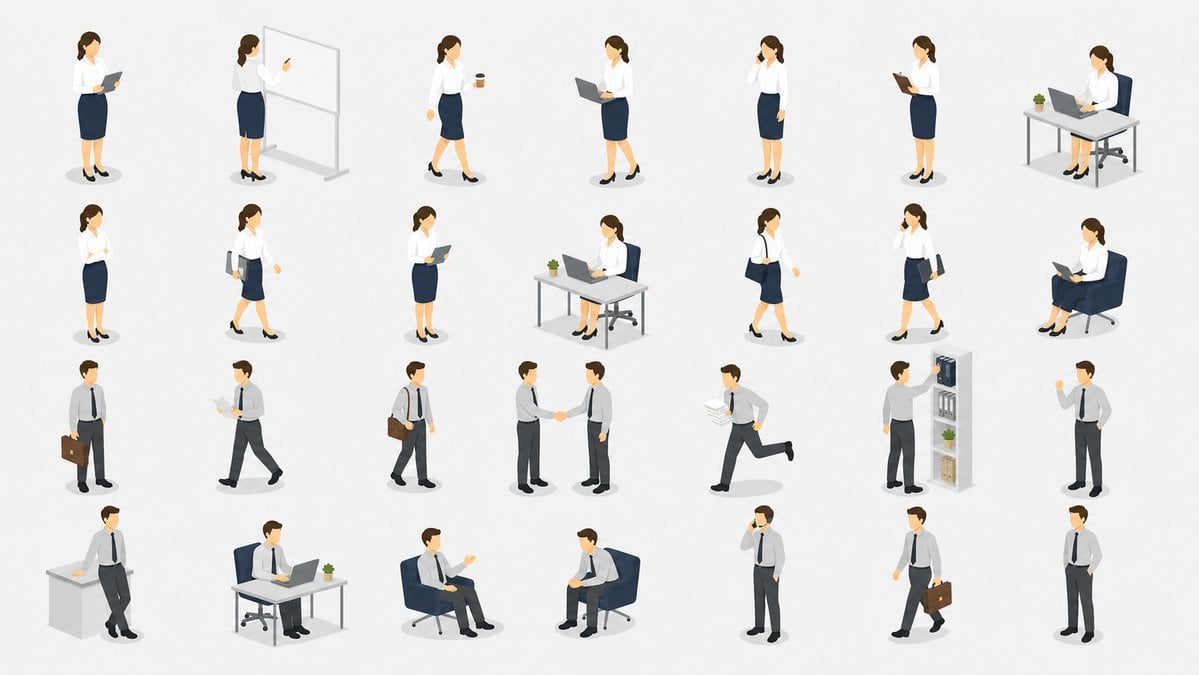
Isometric Office Worker Asset Sheet
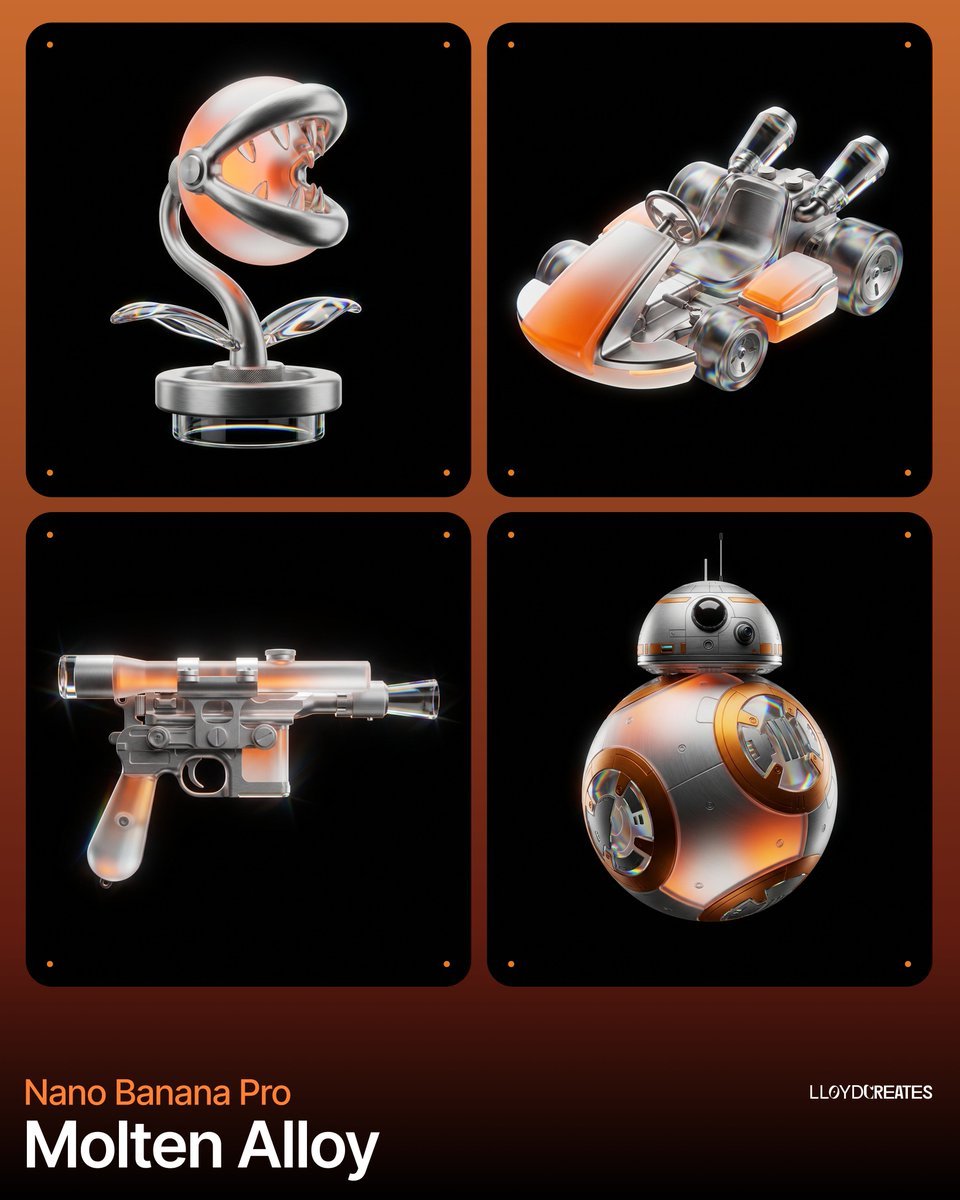
Molten Alloy Product Photography Prompt (JSON)
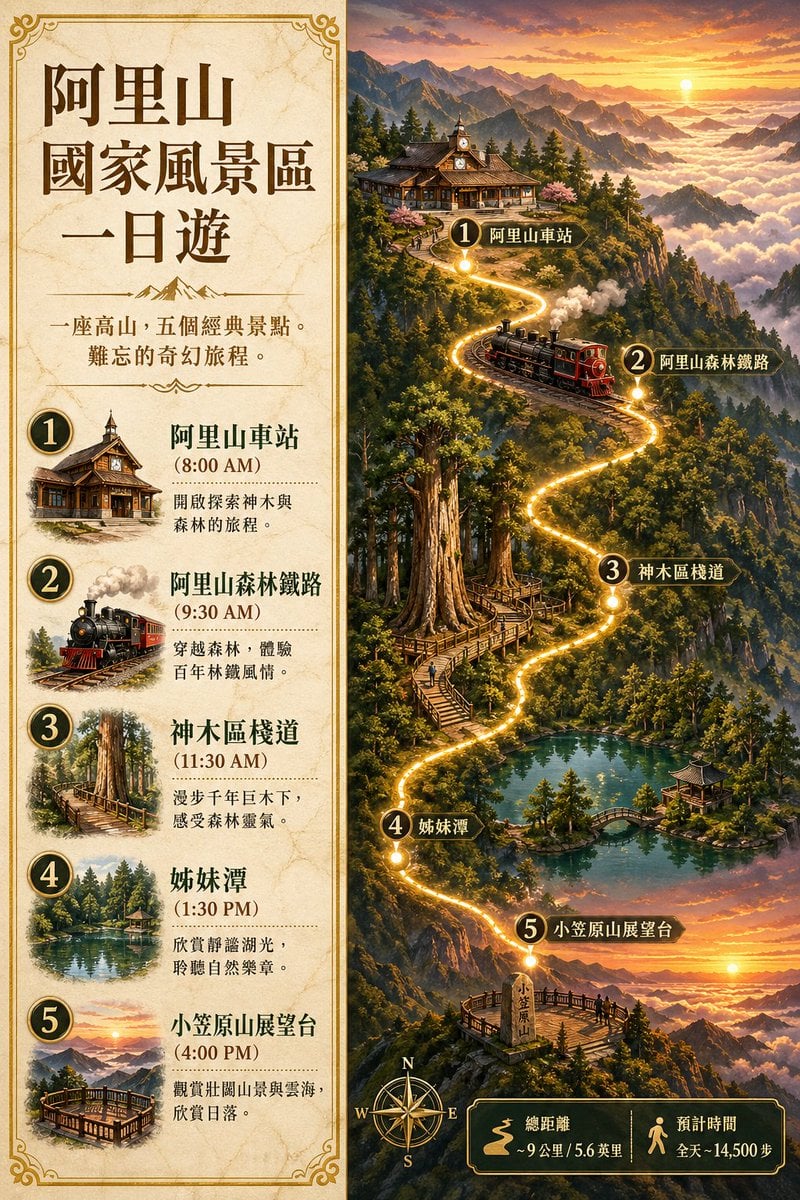
Gpt2 Infographic Edu Visual Alishan One Day Travel Poster
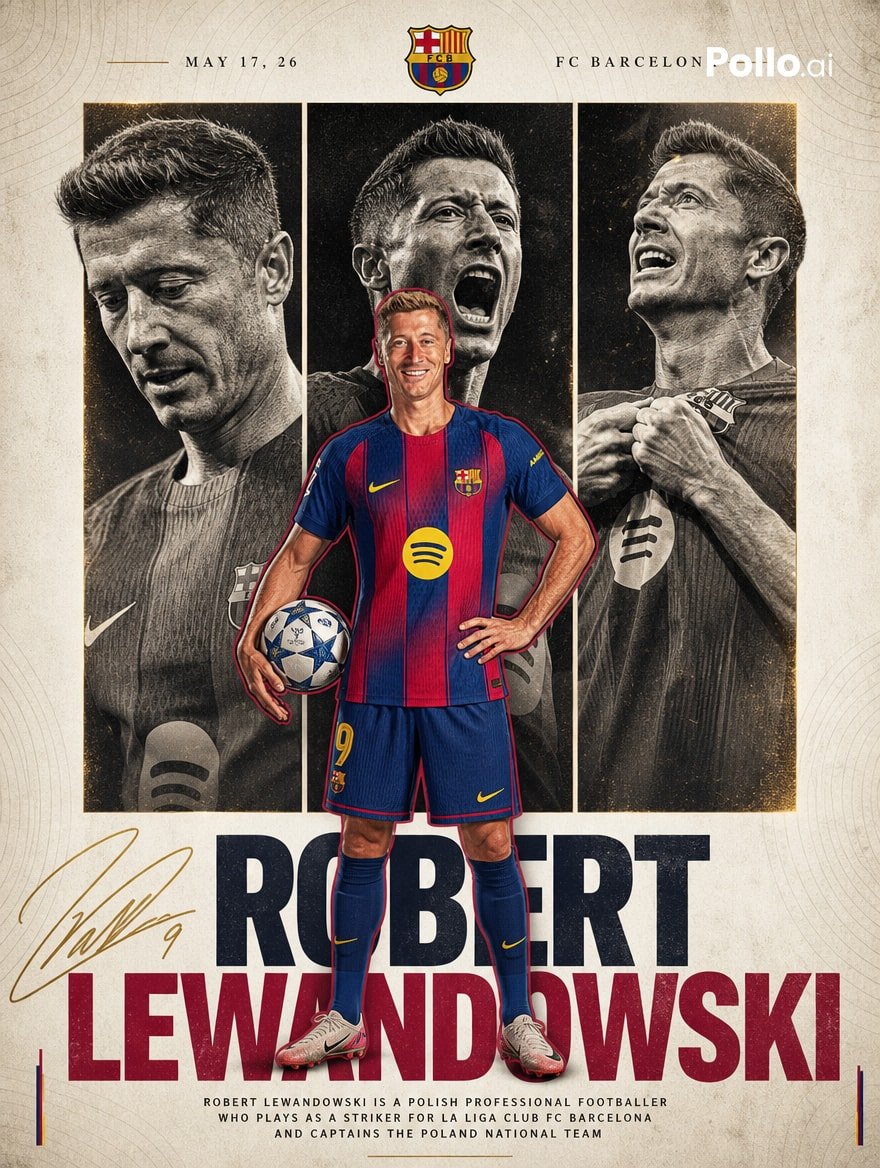
FC Barcelona Lewandowski Poster
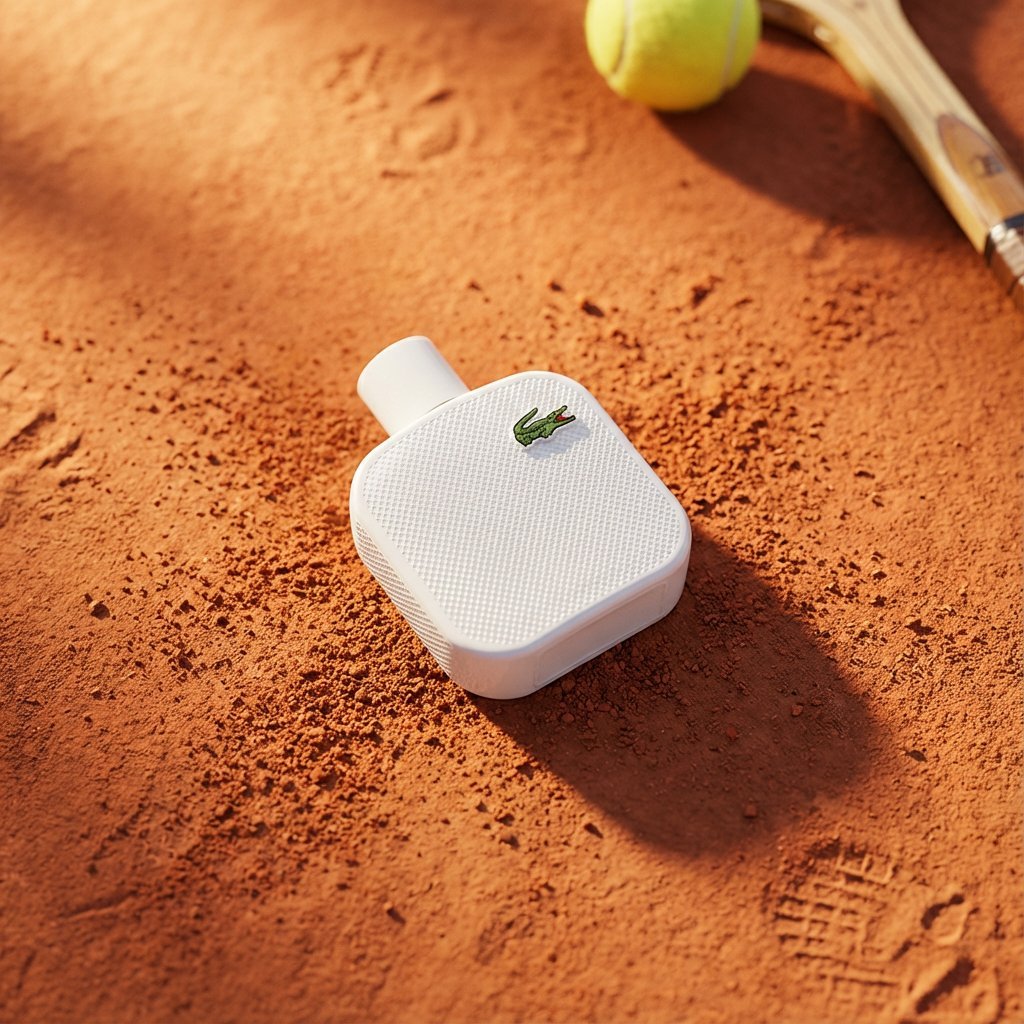
Premium Top-Down Product Marketing Shot Prompt
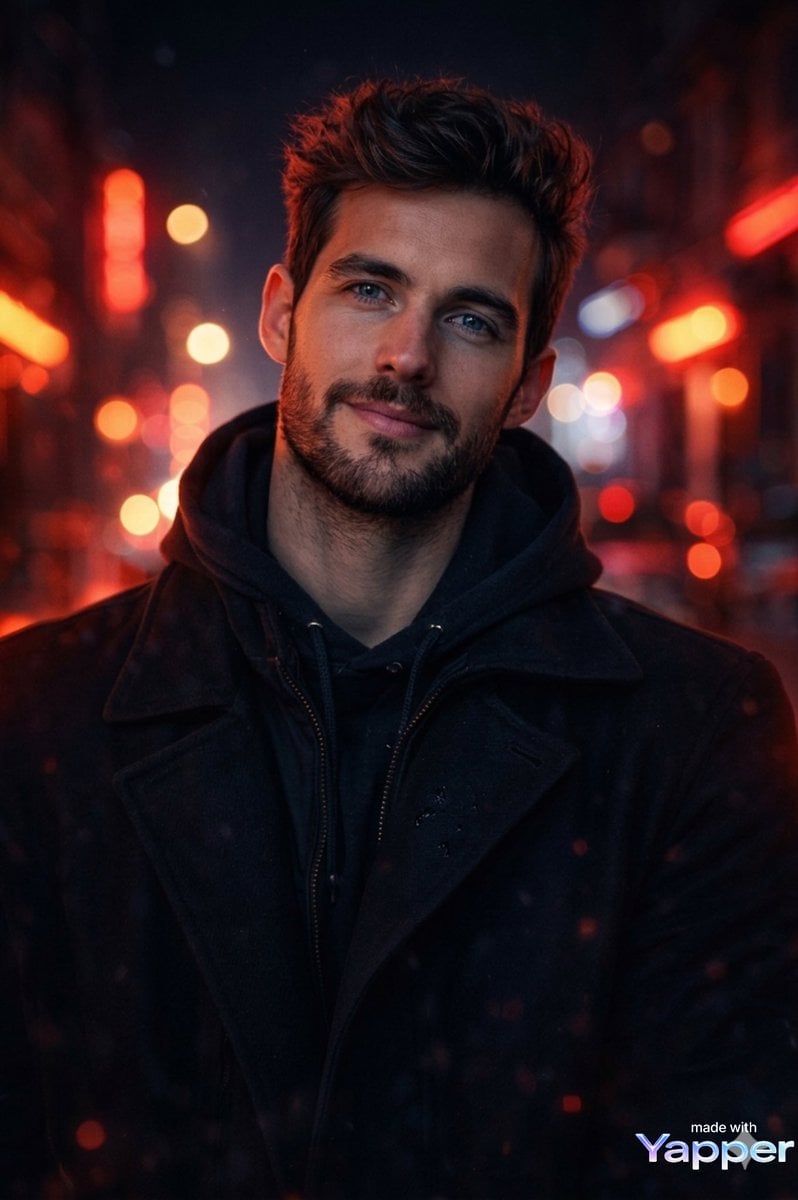
Cinematic Portrait Prompt with Neon Lighting
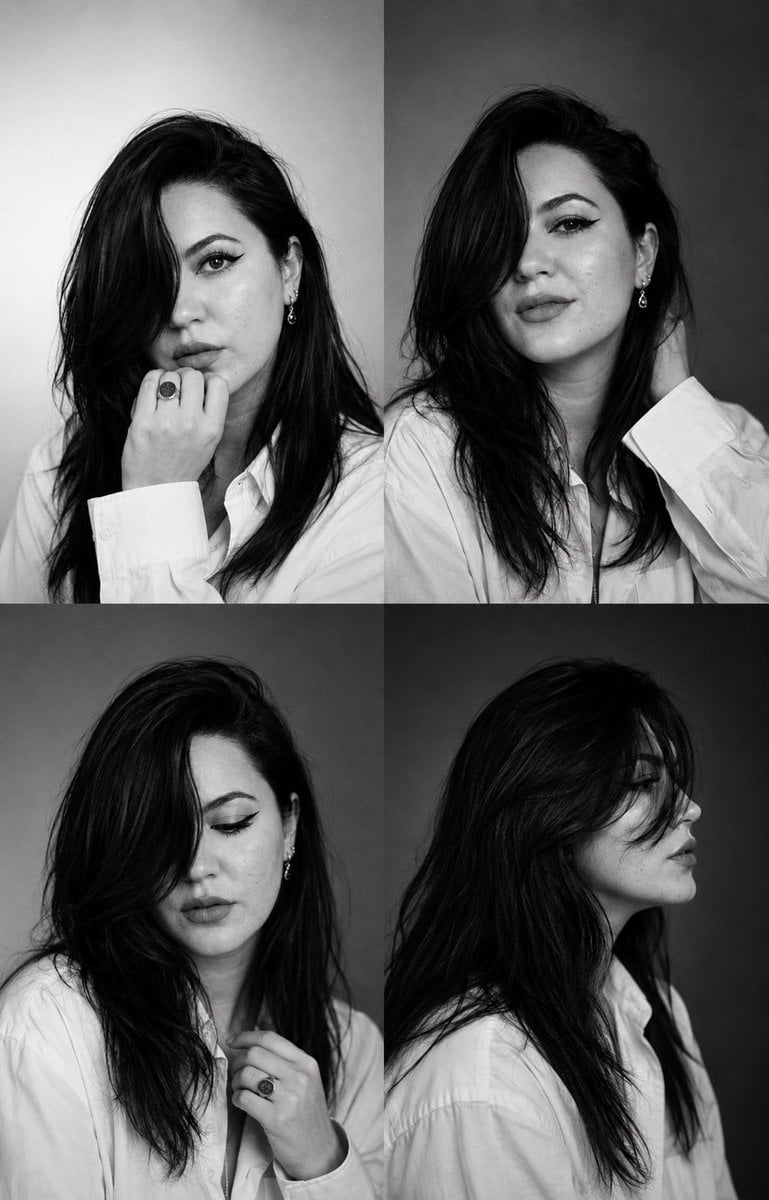
Monochrome Fashion Casting Contact Sheet
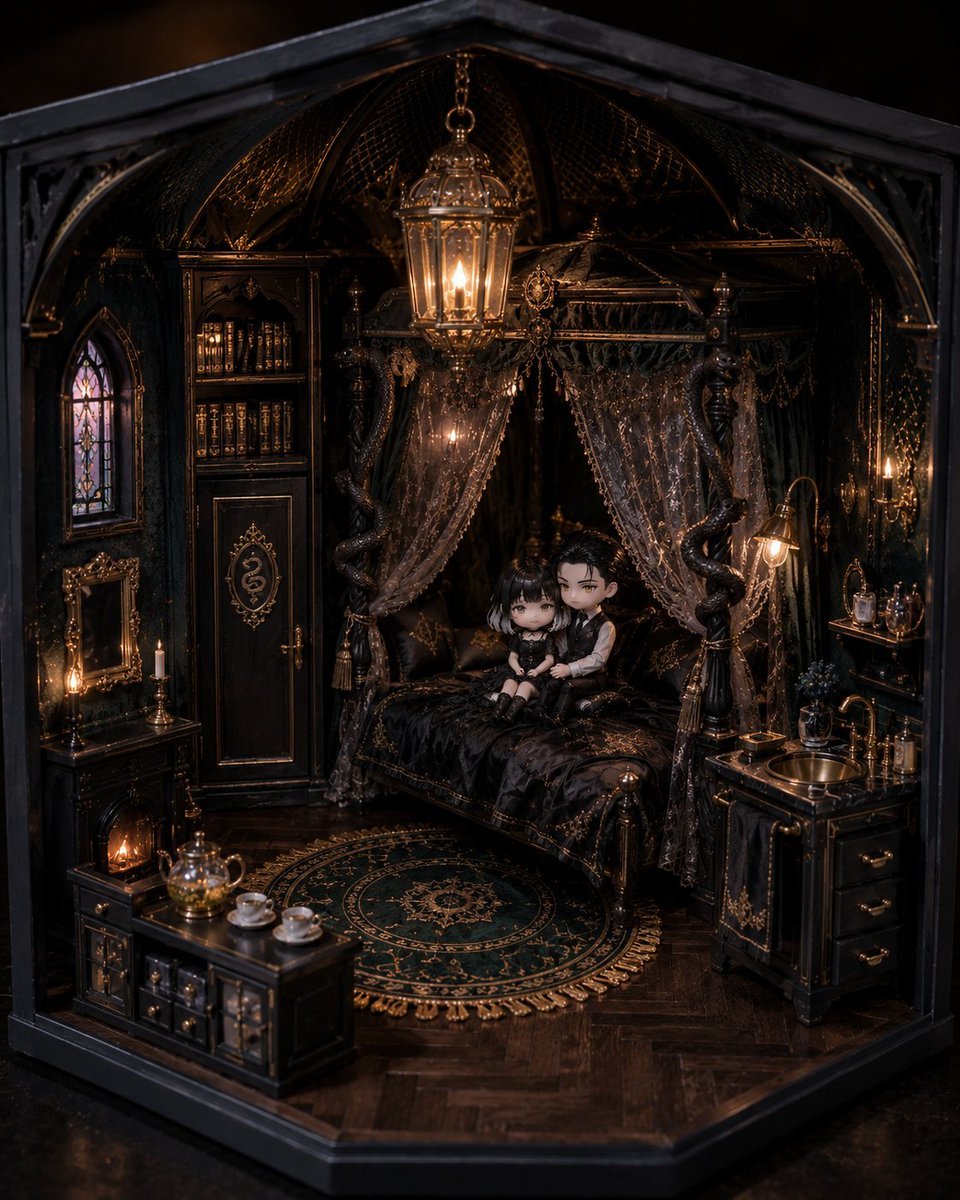
Gothic Miniature Dollhouse Bedroom
Anime ChatGPT Companion in Study
Browse template categories
Midnight Blue Asuka Fashion Portrait questions
How do I use the Midnight Blue Asuka Fashion Portrait template?
Add your photo if the template asks for one, edit the prompt if you like — the template's model and format are already selected — and press Generate. Your version opens in PicX Studio.
Can I customize the Midnight Blue Asuka Fashion Portrait template?
Yes. You can change the subject, setting, lighting, mood, format, and available model controls before creating your image.
Is the Midnight Blue Asuka Fashion Portrait template free?
Opening and editing this template is free. Generating uses credits, shown on the Generate button when you are signed in.
Which AI model should I use?
Start with GPT Image 2, which is the model associated with this template. You can compare another compatible model for a different finish.
Looking for something else? Browse all templates.

Your photo, any look
Thousands of ready templates for every top image and video model, from one credit balance.