
Vintage Cat Natural History Plate
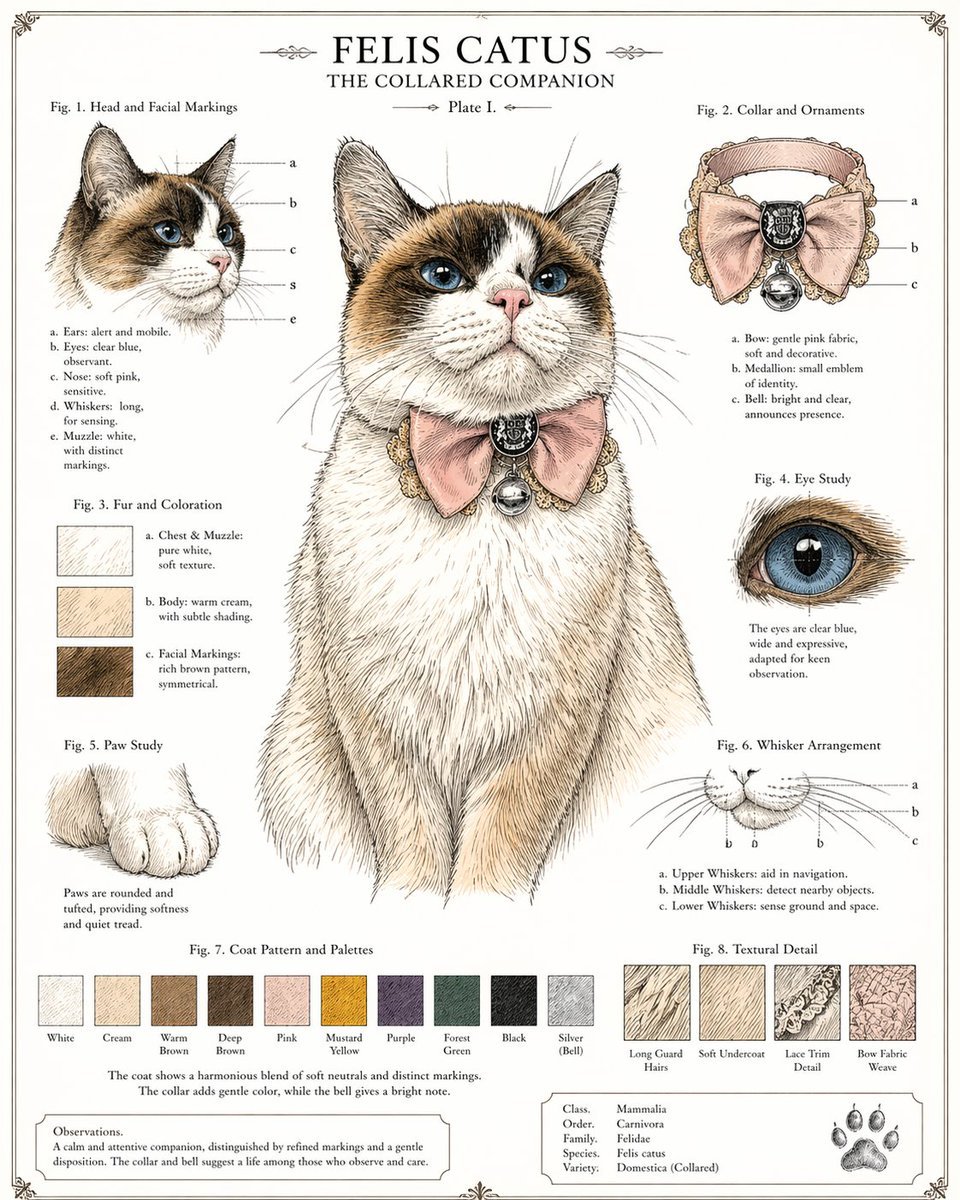
A detailed antique-style scientific illustration prompt for creating a whimsical domestic cat reference sheet with labeled studies, decorative typography, and an ornate pink bow collar.
- Prompt included
- Model and format preset
- Free template
The prompt behind this image
Copy the exact prompt behind Vintage Cat Natural History Plate, or open it in the studio and make it yours.
- Type
- vintage natural history style cat character sheet
- Subject › Species
- domestic cat
- Subject › Scientific Title
- FELIS CATUS
- Subject › Subtitle
- THE COLLARED COMPANION
- Subject › Plate
- Plate I.
- Subject › Pose
- front-facing seated portrait, centered, dignified posture, head slightly raised
- Subject › Expression
- calm, observant, gentle
- Subject › Fur › Base Color
- warm cream and white
- Subject › Fur › Markings
- symmetrical rich brown facial mask and ears, white blaze down the nose, white chest and muzzle
- Subject › Fur › Texture
- fine pen-and-ink crosshatching with delicate watercolor tinting
- Subject › Eyes › Color
- clear blue
- Subject › Eyes › Shape
- large, glossy, expressive
- Subject › Nose › Color
- soft pink
- Subject › Accessory › Type
- ornate collar
- Subject › Accessory › Details
- ruffled lace-trimmed collar with a large pale pink bow, dark oval medallion at the center, and a small silver bell hanging below
- Style › Overall
- Victorian zoological plate mixed with whimsical pet portraiture
- Style › Rendering
- highly detailed ink drawing, engraved illustration look, muted antique paper background, subtle watercolor washes
- Style › Palette
- cream, brown, white, dusty pink, silver, muted neutrals
- Style › Composition
- clean symmetrical infographic layout with one large central portrait and 7 smaller study panels around it
- Style › Border
- thin decorative antique frame with ornamental corner flourishes
- Style › Text Treatment
- serif typography, black labels, figure captions, scientific plate formatting
- Layout › Sections › 0 › Title
- Fig. 1. Head and Facial Markings
- Layout › Sections › 0 › Position
- upper left
- Layout › Sections › 0 › Count
- 1
Raw JSON
{"type":"vintage natural history style cat character sheet","subject":{"species":"domestic cat","scientific title":"FELIS CATUS","subtitle":"THE COLLARED COMPANION","plate":"Plate I.","pose":"front-facing seated portrait, centered, dignified posture, head slightly raised","expression":"calm, observant, gentle","fur":{"base color":"warm cream and white","markings":"symmetrical rich brown facial mask and ears, white blaze down the nose, white chest and muzzle","texture":"fine pen-and-ink crosshatching with delicate watercolor tinting"},"eyes":{"color":"clear blue","shape":"large, glossy, expressive"},"nose":{"color":"soft pink"},"accessory":{"type":"ornate collar","details":"ruffled lace-trimmed collar with a large pale pink bow, dark oval medallion at the center, and a small silver bell hanging below"}},"style":{"overall":"Victorian zoological plate mixed with whimsical pet portraiture","rendering":"highly detailed ink drawing, engraved illustration look, muted antique paper background, subtle watercolor washes","palette":"cream, brown, white, dusty pink, silver, muted neutrals","composition":"clean symmetrical infographic layout with one large central portrait and 7 smaller study panels around it","border":"thin decorative antique frame with ornamental corner flourishes","text treatment":"serif typography, black labels, figure captions, scientific plate formatting"},"layout":{"sections":[{"title":"Fig. 1. Head and Facial Markings","position":"upper left","count":1,"labels":["a","b","c","s","e"]},{"title":"Fig. 2. Collar and Ornaments","position":"upper right","count":1,"labels":["a","b","c"]},{"title":"Fig. 3. Fur and Coloration","position":"left middle","count":3,"labels":["a. Chest & Muzzle","b. Body","c. Facial Markings"]},{"title":"Fig. 4. Eye Study","position":"right upper-middle","count":1,"labels":[]},{"title":"Fig. 5. Paw Study","position":"left lower-middle","count":1,"labels":[]},{"title":"Fig. 6. Whisker Arrangement","position":"right lower-middle","count":3,"labels":["a","b","c"]},{"title":"Fig. 7. Coat Pattern and Palettes","position":"bottom center","count":10,"labels":["White","Cream","Warm Brown","Deep Brown","Pink","Mustard Yellow","Purple","Forest Green","Black","Silver (Bell)"]},{"title":"Fig. 8. Textural Detail","position":"bottom right","count":4,"labels":["Long Guard Hairs","Soft Undercoat","Lace Trim Detail","Bow Fabric Weave"]}],"centerpiece":"large full bust portrait of the cat wearing the bow collar","additional elements":{"bottom left box":"observational note paragraph","bottom right box":"taxonomy table with 5 rows","bottom right corner":"single paw print emblem"}},"text":{"top title":"FELIS CATUS","top subtitle":"THE COLLARED COMPANION","plate":"Plate I.","taxonomy rows":["Class. Mammalia","Order. Carnivora","Family. Felidae","Species. Felis catus","Variety. Domestica (Collared)"],"captions summary":"The annotations describe ears, eyes, nose, whiskers, muzzle, collar parts, fur regions, eye clarity, paw softness, whisker function, color palette, and textile textures."}}How to use Vintage Cat Natural History Plate in 3 steps
- 1Upload ImagePNG, JPG or paste
Add your photo
Upload the photo the template builds on. The prompt, model and format are already set.
- 2…a portrait of your subject in softgolden-hour light, 85mm…
Personalize
Edit the subject and creative details for your destination.
- 3Generate
Generate
Press Generate — your image is created in PicX Studio, so you can compare it with the original and refine one variable at a time.
More like this
Templates with the same subject, style or setup. Open one to see its prompt.











Make it yours
Vintage Cat Natural History Plate works as-is. These are the safest ways to change it without losing the look.
Change one field
Copy a single group, rewrite it, and generate again so you can see what that field is doing.
Keep the frame, change the subject
Hold the composition and light of Vintage Cat Natural History Plate, then swap wardrobe, props or the person for a new take.
| If the result… | Why | Fix |
|---|---|---|
| The result drifts from the preview | Too many fields changed at once. | Reuse Vintage Cat Natural History Plate as-is first, then change one group — subject, light, or setting. |
| GPT Image 2 ignores part of the JSON | Some models flatten or skip nested keys. | Keep the same values and paste them as a short paragraph instead. |
More GPT Image 2 templates
Other prompts made for GPT Image 2.

Six VTuber Japanese Logo Sheet

Realistic Portrait of Woman and Deer

The Vista Modular Condo Poster

AI Model Routing Comparison Infographic

2.5D Anime Art Board

Isometric Productivity Desk Scene

New York Double Exposure Poster

Four-Panel AI Landscape Comparison

Japanese Tatami Lifestyle Magazine Cover

NESCAFÉ Coffee Map Poster
More image prompts
Fresh picks from across the catalog.
3D Luxury Creator Workspace Poster
Fashion Editorial Portrait on Modern Sofa Prompt
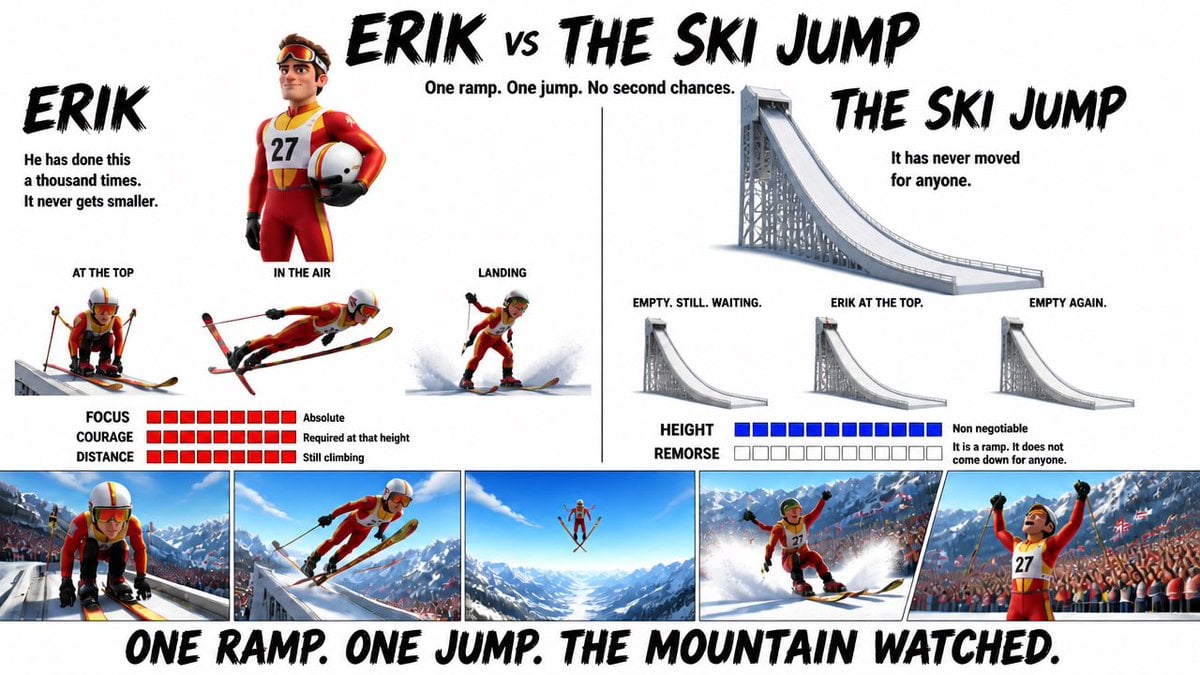
Pixar Style Character Design Sheet
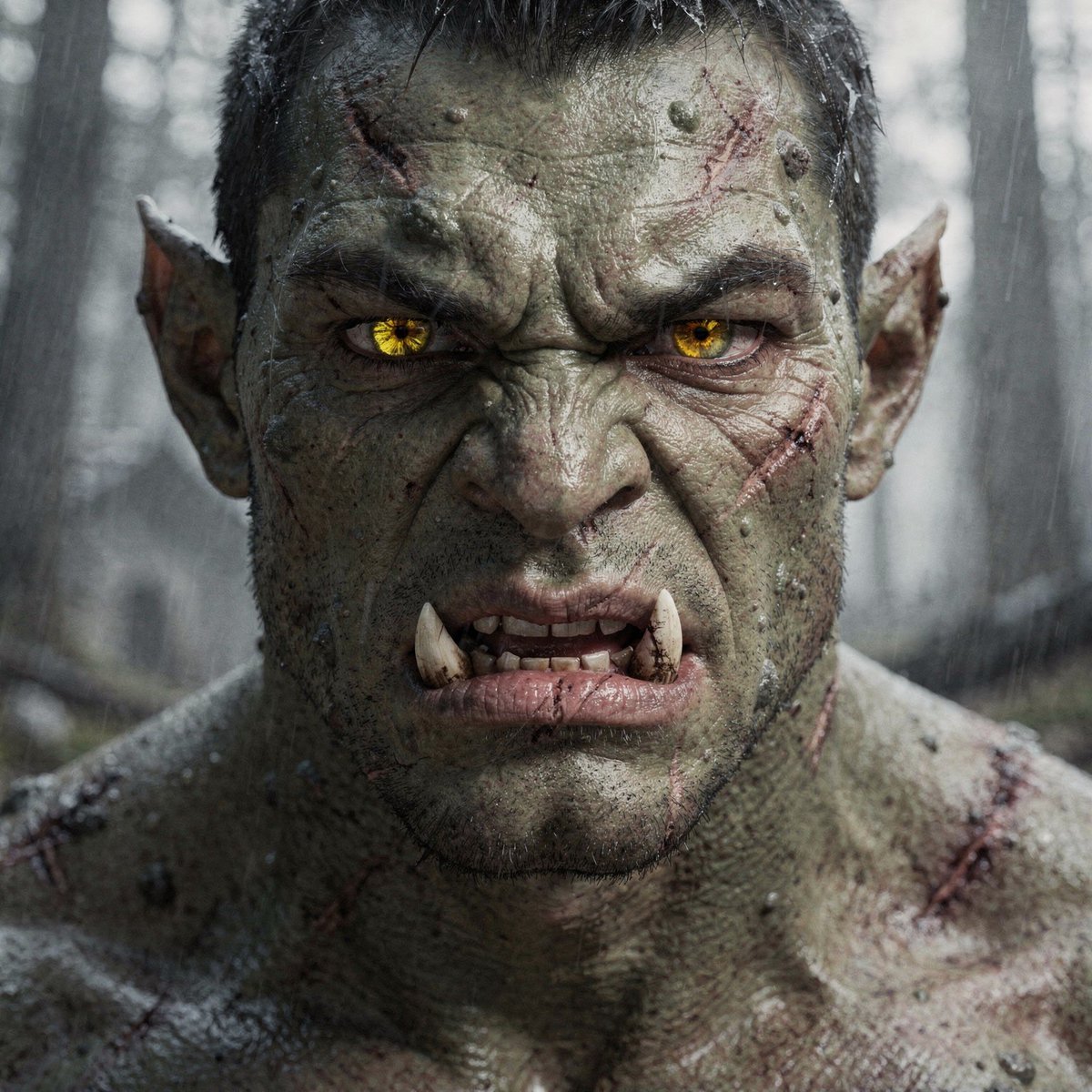
Hyper-Real Orc Realism Test Prompt
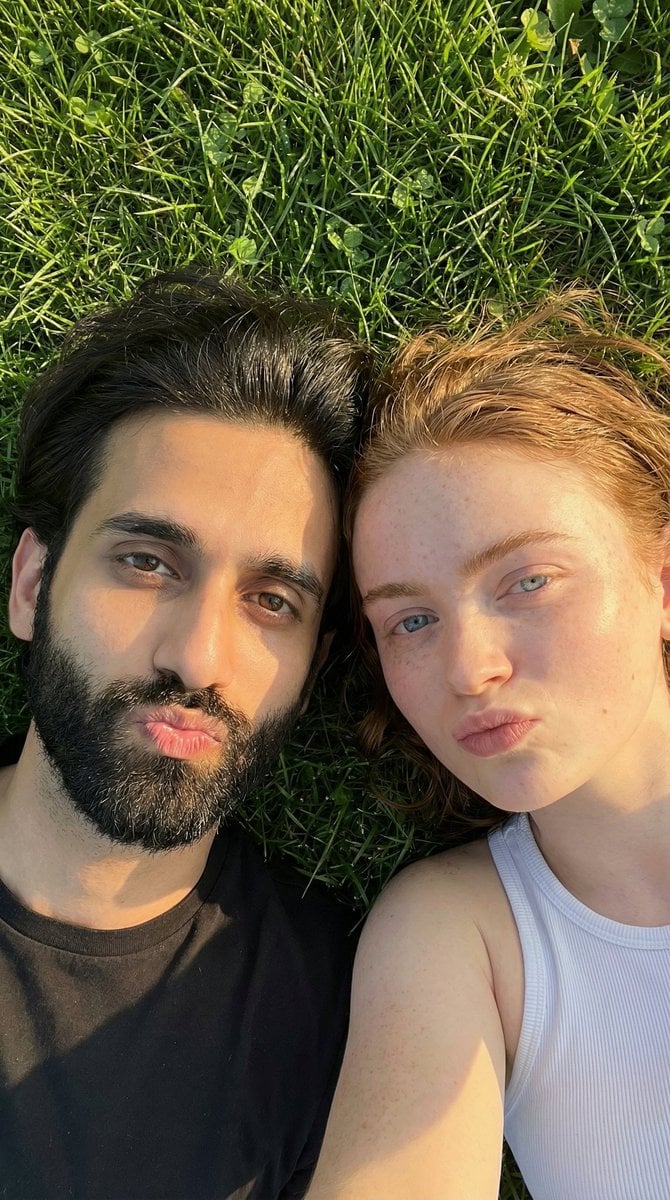
Golden Hour Selfie Couple
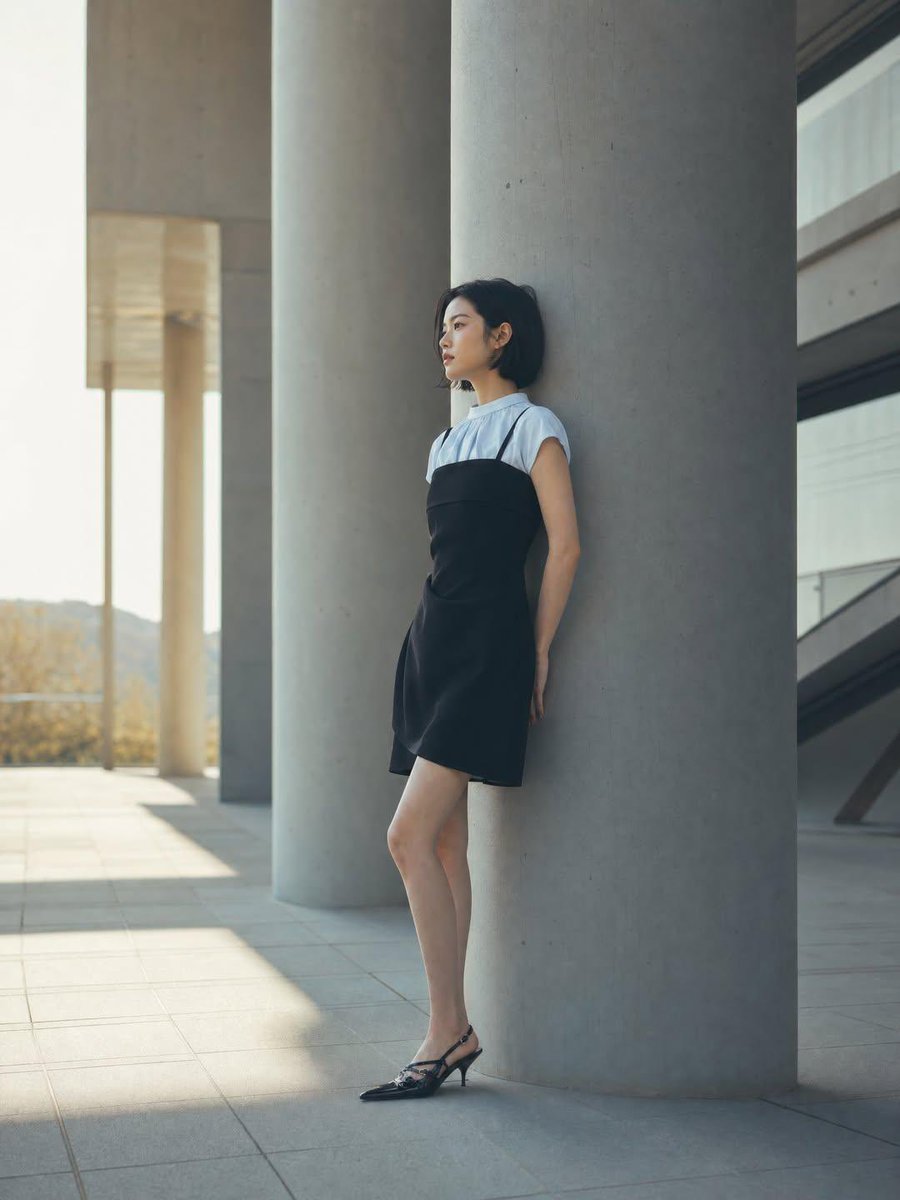
Minimalist Architectural Fashion Editorial
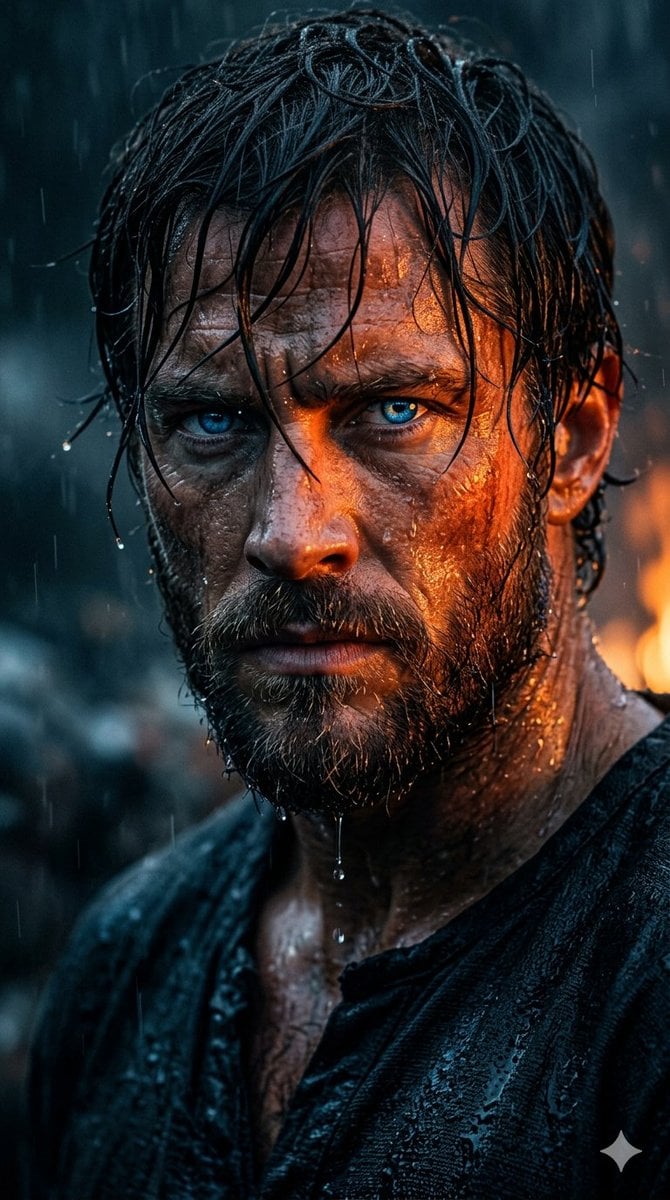
Rugged Cinematic Rain Portrait
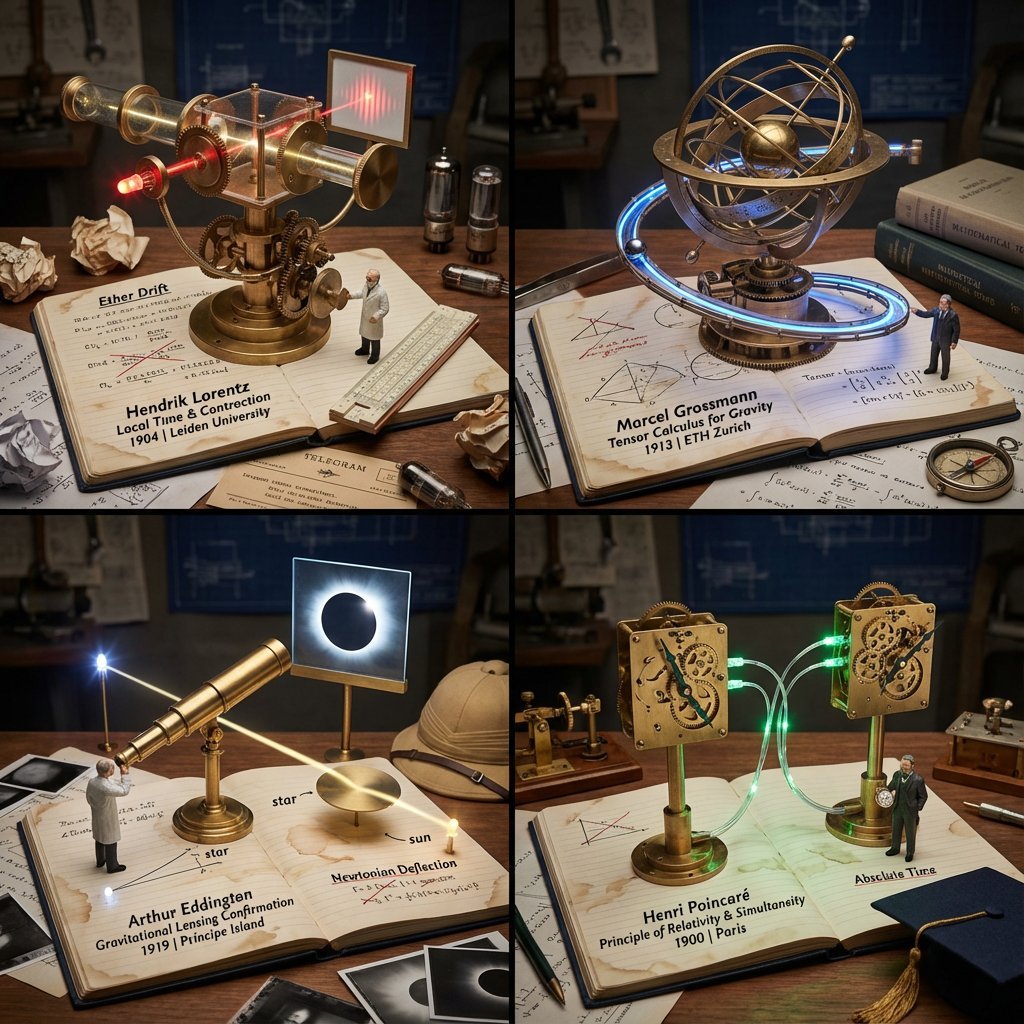
Scientific Discovery Visualization: Kinetic Sculpture Lab Notebook
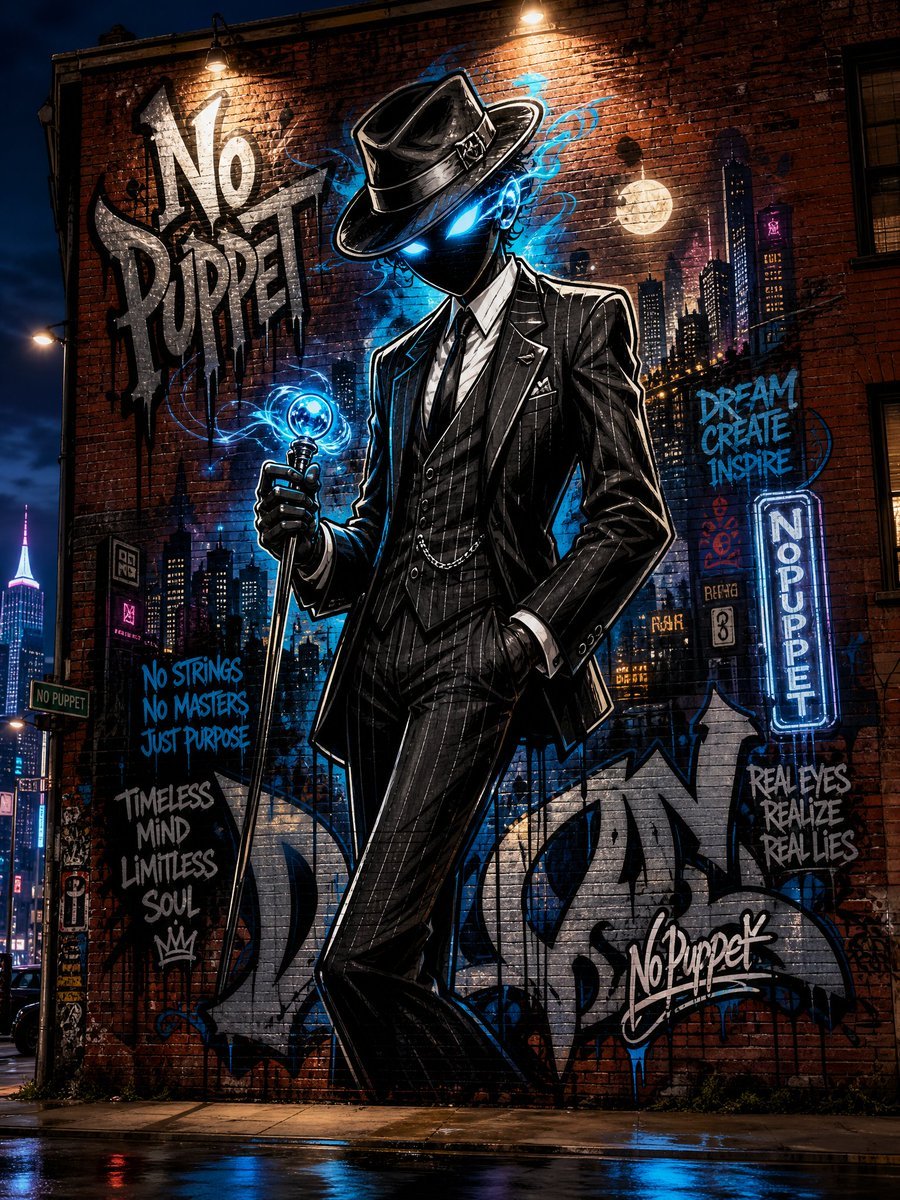
No Puppet Noir Graffiti Mural
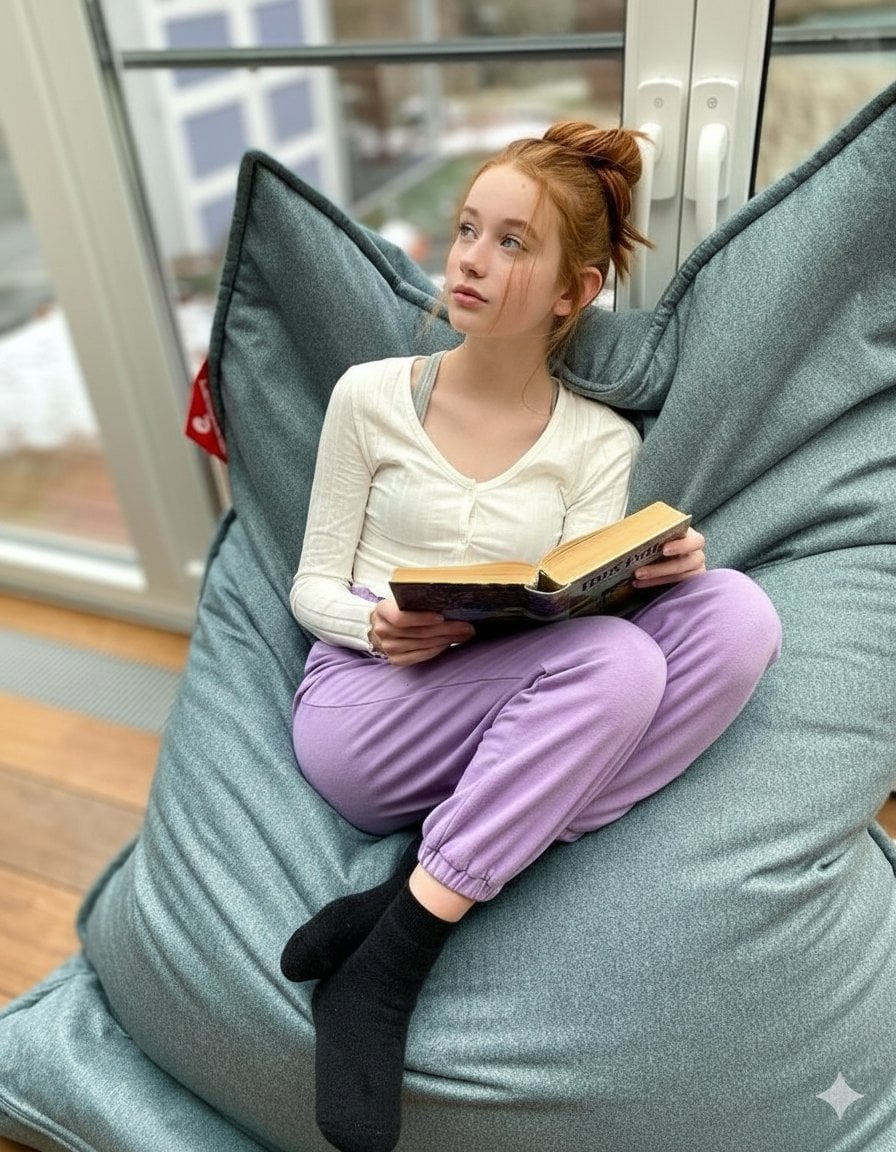
Cozy Teenage Girl Reading Portrait Prompt
Browse template categories
Vintage Cat Natural History Plate questions
How do I use the Vintage Cat Natural History Plate template?
Add your photo if the template asks for one, edit the prompt if you like — the template's model and format are already selected — and press Generate. Your version opens in PicX Studio.
Can I customize the Vintage Cat Natural History Plate template?
Yes. You can change the subject, setting, lighting, mood, format, and available model controls before creating your image.
Is the Vintage Cat Natural History Plate template free?
Opening and editing this template is free. Generating uses credits, shown on the Generate button when you are signed in.
Which AI model should I use?
Start with GPT Image 2, which is the model associated with this template. You can compare another compatible model for a different finish.
Looking for something else? Browse all templates.

Your photo, any look
Thousands of ready templates for every top image and video model, from one credit balance.