
Life Transition Emotional Pathway
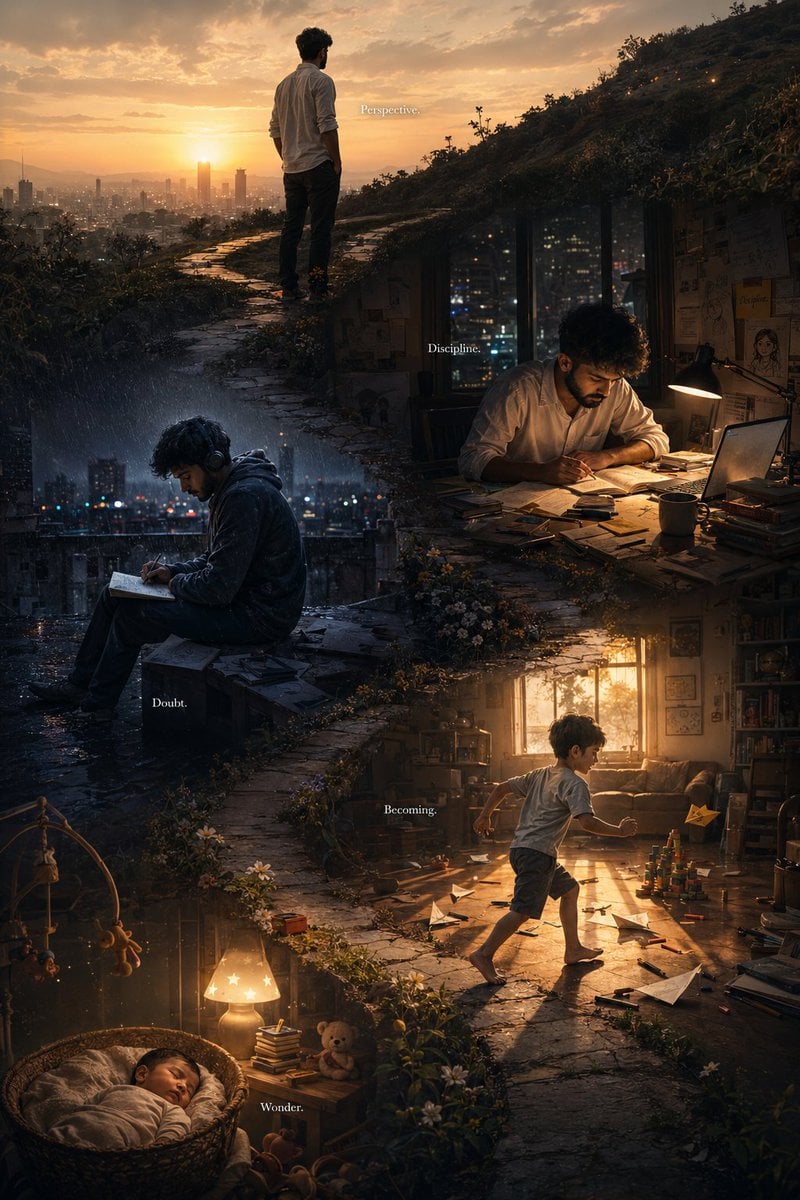
Visualizes the human lifecycle through interconnected environments, blending memories from birth to old age.
- Prompt included
- Model and format preset
- Free template
The prompt behind this image
Copy the exact prompt behind Life Transition Emotional Pathway, or open it in the studio and make it yours.
Create a cinematic visual titled: “THE PEOPLE WE BECOME.” The image should depict multiple stages of one human life existing simultaneously inside a single interconnected environment shaped by memory, growth and emotional transition. Avoid the feeling of: - a motivational poster, - a staircase timeline, - or separate portraits pasted together. Instead, the world itself should evolve naturally between life phases as if memories are physically blending into one another. The composition follows a winding stone pathway moving through different emotional spaces connected seamlessly across the image. At the bottom of the frame: A newborn sleeps inside a softly lit woven cradle near a dim bedside lamp. The atmosphere feels warm, silent and untouched. Nearby: - folded baby blankets, - soft shadows, - wooden toys, - faint moonlight through curtains, - dust particles drifting in warm air. The pathway slowly transitions into early childhood. A young child runs barefoot through a living room filled with scattered crayons, comic books, paper airplanes and half-built toy structures. Late-afternoon sunlight pours through large windows and reflects softly across wooden floors. The environment gradually changes again without hard separation. The next version appears around age 13: sitting alone on a rooftop during light rainfall wearing headphones and holding a notebook. Distant city lights blur softly behind him while unfinished sketches scatter beside him. The atmosphere becomes quieter and emotionally uncertain. Further along the path: A university-age version studies late at night at a cluttered desk illuminated only by a warm desk lamp and laptop screen. Around him: - highlighted textbooks, - coffee cups, - handwritten notes, - exhaustion, - ambition, - and isolation. Rain reflects softly across the apartment window behind him. At the highest point of the composition: An older version stands quietly overlooking a sunrise city skyline from a hillside path above the city. He looks calm rather than triumphant. His clothing is simple and grounded: rolled sleeves, slightly tired posture, hands in pockets, wind moving softly through his shirt. He should visibly feel like the same person shaped by every previous version. The transitions between life stages should contain subtle symbolic continuity: - flowers growing through cracks in concrete, - notebook pages blending into city architecture, - rainwater reflections becoming skyline lights, - old drawings faintly appearing on apartment walls, - childhood objects partially hidden inside later environments. Typography should remain minimal and restrained. Small serif text placed naturally near each stage: “Wonder.” “Becoming.” “Doubt.” “Discipline.” “Perspective.” No motivational quotes. No oversized typography. Lighting should evolve emotionally throughout the image: - warm soft childhood tones, - cooler rainy teenage atmosphere, - isolated tungsten lighting during study years, - balanced sunrise light in adulthood. The realism should feel grounded: - believable facial continuity across ages, - natural environmental texture, - subtle lens softness, - realistic lighting behavior, - physically believable spaces, - quiet cinematic atmosphere. The image should feel intimate and reflective rather than grand or overly dramatic. Mood: memory, identity, growth, loneliness, ambition, emotional evolution and the quiet passage of time.
How to use Life Transition Emotional Pathway in 3 steps
- 1
Open
The prompt is already in the box next to the preview, with the template's model and format selected.
- 2…a portrait of your subject in softgolden-hour light, 85mm…
Personalize
Edit the subject and creative details for your destination.
- 3Generate
Generate
Press Generate — your image is created in PicX Studio, so you can compare it with the original and refine one variable at a time.
More like this
Templates with the same subject, style or setup. Open one to see its prompt.
4x4 Grid - Candid Nostalgic Vacation Selfies
Seedance - Character Transition
Geometric Emotional Window Poster

Mushroom Still Life Composition
Emotional Watercolor Grief Art
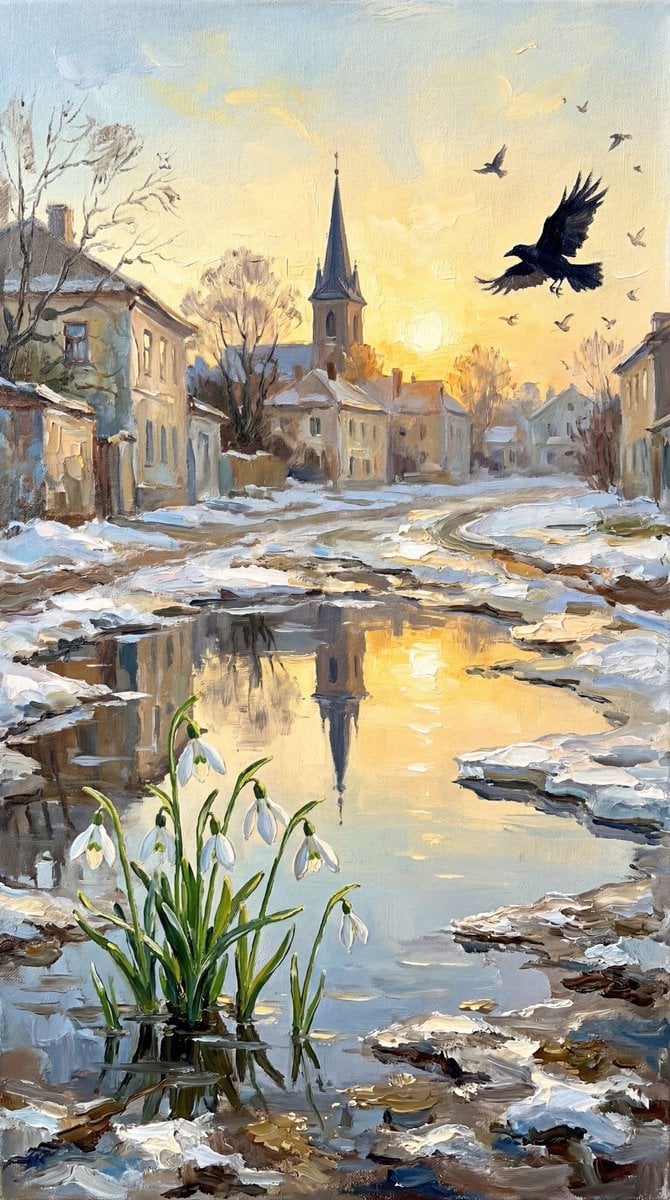
A surreal, high-resolution conceptual image depicting the transition

Meadow Lifestyle Quote Poster

Five-Slice Emotional Fashion Portrait

Playful Semi-Chibi Lifestyle Editorial

Nostalgic Summer '26 Lifestyle Photo
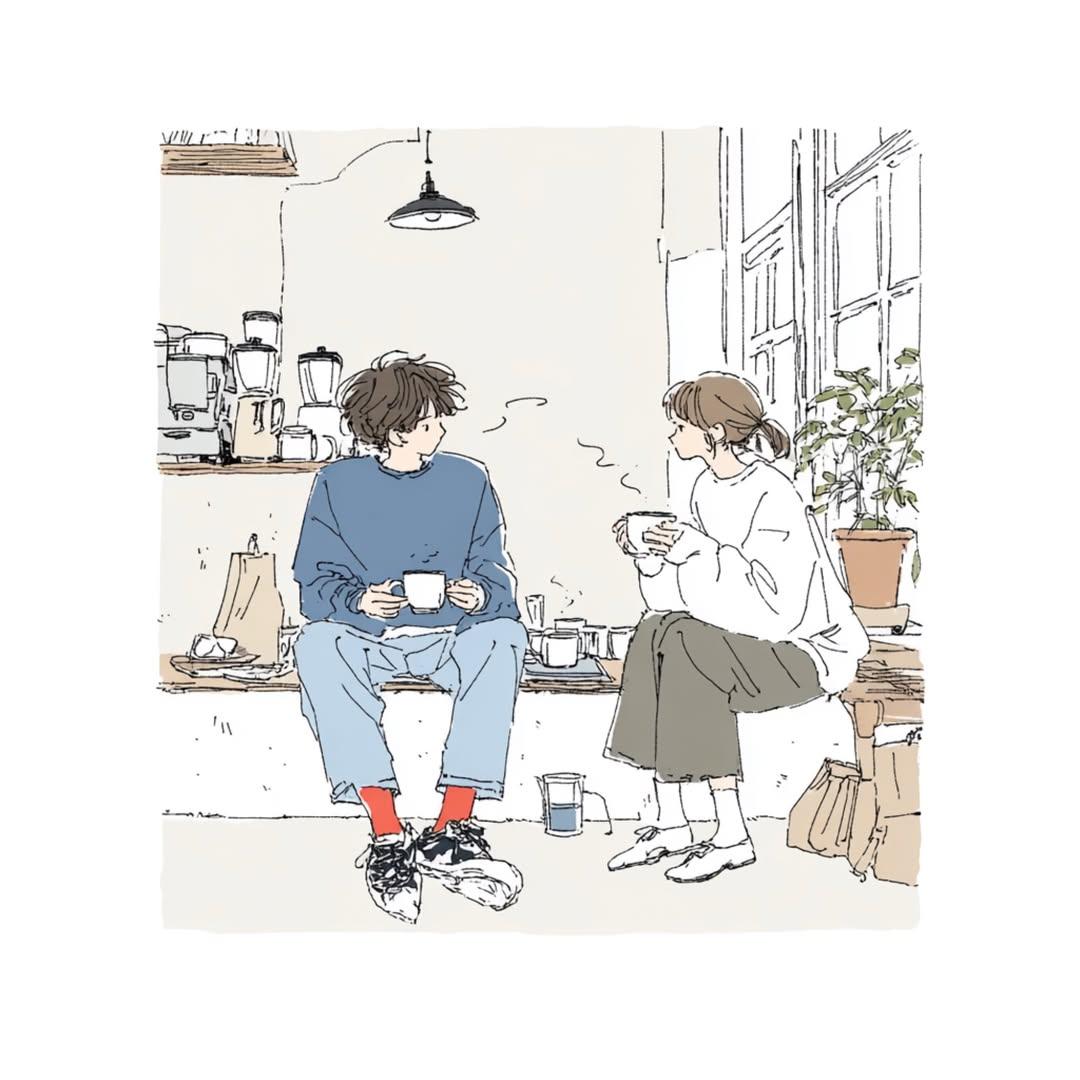
Japanese Lifestyle Sketch Illustration
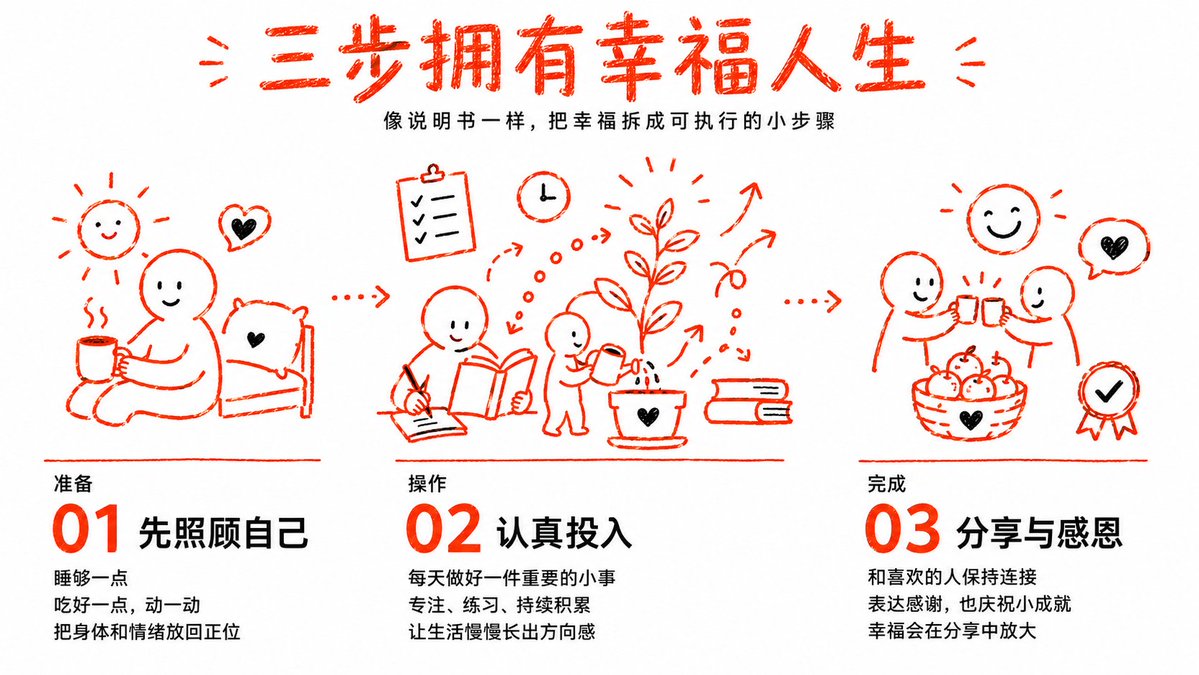
Three Steps to a Happy Life Infographic
Make it yours
Life Transition Emotional Pathway works as-is. These are the safest ways to change it without losing the look.
Change one field
Copy a single group, rewrite it, and generate again so you can see what that field is doing.
Keep the frame, change the subject
Hold the composition and light of Life Transition Emotional Pathway, then swap wardrobe, props or the person for a new take.
| If the result… | Why | Fix |
|---|---|---|
| The result drifts from the preview | Too many fields changed at once. | Reuse Life Transition Emotional Pathway as-is first, then change one group — subject, light, or setting. |
| The model over-stylizes the scene | The prose prompt leaves finish and camera underspecified. | Add one camera or lighting sentence and stay on GPT Image 2. |
More GPT Image 2 templates
Other prompts made for GPT Image 2.

Six VTuber Japanese Logo Sheet

Realistic Portrait of Woman and Deer

The Vista Modular Condo Poster

AI Model Routing Comparison Infographic

2.5D Anime Art Board

Isometric Productivity Desk Scene

New York Double Exposure Poster

Four-Panel AI Landscape Comparison

Japanese Tatami Lifestyle Magazine Cover

NESCAFÉ Coffee Map Poster
More image prompts
Fresh picks from across the catalog.
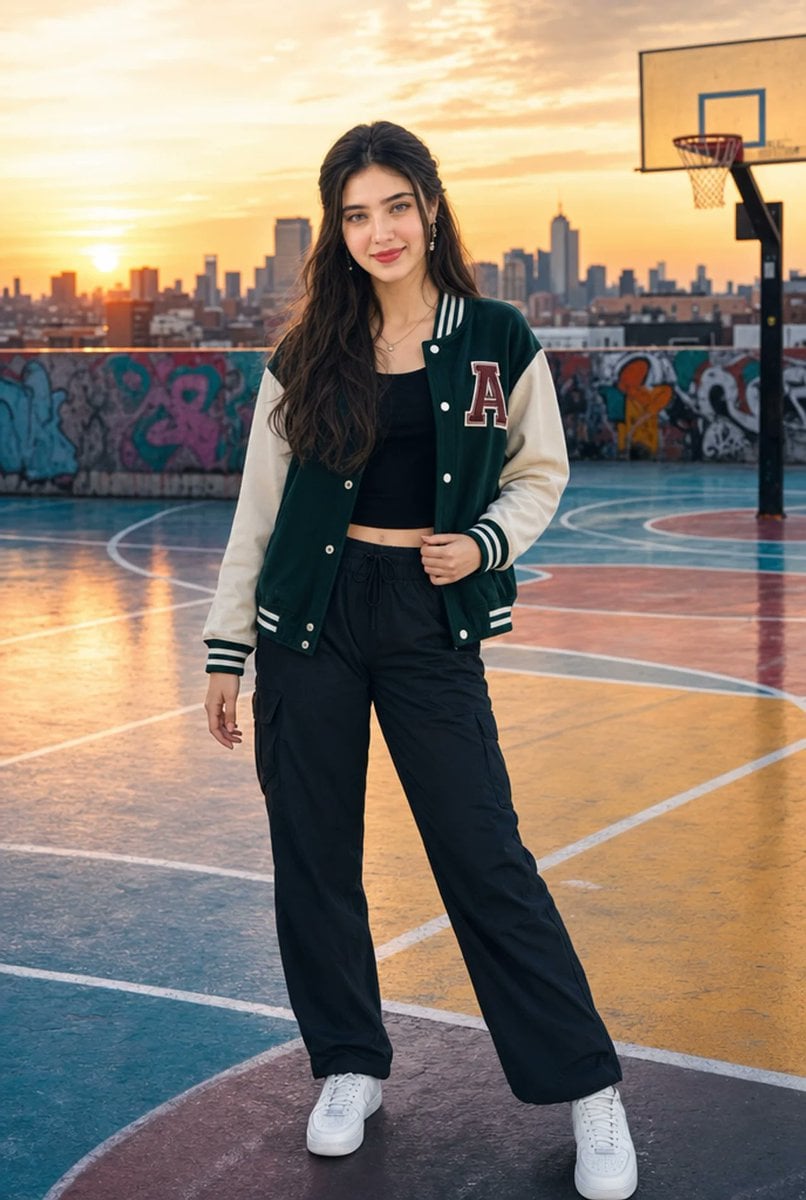
Urban Rooftop Varsity Jacket Portrait
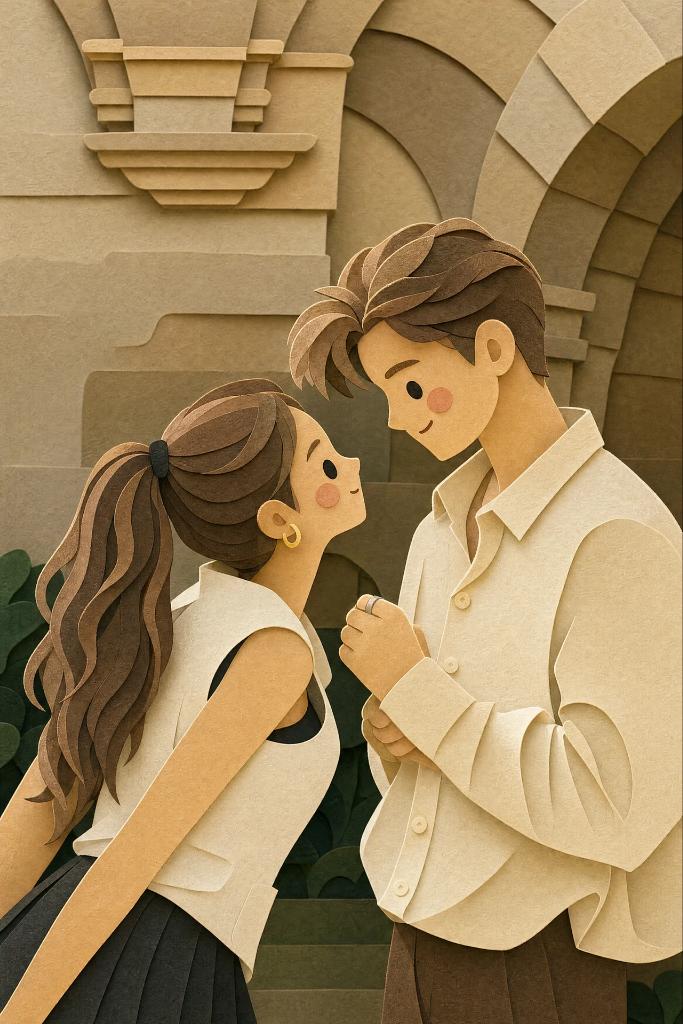
Layered Paper-Cut Style Illustration

Mini-Me Q-Version Avatar Generation Prompt
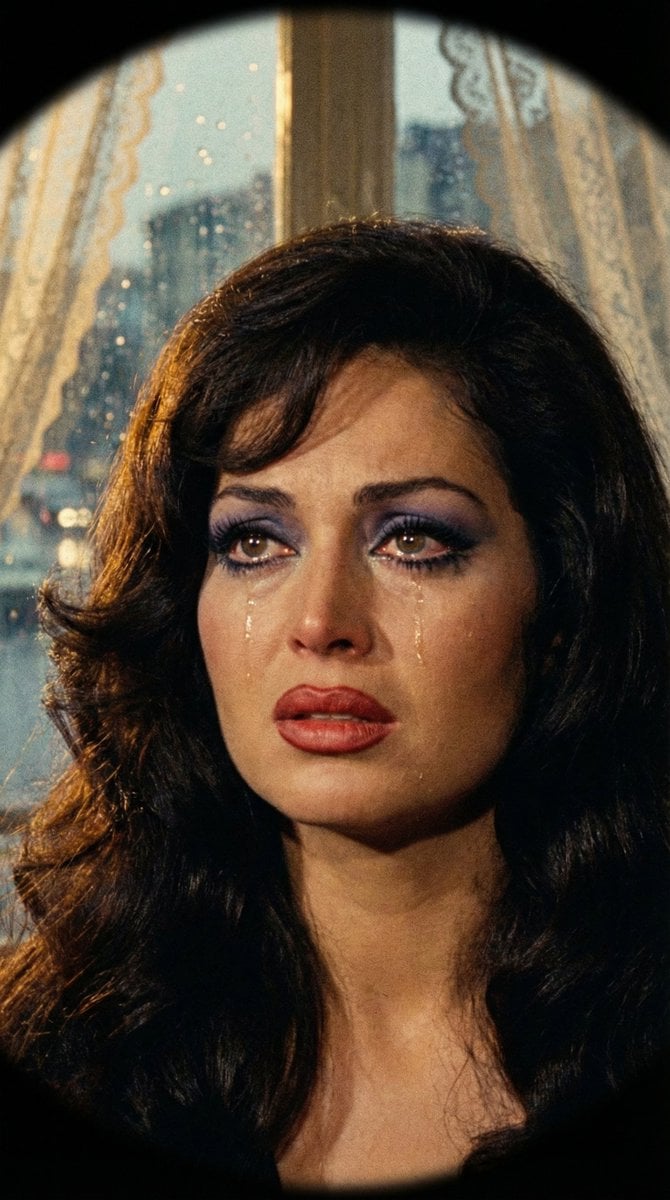
JSON Prompt for 1971 Yeşilçam Cinematic Portrait of Türkan Şoray Crying

Ultra-Photorealistic Katyayani Warrior Goddess Prompt

Minimalistic contemplative pier scene prompt for Nano Banana Pro

Candid Teenage Boy Camping Photo Prompt

Winter Watercolor Portrait with Identity Lock Prompt
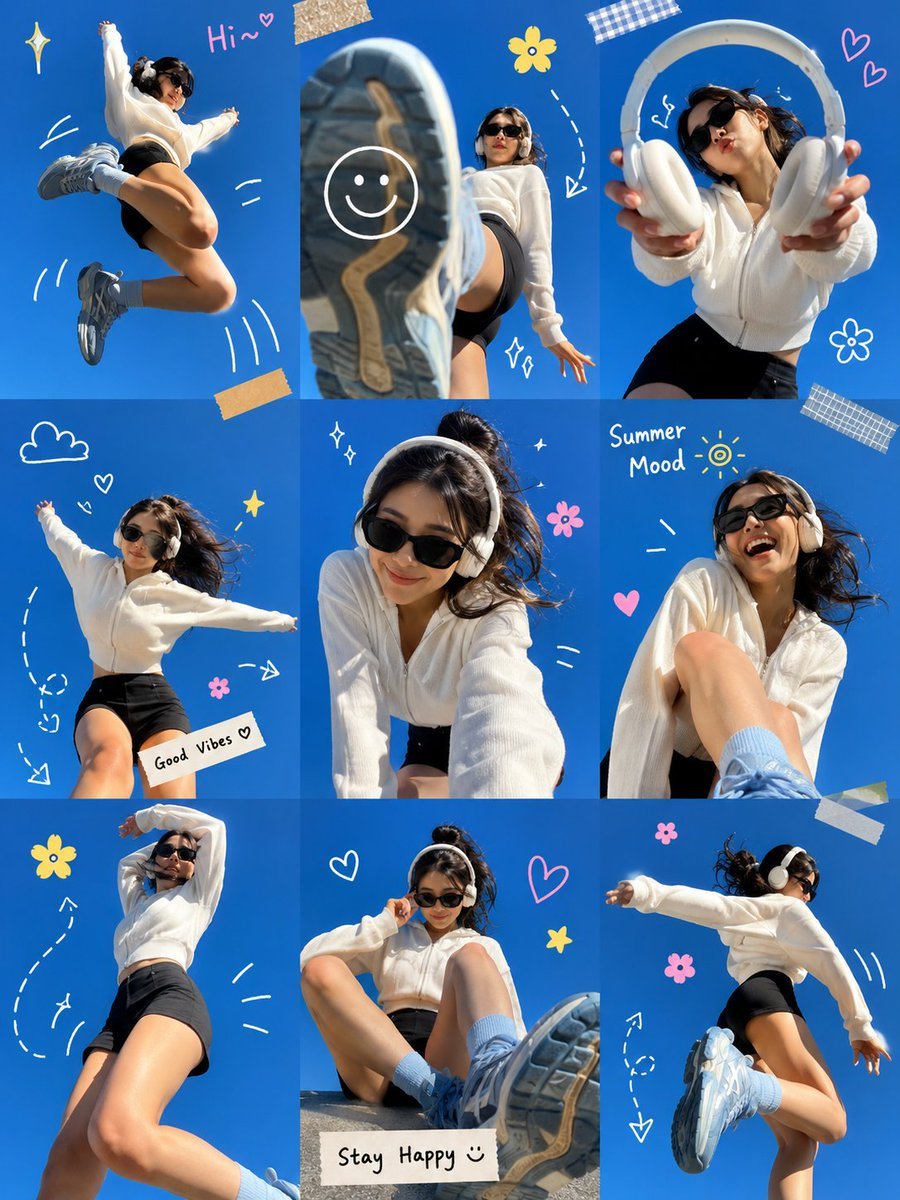
Gen Z Summer Photo Dump Collage
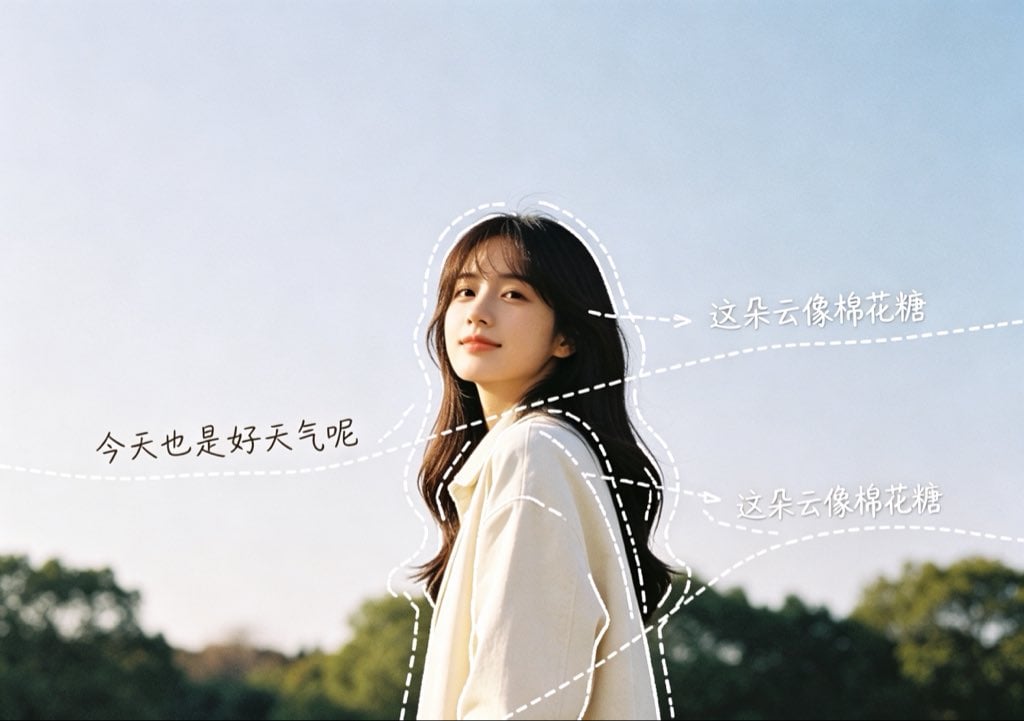
Diary-Style Annotated Portrait
Browse template categories
Life Transition Emotional Pathway questions
How do I use the Life Transition Emotional Pathway template?
Add your photo if the template asks for one, edit the prompt if you like — the template's model and format are already selected — and press Generate. Your version opens in PicX Studio.
Can I customize the Life Transition Emotional Pathway template?
Yes. You can change the subject, setting, lighting, mood, format, and available model controls before creating your image.
Is the Life Transition Emotional Pathway template free?
Opening and editing this template is free. Generating uses credits, shown on the Generate button when you are signed in.
Which AI model should I use?
Start with GPT Image 2, which is the model associated with this template. You can compare another compatible model for a different finish.
Looking for something else? Browse all templates.

Your photo, any look
Thousands of ready templates for every top image and video model, from one credit balance.