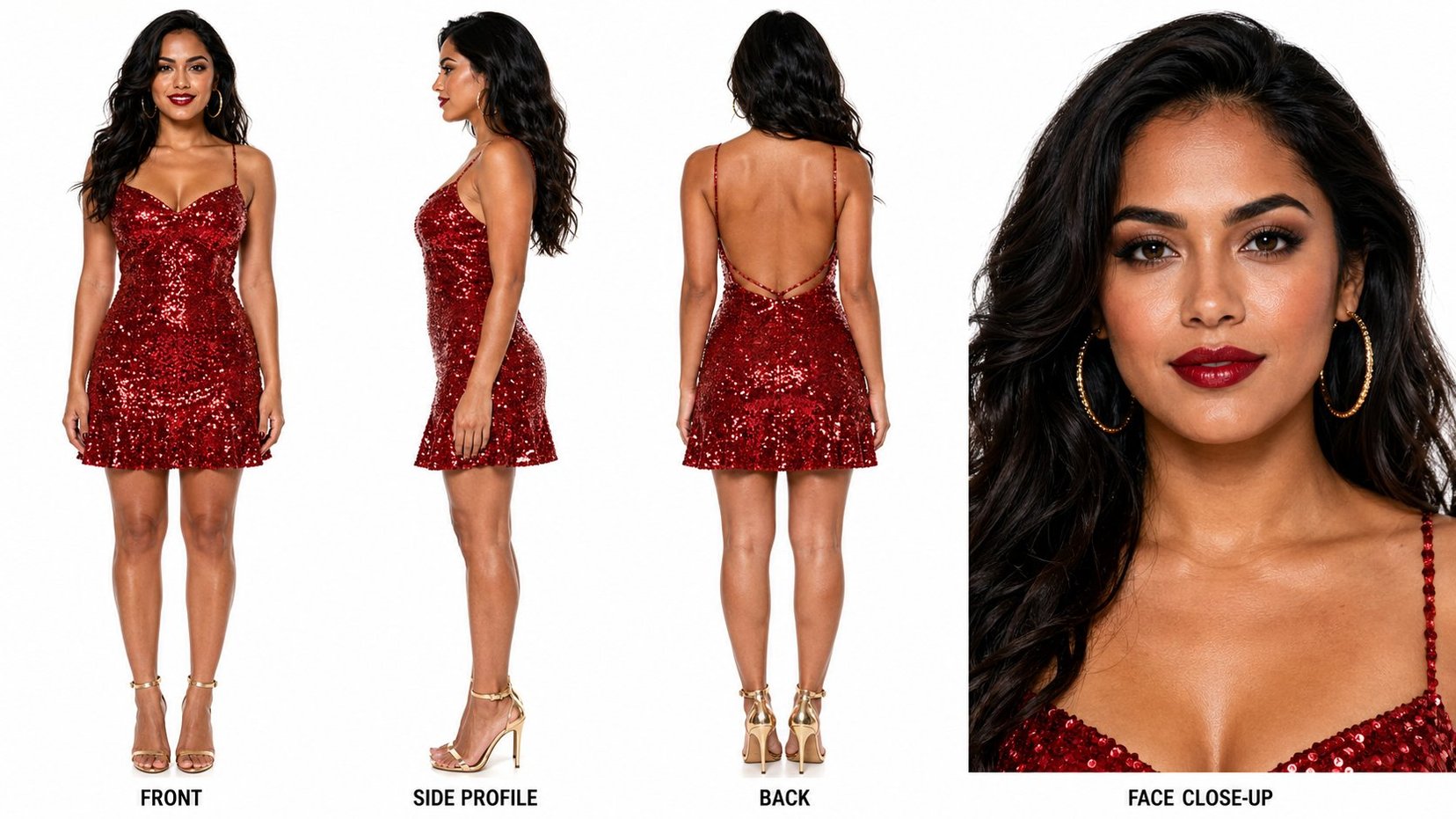
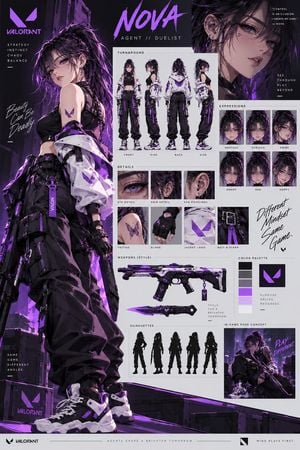
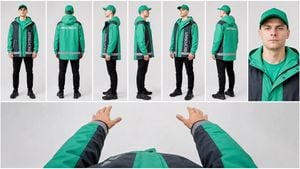
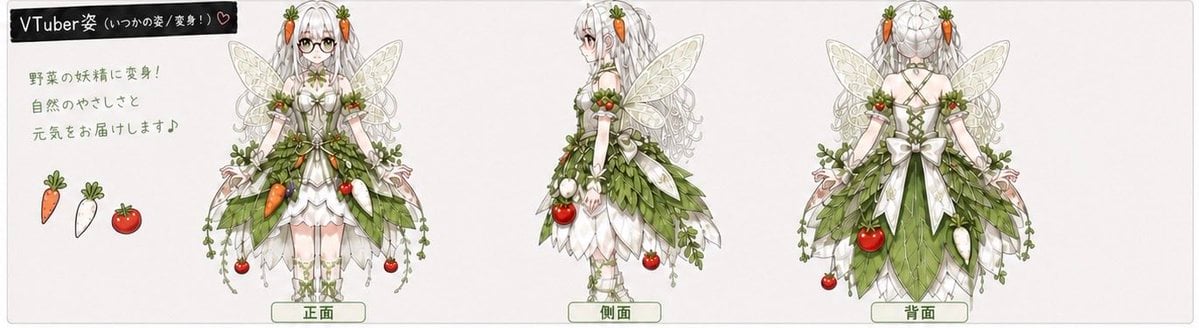
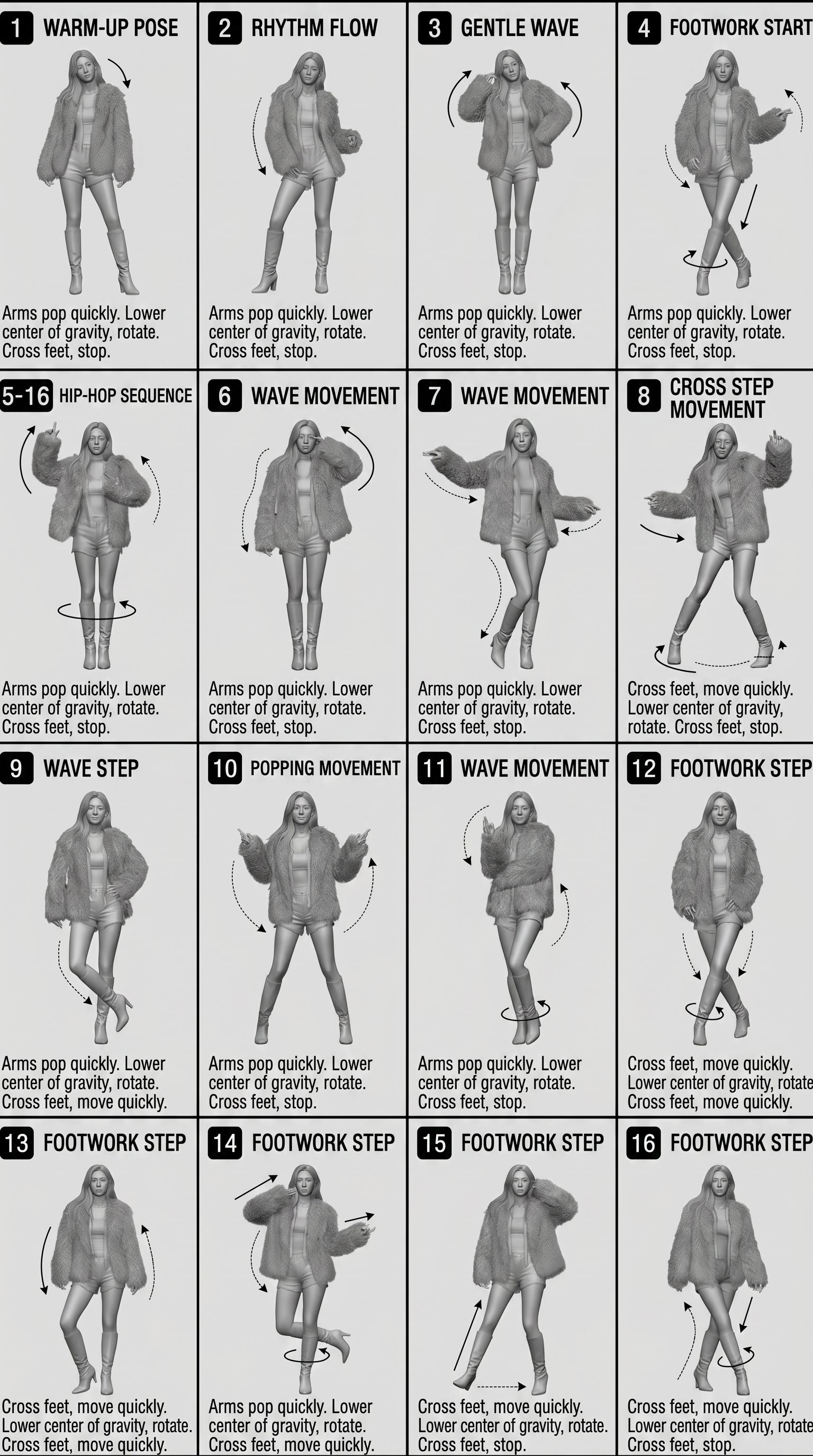
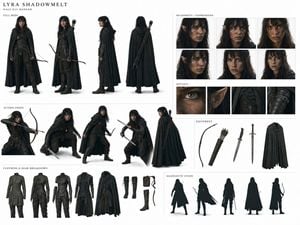
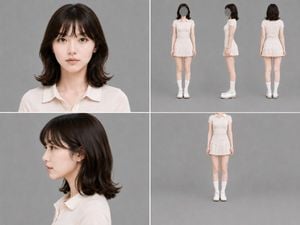
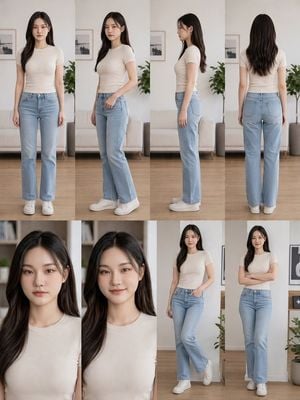
How do I use the Fire Spirit Character Reference Sheet template?
Edit the prompt in the box under the preview — the template's model and format are already selected — and press Generate. Your version appears right on this page.
A high-density fantasy anime character design board for an original fire spirit, useful for generating polished character reference sheets, concept art posters, and game or illustration pitch visuals.

This template uses your photo — add one with the + button.
{"type":"anime character design reference sheet poster","subject":{"character":{"name":"{argument name=\"character name\" default=\"Heliocore. C6\"}","title":"火之精灵 / IGNIS SPIRITUS","gender_presentation":"ethereal young woman","age_note":"外表19岁,实际不明","height":"168cm","theme":"fire elemental spirit, sacred flame guardian, elegant fantasy original character","appearance":{"hair":{"color":"{argument name=\"hair color\" default=\"crimson red\"}","style":"extremely long flowing wavy hair with layered strands, glowing ember highlights, ornate crystal-and-metal flame crown and hair ornaments"},"outfit":{"silhouette":"luxurious semi-transparent layered gown with trailing chiffon panels and petal-like flame shapes","primary_color":"{argument name=\"main outfit color\" default=\"deep ruby red\"}","details":"gold filigree armor-jewelry over the torso, crystal flame motifs, translucent pink and red veils, gem chains, high heels, sparkling embers throughout"}}},"layout":{"orientation":"vertical poster","background":"soft blush pink to ivory gradient with glowing fire, smoke, and magical light effects, premium editorial presentation","sections":[{"title":"character profile","position":"left column","count":8,"labels":["姓名","种族","年龄","身高","阵营","武器","属性","CV"]},{"title":"三视图 / THREE VIEWS","position":"top right","count":3,"labels":["正面图 / FRONT","侧面图 / SIDE","后背图 / BACK"]},{"title":"配色方案 / COLOR PALETTE","position":"mid right","count":3,"labels":["主色 / MAIN COLOR","辅色 / SECONDARY COLOR","点缀色 / ACCENT COLOR"]},{"title":"材质参考 / MATERIAL REFERENCE","position":"right center lower","count":5,"labels":["丝绸 / SILK","金属 / METAL","火焰 / FLAME","水晶 / CRYSTAL","薄纱 / GAUZE"]},{"title":"武器与道具 / WEAPONS & ITEMS","position":"bottom left","count":5,"labels":["large staff with red crystal head","slender wand 1","slender wand 2","floating flame orb","crown-like crest item"]},{"title":"设计主题 / DESIGN CONCEPT","position":"bottom center","count":1,"labels":["焰羽流光 / IGNIS LUMINIS"]},{"title":"角色文案 / CHARACTER STORY","position":"bottom right","count":1,"labels":["lore text block"]}],"centerpiece":"a large dramatic three-quarter back portrait on the left half of the poster, the character turning slightly away, hair and dress streaming in wind and glowing flames"},"style":{"genre":"high-detail fantasy anime concept art","rendering":"polished character sheet, delicate linework, painterly light, glossy materials, luminous particles, elegant typography, premium game-art presentation","mood":"majestic, sacred, romantic, fiery, celestial","color_palette":"red, coral, rose pink, gold, pale blush, white highlights"},"text_elements":{"headline":"{argument name=\"headline text\" default=\"Heliocore. C6\"}","subheadline":"火之精灵","latin_subtitle":"IGNIS SPIRITUS","design_concept":"焰羽流光 / IGNIS LUMINIS","footer":"© 2024 Heliocore.C6 All Rights Reserved."},"composition_notes":"keep generous white margins and thin divider lines between panels, use a refined magazine-like grid, mix Chinese and small English subtitles, show all labeled sections clearly, make the character the dominant focal point, and ensure every sample panel is neatly aligned and readable as a premium original character reference board."}
{"type":"anime character design reference sheet poster","subject":{"character":{"name":"{argument name=\"character name\" default=\"Heliocore. C6\"}","title":"火之精灵 / IGNIS SPIRITUS","gender_presentation":"ethereal young woman","age_note":"外表19岁,实际不明","height":"168cm","theme":"fire elemental spirit, sacred flame guardian, elegant fantasy original character","appearance":{"hair":{"color":"{argument name=\"hair color\" default=\"crimson red\"}","style":"extremely long flowing wavy hair with layered strands, glowing ember highlights, ornate crystal-and-metal flame crown and hair ornaments"},"outfit":{"silhouette":"luxurious semi-transparent layered gown with trailing chiffon panels and petal-like flame shapes","primary_color":"{argument name=\"main outfit color\" default=\"deep ruby red\"}","details":"gold filigree armor-jewelry over the torso, crystal flame motifs, translucent pink and red veils, gem chains, high heels, sparkling embers throughout"}}},"layout":{"orientation":"vertical poster","background":"soft blush pink to ivory gradient with glowing fire, smoke, and magical light effects, premium editorial presentation","sections":[{"title":"character profile","position":"left column","count":8,"labels":["姓名","种族","年龄","身高","阵营","武器","属性","CV"]},{"title":"三视图 / THREE VIEWS","position":"top right","count":3,"labels":["正面图 / FRONT","侧面图 / SIDE","后背图 / BACK"]},{"title":"配色方案 / COLOR PALETTE","position":"mid right","count":3,"labels":["主色 / MAIN COLOR","辅色 / SECONDARY COLOR","点缀色 / ACCENT COLOR"]},{"title":"材质参考 / MATERIAL REFERENCE","position":"right center lower","count":5,"labels":["丝绸 / SILK","金属 / METAL","火焰 / FLAME","水晶 / CRYSTAL","薄纱 / GAUZE"]},{"title":"武器与道具 / WEAPONS & ITEMS","position":"bottom left","count":5,"labels":["large staff with red crystal head","slender wand 1","slender wand 2","floating flame orb","crown-like crest item"]},{"title":"设计主题 / DESIGN CONCEPT","position":"bottom center","count":1,"labels":["焰羽流光 / IGNIS LUMINIS"]},{"title":"角色文案 / CHARACTER STORY","position":"bottom right","count":1,"labels":["lore text block"]}],"centerpiece":"a large dramatic three-quarter back portrait on the left half of the poster, the character turning slightly away, hair and dress streaming in wind and glowing flames"},"style":{"genre":"high-detail fantasy anime concept art","rendering":"polished character sheet, delicate linework, painterly light, glossy materials, luminous particles, elegant typography, premium game-art presentation","mood":"majestic, sacred, romantic, fiery, celestial","color_palette":"red, coral, rose pink, gold, pale blush, white highlights"},"text_elements":{"headline":"{argument name=\"headline text\" default=\"Heliocore. C6\"}","subheadline":"火之精灵","latin_subtitle":"IGNIS SPIRITUS","design_concept":"焰羽流光 / IGNIS LUMINIS","footer":"© 2024 Heliocore.C6 All Rights Reserved."},"composition_notes":"keep generous white margins and thin divider lines between panels, use a refined magazine-like grid, mix Chinese and small English subtitles, show all labeled sections clearly, make the character the dominant focal point, and ensure every sample panel is neatly aligned and readable as a premium original character reference board."}
Edit the prompt in the box under the preview — the template's model and format are already selected — and press Generate. Your version appears right on this page.
Yes. You can change the subject, setting, lighting, mood, format, and available model controls before creating your image.
Opening and editing this template is free. Generating uses credits, shown on the Generate button when you are signed in.
Start with GPT Image 2, which is the model associated with this template. You can compare another compatible model for a different finish.
Follow a topic to a crawlable collection of related PicX Studio templates.