How do I use the Kawaii Bunny Garden Neon Scene template?
Choose the primary action to open PicX Studio with the available template settings. Review the model and format, personalize the creative direction, and generate when ready.
This prompt generates a dreamy pastel 3D kawaii illustration of a little girl and a white rabbit in a flower-filled garden, ideal for cute social media art or nostalgic internet-aesthetic visuals. Change the subject, setting, or lighting one variable at a time.
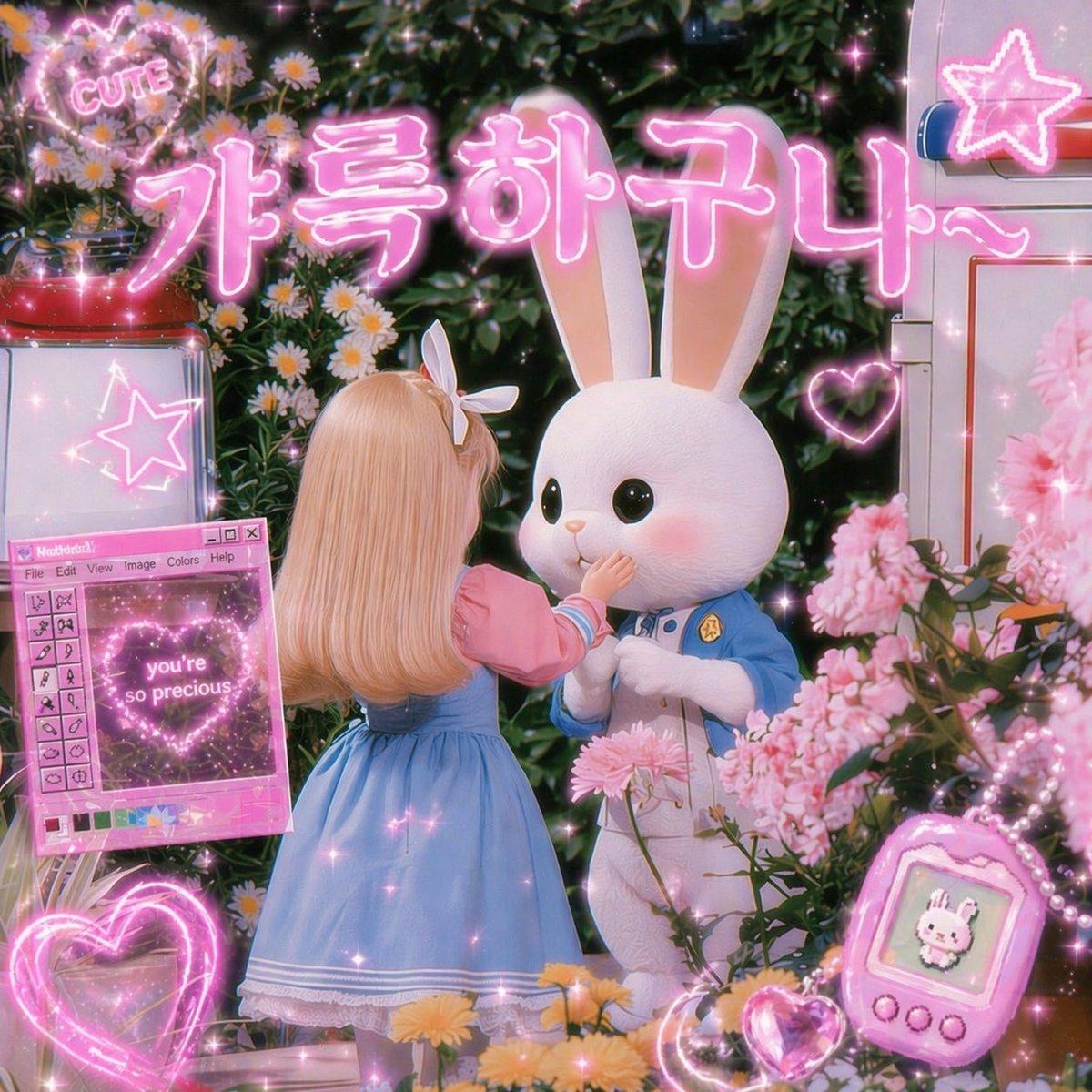
A dreamy kawaii 3D render in a lush flower garden at night, filled with glowing pink neon graphics and soft sparkles. In the center, a small doll-like girl is shown from behind, with long silky blonde hair and a white bow headband, wearing a pastel blue pinafore dress over a pink puff-sleeve blouse with white trim. She gently reaches up to touch the mouth of a large white rabbit character standing in front of her. The rabbit has oversized upright ears, glossy black eyes, rosy cheeks, and a cute plush-like face, and wears a light blue uniform-style jacket with a tiny gold badge over a white body. Surround them with dense greenery, daisies, and abundant pink blossoms in the foreground and background. Across the top, place large glowing Korean neon text reading {argument name="headline text" default="가특하구나~"} in bright pink bubble lettering with a soft halo. Include exactly 7 additional neon or UI-style decorative elements: 1 heart-shaped sign at the upper left with the word {argument name="top sign text" default="CUTE"}, 1 neon star sign on a white cabinet at the upper right, 1 glowing heart outline near the rabbit on the right, 1 retro pink computer-style floating window on the left with tiny toolbar details and a central heart graphic containing the text {argument name="window text" default="you're so precious"}, 1 large glowing heart outline at the bottom left, 1 pink handheld virtual pet device at the bottom right showing a tiny bunny sprite, and 1 small glowing crystal heart near the device. Add soft bloom, glossy highlights, magical glitter particles, pink rim lighting, shallow depth of field, toy-photography styling, and a nostalgic cute internet aesthetic with pastel pink and blue as the dominant palette.
Choose the primary action to open PicX Studio with the available template settings. Review the model and format, personalize the creative direction, and generate when ready.
Yes. You can change the subject, setting, lighting, mood, format, and available model controls before creating your image.
This template is free to open and customize. Generation usage is shown in PicX Studio before you create.
Start with GPT Image 2, which is the model associated with this template. You can compare another compatible model for a different finish.
© 2026 PicX Studio. All rights reserved.

Follow a topic to a crawlable collection of related PicX Studio templates.
43,474 public templates available. Verified via the PicX Studio public templates API; refreshed hourly.









![Cartoon TV Show Poster Pack — A bold Cartoon Network-style promotional poster for [SHOW], featuring the main characters in a flat 2D illustrated style with thic](/_next/image?url=https%3A%2F%2Fcdn.picxstudio.com%2Fuploads%2Fimg0_107064d3-b797-488a-a32e-d75dea9d3b4c.jpg&w=828&q=100)





![Minimalist Flat Vector Travel Poster — Premium minimalist flat-vector travel poster for {argument name="city name" default="[CITY_NAME]"}, 3:4 vertical format.](https://cms-assets.youmind.com/media/1787917359711_3ug846_HQX205cbMAA6F6S-300x400.jpg)































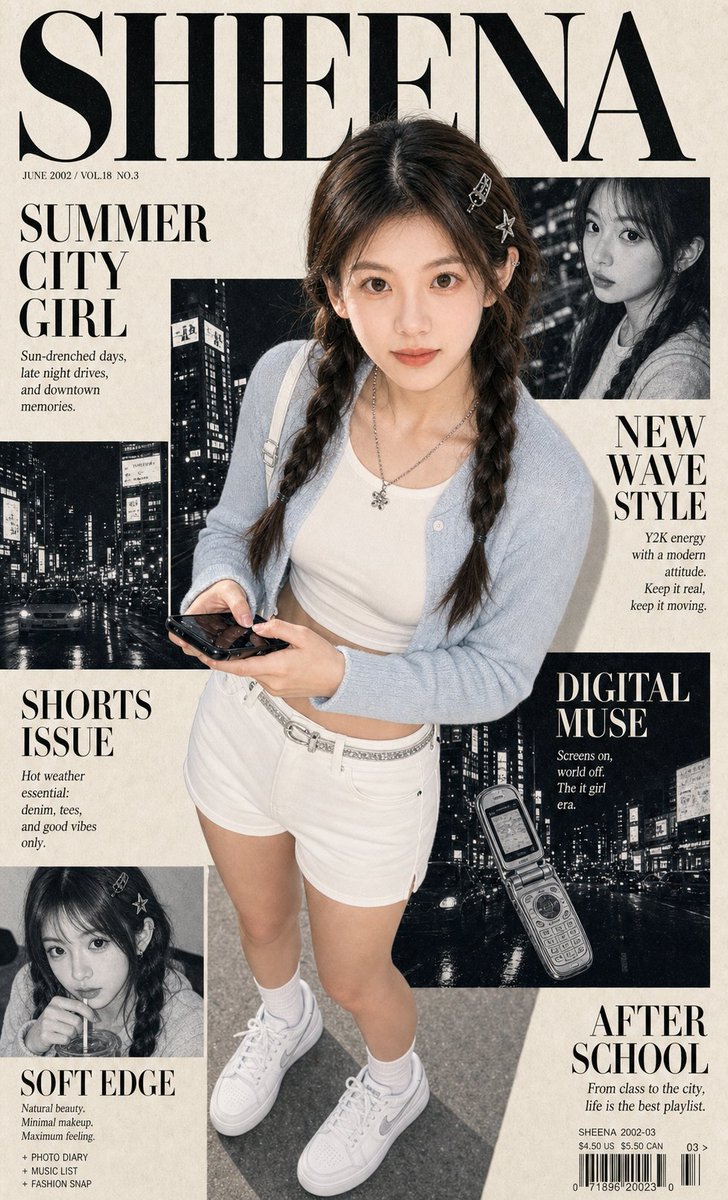
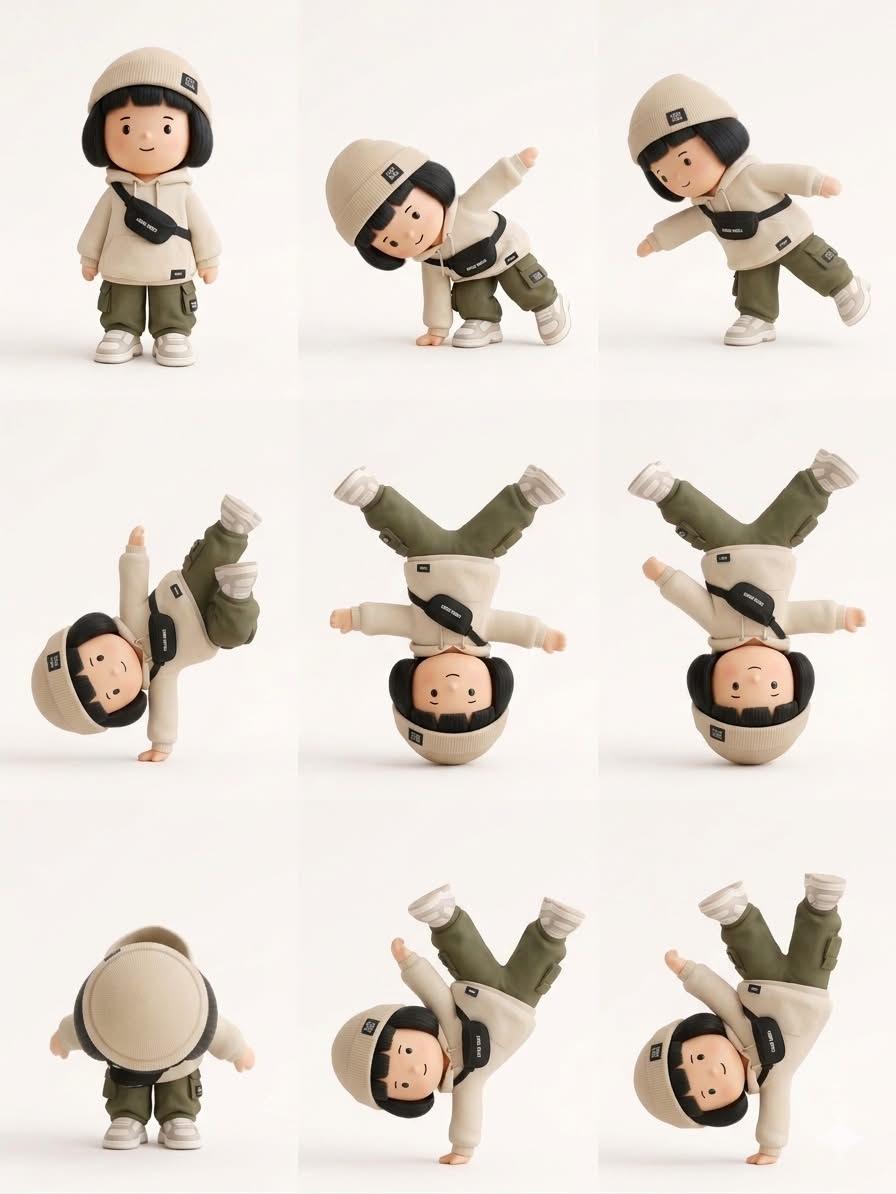
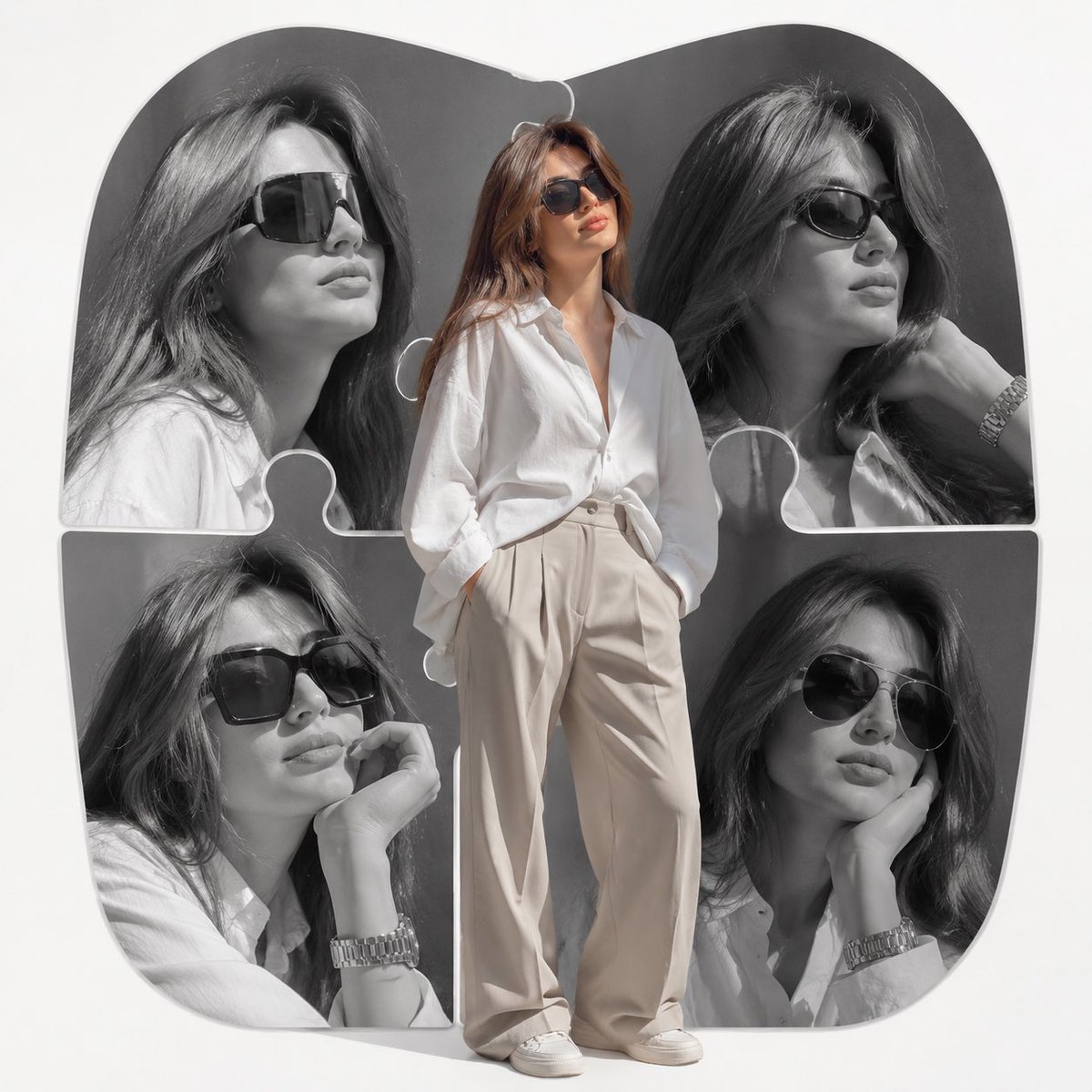

![Monochrome Hypebeast Editorial with Airborne Action — {
"subject_gender_placeholder": "[CHOOSE: woman]",
"aesthetic_lodestar": "cinematic luxury hypebeast e](https://pbs.twimg.com/media/G-RKw7bX0AAdfus.jpg)