How do I use the Comic Sketch to Finished Hero Page template?
Edit the prompt in the box under the preview — the template's model and format are already selected — and press Generate. Your version appears right on this page.
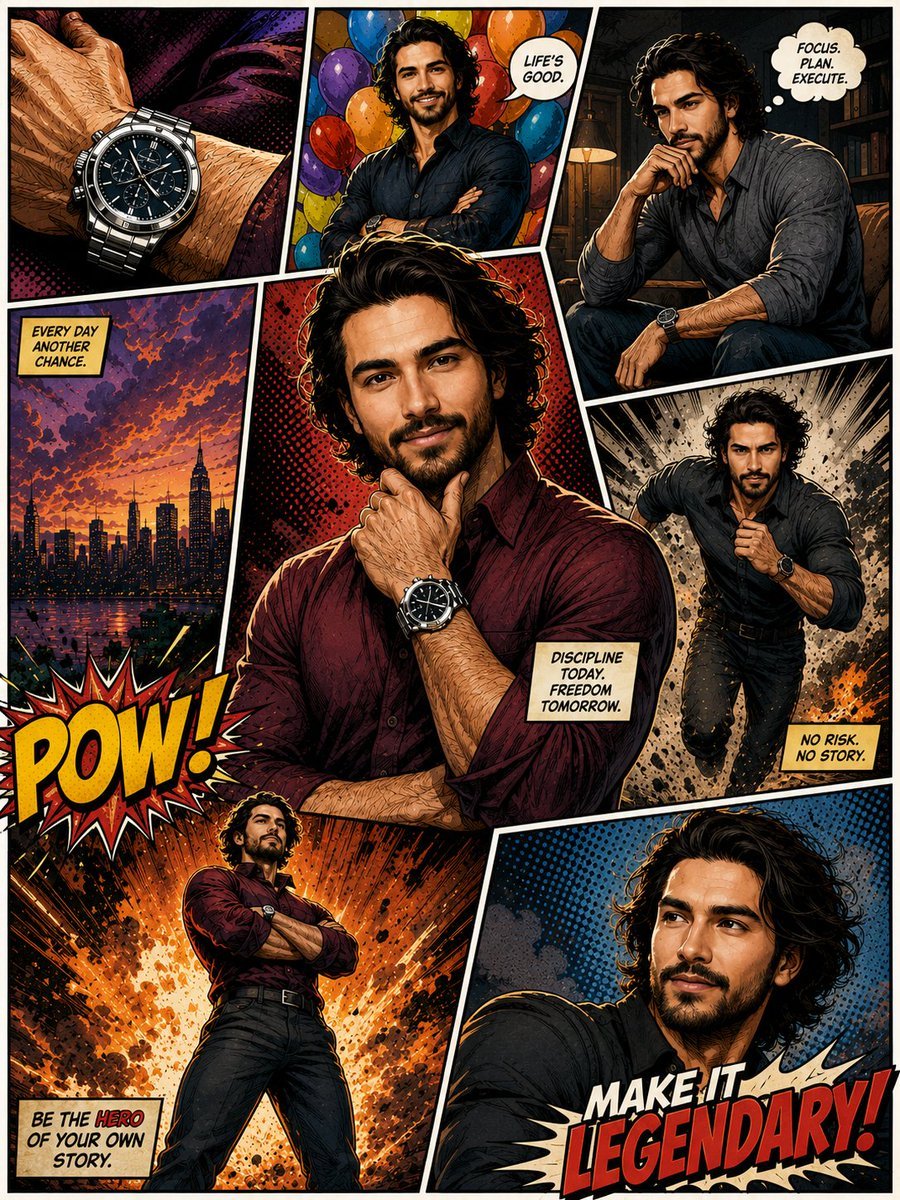
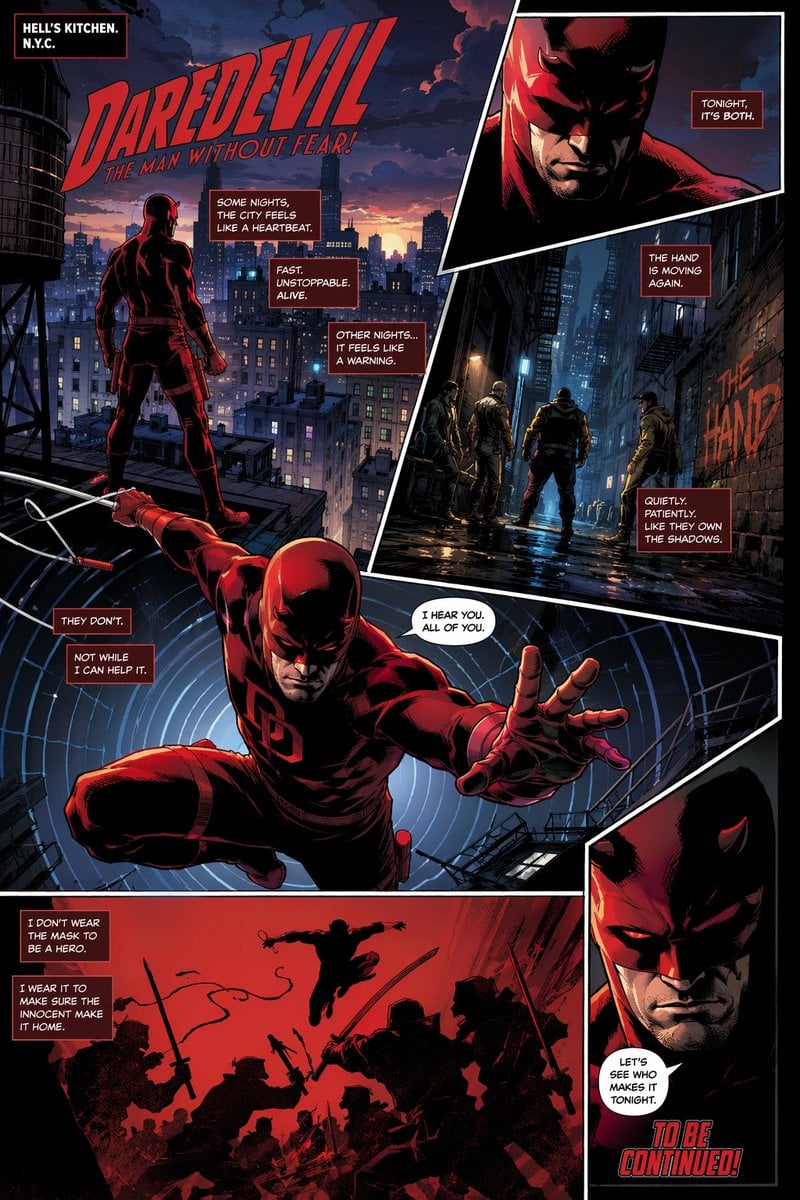
Generates a dramatic tabletop image of a manga-style city hero illustration transforming from pencil sketch into finished comic art.

This template uses your photo — add one with the + button.
Create a cinematic tabletop scene showing a comic-book illustration in progress, photographed from a slightly overhead angle on a dark wooden desk. A large sheet of comic art paper fills most of the frame, split diagonally by a jagged glowing transition: the left half is rough graphite pencil sketching, and the right half is a fully inked and colored manga/comic page. On the left, show loose construction lines of a futuristic city skyline and the back view of a lone caped hero, all in gray pencil with smudges, eraser dust, and sketch marks. On the right, render the finished version in dramatic dark blue and golden tones: the same hero stands on a rooftop ledge, seen from behind, with spiky {argument name="hair style" default="black spiky hair"}, a long windblown {argument name="cape color" default="deep blue cape"}, dark clothing, boots, and clenched fists, looking over a dense futuristic metropolis at night. A large warm full moon glows in the sky behind scattered clouds, with countless skyscrapers and lit windows below. Include exactly 3 narrow vertical comic panels along the far right edge: top panel with dark high-rise buildings and glowing windows, middle panel with a silhouetted water tower on rooftops, bottom panel with a golden city perspective and utility lines. The diagonal boundary between sketch and finished art should sparkle like burning golden embers, as if the drawing is transforming from pencil draft into completed comic art. Surround the paper with real drawing tools: one wooden pencil on the lower left, two metallic pens or markers at the lower right, a metal cup partially visible at the upper right, and faint papers or drafting sheets in the upper left background. Use high-detail ink hatching, halftone comic texture, deep shadows, warm moonlight, cool blue night colors, and realistic desk lighting. No speech bubbles, no captions, no readable text, no logos, no watermark.
Create a cinematic tabletop scene showing a comic-book illustration in progress, photographed from a slightly overhead angle on a dark wooden desk. A large sheet of comic art paper fills most of the frame, split diagonally by a jagged glowing transition: the left half is rough graphite pencil sketching, and the right half is a fully inked and colored manga/comic page. On the left, show loose construction lines of a futuristic city skyline and the back view of a lone caped hero, all in gray pencil with smudges, eraser dust, and sketch marks. On the right, render the finished version in dramatic dark blue and golden tones: the same hero stands on a rooftop ledge, seen from behind, with spiky {argument name="hair style" default="black spiky hair"}, a long windblown {argument name="cape color" default="deep blue cape"}, dark clothing, boots, and clenched fists, looking over a dense futuristic metropolis at night. A large warm full moon glows in the sky behind scattered clouds, with countless skyscrapers and lit windows below. Include exactly 3 narrow vertical comic panels along the far right edge: top panel with dark high-rise buildings and glowing windows, middle panel with a silhouetted water tower on rooftops, bottom panel with a golden city perspective and utility lines. The diagonal boundary between sketch and finished art should sparkle like burning golden embers, as if the drawing is transforming from pencil draft into completed comic art. Surround the paper with real drawing tools: one wooden pencil on the lower left, two metallic pens or markers at the lower right, a metal cup partially visible at the upper right, and faint papers or drafting sheets in the upper left background. Use high-detail ink hatching, halftone comic texture, deep shadows, warm moonlight, cool blue night colors, and realistic desk lighting. No speech bubbles, no captions, no readable text, no logos, no watermark.
Edit the prompt in the box under the preview — the template's model and format are already selected — and press Generate. Your version appears right on this page.
Yes. You can change the subject, setting, lighting, mood, format, and available model controls before creating your image.
Opening and editing this template is free. Generating uses credits, shown on the Generate button when you are signed in.
Start with GPT Image 2, which is the model associated with this template. You can compare another compatible model for a different finish.
Follow a topic to a crawlable collection of related PicX Studio templates.