
Toyohashi Tourism Anime Poster
Generates a detailed Japanese municipal tourism poster featuring an anime heroine, Toyohashi landmarks, local foods, and a 10-item attraction sidebar.
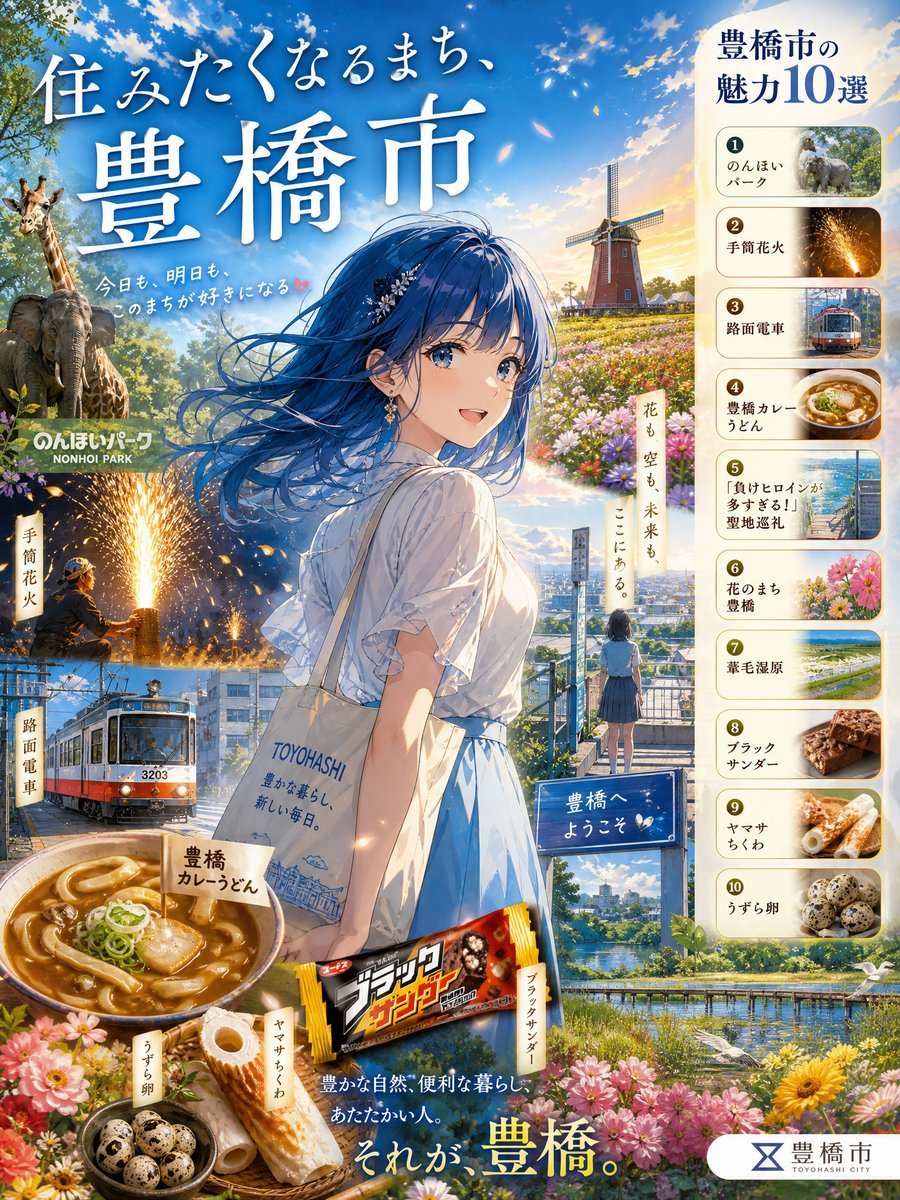
- Prompt included
- Model and format preset
- Free template
The prompt behind this image
Copy the exact prompt behind Toyohashi Tourism Anime Poster, or open it in the studio and make it yours.
Goal: Create a high-resolution Japanese tourism PR poster for {argument name="city name" default="Toyohashi City"}, combining an emotional anime travel illustration with a dense collage of local attractions, foods, and landmarks. Canvas: Vertical poster, 4:5 aspect ratio, bright cinematic daylight, ultra-detailed 2K feel. Use a saturated blue sky with white clouds and warm golden sunset light. The composition should feel like an official municipal promotional poster, polished and information-rich. Main visual: Center a beautiful anime-style young woman seen from behind and slightly in profile, standing in a scenic city overlook. She has long flowing {argument name="hair color" default="deep blue"} hair blowing dramatically in the wind, delicate hair ornaments, a white short-sleeve blouse, and a light blue skirt. She carries a cream tote bag printed with “TOYOHASHI” and small blue city-line art. Her face area should be softly obscured or turned away so the poster focuses on place and atmosphere. Add a small schoolgirl-like figure in the midground looking over the city, reinforcing nostalgia and travel. Top headline text: Large elegant white Japanese calligraphy-style title across the upper left: 「住みたくなるまち、豊橋市」. Add smaller handwritten-style subcopy nearby: 「今日も、明日も、このまちが好きになる」. Use strong drop shadows so the text remains legible against the sky. Right sidebar: Create a cream rounded vertical panel titled 「豊橋市の魅力10選」. It must contain exactly 10 numbered attraction cards, each with a small photo-like thumbnail and Japanese label: 1. 「のんほいパーク」 with an elephant/giraffe zoo image 2. 「手筒花火」 with handheld fireworks sparks 3. 「路面電車」 with a streetcar image 4. 「豊橋カレーうどん」 with curry udon bowl 5. 「『負けヒロインが多すぎる!』聖地巡礼」 with a seaside or school-route scene 6. 「花のまち豊橋」 with colorful flowers 7. 「葦毛湿原」 with wetland greenery 8. 「ブラックサンダー」 with a chocolate bar close-up 9. 「ヤマサちくわ」 with chikuwa fish cakes 10. 「うずら卵」 with quail eggs Collage elements: Include exactly 10 major attraction/food elements integrated around the poster: a zoo scene with giraffe and elephant on the left, a brick windmill and flower field in the upper right background, handheld fireworks in the lower left, a red-and-white streetcar labeled “3203,” a large bowl of Toyohashi curry udon, a Black Thunder chocolate bar package, Yamasa chikuwa fish cakes, a small bowl of quail eggs, a river/canal landscape with bridge and birds, and abundant foreground flowers. Add small vertical Japanese label tags near some collage items such as 「のんほいパーク」, 「手筒花火」, 「路面電車」, 「豊橋カレーうどん」, 「ヤマサちくわ」, and 「うずら卵」. Mid and lower text: Add a small sign near the overlook reading 「豊橋へようこそ」. Add a vertical poetic phrase near the windmill/flowers: 「花も 空も 未来も ここにある。」. Near the bottom, place white and yellow promotional copy: 「豊かな自然、便利な暮らし、あなたらしい人。」 followed by a larger closing line 「それが、豊橋。」 with “豊橋” emphasized in yellow. Footer: Bottom right should show a white rounded municipal logo block with a simple blue emblem and the text 「豊橋市」 plus small roman letters “TOYOHASHI CITY”. Visual style: Premium anime illustration mixed with realistic travel-poster collage, soft depth of field, painterly detail, sparkling particles and flower petals in the air, glossy food illustration, crisp readable Japanese typography, warm inspirational atmosphere, no blank areas, no watermark, no extra people beyond the two described figures.
How to use Toyohashi Tourism Anime Poster in 3 steps
- 1Upload ImagePNG, JPG or paste
Add your photo
Upload the photo the template builds on. The prompt, model and format are already set.
- 2…a portrait of your subject in softgolden-hour light, 85mm…
Personalize
Edit the subject and creative details for your destination.
- 3Generate
Generate
Press Generate — your image is created in PicX Studio, so you can compare it with the original and refine one variable at a time.
More like this
Templates with the same subject, style or setup. Open one to see its prompt.

Captain Tsubasa Anime World Cup Poster

Gpt2 Youtube Thumbnail Anime Music Bootcamp Promo Poster

Premium Vintage Travel Poster Landscape

Japan Travel Brochure Poster

Cel 2D Finale Fireworks

Cel 2D Garden Maze

Cel 2D Rooftop Concert

Cel 2D Bicycle Coast

Cel 2D Castle Gate

Cel 2D Kitchen Chaos

Cel 2D Carnival Ride

Cel 2D Rainy Bus Stop
Make it yours
Toyohashi Tourism Anime Poster works as-is. These are the safest ways to change it without losing the look.
Change one field
Copy a single group, rewrite it, and generate again so you can see what that field is doing.
Keep the frame, change the subject
Hold the composition and light of Toyohashi Tourism Anime Poster, then swap wardrobe, props or the person for a new take.
| If the result… | Why | Fix |
|---|---|---|
| The result drifts from the preview | Too many fields changed at once. | Reuse Toyohashi Tourism Anime Poster as-is first, then change one group — subject, light, or setting. |
| The model over-stylizes the scene | The prose prompt leaves finish and camera underspecified. | Add one camera or lighting sentence and stay on GPT Image 2. |
More GPT Image 2 templates
Other prompts made for GPT Image 2.

Six VTuber Japanese Logo Sheet

Realistic Portrait of Woman and Deer

The Vista Modular Condo Poster

AI Model Routing Comparison Infographic

2.5D Anime Art Board

Isometric Productivity Desk Scene

New York Double Exposure Poster

Four-Panel AI Landscape Comparison

Japanese Tatami Lifestyle Magazine Cover

NESCAFÉ Coffee Map Poster
More image prompts
Fresh picks from across the catalog.
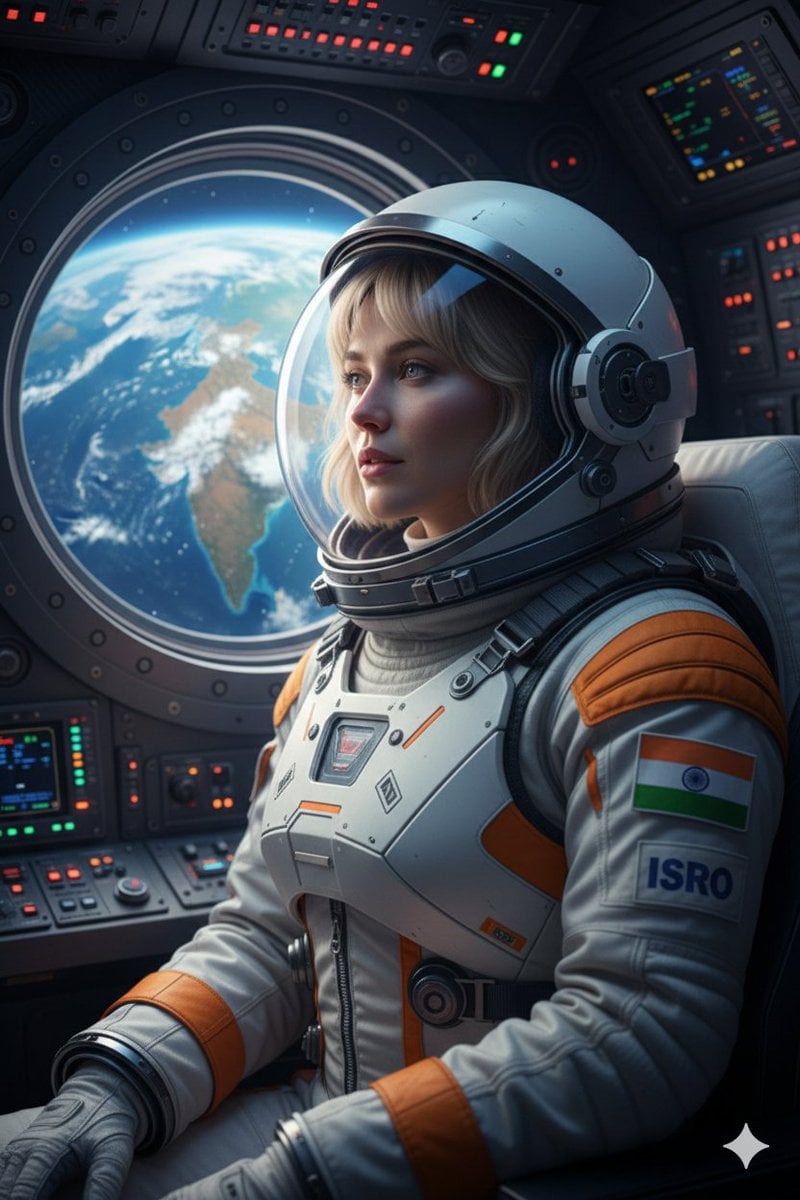
Cinematic Portrait of Indian Astronaut in ISRO Spacesuit
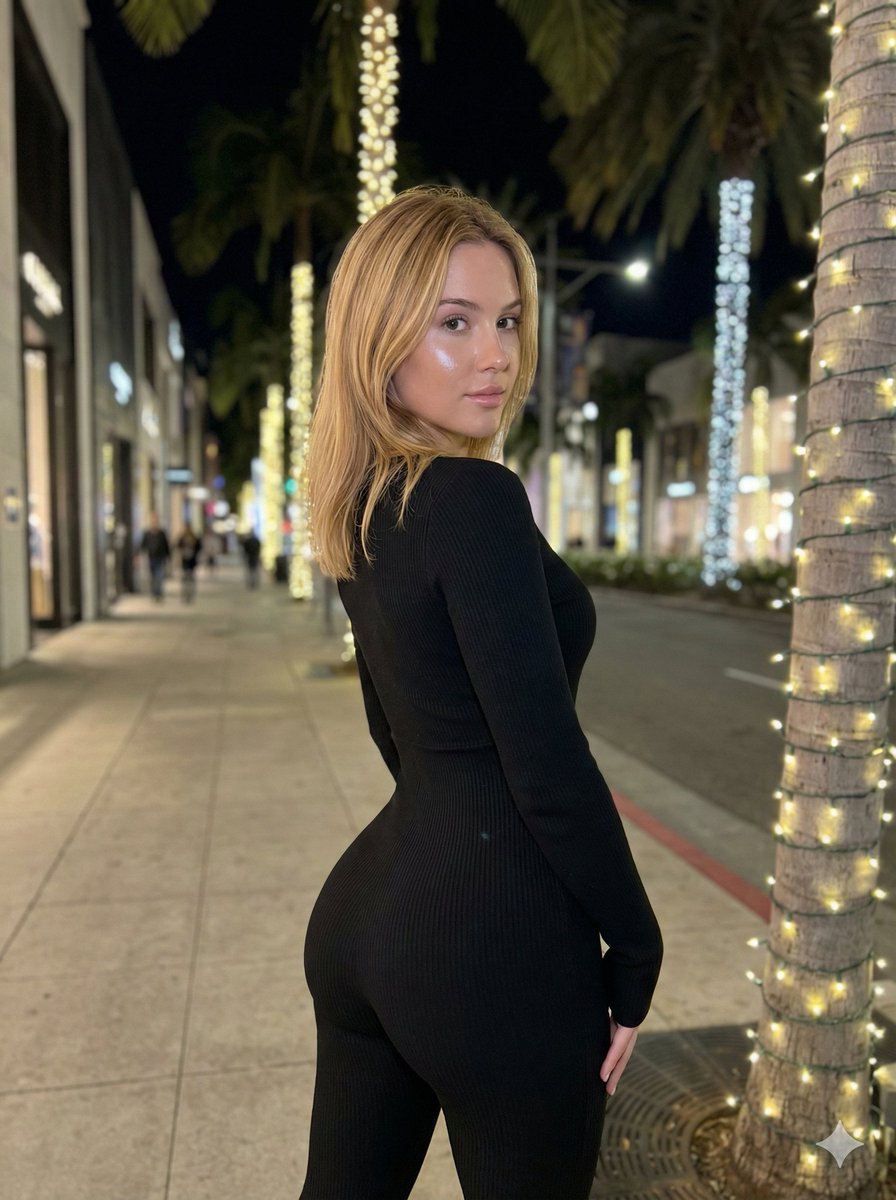
Hyper-Realistic Rear-Oblique Pose Replication Prompt
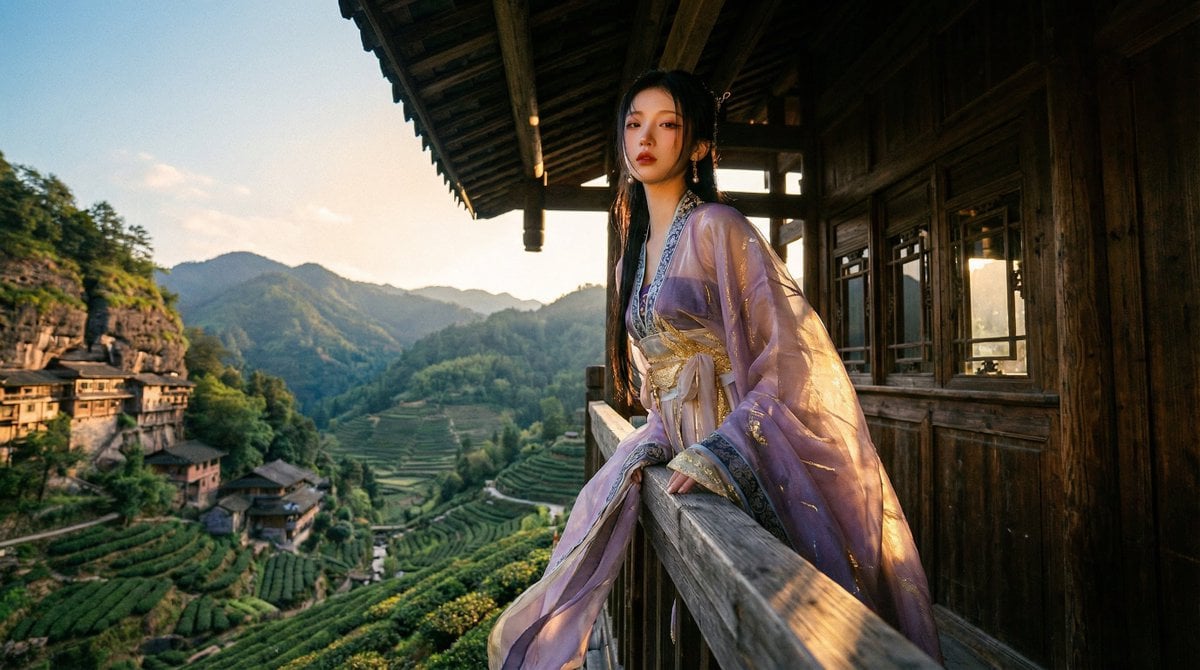
Classical Chinese Romance Landscape with Hanfu
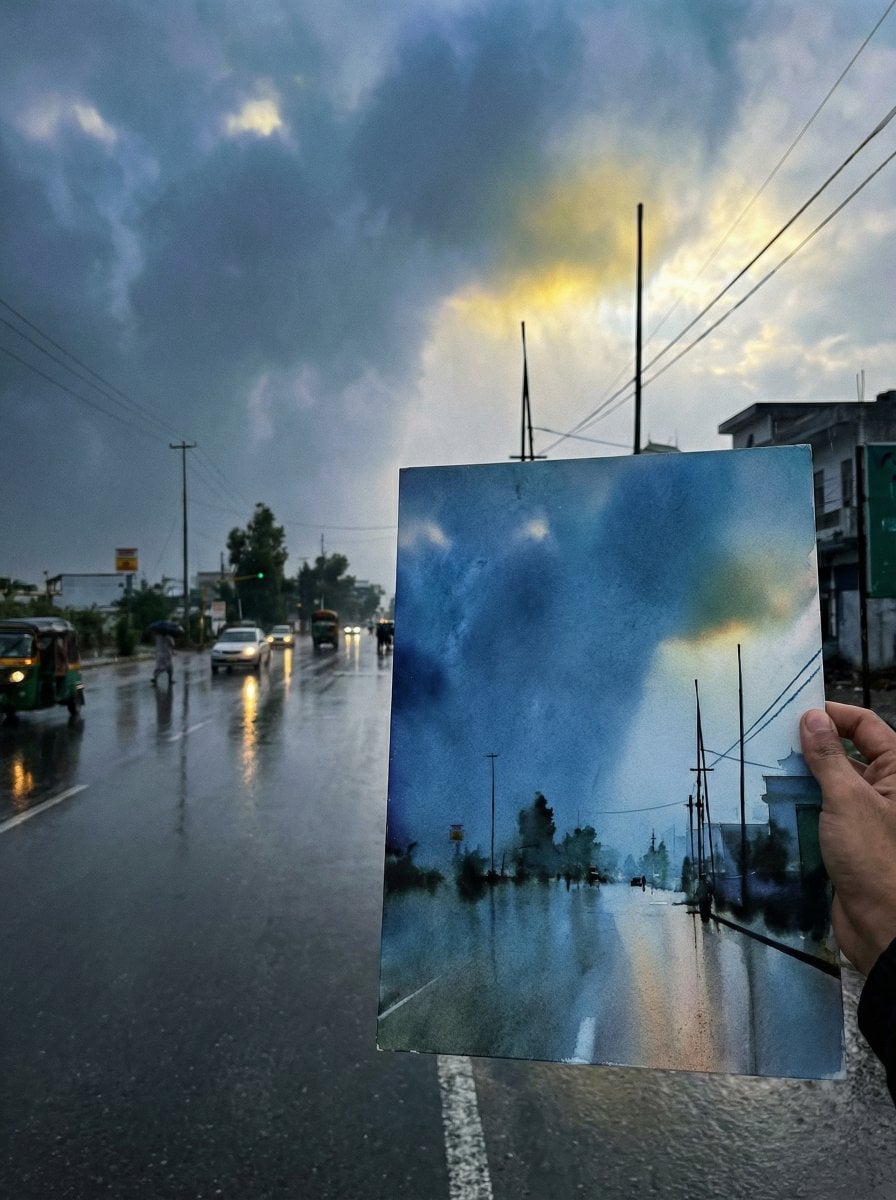
Drawing Comparison Photo Prompt (General AI Image Generation)

untitled
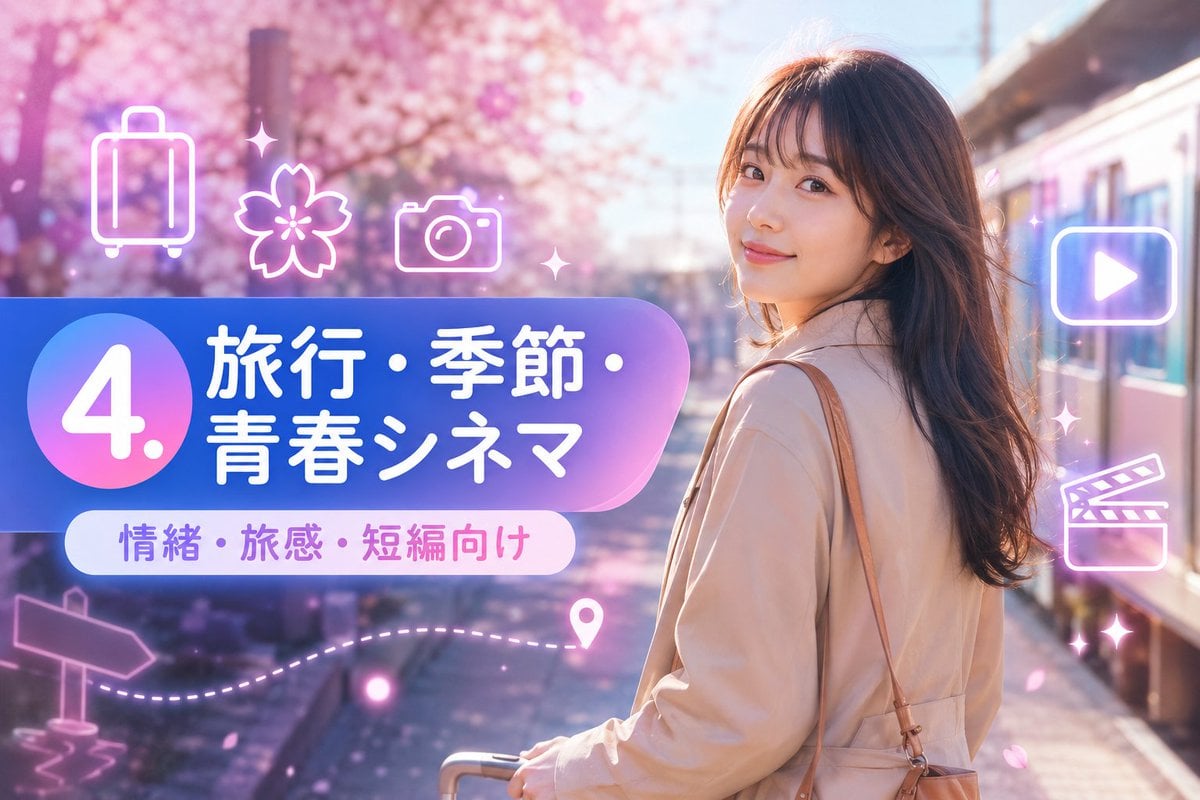
Sakura Travel Cinema Title Card

Rugged Man Chiaroscuro Portrait
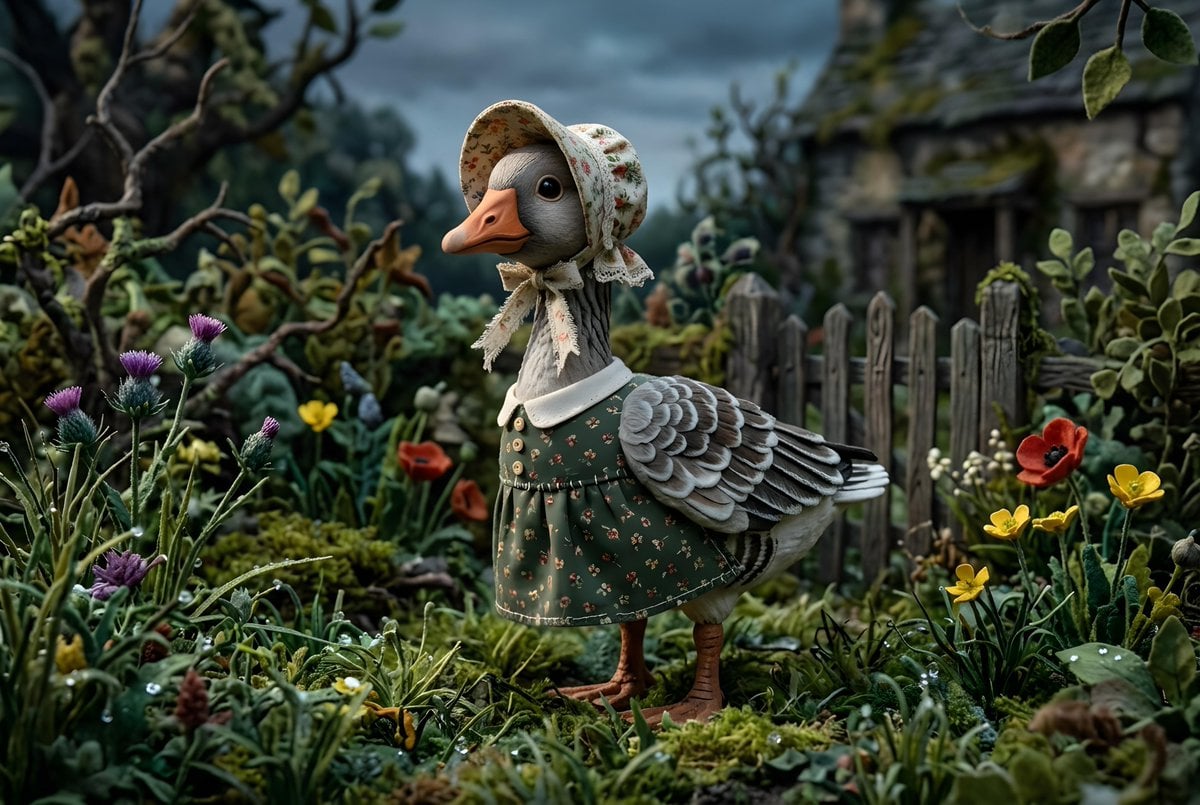
Whimsygoth Goose Illustration
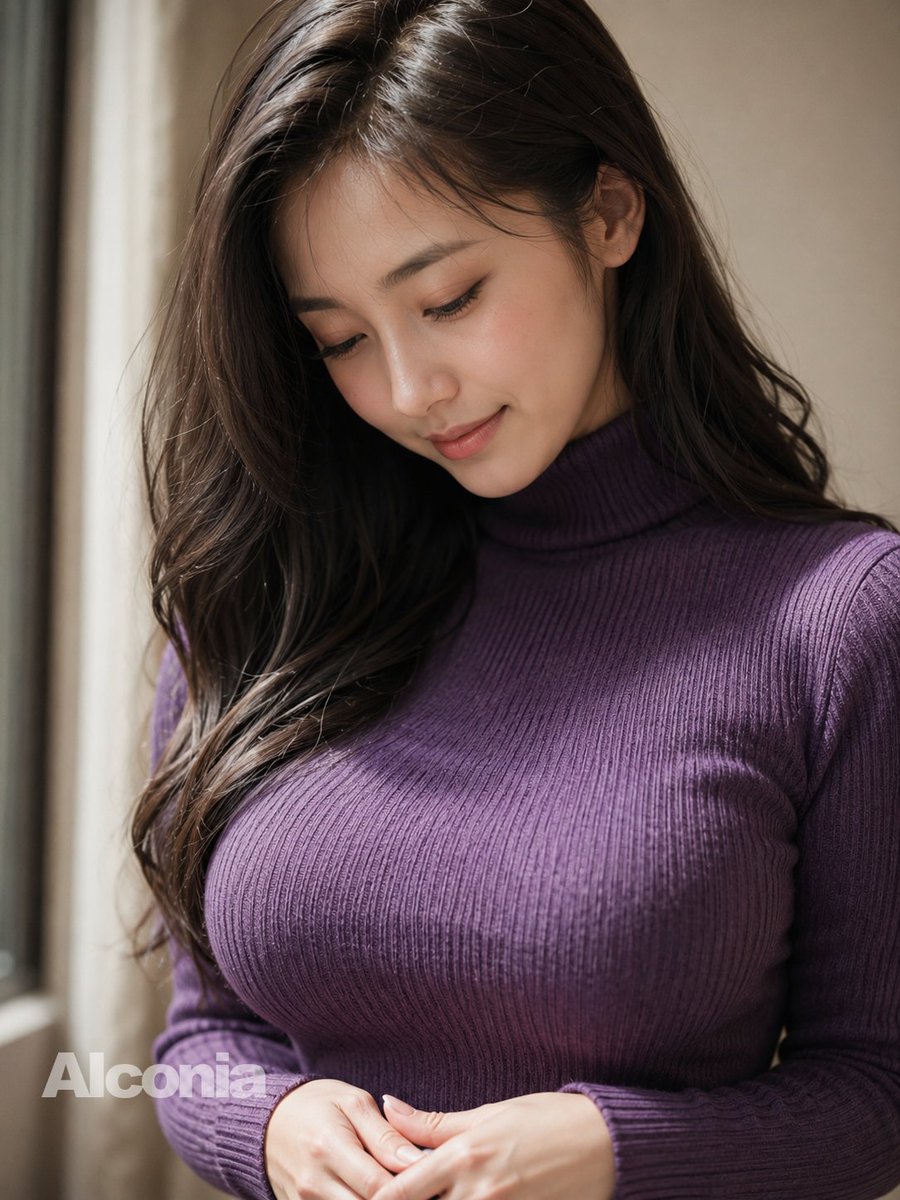
Censored Purple Turtleneck Portrait
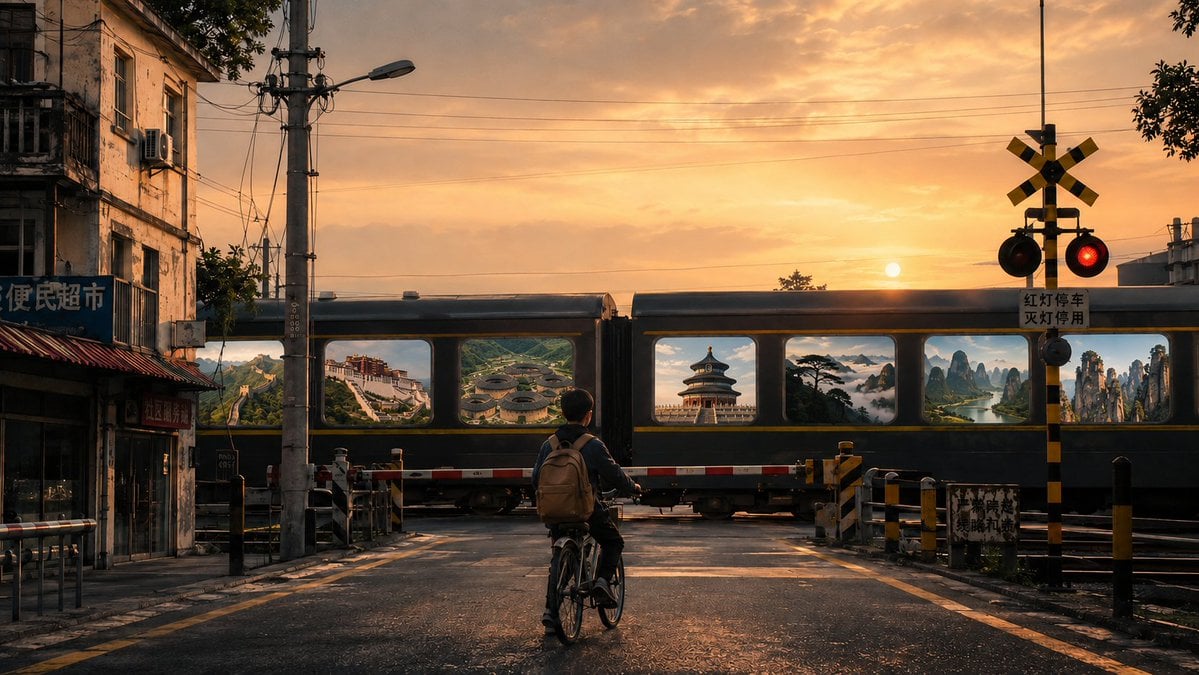
Surreal Train Window Scenery
Browse template categories
Toyohashi Tourism Anime Poster questions
How do I use the Toyohashi Tourism Anime Poster template?
Add your photo if the template asks for one, edit the prompt if you like — the template's model and format are already selected — and press Generate. Your version opens in PicX Studio.
Can I customize the Toyohashi Tourism Anime Poster template?
Yes. You can change the subject, setting, lighting, mood, format, and available model controls before creating your image.
Is the Toyohashi Tourism Anime Poster template free?
Opening and editing this template is free. Generating uses credits, shown on the Generate button when you are signed in.
Which AI model should I use?
Start with GPT Image 2, which is the model associated with this template. You can compare another compatible model for a different finish.
Looking for something else? Browse all templates.

Your photo, any look
Thousands of ready templates for every top image and video model, from one credit balance.