How do I use the Regional AI Corporate Banner template?
Edit the prompt in the box under the preview — the template's model and format are already selected — and press Generate. Your version appears right on this page.
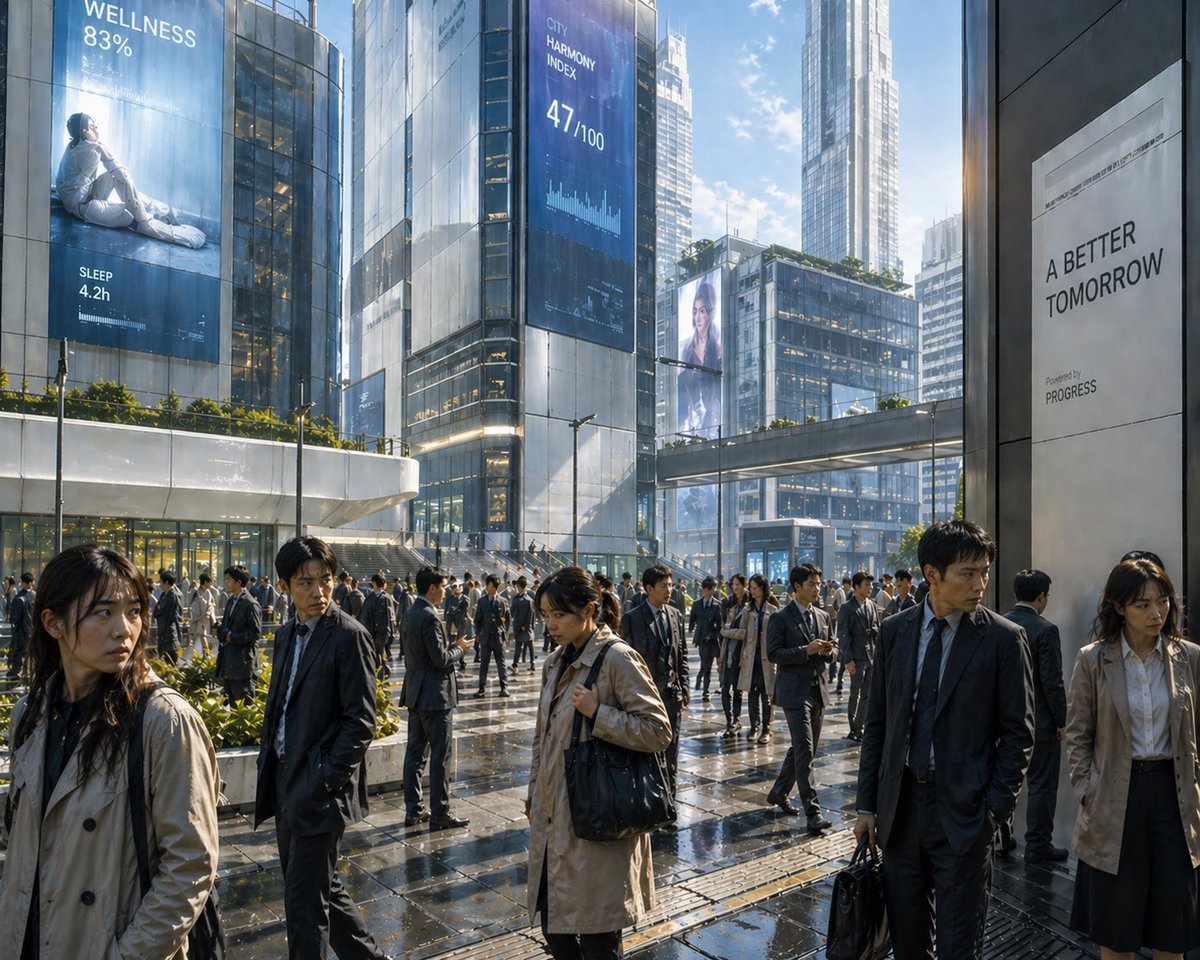
A photorealistic dusk advertisement banner for a local Japanese company promoting practical AI adoption.

This template uses your photo — add one with the + button.
Create a cinematic 16:9 corporate promotional banner for a regional Japanese business adopting AI. Show a realistic evening twilight cityscape in a quiet local industrial town, viewed from a slightly elevated roadside perspective. On the left foreground, place a modern three-story office/factory building with warm illuminated windows, glass entrance, small landscaped trees, and a glowing exterior sign reading {argument name="company sign text" default="〇〇工業株式会社"}. The middle and right background should show low residential and industrial buildings, streetlights, a few car headlights on curved roads, distant town lights, and layered dark mountain silhouettes beneath a deep blue-to-orange sunset sky with scattered clouds. Overlay elegant white Japanese Mincho-style serif typography centered in the upper half: large headline {argument name="headline text" default="地方企業にこそ、AIを。"}, with thin horizontal divider lines above and below the headline area, and a smaller centered subtitle beneath it reading {argument name="subtitle text" default="まずは1業務から、無理なく始める"}. Use a calm, trustworthy, premium consulting-ad atmosphere, photorealistic lighting, high dynamic range, crisp building details, soft dusk gradients, balanced negative space for the text, no people, no clutter, professional Japanese corporate advertising design.
Create a cinematic 16:9 corporate promotional banner for a regional Japanese business adopting AI. Show a realistic evening twilight cityscape in a quiet local industrial town, viewed from a slightly elevated roadside perspective. On the left foreground, place a modern three-story office/factory building with warm illuminated windows, glass entrance, small landscaped trees, and a glowing exterior sign reading {argument name="company sign text" default="〇〇工業株式会社"}. The middle and right background should show low residential and industrial buildings, streetlights, a few car headlights on curved roads, distant town lights, and layered dark mountain silhouettes beneath a deep blue-to-orange sunset sky with scattered clouds. Overlay elegant white Japanese Mincho-style serif typography centered in the upper half: large headline {argument name="headline text" default="地方企業にこそ、AIを。"}, with thin horizontal divider lines above and below the headline area, and a smaller centered subtitle beneath it reading {argument name="subtitle text" default="まずは1業務から、無理なく始める"}. Use a calm, trustworthy, premium consulting-ad atmosphere, photorealistic lighting, high dynamic range, crisp building details, soft dusk gradients, balanced negative space for the text, no people, no clutter, professional Japanese corporate advertising design.
Edit the prompt in the box under the preview — the template's model and format are already selected — and press Generate. Your version appears right on this page.
Yes. You can change the subject, setting, lighting, mood, format, and available model controls before creating your image.
Opening and editing this template is free. Generating uses credits, shown on the Generate button when you are signed in.
Start with GPT Image 2, which is the model associated with this template. You can compare another compatible model for a different finish.
Follow a topic to a crawlable collection of related PicX Studio templates.