
Modern Corporate Logo Concept Grid
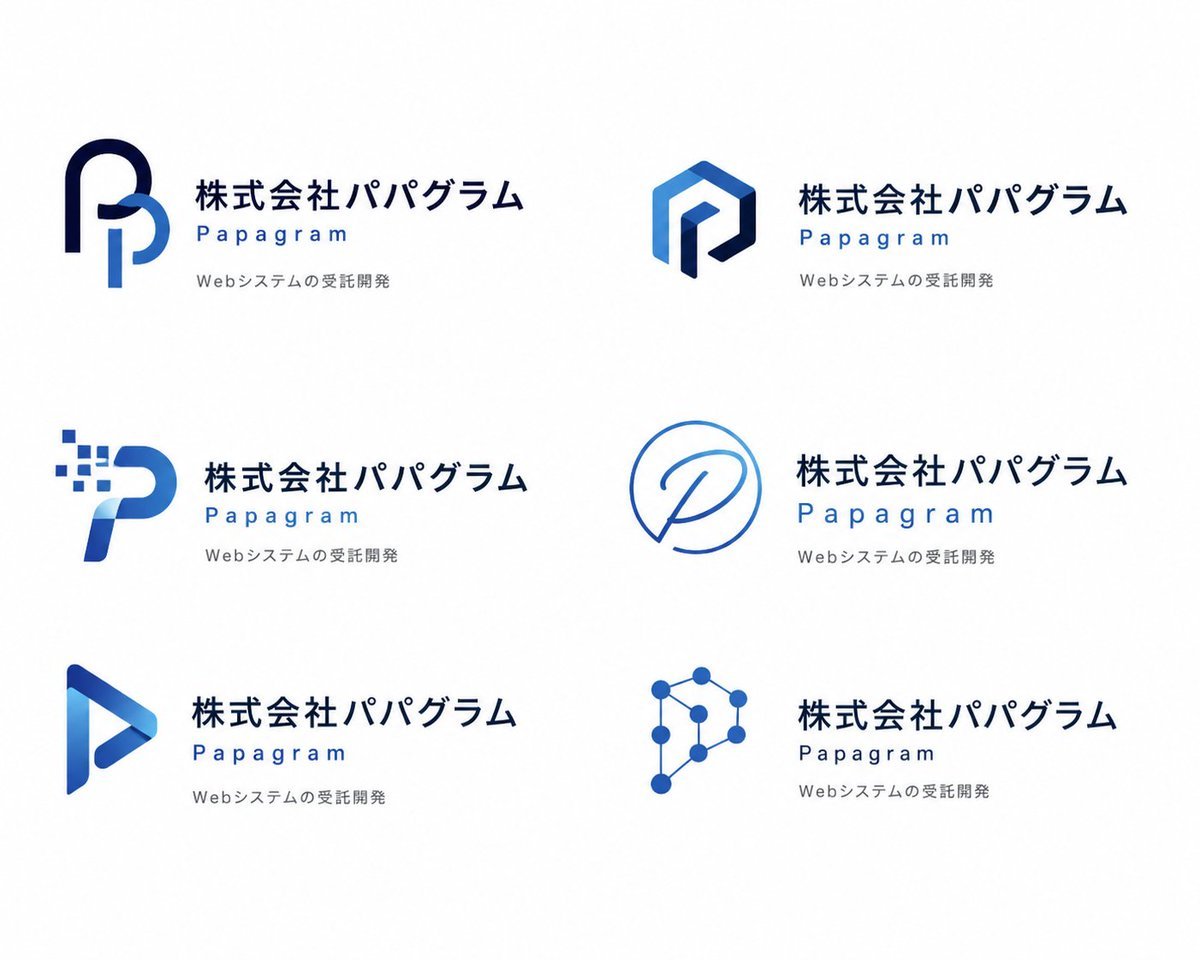
A clean presentation sheet showing six blue logo concepts for a Japanese tech company, ideal for branding explorations and client logo proposals.
- Prompt included
- Model and format preset
- Free template
The prompt behind this image
Copy the exact prompt behind Modern Corporate Logo Concept Grid, or open it in the studio and make it yours.
- Type
- logo concept presentation board
- Style
- clean modern corporate branding sheet on a pure white background
- Brand › Company Name Japanese
- {argument name="company name in Japanese" default="株式会社パパグラム"}
- Brand › Brand Name English
- {argument name="brand name in English" default="Papagram"}
- Brand › Tagline Japanese
- {argument name="tagline text" default="Webシステムの受託開発"}
- Visual Direction › Mood
- cool, professional, minimal, tech-oriented, polished
- Visual Direction › Palette
- deep navy, royal blue, light azure
- Visual Direction › Typography
- bold Japanese sans-serif for the company name, widely spaced geometric sans-serif for the English brand name, small light gray sans-serif tagline
- Layout › Grid › Columns
- 2
- Layout › Grid › Rows
- 3
- Layout › Grid › Count
- 6
- Layout › Sections › 0 › Title
- top-left logo
- Layout › Sections › 0 › Position
- top-left
- Layout › Sections › 0 › Count
- 1
- Layout › Sections › 0 › Labels
- rounded monogram P made from two thick ribbon-like strokes, dark navy outer arch and lighter blue inner vertical curve
- Layout › Sections › 1 › Title
- top-right logo
- Layout › Sections › 1 › Position
- top-right
- Layout › Sections › 1 › Count
- 1
- Layout › Sections › 1 › Labels
- faceted hexagonal monogram P, angular geometric mark with gradient blue faces and dark navy inner stroke
- Layout › Sections › 2 › Title
- middle-left logo
- Layout › Sections › 2 › Position
- middle-left
- Layout › Sections › 2 › Count
- 1
- Layout › Sections › 2 › Labels
- digital pixel P, curved blue letterform with a cluster of 8 small square pixels dissolving from the upper left
- Layout › Sections › 3 › Title
- middle-right logo
Raw JSON
{"type":"logo concept presentation board","style":"clean modern corporate branding sheet on a pure white background","brand":{"company_name_japanese":"{argument name=\"company name in Japanese\" default=\"株式会社パパグラム\"}","brand_name_english":"{argument name=\"brand name in English\" default=\"Papagram\"}","tagline_japanese":"{argument name=\"tagline text\" default=\"Webシステムの受託開発\"}"},"visual_direction":{"mood":"cool, professional, minimal, tech-oriented, polished","palette":["deep navy","royal blue","light azure"],"typography":"bold Japanese sans-serif for the company name, widely spaced geometric sans-serif for the English brand name, small light gray sans-serif tagline"},"layout":{"grid":{"columns":2,"rows":3,"count":6},"sections":[{"title":"top-left logo","position":"top-left","count":1,"labels":["rounded monogram P made from two thick ribbon-like strokes, dark navy outer arch and lighter blue inner vertical curve"]},{"title":"top-right logo","position":"top-right","count":1,"labels":["faceted hexagonal monogram P, angular geometric mark with gradient blue faces and dark navy inner stroke"]},{"title":"middle-left logo","position":"middle-left","count":1,"labels":["digital pixel P, curved blue letterform with a cluster of 8 small square pixels dissolving from the upper left"]},{"title":"middle-right logo","position":"middle-right","count":1,"labels":["single-line circular emblem, thin blue outline forming a speech-bubble-like circle with a handwritten P inside"]},{"title":"bottom-left logo","position":"bottom-left","count":1,"labels":["triangular play-button P, glossy folded ribbon shape with blue gradient and hollow center"]},{"title":"bottom-right logo","position":"bottom-right","count":1,"labels":["network-node P, constructed from 8 circular nodes connected by thin lines into a polygonal tech symbol"]}],"text_placement":"for each of the 6 concepts, the icon is on the left and the text block is on the right","spacing":"wide margins, generous whitespace, evenly distributed concepts with consistent alignment"},"repeated_text_block":{"count":6,"structure":["large Japanese company name on one line","English brand name below in blue with wide letter spacing","small gray Japanese tagline on the third line"]},"rendering":{"finish":"flat vector logo mockup","lighting":"none, studio-flat graphic presentation","shadows":"none","detail":"crisp edges, high-resolution brand proposal sheet"}}How to use Modern Corporate Logo Concept Grid in 3 steps
- 1Upload ImagePNG, JPG or paste
Add your photo
Upload the photo the template builds on. The prompt, model and format are already set.
- 2…a portrait of your subject in softgolden-hour light, 85mm…
Personalize
Edit the subject and creative details for your destination.
- 3Generate
Generate
Press Generate — your image is created in PicX Studio, so you can compare it with the original and refine one variable at a time.
More like this
Templates with the same subject, style or setup. Open one to see its prompt.
Glass Brand Logo Volcanic Landscape
Paper Cut Craft Illustration
Korean Luxury Fashion Editorial 2x2 Grid Series
Premium Editorial Branding Poster Charcoal Green
Minimalist Fashion Editorial Split Layout
Ultra-Realistic Vogue-Style Editorial Fashion Grid

Stylized Fashion Portrait Bold Color Contrast Editorial
Blueprint Split Reality Archetype Prompt
Real Illustration Split Portrait Transition
Headphones Lifestyle Nine Panel Grid
Moss Logo Minimalist Brand Flat Lay
Isometric Science Concept Diorama Grid
Make it yours
Modern Corporate Logo Concept Grid works as-is. These are the safest ways to change it without losing the look.
Swap the light
One lighting change is enough to compare takes. Current light: “none, studio-flat graphic presentation”.
Change one field
Copy a single group, rewrite it, and generate again so you can see what that field is doing.
Keep the frame, change the subject
Hold the composition and light of Modern Corporate Logo Concept Grid, then swap wardrobe, props or the person for a new take.
| If the result… | Why | Fix |
|---|---|---|
| The result drifts from the preview | Too many fields changed at once. | Reuse Modern Corporate Logo Concept Grid as-is first, then change one group — subject, light, or setting. |
| GPT Image 2 ignores part of the JSON | Some models flatten or skip nested keys. | Keep the same values and paste them as a short paragraph instead. |
More GPT Image 2 templates
Other prompts made for GPT Image 2.

Six VTuber Japanese Logo Sheet

Realistic Portrait of Woman and Deer

The Vista Modular Condo Poster

AI Model Routing Comparison Infographic

2.5D Anime Art Board

Isometric Productivity Desk Scene

New York Double Exposure Poster

Four-Panel AI Landscape Comparison

Japanese Tatami Lifestyle Magazine Cover

NESCAFÉ Coffee Map Poster
More image prompts
Fresh picks from across the catalog.
Retro Neon Night Phone Portrait
AI Fashion Comparison Poster
Neo-Noir Character Exploration Sheet
Minimal Pelican Riding Bicycle
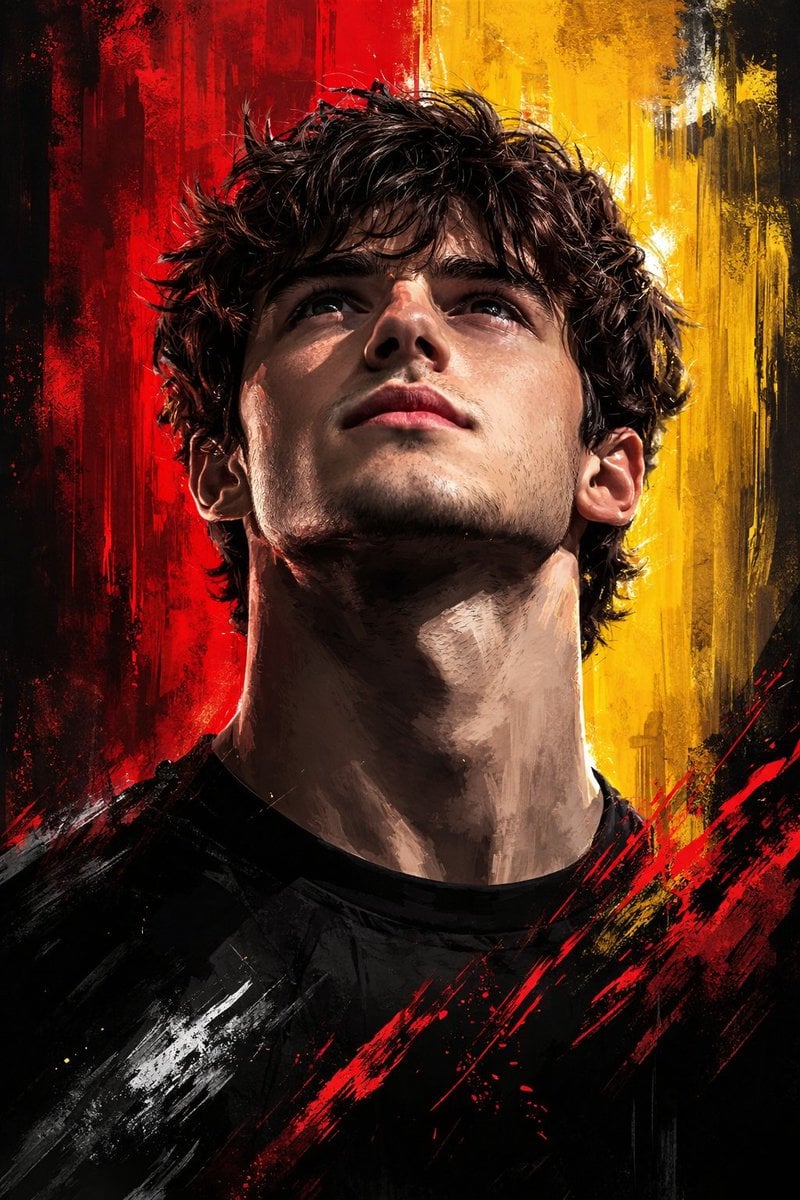
Dramatic Digital Painting Portrait with Limited Palette
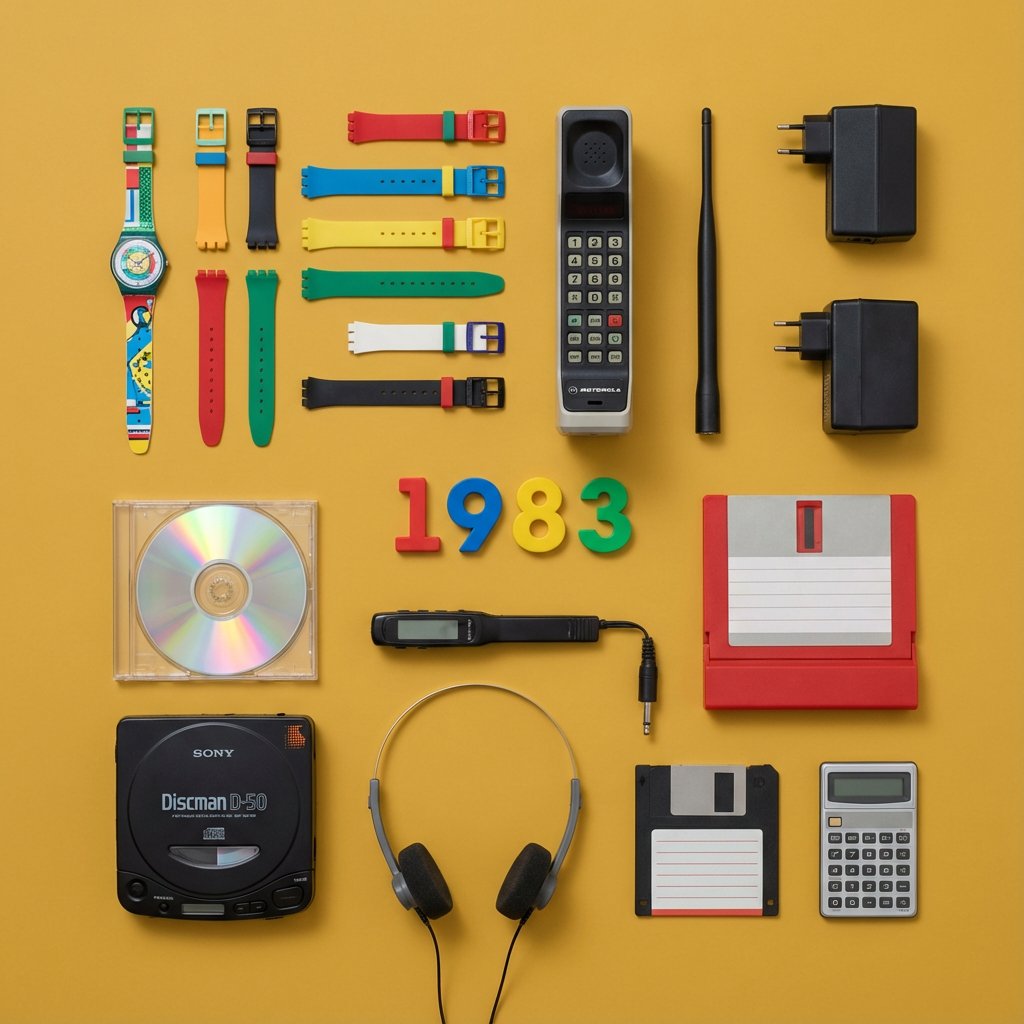
Knolling Flat Lay Product Photography Prompt (Inventions)

High Fashion Editorial Prompt using Nano Banana 2

Simple Christmas dog and Santa image prompt

Gritty Prisoner Mugshot Portrait Prompt
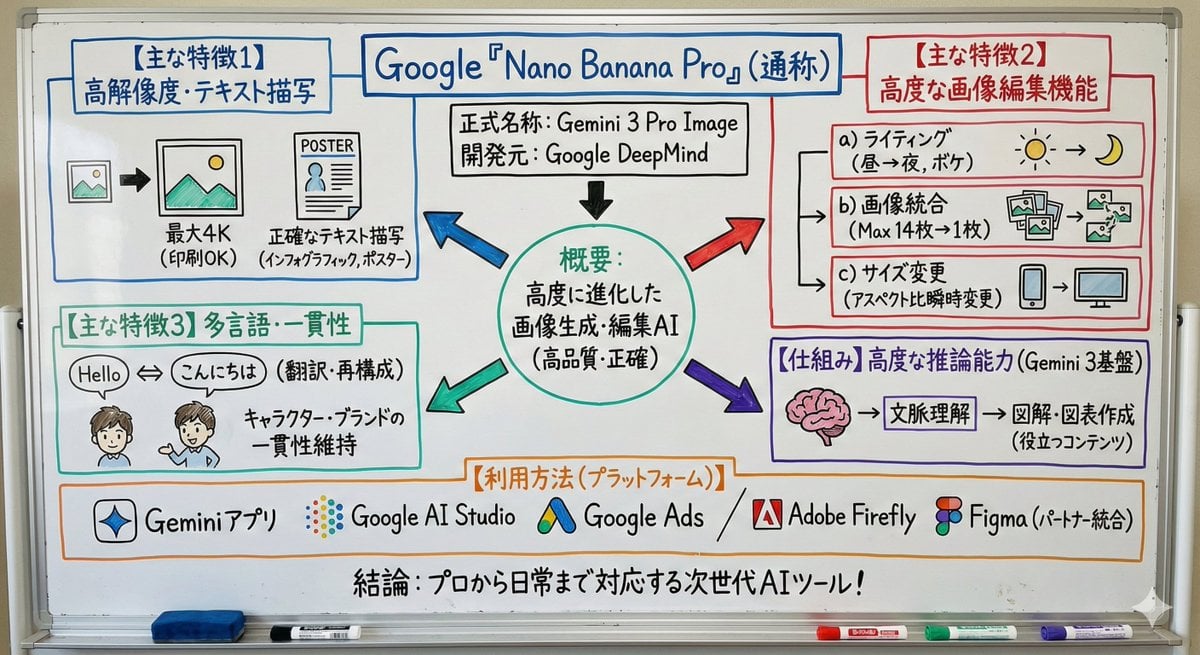
Whiteboard-style simple diagram from text
Browse template categories
Modern Corporate Logo Concept Grid questions
How do I use the Modern Corporate Logo Concept Grid template?
Add your photo if the template asks for one, edit the prompt if you like — the template's model and format are already selected — and press Generate. Your version opens in PicX Studio.
Can I customize the Modern Corporate Logo Concept Grid template?
Yes. You can change the subject, setting, lighting, mood, format, and available model controls before creating your image.
Is the Modern Corporate Logo Concept Grid template free?
Opening and editing this template is free. Generating uses credits, shown on the Generate button when you are signed in.
Which AI model should I use?
Start with GPT Image 2, which is the model associated with this template. You can compare another compatible model for a different finish.
Looking for something else? Browse all templates.

Your photo, any look
Thousands of ready templates for every top image and video model, from one credit balance.