
Vertical Corporate Fashion Portrait Collage
A prompt for a three-panel vertical collage featuring a woman in a sophisticated corporate outfit with consistent identity across panels.
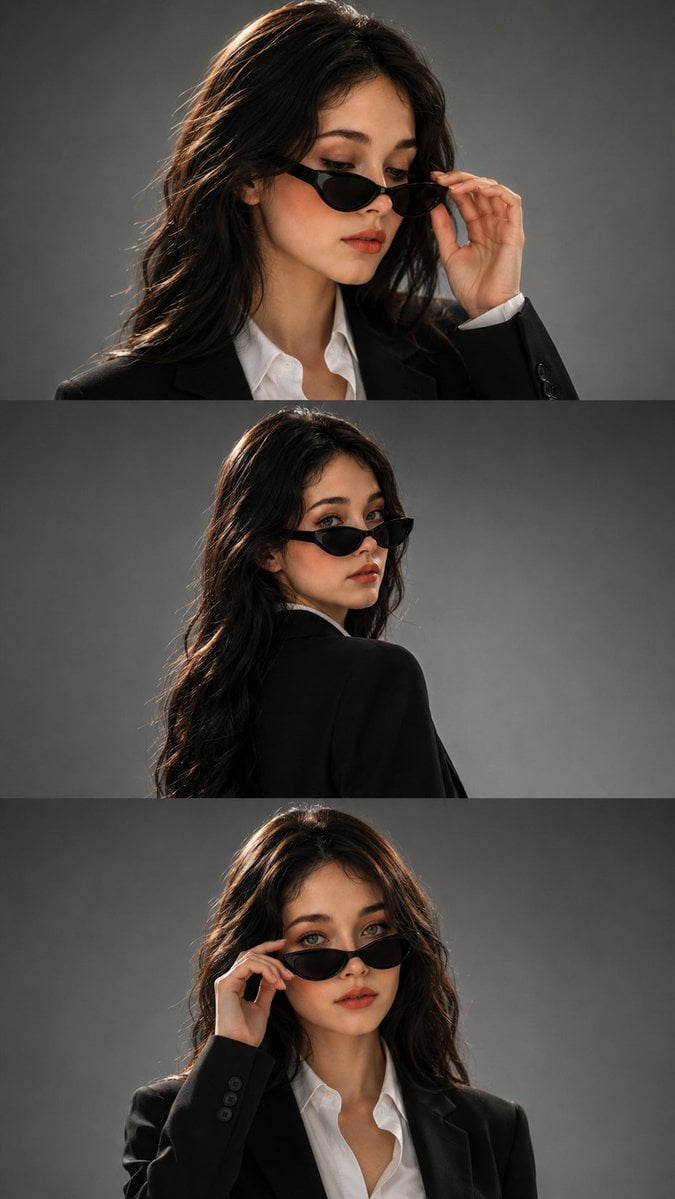
- Prompt included
- Model and format preset
- Free template
The prompt behind this image
Copy the exact prompt behind Vertical Corporate Fashion Portrait Collage, or open it in the studio and make it yours.
Using the provided reference image as the visual reference, create a photorealistic three-panel vertical fashion portrait collage of the same young woman, maintaining consistent facial identity, facial proportions, skin tone, long straight glossy black hair, defined eyebrows, almond-shaped eyes, soft natural lips, and elegant features across all three panels. She wears a {argument name="outfit" default="perfectly tailored black blazer over a crisp white button-up shirt"}, creating a sophisticated high-fashion corporate aesthetic, paired with sleek narrow black cat-eye sunglasses. Panel 1: close-up portrait from the chest up, woman looking downward with a confident mysterious expression while gently lowering her black sunglasses with one hand, fingers delicately touching the frame, eyes partially visible above the glasses. Panel 2: three-quarter rear portrait, woman turned away from the camera with her back and shoulder visible, looking back over her shoulder toward the camera with a subtle confident expression, sunglasses worn naturally, long black hair falling smoothly down her back. Panel 3: frontal medium close-up, woman looking directly into the camera with a powerful confident expression while gently adjusting the sunglasses with one hand, crisp white collar visible beneath the black blazer. All three panels use the same woman, same hairstyle, same outfit, same sunglasses, and consistent facial identity. {argument name="background" default="Minimal seamless cool-gray studio background"}, subtle gradient from darker gray to lighter gray, dramatic directional studio lighting from one side, soft highlights across the face, controlled deep shadows, subtle rim light separating the dark hair and blazer from the background. Premium luxury fashion campaign photography, sophisticated Korean-inspired editorial aesthetic, cinematic contrast, realistic skin texture, natural pores, detailed hair strands, realistic hands and fingers, refined makeup, sharp facial details, shallow depth of field, {argument name="lens" default="85mm"} portrait lens, professional studio photography, high-end magazine editorial, clean composition, understated luxury, ultra-photorealistic, HDR, 8K detail. Three horizontal portrait panels stacked vertically, clean seamless transitions between panels, consistent lighting and color grading, no borders, no text, no watermark.
How to use Vertical Corporate Fashion Portrait Collage in 3 steps
- 1Upload ImagePNG, JPG or paste
Add your photo
Upload the photo the template builds on. The prompt, model and format are already set.
- 2…a portrait of your subject in softgolden-hour light, 85mm…
Personalize
Edit the subject and creative details for your destination.
- 3Generate
Generate
Press Generate — your image is created in PicX Studio, so you can compare it with the original and refine one variable at a time.
More like this
Templates with the same subject, style or setup. Open one to see its prompt.

Nano Banana 2 High Fashion Sports Campai

Couture Fashion Editorial Woman and Drag

Ive Yujin Fashion Portrait in Blue

Nano Banana 2 Editorial Fashion Portrait

Caution Tape Fashion — Industrial Editorial

Miniature Self Portrait Collage
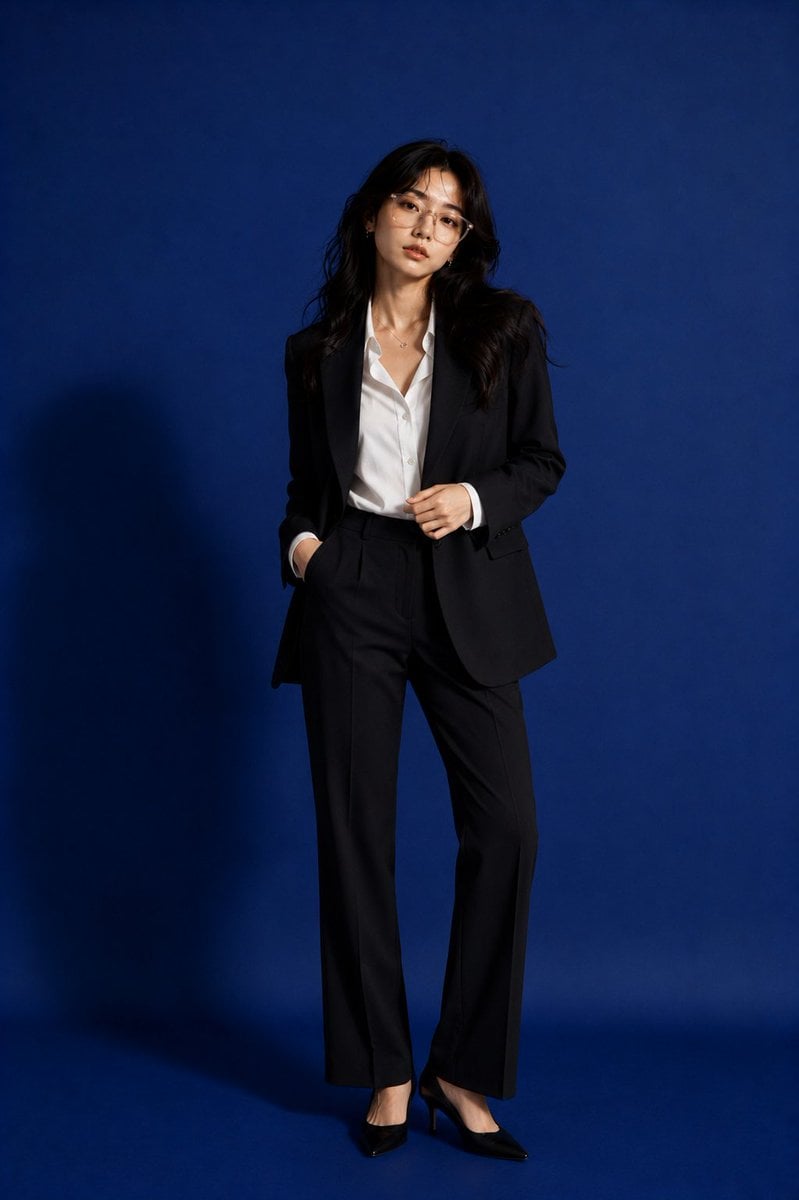
Premium Corporate Fashion Studio Portrait

Found Photograph: Us, 1970

80s Couple Studio Portrait

80s College Gate

1988 Mall Style

80s Polka Dot Saree
Make it yours
Vertical Corporate Fashion Portrait Collage works as-is. These are the safest ways to change it without losing the look.
Change one field
Copy a single group, rewrite it, and generate again so you can see what that field is doing.
Keep the frame, change the subject
Hold the composition and light of Vertical Corporate Fashion Portrait Collage, then swap wardrobe, props or the person for a new take.
| If the result… | Why | Fix |
|---|---|---|
| The result drifts from the preview | Too many fields changed at once. | Reuse Vertical Corporate Fashion Portrait Collage as-is first, then change one group — subject, light, or setting. |
| The model over-stylizes the scene | The prose prompt leaves finish and camera underspecified. | Add one camera or lighting sentence and stay on GPT Image 2. |
More GPT Image 2 templates
Other prompts made for GPT Image 2.

Six VTuber Japanese Logo Sheet

Realistic Portrait of Woman and Deer

The Vista Modular Condo Poster

AI Model Routing Comparison Infographic

2.5D Anime Art Board

Isometric Productivity Desk Scene

New York Double Exposure Poster

Four-Panel AI Landscape Comparison

Japanese Tatami Lifestyle Magazine Cover

NESCAFÉ Coffee Map Poster
More image prompts
Fresh picks from across the catalog.
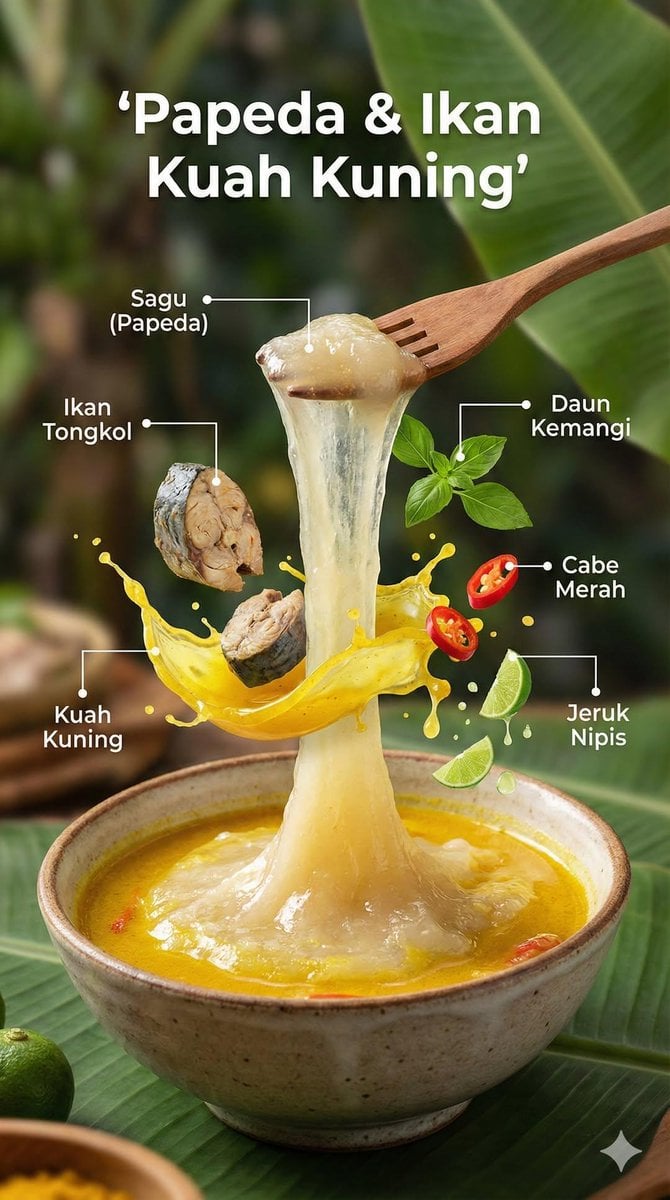
Ultra-Realistic Cinematic Food Photography Infographic
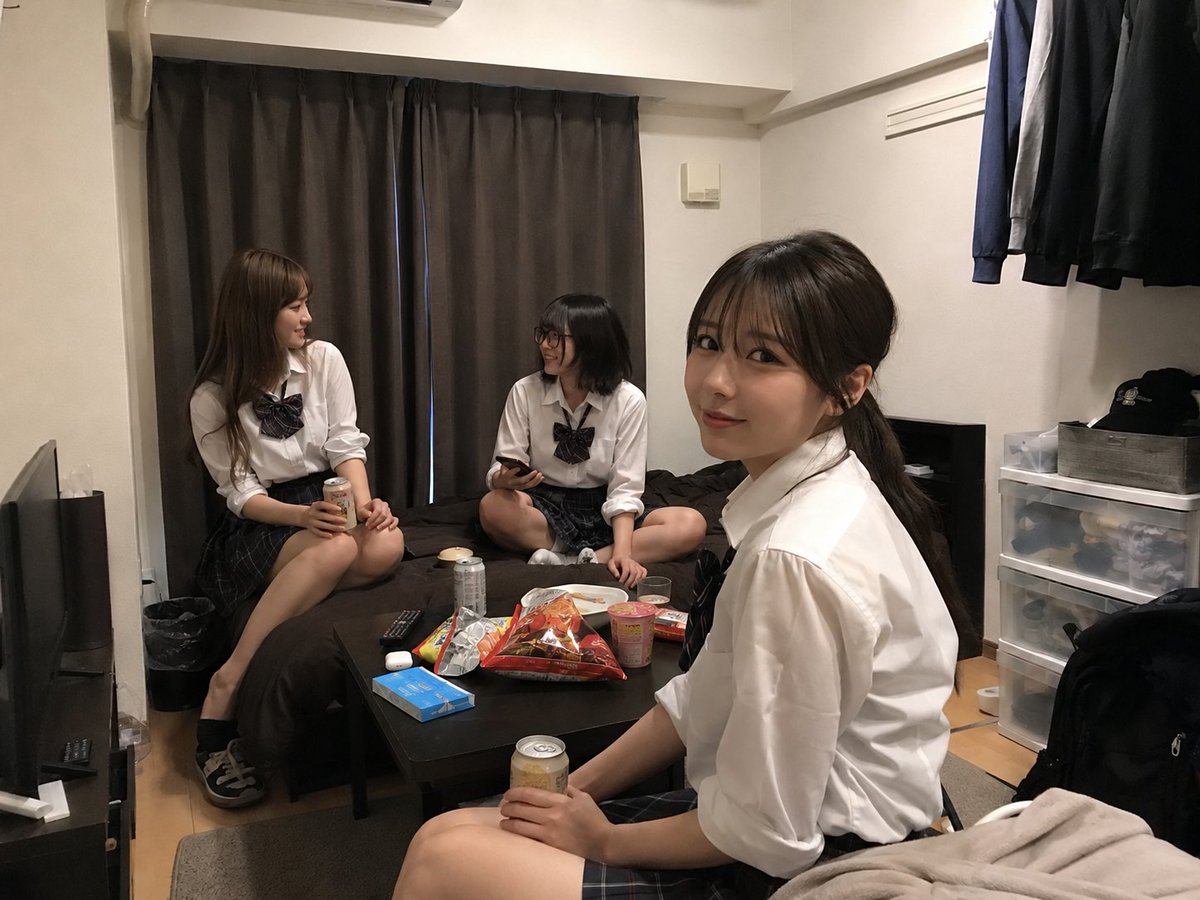
Student Hangout Room Transformation
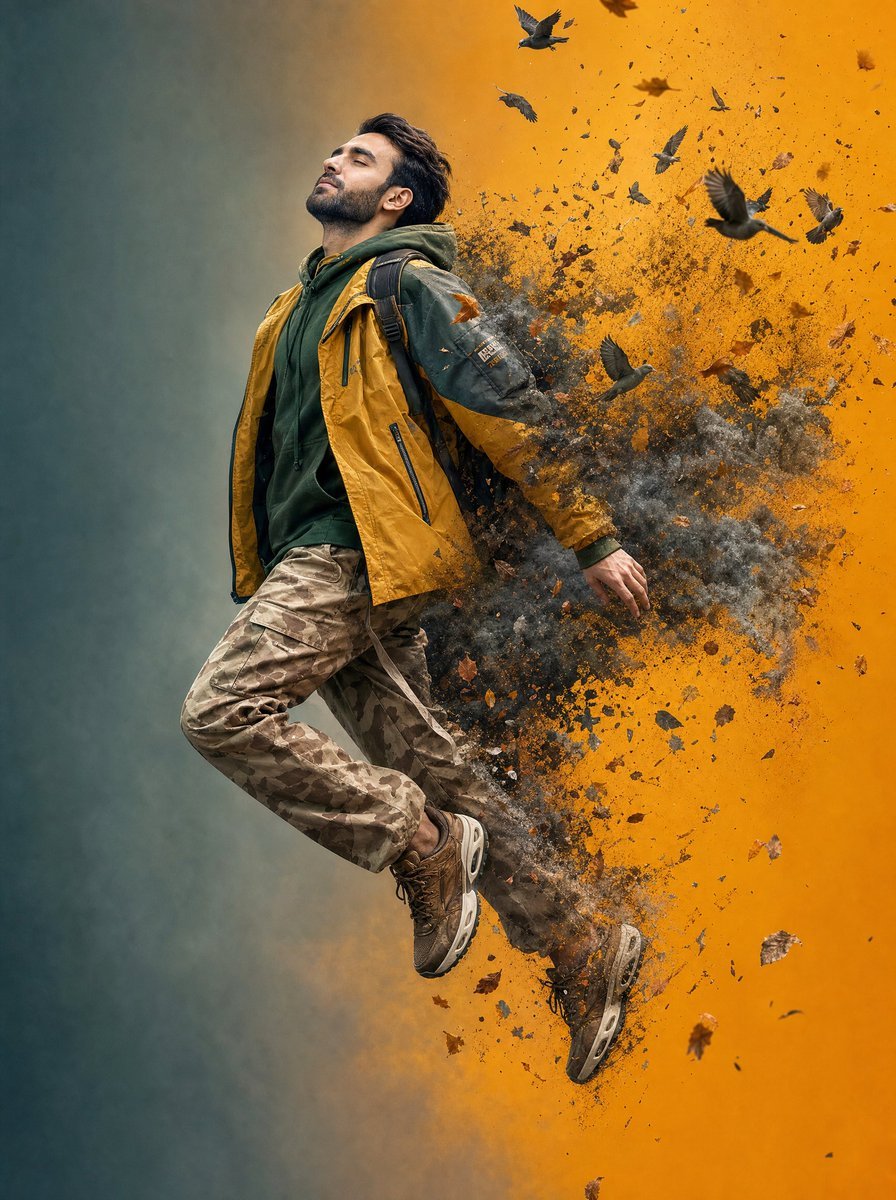
Surreal Floating Man Dissolving Into Ash
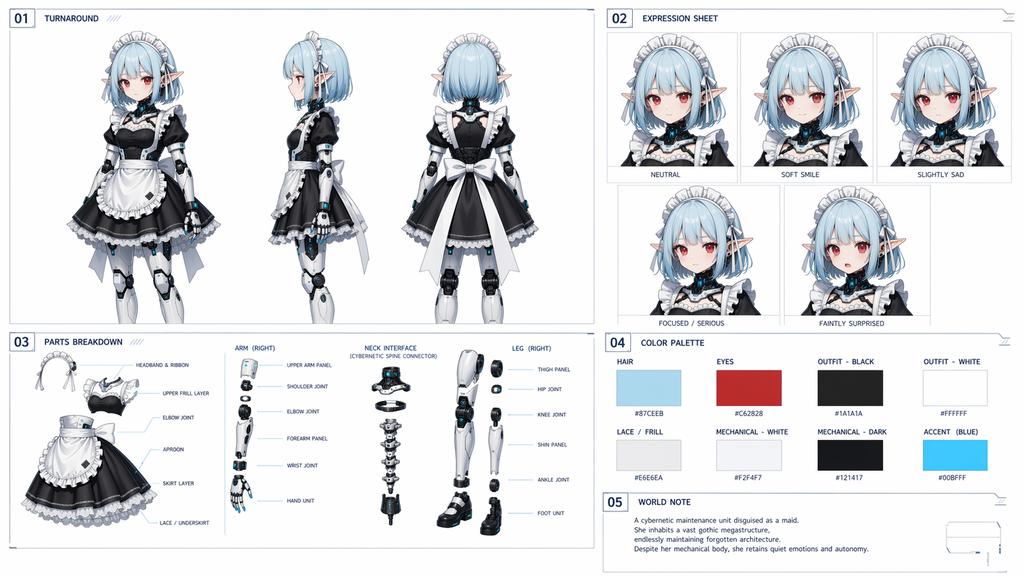
Cybernetic Character Reference Sheet
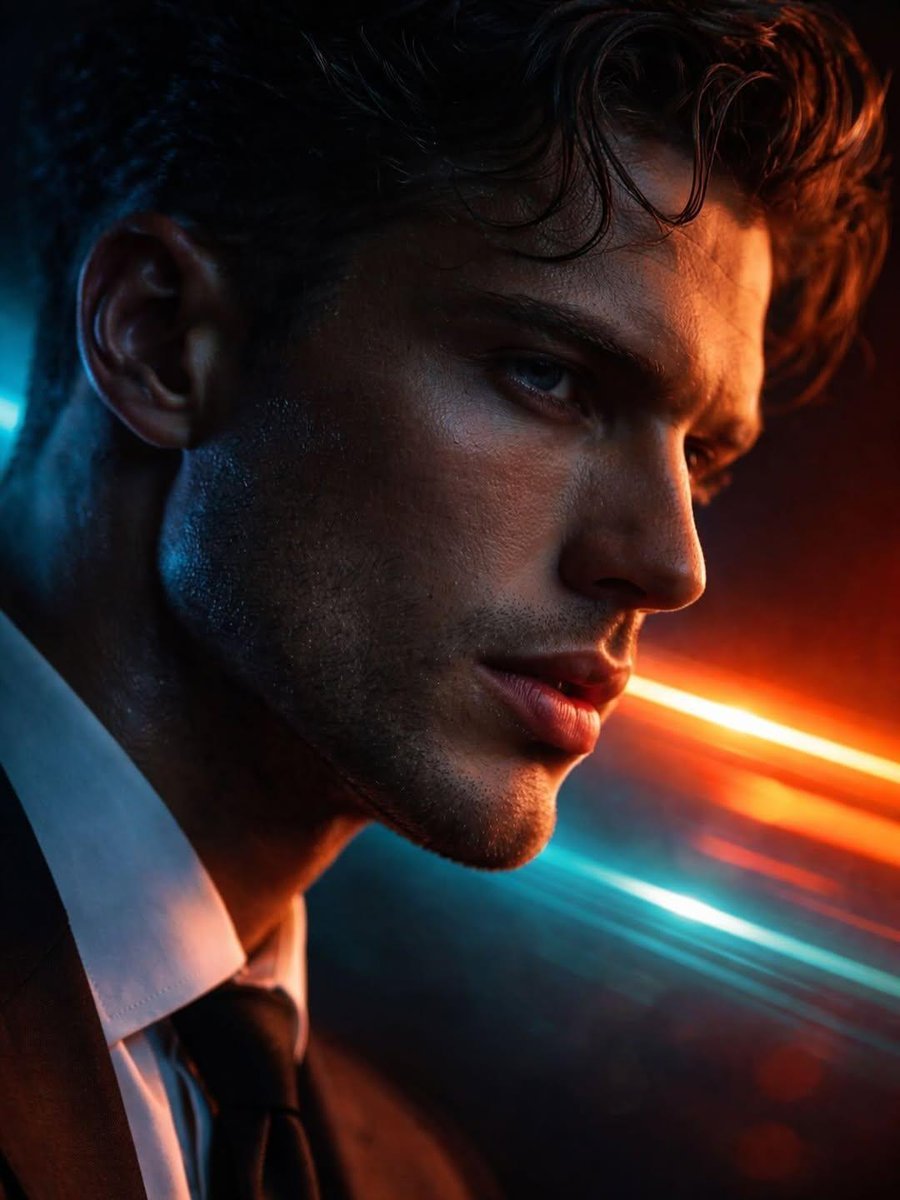
Hyper-realistic Futuristic Noir Portrait Prompt
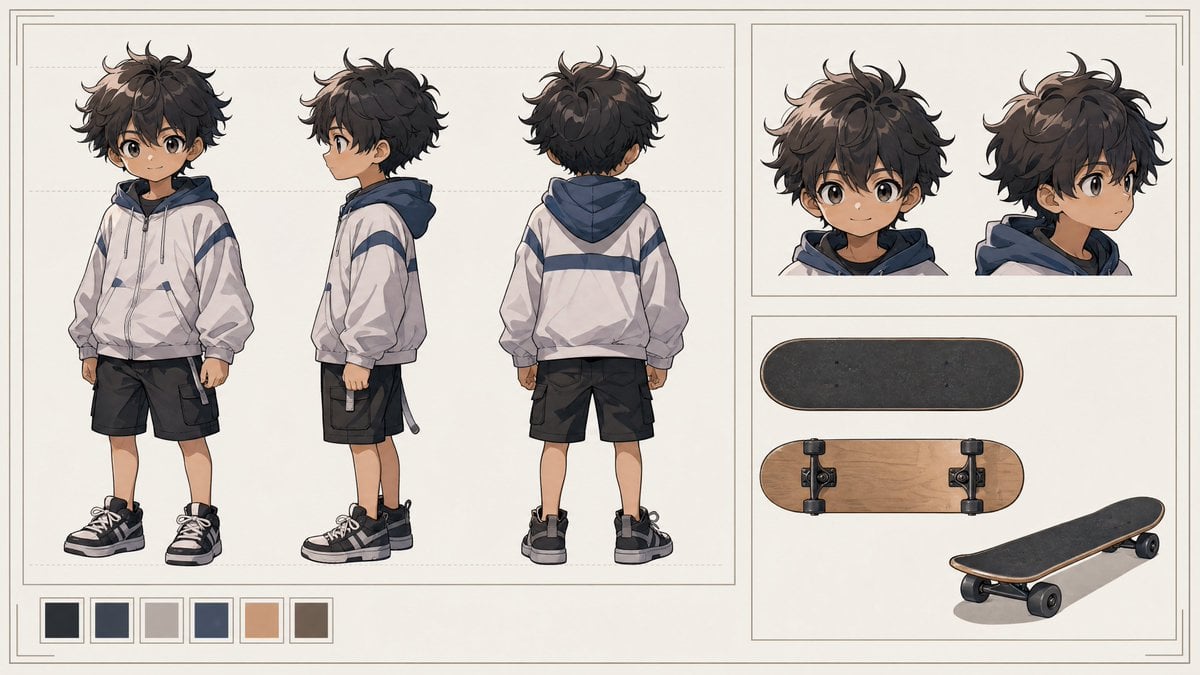
Tiny Boy Character Sheet
Cozy Living Room Afternoon Scene
Mythical characters on a crowded Beijing subway

Neon Dream City
Blue Adidas Streetwear Composite Portrait Prompt (Nano Banana Pro)
Browse template categories
Vertical Corporate Fashion Portrait Collage questions
How do I use the Vertical Corporate Fashion Portrait Collage template?
Add your photo if the template asks for one, edit the prompt if you like — the template's model and format are already selected — and press Generate. Your version opens in PicX Studio.
Can I customize the Vertical Corporate Fashion Portrait Collage template?
Yes. You can change the subject, setting, lighting, mood, format, and available model controls before creating your image.
Is the Vertical Corporate Fashion Portrait Collage template free?
Opening and editing this template is free. Generating uses credits, shown on the Generate button when you are signed in.
Which AI model should I use?
Start with GPT Image 2, which is the model associated with this template. You can compare another compatible model for a different finish.
Looking for something else? Browse all templates.

Your photo, any look
Thousands of ready templates for every top image and video model, from one credit balance.