
Japanese Roman Typeface Specimen Poster
A sophisticated editorial poster showcasing a fictional bilingual serif typeface, suitable for font presentation, branding mockups, or typographic art prints.
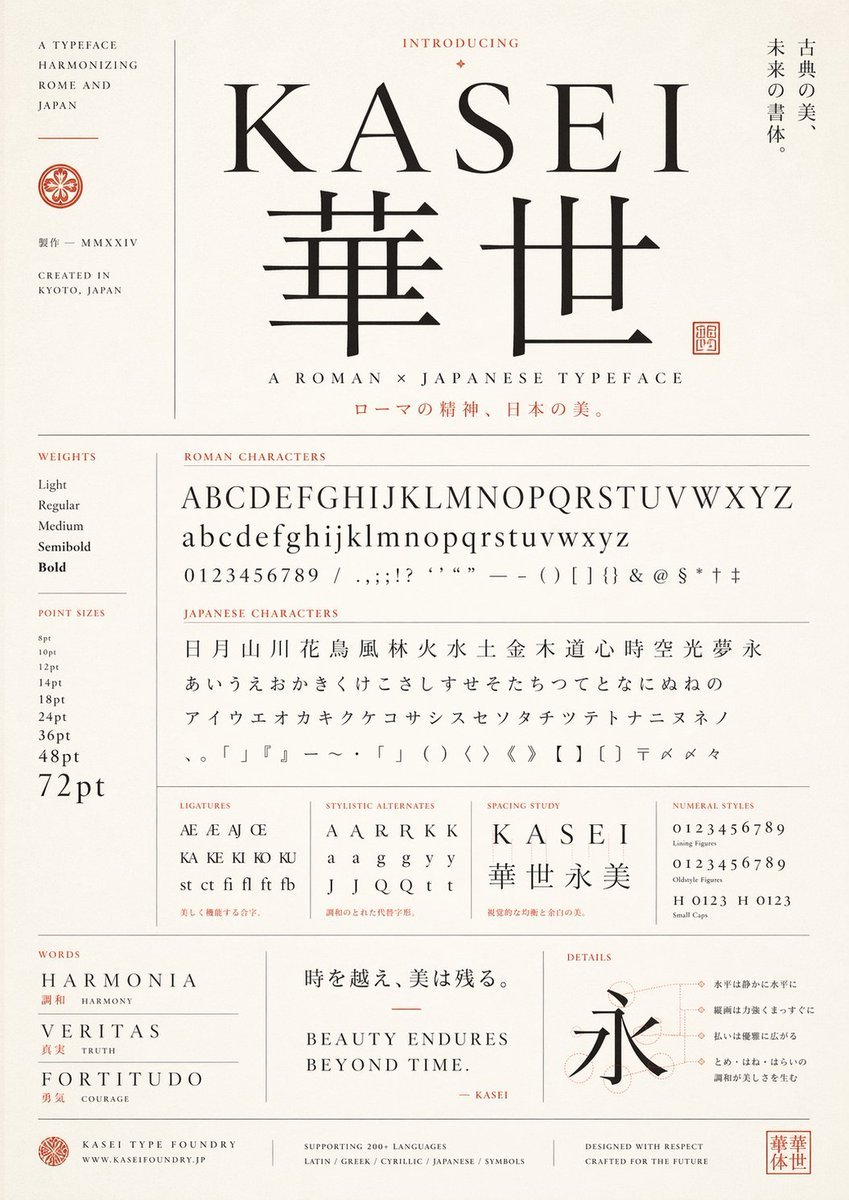
- Prompt included
- Model and format preset
- Free template
The prompt behind this image
Copy the exact prompt behind Japanese Roman Typeface Specimen Poster, or open it in the studio and make it yours.
Create a refined vintage-modern type specimen poster for a fictional typeface named {argument name="typeface name" default="KASEI"}, designed as an elegant fusion of Roman and Japanese typography. Use a tall portrait layout on warm ivory textured paper with thin gray divider lines, black letterforms, and muted vermilion accent text and seals. Center the composition around a large serif Latin wordmark "{argument name="typeface name" default="KASEI"}" above 2 oversized Japanese kanji, "華世", set in a matching high-contrast classical style. Above the title, place the small heading "INTRODUCING" with a tiny ornamental diamond. To the right of the title area, add a vertical Japanese tagline reading "古典の美、未来の書体。". Under the main kanji, add the subtitle "A ROMAN × JAPANESE TYPEFACE" and below it a Japanese line in vermilion: "ローマの精神、日本の美。". On the far left, create a narrow sidebar with the stacked English text "A TYPEFACE HARMONIZING ROME AND JAPAN", a small circular crest, the Japanese text "製作 — MMXXIV", and "CREATED IN KYOTO, JAPAN". Build the lower two-thirds as a meticulous type specimen sheet with exact labeled sections. In a left column, include 2 sections: "WEIGHTS" with 5 items — Light, Regular, Medium, Semibold, Bold — and "POINT SIZES" with 9 items — 8pt, 10pt, 12pt, 14pt, 18pt, 24pt, 36pt, 48pt, 72pt. In the main area, include a section titled "ROMAN CHARACTERS" showing 4 specimen lines: uppercase alphabet A through Z, lowercase alphabet a through z, numerals 0 through 9, and a punctuation/symbol line with slashes, commas, semicolons, exclamation mark, question marks, apostrophes, quotation marks, em dash, parentheses, brackets, braces, ampersand, at sign, dollar sign, asterisk, dagger, and double dagger. Below that, include a section titled "JAPANESE CHARACTERS" with 4 lines: 19 kanji "日 月 山 川 花 鳥 風 林 火 水 土 金 木 道 心 時 空 光 夢 永", 23 hiragana "あ い う え お か き く け こ さ し す せ そ た ち つ て と な に ぬ ね の", 21 katakana "ア イ ウ エ オ カ キ ク ケ コ サ シ ス セ ソ ン タ チ ツ テ ト ナ ニ ヌ ネ ノ", and a symbols line including Japanese punctuation, corner brackets, wave dash, middle dot, parentheses, angle brackets, double angle brackets, black lenticular brackets, postal mark, reference marks, and iteration mark. Along the next row, add 4 compact specimen panels: "LIGATURES" with 10 items — Æ, AE, AJ, Œ, KA, KE, KI, KO, KU, and "st ct fi fl ft fb"; "STYLISTIC ALTERNATES" with 12 items — A, A, A, R, R, K, K, a, a, g, g, y, y, J, J, Q, Q, t, t — arranged as a neat sampling grid; "SPACING STUDY" showing the word "KASEI" with wide tracking above the kanji string "華世永美"; and "NUMERAL STYLES" with 4 lines — lining figures 0123456789, oldstyle figures 0123456789, and small caps combinations "H 0123" and "H 0123". Add tiny red Japanese captions beneath some of these sample boxes. At the bottom, create 3 feature panels. Left panel titled "WORDS" with 3 entries: "HARMONIA" with the red Japanese and English gloss "調和 HARMONY", "VERITAS" with "真実 TRUTH", and "FORTITUDO" with "勇気 COURAGE". Center panel with a large Japanese quote "時を越え、美は残る。" above the English statement "BEAUTY ENDURES\nBEYOND TIME." and a small signature line "— KASEI" in red. Right panel titled "DETAILS" with a large kanji "永" over faint construction circles and guide lines, plus 4 right-aligned Japanese annotation callouts connected by fine dotted leader lines. Finish with a footer containing 4 blocks: a small crest and "KASEI TYPE FOUNDRY" with "WWW.KASEIFOUNDRY.JP"; a centered language support note "SUPPORTING 200+ LANGUAGES" and "LATIN / GREEK / CYRILLIC / JAPANESE / SYMBOLS"; a right-side statement "DESIGNED WITH RESPECT\nCRAFTED FOR THE FUTURE"; and a square vermilion seal bearing "華世". Overall style should feel like a premium Japanese foundry specimen sheet, balancing editorial Swiss-grid precision, classical book typography, subtle Japanese branding, generous margins, restrained luxury, and museum-poster elegance.
How to use Japanese Roman Typeface Specimen Poster in 3 steps
- 1Upload ImagePNG, JPG or paste
Add your photo
Upload the photo the template builds on. The prompt, model and format are already set.
- 2…a portrait of your subject in softgolden-hour light, 85mm…
Personalize
Edit the subject and creative details for your destination.
- 3Generate
Generate
Press Generate — your image is created in PicX Studio, so you can compare it with the original and refine one variable at a time.
More like this
Templates with the same subject, style or setup. Open one to see its prompt.
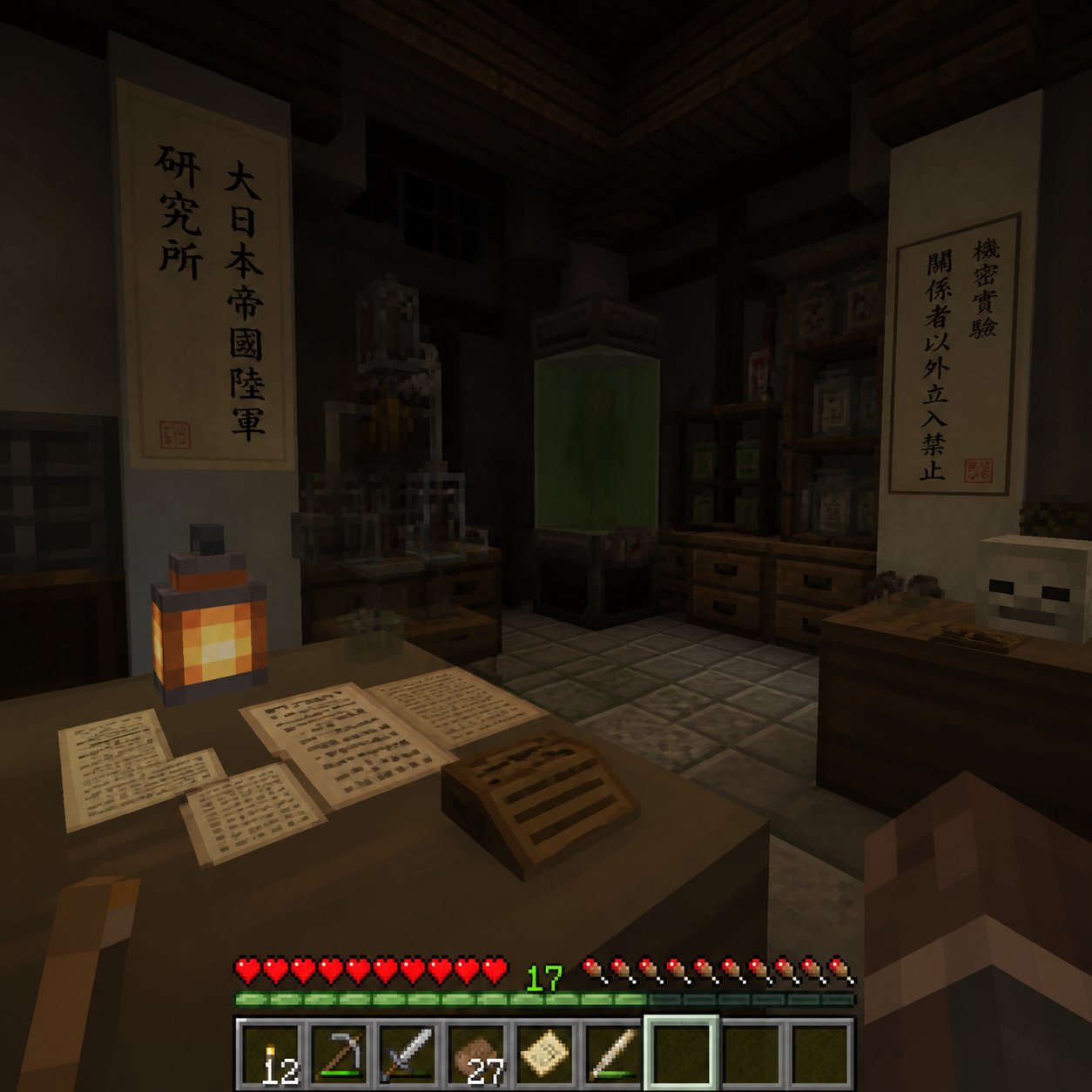
Minecraft Japanese Research Lab Exploration

Japan Travel Brochure Poster

Cartoon TV Show Poster Pack

Trendy Cafe Drink Promo Poster

Urban Fashion Editorial Collage Streetwear Poster
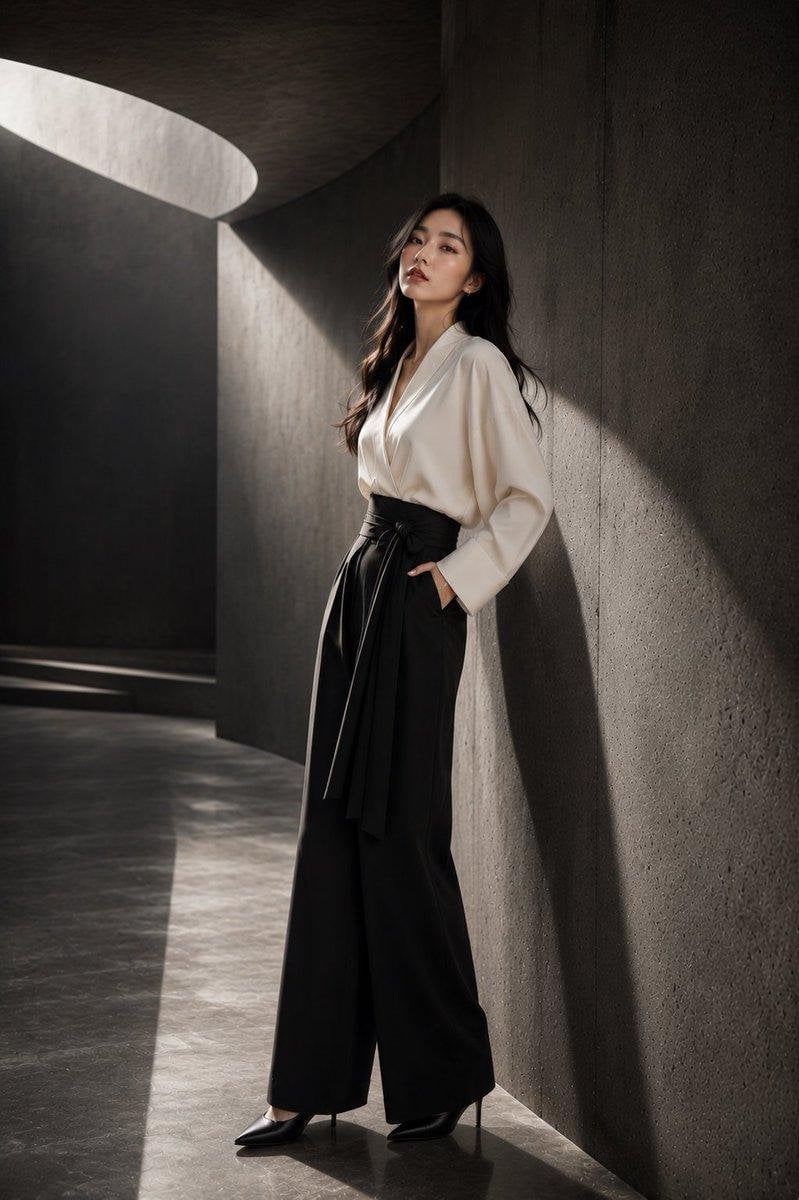
Japanese Architectural Concrete Studio Fashion Campaign

Premium Fashion Editorial Cover Layout System

Polo Ralph Lauren Luxury American Heritage Fashion Campaign

Monochrome Halftone Editorial Fashion Poster

Retro Mirror Luxury Fashion Campaign Poster

Luxury Fashion Campaign Typography Poster System
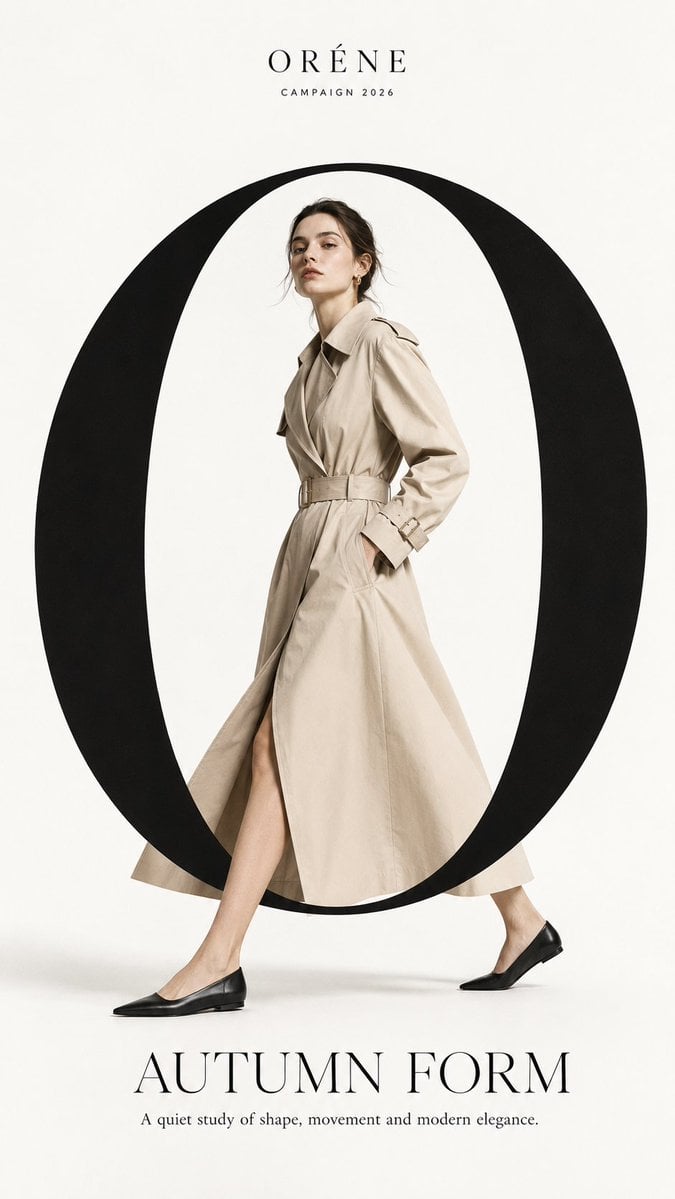
Premium Fashion Editorial Campaign Poster System
Make it yours
Japanese Roman Typeface Specimen Poster works as-is. These are the safest ways to change it without losing the look.
Change one field
Copy a single group, rewrite it, and generate again so you can see what that field is doing.
Keep the frame, change the subject
Hold the composition and light of Japanese Roman Typeface Specimen Poster, then swap wardrobe, props or the person for a new take.
| If the result… | Why | Fix |
|---|---|---|
| The result drifts from the preview | Too many fields changed at once. | Reuse Japanese Roman Typeface Specimen Poster as-is first, then change one group — subject, light, or setting. |
| The model over-stylizes the scene | The prose prompt leaves finish and camera underspecified. | Add one camera or lighting sentence and stay on GPT Image 2. |
More GPT Image 2 templates
Other prompts made for GPT Image 2.

Six VTuber Japanese Logo Sheet

Realistic Portrait of Woman and Deer

The Vista Modular Condo Poster

AI Model Routing Comparison Infographic

2.5D Anime Art Board

Isometric Productivity Desk Scene

New York Double Exposure Poster

Four-Panel AI Landscape Comparison

Japanese Tatami Lifestyle Magazine Cover

NESCAFÉ Coffee Map Poster
More image prompts
Fresh picks from across the catalog.

Image Editing Prompt: Adjusting Ring Position
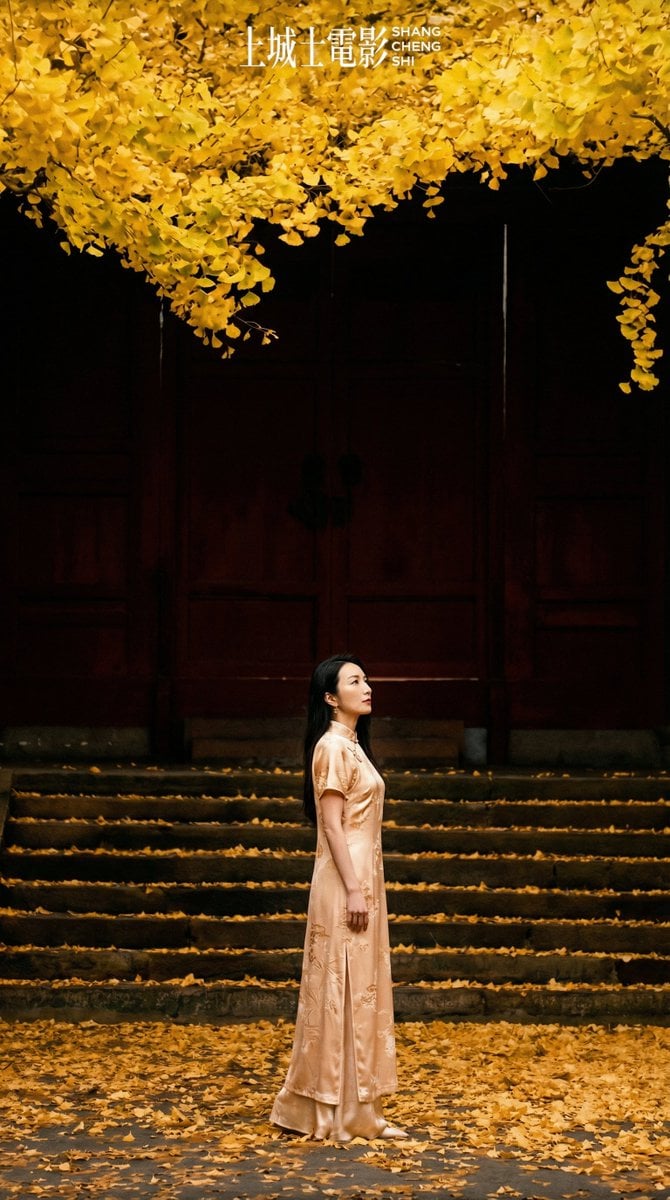
New Chinese Style Autumn Zen Cinematic Portrait Prompt
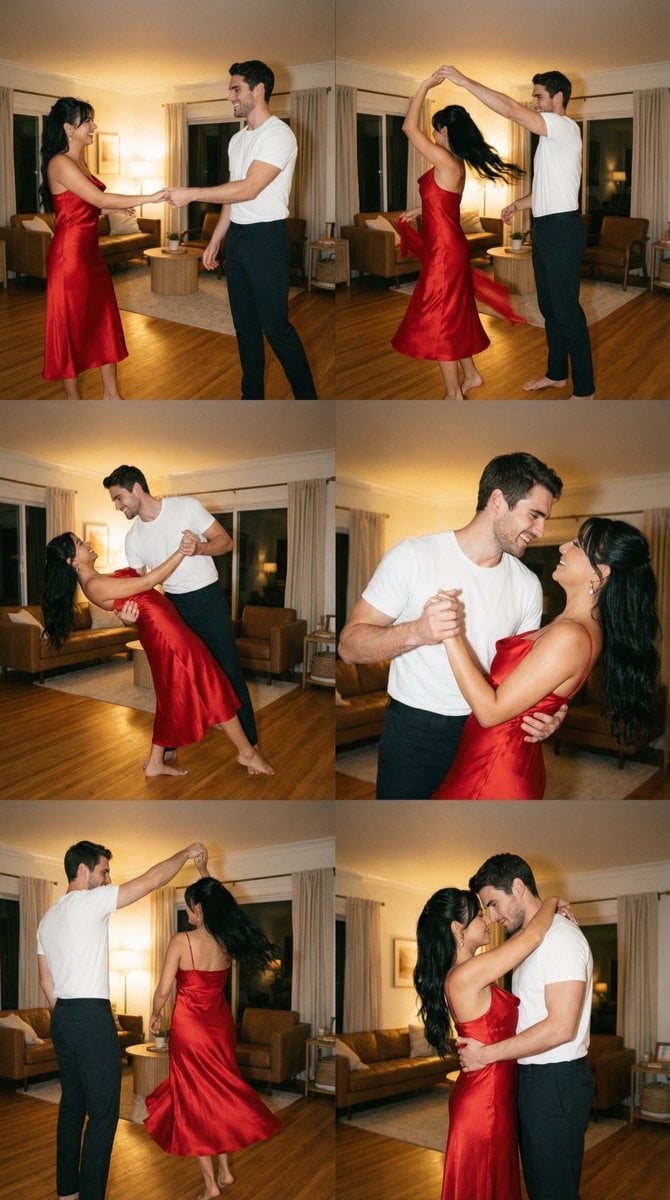
Cinematic Film Still Grid Prompt for Home Dance Sequence

Orange Nectar Product Advertisement

Futuristic Ice Skincare Poster
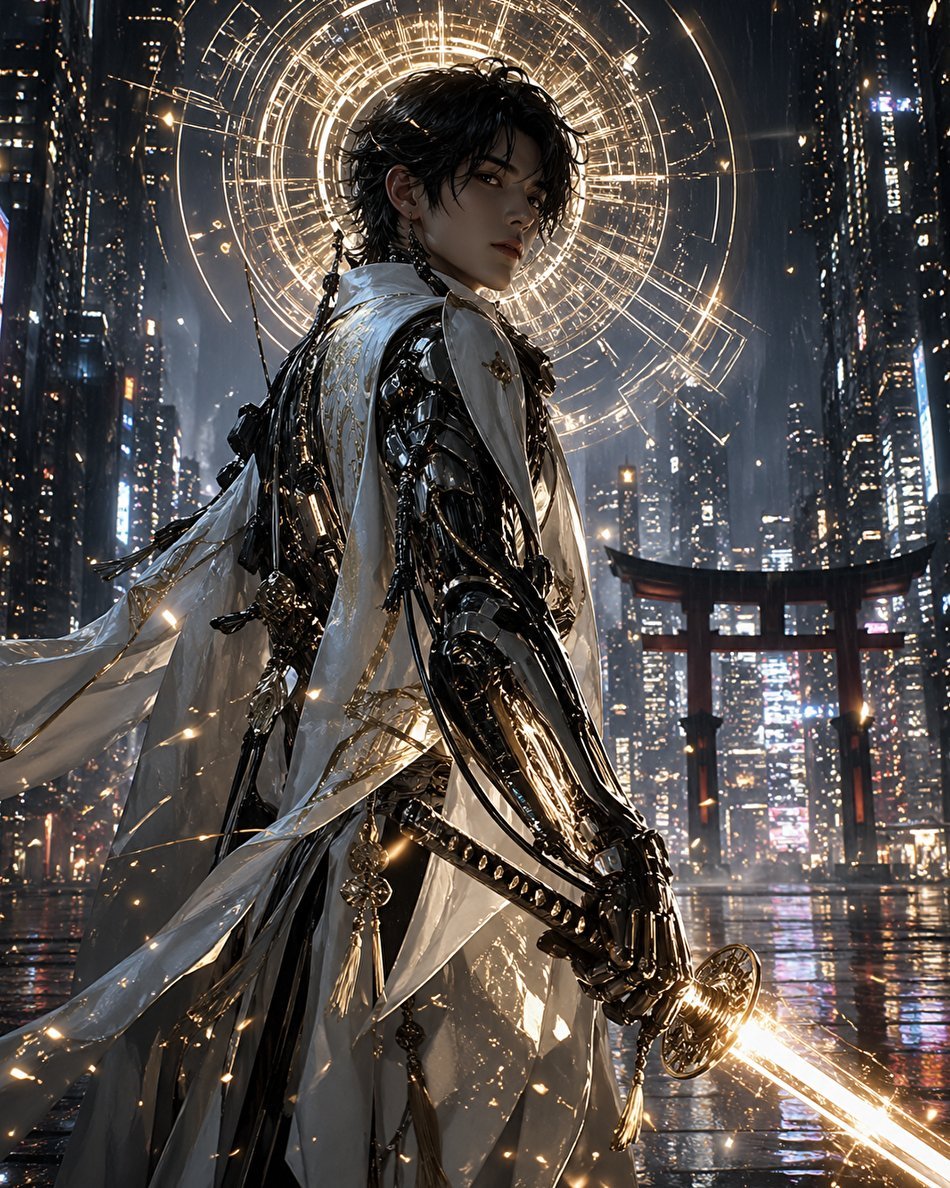
Cyberpunk Izanagi Divine Warrior

Two-Story Japanese House Floor Plan

GPT-Image-2 Creative Prompt List

Fidelity-Locked Edit Base Pose Variation
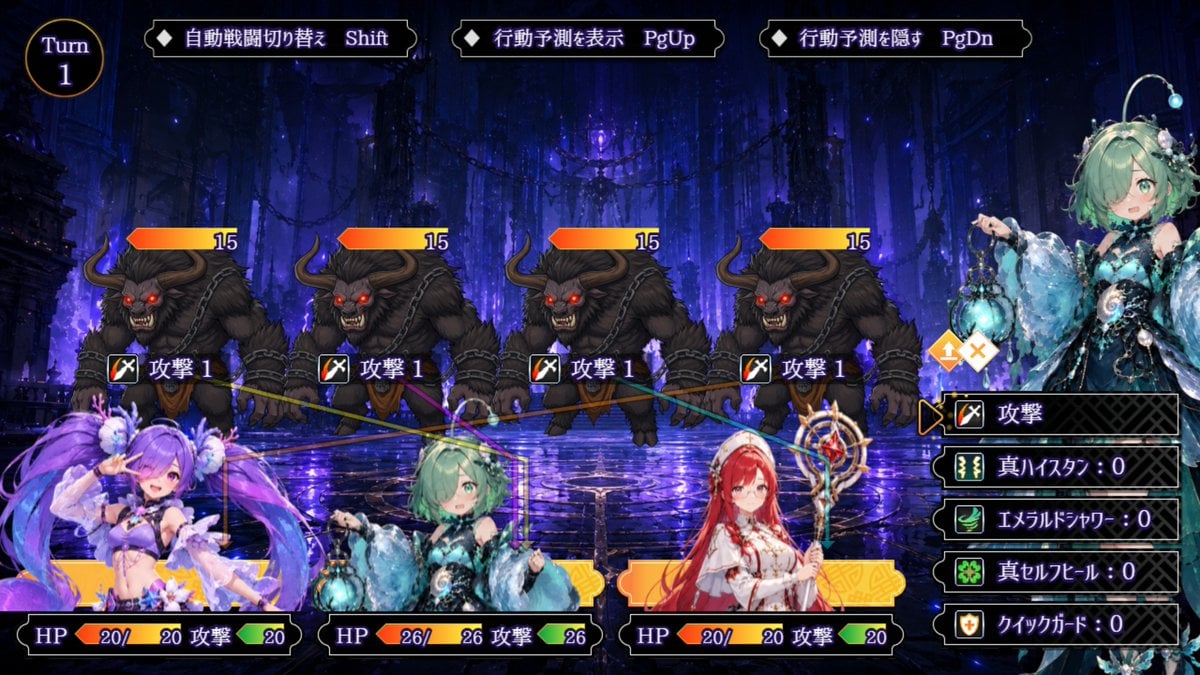
Japanese Fantasy RPG Battle UI
Browse template categories
Japanese Roman Typeface Specimen Poster questions
How do I use the Japanese Roman Typeface Specimen Poster template?
Add your photo if the template asks for one, edit the prompt if you like — the template's model and format are already selected — and press Generate. Your version opens in PicX Studio.
Can I customize the Japanese Roman Typeface Specimen Poster template?
Yes. You can change the subject, setting, lighting, mood, format, and available model controls before creating your image.
Is the Japanese Roman Typeface Specimen Poster template free?
Opening and editing this template is free. Generating uses credits, shown on the Generate button when you are signed in.
Which AI model should I use?
Start with GPT Image 2, which is the model associated with this template. You can compare another compatible model for a different finish.
Looking for something else? Browse all templates.

Your photo, any look
Thousands of ready templates for every top image and video model, from one credit balance.