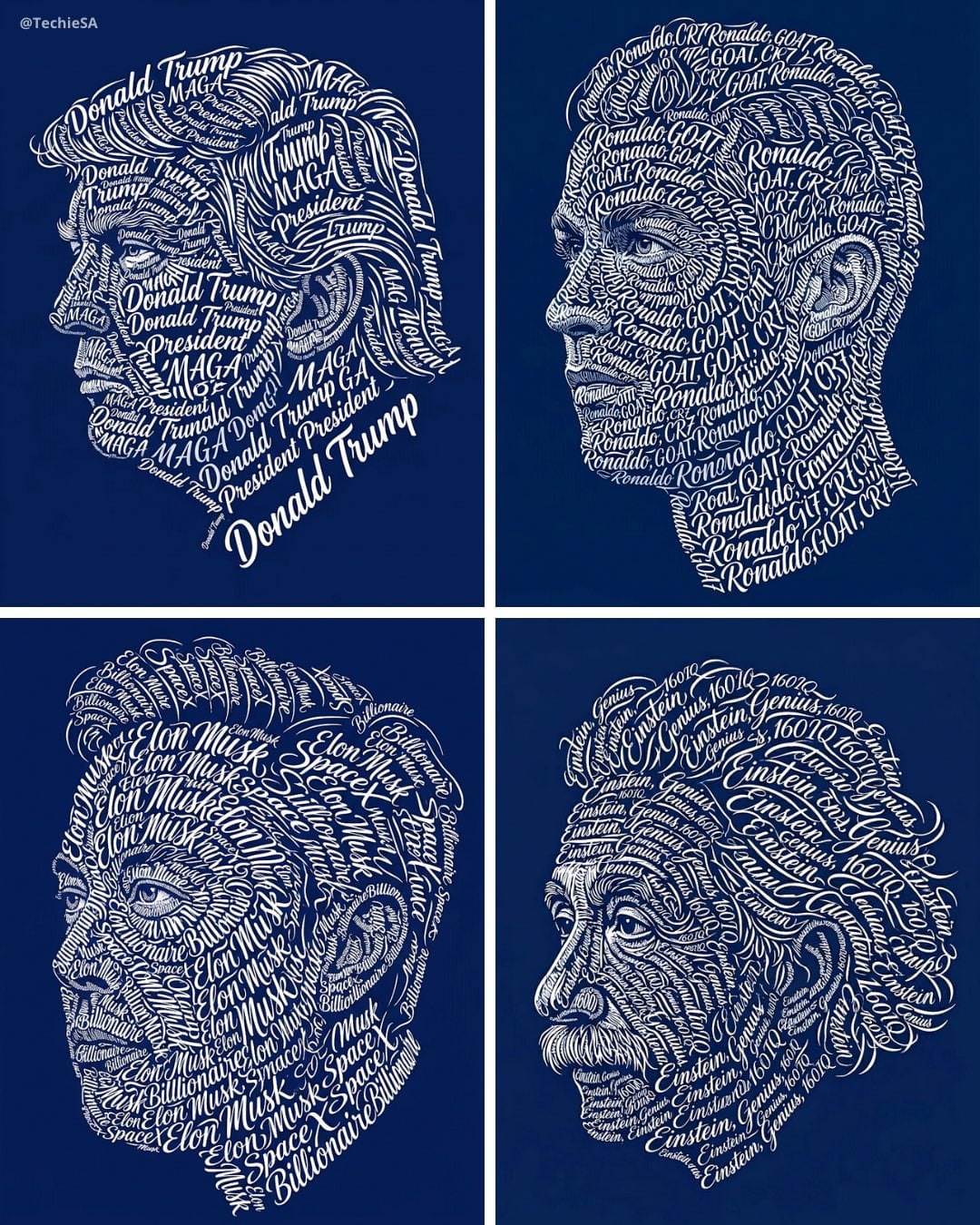
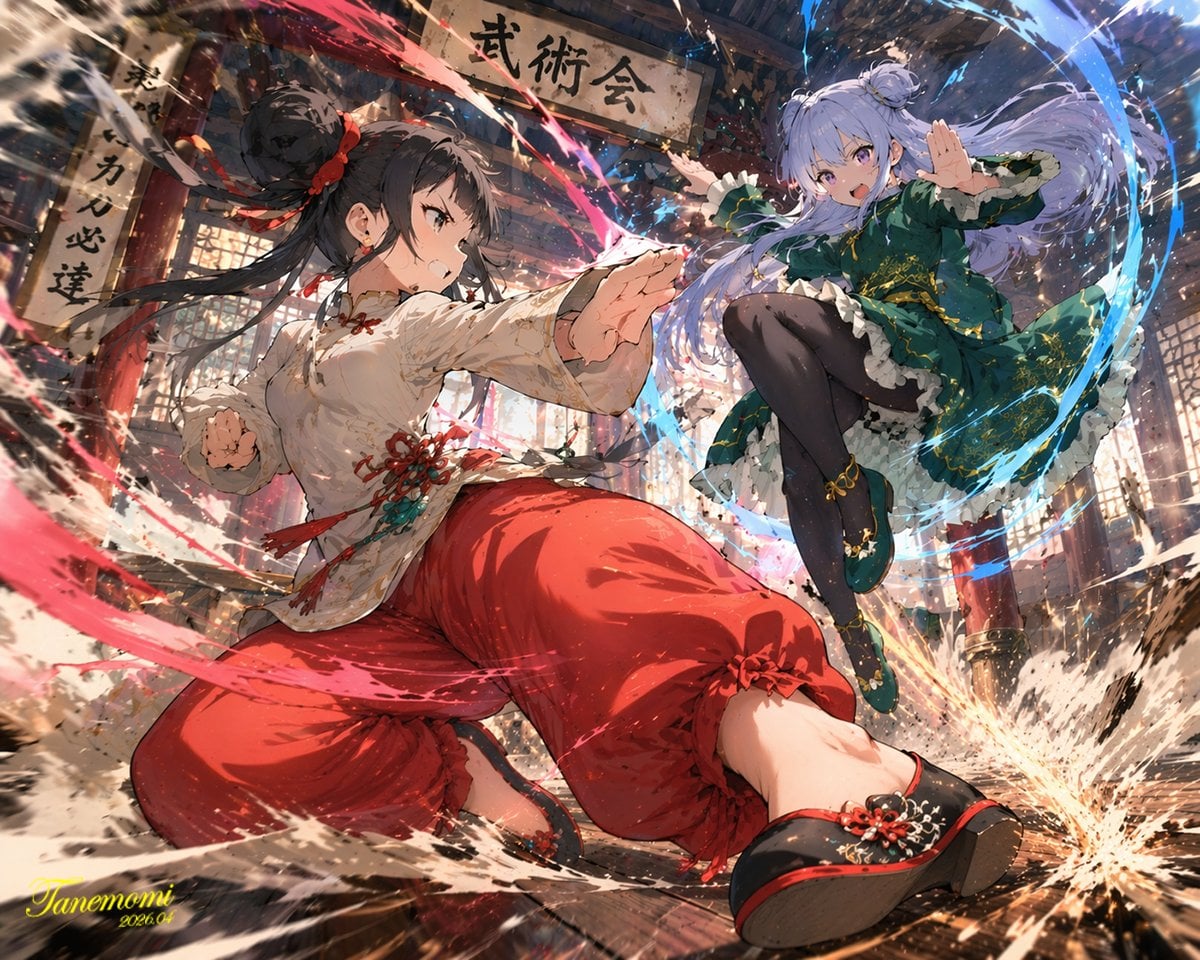
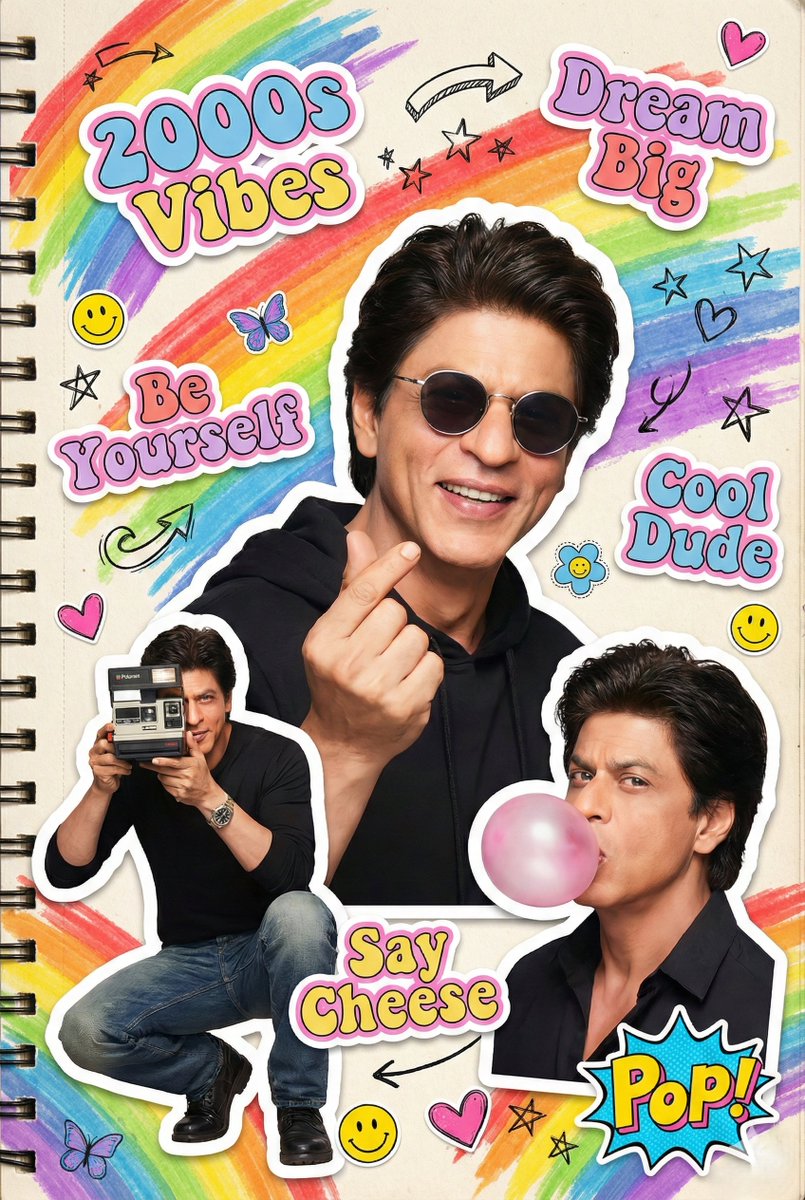
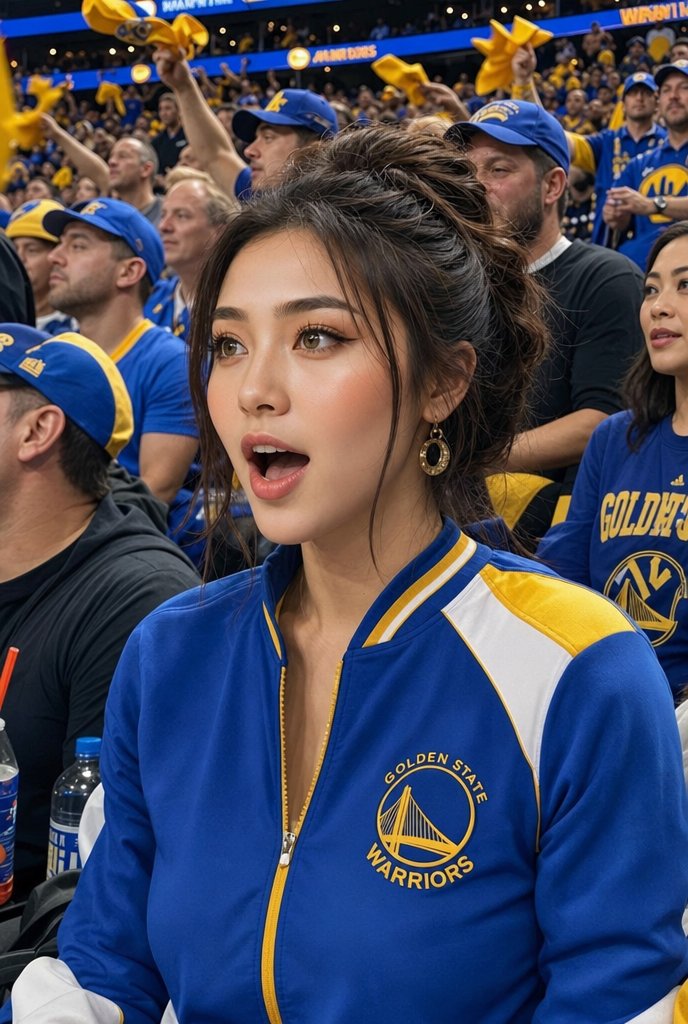
How do I use the Fashion Campaign Poster Framework template?
Choose the primary action to open PicX Studio with the available template settings. Review the model and format, personalize the creative direction, and generate when ready.
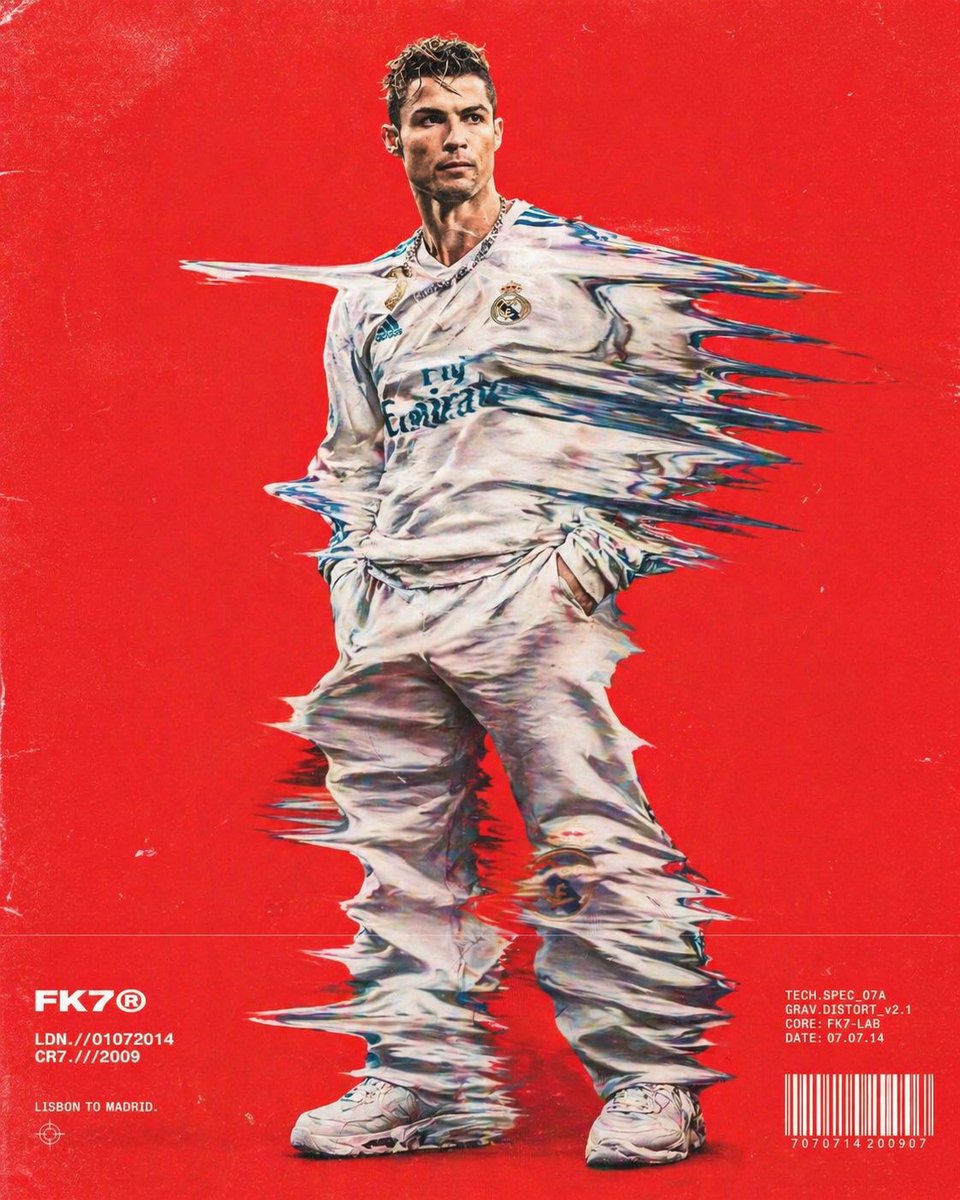
A reusable prompt framework for creating high-end fashion campaign posters with editorial layouts and customizable outfits.
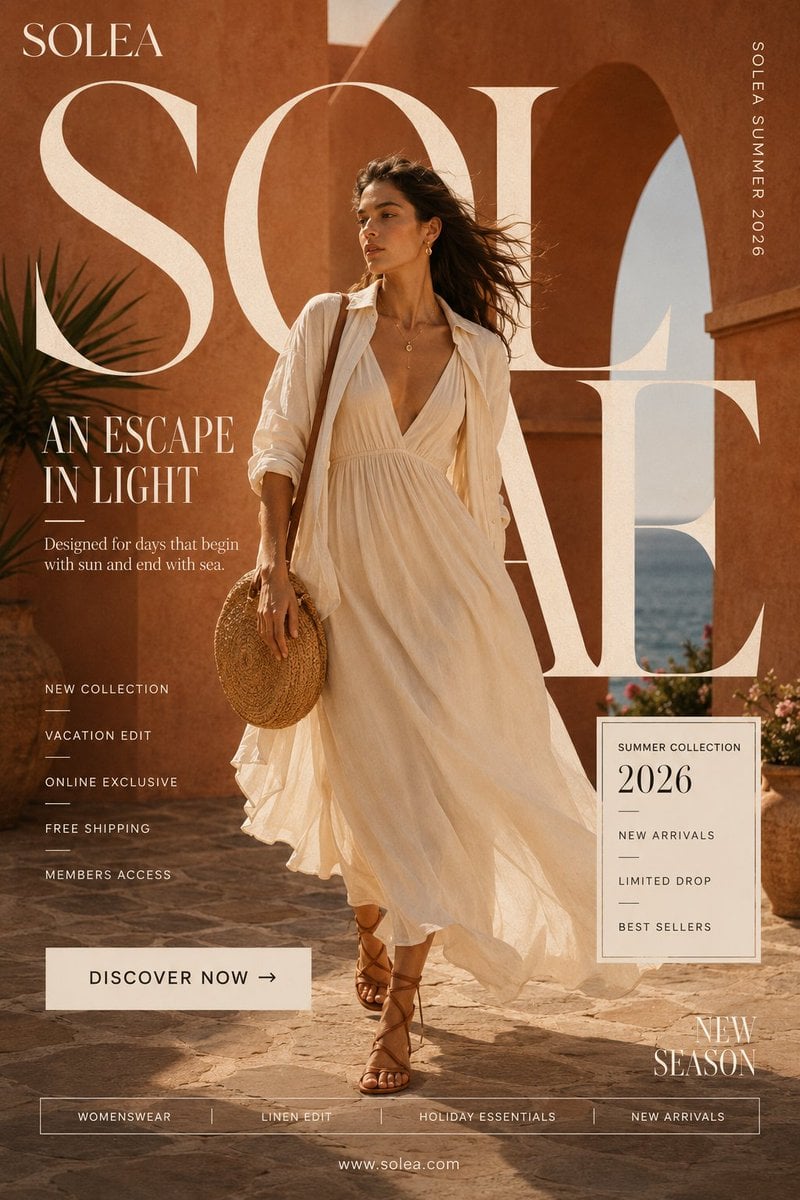
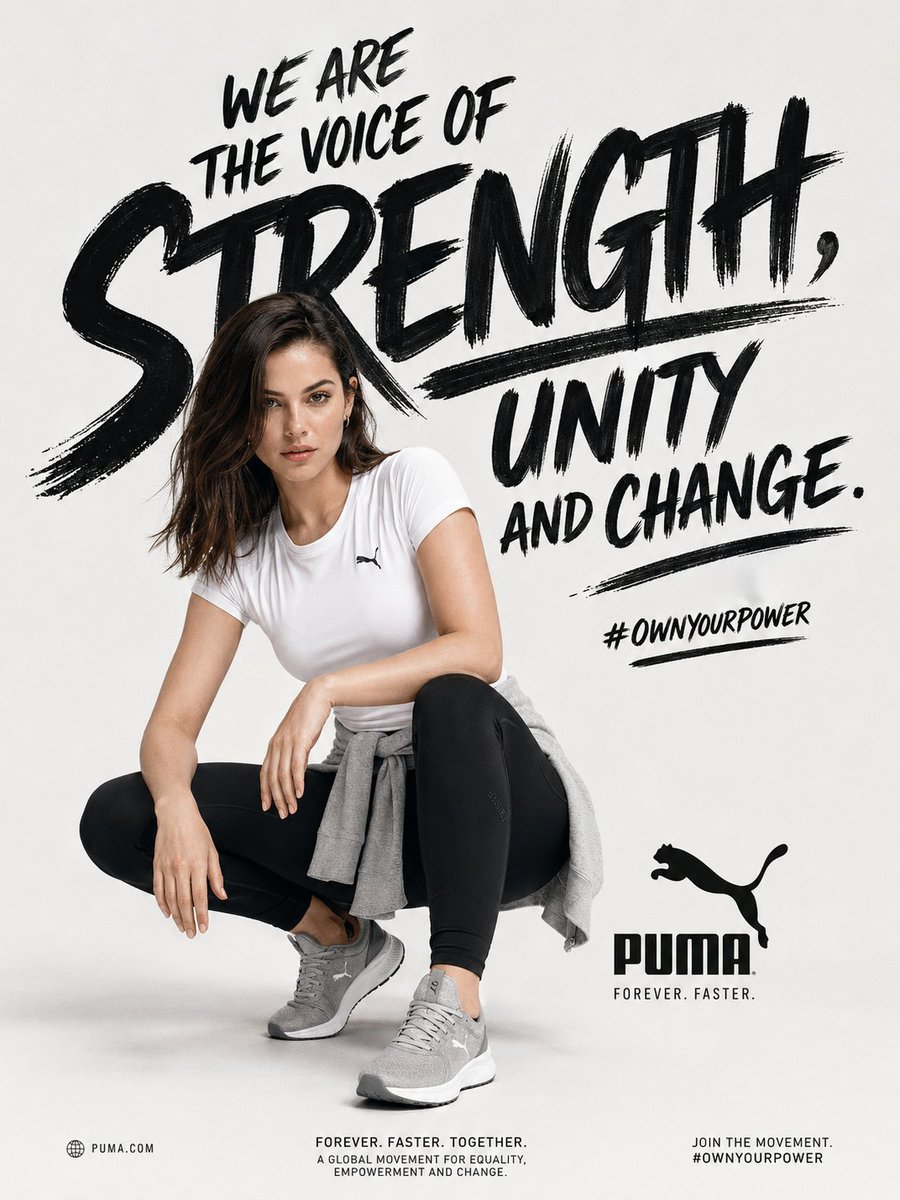
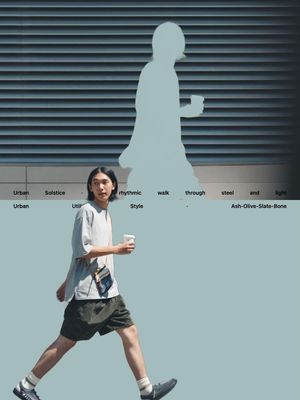
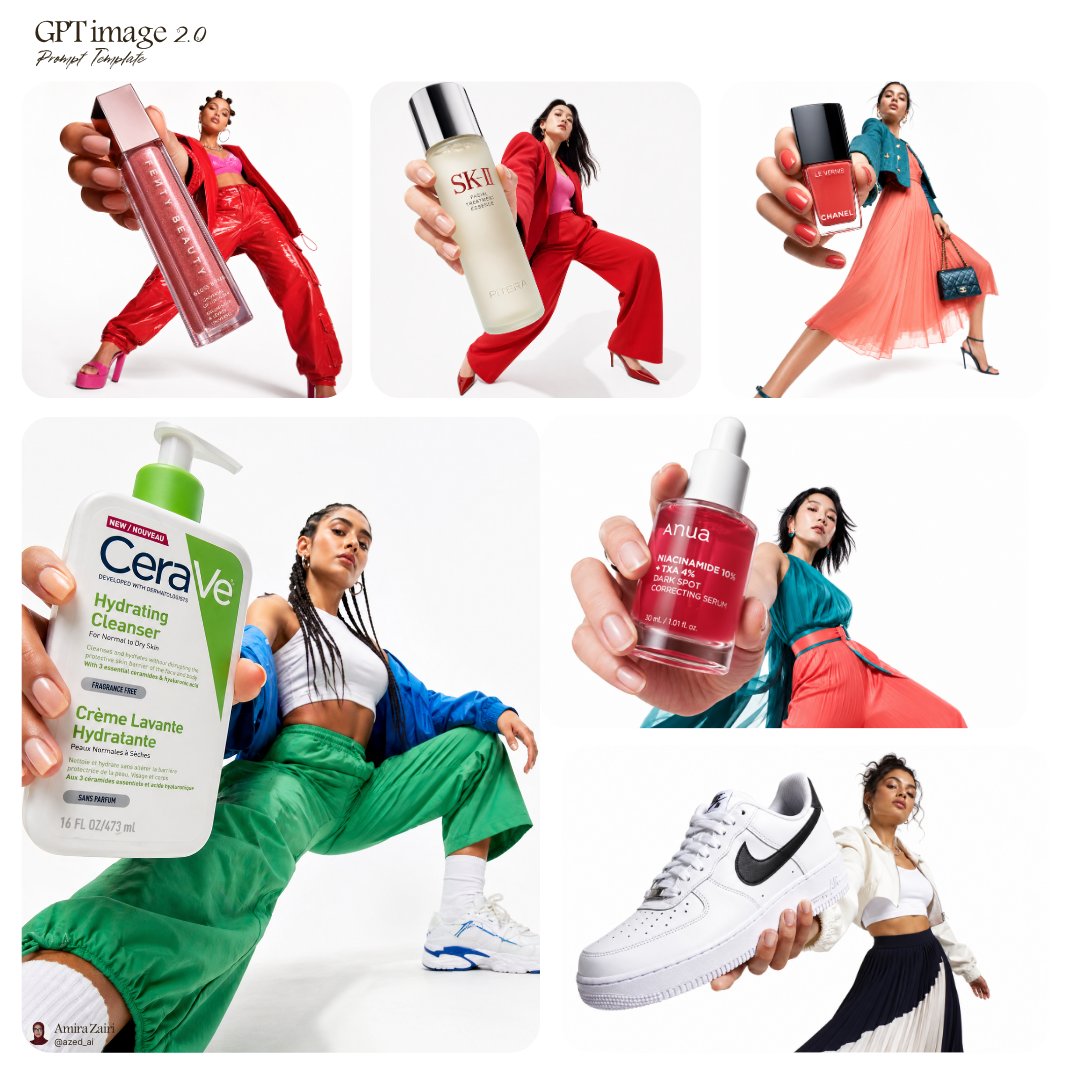
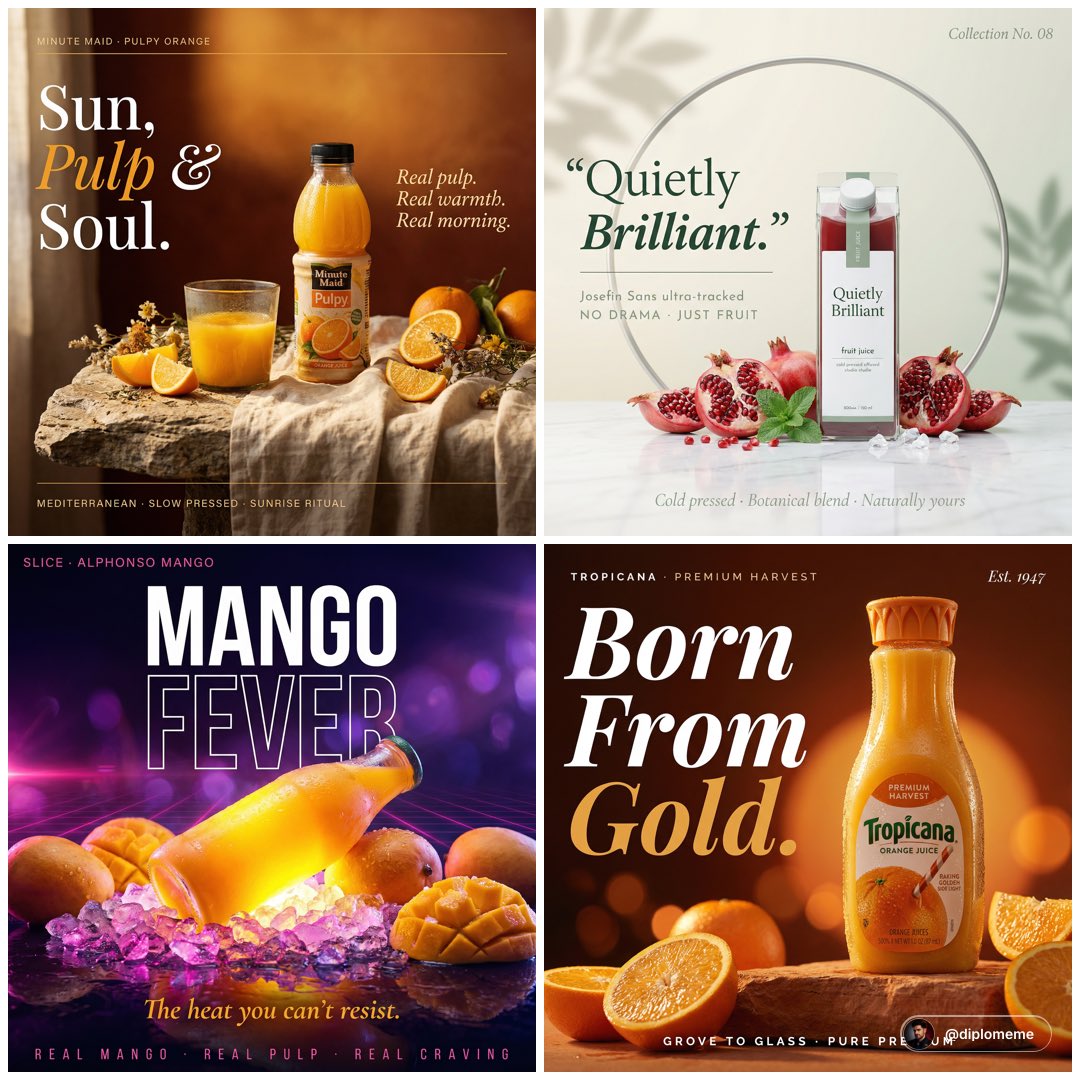
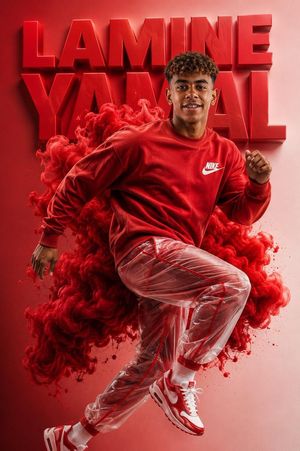
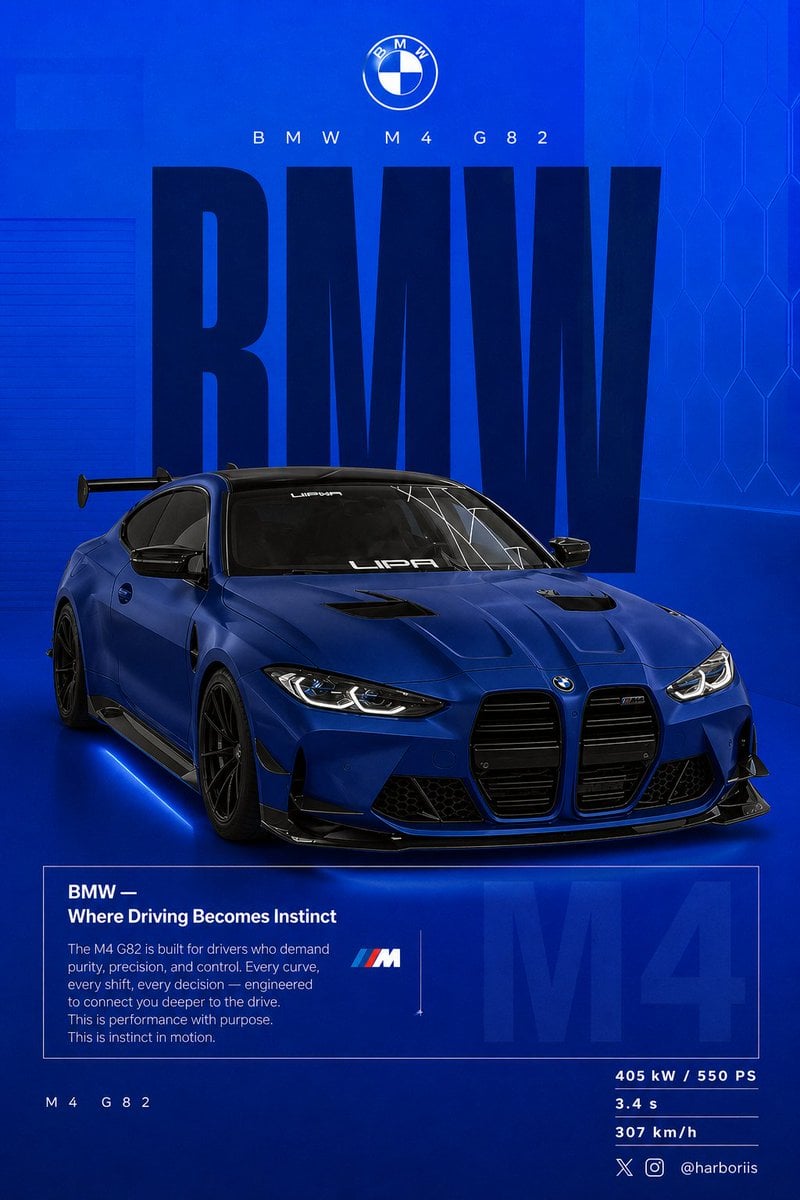
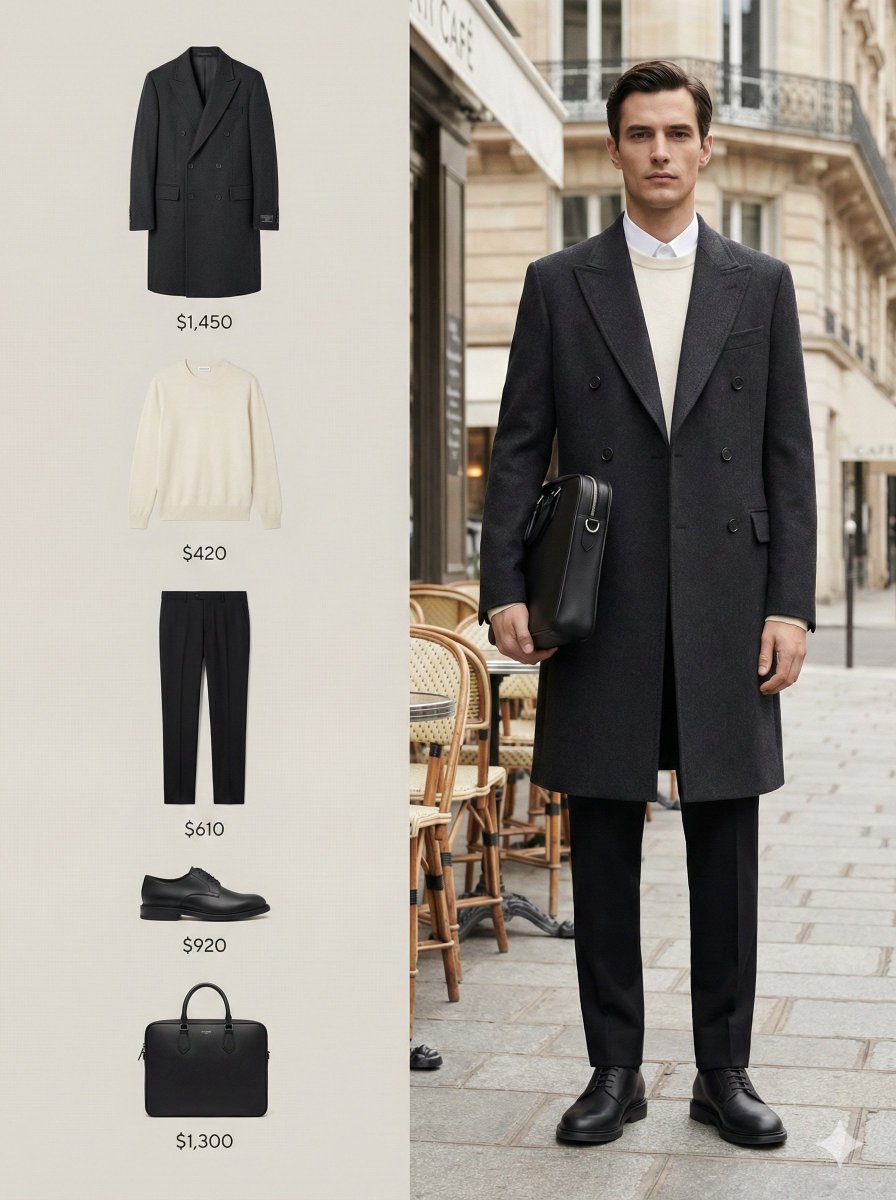
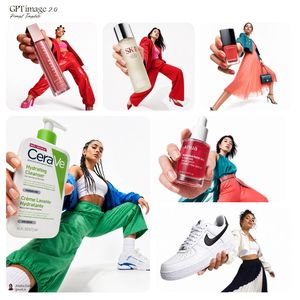
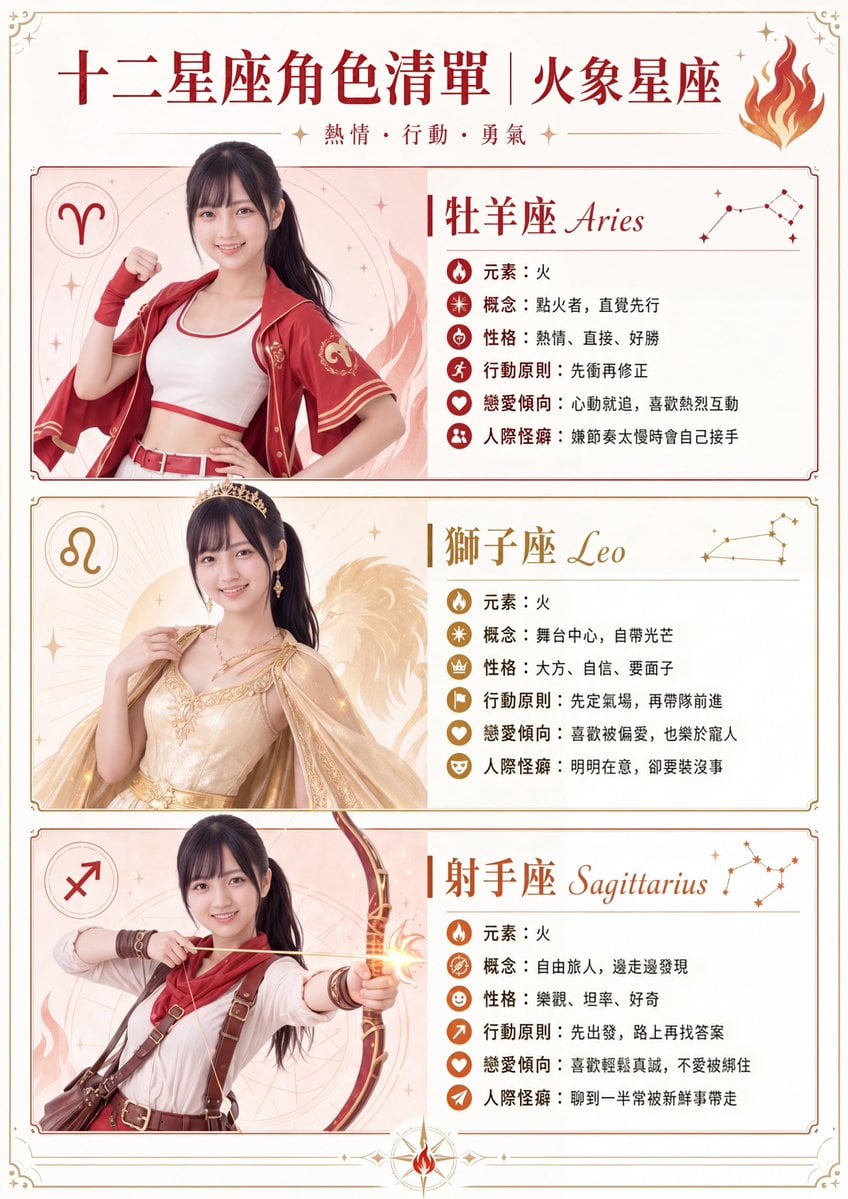
Create a high-end fashion campaign poster for a fictional brand named {argument name="brand" default="[BRAND]"}. Use a vertical editorial e-commerce layout with a full-body model wearing {argument name="outfit" default="[OUTFIT]"}. Add oversized cropped typography behind the model, structured campaign UI blocks, CTA button, bottom category navigation, seasonal label, and polished magazine-style art direction. Keep all text clean, intentional, and readable.
Choose the primary action to open PicX Studio with the available template settings. Review the model and format, personalize the creative direction, and generate when ready.
Yes. You can change the subject, setting, lighting, mood, format, and available model controls before creating your image.
This template is free to open and customize. Generation usage is shown in PicX Studio before you create.
Start with GPT Image 2, which is the model associated with this template. You can compare another compatible model for a different finish.
Follow a topic to a crawlable collection of related PicX Studio templates.