How do I use the Censored Samurai Editorial Poster template?
Edit the prompt in the box under the preview — the template's model and format are already selected — and press Generate. Your version appears right on this page.
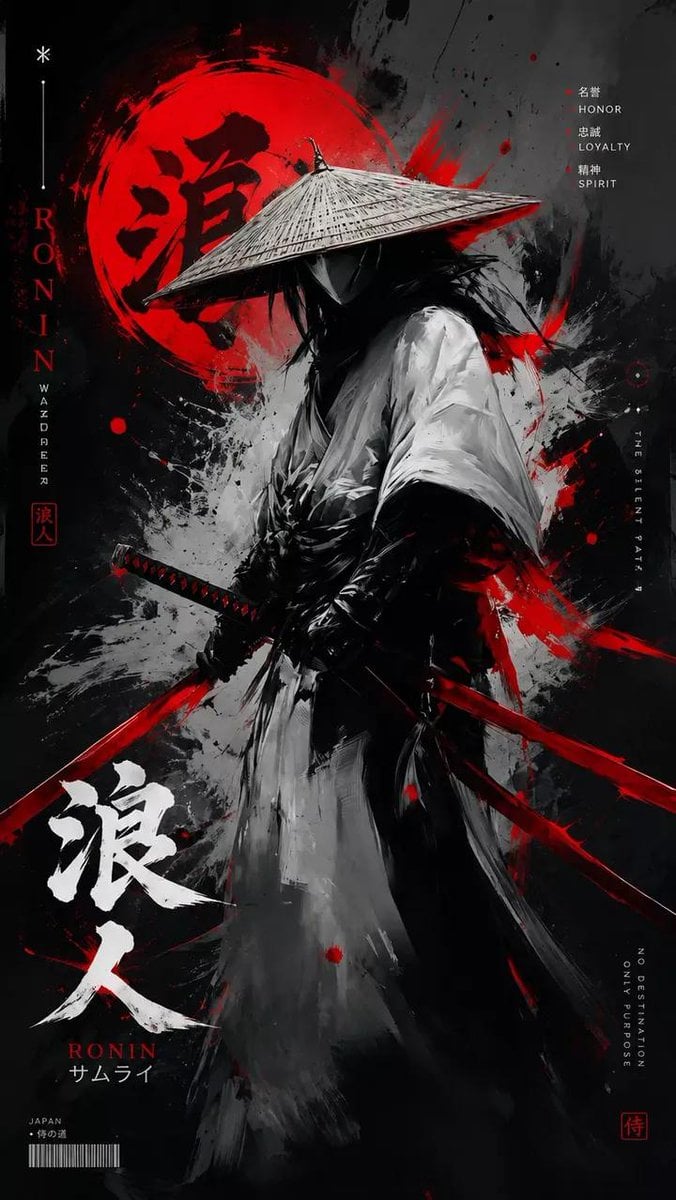
A vertical photorealistic editorial poster featuring a gritty samurai with a diagonal katana, hot-pink geometric backdrop, and handwritten date signature.

This template uses your photo — add one with the + button.
Create a dramatic fashion-editorial poster of a gritty wandering samurai holding a katana diagonally across the body. The subject is a single half-body figure with messy black hair tied in a loose topknot, windblown strands, rugged layered dark gray-black robes, dirty weathered fabric, frayed sleeves, leather cords at the waist, and a battle-worn metal katana with an ornate black-and-gold wrapped handle and round guard. The face must be obscured by a centered opaque square censor block in warm dark brown, covering the facial features while leaving hair, ear, hand, clothing, and sword visible. Compose the figure inside a bold abstract diagonal hot-pink slash shape on a clean white background, with sharp white geometric cutouts crossing the image so the pink shape feels like a large angular lightning-bolt or folded ribbon. Use high-contrast photorealistic detail, gritty texture, ink splatters and grime around the figure, strong daylight, crisp shadows, and a magazine-cover/poster aesthetic. The katana blade should run from the upper left handle area down toward the lower right foreground, long and reflective, dominating the composition. Add a small handwritten signature/date note in the bottom-right white margin reading {argument name="date text" default="May 28, 2026"} on the first line and {argument name="signature text" default="Oyagi"} on the second line. Keep the canvas vertical 2:3, minimal, no other text, no border, no watermark.
Create a dramatic fashion-editorial poster of a gritty wandering samurai holding a katana diagonally across the body. The subject is a single half-body figure with messy black hair tied in a loose topknot, windblown strands, rugged layered dark gray-black robes, dirty weathered fabric, frayed sleeves, leather cords at the waist, and a battle-worn metal katana with an ornate black-and-gold wrapped handle and round guard. The face must be obscured by a centered opaque square censor block in warm dark brown, covering the facial features while leaving hair, ear, hand, clothing, and sword visible. Compose the figure inside a bold abstract diagonal hot-pink slash shape on a clean white background, with sharp white geometric cutouts crossing the image so the pink shape feels like a large angular lightning-bolt or folded ribbon. Use high-contrast photorealistic detail, gritty texture, ink splatters and grime around the figure, strong daylight, crisp shadows, and a magazine-cover/poster aesthetic. The katana blade should run from the upper left handle area down toward the lower right foreground, long and reflective, dominating the composition. Add a small handwritten signature/date note in the bottom-right white margin reading {argument name="date text" default="May 28, 2026"} on the first line and {argument name="signature text" default="Oyagi"} on the second line. Keep the canvas vertical 2:3, minimal, no other text, no border, no watermark.
Edit the prompt in the box under the preview — the template's model and format are already selected — and press Generate. Your version appears right on this page.
Yes. You can change the subject, setting, lighting, mood, format, and available model controls before creating your image.
Opening and editing this template is free. Generating uses credits, shown on the Generate button when you are signed in.
Start with GPT Image 2, which is the model associated with this template. You can compare another compatible model for a different finish.
Follow a topic to a crawlable collection of related PicX Studio templates.