
Futuristic Robot Tech Poster
Generates a high-end 3D tech banner featuring a humanoid robot head with intricate glowing circuits and holographic UI elements.

- Prompt included
- Model and format preset
- Free template
The prompt behind this image
Copy the exact prompt behind Futuristic Robot Tech Poster, or open it in the studio and make it yours.
A stunning futuristic technology horizontal social media banner, a highly detailed 3D humanoid robot head floating at the center slightly tilted, the surface made of brushed titanium and polished chrome panels with glowing electric blue circuit lines tracing across the face like veins of light, one eye a deep glowing cyan holographic lens projecting a small beam of light outward, the other eye a matrix of tiny LED dots, the background a deep black environment with floating translucent holographic UI panels displaying fake data grids percentages and waveforms in electric blue and teal, tiny geometric particle fragments orbiting the head like a digital halo, bold clean futuristic sans-serif white typography at the top left reading "{argument name="main title" default="THE FUTURE IS NOW"}", smaller subtitle below "{argument name="subtitle" default="Build · Create · Dominate"}", subtle lens flare and light bloom effects adding cinematic depth, premium sci-fi tech brand poster quality, 16:9 horizontal ratio
How to use Futuristic Robot Tech Poster in 3 steps
- 1
Open
The prompt is already in the box next to the preview, with the template's model and format selected.
- 2…a portrait of your subject in softgolden-hour light, 85mm…
Personalize
Edit the subject and creative details for your destination.
- 3Generate
Generate
Press Generate — your image is created in PicX Studio, so you can compare it with the original and refine one variable at a time.
More like this
Templates with the same subject, style or setup. Open one to see its prompt.

Futuristic AI 2026 Tech Poster
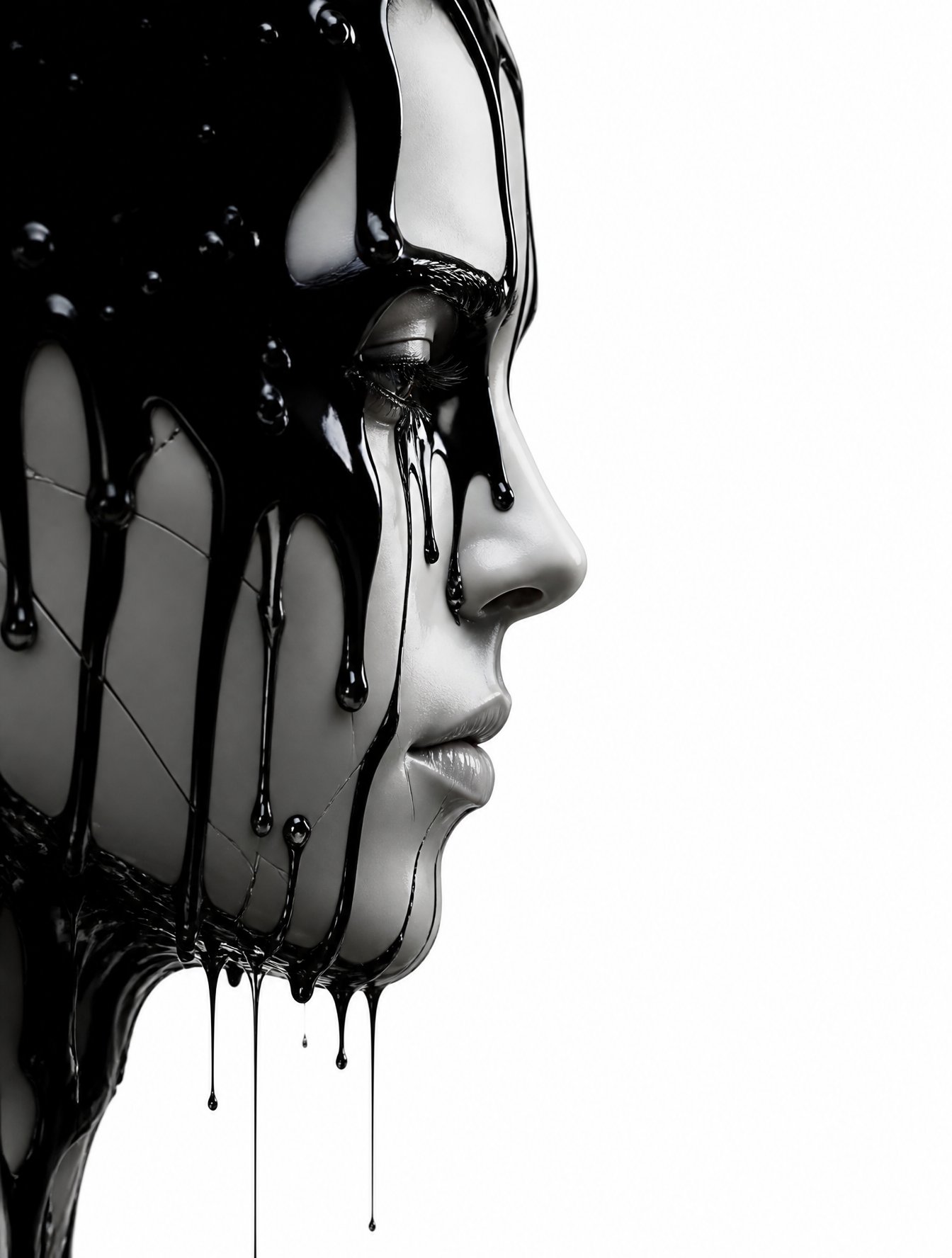
Black Liquid Cyberpunk Portrait Poster

Japan Travel Brochure Poster

Cartoon TV Show Poster Pack

Trendy Cafe Drink Promo Poster

Urban Fashion Editorial Collage Streetwear Poster

Premium Fashion Editorial Cover Layout System

Polo Ralph Lauren Luxury American Heritage Fashion Campaign

Monochrome Halftone Editorial Fashion Poster

Retro Mirror Luxury Fashion Campaign Poster
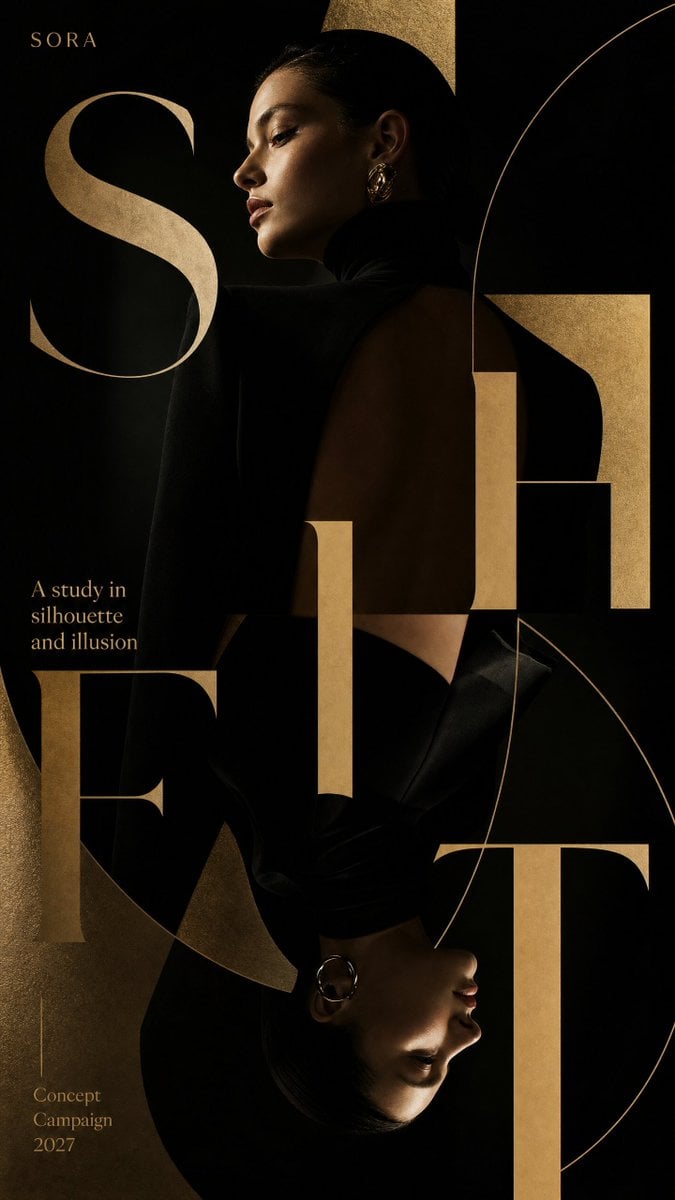
Luxury Fashion Campaign Typography Poster System
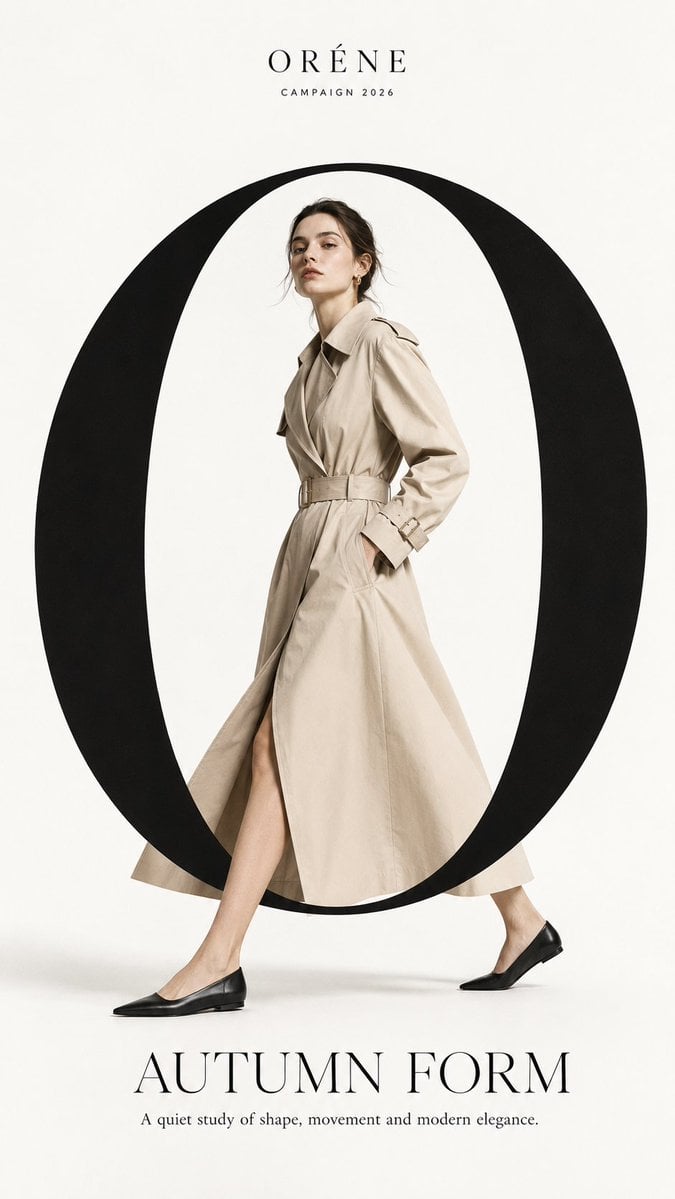
Premium Fashion Editorial Campaign Poster System
Make it yours
Futuristic Robot Tech Poster works as-is. These are the safest ways to change it without losing the look.
Change one field
Copy a single group, rewrite it, and generate again so you can see what that field is doing.
Keep the frame, change the subject
Hold the composition and light of Futuristic Robot Tech Poster, then swap wardrobe, props or the person for a new take.
| If the result… | Why | Fix |
|---|---|---|
| The result drifts from the preview | Too many fields changed at once. | Reuse Futuristic Robot Tech Poster as-is first, then change one group — subject, light, or setting. |
| The model over-stylizes the scene | The prose prompt leaves finish and camera underspecified. | Add one camera or lighting sentence and stay on GPT Image 2. |
More GPT Image 2 templates
Other prompts made for GPT Image 2.

Six VTuber Japanese Logo Sheet

Realistic Portrait of Woman and Deer

The Vista Modular Condo Poster

AI Model Routing Comparison Infographic

2.5D Anime Art Board

Isometric Productivity Desk Scene

New York Double Exposure Poster

Four-Panel AI Landscape Comparison

Japanese Tatami Lifestyle Magazine Cover

NESCAFÉ Coffee Map Poster
More image prompts
Fresh picks from across the catalog.

Michael Saylor Shonen Jump Manga Style
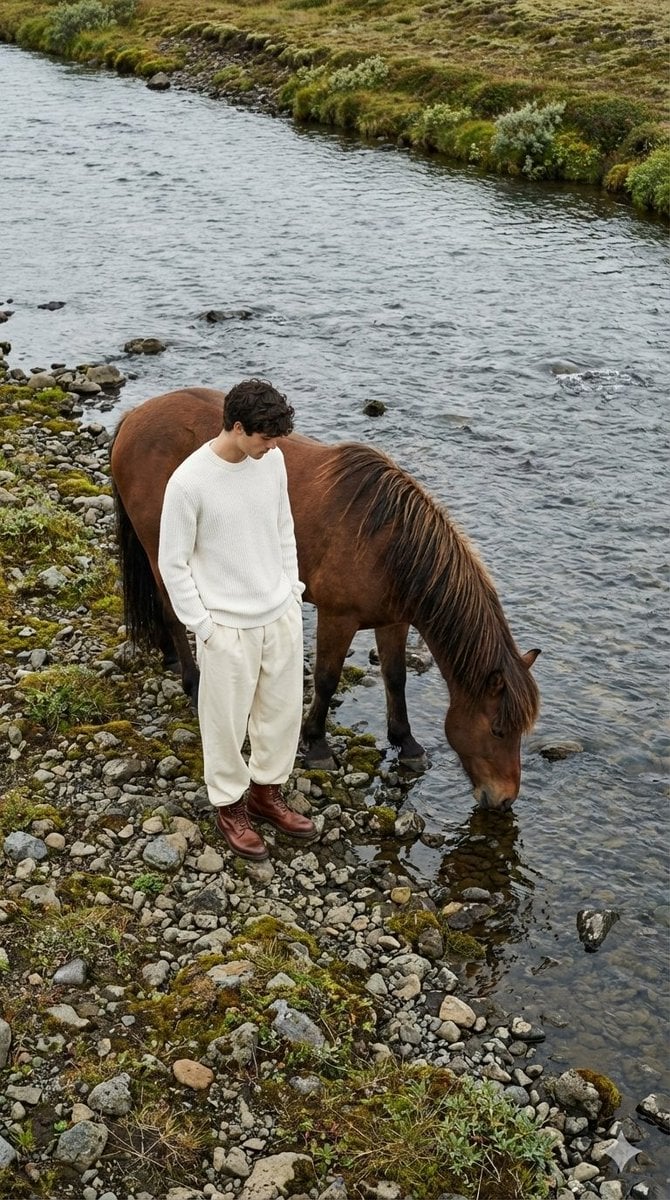
Jil Sander Aesthetic Fashion Editorial: Man and Horse

Fine-Art Ink and Watercolor Portrait with Identity Lock
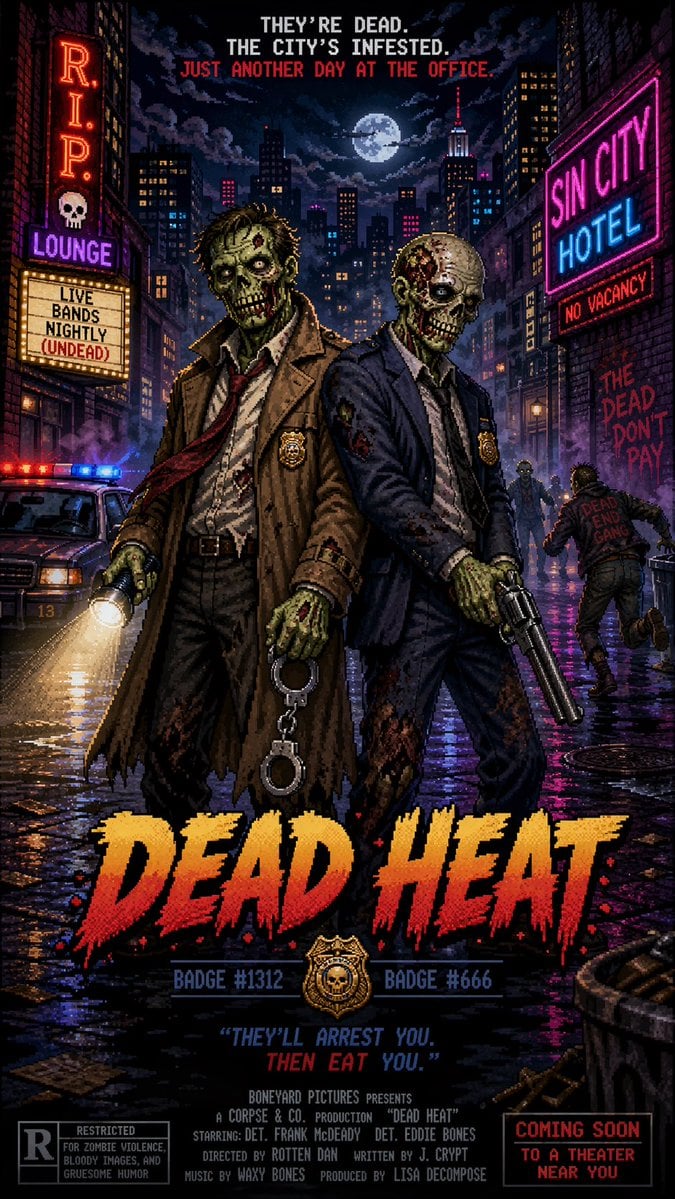
Pixel Art Movie Poster Prompt
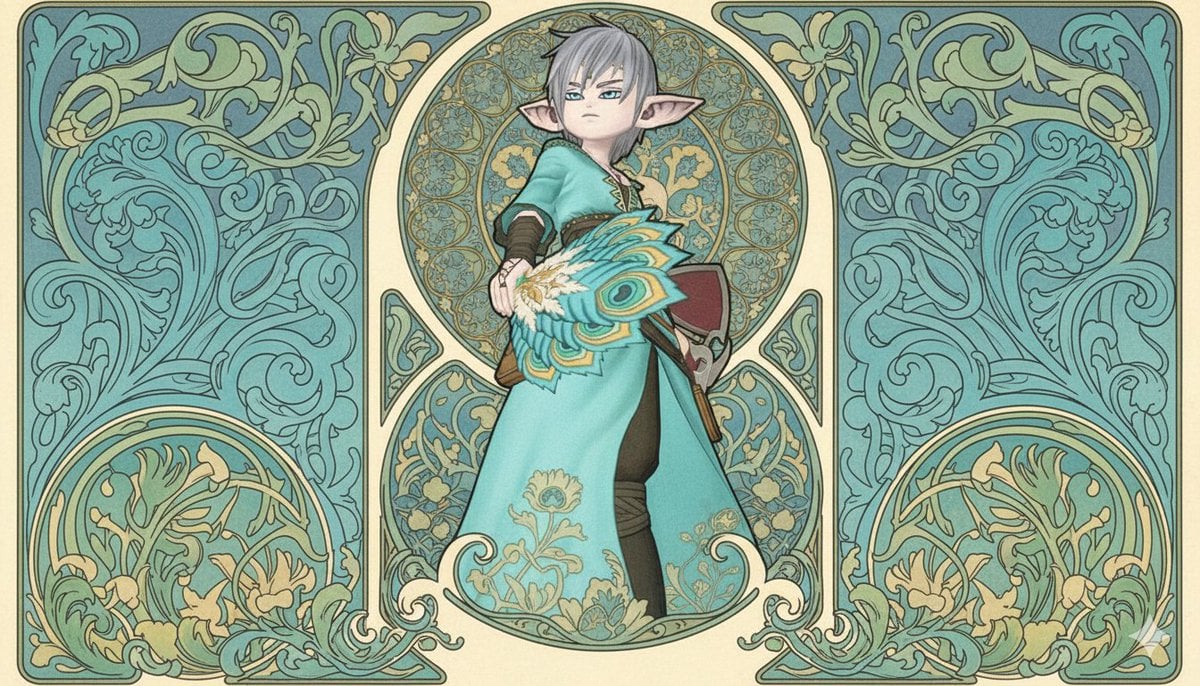
Image-to-Image Style Transfer to Mucha's Art Nouveau Style
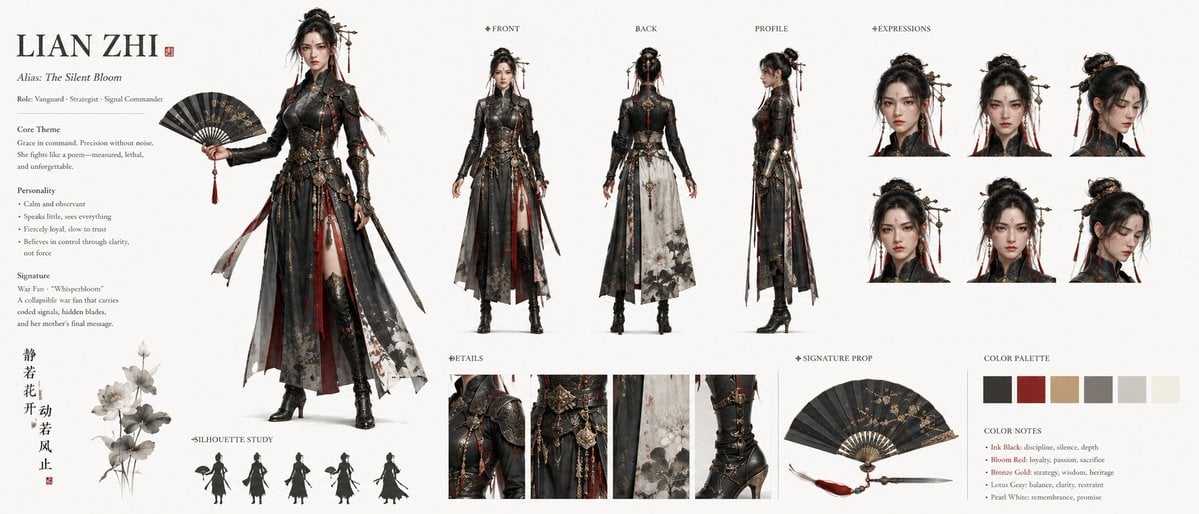
Lian Zhi Dark Fantasy Character Sheet
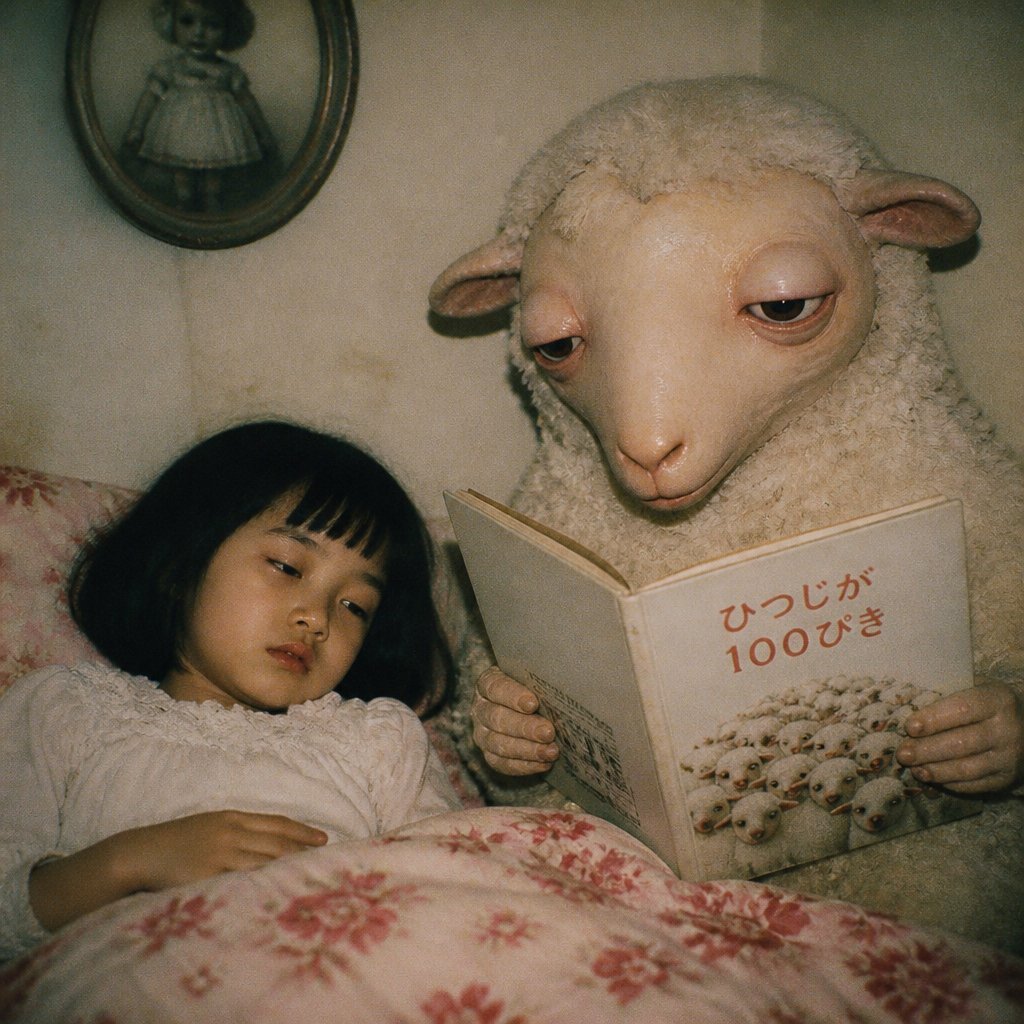
Surreal Sheep Bedtime Story

Editorial Street Fashion Portrait with Patchwork Knitwear

Belly Dance Stunning Photo Prompt
High-Contrast Monochrome Portrait Prompt
Browse template categories
Futuristic Robot Tech Poster questions
How do I use the Futuristic Robot Tech Poster template?
Add your photo if the template asks for one, edit the prompt if you like — the template's model and format are already selected — and press Generate. Your version opens in PicX Studio.
Can I customize the Futuristic Robot Tech Poster template?
Yes. You can change the subject, setting, lighting, mood, format, and available model controls before creating your image.
Is the Futuristic Robot Tech Poster template free?
Opening and editing this template is free. Generating uses credits, shown on the Generate button when you are signed in.
Which AI model should I use?
Start with GPT Image 2, which is the model associated with this template. You can compare another compatible model for a different finish.
Looking for something else? Browse all templates.

Your photo, any look
Thousands of ready templates for every top image and video model, from one credit balance.