
Royal Triumphal Procession
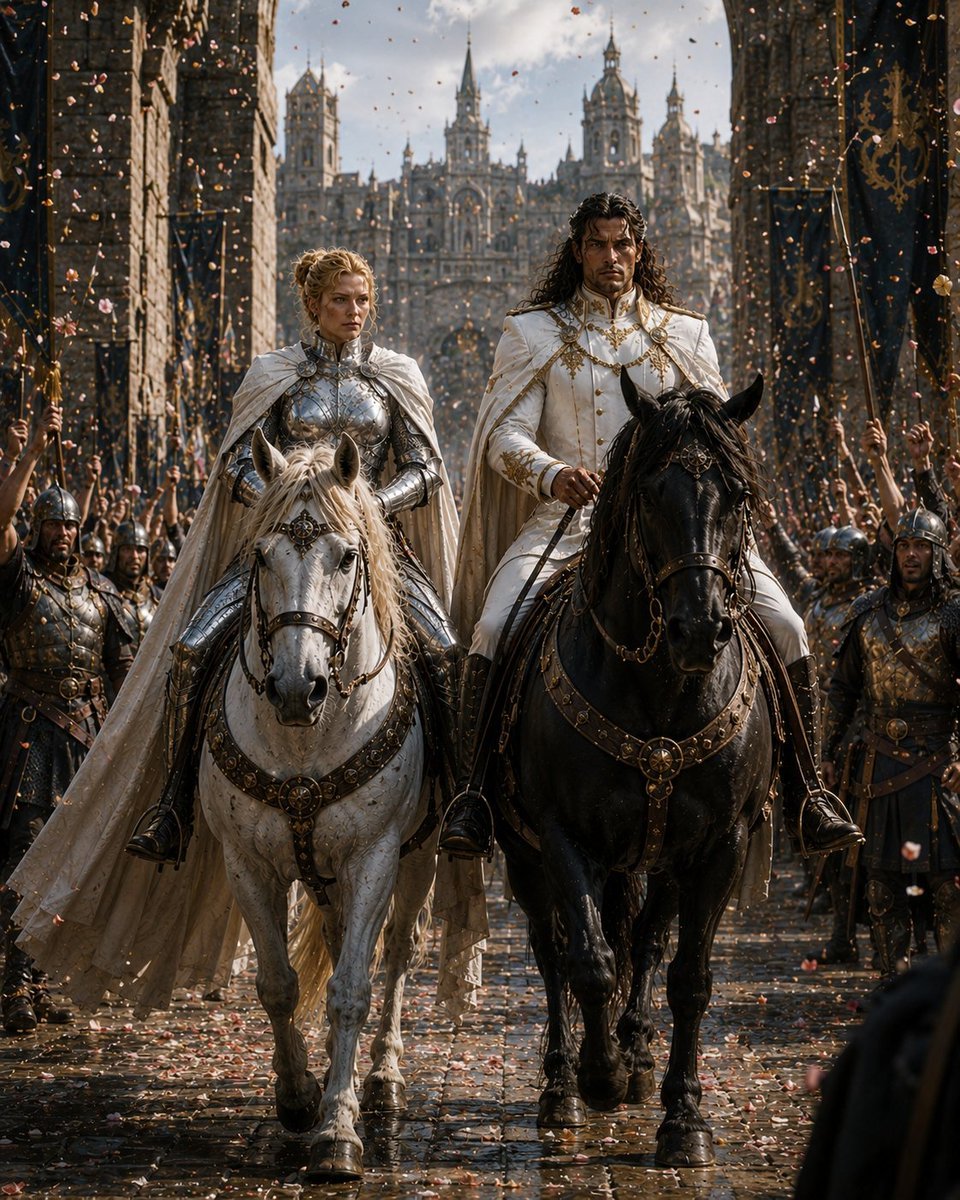
Generates a cinematic medieval fantasy scene of two royal riders entering a capital city in a grand victory parade.
- Prompt included
- Model and format preset
- Free template
The prompt behind this image
Copy the exact prompt behind Royal Triumphal Procession, or open it in the studio and make it yours.
Create a cinematic dark-fantasy royal triumphal procession titled {argument name="theme" default="Triumphal Return"}. A full-body frontal view of two regal riders advancing slowly down a wet cobblestone avenue through a medieval capital city. The left rider is a noble queen or female knight on a white horse, wearing polished silver plate armor, an ornate white cloak, gold filigree details, and braided blonde hair; her face is deliberately smooth and featureless with a soft skin-toned blur. The right rider is a king or prince on a black horse, wearing an immaculate white ceremonial military coat with gold embroidery, medals, braided cords, high collar, white cape, dark curly shoulder-length hair, and a similarly featureless blurred face. The two horses are large and realistic, walking side by side, with elaborate dark leather tack, gold medallions, decorative breastplates, reins, and royal harness ornaments. On both sides of the street, show exactly six prominent armored guards visible in the foreground and midground, three on the left and three on the right, wearing dark steel armor and helmets, some holding spears or standards; their faces are also blurred or obscured. Behind them, dense cheering crowds raise arms and banners. Tall black-and-gold heraldic banners hang from stone buildings on both sides. In the far background, an enormous Gothic palace or cathedral complex rises with many towers, spires, arched windows, buttresses, and ornate stonework. Confetti and flower petals fill the air and scatter across the wet reflective street. Lighting is dramatic late-afternoon sunlight breaking through clouds, with backlit particles, warm highlights on armor, deep shadows, volumetric haze, and a grand epic atmosphere. Use ultra-realistic detail, cinematic composition, symmetrical central framing, low eye-level perspective, 4:5 vertical aspect ratio, shallow depth of field with the riders sharp and palace slightly softened. Color palette: ivory white, black, antique gold, dark stone gray, muted rose petals, and warm sunlight. Avoid modern objects, readable text, logos, or extra main riders. The mood should feel like a victorious royal homecoming after war, majestic and solemn.
How to use Royal Triumphal Procession in 3 steps
- 1Upload ImagePNG, JPG or paste
Add your photo
Upload the photo the template builds on. The prompt, model and format are already set.
- 2…a portrait of your subject in softgolden-hour light, 85mm…
Personalize
Edit the subject and creative details for your destination.
- 3Generate
Generate
Press Generate — your image is created in PicX Studio, so you can compare it with the original and refine one variable at a time.
More like this
Templates with the same subject, style or setup. Open one to see its prompt.
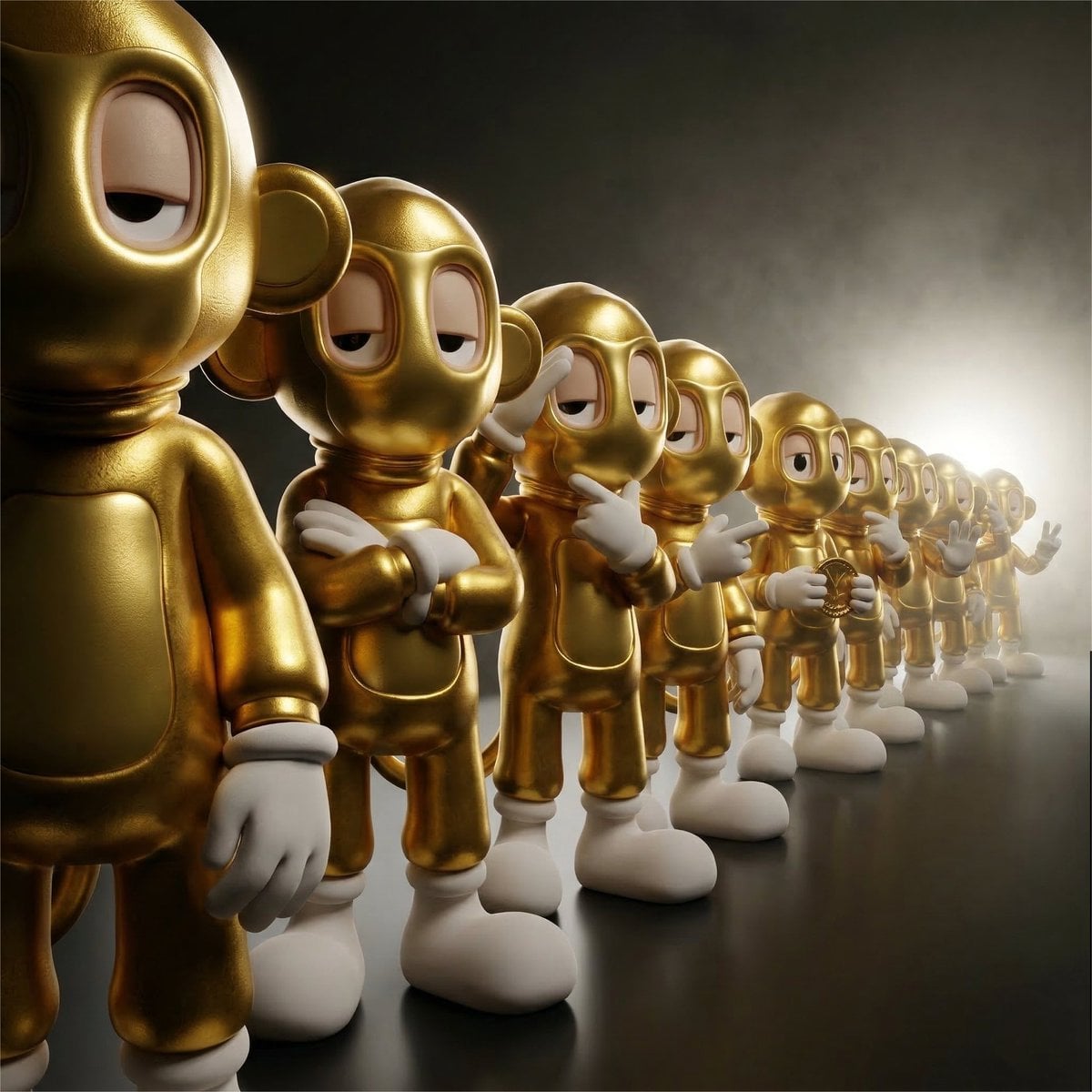
Collectible Vinyl Toy Procession 3D
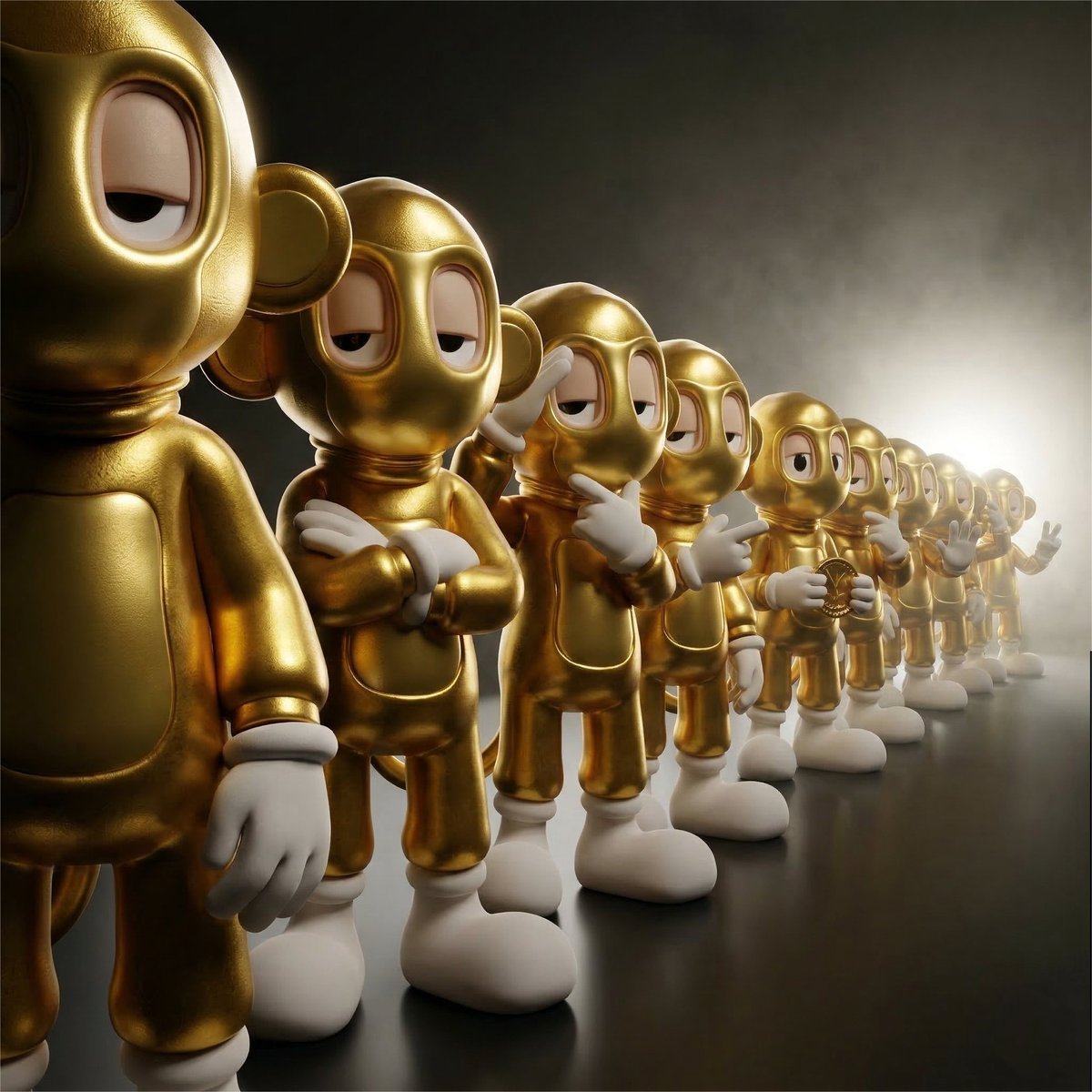
A detailed, collectible-style 3D render of a linear procession of twelve
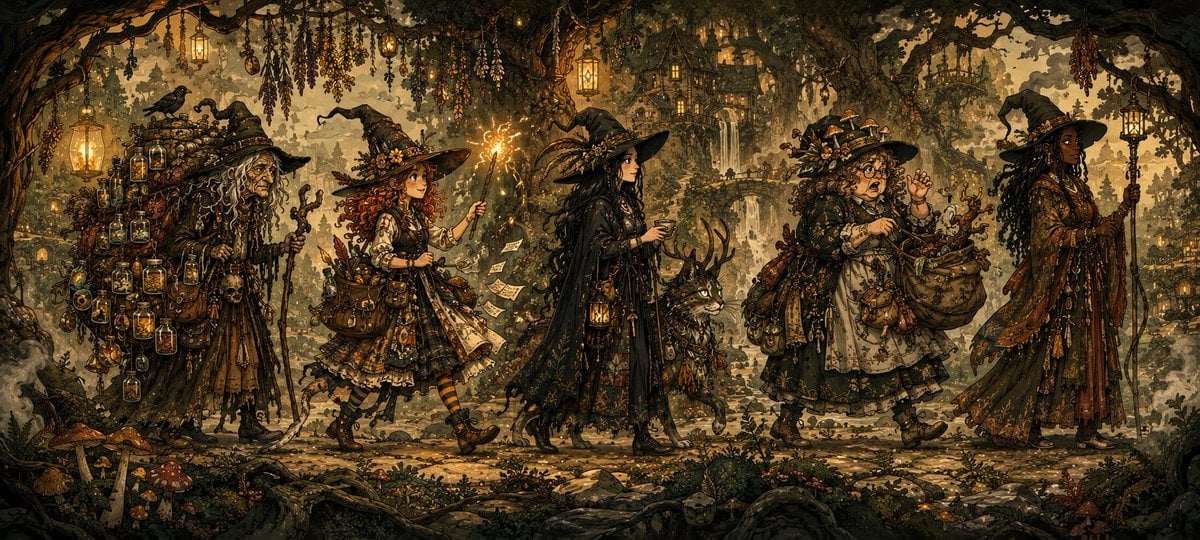
Witchcore Forest Procession
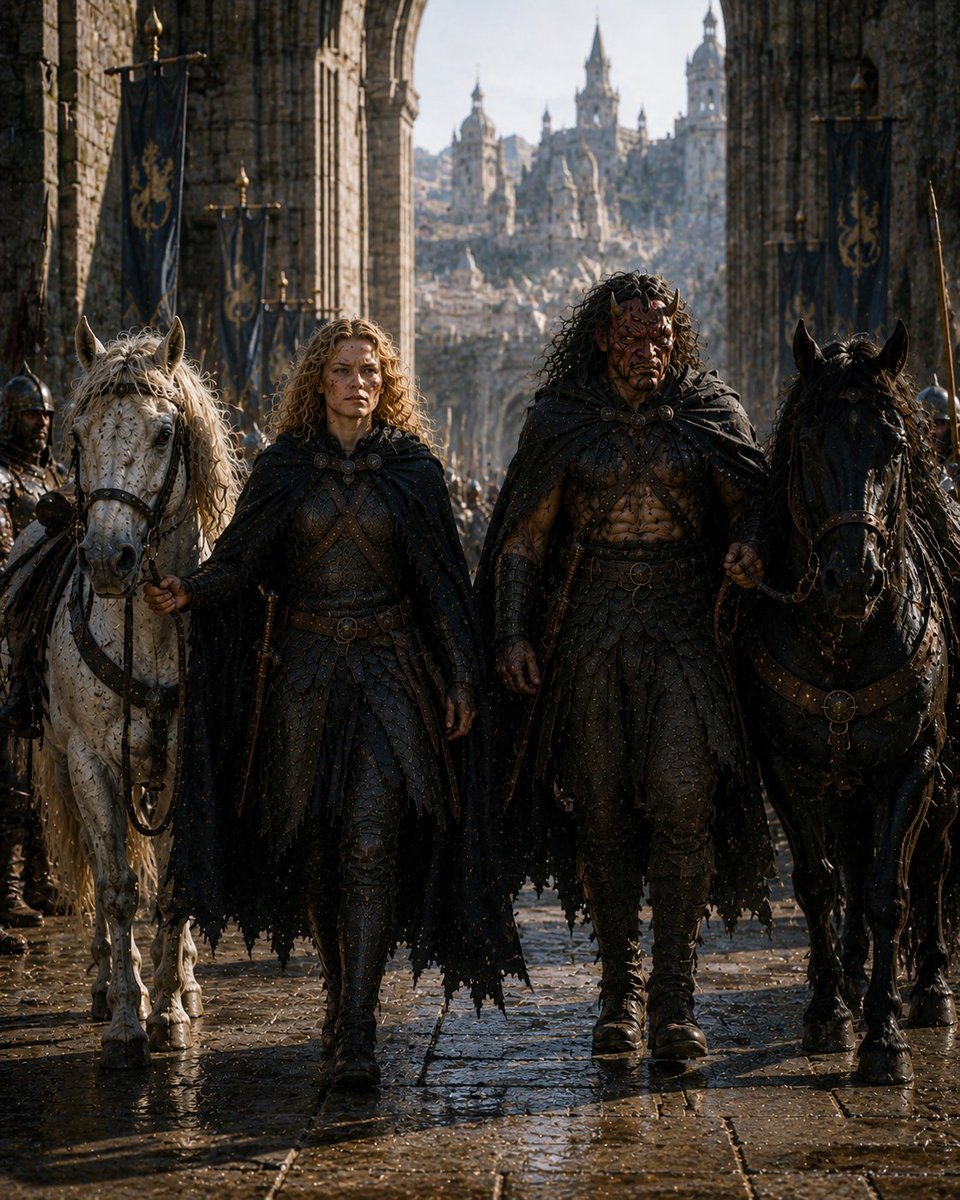
Barbarian Fantasy City Gate Procession
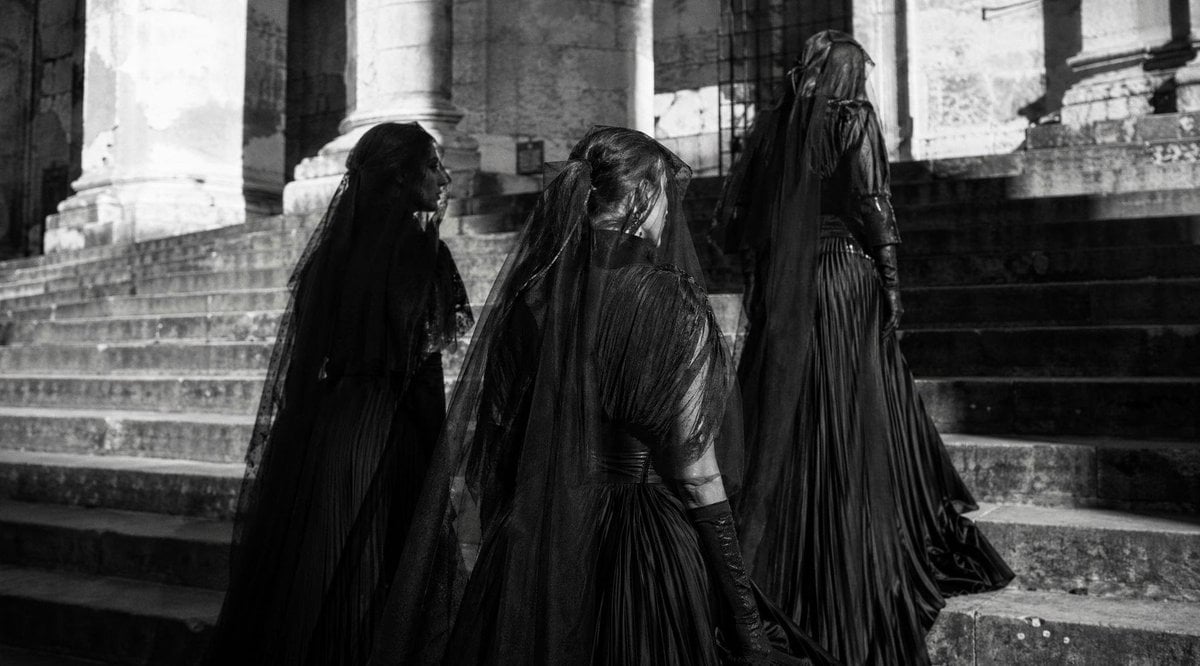
Gothic Mourning Procession
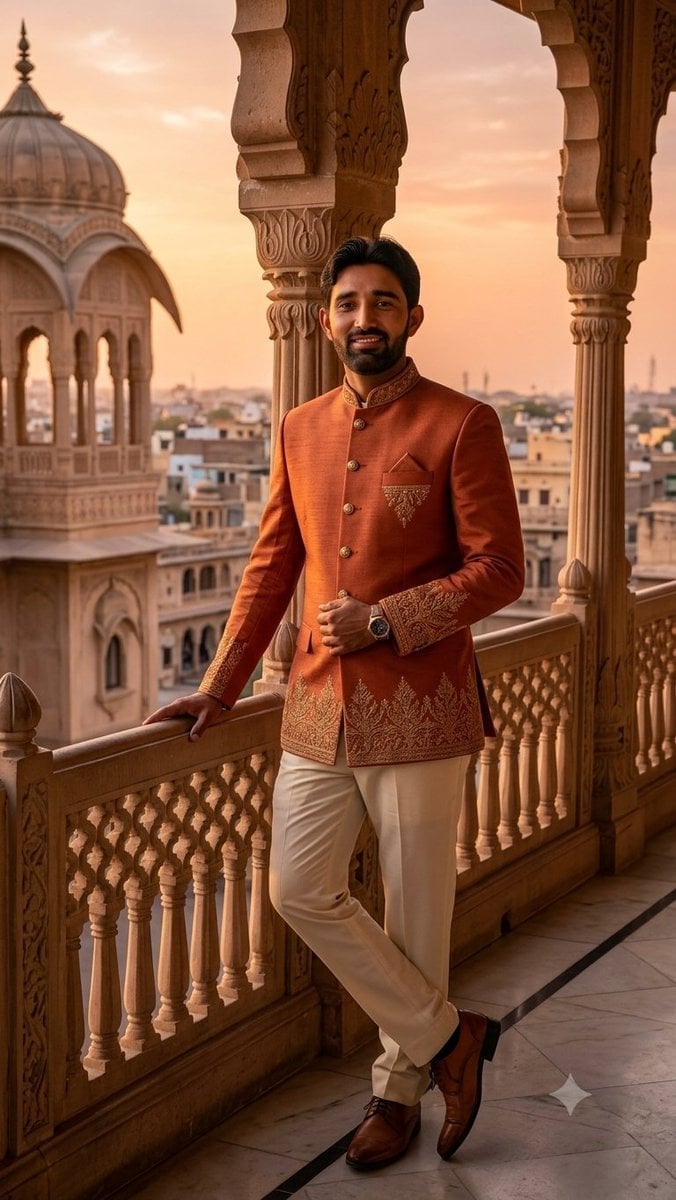
Indian Royal Bandhgala Portrait
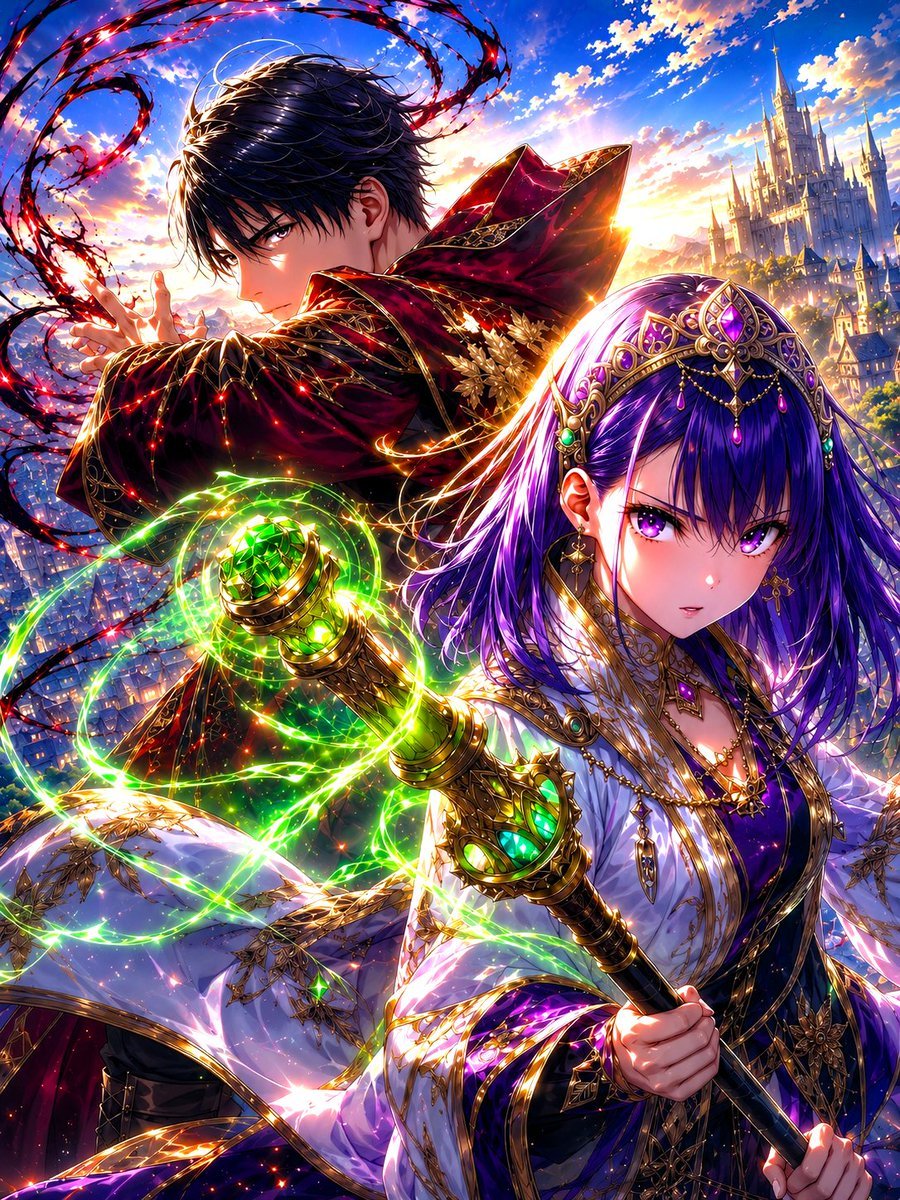
Royal Anime Mages at Dawn
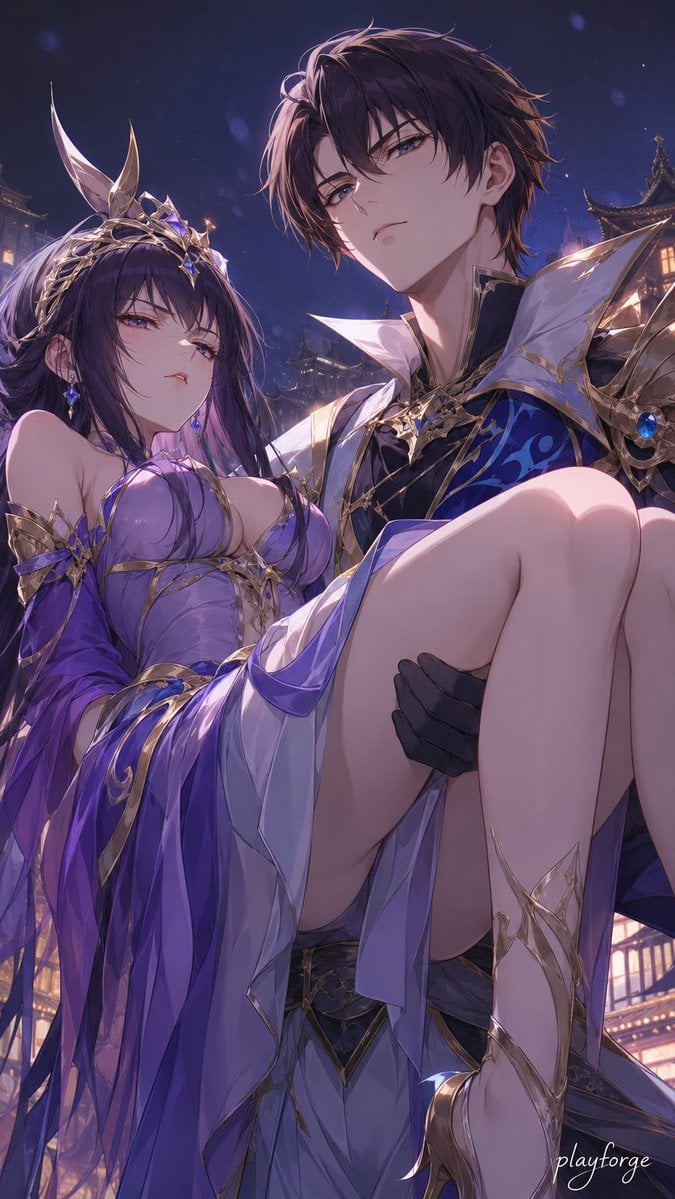
Royal Fantasy Bridal Carry
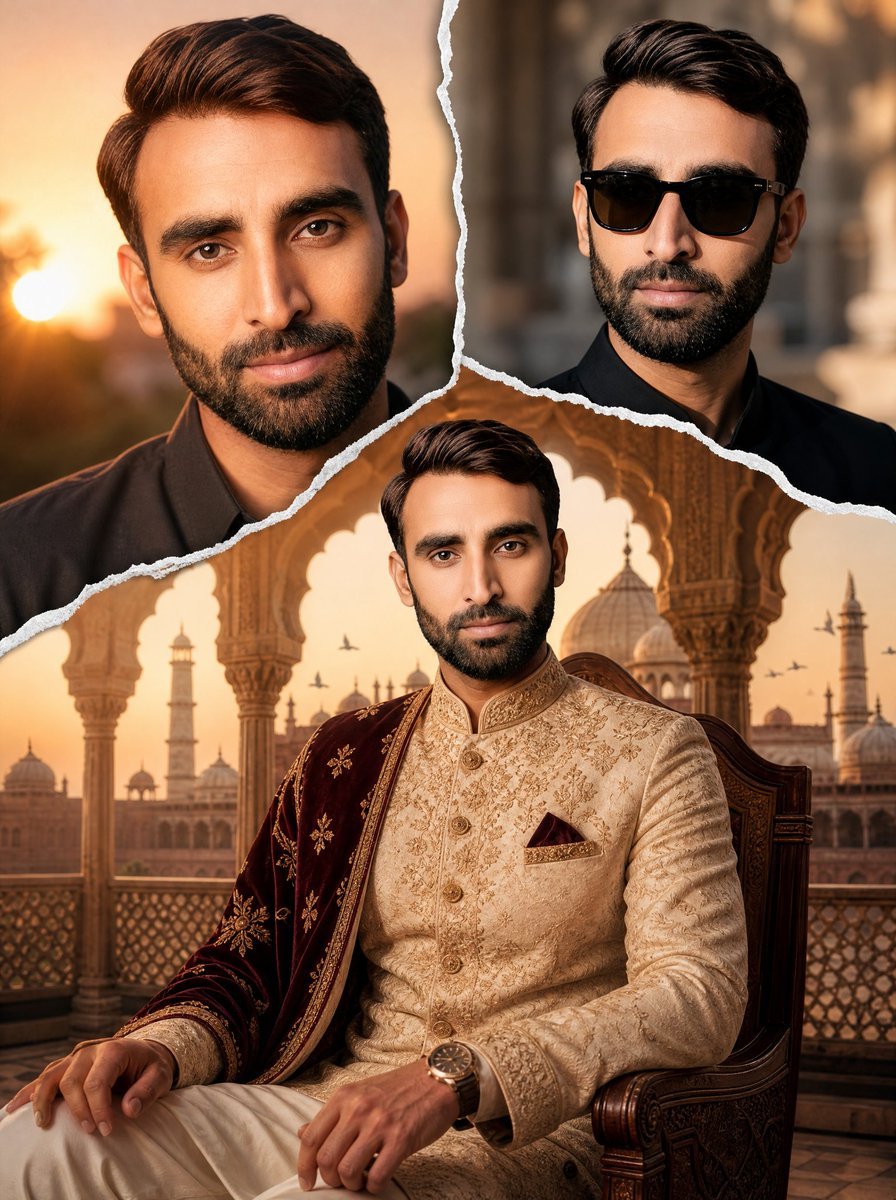
Royal Sherwani Portrait Collage Prompt
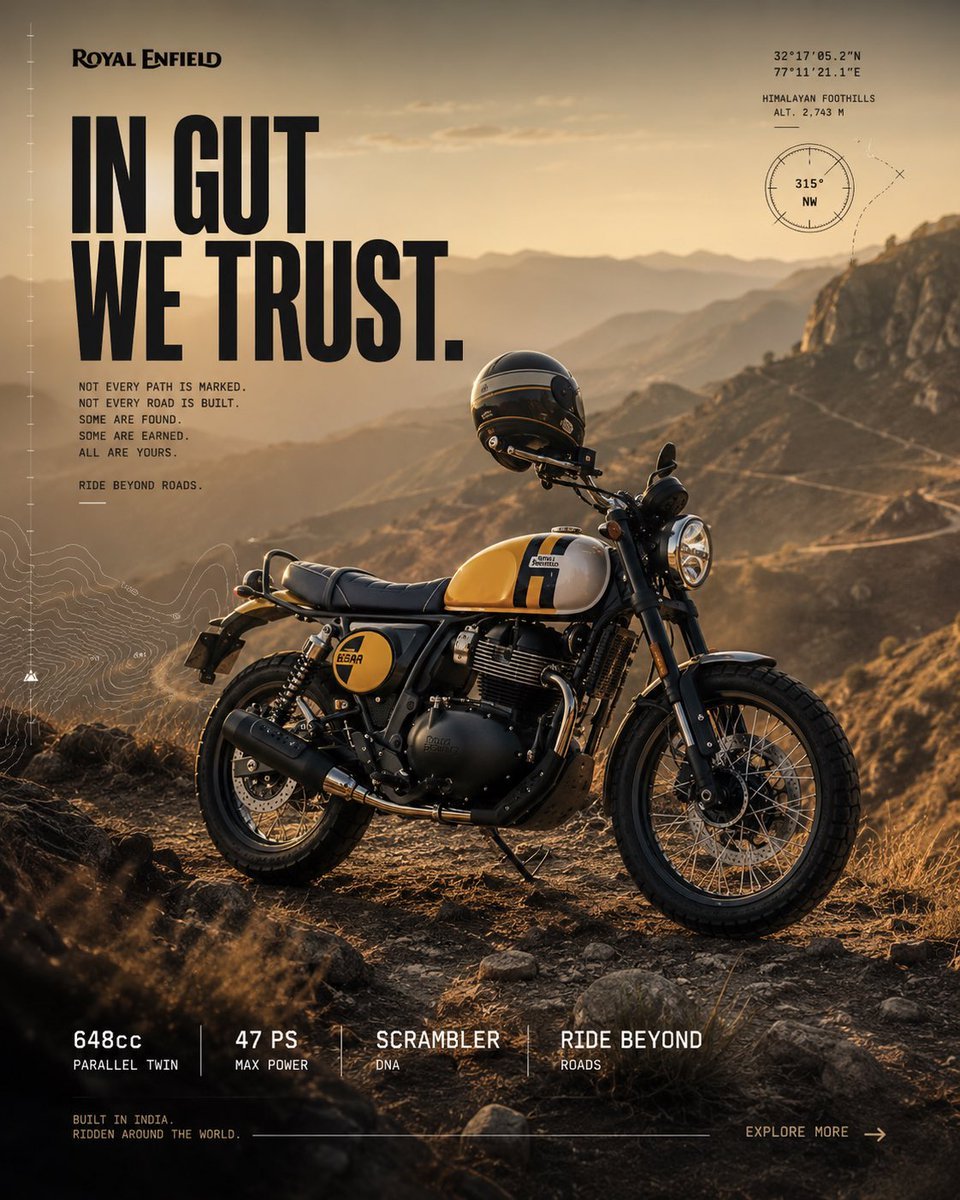
Royal Enfield Adventure Campaign Poster
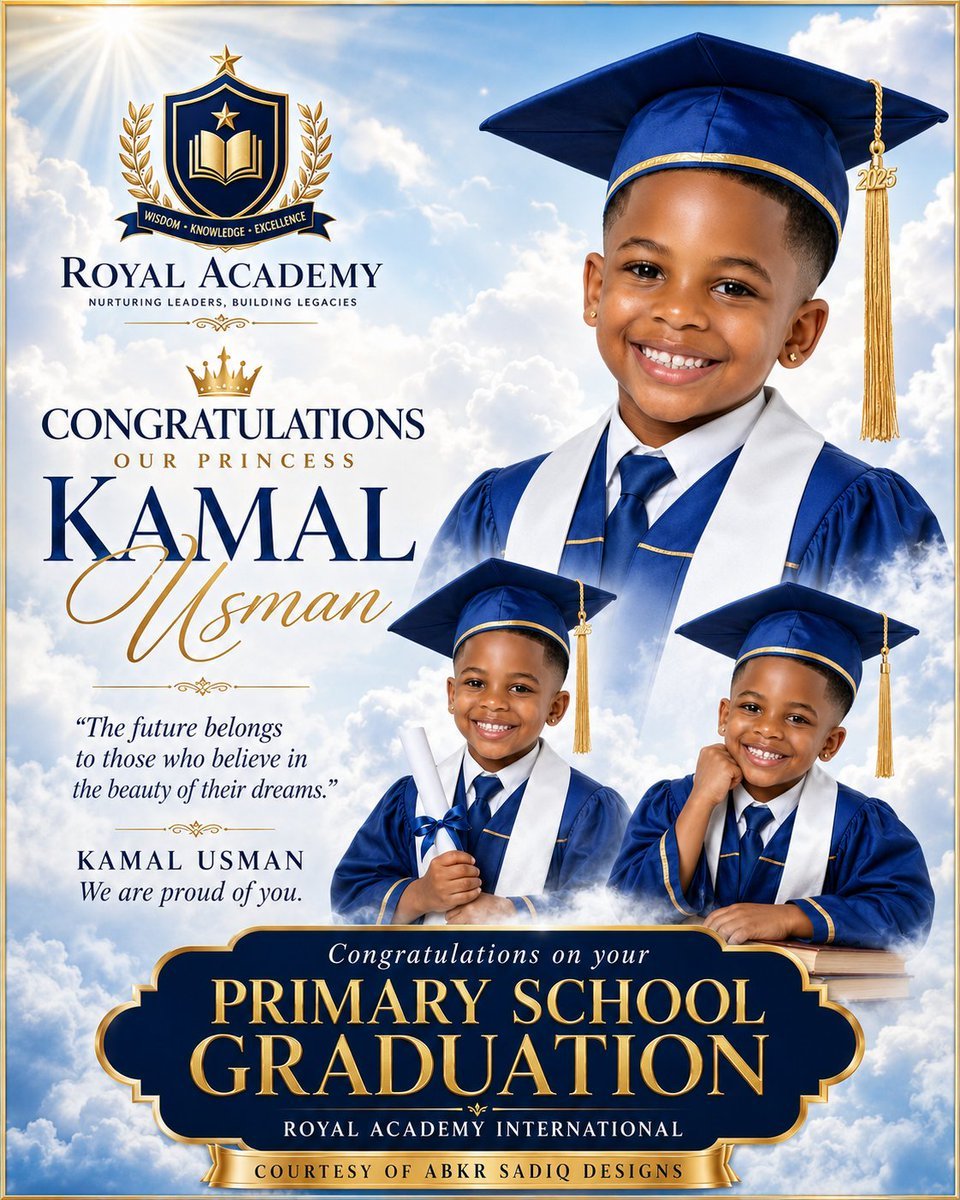
Royal Primary Graduation Poster
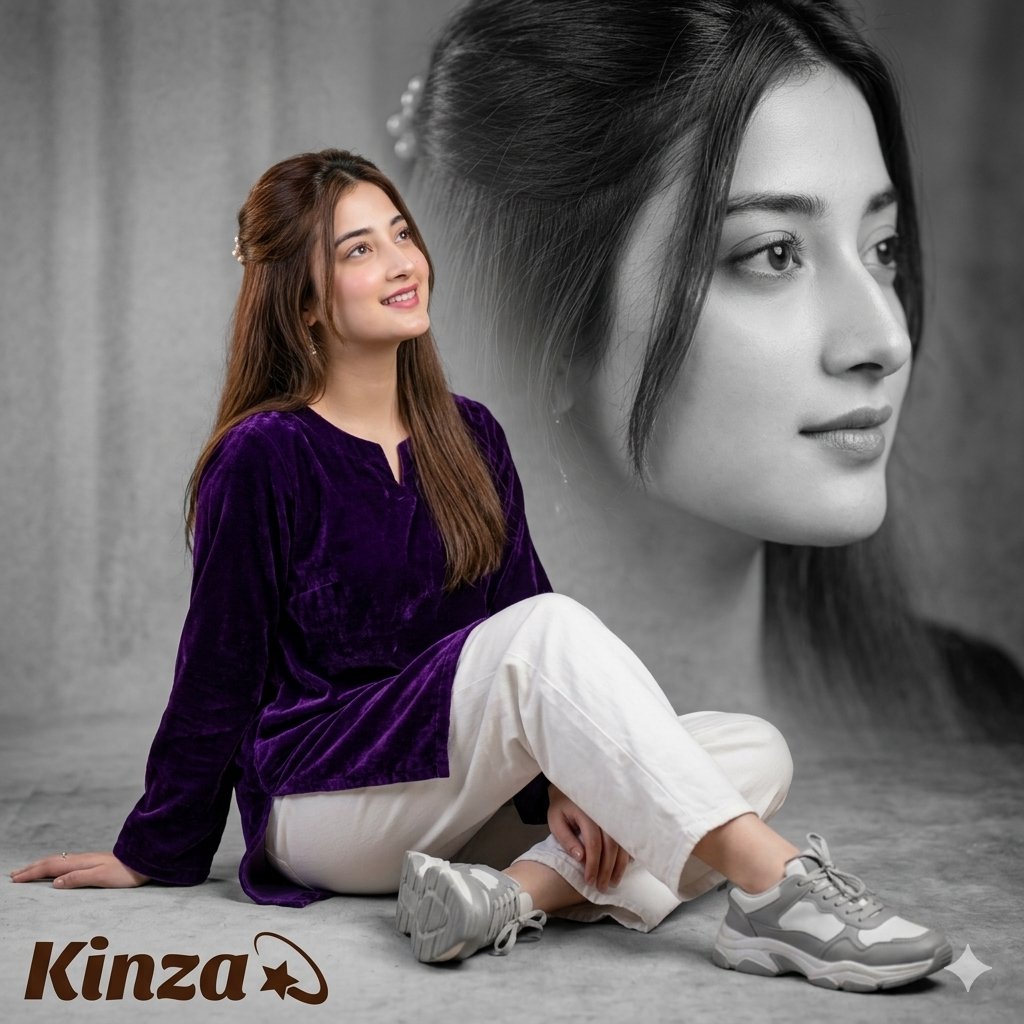
Artistic Royal Purple Portrait
Make it yours
Royal Triumphal Procession works as-is. These are the safest ways to change it without losing the look.
Change one field
Copy a single group, rewrite it, and generate again so you can see what that field is doing.
Keep the frame, change the subject
Hold the composition and light of Royal Triumphal Procession, then swap wardrobe, props or the person for a new take.
| If the result… | Why | Fix |
|---|---|---|
| The result drifts from the preview | Too many fields changed at once. | Reuse Royal Triumphal Procession as-is first, then change one group — subject, light, or setting. |
| The model over-stylizes the scene | The prose prompt leaves finish and camera underspecified. | Add one camera or lighting sentence and stay on GPT Image 2. |
More GPT Image 2 templates
Other prompts made for GPT Image 2.

Six VTuber Japanese Logo Sheet

Realistic Portrait of Woman and Deer

The Vista Modular Condo Poster

AI Model Routing Comparison Infographic

2.5D Anime Art Board

Isometric Productivity Desk Scene

New York Double Exposure Poster

Four-Panel AI Landscape Comparison

Japanese Tatami Lifestyle Magazine Cover

NESCAFÉ Coffee Map Poster
More image prompts
Fresh picks from across the catalog.
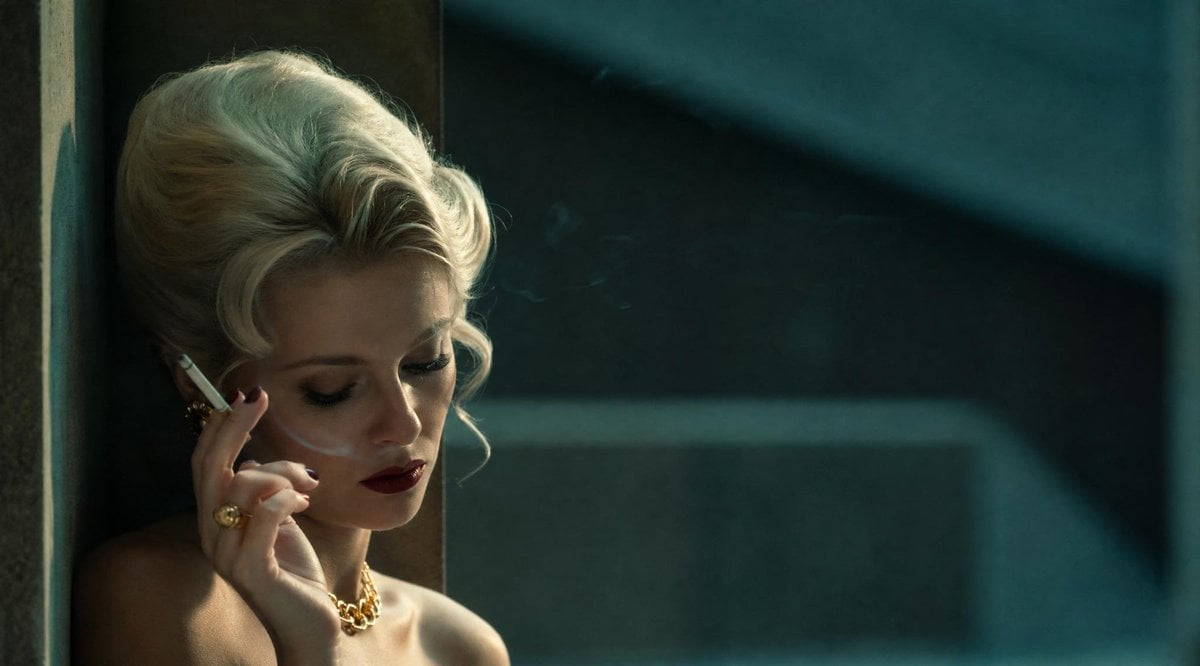
Censored Vintage Film Portrait
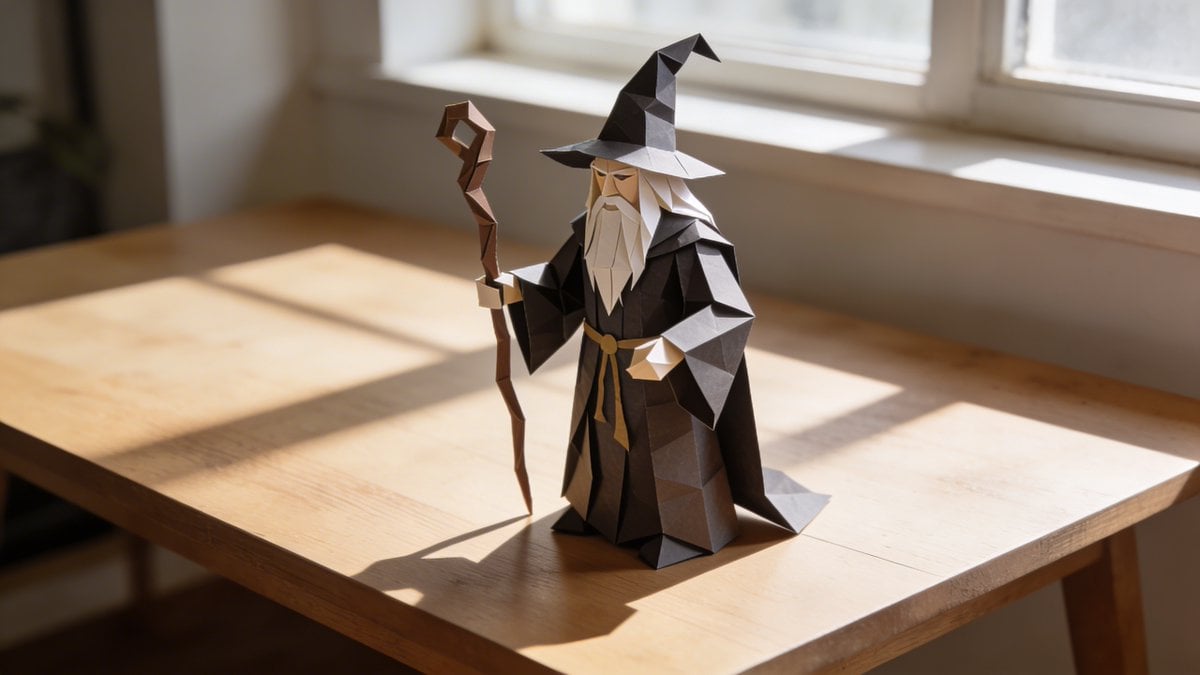
Hyper-realistic Origami Sculpture
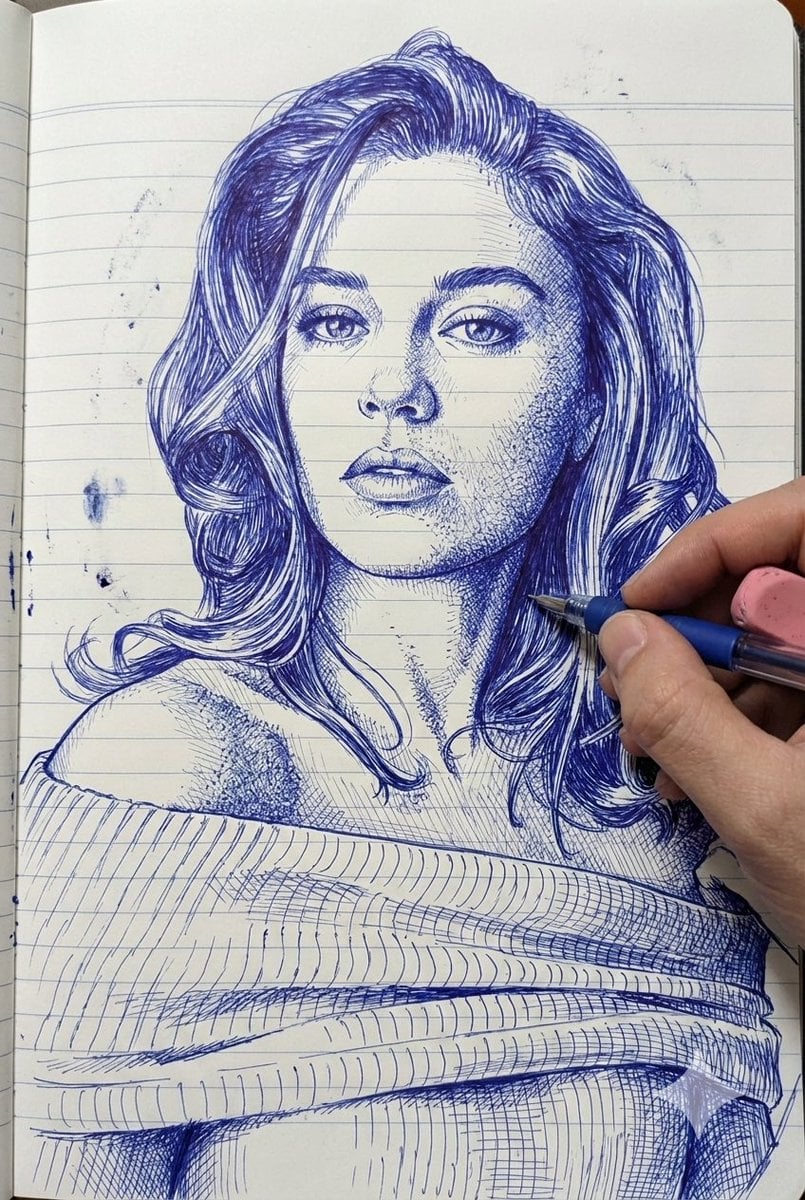
Photo-Style Line Drawing Sketch Prompt
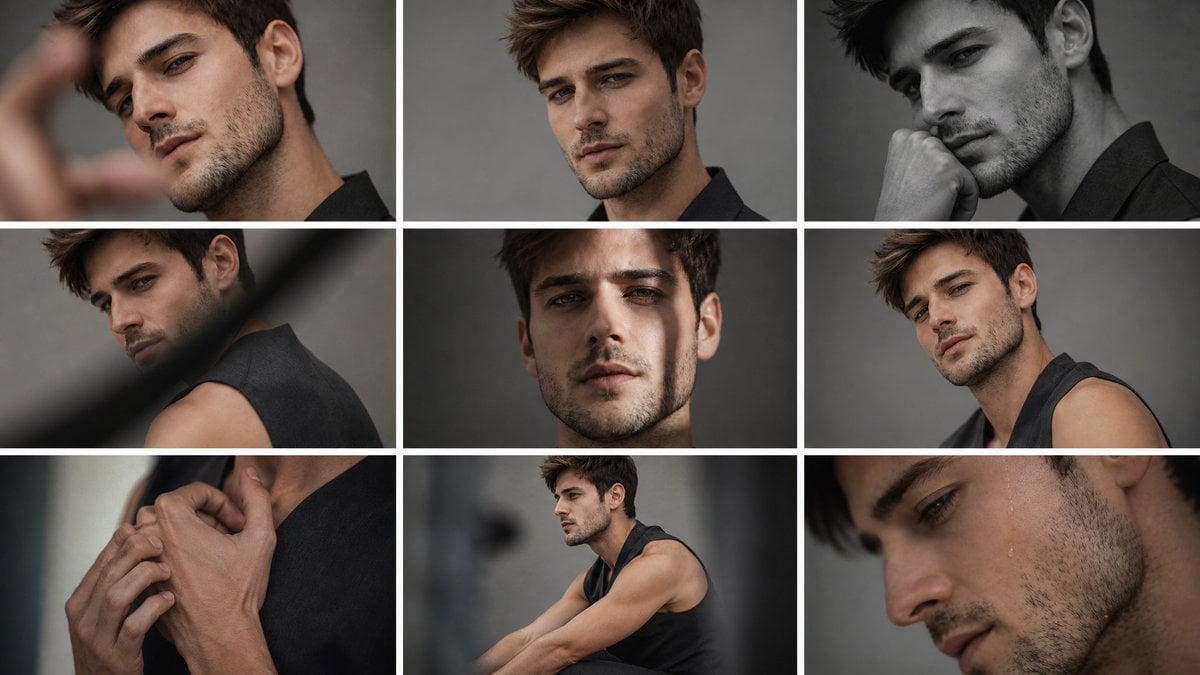
Anonymous Male Editorial Contact Sheet

Kawaii Bento Inspired by Futures Trading Debacle
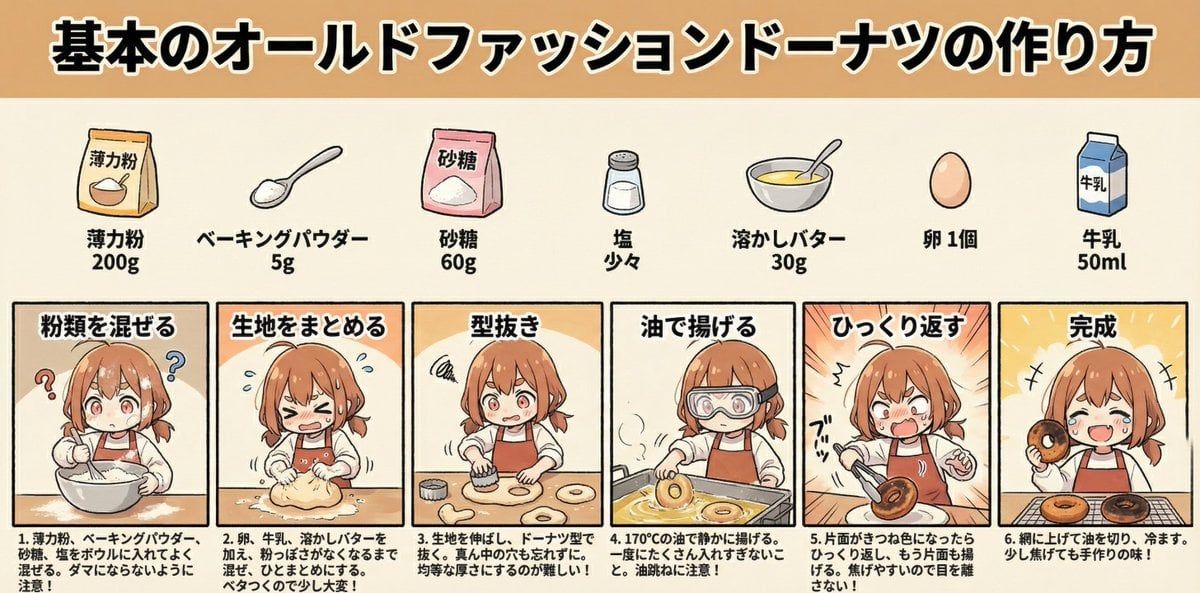
Infographic Generation for Old-Fashioned Donuts with Character Skill Variation
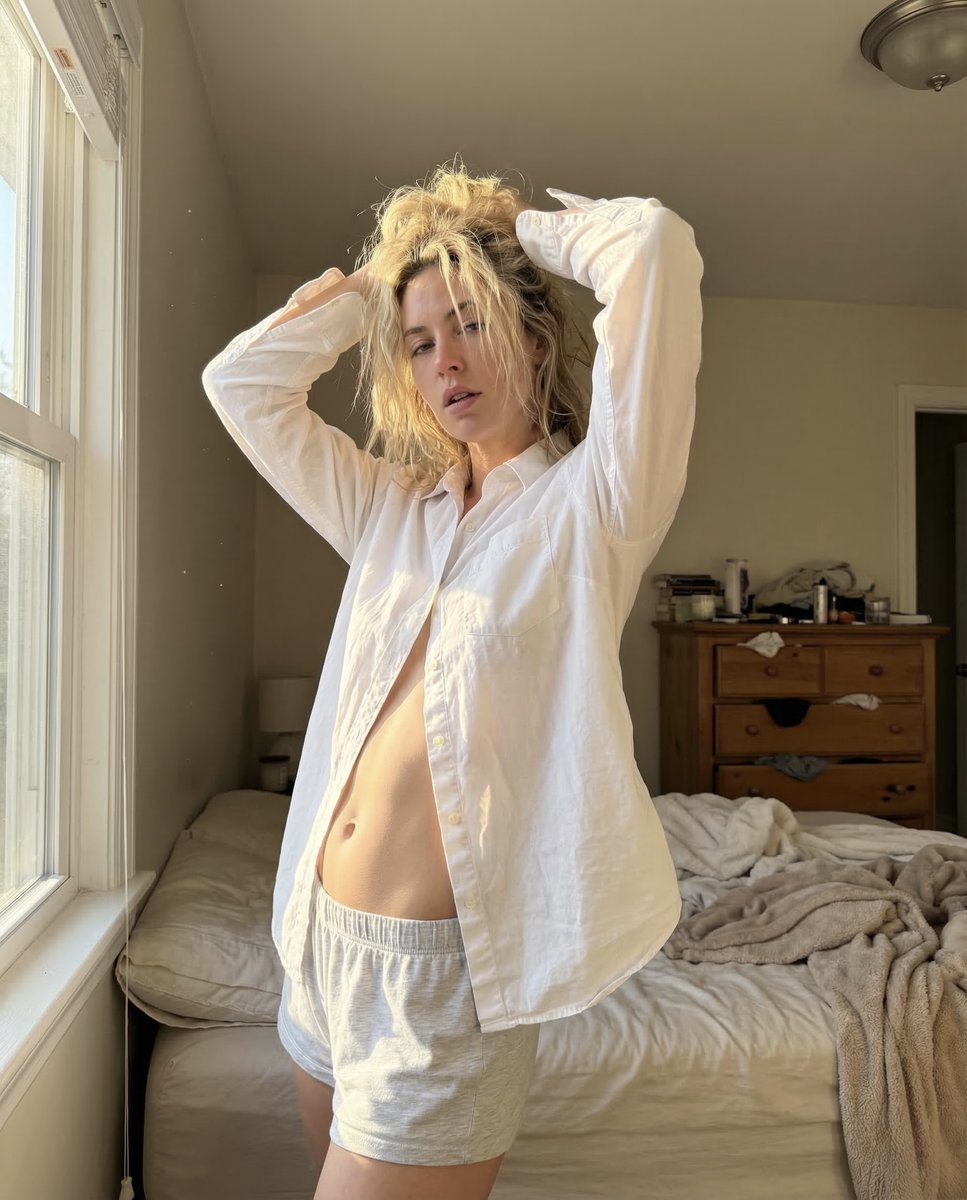
Raw Morning iPhone Realism Photo
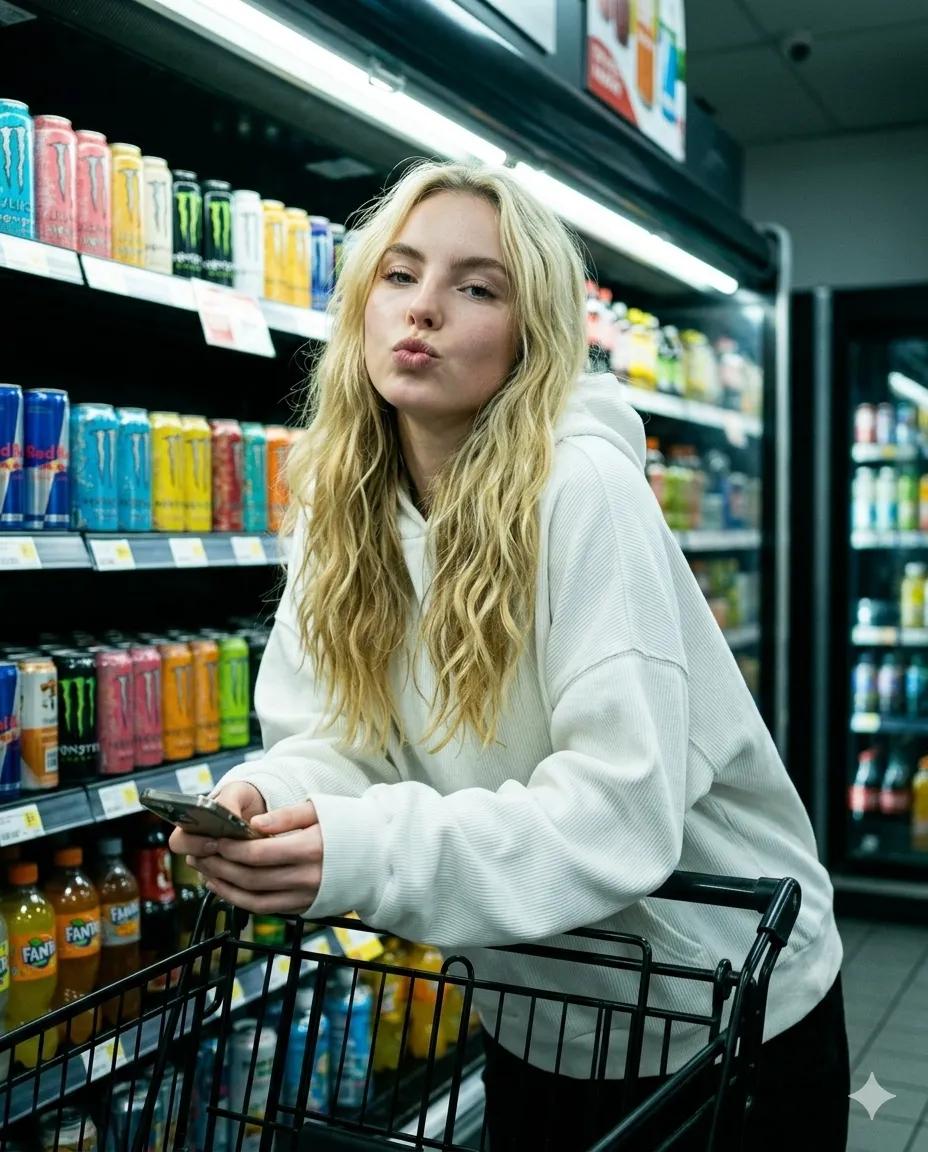
Playful Convenience Store Portrait
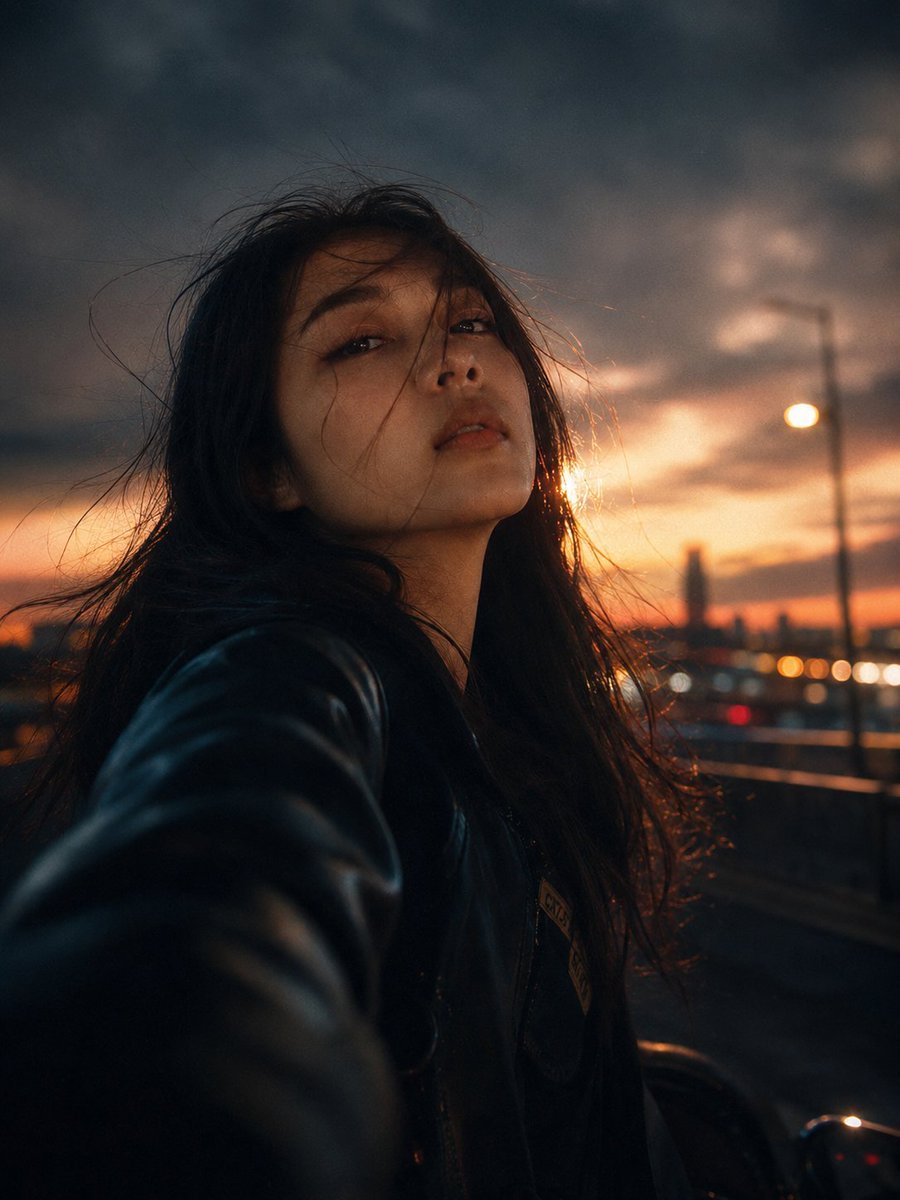
Night City Motion Blur Selfie
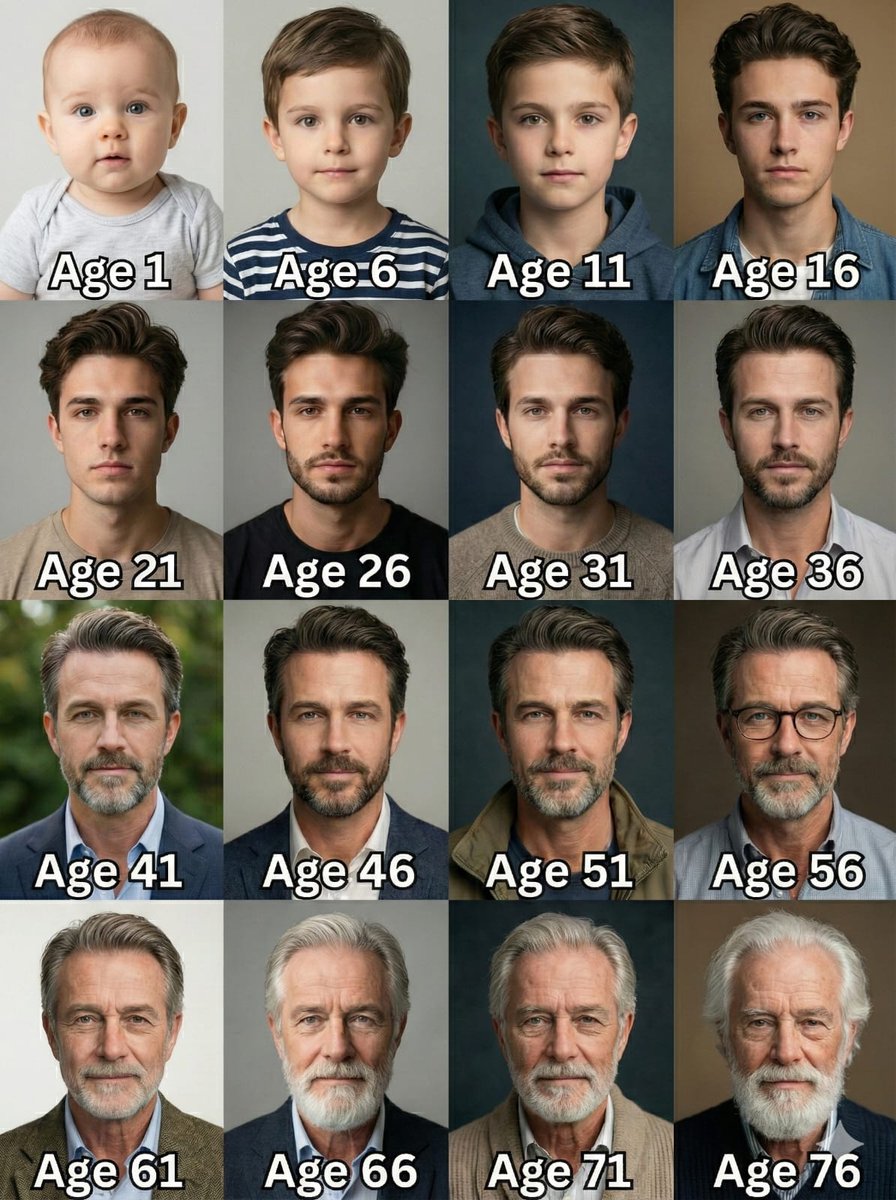
Age Progression Grid Prompt
Browse template categories
Royal Triumphal Procession questions
How do I use the Royal Triumphal Procession template?
Add your photo if the template asks for one, edit the prompt if you like — the template's model and format are already selected — and press Generate. Your version opens in PicX Studio.
Can I customize the Royal Triumphal Procession template?
Yes. You can change the subject, setting, lighting, mood, format, and available model controls before creating your image.
Is the Royal Triumphal Procession template free?
Opening and editing this template is free. Generating uses credits, shown on the Generate button when you are signed in.
Which AI model should I use?
Start with GPT Image 2, which is the model associated with this template. You can compare another compatible model for a different finish.
Looking for something else? Browse all templates.

Your photo, any look
Thousands of ready templates for every top image and video model, from one credit balance.